Productivity & writingDocumented overviewLast checked Oct 4, 2026

Mindrop: Pricing, Features & Best Use Cases

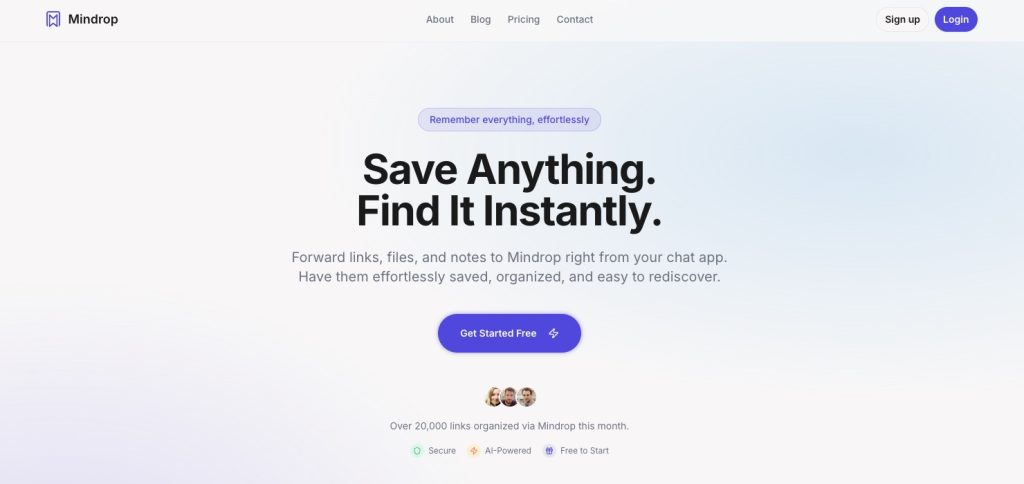
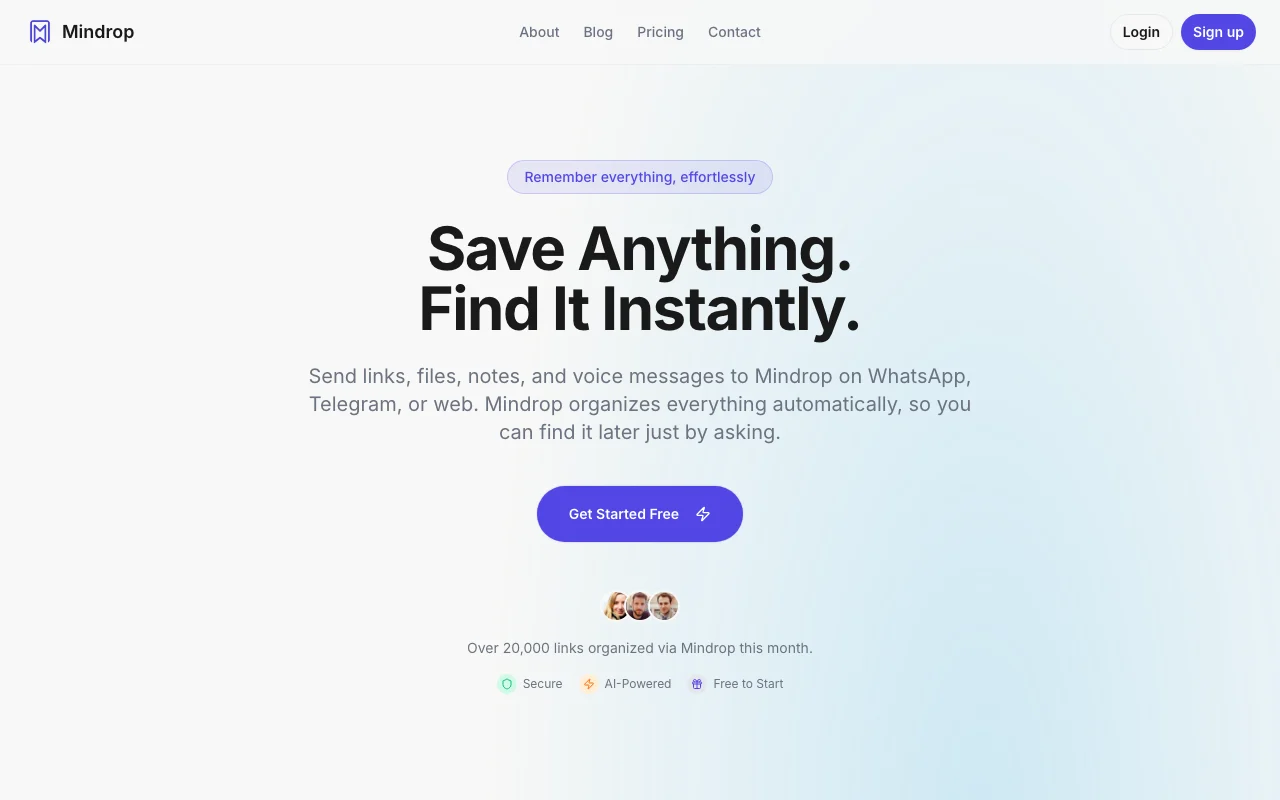
AI assistant that saves links, files and notes sent via WhatsApp, Telegram or web, summarizes them and lets you find them by asking.
Who should use Mindrop

Choose Mindrop if you already save links and notes by messaging WhatsApp or Telegram and want an AI that summarizes them and finds them later by asking. Based on the vendor's documentation, not on a hands-on test.

Best for: People who save many links and want to find them later by asking

Also a good fit for

  • Researchers and learners who want summaries of articles and videos

Consider another tool if free plan limited to 5 bookmarks and 10 chat queries per month

Or if

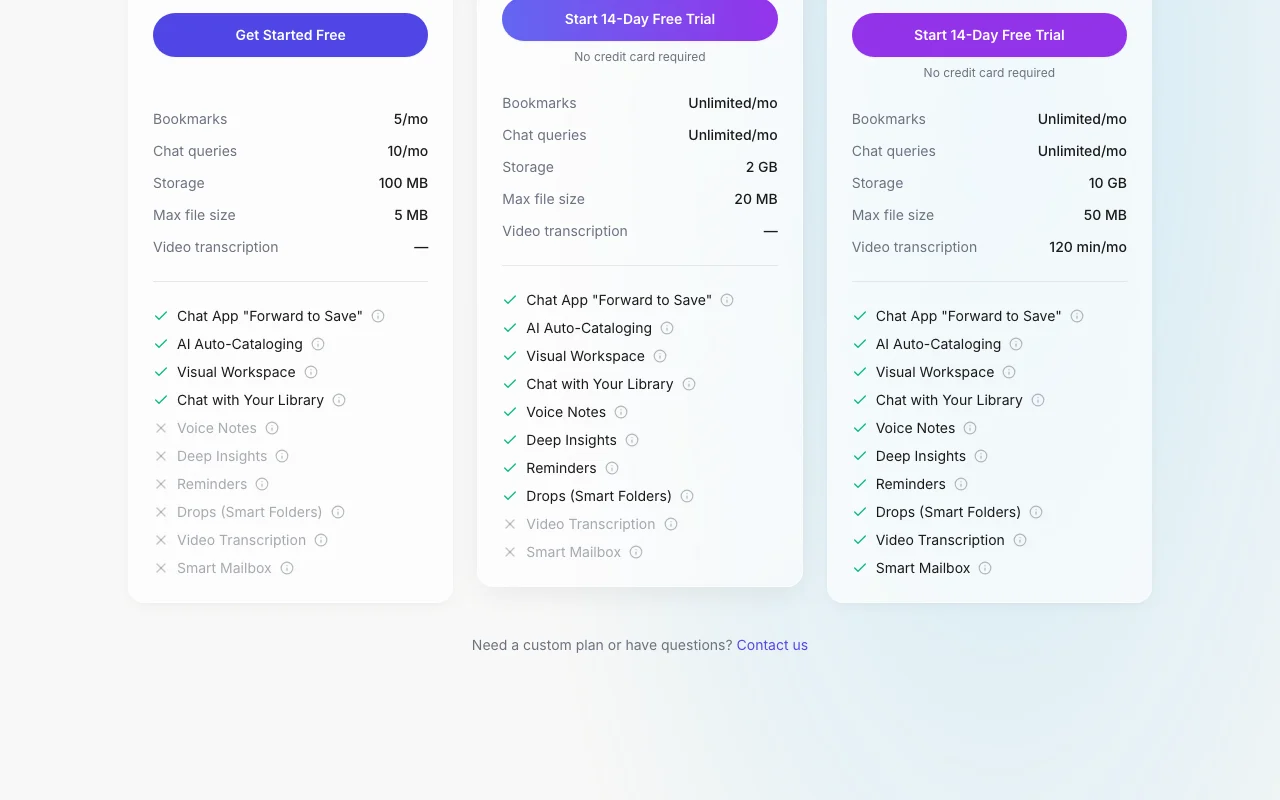
  • Video transcription is only on the Deep Thinker plan (120 min/mo)
  • Requires an account and a chat app or the web dashboard

Mindrop pricing and usage limits

Prices checked Oct 4, 2026 on the official US pricing page. Official pricing ↗ Prices and limits change often.

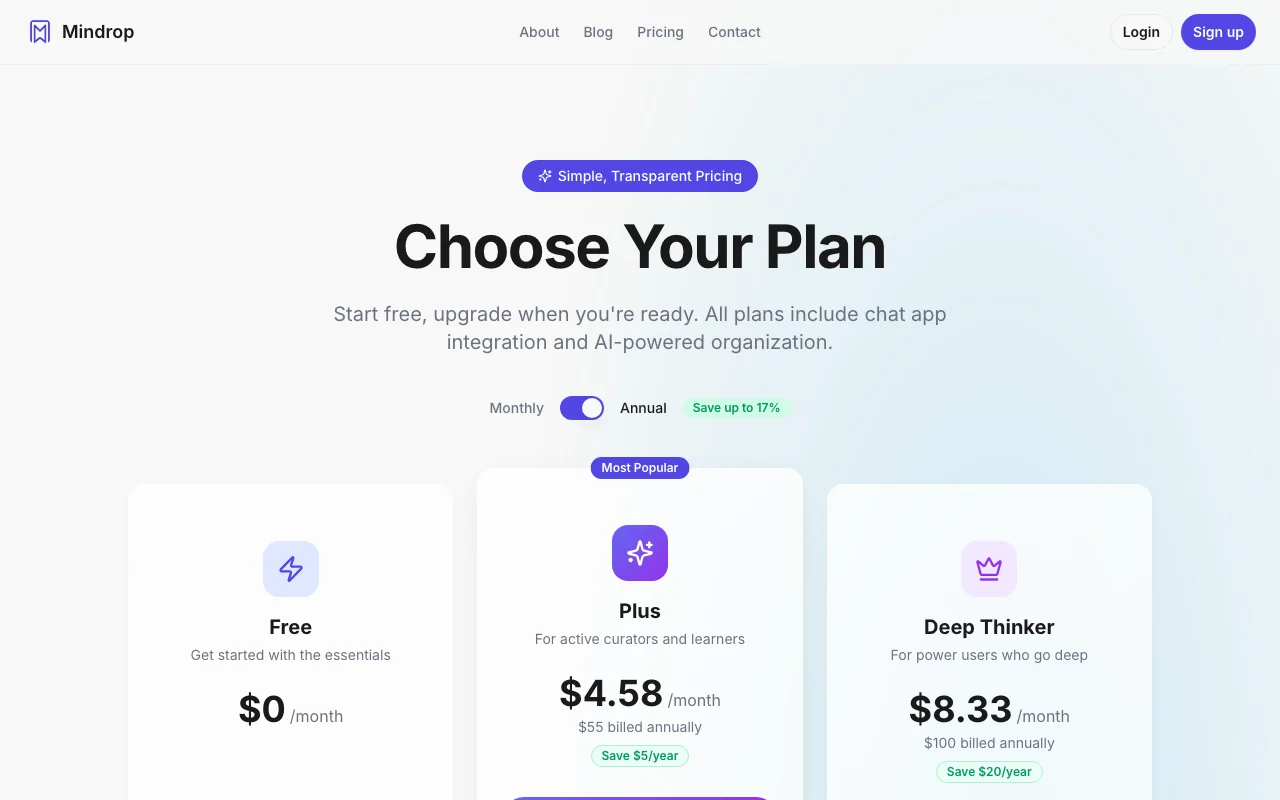
Mindrop pricing page with plans and prices — screenshot of the productivity & writing AI tool, Oct 2, 2026
The official Mindrop pricing page as we saw it. getmindrop.com, captured Oct 2, 2026

Free access and trial conditions

Free plan with 5 bookmarks and 10 chat queries per month

14-day trial on paid plans, no credit card

Paid plans: what changes as you upgrade

Plus web

$4.58/mo source (opens in a new tab)

Month, annual commitment

$4.58/mo equivalent of $55 billed annually; monthly price not captured

For: Regular savers

Limits

  • Billed $55 annually

Deep Thinker web

$8.33/mo source (opens in a new tab)

Month, annual commitment

$8.33/mo equivalent of $100 billed annually; monthly price not captured

For: Heavy researchers

Limits

  • Video transcription 120 min/mo

Usage caps, credits and extra costs

Not stated

Not stated on the official pages

What is Mindrop, and how does it work?

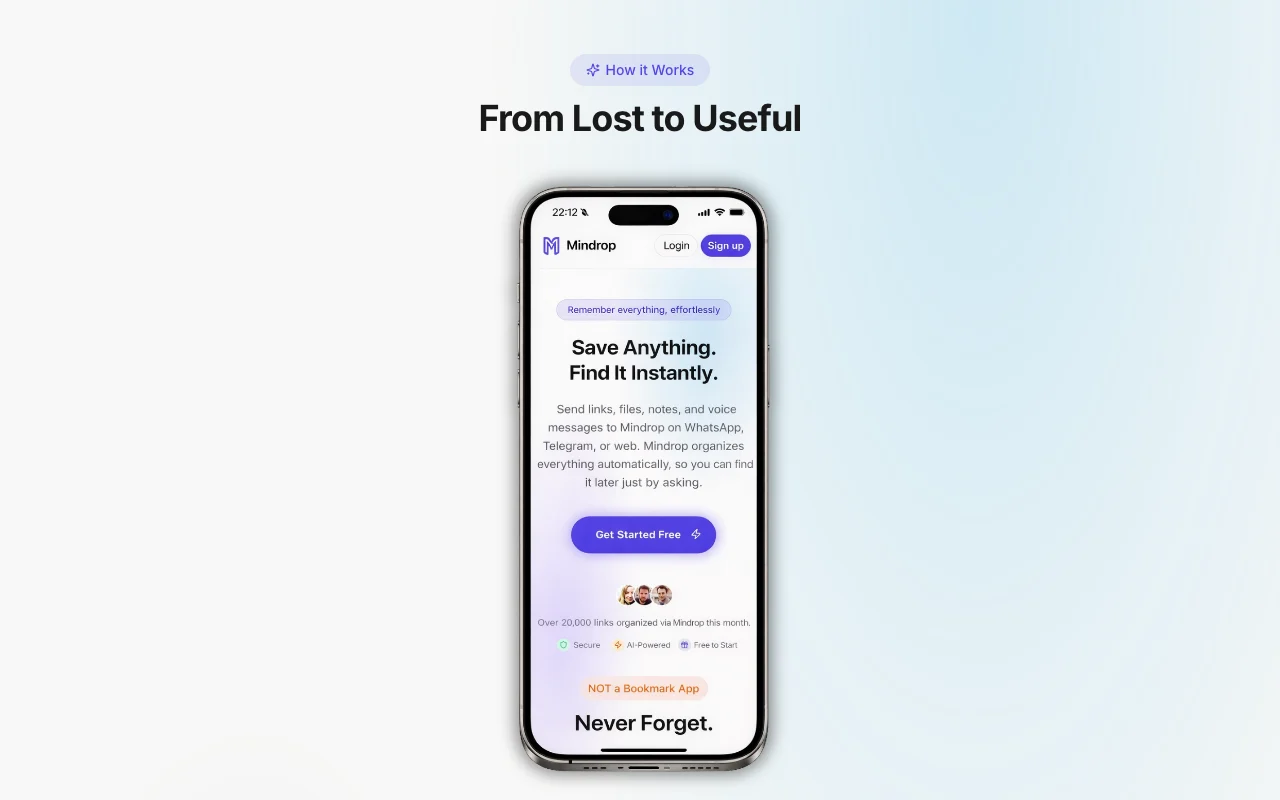
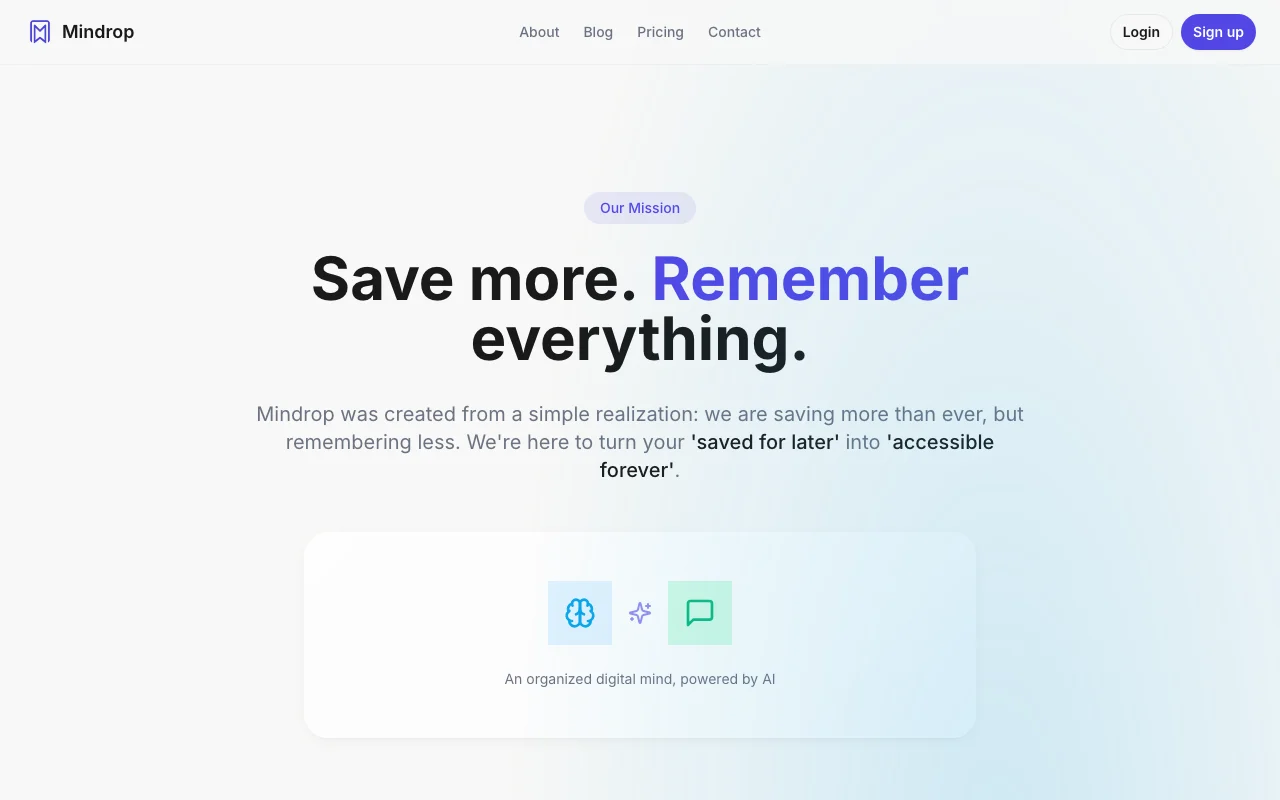
Mindrop is an AI-powered personal assistant for saved links, files and notes. Users forward items to it from WhatsApp, Telegram or the web, and it reads, summarizes and tags the content automatically, grouping related items into AI-created smart spaces called Drops. Instead of browsing folders, users ask the assistant in plain language to find or summarize something they saved earlier, and can set reminders to resurface items. A web dashboard offers a visual workspace and deeper research features. The vendor states that data is not used to train public models and is not sold.

Mindrop homepage — screenshot of the productivity & writing AI tool, Oct 2, 2026
Mindrop's official site: how the product presents itself. getmindrop.com, captured Oct 2, 2026

What you provide and what you get back

How Mindrop works: what you provide, where it runs and what you get backYOU PROVIDEYour inputLinks, files, videos and voice no…Messages sent via WhatsApp, Teleg…PRODUCTIVITY & WRITINGMindropwebfrom $4.58/mo (Plus)free tier availableaccount requiredchecked Oct 4, 2026YOU GET BACKThe resultSummaries and tagsAnswers retrieved from your saved…input → Mindrop → output · from the vendor's own pages, no hands-on test unless stated
What you give Mindrop and what comes back, from its documentation

You provide

  • Links, files, videos and voice notes
  • Messages sent via WhatsApp, Telegram or web

You get back

  • Summaries and tags
  • Answers retrieved from your saved library

Where you can use it

Platforms
web
Account
Required
Channels
WhatsApp, Telegram, web
Free limits
5 bookmarks, 10 queries, 100 MB
Video
Deep Thinker 120 min/mo
Organization
AI Drops

Where Mindrop is most useful

Scenarios are worked out by our editors from the documentation; the actual result depends on your input and plan.

Save articles and links by forwarding them to a chat

Who
Readers and researchers
You provide
Links forwarded in a chat
Expected result
Forwarded articles and links are saved, tagged and summarised in your library.
Plan needed
Free
Limitation
The Free plan caps storage at 5 bookmarks, so a longer reading list needs a paid plan. source (opens in a new tab)

Get summaries of articles, YouTube videos and PDFs

Who
Students and professionals
You provide
Article, YouTube or PDF link
Expected result
You get a short summary of the article, YouTube video or PDF you linked.
Plan needed
Free
Limitation
Video transcription is available only on the Deep Thinker plan, so videos on lower plans may not be summarised from the audio. source (opens in a new tab)

Find a previously saved item by asking in plain language

Who
Anyone with a large library
You provide
A plain-language question
Expected result
You get the saved item that matches your plain-language question.
Plan needed
Free
Limitation
Results depend on what was saved earlier, so an item that was never saved cannot be found. source (opens in a new tab)

Key features and their practical limits

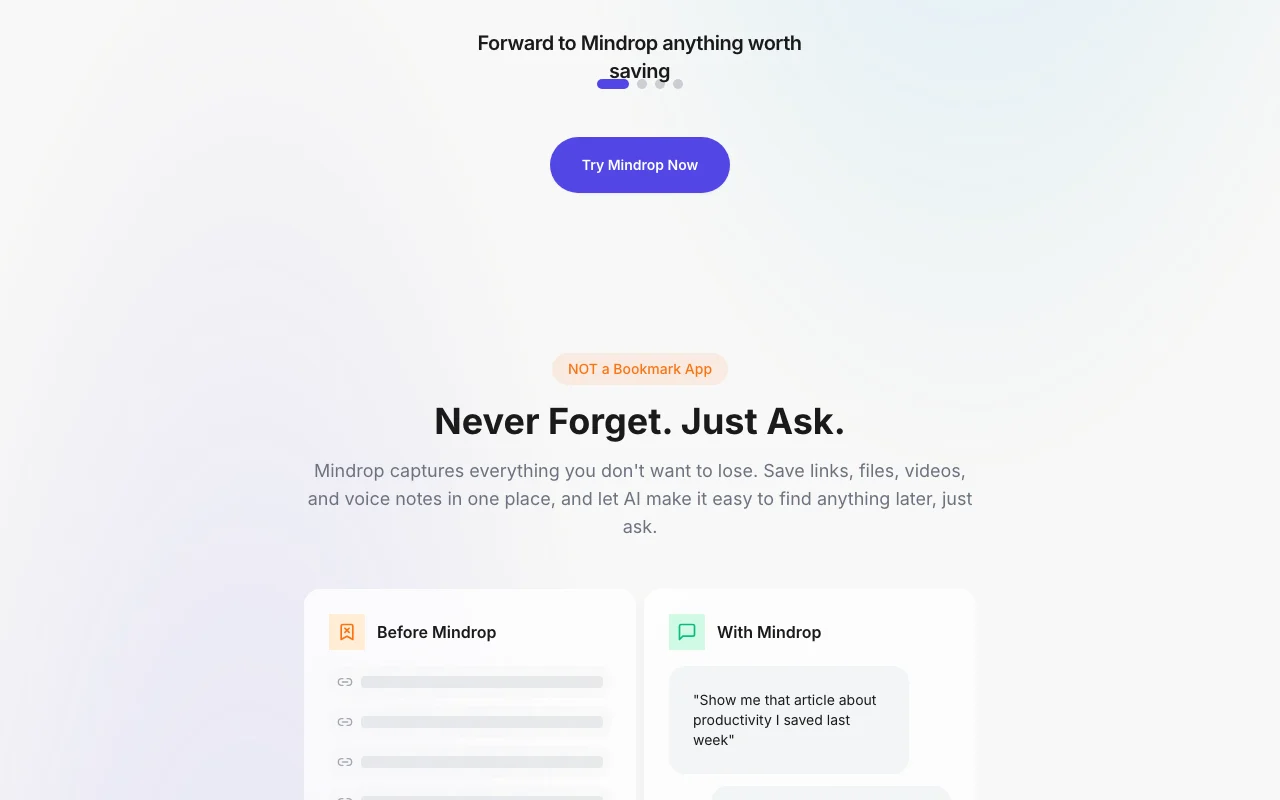
Mindrop homepage — screenshot of the productivity & writing AI tool, Oct 2, 2026
Feature overview on the official site. getmindrop.com, captured Oct 2, 2026

Save links, files, videos and voice notes via WhatsApp, Telegram or web

Accepts items sent through messaging apps or the web dashboard. People who collect links and files can save them from the chat app they already use instead of copying them into a separate tool.

Access: FreeLimit: It needs an account linked to the chat app, and the Free plan caps storage at 5 bookmarks. source (opens in a new tab)

Automatic tagging, categorizing and summarizing

Reads each saved item, assigns tags and writes a summary without manual filing. Readers get saved items sorted and summarised without filing them by hand.

Access: Not statedLimit: The summary quality was not independently checked, so important items should be opened to confirm. source (opens in a new tab)

Chat with your library to retrieve saved items

Answers questions about your saved material in conversation. Anyone with a large library can ask a question to find an item instead of scrolling or searching by keyword.

Access: FreeLimit: The Free plan allows only 10 chat queries per month. source (opens in a new tab)

Drops: AI-created smart folders

Groups related saved items into AI-created collections called Drops. Users get related items grouped into collections automatically instead of building folders themselves.

Access: Not statedLimit: The grouping is automatic, so you cannot control exactly how items are grouped. source (opens in a new tab)

Pros, cons and deal-breakers

Where Mindrop is strong

  • Works inside WhatsApp and Telegram with no new app to install Because saving works inside WhatsApp and Telegram, you can send items from apps you already use without learning a new one. documented source (opens in a new tab)
  • Free plan available; paid plans offer a 14-day trial with no credit card required A free plan exists and paid plans offer a 14-day trial with no credit card, so you can test the service before paying. documented source (opens in a new tab)
  • Vendor states data is never used to train public models and is not sold The vendor states your data is never used to train public models and is not sold, which is a claim to confirm in its privacy terms. documented source (opens in a new tab)

Limitations to check before paying

  • Free plan limited to 5 bookmarks and 10 chat queries per month The Free plan stops at 5 bookmarks and 10 chat queries per month, so regular users will reach the limit within days. documented source (opens in a new tab)
  • Video transcription is only on the Deep Thinker plan (120 min/mo) Video transcription is included only on the Deep Thinker plan at 120 minutes per month, so video-heavy use costs more. documented source (opens in a new tab)
  • Requires an account and a chat app or the web dashboard You need an account plus either a linked chat app or the web dashboard, so setup takes a few steps before the first save. documented source (opens in a new tab)

How to use Mindrop for saving and retrieving links with AI

Set up Mindrop

  1. Create a Mindrop account.
  2. Link your WhatsApp or Telegram.
  3. Open the web dashboard to view your library.

Example: saving and retrieving links with AI

  1. Forward an article link to the Mindrop chat.
  2. Wait for the summary and tags.
  3. Ask the assistant to find it later.

Review and export the result

  1. Confirm the item appears in the dashboard.
  2. Check the summary matches the source.
Example prompt suggested by our editors (not a recorded output of the product)
Find the article I saved last week about remote work.

Mindrop API

Mindrop pricing page with plans and prices — screenshot of the productivity & writing AI tool, Oct 2, 2026
Plan comparison on the official pricing page. getmindrop.com, captured Oct 2, 2026

API access and separate billing

Mindrop has no public API in its official documentation. Not documented

Privacy, data use and commercial rights

Summarized from the vendor's current policies; this is not legal advice and a vendor's badge is not an independent audit.

How your inputs and outputs are handled

Saved links, files and notes

Vendor states data is not used to train public models

Not stated

Commercial use and plan restrictions

Not stated

Not stated

Other tools to consider instead of Mindrop

"Better suited" is based on documented features and pricing, not on a head-to-head test.

Notion AI: better suited to

Gemini Notebook (formerly NotebookLM): better suited to

Alternatives
AlternativeWhen to choose itPricingLimitation
Notion AI——Compare
Gemini Notebook (formerly NotebookLM)——

Explore Mindrop further

Tools and guides near Mindrop

Mindrop user reviews

No user reviews yet.

Used Mindrop? Be the first to share your experience.

Write a review

Reviews are checked by a moderator before they appear. Your email is never published. Plain text only.

Your rating (required)

Show what you made or what went wrong. Images are published only if the review is approved; location data is removed.

    Mindrop FAQ

    What does the free plan include?

    5 bookmarks, 10 chat queries per month and 100 MB. source (opens in a new tab)

    Is there a trial?

    Paid plans have a 14-day trial with no credit card. source (opens in a new tab)

    Does it train on my data?

    The vendor says data is never used to train public models and is not sold. source (opens in a new tab)

    Where can I use it?

    In WhatsApp, Telegram and a web dashboard. source (opens in a new tab)

    Can it transcribe video?

    Only on the Deep Thinker plan, 120 min per month. source (opens in a new tab)

    Sources and review methodology

    Official sources and verification dates

    Not verified: Monthly prices for paid plans; US availability; Retention; Official pages could not be read as text (client-rendered or empty fetch); facts come from the verified seed research.

    How we documented and maintain this page

    Every fact about Mindrop above comes from the 3 official pages listed here, last compared on Oct 4, 2026; we have not run Mindrop ourselves, so it has no editorial score. How we check and re-check pages.

    Article updated Oct 10, 2026; prices checked Oct 4, 2026. Outbound links to vendors are plain links; we do not earn commissions. How we review · Report an error