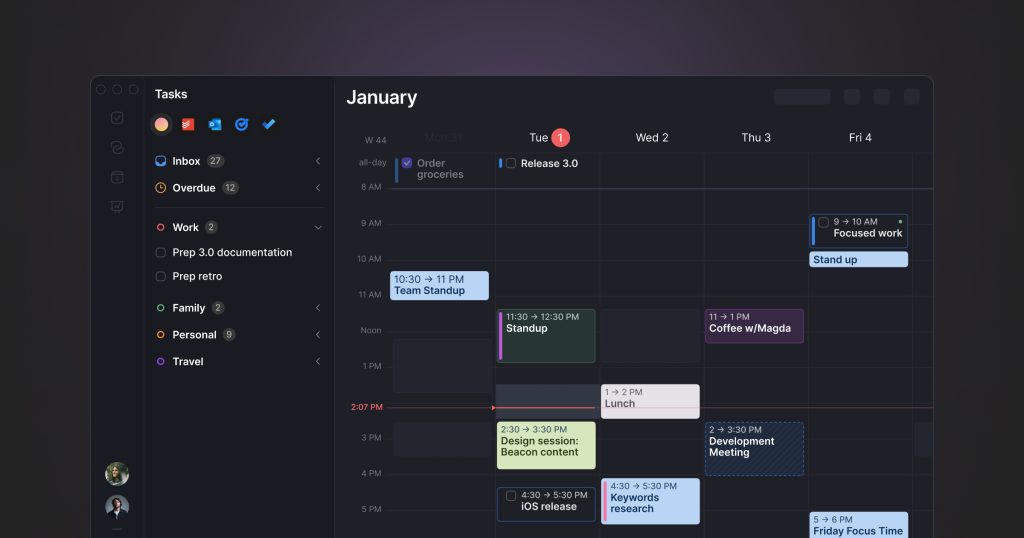
Our take: Choose Morgen if you want one app that merges Google, Outlook and iCloud calendars with tasks from Notion, Todoist or Linear and uses an AI Planner to time-block your day.
Main limitation: No free plan after the 14-day trial; monthly billing is twice the yearly per-month price.
By the AI Tool Atlas editors.
Based on the vendor's official documentation; we have not tested this product hands-on. What “documented overview” means
Who Morgen fits
Choose Morgen if you want one app that merges Google, Outlook and iCloud calendars with tasks from Notion, Todoist or Linear and uses an AI Planner to time-block your day. Based on the vendor's documentation, not on a hands-on test.
Best for: Professionals juggling multiple calendars and task tools
Also a good fit for
Linux users wanting a native calendar app
Small teams coordinating availability
Consider another tool if no free plan after the trial
Or if
Monthly billing is twice the yearly per-month price
Team plans require a minimum of 2 seats
Morgen in the news
Headlines from US outlets, selected automatically — not endorsements. Updated Oct 2, 2026
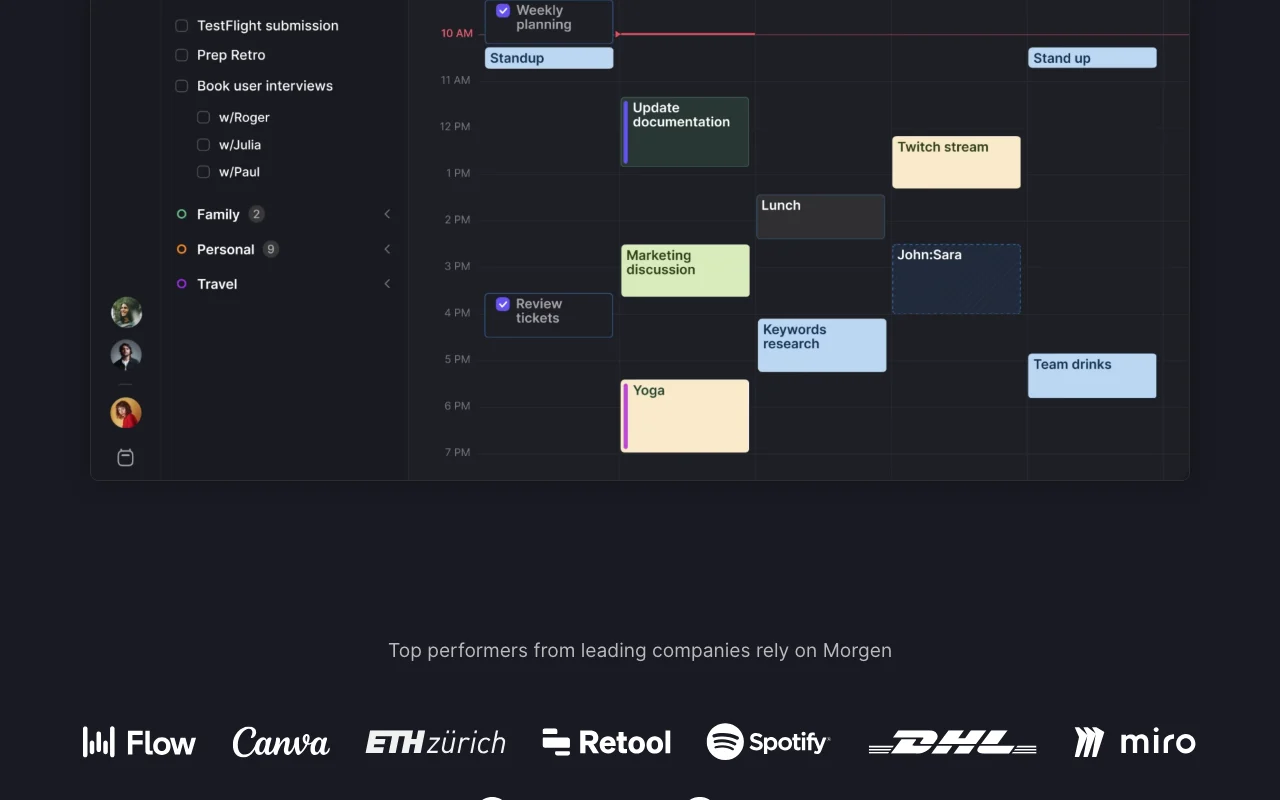
Morgen is a calendar and task planning app that consolidates Google, Outlook, Apple, Fastmail and other calendars in one place and pulls tasks from Notion, ClickUp, Linear, Todoist and similar tools. Its AI Planner suggests time blocks for tasks, reprioritizes on conflicts and flags tasks at risk of being late, guided by weekly 'Frames' templates you define.
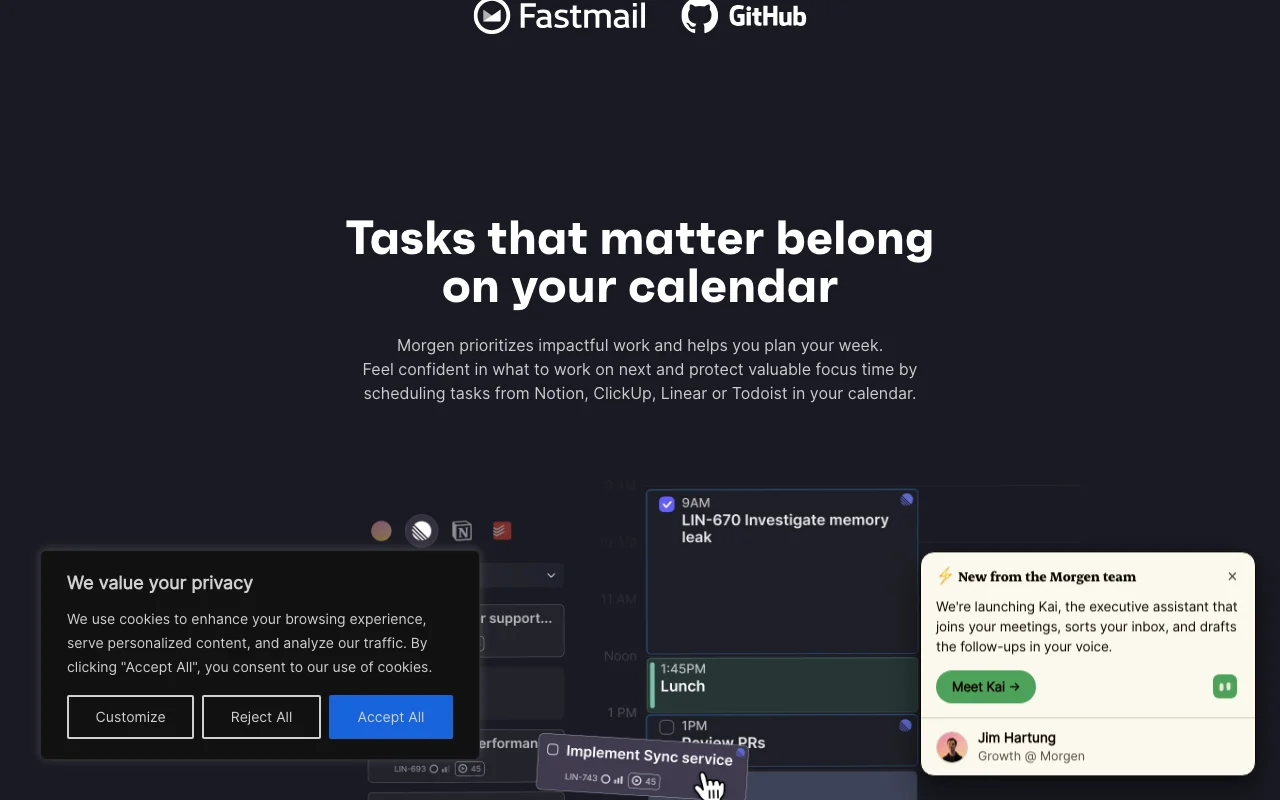
It also includes calendar automations (calendar sync, travel and buffer time), scheduling links, team availability, and a newer AI assistant called Kai. Apps are available for Windows, macOS, Linux, web, iOS and Android; the company states it is Swiss-hosted and GDPR compliant.
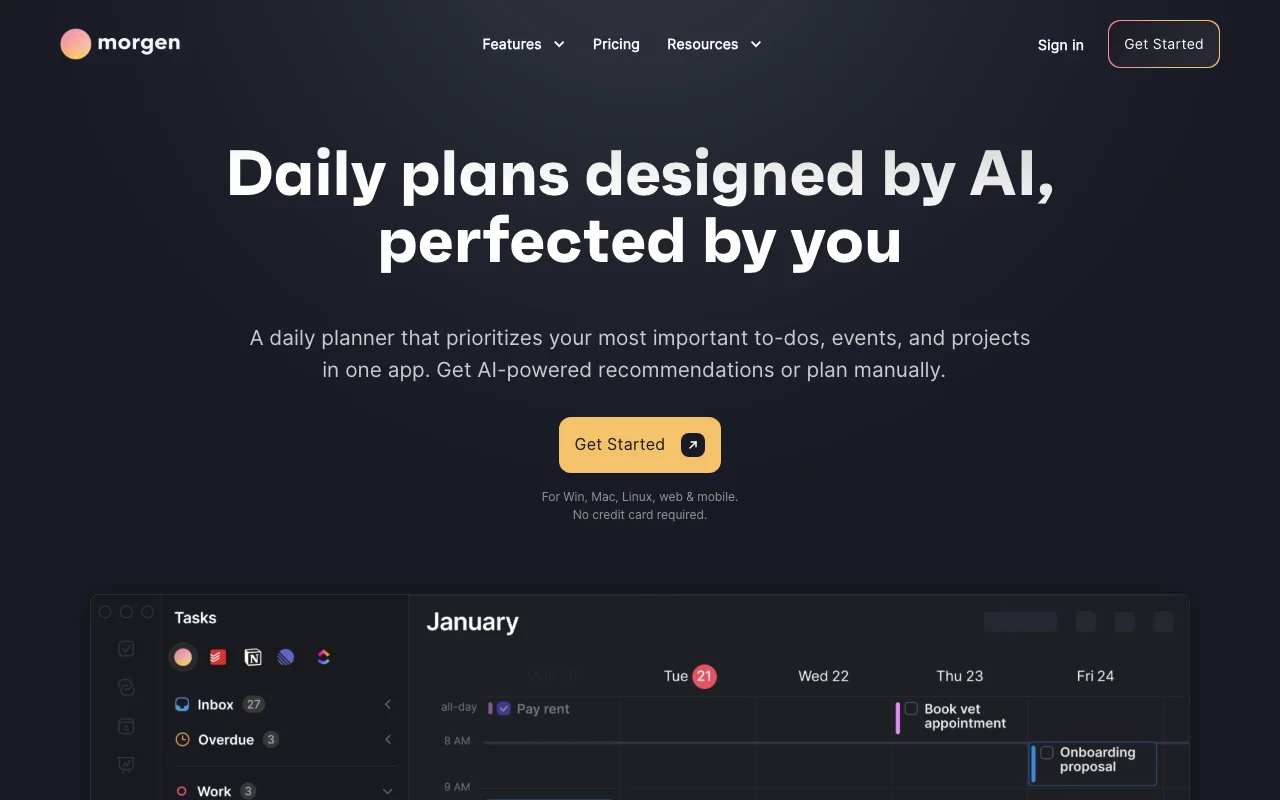
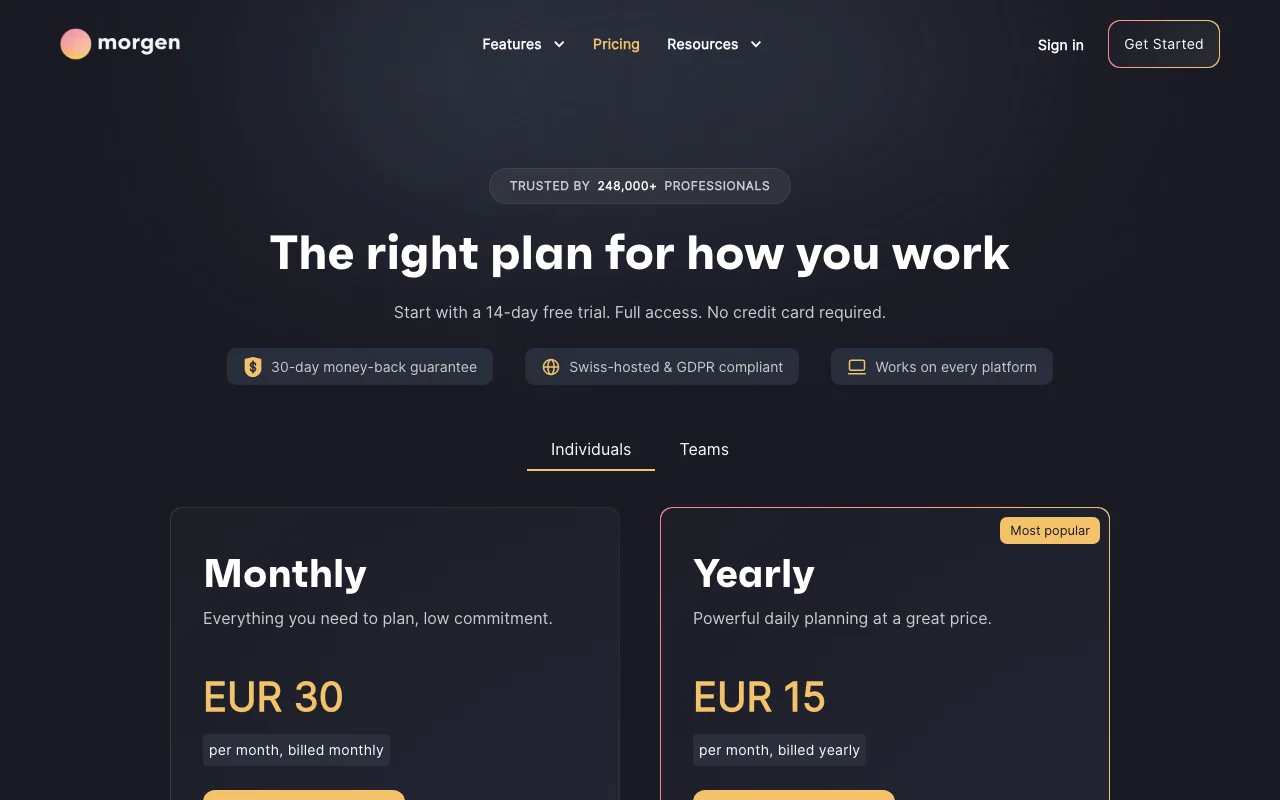
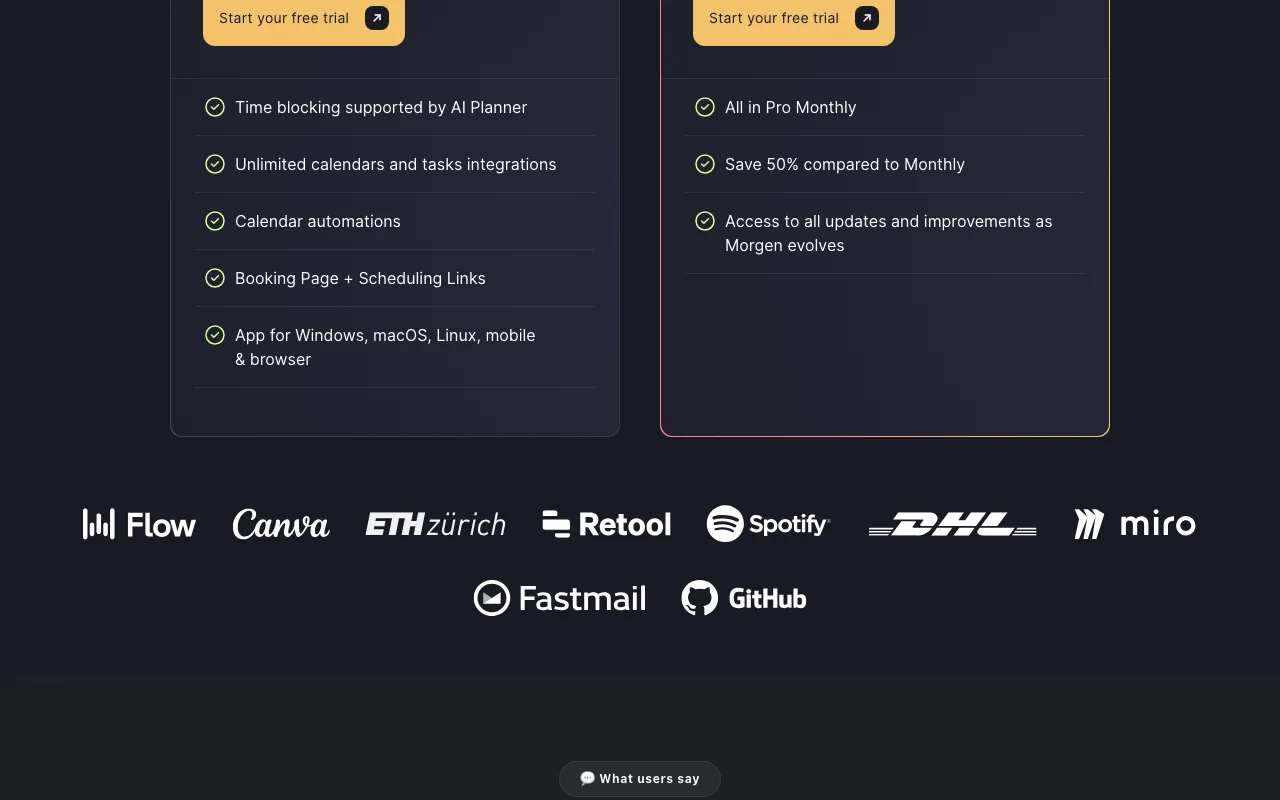
Morgen's official site: how the product presents itself. morgen.so, captured Oct 1, 2026
What you provide and what you get back
What you give Morgen and what comes back, from its documentation
You provide
Google, Outlook, iCloud and Fastmail calendars
Tasks from Notion, Todoist, Linear, ClickUp
Weekly Frames templates
You get back
Time-blocked daily plan
Scheduling and booking links
Synced calendar events
Where you can use it
Platforms
Web, Desktop, Mobile
Account
Required
Platforms
Windows, macOS, Linux, web, iOS, Android
Calendars
Google, Outlook, iCloud, Fastmail
Task tools
Notion, ClickUp, Linear, Todoist and others
Payments
Paddle: cards, PayPal, Apple Pay
Best use cases for Morgen
Scenarios are worked out by our editors from the documentation; the actual result depends on your input and plan.
Time-blocking tasks from Notion, Todoist or Linear into a calendar
Who
Knowledge workers with tasks in Notion, Todoist or Linear
You provide
Task lists and Frames defining weekly time zones
Expected result
Tasks placed as time blocks on the calendar and re-planned on conflicts
Students, academics and nonprofits get 25% off; people switching from Motion, Reclaim, Fantastical or Sunsama get 15% off for a year. source (opens in a new tab)
Not verified: AI training policy; data retention; API availability.
How we documented and maintain this page
Every fact about Morgen above comes from the 3 official pages listed here, last compared on Oct 1, 2026; we have not run Morgen ourselves, so it has no editorial score. How we check and re-check pages.
Article updated Oct 10, 2026; prices checked Oct 1, 2026. Outbound links to vendors are plain links; we do not earn commissions. How we review · Report an error