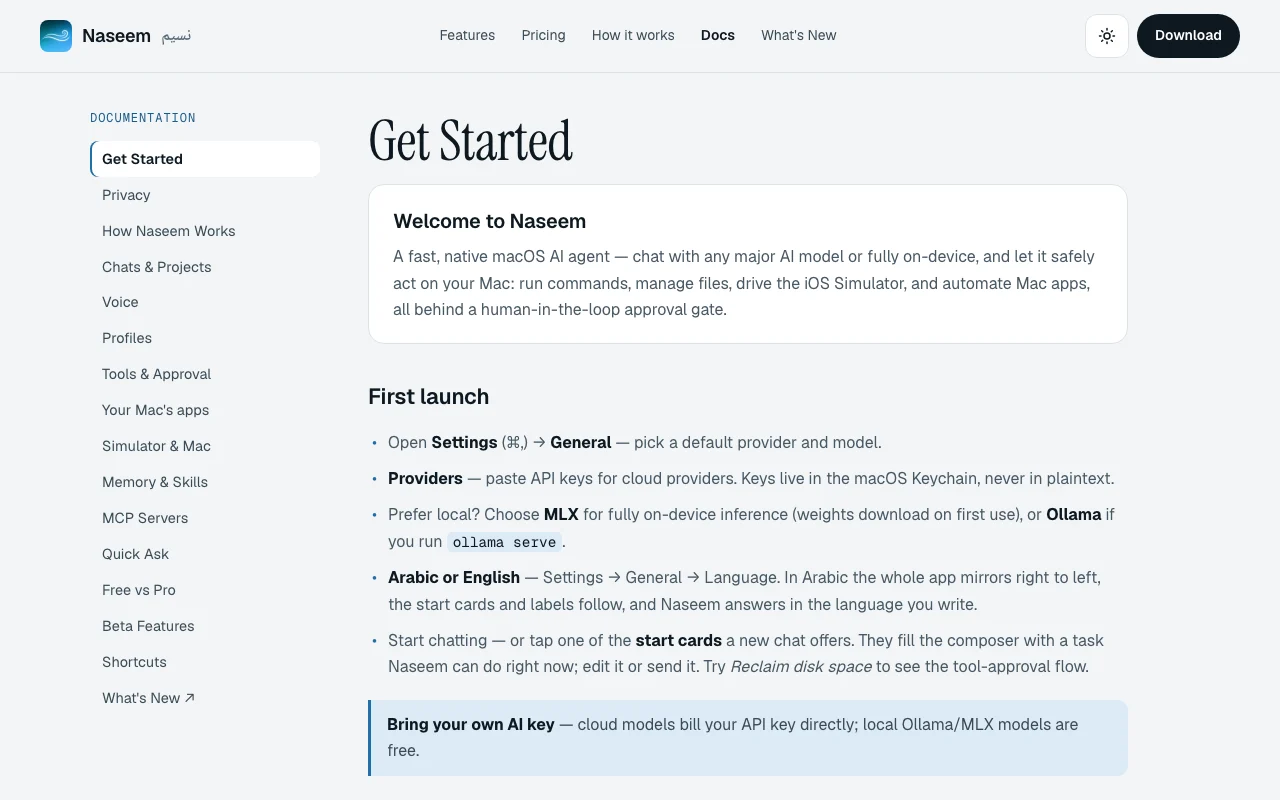
Our take: Best for Mac developers who want a local-model desktop agent without subscriptions; free tier with pro features via one-time purchase.
Main limitation: macOS only (macOS 14 or later); cloud models bill your own API key
By the AI Tool Atlas editors.
Based on the vendor's official documentation; we have not tested this product hands-on. What “documented overview” means
Naseem pricing and usage limits
Prices checked Oct 1, 2026 on the official US pricing page. Official pricing ↗ Prices and limits change often.
Free access and trial conditions
Full Free tier; no account required
14-day Pro trial available
Paid plans: what changes as you upgrade
Free self-serve
Free
One-time
For: Testing Naseem; basic automation tasks
Limits
Unlimited chats
Core tools (terminal, files, Python)
1 more
MCP support
Includes
Chat with any model
Shell commands
3 more
File editing
Python execution
Local model support
No API
Pro self-serve
$29 one-time
One-time
Launch price $29; regular price $49 after Sept 30
For: Mac developers needing advanced automation and sub-agents
Limits
Everything in Free
Up to 3 Macs per license
Includes
All Free features
Sub-agent delegation
4 more
iOS Simulator driving
Mac app automation via Accessibility
Telegram remote control
Rules and scheduled runs (beta)
No API
Usage caps, credits and extra costs
API costs for cloud models (your API keys)
N/A for one-time purchase
What is Naseem, and how does it work?
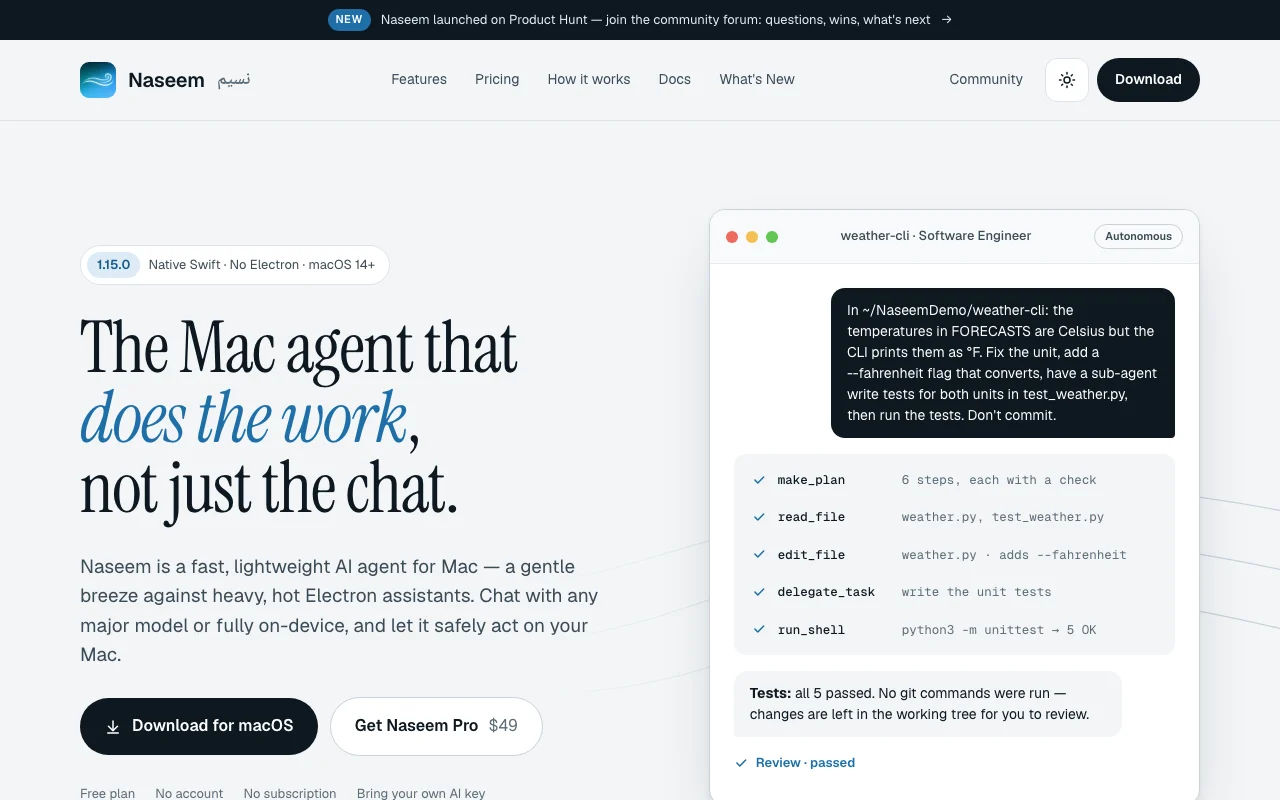
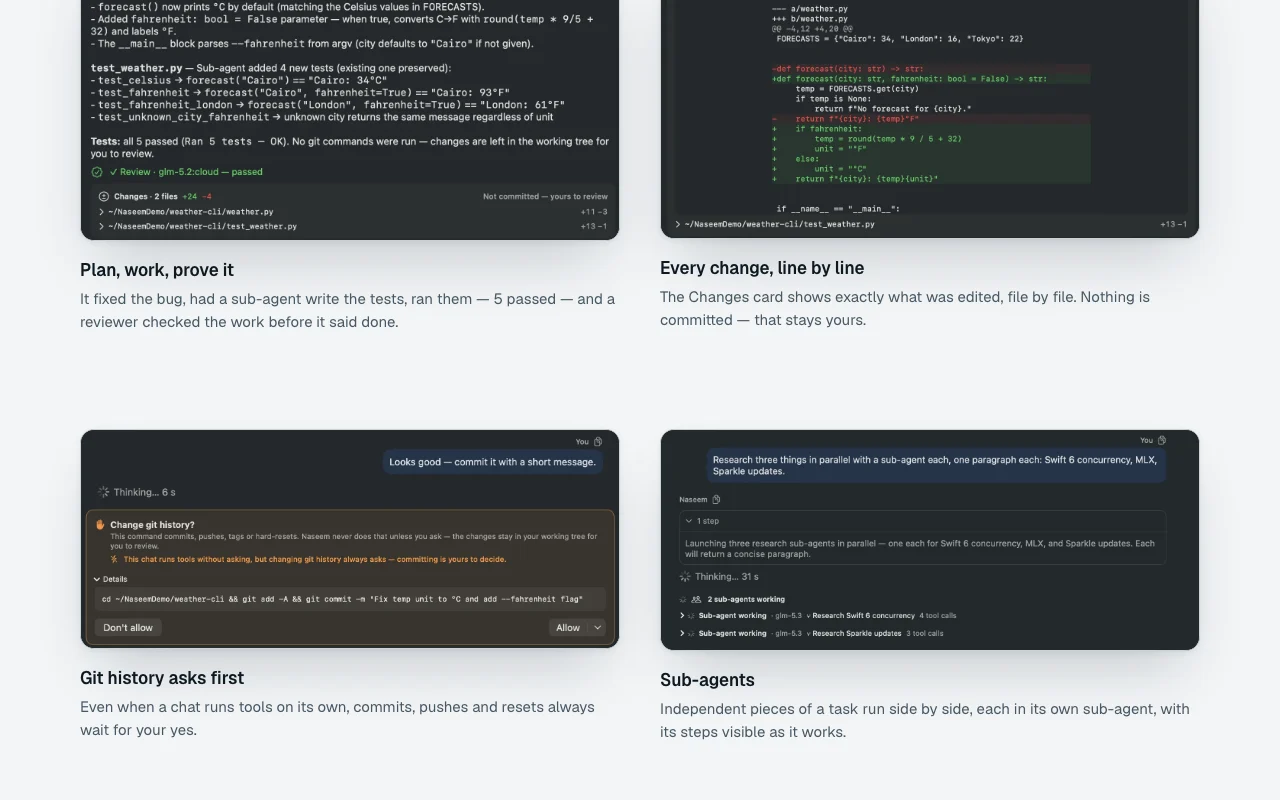
Naseem is a native Swift macOS app (macOS 14+) that acts as an AI agent harness. Connect your own API keys for major model providers or run models locally via MLX or Ollama. It can run shell commands, edit files, automate Mac apps and drive the iOS Simulator with human approval gates for consequential actions.
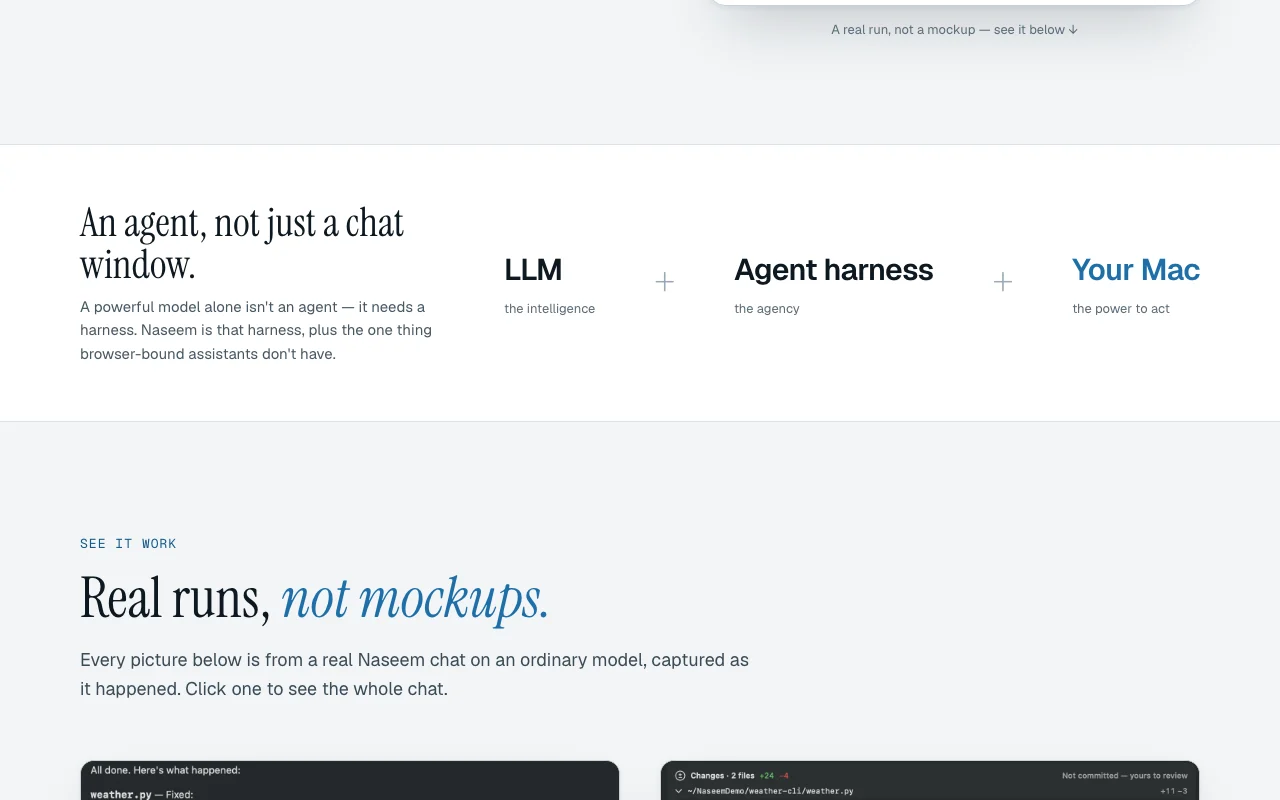
Naseem's official site: how the product presents itself. ayman3000.github.io, captured Oct 1, 2026
What you provide and what you get back
What you give Naseem and what comes back, from its documentation
You provide
API keys for model providers (Anthropic, OpenAI, Gemini, etc.)
Local model paths for MLX or Ollama
File paths and commands to execute
iOS Simulator targets
You get back
Code changes with diff-based patching
Command execution results
File read/write confirmations
iOS Simulator automation results
Where you can use it
Platforms
Desktop (macOS)
Account
Not required
Works offline
Yes
Models / versions
Supports Anthropic, OpenAI, Gemini, local MLX, Ollama
What people use Naseem for
Scenarios are worked out by our editors from the documentation; the actual result depends on your input and plan.
Fixing code and running tests in local projects
Who
Mac developers, software engineers
You provide
Project directory and test commands
Expected result
Code patches applied, tests run, results verified
Plan needed
Free tier with core tools; Pro ($29 one-time) for sub-agents
No. Naseem is completely free to download and use. For Pro features, it's a one-time $29 purchase (launch price). source (opens in a new tab)
What happens to my data?
All data stays on your Mac. Naseem does not send your code or chats to any servers; it connects directly to your chosen model provider. source (opens in a new tab)
Can I use Naseem with local models?
Yes. Install Ollama or MLX locally, and Naseem will use them with zero API costs. source (opens in a new tab)
Not verified: Exact performance impact on macOS; Multi-Mac license details; Xcode version requirements for Simulator; Memory requirements for local model inference.
How we documented and maintain this page
Every fact about Naseem above comes from the 2 official pages listed here, last compared on Oct 1, 2026; we have not run Naseem ourselves, so it has no editorial score. How we check and re-check pages.
Article updated Oct 10, 2026; prices checked Oct 1, 2026. Outbound links to vendors are plain links; we do not earn commissions. How we review · Report an error