Productivity & writingDocumented overviewLast checked Oct 1, 2026

Nexly Analytics: Pricing, Features & Best Use Cases

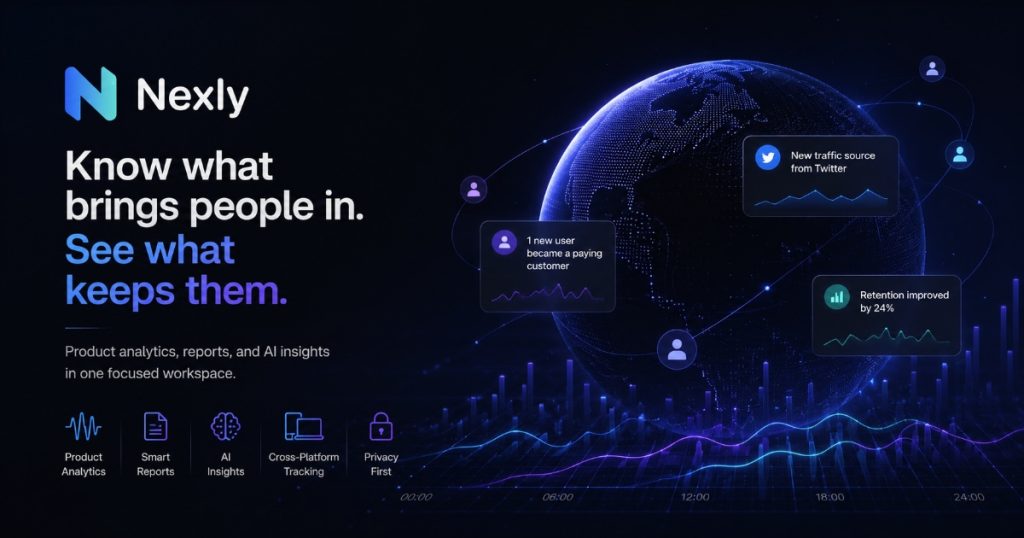
Privacy-first web and product analytics with an AI Insights assistant for asking questions about your live traffic data.
Who should use Nexly Analytics

Nexly suits small product teams and site owners who want one privacy-first dashboard for traffic and product events, with an AI assistant that answers questions from live data and no features held back on any plan. Based on the vendor's documentation, not on a hands-on test.

Best for: Small teams wanting simple analytics

Also a good fit for

  • Product teams tracking events
  • Sites tracking AI crawler traffic

Consider another tool if free plan includes only about 3 AI Insights per month

Or if

  • Paid plans are priced by monthly event volume
  • Event totals can grow quickly with custom product events

Nexly Analytics pricing and usage limits

Prices checked Oct 1, 2026 on the official US pricing page. Official pricing ↗ Prices and limits change often.

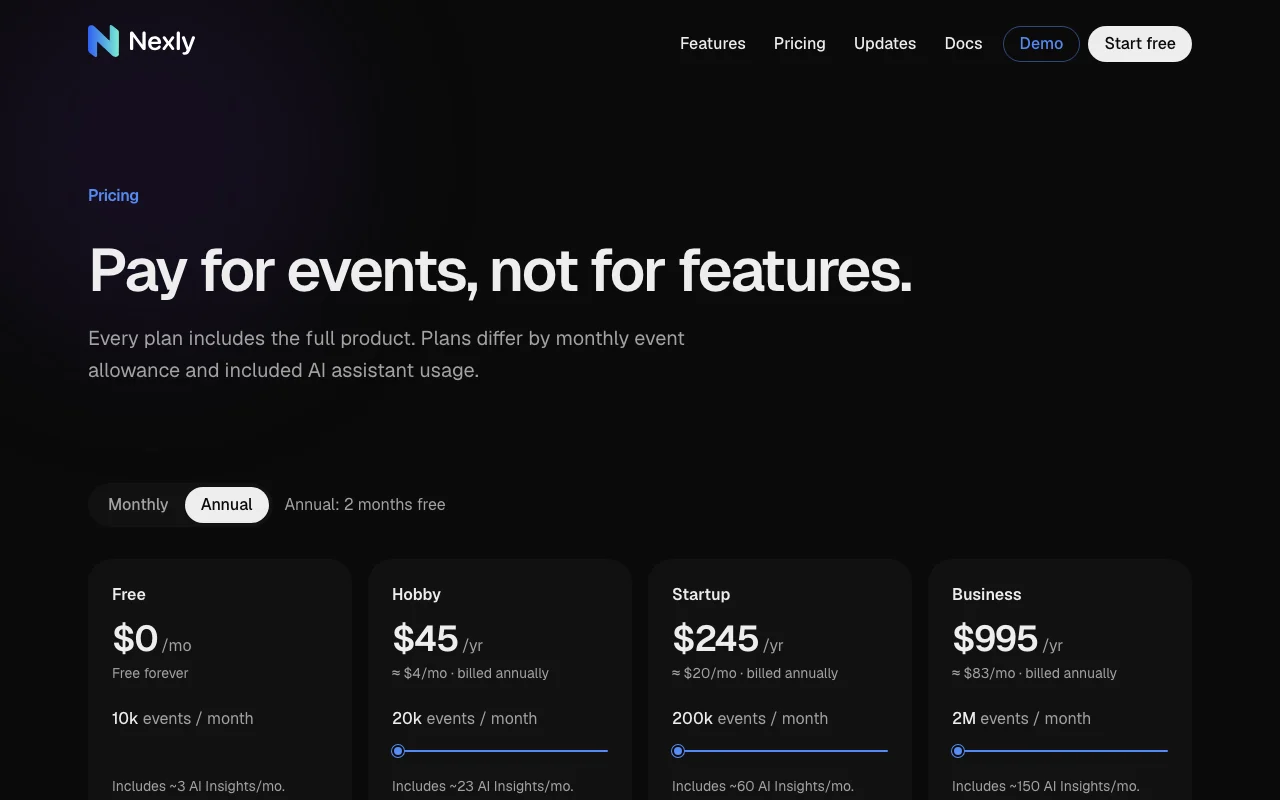
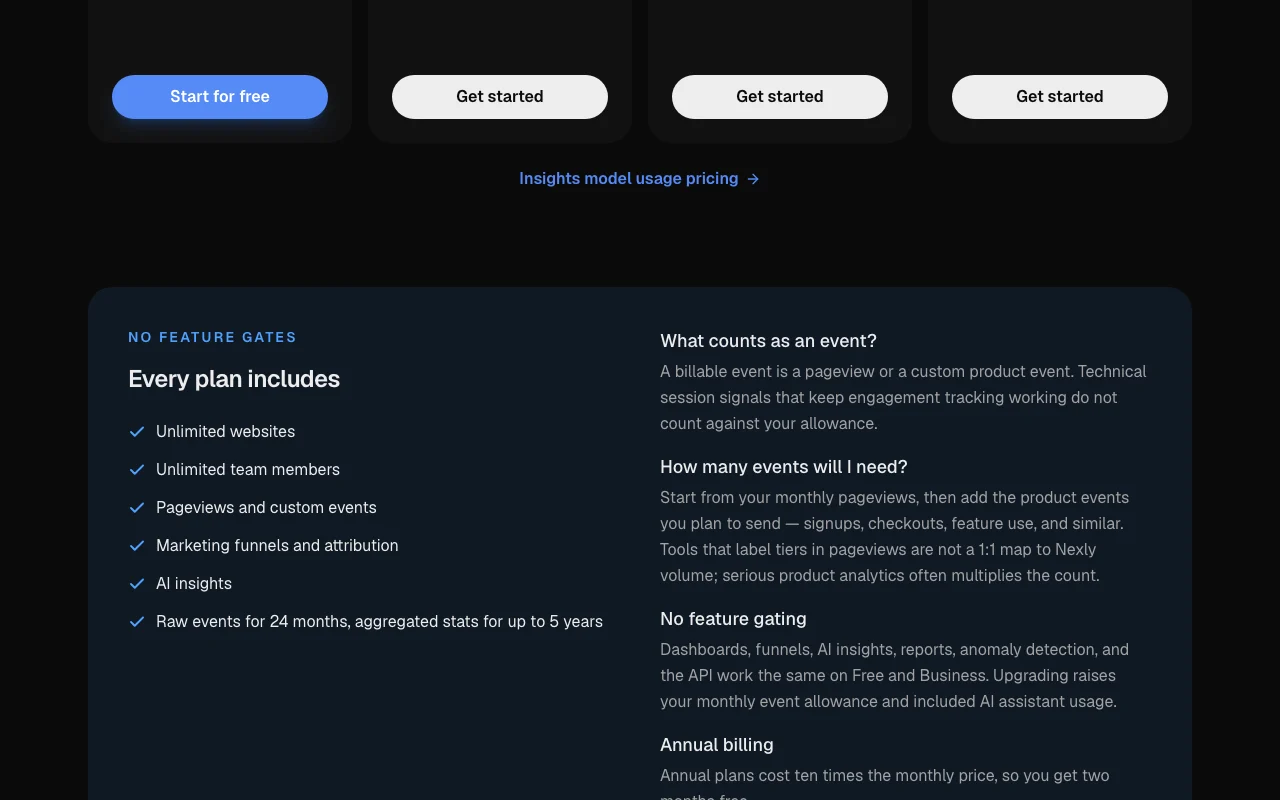
Nexly Analytics pricing page with plans and prices — screenshot of the productivity & writing AI tool, Oct 1, 2026
The official Nexly Analytics pricing page as we saw it. nexly.to, captured Oct 1, 2026

Free access and trial conditions

Free forever with 10k events per month.

No trial; the Free plan is the entry point.

Paid plans: what changes as you upgrade

Free web

Free source (opens in a new tab)

Month

For: Small sites and trials

Limits

  • 10k events per month
  • About 3 AI Insights per month

Includes

  • Full product
  • Unlimited websites and members
1 more
  • API

API included

Hobby web

$45/yr source (opens in a new tab)

Year, annual commitment

About $4 per month, billed annually.

For: Personal projects

Limits

  • 20k events per month
  • About 23 AI Insights per month

Includes

  • Full product
  • Unlimited websites and members

API included

Startup web

$245/yr source (opens in a new tab)

Year, annual commitment

About $20 per month, billed annually.

For: Growing products

Limits

  • 200k events per month
  • About 60 AI Insights per month

Includes

  • Full product
  • Unlimited websites and members

API included

Business web

$995/yr source (opens in a new tab)

Year, annual commitment

About $83 per month, billed annually.

For: High-traffic businesses

Limits

  • 2M events per month
  • About 150 AI Insights per month

Includes

  • Full product
  • Unlimited websites and members

API included

Usage caps, credits and extra costs

AI assistant usage beyond the included amount is described under Insights model usage pricing.

Not stated.

What is Nexly Analytics, and how does it work?

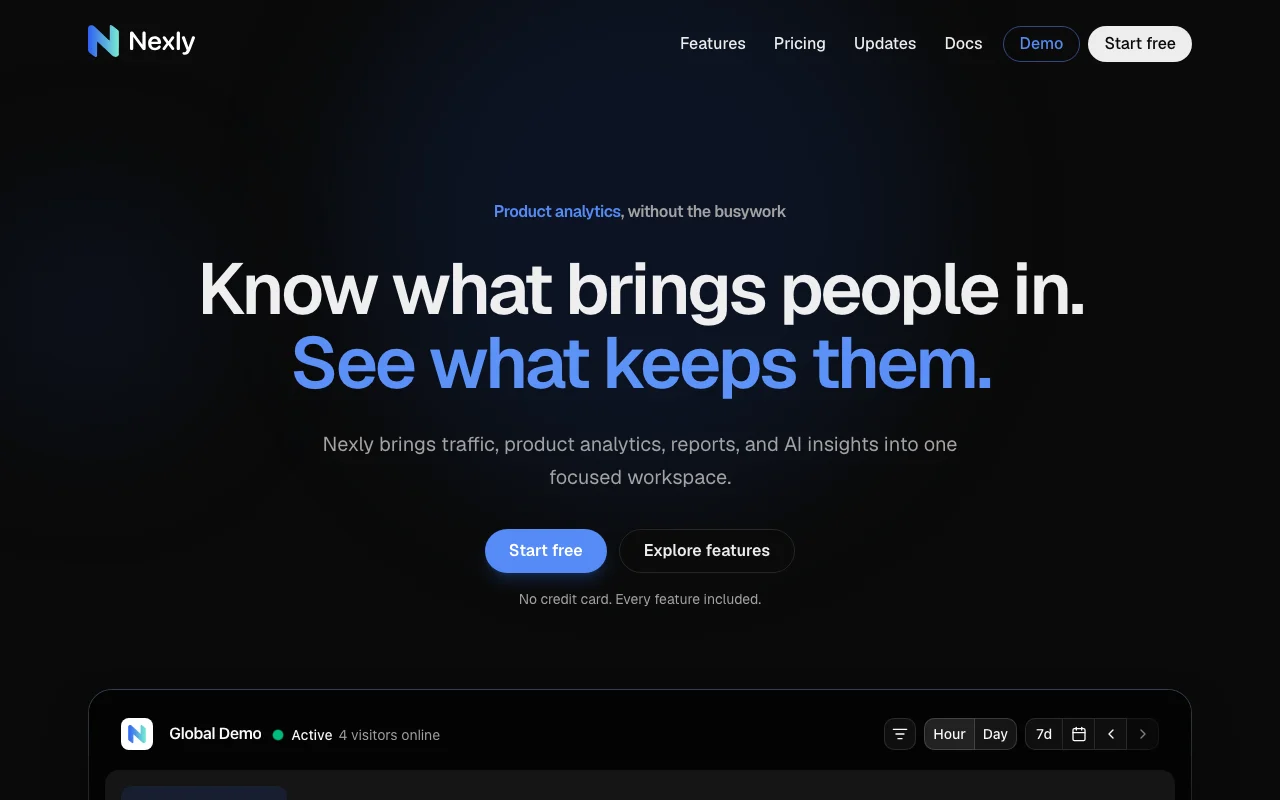
Nexly Analytics combines traffic analytics, product analytics, reports and an AI assistant in one workspace. It separates human, bot and AI-crawler traffic and offers funnels, attribution, anomaly detection and scheduled reports. All features are included on every plan; plans differ only by monthly event allowance and included AI Insights usage. SDKs are offered for script tag, React, Next.js, React Native, Flutter, Swift, Kotlin and Node.

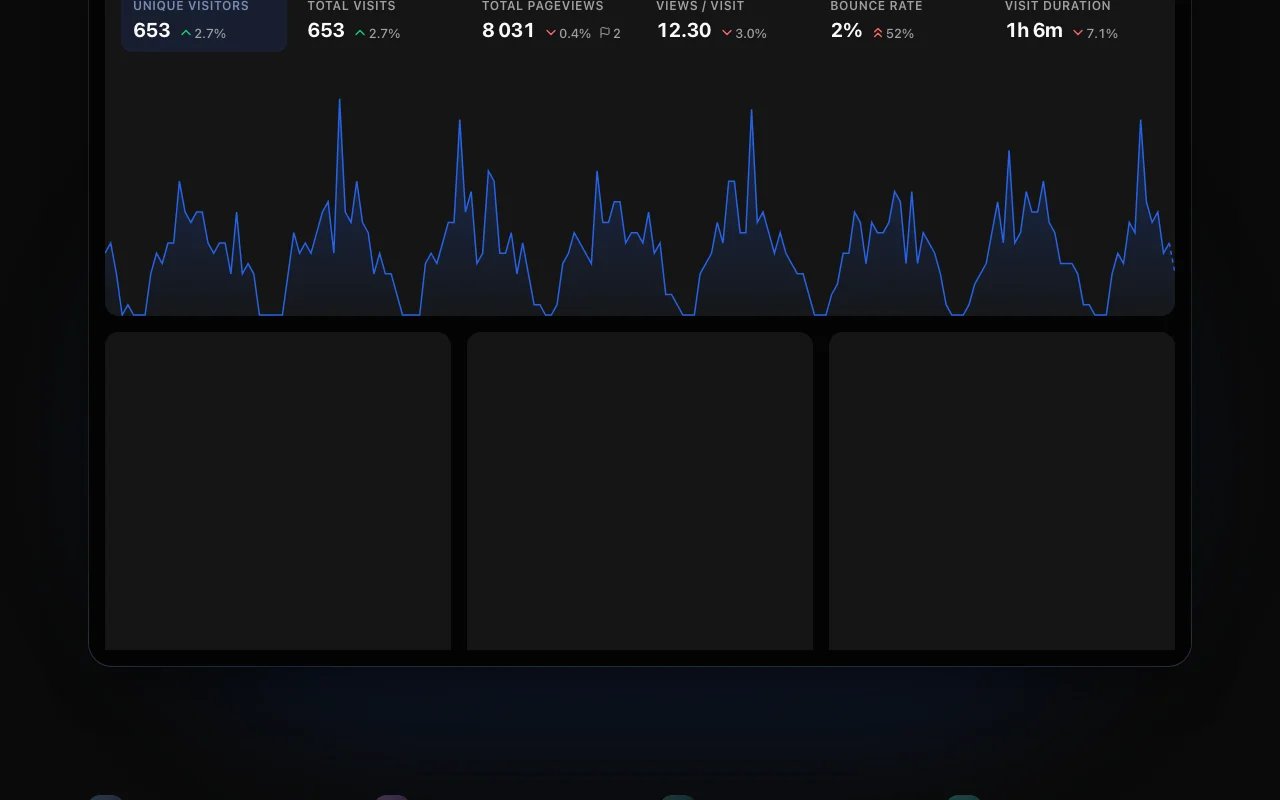
Nexly Analytics homepage — screenshot of the productivity & writing AI tool, Oct 1, 2026
Nexly Analytics's official site: how the product presents itself. nexly.to, captured Oct 1, 2026

What you provide and what you get back

How Nexly Analytics works: what you provide, where it runs and what you get backYOU PROVIDEYour inputPageviews and custom product even…Plain-language questionsPRODUCTIVITY & WRITINGNexly AnalyticsWeb, APIfrom $45/yr (Hobby)free tier availableaccount requiredchecked Oct 1, 2026YOU GET BACKThe resultDashboards for traffic, journeys…AI answers with charts and linksAnomaly alertsScheduled PDF reportsinput → Nexly Analytics → output · from the vendor's own pages, no hands-on test unless stated
What you give Nexly Analytics and what comes back, from its documentation

You provide

  • Pageviews and custom product events from SDKs
  • Plain-language questions

You get back

  • Dashboards for traffic, journeys and conversions
  • AI answers with charts and links
  • Anomaly alerts
  • Scheduled PDF reports

Where you can use it

Platforms
Web, API
Account
Required
Event allowances
10k / 20k / 200k / 2M per month
AI Insights
About 3 / 23 / 60 / 150 per month
SDKs
Web, React, Next.js, React Native, Flutter, Swift, Kotlin, Node
Retention
Raw 24 months, aggregates up to 5 years

Best use cases for Nexly Analytics

Scenarios are worked out by our editors from the documentation; the actual result depends on your input and plan.

Website traffic analytics

Who
Site owners and marketers
You provide
A script tag on the website
Expected result
A single dashboard of traffic, acquisition and engagement
Plan needed
Free
Limitation
10k events per month on Free source (opens in a new tab)

Product event and funnel analysis

Who
Product teams
You provide
Custom events for signups, checkouts and feature use
Expected result
Funnels and conversion analysis
Plan needed
Startup or higher for volume
Limitation
Custom events count toward the allowance source (opens in a new tab)

Asking plain-language questions about analytics data

Who
Busy team members
You provide
A plain-language question about traffic
Expected result
An answer with charts and a link to the exact dashboard view
Plan needed
Any plan
Limitation
AI Insights are metered per plan source (opens in a new tab)

Key features and their practical limits

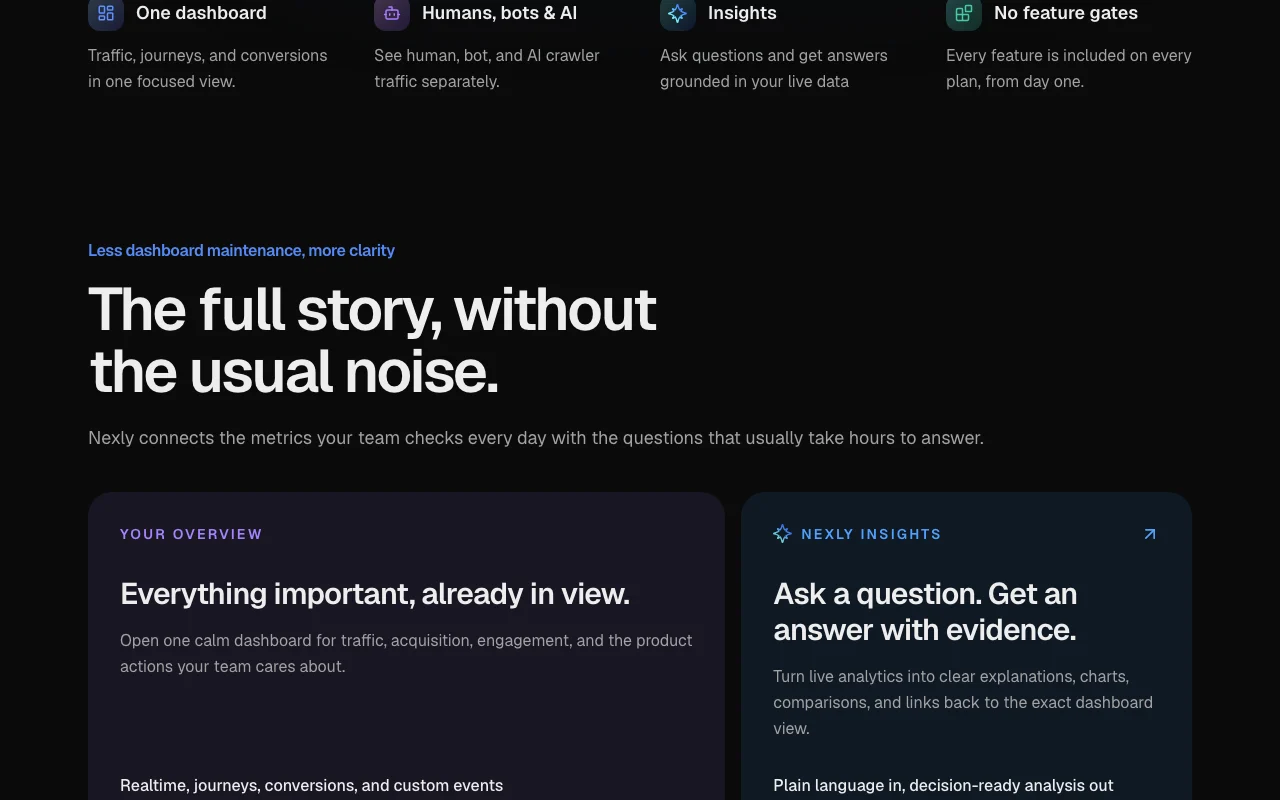
Nexly Analytics homepage — screenshot of the productivity & writing AI tool, Oct 1, 2026
Feature overview on the official site. nexly.to, captured Oct 1, 2026

Single dashboard for traffic, journeys and conversions

Combines realtime, journeys, conversions and custom events in one view. Reduces dashboard sprawl.

Access: Every planLimit: Event allowance caps data volume. source (opens in a new tab)

AI Insights answers grounded in live data

Answers questions with evidence, charts, comparisons and links to dashboard views. Cuts the time to analyze.

Access: Every plan, with 3 to 150 per monthLimit: Free includes about 3 per month. source (opens in a new tab)

Anomaly detection and notifications

Flags meaningful spikes and drops adaptively. Surfaces changes early.

Access: Every planLimit: Alert thresholds are not configurable per the page. source (opens in a new tab)

Scheduled reports with PDF export

Sends scheduled reports and exports to PDF. Keeps teams informed.

Access: Every planLimit: Report content options are not detailed. source (opens in a new tab)

Human, bot and AI crawler traffic split

Shows human, bot and AI crawler traffic separately. Clarifies real audience size.

Access: Every planLimit: Detection accuracy is not quantified. source (opens in a new tab)

Pros, cons and deal-breakers

Where Nexly Analytics is strong

Limitations to check before paying

How to use Nexly Analytics for adding analytics to a website

Set up Nexly Analytics

  1. Sign up free at nexly.to; no credit card is needed.
  2. Create a property and copy its credentials.
  3. Add the script tag or an SDK such as React, Next.js or Node to your site.
  4. Open the dashboard and confirm realtime visits.

Example: adding analytics to a website

  1. Send a custom event for signups.
  2. Build a conversion funnel from landing page to signup.
  3. Ask Nexly Insights why traffic dropped last week.
  4. Schedule a weekly PDF report.

Review and export the result

  1. Check that realtime shows your own test visit.
  2. Compare event counts with your monthly allowance.
  3. Open the linked dashboard view from an AI answer to verify it.
Example prompt suggested by our editors (not a recorded output of the product)
Which traffic sources brought the most signups last week, and did any of them drop compared with the week before?

Nexly Analytics integrations and API

Nexly Analytics pricing page with plans and prices — screenshot of the productivity & writing AI tool, Oct 1, 2026
Plan comparison on the official pricing page. nexly.to, captured Oct 1, 2026

Native integrations and export formats

Export: PDF reports

API access and separate billing

Nexly Analytics has no public API in its official documentation. The API works the same on Free and Business.

Privacy, data use and commercial rights

Summarized from the vendor's current policies; this is not legal advice and a vendor's badge is not an independent audit.

How your inputs and outputs are handled

Collects pageviews and custom events you send; raw events kept 24 months, aggregates up to 5 years.

Raw events 24 months; aggregated stats up to 5 years.

Best Nexly Analytics alternatives for different needs

"Better suited" is based on documented features and pricing, not on a head-to-head test.

Zapier: better suited to

Alternatives
AlternativeWhen to choose itPricingLimitation
Zapier——Compare

Explore Nexly Analytics further

Related to Nexly Analytics

Nexly Analytics user reviews

No user reviews yet.

Used Nexly Analytics? Be the first to share your experience.

Write a review

Reviews are checked by a moderator before they appear. Your email is never published. Plain text only.

Your rating (required)

Show what you made or what went wrong. Images are published only if the review is approved; location data is removed.

    Nexly Analytics FAQ

    What counts as an event in Nexly?

    A pageview or a custom product event; technical session signals that keep engagement tracking working do not count. source (opens in a new tab)

    Are any features locked behind higher plans?

    No. Dashboards, funnels, AI insights, reports, anomaly detection and the API are the same on every plan; only the event and AI allowances grow. source (opens in a new tab)

    How long is data kept?

    Raw events are kept for 24 months and aggregated stats for up to 5 years. source (opens in a new tab)

    How much does annual billing save?

    Annual plans cost ten times the monthly price, so two months are free. source (opens in a new tab)

    How many events will I need?

    Start with monthly pageviews and add product events such as signups and checkouts; serious product analytics often multiplies the count. source (opens in a new tab)

    Sources and review methodology

    Official sources and verification dates

    Not verified: Privacy policy (404); Documentation (404); Monthly billing prices in USD; Overage rules.

    How we documented and maintain this page

    Every fact about Nexly Analytics above comes from the 2 official pages listed here, last compared on Oct 1, 2026; we have not run Nexly Analytics ourselves, so it has no editorial score. How we check and re-check pages.

    Article updated Oct 10, 2026; prices checked Oct 1, 2026. Outbound links to vendors are plain links; we do not earn commissions. How we review · Report an error