Free web
Free
Month
For: Trying the summarizer
Limits
- Limited credits
Includes
- Core features with usage limits
Productivity & writingDocumented overviewLast checked Oct 1, 2026
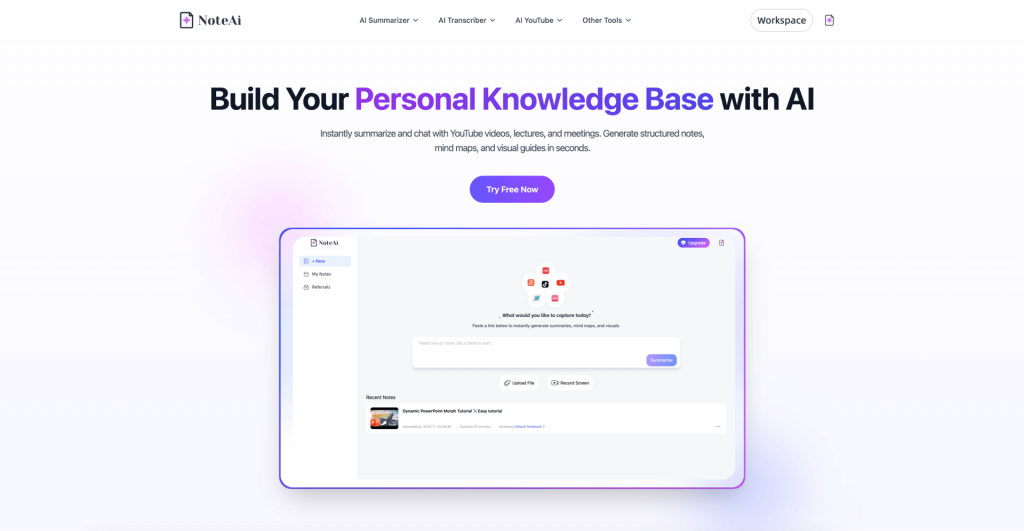
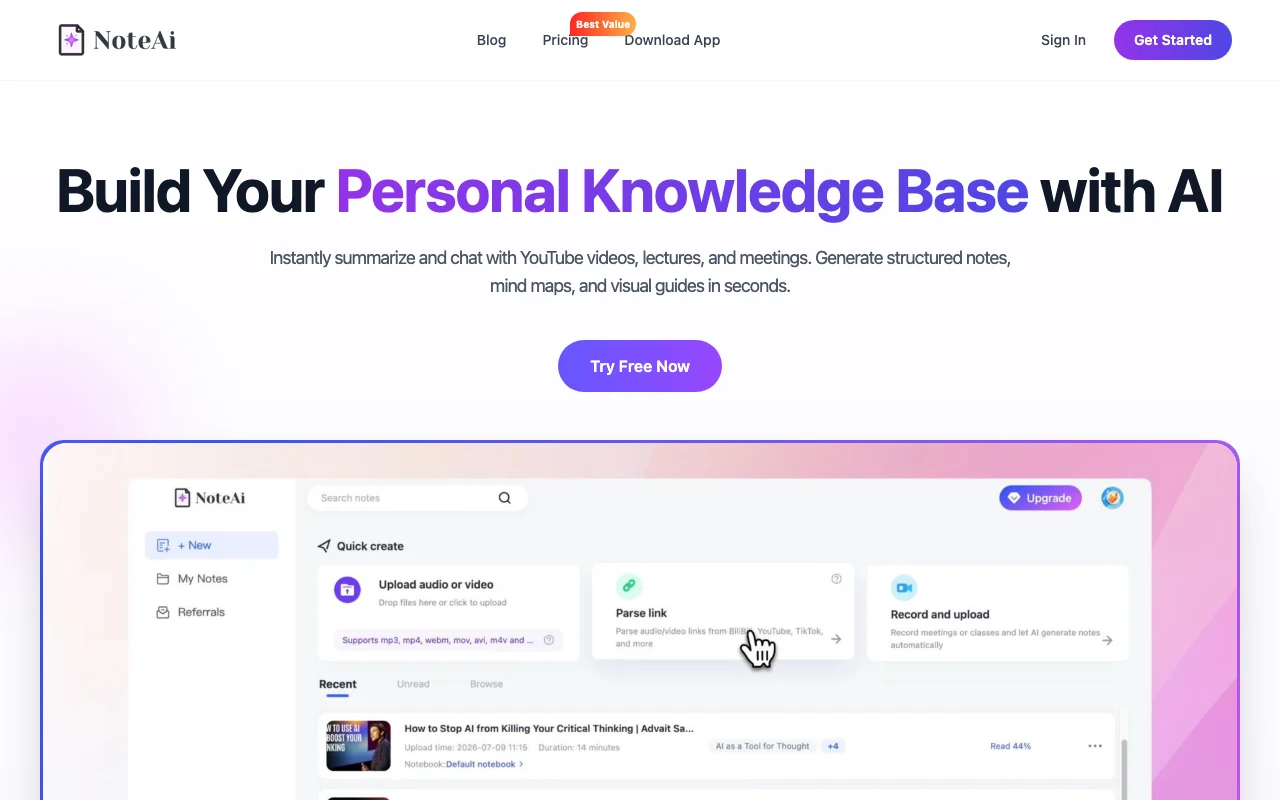
Summarizes YouTube videos, audio and recordings into notes, transcripts, mind maps and chat-ready knowledge bases.
 (open full size in a new tab)
 (open full size in a new tab)
 (open full size in a new tab)
 (open full size in a new tab)
 (open full size in a new tab)
Our take: NoteAi suits students, researchers and educators who want YouTube videos, lectures and recordings turned into summaries, illustrated notes, mind maps and a chat-ready transcript.
Main limitation: Plan prices could not be confirmed because the pricing page returned 404, and the free plan runs on a limited credit allowance.
NoteAi suits students, researchers and educators who want YouTube videos, lectures and recordings turned into summaries, illustrated notes, mind maps and a chat-ready transcript. Based on the vendor's documentation, not on a hands-on test.
Also a good fit for
Or if
Prices checked Oct 1, 2026 on the official US pricing page. Prices and limits change often.
A free plan with limited credits is described in the FAQ; no credit card is required.
Not stated.
Free
Month
For: Trying the summarizer
Limits
Includes
See official pricing
Month
For: Heavy users
Limits
Includes
Not stated; the pricing page was unreachable.
Not stated.
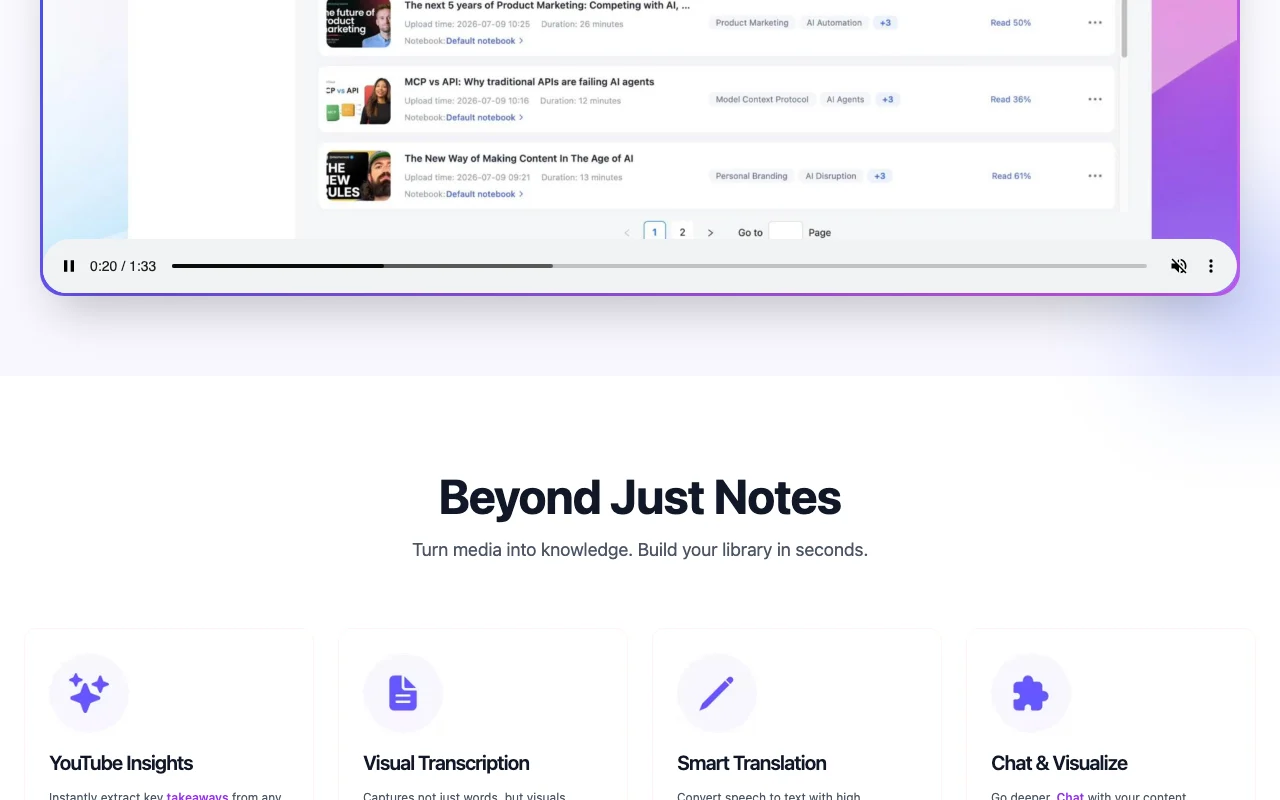
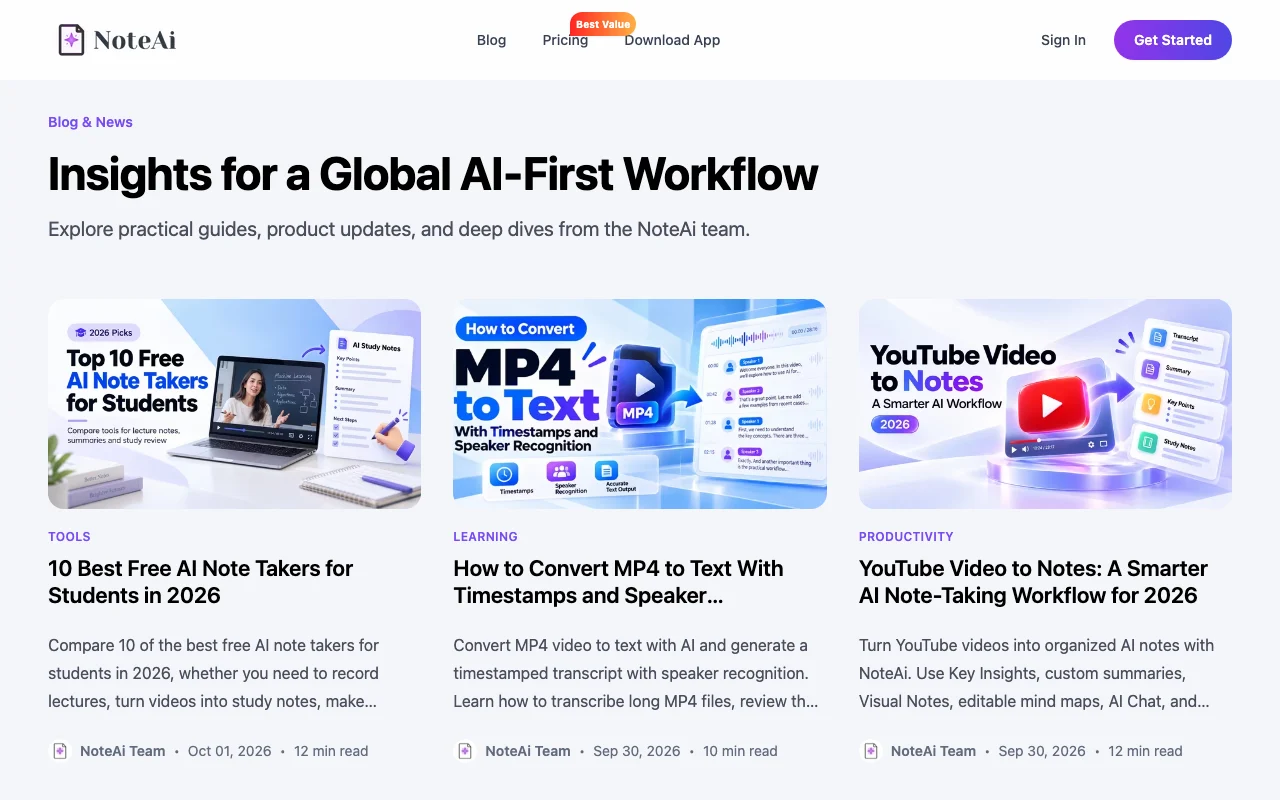
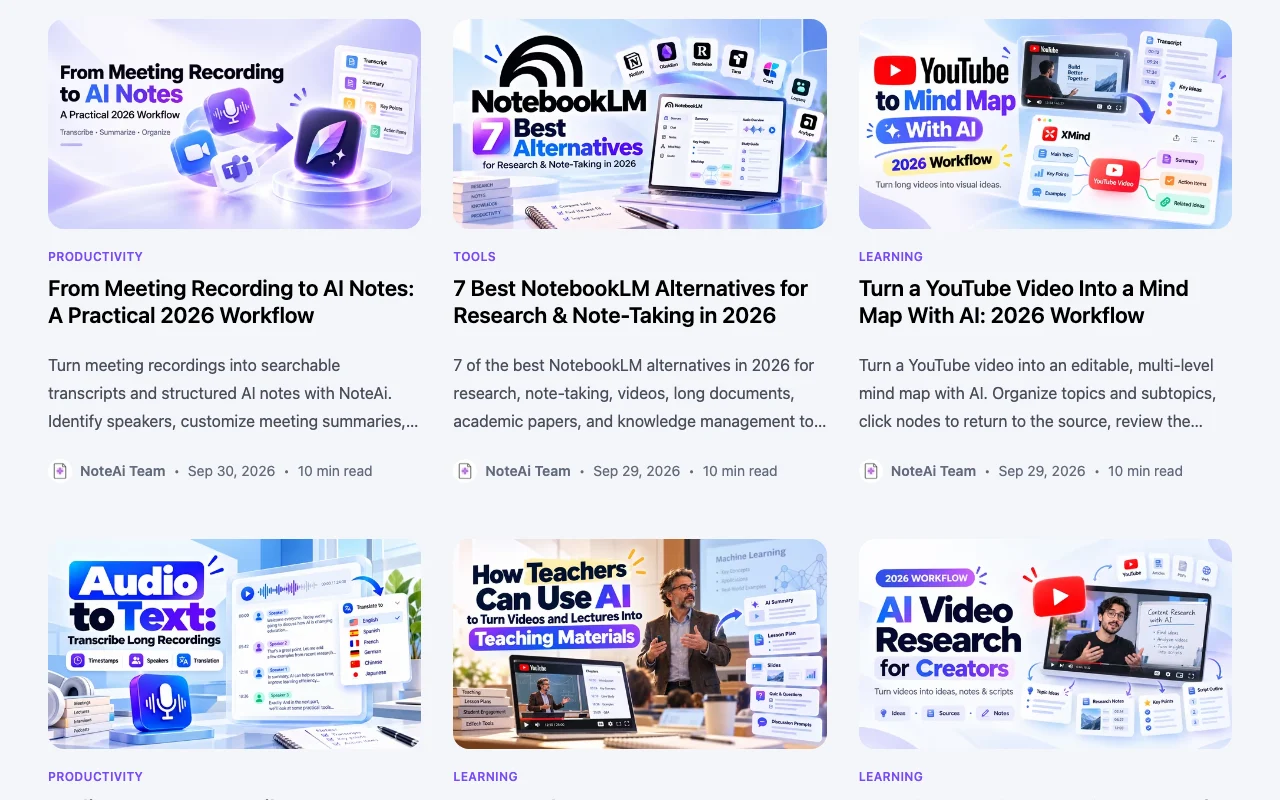
NoteAi turns YouTube videos, local video and audio files, podcasts and screen recordings into time-stamped transcripts, summaries, mind maps and illustrated notes that include captured slides. Users can chat with their content, apply summary templates such as Cornell notes, and translate into 22+ languages. A free plan with limited credits and paid plans with more credits are described on the site.
You provide
You get back
Scenarios are worked out by our editors from the documentation; the actual result depends on your input and plan.
Generates a summary with time-stamped transcript from a pasted YouTube link. Saves watching time.
Produces a word-for-word transcript you can export or chat with. Lets you search content.
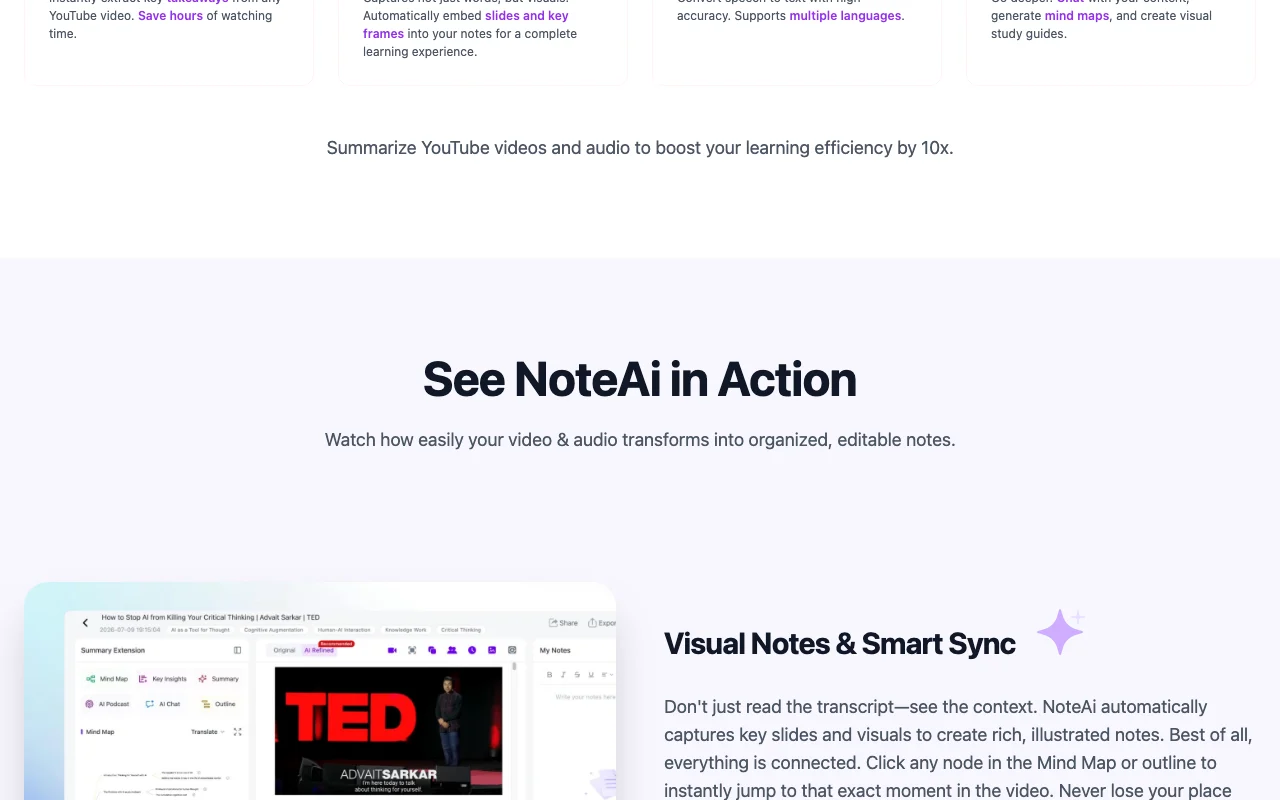
Builds a mind map where clicking a node jumps to that point in the video. Helps navigate long content.
Embeds slides and key frames automatically in notes. Keeps visual context.
Translates speech into your language and shows original and translated text side by side. Opens foreign content.
Give me five key takeaways from this lecture and a three-question quiz.
Export: Transcript export
NoteAi has no public API in its official documentation. No API documented.
Summarized from the vendor's current policies; this is not legal advice and a vendor's badge is not an independent audit.
Collects account details and the media files, notes and transcripts you upload or generate.
Policies: noteai.ai/privacy
"Better suited" is based on documented features and pricing, not on a head-to-head test.
| Alternative | When to choose it | Pricing | Limitation | |
|---|---|---|---|---|
| Otter.ai | — | — | ||
| Gemini Notebook (formerly NotebookLM) | — | — |
No user reviews yet.
Used NoteAi? Be the first to share your experience.
YouTube videos, local video or audio files, podcasts and screen recordings. source (opens in a new tab)
There is a free plan with limited credits; paid plans add more credits, faster processing, priority support and bulk uploading. source (opens in a new tab)
Log in, open Workspace Settings, then Billing & Subscription; access continues until the end of the billing cycle. source (opens in a new tab)
22+ languages, including English, Chinese and Japanese, with side-by-side original and translated text. source (opens in a new tab)
Yes, it automatically captures key slides and frames into the notes. source (opens in a new tab)
Not verified: Paid plan prices (pricing page 404); Credit amounts; Training use and retention; Whether a mobile app exists.
Every fact about NoteAi above comes from the 3 official pages listed here, last compared on Oct 1, 2026; we have not run NoteAi ourselves, so it has no editorial score. How we check and re-check pages.
Article updated Oct 10, 2026; prices checked Oct 1, 2026. Outbound links to vendors are plain links; we do not earn commissions. How we review · Report an error
compare>