Free web
Kostenlos
Monat
Für: Trying the summarizer
Limits
- Limited credits
Enthält
- Core features with usage limits
Produktivität & SchreibenDokumentierter ÜberblickZuletzt geprüft Oct 1, 2026
Summarizes YouTube videos, audio and recordings into notes, transcripts, mind maps and chat-ready knowledge bases.
 (in voller Größe in neuem Tab öffnen)
 (in voller Größe in neuem Tab öffnen)
 (in voller Größe in neuem Tab öffnen)
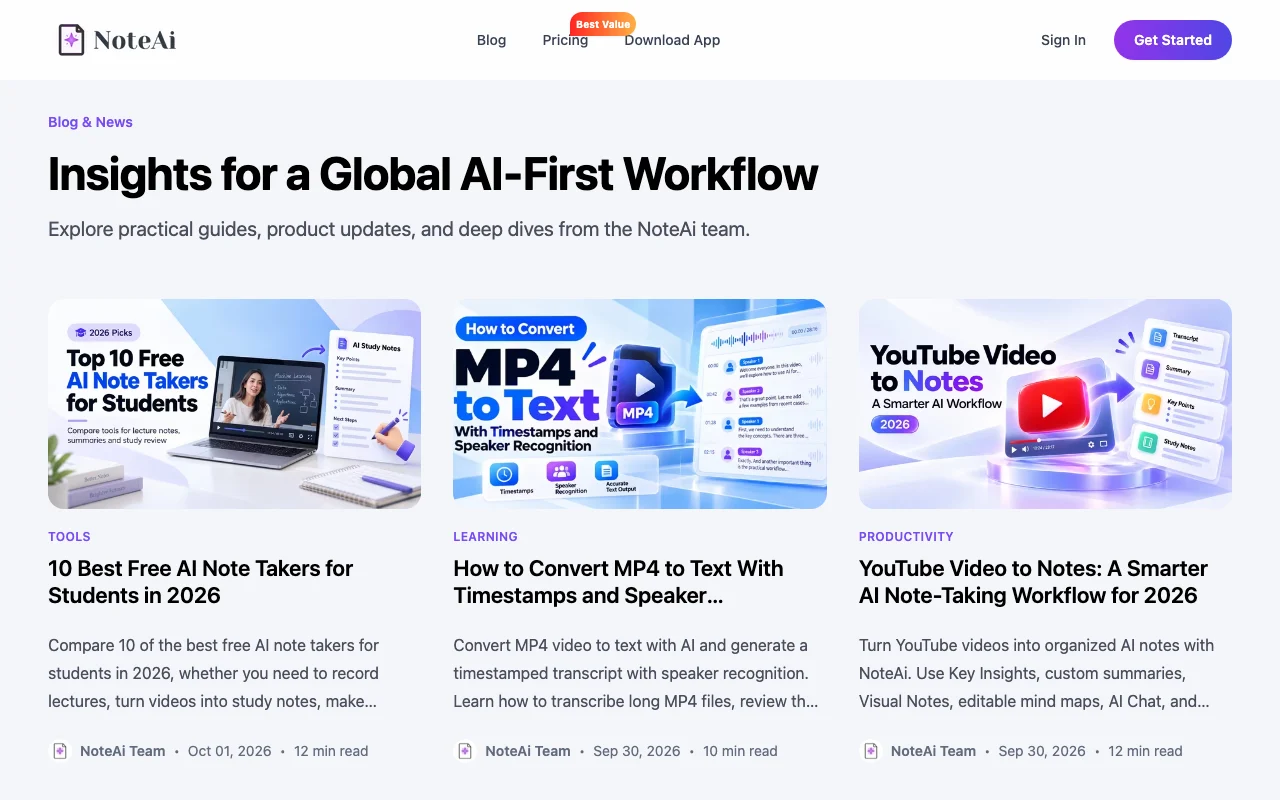 (in voller Größe in neuem Tab öffnen)
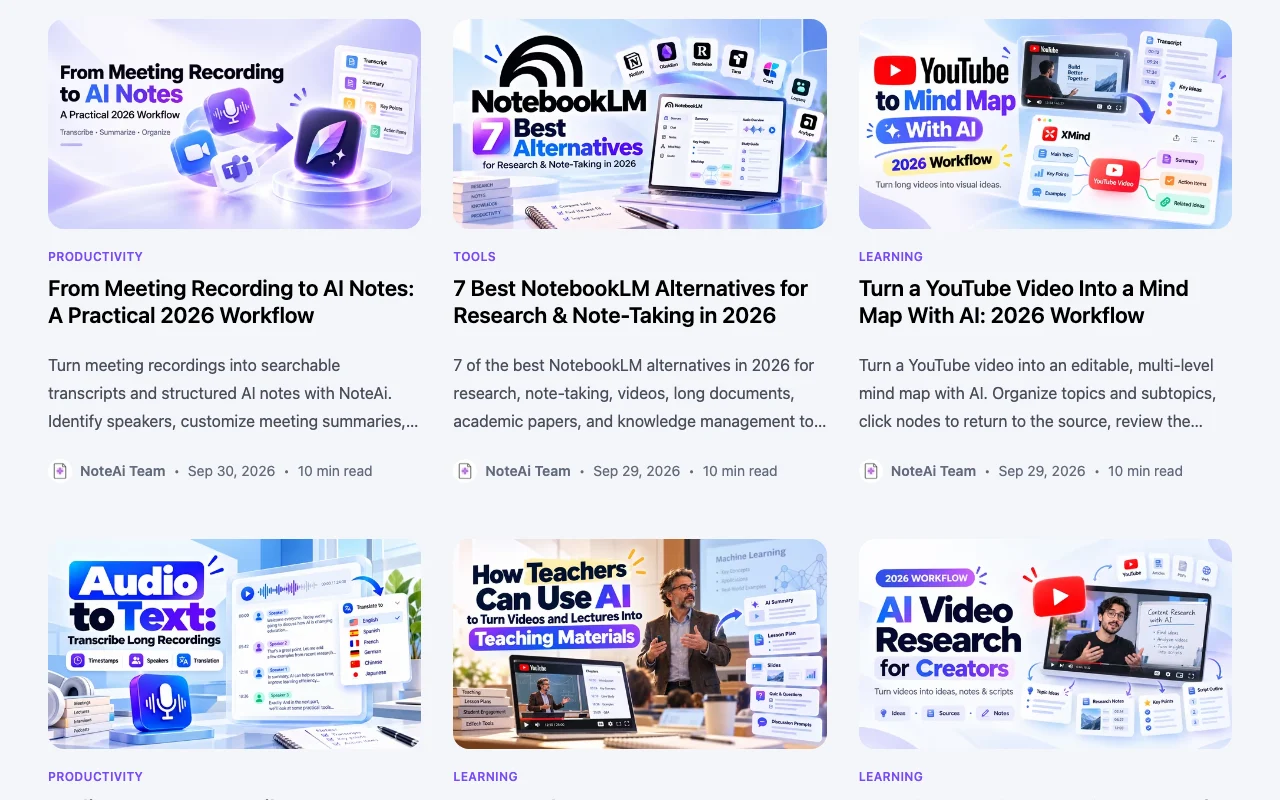 (in voller Größe in neuem Tab öffnen)
Unsere Einschätzung: NoteAi suits students, researchers and educators who want YouTube videos, lectures and recordings turned into summaries, illustrated notes, mind maps and a chat-ready transcript.
Wichtigste Einschränkung: Plan prices could not be confirmed because the pricing page returned 404, and the free plan runs on a limited credit allowance.
NoteAi suits students, researchers and educators who want YouTube videos, lectures and recordings turned into summaries, illustrated notes, mind maps and a chat-ready transcript. Auf Basis der Dokumentation des Anbieters, nicht in einem praktischen Test.
Auch gut geeignet für
Oder wenn
Preise am Oct 1, 2026 auf der offiziellen US-Preisseite geprüft. Preise und Limits ändern sich häufig.
A free plan with limited credits is described in the FAQ; no credit card is required.
Not stated.
Kostenlos
Monat
Für: Trying the summarizer
Limits
Enthält
Offizielle Preise ansehen
Monat
Für: Heavy users
Limits
Enthält
Not stated; the pricing page was unreachable.
Not stated.
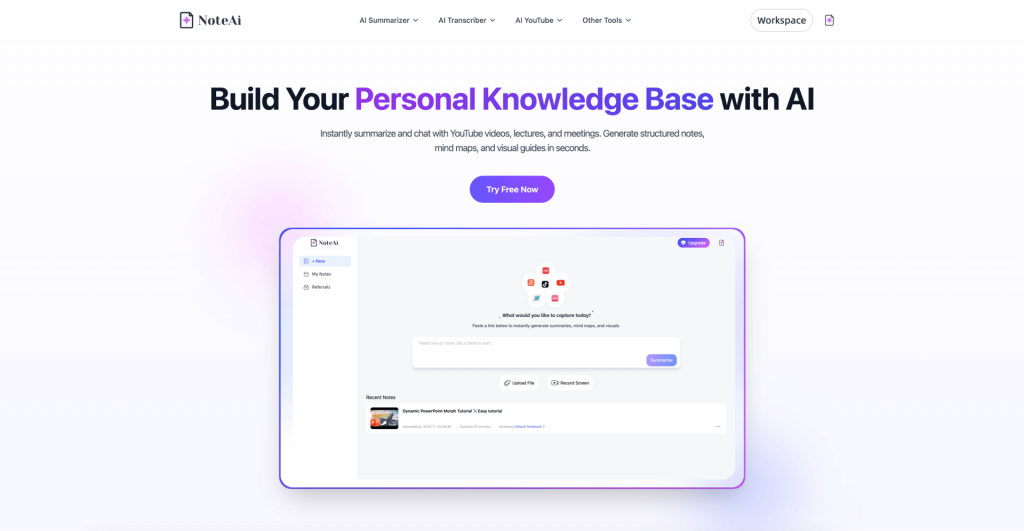
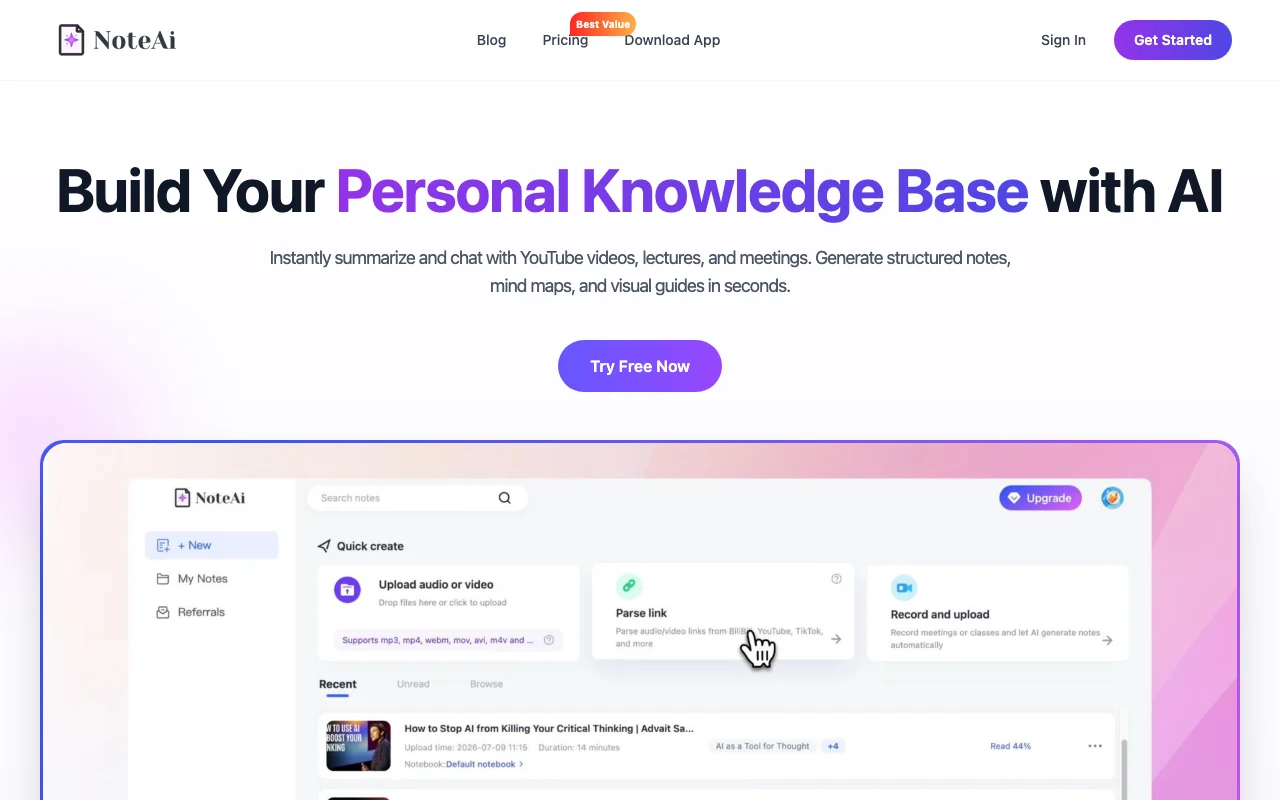
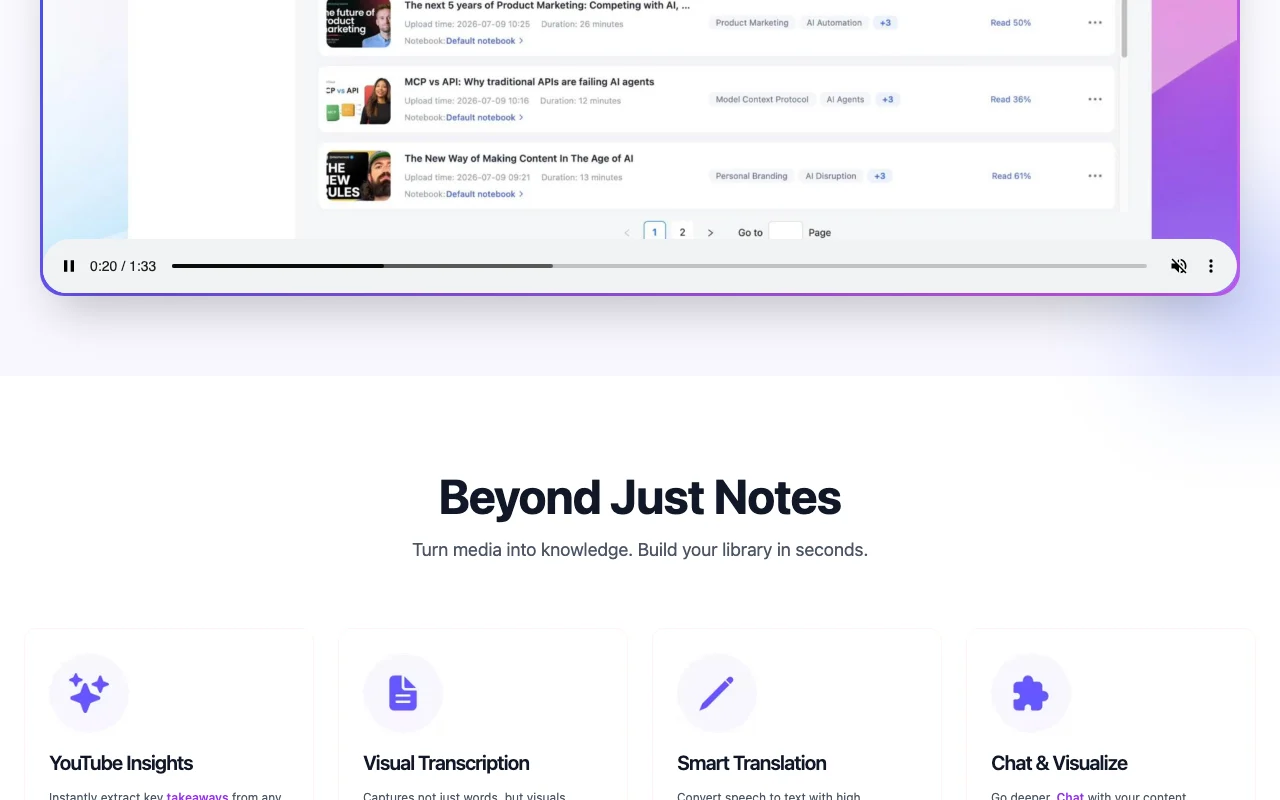
NoteAi turns YouTube videos, local video and audio files, podcasts and screen recordings into time-stamped transcripts, summaries, mind maps and illustrated notes that include captured slides. Users can chat with their content, apply summary templates such as Cornell notes, and translate into 22+ languages. A free plan with limited credits and paid plans with more credits are described on the site.
Sie liefern
Sie erhalten zurück
Die Szenarien erarbeiten unsere Redakteure anhand der Dokumentation; das tatsächliche Ergebnis hängt von Ihrer Eingabe und Ihrem Tarif ab.
Generates a summary with time-stamped transcript from a pasted YouTube link. Saves watching time.
Produces a word-for-word transcript you can export or chat with. Lets you search content.
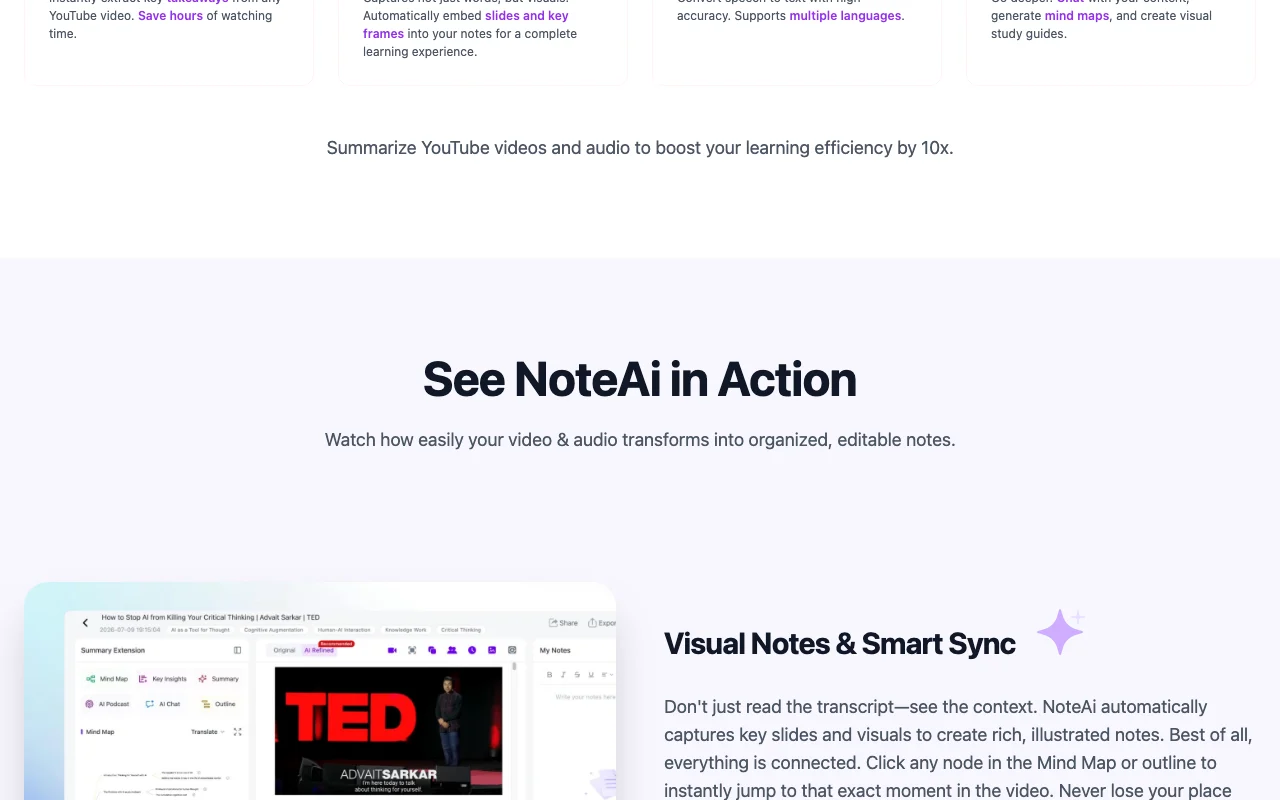
Builds a mind map where clicking a node jumps to that point in the video. Helps navigate long content.
Embeds slides and key frames automatically in notes. Keeps visual context.
Translates speech into your language and shows original and translated text side by side. Opens foreign content.
Give me five key takeaways from this lecture and a three-question quiz.
Export: Transcript export
NoteAi hat laut offizieller Dokumentation keine öffentliche API. No API documented.
Zusammengefasst aus den aktuellen Richtlinien des Anbieters; dies ist keine Rechtsberatung, und das Badge eines Anbieters ersetzt kein unabhängiges Audit.
Collects account details and the media files, notes and transcripts you upload or generate.
Richtlinien: noteai.ai/privacy
„Besser geeignet“ beruht auf dokumentierten Funktionen und Preisen, nicht auf einem direkten Test.
| Alternative | Wann Sie es wählen sollten | Preise | Einschränkung | |
|---|---|---|---|---|
| Otter.ai | — | — | ||
| Gemini Notebook (formerly NotebookLM) | — | — |
Noch keine Nutzerbewertungen.
Verwendet NoteAi? Teilen Sie als Erste oder Erster Ihre Erfahrung.
YouTube videos, local video or audio files, podcasts and screen recordings. Quelle (öffnet in neuem Tab)
There is a free plan with limited credits; paid plans add more credits, faster processing, priority support and bulk uploading. Quelle (öffnet in neuem Tab)
Log in, open Workspace Settings, then Billing & Subscription; access continues until the end of the billing cycle. Quelle (öffnet in neuem Tab)
22+ languages, including English, Chinese and Japanese, with side-by-side original and translated text. Quelle (öffnet in neuem Tab)
Yes, it automatically captures key slides and frames into the notes. Quelle (öffnet in neuem Tab)
Nicht verifiziert: Paid plan prices (pricing page 404); Credit amounts; Training use and retention; Whether a mobile app exists.
Jede Angabe zu NoteAi oben stammt aus den 3 hier aufgeführten offiziellen Seiten, zuletzt verglichen am Oct 1, 2026; wir haben NoteAi nicht selbst getestet, daher gibt es keine redaktionelle Bewertung. Wie wir Seiten prüfen und erneut prüfen.
Artikel aktualisiert Oct 10, 2026; Preise geprüft Oct 1, 2026. Ausgehende Links zu Anbietern sind einfache Links; wir erhalten keine Provisionen. So testen wir · Fehler melden
compare>