Productivity & writingDocumented overviewLast checked Oct 2, 2026

One Course: Pricing, Features & Best Use Cases

AI-powered learning management system and course builder that drafts modules, quizzes and images from a topic or document.
Who should use One Course

Choose One Course if you want an AI course builder with learner management and mobile apps, starting on the free tier of 5 courses and 5 users. Based on the vendor's documentation, not on a hands-on test.

Best for: Corporate training teams

Also a good fit for

  • Training providers

Consider another tool if free tier capped at 5 courses and 5 users

Or if

  • Account required
  • Paid plan prices not visible in the loaded pricing page

One Course in the news

Headlines from US outlets, selected automatically — not endorsements. Updated Oct 2, 2026

One Course pricing and usage limits

Prices checked Oct 2, 2026 on the official US pricing page. Official pricing ↗ Prices and limits change often.

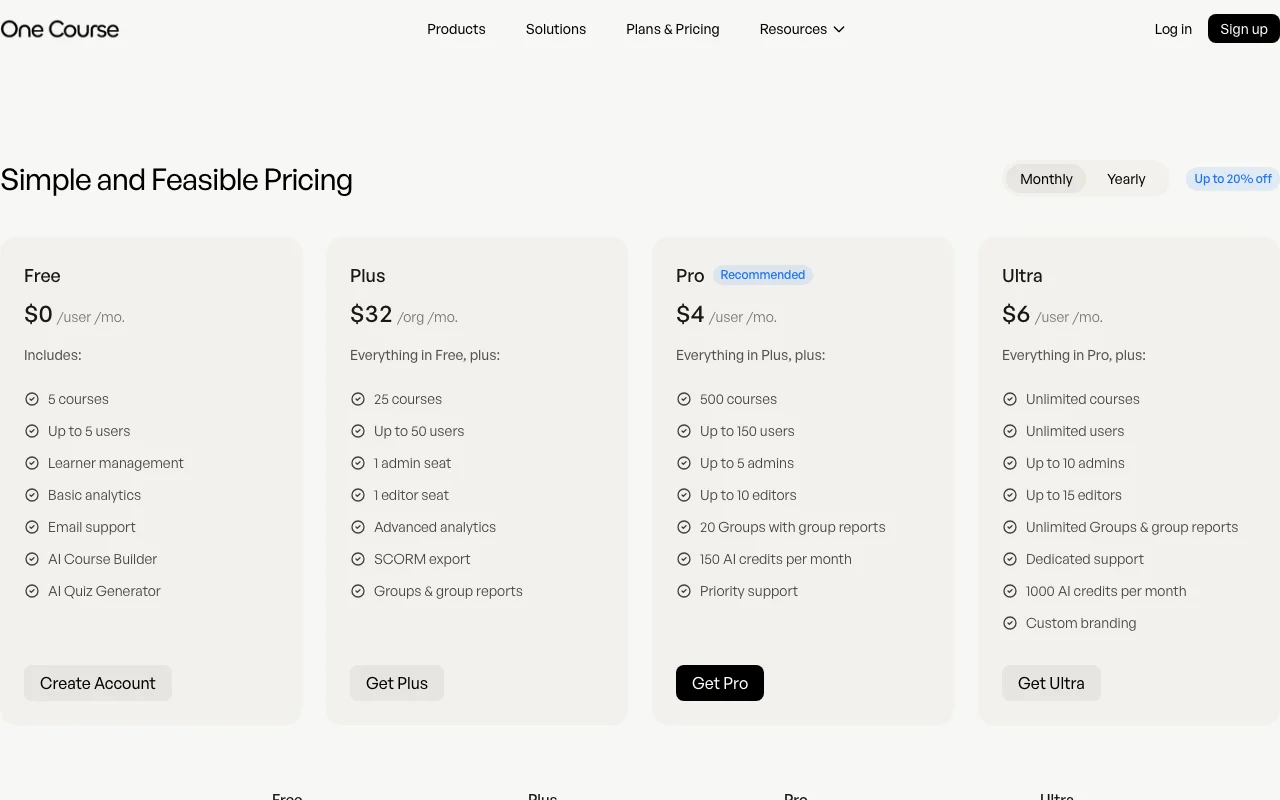
One Course pricing page with plans and prices — screenshot of the productivity & writing AI tool, Oct 2, 2026
The official One Course pricing page as we saw it. onecourse.io, captured Oct 2, 2026

Free access and trial conditions

Free tier: 5 courses, up to 5 users.

30-day free trial on paid plans per pricing page.

Paid plans: what changes as you upgrade

Free web

Free source (opens in a new tab)

Month

For: Trying the LMS

Limits

  • 5 courses
  • Up to 5 users
1 more
  • 5 AI credits

Includes

  • AI Course Builder
  • AI Quiz Generator
2 more
  • Learner management
  • Basic analytics

Plus web

See official pricing source (opens in a new tab)

Month

For: Small organizations (min 20 users)

Limits

  • 25 courses
  • Up to 50 users
1 more
  • 40 AI credits

Includes

  • Advanced analytics
  • SCORM export
1 more
  • Groups and group reports

Pro web

See official pricing source (opens in a new tab)

Month

For: Growing organizations (min 100 users)

Limits

  • 500 courses
  • Up to 150 users
1 more
  • 150 AI credits per month

Includes

  • Up to 5 admins
  • 20 groups
1 more
  • Priority support

Ultra web

See official pricing source (opens in a new tab)

Month

For: Large organizations

Limits

  • Unlimited courses and users
  • 1000 AI credits per month
1 more
  • 50GB storage

Includes

  • Custom branding
  • Dedicated support

Usage caps, credits and extra costs

Not stated.

Not stated.

What is One Course, and how does it work?

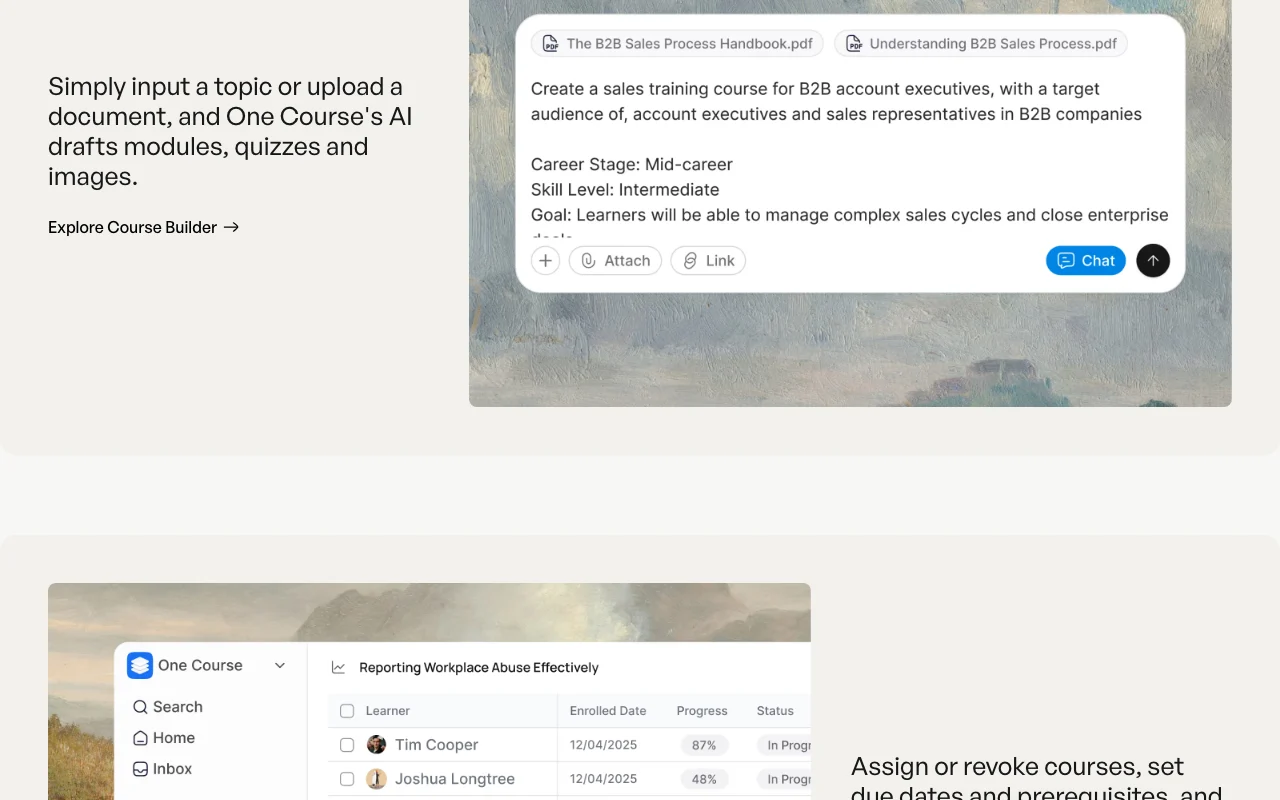
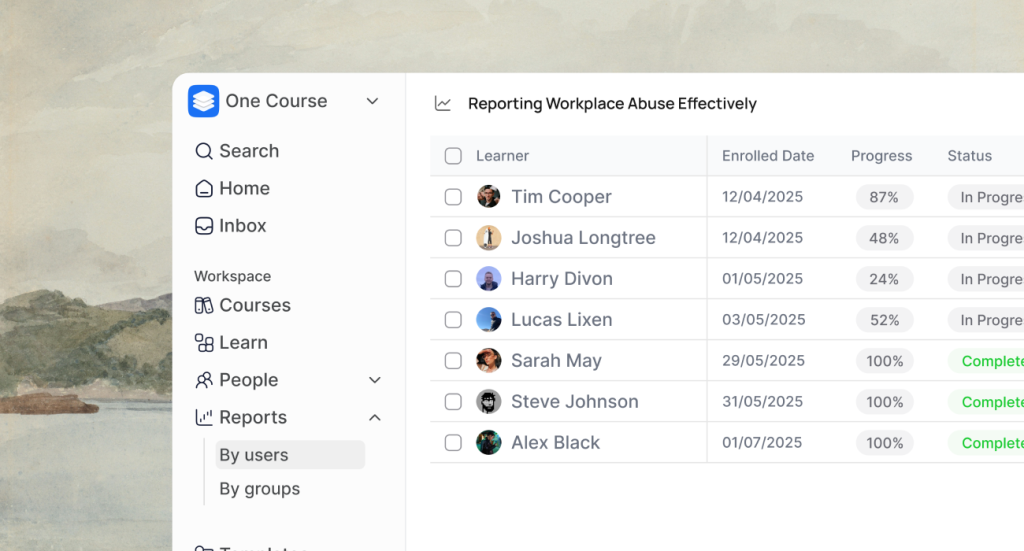
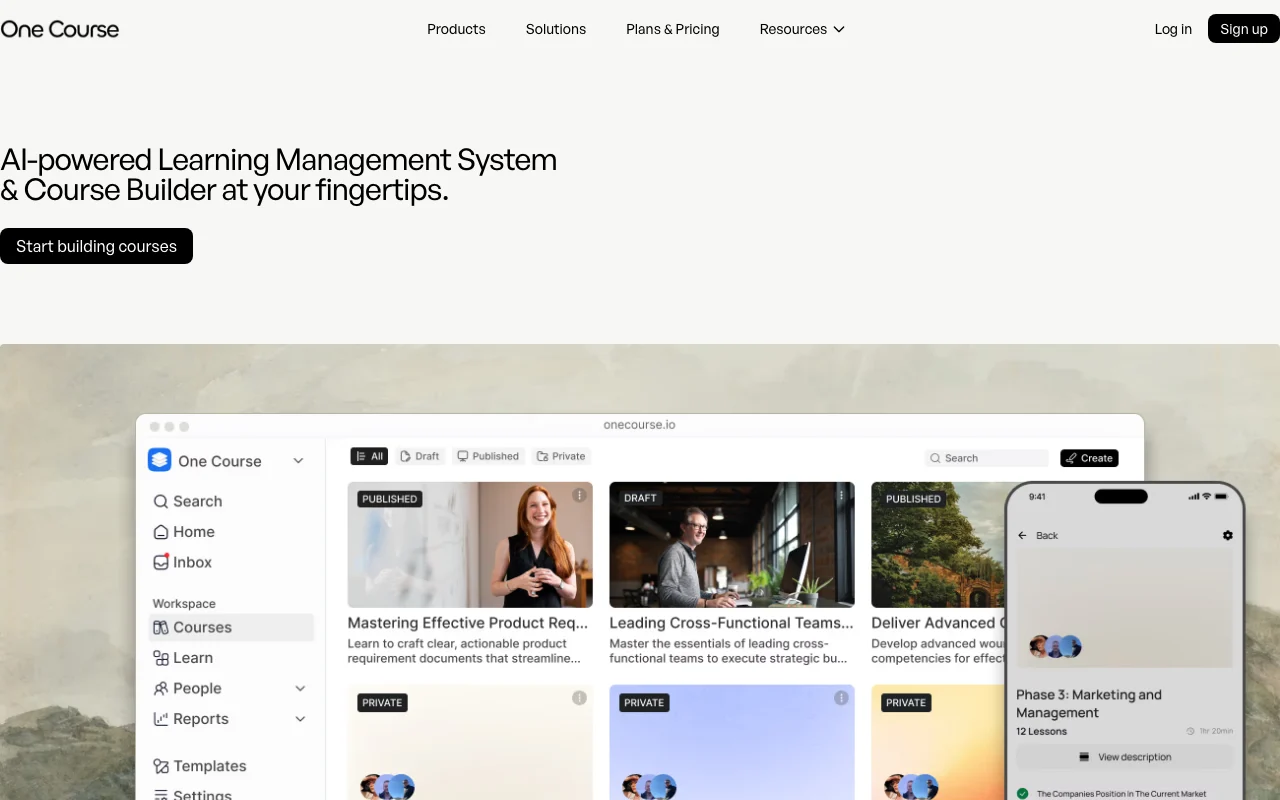
One Course is a learning management system with an AI course builder: users enter a topic or upload a document and the AI drafts modules, quizzes and images. It also covers learner assignment, due dates, prerequisites and pathways. The site lists native iOS and Android apps, SCORM support and a Zapier integration, with solutions pages for training providers, home care and corporate teams.

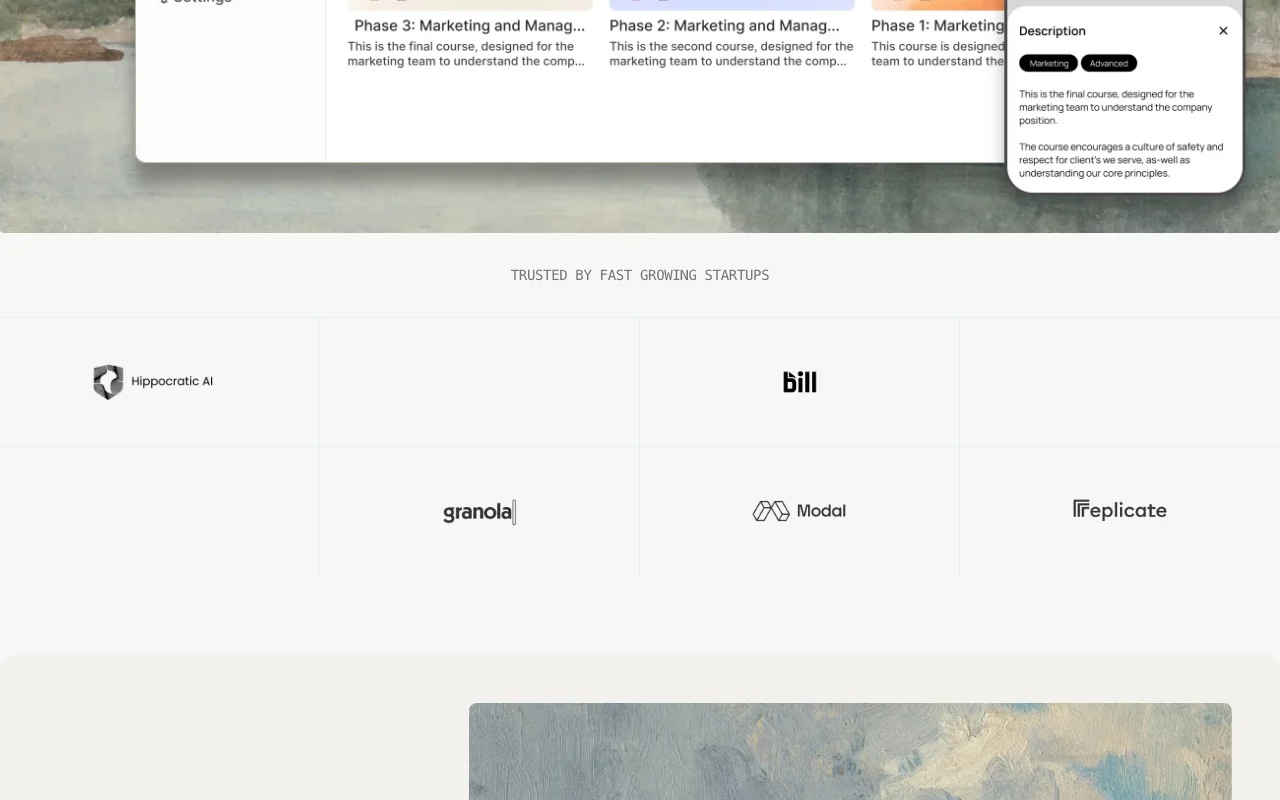
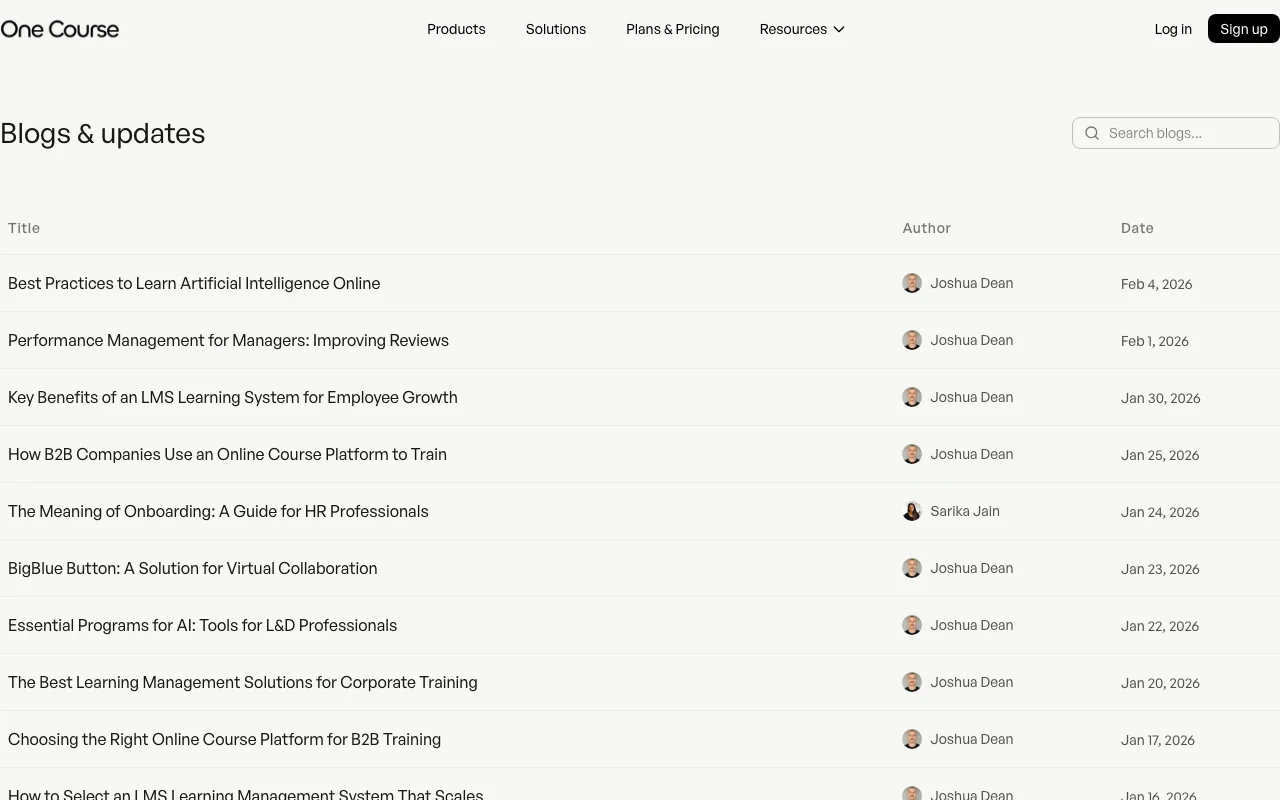
One Course homepage — screenshot of the productivity & writing AI tool, Oct 2, 2026
One Course's official site: how the product presents itself. onecourse.io, captured Oct 2, 2026

What you provide and what you get back

How One Course works: what you provide, where it runs and what you get backYOU PROVIDEYour inputTopic or uploaded documentCourse text and mediaLearner listsPRODUCTIVITY & WRITINGOne CourseWeb, Mobilefree tier, paid price not publish…free tier availableaccount requiredchecked Oct 2, 2026YOU GET BACKThe resultCourses with modules, quizzes and…Assignments with due datesSCORM export (Plus and up)input → One Course → output · from the vendor's own pages, no hands-on test unless stated
What you give One Course and what comes back, from its documentation

You provide

  • Topic or uploaded document
  • Course text and media
  • Learner lists

You get back

  • Courses with modules, quizzes and images
  • Assignments with due dates
  • SCORM export (Plus and up)

Where you can use it

Platforms
Web, Mobile
Account
Required

Where One Course is most useful

Scenarios are worked out by our editors from the documentation; the actual result depends on your input and plan.

Build training courses from a topic or document

Who
Training managers
You provide
Topic or document
Expected result
Drafted course with quizzes
Plan needed
Free or above
Limitation
Free 5 courses source (opens in a new tab)

Assign courses with due dates and prerequisites

Who
HR and compliance teams
You provide
Course and learner list
Expected result
Assignments with due dates and prerequisites
Plan needed
Free or above
Limitation
Plan user limits source (opens in a new tab)

Deliver mobile learning

Who
Field and care staff
You provide
Course content
Expected result
Mobile learning with push notifications
Plan needed
Any plan
Limitation
Needs app install source (opens in a new tab)

One Course features and their limits

One Course homepage — screenshot of the productivity & writing AI tool, Oct 2, 2026
Feature overview on the official site. onecourse.io, captured Oct 2, 2026

AI course and quiz generation

Generates modules, quizzes and images Faster creation

Access: Free: 5 AI creditsLimit: Credits by plan source (opens in a new tab)

Rich text editor

Edit content in a rich text editor Control over drafts

Access: All plansLimit: Learning curve source (opens in a new tab)

Learner management and pathways

Assign courses, pathways and prerequisites Tracks completion

Access: All plansLimit: Group features by plan source (opens in a new tab)

One Course pros and cons

Where One Course is strong

Limitations to check before paying

How to use One Course for building a training course with AI

Set up One Course

  1. Open onecourse.io and click Start building courses
  2. Create a free account
  3. Enter a topic or upload a document
  4. Generate the course draft

Example: building a training course with AI

  1. Upload a safety policy document
  2. Generate modules and quizzes
  3. Edit in the rich text editor
  4. Assign it to learners with a due date

Review and export the result

  1. Review AI-written quiz answers
  2. Check learner progress in analytics
Example prompt suggested by our editors (not a recorded output of the product)
Create a 5-module onboarding course on workplace safety with a quiz after each module.

One Course integrations

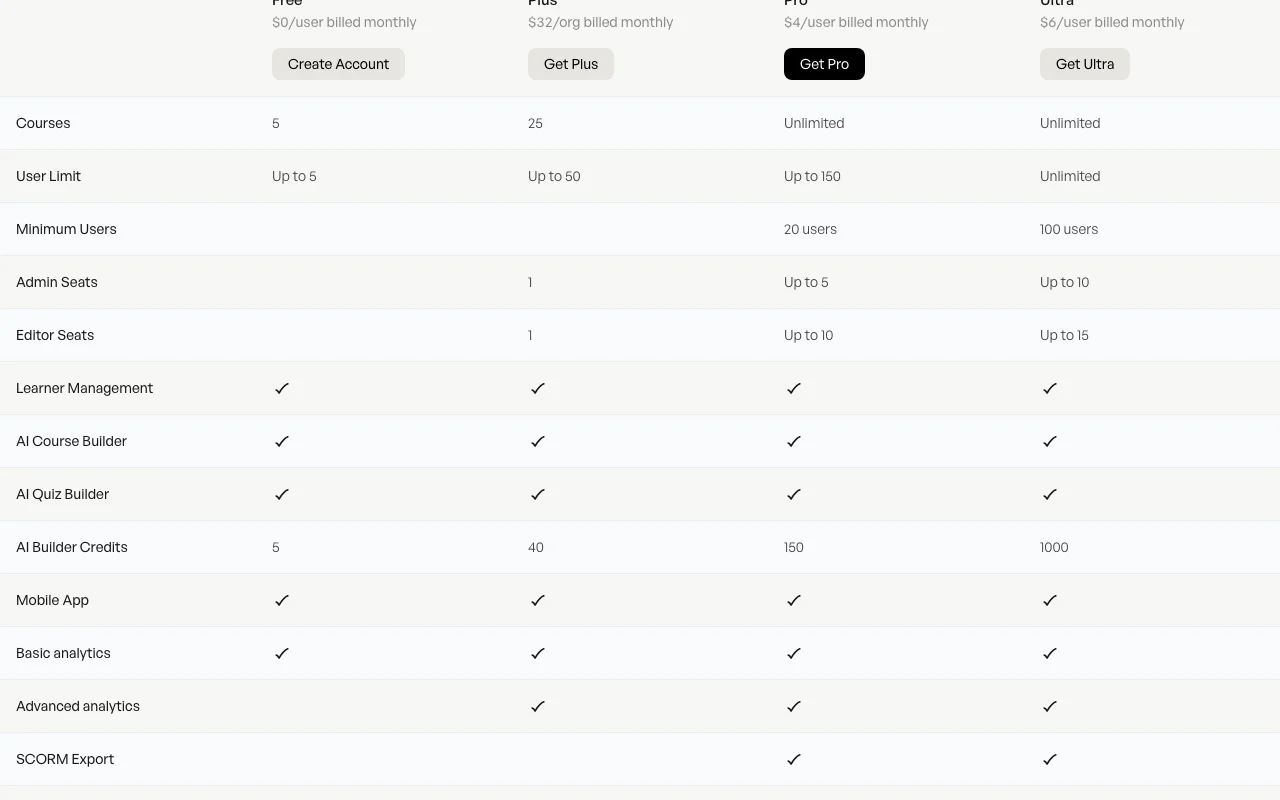
One Course pricing page with plans and prices — screenshot of the productivity & writing AI tool, Oct 2, 2026
Plan comparison on the official pricing page. onecourse.io, captured Oct 2, 2026

Native integrations and export formats

Export: SCORM

One Course alternatives by need

"Better suited" is based on documented features and pricing, not on a head-to-head test.

Notion AI: better suited to

Canva: better suited to

Alternatives
AlternativeWhen to choose itPricingLimitation
Notion AI——Compare
Canva——Compare

Explore One Course further

Tools and guides near One Course

One Course user reviews

No user reviews yet.

Used One Course? Be the first to share your experience.

Write a review

Reviews are checked by a moderator before they appear. Your email is never published. Plain text only.

Your rating (required)

Show what you made or what went wrong. Images are published only if the review is approved; location data is removed.

    One Course FAQ

    Is there a free plan?

    Yes, Free includes 5 courses and up to 5 users at $0. source (opens in a new tab)

    Is there a trial for paid plans?

    The comparison table lists a 30-day trial. source (opens in a new tab)

    Does it export SCORM?

    Yes, SCORM export is listed from Plus upward. source (opens in a new tab)

    Are there mobile apps?

    Yes, iOS and Android apps are mentioned. source (opens in a new tab)

    How many AI credits do plans include?

    5 on Free, 40 on Plus, 150 on Pro and 1000 on Ultra. source (opens in a new tab)

    Sources and review methodology

    Official sources and verification dates

    Not verified: Paid plan prices (render as 0); Privacy policy (404); Training use of data; Retention periods.

    How we documented and maintain this page

    Every fact about One Course above comes from the 4 official pages listed here, last compared on Oct 2, 2026; we have not run One Course ourselves, so it has no editorial score. How we check and re-check pages.

    Article updated Oct 2, 2026; prices checked Oct 2, 2026. Outbound links to vendors are plain links; we do not earn commissions. How we review · Report an error