Our take: Do not start new work in Opal: Google says the experiment turns off on November 17, 2026, with skills in Gemini and Google AI Studio named as the places to build next.
Main limitation: Opal's workflows stop running on November 17, 2026 and do not migrate automatically, though workflow files stay in your Google Drive.
By the AI Tool Atlas editors.
Based on the vendor's official documentation; we have not tested this product hands-on. What “documented overview” means
Is Opal (Google Labs) right for you?
Do not start new work in Opal: Google says the experiment turns off on November 17, 2026, with skills in Gemini and Google AI Studio named as the places to build next. Based on the vendor's documentation, not on a hands-on test.
Best for: Prototyping AI mini-apps
Also a good fit for
Non-developers experimenting with AI workflows
Consider another tool if labeled an experiment
Or if
Editor is optimized for desktop only
No published pricing or usage limits
Opal (Google Labs) pricing and usage limits
Prices checked Oct 1, 2026 on the official US pricing page. Prices and limits change often.
Free access and trial conditions
No pricing or paid plans were found on the pages checked.
Opal (Google Labs) does not publish a plan table we could verify. See official pricing ↗
What is Opal (Google Labs), and how does it work?
Opal is a Google Labs experiment for building, editing and sharing AI mini-apps using natural language. You describe an app and Opal generates an editable multi-step workflow that chains prompts, model calls and tools.
Opal handles hosting, so apps can be shared or published immediately; they are private by default. The editor is optimized for desktop, and mobile can be used to view existing apps.
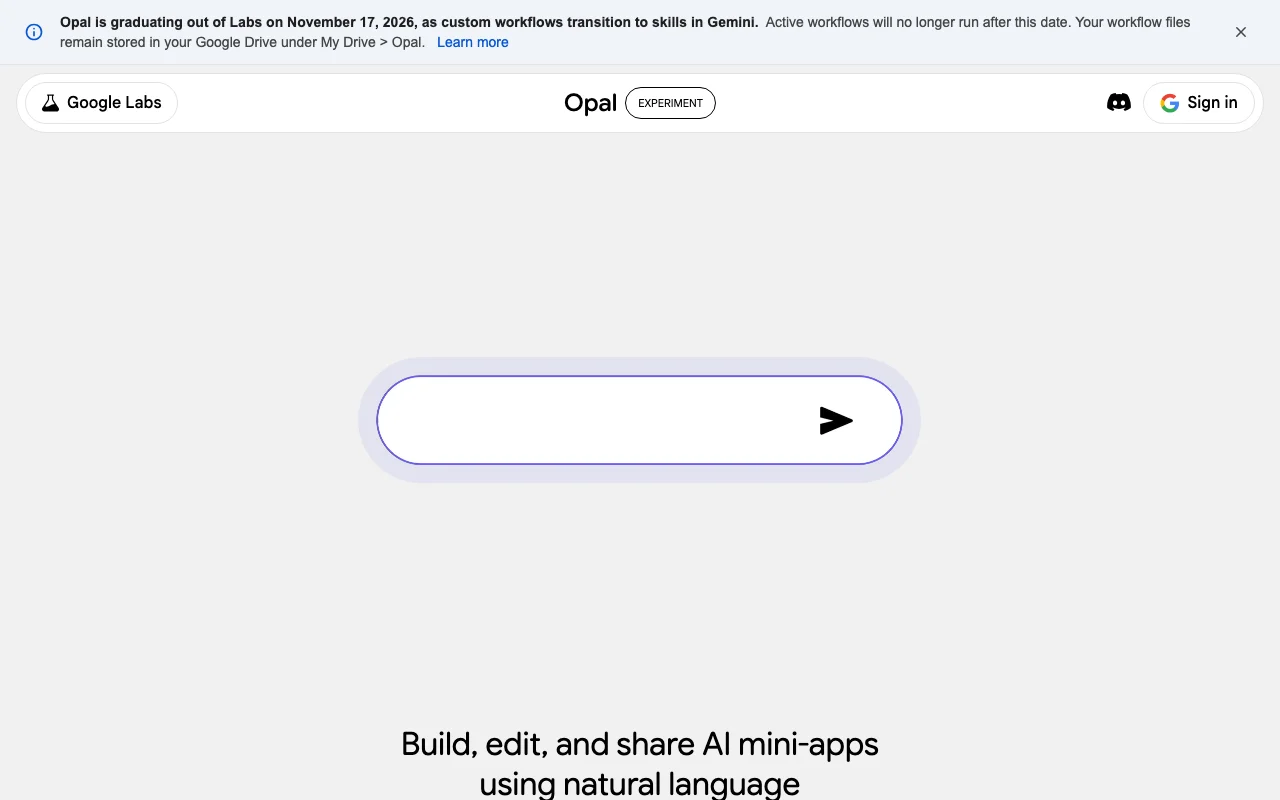
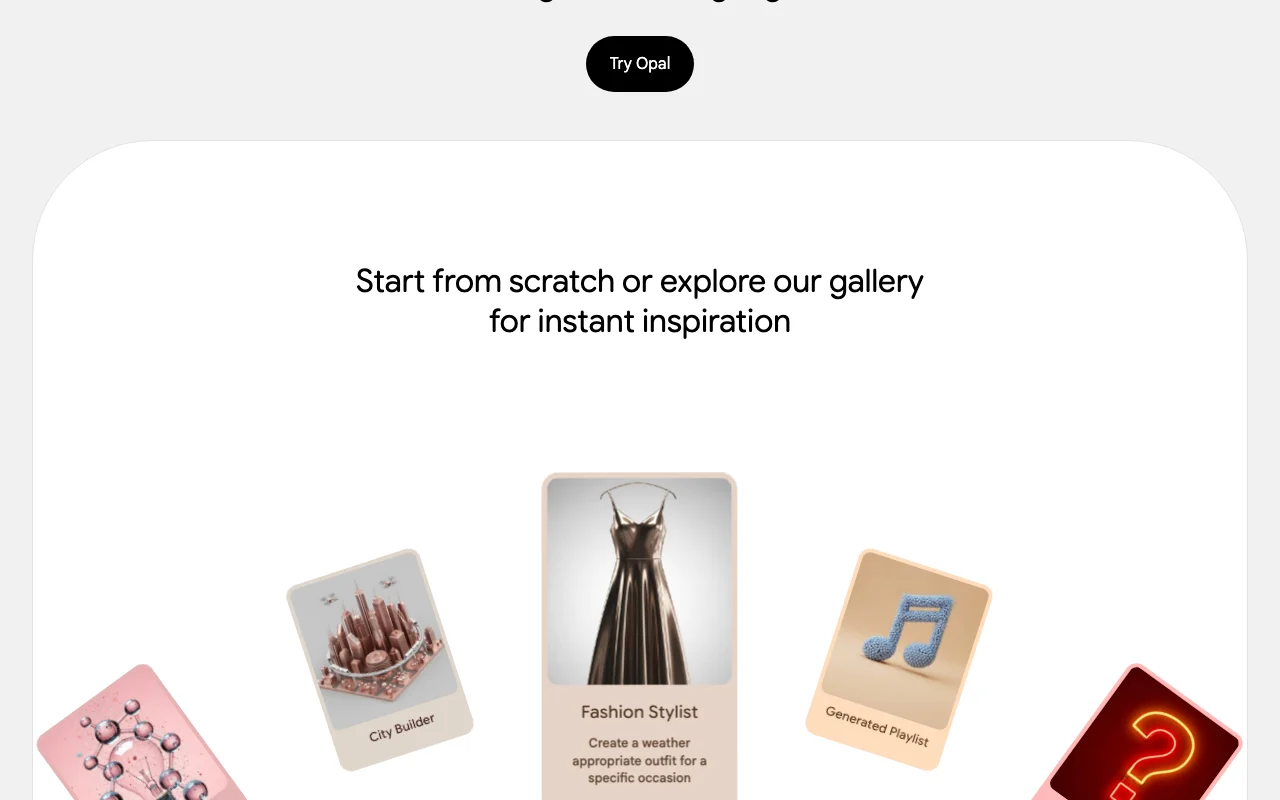
Opal (Google Labs)'s official site: how the product presents itself. opal.google, captured Oct 1, 2026
What you provide and what you get back
What you give Opal (Google Labs) and what comes back, from its documentation
You provide
A natural-language description of the app
Text, image and video prompts
Web search results
You get back
Editable multi-step workflow
Shareable AI mini-app
Generated reports, images or videos
Where you can use it
Platforms
Web
Account
Required
Shutdown date
November 17, 2026
Availability
190+ countries including the United States
Editor
Optimized for desktop
Sharing
Private by default; link sharing optional
Best use cases for Opal (Google Labs)
Scenarios are worked out by our editors from the documentation; the actual result depends on your input and plan.
Google states Opal content isn't used to train its generative models Google states Opal content is not used to train its modelsdocumentedsource (opens in a new tab)
Limitations to check before paying
Labeled an experiment It is shutting down, so new apps have limited lifetimedocumentedsource (opens in a new tab)
No published pricing or usage limits Costs and limits are not publisheddocumentedsource (opens in a new tab)
How to use Opal (Google Labs) for exporting your prompts before Opal shuts down
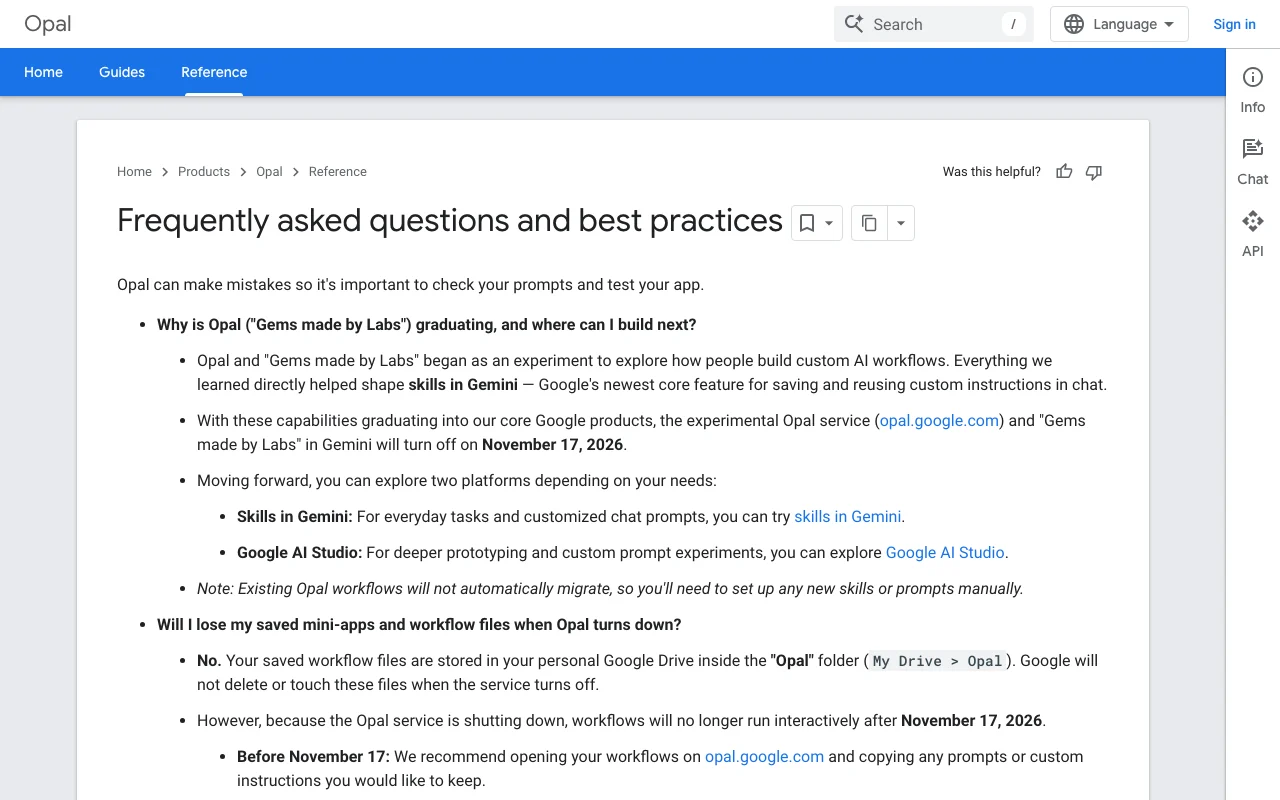
Opal (Google Labs) documentation: where the steps below come from. developers.google.com, captured Oct 1, 2026
Set up Opal (Google Labs)
Open opal.google.com while it is still running
Open each workflow you want to keep
Copy its prompts and custom instructions
Example: exporting your prompts before Opal shuts down
Find the workflow in My Drive > Opal
Open the file in a plain text editor
Copy the prompts into a Gemini skill or Google AI Studio
Review and export the result
Confirm every prompt was copied before November 17, 2026
Test the rebuilt version in Gemini or AI Studio
Opal (Google Labs) integrations and API
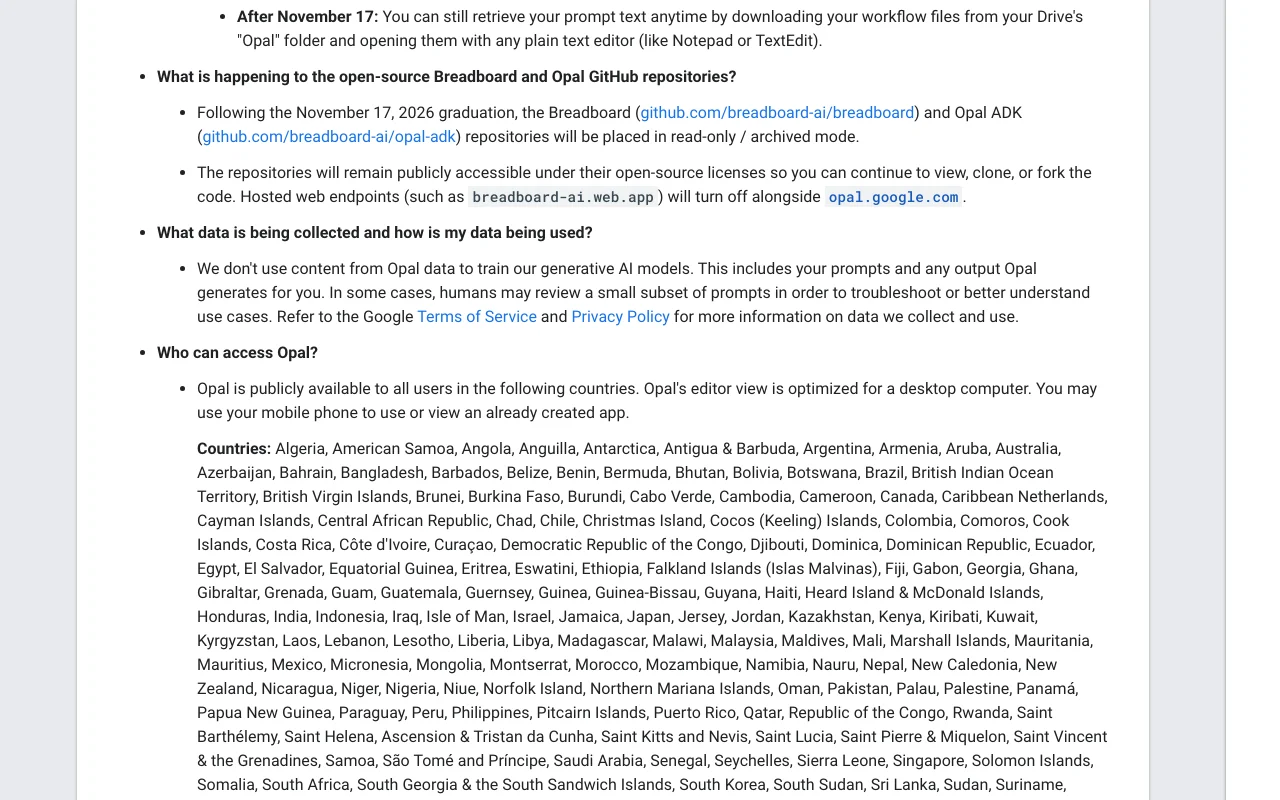
Opal (Google Labs) documentation (continued). developers.google.com, captured Oct 1, 2026
Native integrations and export formats
Export: Workflow files in Drive (readable as plain text)
API access and separate billing
Opal (Google Labs) has no public API in its official documentation. Open-source Breadboard and Opal ADK repos will be archived after the shutdown. API documentation ↗
Privacy, data use and commercial rights
Summarized from the vendor's current policies; this is not legal advice and a vendor's badge is not an independent audit.
How your inputs and outputs are handled
Opal output and prompts are not used to train Google's generative models; humans may review a small subset of prompts to troubleshoot.
Google states it does not train its generative models on Opal content.
Workflow files stay in your Drive until you delete them.
Not verified: Pricing and usage limits; Data retention beyond Drive file storage; Commercial use terms.
How we documented and maintain this page
Every fact about Opal (Google Labs) above comes from the 2 official pages listed here, last compared on Oct 1, 2026; we have not run Opal (Google Labs) ourselves, so it has no editorial score. How we check and re-check pages.
Article updated Oct 2, 2026; prices checked Oct 1, 2026. Outbound links to vendors are plain links; we do not earn commissions. How we review · Report an error