Productivity & writingDocumented overviewLast checked Oct 1, 2026

OpenTypeless: Pricing, Features & Best Use Cases

Free open-source desktop voice input that transcribes speech and optionally polishes text in any app.
Is OpenTypeless right for you?

Choose OpenTypeless if you want free, open-source voice typing on Windows, macOS or Linux where you can use your own speech and AI provider keys, with optional hosted words from $4.99/month. Based on the vendor's documentation, not on a hands-on test.

Best for: Heavy dictation users

Also a good fit for

  • Developers wanting provider choice

Consider another tool if hosted cloud words capped at 100K/month on Pro

Or if

  • Free plan has only trial cloud words
  • BYOK means provider costs and API keys

OpenTypeless pricing and usage limits

Prices checked Oct 1, 2026 on the official US pricing page. Official pricing ↗ Prices and limits change often.

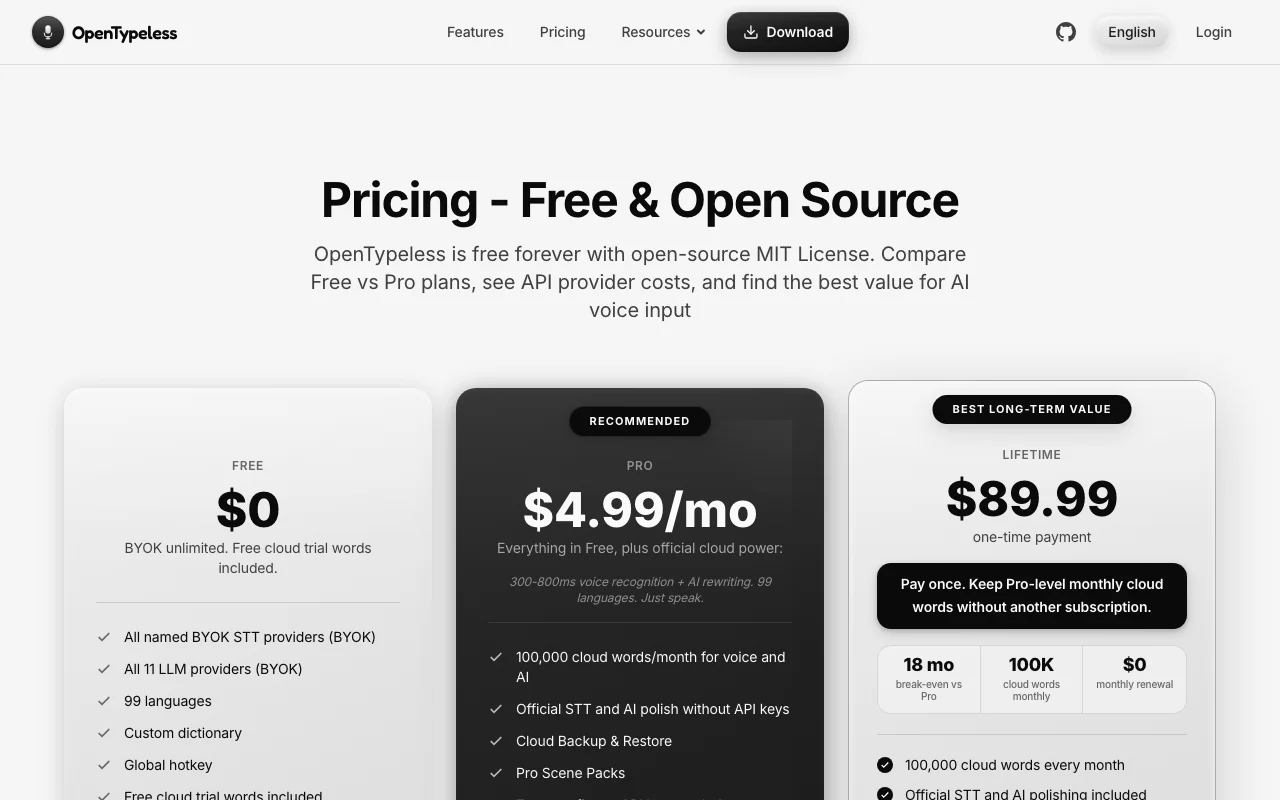
OpenTypeless pricing page with plans and prices — screenshot of the productivity & writing AI tool, Oct 1, 2026
The official OpenTypeless pricing page as we saw it. opentypeless.com, captured Oct 1, 2026

Free access and trial conditions

Free and open source (MIT) with free cloud trial words.

Paid plans: what changes as you upgrade

Free desktop

Free source (opens in a new tab)

For: Bring-your-own-key users

Limits

  • Free cloud trial words only
  • BYOK unlimited

Includes

  • All named BYOK STT providers
  • 11 LLM providers (BYOK)
2 more
  • 99 languages
  • Custom dictionary

No API

Pro desktop

$4.99/mo per user source (opens in a new tab)

Month

For: Zero-config users

Limits

  • 100,000 cloud words per month

Includes

  • Official STT and AI polish without keys
  • Cloud backup and restore
1 more
  • Pro Scene Packs

No API

Lifetime desktop

$89.99 one-time per user source (opens in a new tab)

One-time

For: Long-term users

Limits

  • 100,000 cloud words per month

Includes

  • Pro-level cloud words with no renewal

No API

Usage caps, credits and extra costs

Your own STT/LLM provider charges under BYOK.

What is OpenTypeless, and how does it work?

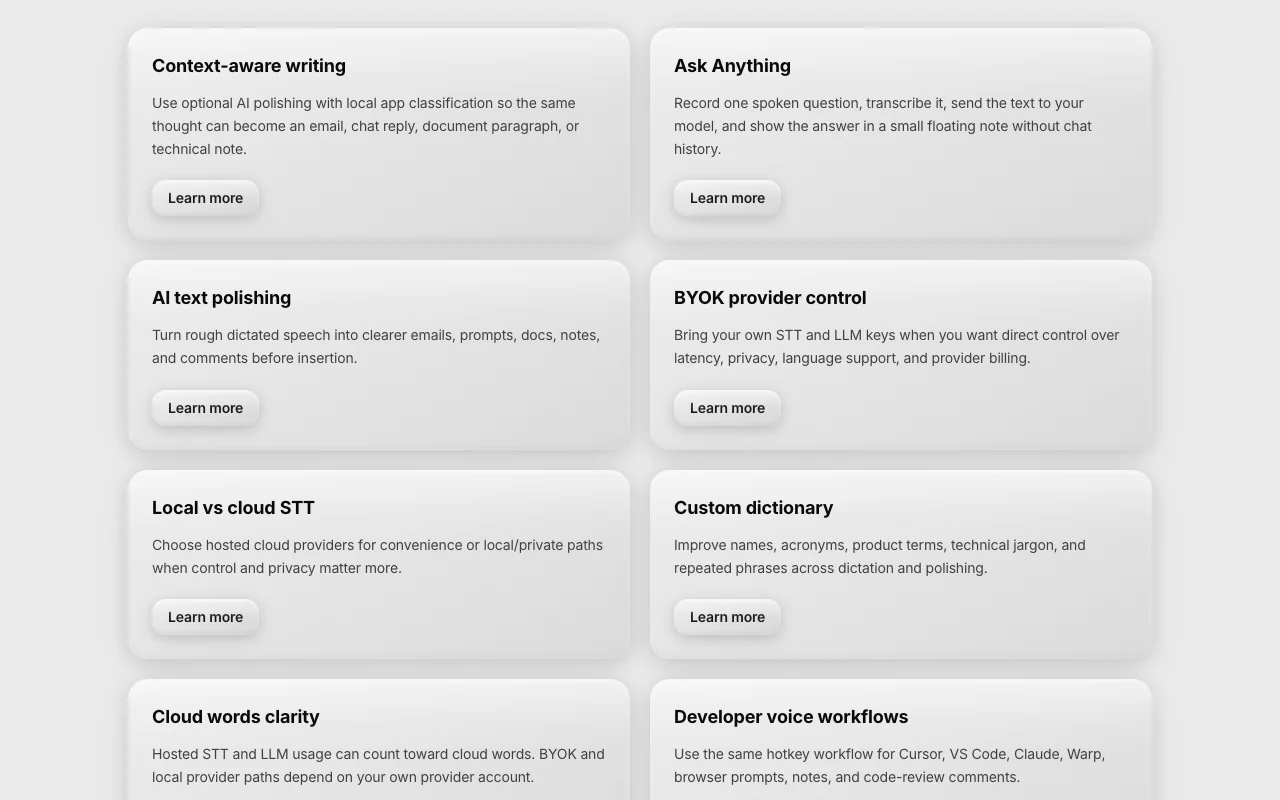
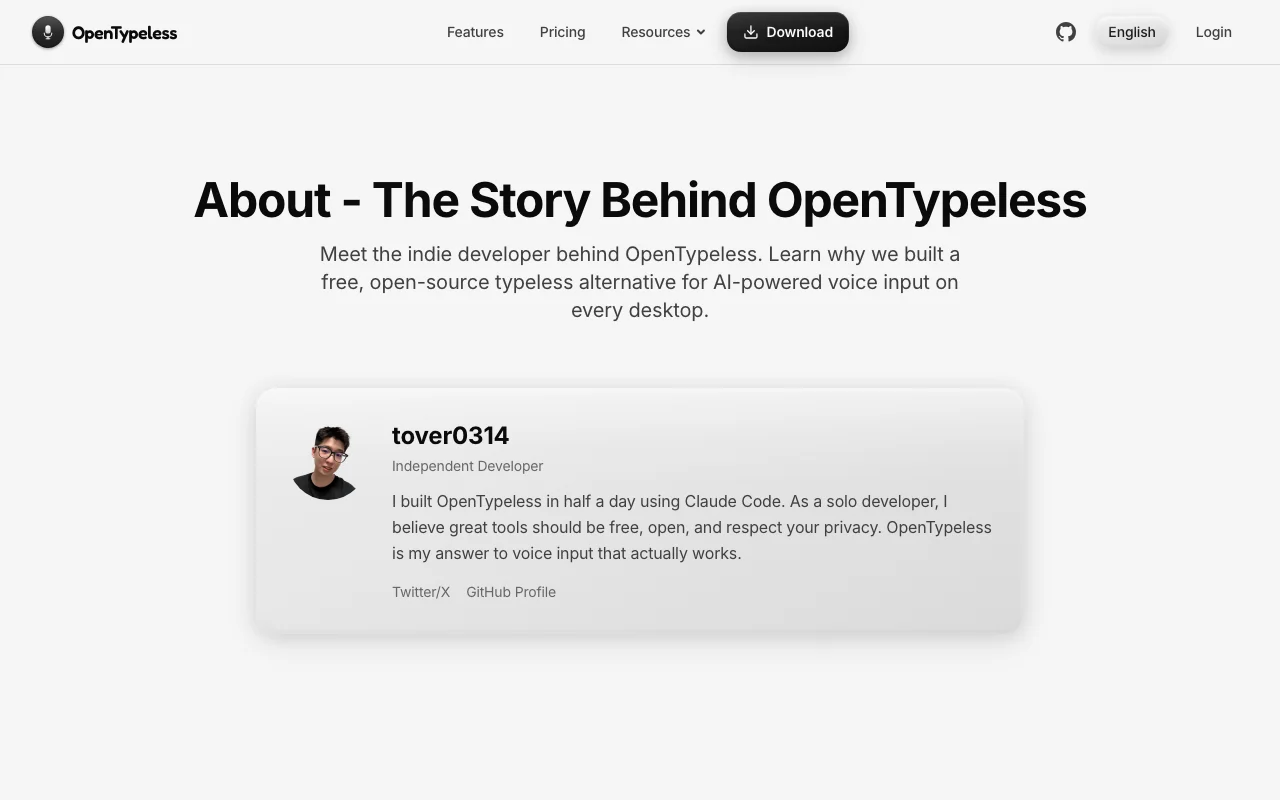
OpenTypeless is an open-source desktop app for Windows, macOS and Linux. A global hotkey starts dictation in any app; speech is transcribed by a chosen provider and optionally polished by an AI model before being typed at the cursor. Users can bring their own API keys for speech and language providers, or subscribe to hosted cloud words. It supports 99 languages and an Ask Anything mode.

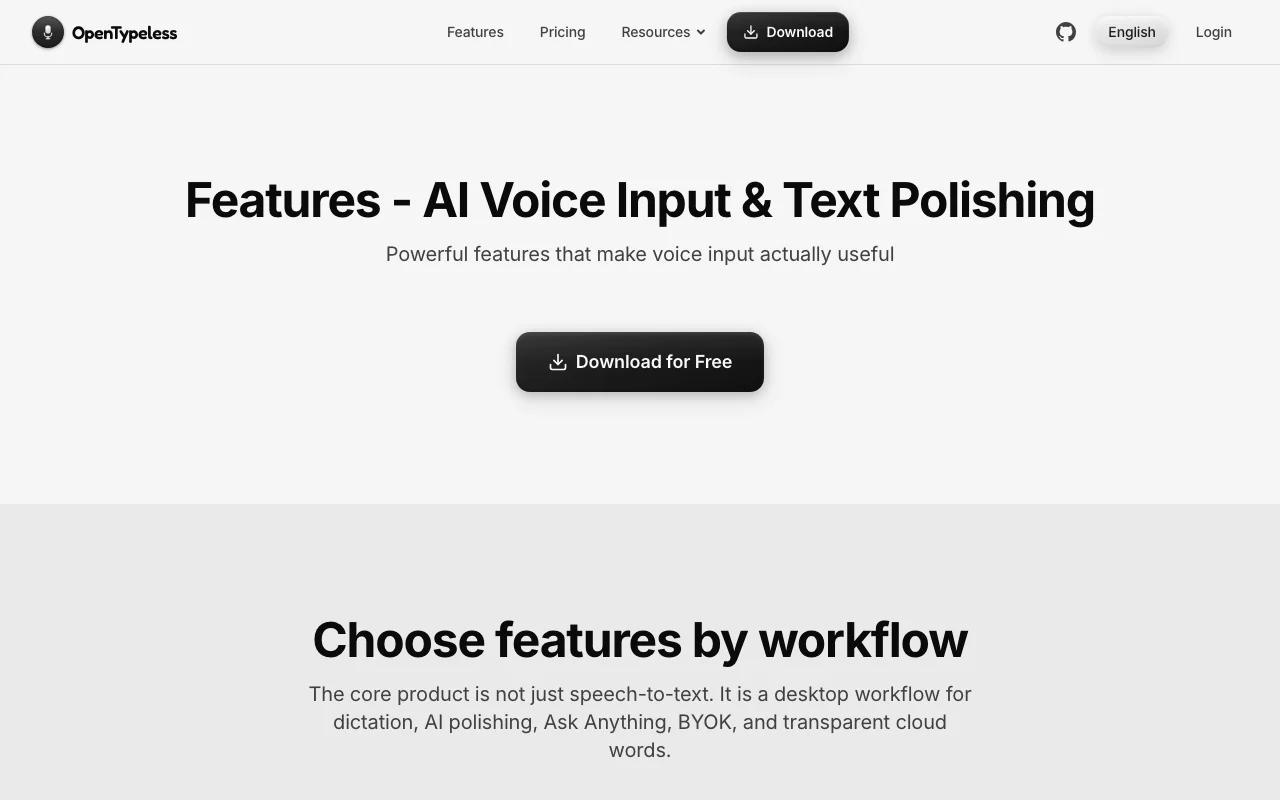
OpenTypeless homepage — screenshot of the productivity & writing AI tool, Oct 1, 2026
OpenTypeless's official site: how the product presents itself. opentypeless.com, captured Oct 1, 2026

What you provide and what you get back

How OpenTypeless works: what you provide, where it runs and what you get backYOU PROVIDEYour inputMicrophone speech triggered by a…Your own STT or LLM API keysCustom dictionary termsPRODUCTIVITY & WRITINGOpenTypelessDesktopfrom $4.99/mo (Pro)free tier availablechecked Oct 1, 2026YOU GET BACKThe resultText typed at the cursor in any a…AI-polished emails, chat messages…Answers from Ask Anything modeinput → OpenTypeless → output · from the vendor's own pages, no hands-on test unless stated
What you give OpenTypeless and what comes back, from its documentation

You provide

  • Microphone speech triggered by a global hotkey
  • Your own STT or LLM API keys
  • Custom dictionary terms

You get back

  • Text typed at the cursor in any app
  • AI-polished emails, chat messages or notes
  • Answers from Ask Anything mode

Where you can use it

Platforms
Desktop
Account
Not required
Platforms
Windows 10+, macOS 12+, Linux
Languages
99
Providers
Deepgram, AssemblyAI, Whisper, OpenAI, Claude, Gemini, Ollama
App styles
71 apps recognised
Licence
MIT

What people use OpenTypeless for

Scenarios are worked out by our editors from the documentation; the actual result depends on your input and plan.

Dictate emails and chat messages

Who
Knowledge workers writing emails and chat
You provide
Spoken updates
Expected result
Polished text typed into Gmail or Slack
Plan needed
Free with your own keys
Limitation
Provider costs apply with BYOK source (opens in a new tab)

Voice notes in documents

Who
Developers and writers dictating notes
You provide
Speech in Cursor or Google Docs
Expected result
Matching-style notes in the active app
Plan needed
Free
Limitation
Accuracy depends on chosen provider source (opens in a new tab)

Translate spoken text

Who
Multilingual users
You provide
Spoken text in one of 99 languages
Expected result
Transcription or translation at the cursor
Plan needed
Free or Pro
Limitation
Hosted cloud words capped at 100K a month source (opens in a new tab)

Key features and their practical limits

Global hotkey dictation

Starts dictation with a global hotkey in any application Avoids switching windows

Access: FreeLimit: Needs microphone permission on your OS source (opens in a new tab)

Bring-your-own-key for STT and LLM providers

Connects your own STT and LLM providers such as Deepgram, Whisper, OpenAI, Claude and Ollama Keeps usage uncapped by OpenTypeless

Access: FreeLimit: You pay provider costs and manage keys source (opens in a new tab)

99 languages

Supports 99 languages with a custom dictionary Handles names and jargon correctly

Access: FreeLimit: Local Ollama and LM Studio are for polishing only, not speech-to-text source (opens in a new tab)

Custom dictionary

Matches output style to the app, for example email, chat or code note Saves manual rewriting

Access: FreeLimit: Unknown apps fall back to General source (opens in a new tab)

OpenTypeless pros and cons

Where OpenTypeless is strong

Limitations to check before paying

How to use OpenTypeless for dictating polished text into any app

Set up OpenTypeless

  1. Download the installer for Windows, macOS or Linux from opentypeless.com
  2. Install and open it, then grant microphone permission
  3. Add your STT and LLM provider keys, or use the free trial cloud words
  4. Set the global hotkey

Example: dictating polished text into any app

  1. Click into a Gmail compose box
  2. Press the hotkey and say a quick status update
  3. Release the hotkey and wait for the polish
  4. Check the email-style text typed at the cursor

Review and export the result

  1. Compare the transcript with what you said
  2. Confirm the style matches the target app
  3. Check your cloud word usage in the app

OpenTypeless API

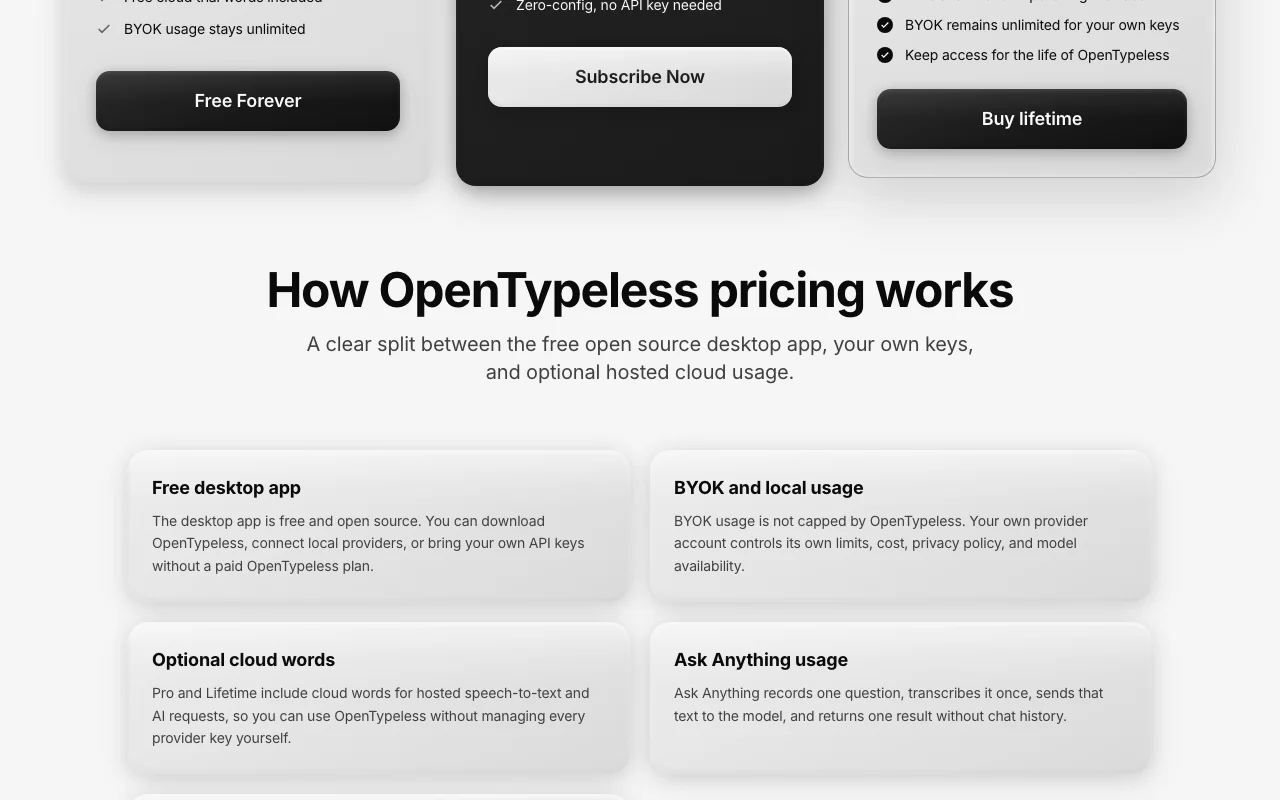
OpenTypeless pricing page with plans and prices — screenshot of the productivity & writing AI tool, Oct 1, 2026
Plan comparison on the official pricing page. opentypeless.com, captured Oct 1, 2026

API access and separate billing

OpenTypeless has no public API in its official documentation. Not an API product; uses third-party provider APIs.

Privacy, data use and commercial rights

Summarized from the vendor's current policies; this is not legal advice and a vendor's badge is not an independent audit.

How your inputs and outputs are handled

Audio and text go to the providers you configure or to the TalkMore managed service; config is stored on the device.

Not stated; depends on the selected provider.

Depends on provider; local config kept on device.

Controls for business users

  • Run local Whisper-compatible endpoints or Ollama

Policies: opentypeless.com/en/privacy

OpenTypeless alternatives by need

"Better suited" is based on documented features and pricing, not on a head-to-head test.

Otter.ai: better suited to

Descript: better suited to

Alternatives
AlternativeWhen to choose itPricingLimitation
Otter.ai——
Descript——

Explore OpenTypeless further

If you are looking at OpenTypeless

OpenTypeless user reviews

No user reviews yet.

Used OpenTypeless? Be the first to share your experience.

Write a review

Reviews are checked by a moderator before they appear. Your email is never published. Plain text only.

Your rating (required)

Show what you made or what went wrong. Images are published only if the review is approved; location data is removed.

    OpenTypeless FAQ

    Is OpenTypeless free?

    Yes. The desktop app is free and open source under the MIT licence, with unlimited use when you bring your own keys. source (opens in a new tab)

    What does Pro cost?

    $4.99/month for 100,000 cloud words, or $89.99 once for Lifetime with the same monthly words. source (opens in a new tab)

    Which systems does it run on?

    Windows 10+, macOS 12+ and Linux builds; there is no mobile app. source (opens in a new tab)

    How many languages are supported?

    99 languages. source (opens in a new tab)

    Where does my audio go?

    To whichever STT provider or endpoint you configure, or the TalkMore managed service for hosted words. source (opens in a new tab)

    Sources and review methodology

    Official sources and verification dates

    Not verified: Free trial word amount; Retention under managed service; Training use.

    How we documented and maintain this page

    Every fact about OpenTypeless above comes from the 3 official pages listed here, last compared on Oct 1, 2026; we have not run OpenTypeless ourselves, so it has no editorial score. How we check and re-check pages.

    Article updated Oct 2, 2026; prices checked Oct 1, 2026. Outbound links to vendors are plain links; we do not earn commissions. How we review · Report an error