Our take: OpenWorker suits developers, security engineers and operators who want an open-source desktop coworker that finishes tasks in their files, repos and Slack with their own model and keys, asking approval before external actions.
Main limitation: The Mac app is available first with Windows marked coming soon, and you must supply your own model API keys.
By the AI Tool Atlas editors.
Based on the vendor's official documentation; we have not tested this product hands-on. What “documented overview” means
Who should use OpenWorker
OpenWorker suits developers, security engineers and operators who want an open-source desktop coworker that finishes tasks in their files, repos and Slack with their own model and keys, asking approval before external actions. Based on the vendor's documentation, not on a hands-on test.
Best for: Developers and security teams
Also a good fit for
Users wanting open source agents
Consider another tool if windows version listed as coming soon
Or if
Requires your own model API keys
No pricing page found
OpenWorker in the news
Headlines from US outlets, selected automatically — not endorsements. Updated Oct 2, 2026
For: Developers and security teams comfortable with their own keys
Limits
Bring your own model and API keys
Includes
100% open source
Local-first
1 more
Approval before important actions
No API
Usage caps, credits and extra costs
Your own model provider costs apply.
Not applicable.
What is OpenWorker, and how does it work?
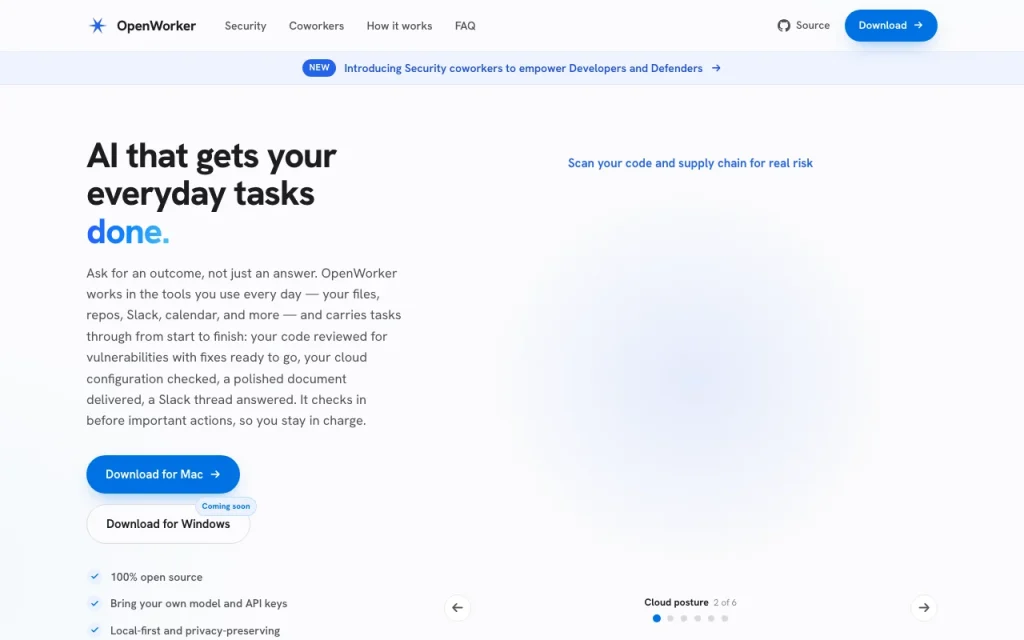
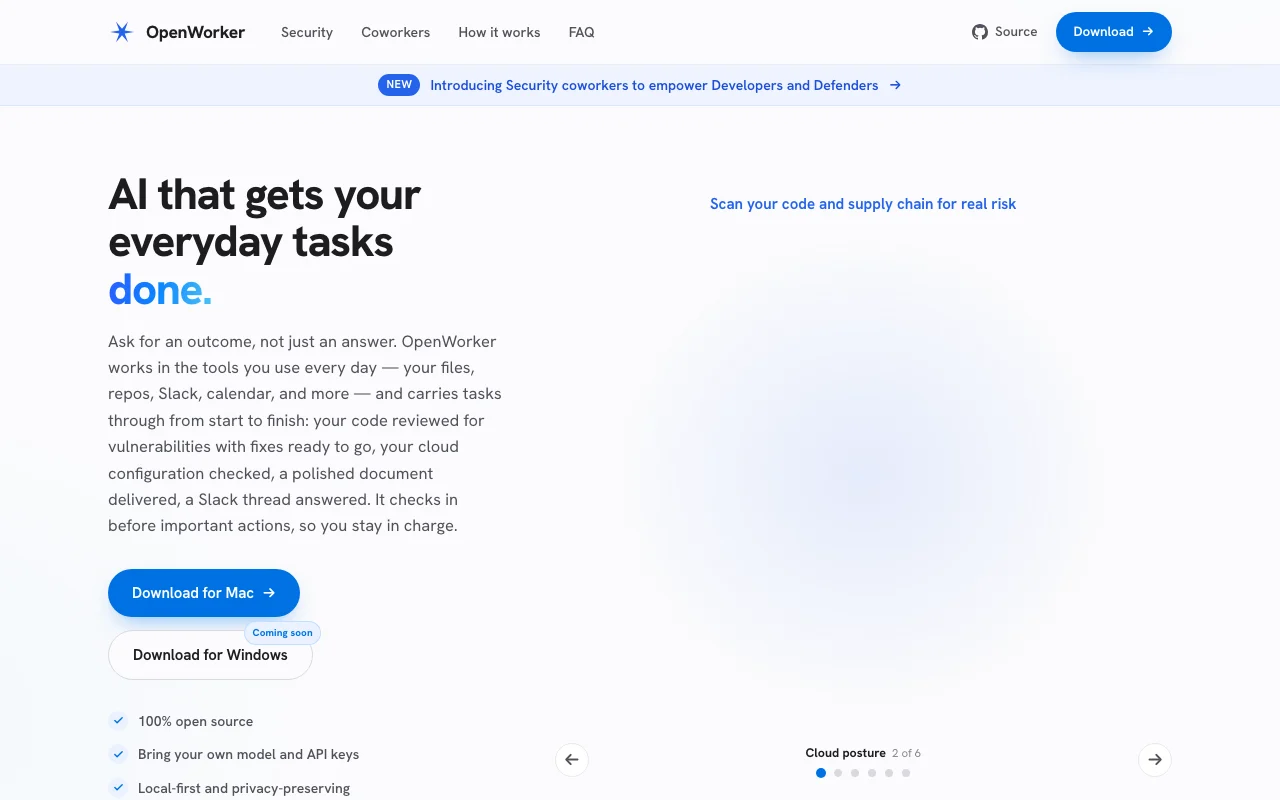
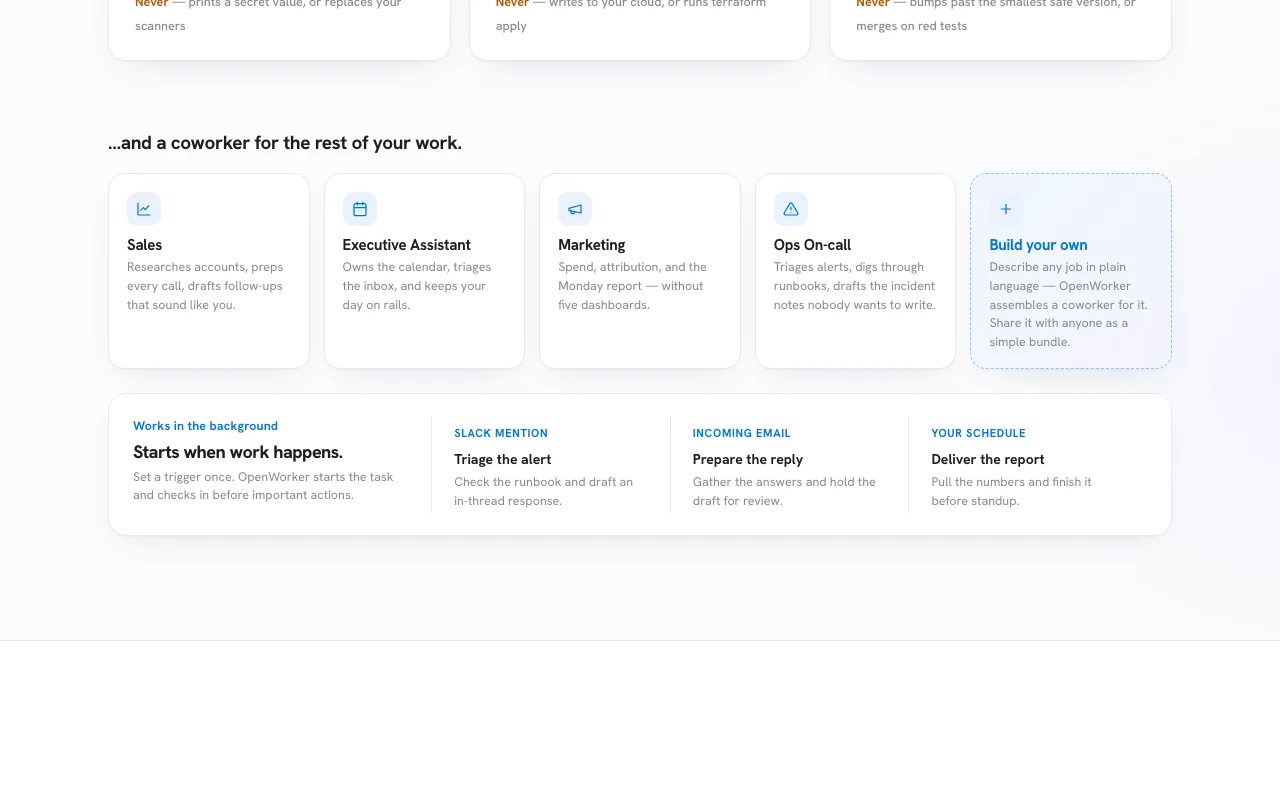
OpenWorker is described as open source and local-first. You ask for an outcome and it works across files, repositories, Slack and calendar, checking in before important actions.
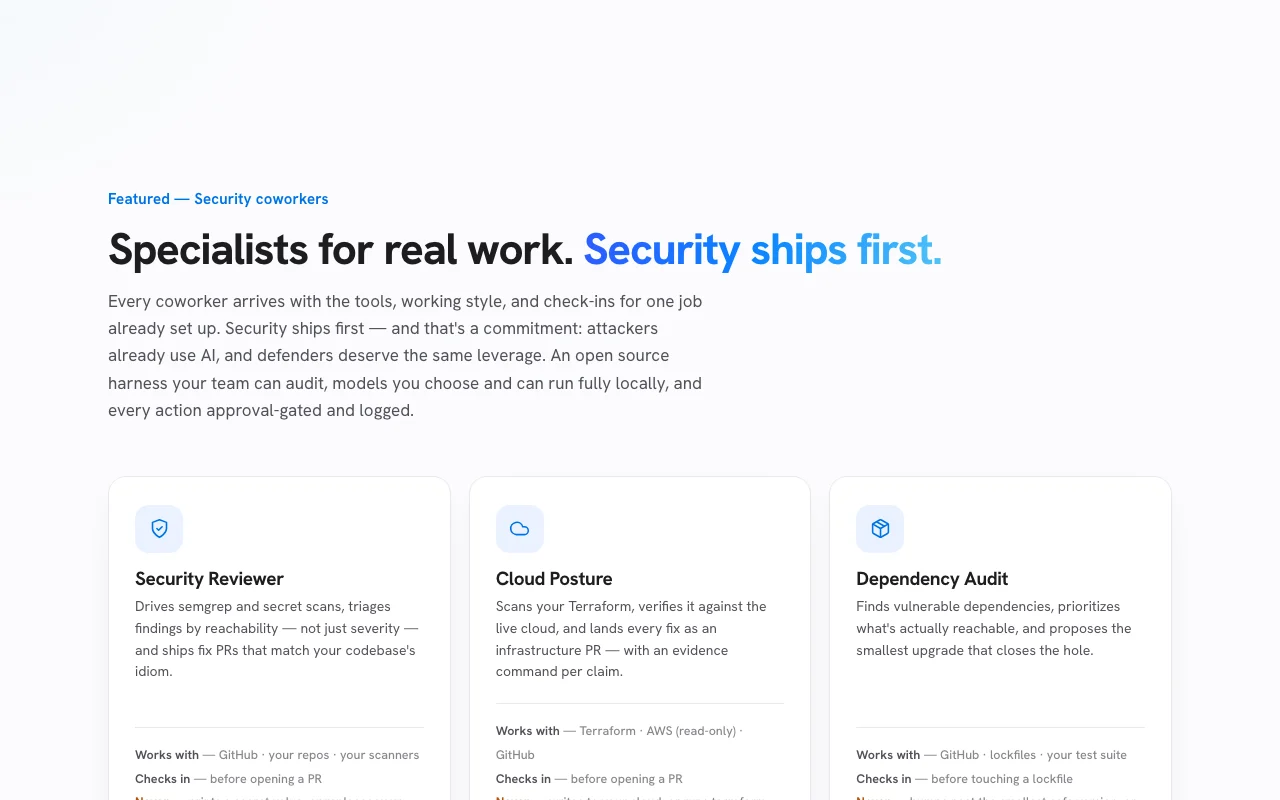
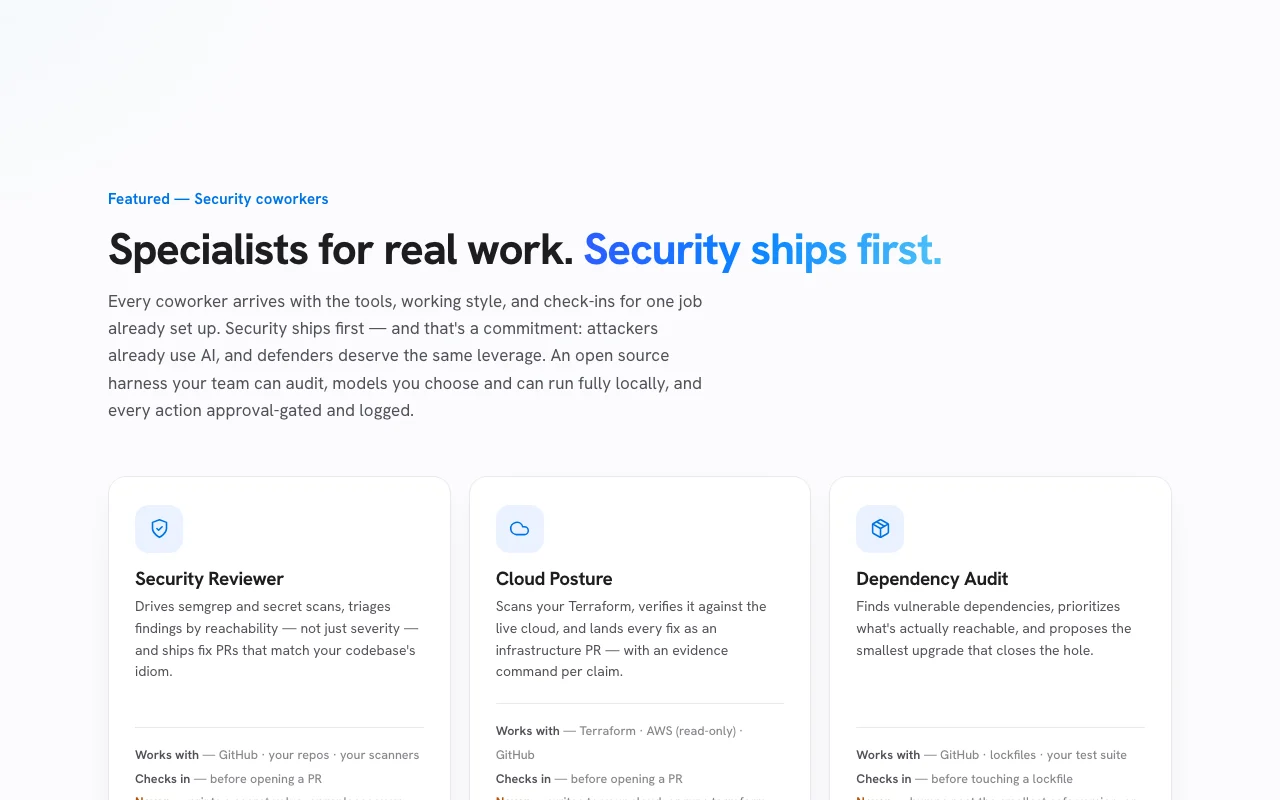
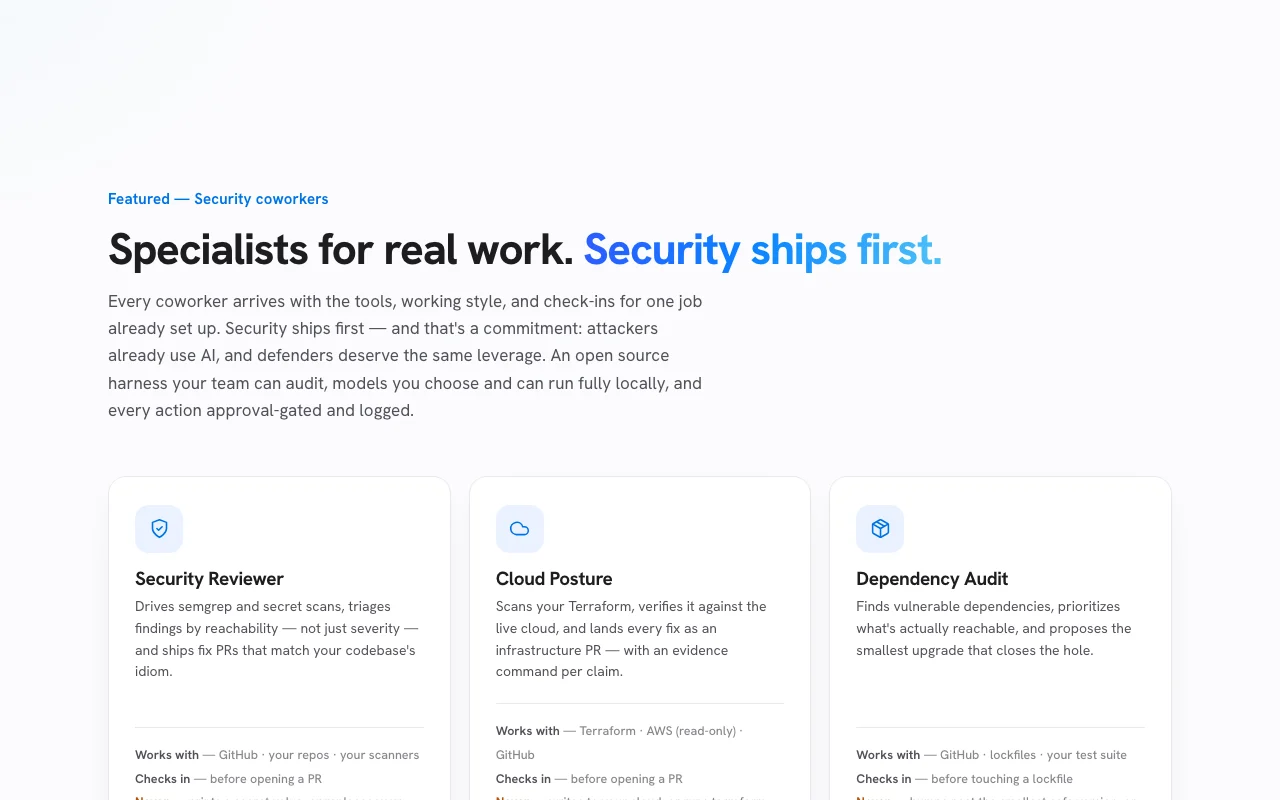
It uses your own model and API keys, and offers security-focused coworkers for code, supply-chain and cloud posture review.
OpenWorker's official site: how the product presents itself. openworker.com, captured Oct 1, 2026
What you provide and what you get back
What you give OpenWorker and what comes back, from its documentation
You provide
A task described as an outcome
Local files and repositories
Connected Slack, calendar, email, HubSpot, Notion or cloud accounts
Your model API keys
You get back
Reports and briefs (markdown, HTML)
Fix branches and diffs
Pull requests after approval
Slack and email messages after approval
Where you can use it
Platforms
Desktop
Platform
Mac now; Windows coming soon
Models
Any model you supply, local or hosted
Safety
Approval gate on external actions
Cloud access
Read-only in the cloud example
What people use OpenWorker for
Scenarios are worked out by our editors from the documentation; the actual result depends on your input and plan.
Reviewing code for vulnerabilities
Who
Developers and defenders
You provide
A repository to review
Expected result
A triaged list of real vulnerabilities with a fix branch ready
Requires your own model API keys Setup depends on your own API credentials.documentedsource (opens in a new tab)
No pricing page found There is no price information beyond the open-source claim.documentedsource (opens in a new tab)
Some integrations need a free OpenWorker account Some integrations may require a free account with the vendor.documentedsource (opens in a new tab)
Docs and privacy pages unavailable The privacy and docs URLs returned the homepage, so data handling is unverified.documentedsource (opens in a new tab)
How to use OpenWorker for reviewing a repository for vulnerabilities
OpenWorker documentation: where the steps below come from. openworker.com, captured Oct 1, 2026
Set up OpenWorker
Download OpenWorker for Mac from openworker.com.
Add your model provider and API key in settings.
Choose the folder or repository the coworker may access.
Connect GitHub, Slack or other tools if needed.
Example: reviewing a repository for vulnerabilities
Select the Security Reviewer coworker.
Ask it to review the repo's supply-chain posture and fix what it finds.
Read the triaged findings and the generated report artifact.
Approve opening the pull request when you are satisfied.
Review and export the result
Inspect the diff before approving the PR.
Check that scanner findings were triaged by reachability.
Review the access list to confirm only the intended folder was used.
Example prompt suggested by our editors (not a recorded output of the product)
Review this repo's supply-chain posture and fix what you find.
OpenWorker integrations and API
OpenWorker documentation (continued). openworker.com, captured Oct 1, 2026
Native integrations and export formats
Export: Markdown, HTML, Diff
API access and separate billing
OpenWorker has no public API in its official documentation. Uses your own model API keys; no OpenWorker API documented.
Privacy, data use and commercial rights
Summarized from the vendor's current policies; this is not legal advice and a vendor's badge is not an independent audit.
How your inputs and outputs are handled
Described as local-first and privacy-preserving; actions that leave the Mac, such as GitHub or Slack, require approval.
Controls for business users
Approval-gated and logged actions
Models can run fully locally
Best OpenWorker alternatives for different needs
"Better suited" is based on documented features and pricing, not on a head-to-head test.
Not verified: Pricing page (returned homepage); Privacy policy content; Documentation; Linux support.
How we documented and maintain this page
Every fact about OpenWorker above comes from the 5 official pages listed here, last compared on Oct 1, 2026; we have not run OpenWorker ourselves, so it has no editorial score. How we check and re-check pages.
Article updated Oct 10, 2026; prices checked Oct 1, 2026. Outbound links to vendors are plain links; we do not earn commissions. How we review · Report an error