Productivity & writingDocumented overviewLast checked Sep 29, 2026

Oria: Pricing, Features & Best Use Cases

AI slide design tool that builds editable, brand-matched PowerPoint slides, also usable from Claude and ChatGPT.


Who should use Oria

Choose Oria if you build executive or consulting-style decks and want editable, brand-matched PowerPoint shapes generated inside PowerPoint, Claude or ChatGPT. Based on the vendor's documentation, not on a hands-on test.

Best for: Consultants

Also a good fit for

  • Executives and business professionals
  • Teams with brand templates

Consider another tool if usage metered in monthly tokens (60 on Starter)

Or if

  • No permanent free plan, trial only
  • Requires Microsoft 365 PowerPoint or Claude/ChatGPT

Oria pricing and usage limits

Prices checked Sep 29, 2026 on the official US pricing page. Official pricing ↗ Prices and limits change often.

Free access and trial conditions

No permanent free plan.

7-day trial or 20 free tokens.

Paid plans: what changes as you upgrade

Starter Web

$19/mo source (opens in a new tab)

Month

For: Individuals getting started

Limits

  • 60 tokens per month
  • 7-day trial or 20 free tokens

Includes

  • Custom corporate styles
  • Claude and ChatGPT MCP
2 more
  • Fully editable slides
  • Oria Academy

Professional Web

$59/mo source (opens in a new tab)

Month

For: Regular executive presentations

Limits

  • 200 tokens per month
  • 7-day trial or 20 free tokens

Includes

  • Everything in Starter
  • No model training by Oria
2 more
  • Zero data retention
  • Agentic mode (coming soon)

Team Web

$399/mo source (opens in a new tab)

Month

For: Teams building together

Limits

  • 1,200 tokens, shared pool, up to 50 accounts
  • 7-day trial or 20 free tokens

Includes

  • Zero data retention
  • Personal onboarding session
1 more
  • Preview count control

Enterprise Web

Custom pricing source (opens in a new tab)

Unknown

For: Large organizations

Limits

  • Unlimited tokens

Includes

  • Private cloud deployment
  • White labelling
1 more
  • Custom LLM integration

Usage caps, credits and extra costs

Not stated.

Prices exclude VAT.

What is Oria, and how does it work?

Oria generates complex professional slides as native, editable PowerPoint shapes. It starts from a prompt, audio note, pasted AI output or an existing slide, and follows a company's look and feel. It installs as a PowerPoint add-in from the Microsoft Store and as an app in Claude and ChatGPT. Copilot support is listed as coming soon.

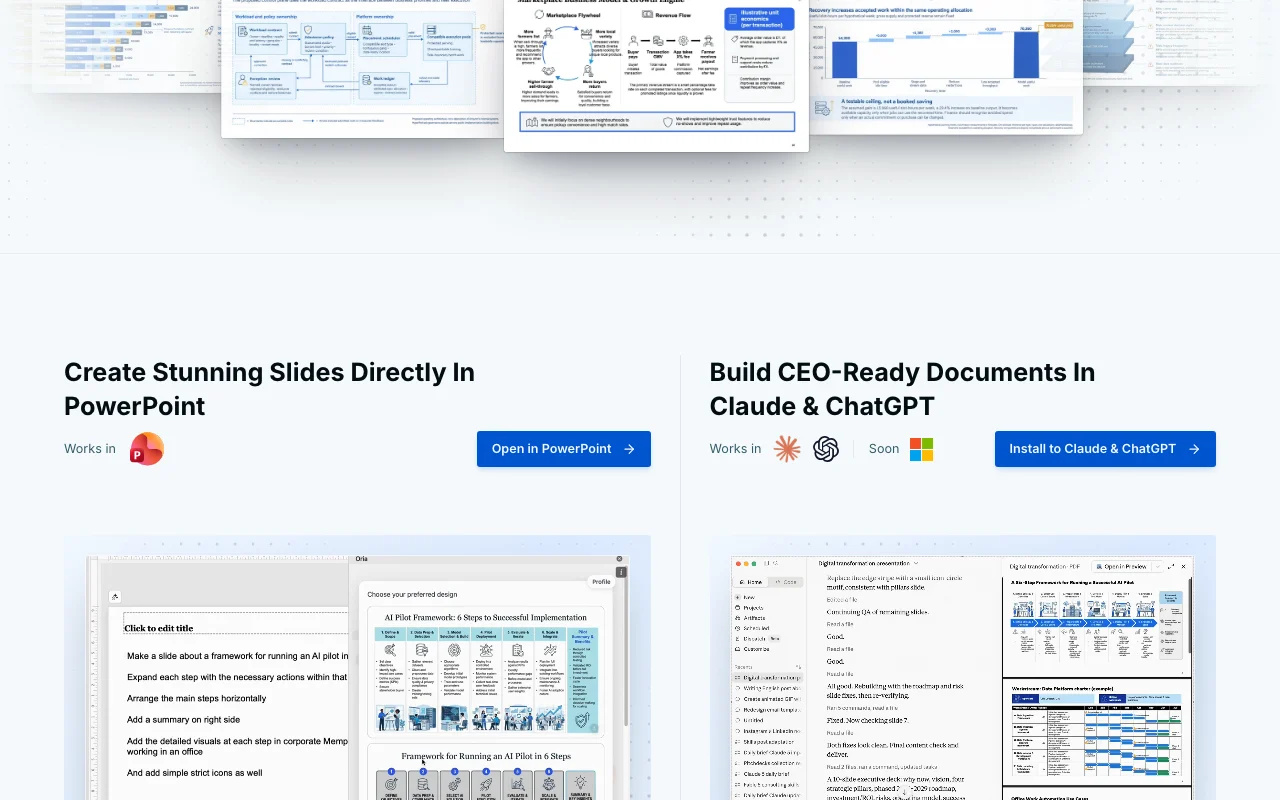
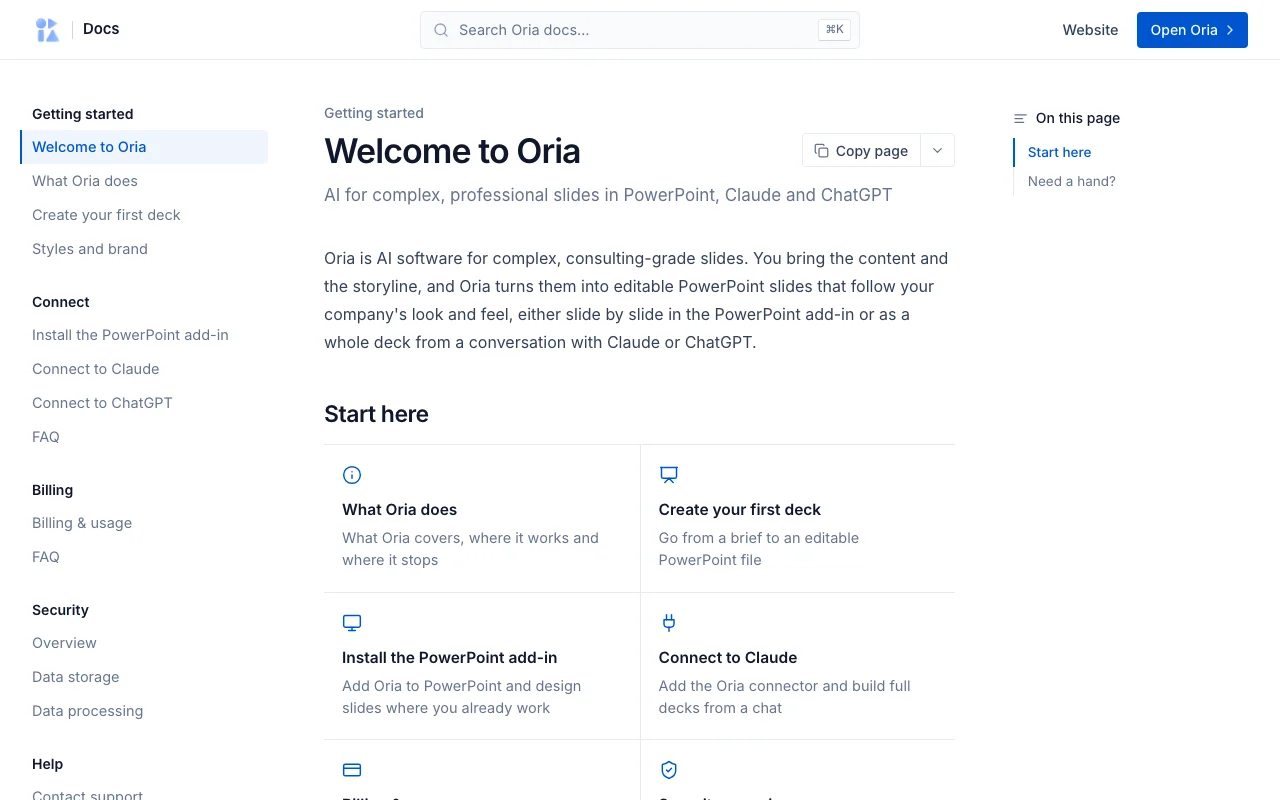
Oria homepage — screenshot of the productivity & writing AI tool, Oct 1, 2026
Oria's official site: how the product presents itself. oria.one, captured Oct 1, 2026

What you provide and what you get back

How Oria works: what you provide, where it runs and what you get backYOU PROVIDEYour inputA prompt, audio note or brain dumpPasted ChatGPT or Claude outputAn existing slide or sketchPRODUCTIVITY & WRITINGOriaDesktop, Mobilefrom $19/mo (Starter)no free tieraccount requiredchecked Sep 29, 2026YOU GET BACKThe resultEditable native PowerPoint slidesSeveral design options per slideinput → Oria → output · from the vendor's own pages, no hands-on test unless stated
What you give Oria and what comes back, from its documentation

You provide

  • A prompt, audio note or brain dump
  • Pasted ChatGPT or Claude output
  • An existing slide or sketch

You get back

  • Editable native PowerPoint slides
  • Several design options per slide

Where you can use it

Platforms
Desktop, Mobile
Account
Required
Host apps
PowerPoint, Claude, ChatGPT
Output
Native editable PowerPoint shapes
Retention
Zero data retention, artifacts deleted within one hour
Tokens
60 / 200 / 1,200 shared

What people use Oria for

Scenarios are worked out by our editors from the documentation; the actual result depends on your input and plan.

Turning rough ideas into executive slides

Who
Consultants and executives
You provide
An audio note or loose prompt
Expected result
A consulting-style complex slide
Plan needed
Starter and up
Limitation
Token-metered source (opens in a new tab)

Converting ChatGPT or Claude output to slides

Who
Analysts
You provide
Structured AI assistant output
Expected result
Presentation-ready designed slides
Plan needed
Starter and up
Limitation
Needs the Claude or ChatGPT app installed source (opens in a new tab)

Redesigning existing slides

Who
Business professionals
You provide
An uploaded current slide
Expected result
A cleaner, executive-quality version
Plan needed
Starter and up
Limitation
Preview and variants use tokens source (opens in a new tab)

Applying a corporate look

Who
Teams with brand templates
You provide
Company style files
Expected result
Slides matching exact brand look
Plan needed
Starter and up
Limitation
Needs a custom style to be set up source (opens in a new tab)

Key features and their practical limits

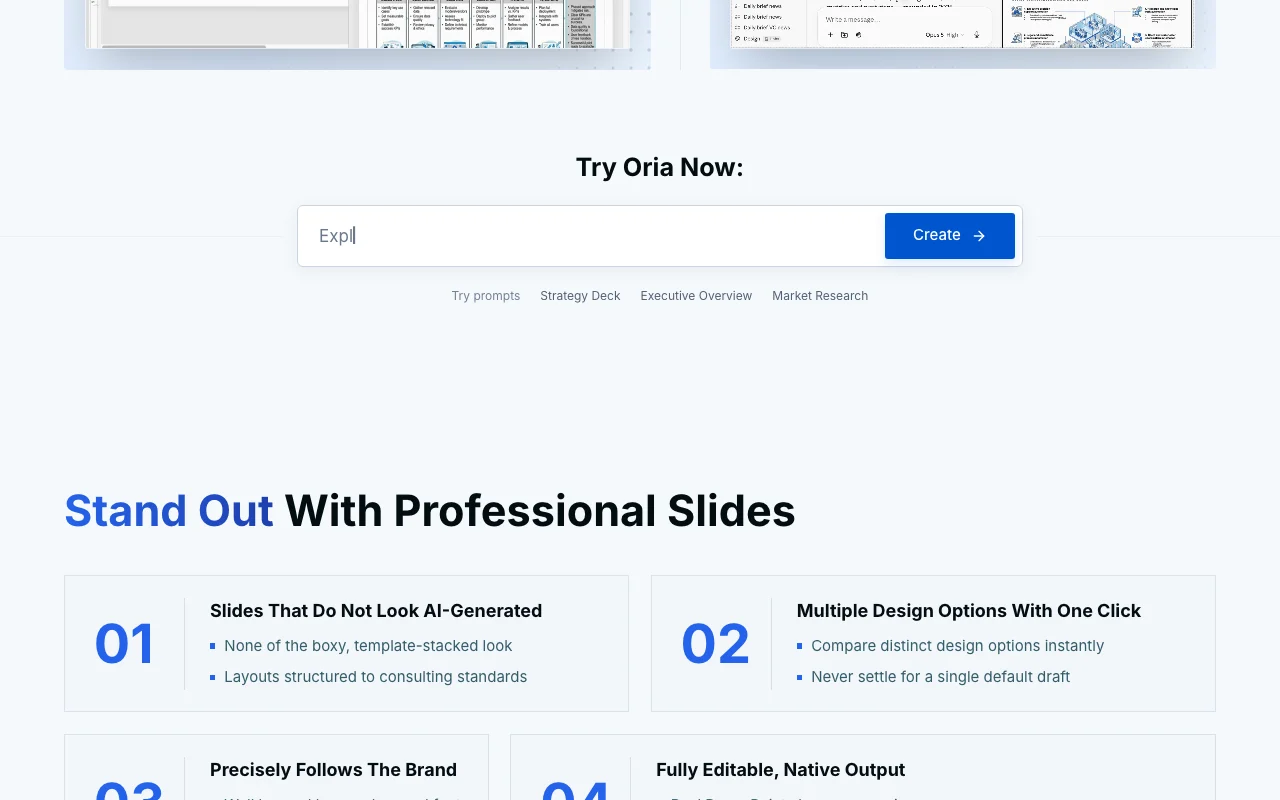
Oria homepage — screenshot of the productivity & writing AI tool, Oct 1, 2026
Feature overview on the official site. oria.one, captured Oct 1, 2026

Native editable PowerPoint output

Generates slides as real PowerPoint shapes rather than images. Every element stays editable.

Access: All plansLimit: Requires PowerPoint, Claude or ChatGPT source (opens in a new tab)

Multiple design options per slide

Offers several distinct design options per slide in one click. Compare before choosing.

Access: All plansLimit: Each preview draws on tokens source (opens in a new tab)

Custom corporate styles

Follows a company's colors, fonts and look and feel. Brand-consistent decks.

Access: All plansLimit: Initial style setup needed source (opens in a new tab)

Sketch-to-slide workflow

Turns an iPad sketch into a slide in one click. Fast capture of ideas.

Access: Per customer quote on siteLimit: Details not documented on reviewed page source (opens in a new tab)

Oria pros and cons

Reasons to choose Oria

Check before paying for Oria

How to use Oria for building a consulting-style slide in PowerPoint

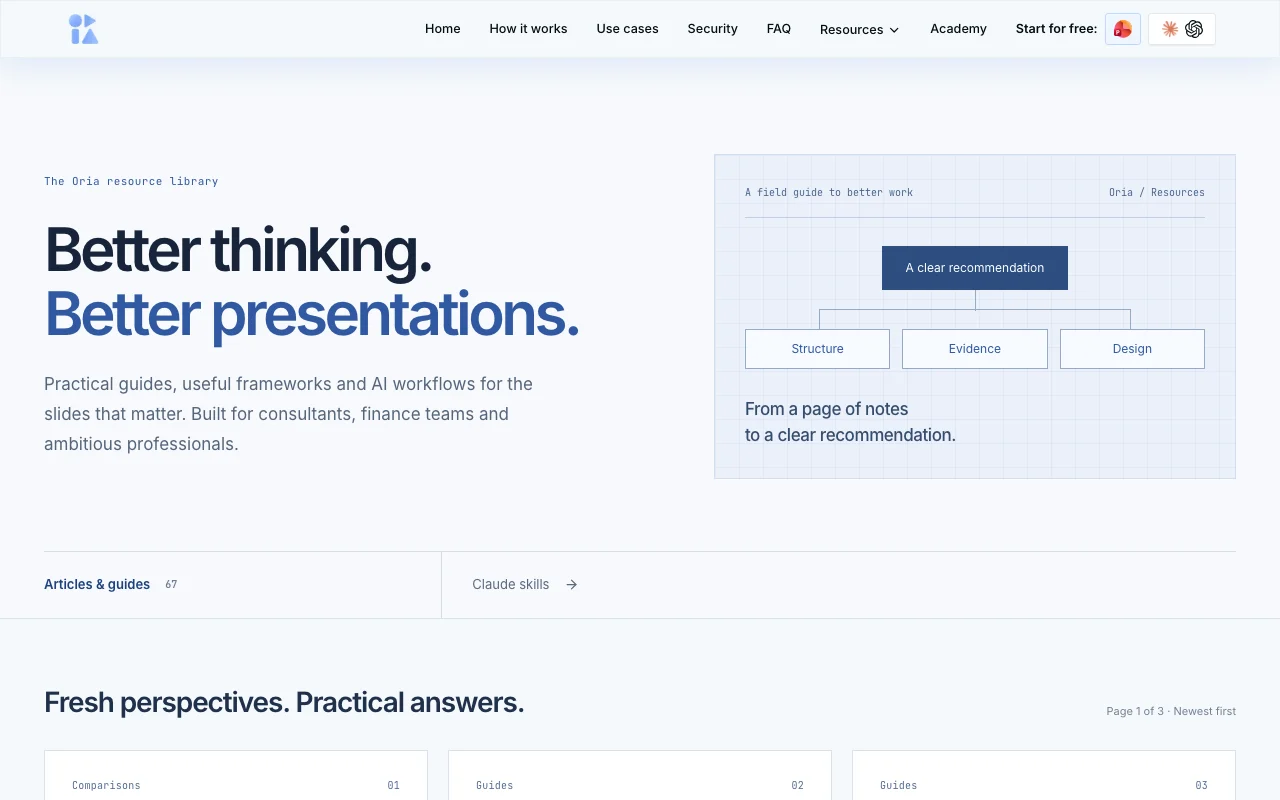
Oria documentation — screenshot of the productivity & writing AI tool, Oct 1, 2026
Oria documentation: where the steps below come from. oria.one, captured Oct 1, 2026

Set up Oria

  1. Open Oria from the Microsoft Store as a PowerPoint add-in, or install it in Claude or ChatGPT
  2. Create an account and verify your email
  3. Choose the 7-day trial or 20 free tokens

Example: building a consulting-style slide in PowerPoint

  1. Describe the slide message or paste AI output
  2. Generate and compare design options
  3. Pick one and apply your corporate style
  4. Edit shapes in PowerPoint

Review and export the result

  1. Confirm shapes are editable, not images
  2. Check fonts and colors match brand
Example prompt suggested by our editors (not a recorded output of the product)
Create a slide comparing three market-entry options for Germany with cost, timeline and risk for each.
Oria integrations and API

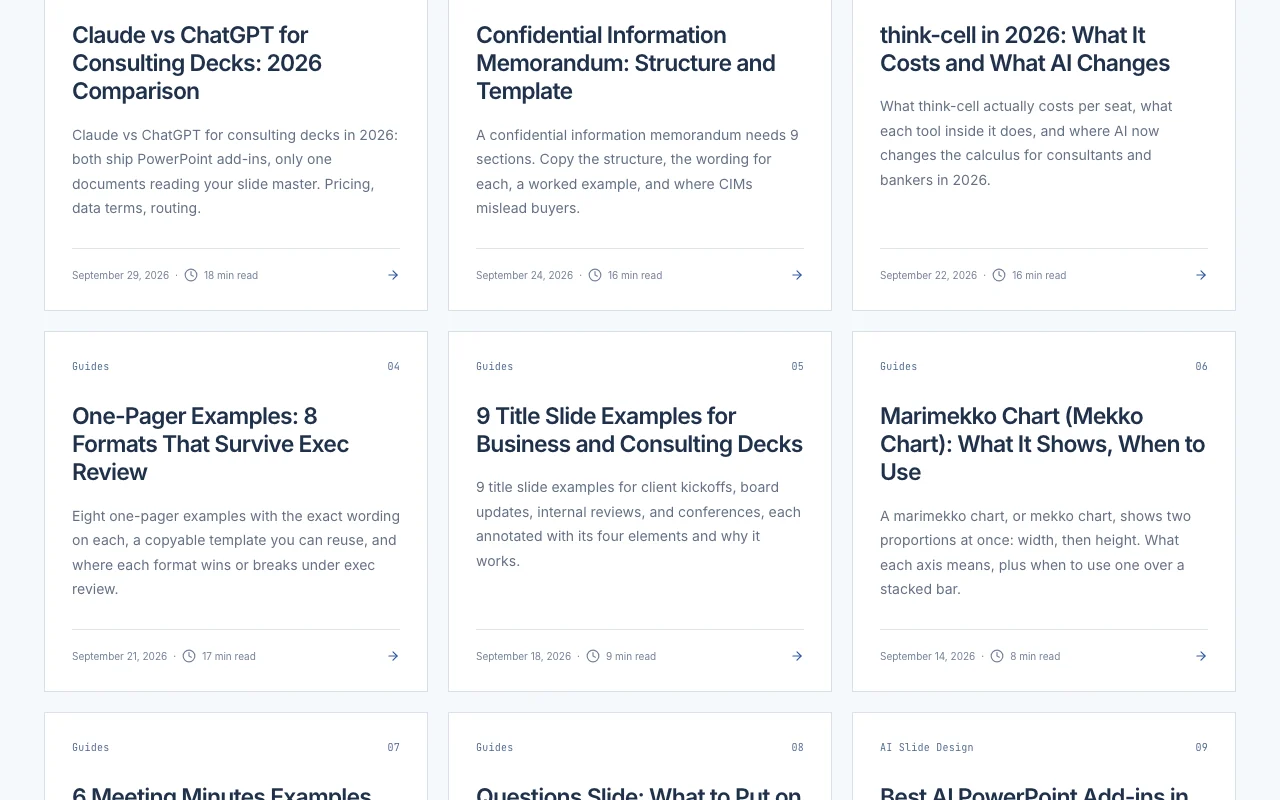
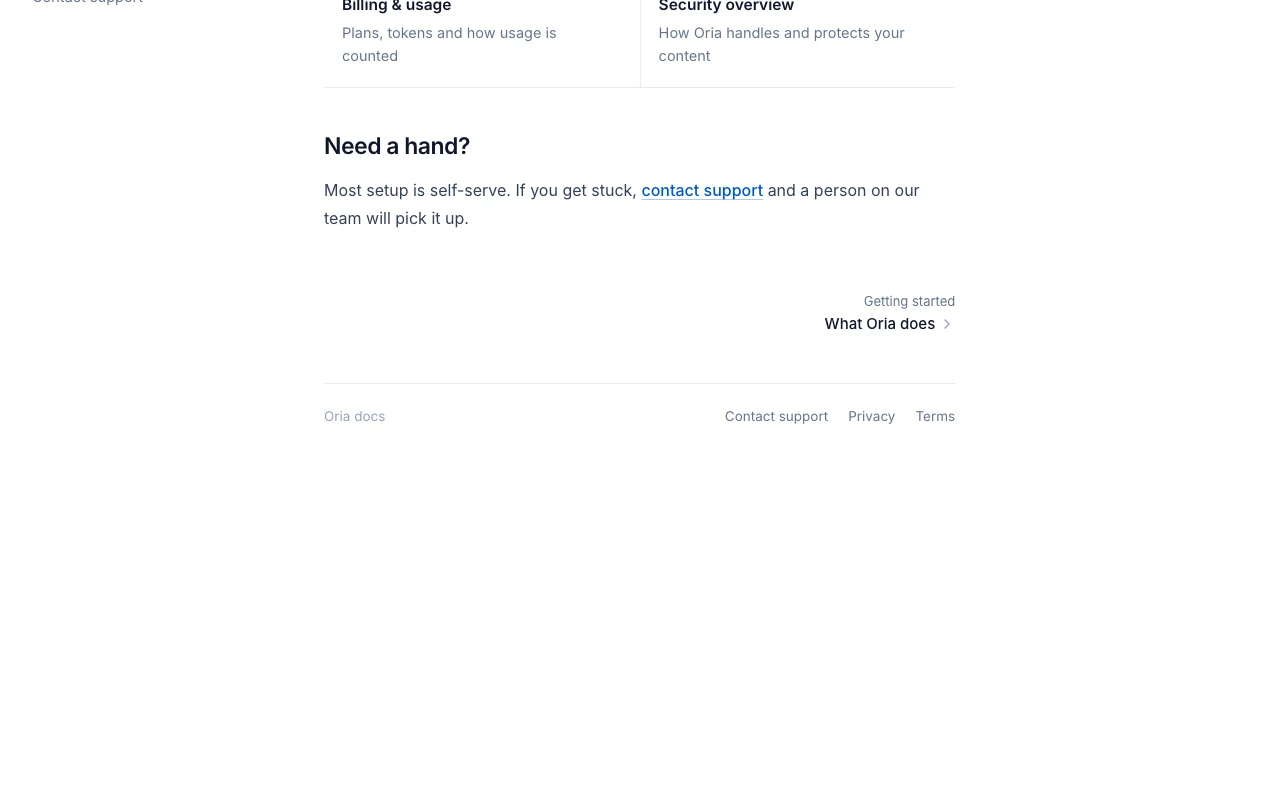
Oria documentation — screenshot of the productivity & writing AI tool, Oct 1, 2026
Oria documentation (continued). oria.one, captured Oct 1, 2026

Native integrations and export formats

Export: PPTX via PowerPoint

API access and separate billing

Oria has no public API in its official documentation. Claude and ChatGPT MCP on all plans

Privacy, data use and commercial rights

Summarized from the vendor's current policies; this is not legal advice and a vendor's badge is not an independent audit.

How your inputs and outputs are handled

Slide content is used to generate slides; working artifacts self-destruct within one hour.

Oria does not use content to train, fine-tune or improve AI models.

Slide content never stored; outputs wiped on a short rolling window.

Commercial use and plan restrictions

Not stated.

Zero data retention listed on Professional and Team.

Controls for business users

  • Private cloud deployment (Enterprise)
  • Enterprise AI agreements

Policies: oria.one/privacy

Oria alternatives by need

"Better suited" is based on documented features and pricing, not on a head-to-head test.

ChatGPT: better suited to

Claude: better suited to

Microsoft Copilot: better suited to

Alternatives
AlternativeWhen to choose itPricingLimitation
ChatGPT——
Claude——
Microsoft Copilot——

Explore Oria further

Related to Oria

Oria user reviews

No user reviews yet.

Used Oria? Be the first to share your experience.

Write a review

Reviews are checked by a moderator before they appear. Your email is never published. Plain text only.

Your rating (required)

Show what you made or what went wrong. Images are published only if the review is approved; location data is removed.

    Oria FAQ

    How much does Oria cost?

    Starter is $19/month (60 tokens), Professional $59/month (200 tokens), Team $399/month (1,200 shared tokens, up to 50 accounts), Enterprise is custom; prices exclude VAT. source (opens in a new tab)

    Is there a free trial?

    Yes, a 7-day trial or 20 free tokens on paid plans. source (opens in a new tab)

    Does Oria train on my slides?

    No. The site says Oria does not use content to train, fine-tune or improve AI models. source (opens in a new tab)

    Where does Oria work?

    As a PowerPoint add-in on Mac and Windows, in Claude and ChatGPT, and on mobile; Copilot is coming soon. source (opens in a new tab)

    Are the slides editable?

    Yes, they are native PowerPoint shapes, not images. source (opens in a new tab)

    Sources and review methodology

    Official sources and verification dates

    Not verified: Languages supported; Yearly pricing; Docs page.

    How we documented and maintain this page

    Every fact about Oria above comes from the 2 official pages listed here, last compared on Sep 29, 2026; we have not run Oria ourselves, so it has no editorial score. How we check and re-check pages.

    Article updated Oct 10, 2026; prices checked Sep 29, 2026. Outbound links to vendors are plain links; we do not earn commissions. How we review · Report an error