Our take: Pageon.ai suits creators and professionals who want AI agents to research and design interactive presentations or infographics, with a free one-file plan to try it and Pro from $9.99/mo.
Main limitation: Free plan limits are not detailed on the loaded page
By the AI Tool Atlas editors.
Based on the vendor's official documentation; we have not tested this product hands-on. What “documented overview” means
Is PageOn.AI right for you?
Pageon.ai suits creators and professionals who want AI agents to research and design interactive presentations or infographics, with a free one-file plan to try it and Pro from $9.99/mo. Based on the vendor's documentation, not on a hands-on test.
Best for: Founders making pitch decks
Also a good fit for
Marketers creating infographics
Teams wanting interactive slides
Consider another tool if free plan limits are not detailed on the loaded page
Or if
Removal of the 'Made with PageOn' badge requires Pro
Annual Pro plan is billed upfront ($89.99/yr)
PageOn.AI pricing and usage limits
Prices checked Oct 2, 2026 on the official US pricing page. Official pricing ↗ Prices and limits change often.
Free access and trial conditions
Free plan: up to 1 file, AI features with usage limits
Free plan button reads 'Start Free Trial'; no separate trial terms stated
$7.49/mo equivalent, billed $89.99 annually; site says save $30
For: Professionals committing for a year
Limits
No file creation limit
AI features without usage limit
Includes
Remove 'Made with PageOn' badge
Export PDF, PPTX, image
2 more
Interactive charts and maps
Priority AI processing
Usage caps, credits and extra costs
Not stated
Not stated
What is PageOn.AI, and how does it work?
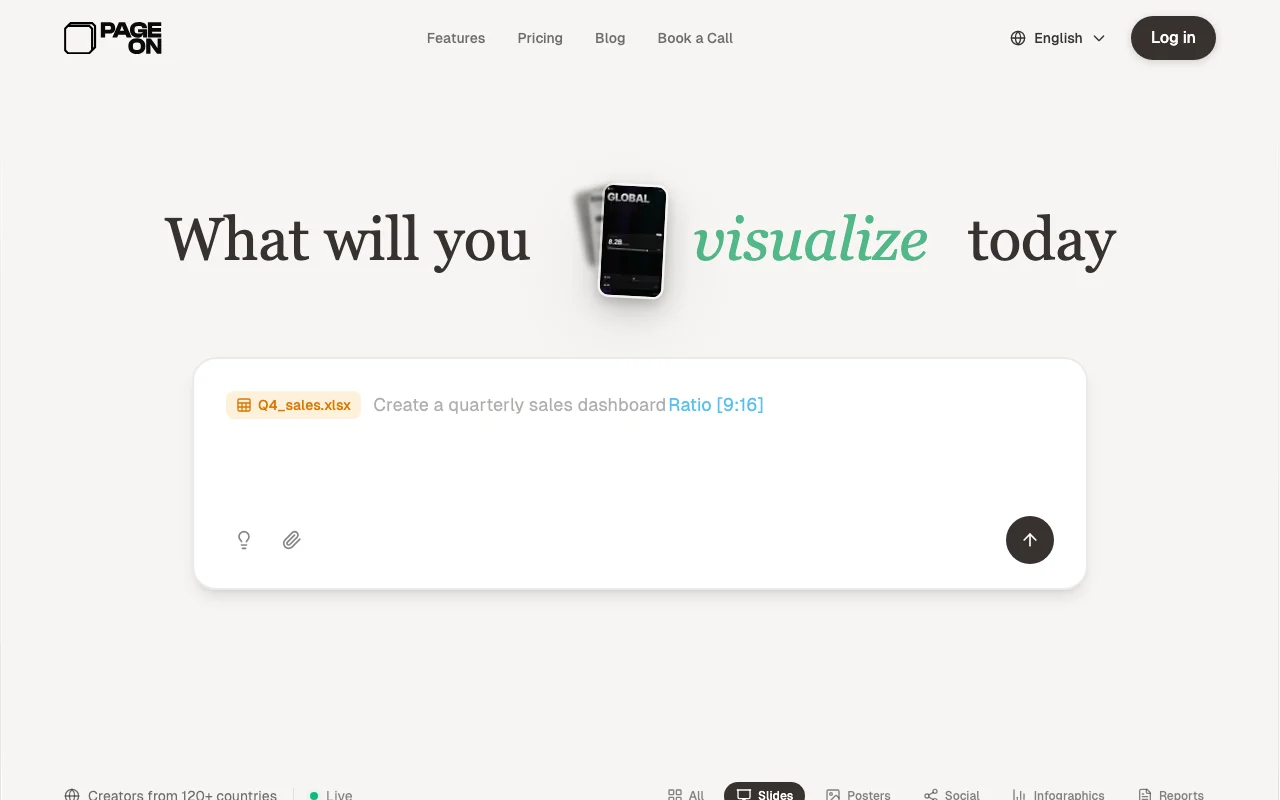
PageOn.AI is an AI visual communication tool for building presentations, infographics, posters, reports and social graphics. Users describe a goal and AI agents research the topic, plan the structure and lay out the pages, which can then be edited with modular blocks.
Pages can include interactive charts, embedded media, maps and animated SVGs, and can be exported as PDF, PowerPoint or images or shared as links.
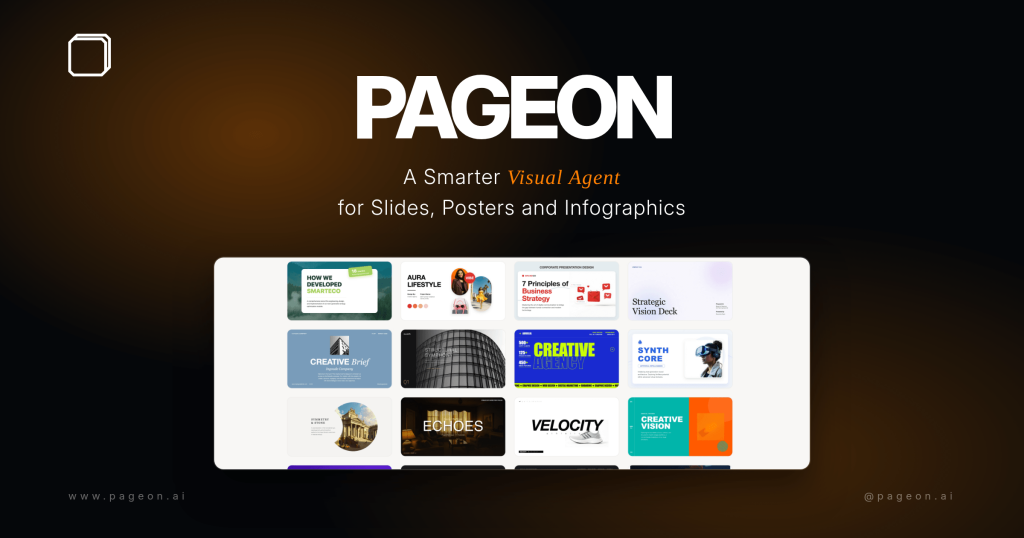
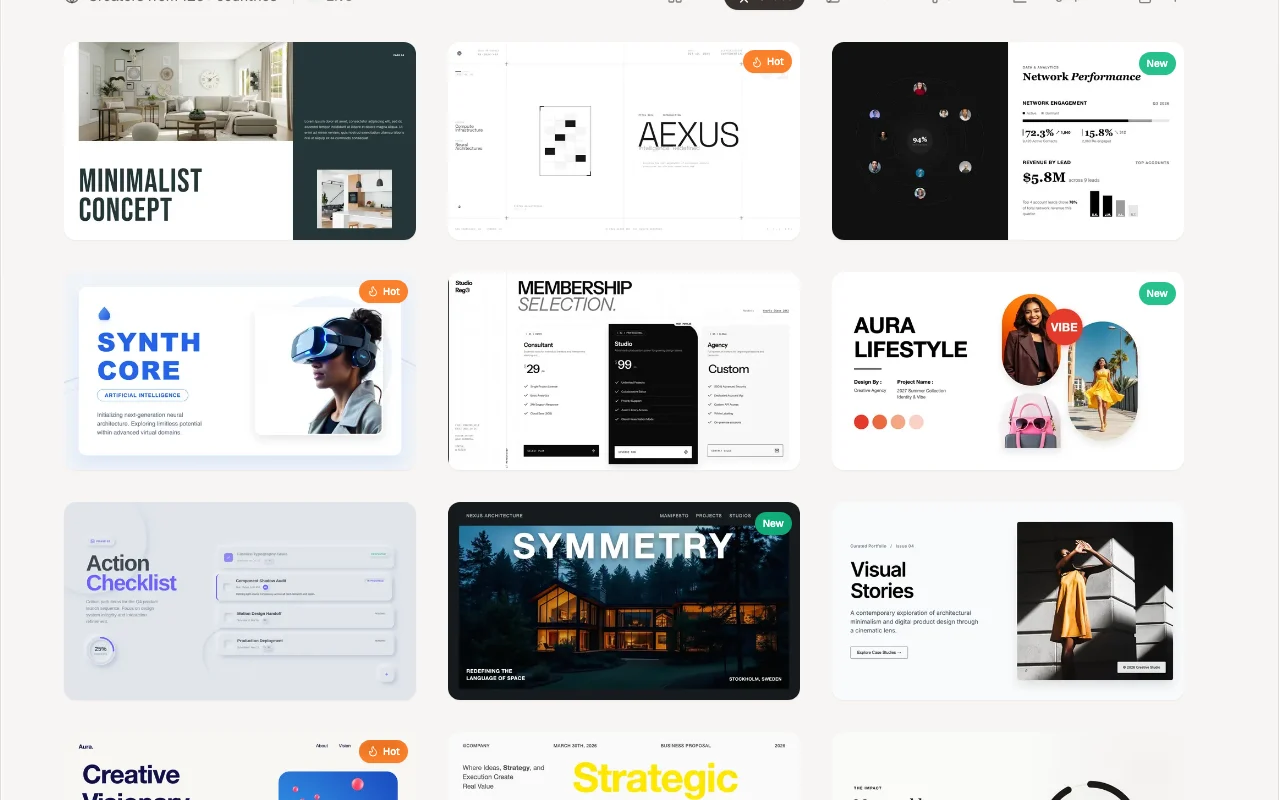
PageOn.AI's official site: how the product presents itself. pageon.ai, captured Oct 2, 2026
What you provide and what you get back
What you give PageOn.AI and what comes back, from its documentation
You provide
Text goal or prompt
Video link (e.g. YouTube) to convert
Brand assets (logo, website URL, colors, fonts)
You get back
Interactive pages and slide decks
Infographics and reports
Exports as PDF, PPTX and image (Pro)
Where you can use it
Platforms
Web
Account
Required
Output types
Slides, posters, social, infographics, reports
Export
PDF, PPTX, image on Pro
Interactive elements
Plotly charts, maps, video, audio, animated SVG
Free limit
1 file
Watermark
'Made with PageOn' badge removed on Pro
Best use cases for PageOn.AI
Scenarios are worked out by our editors from the documentation; the actual result depends on your input and plan.
Brand kit applies colors and fonts across content Branded output without manual restyling each timedocumentedsource (opens in a new tab)
Check before paying for PageOn.AI
Free plan limits are not detailed on the loaded page Hard to judge whether free is enough before signing updocumentedsource (opens in a new tab)
Removal of the 'Made with PageOn' badge requires Pro Free content carries a PageOn badgedocumentedsource (opens in a new tab)
Annual Pro plan is billed upfront ($89.99/yr) Annual plan needs a larger upfront paymentdocumentedsource (opens in a new tab)
Pricing page is JavaScript-rendered; plan details were read from the homepage Plan details may be incomplete or change; verify on the sitedocumentedsource (opens in a new tab)
How to use PageOn.AI for building an interactive presentation
Set up PageOn.AI
Open pageon.ai and start with the Free plan
Optionally set a brand kit from logo, website URL or description
Choose a template or type your goal
Example: building an interactive presentation
Describe the topic, aspect ratio and page count
Let the agents research and draft the pages
Edit blocks with drag and drop
Export or share the result
Review and export the result
Check facts and citations against sources
Confirm branding and layout on each page
Open the exported PDF or PPTX
Example prompt suggested by our editors (not a recorded output of the product)
Convert this talk into 10-12 slides in 16:9 with a corporate blue style and a closing summary slide.
PageOn.AI integrations and API
Native integrations and export formats
Export: PDF, PPTX, Image
API access and separate billing
PageOn.AI has no public API in its official documentation. No API mentioned on fetched page
Privacy, data use and commercial rights
Summarized from the vendor's current policies; this is not legal advice and a vendor's badge is not an independent audit.
How your inputs and outputs are handled
Not stated on fetched pages
Commercial use and plan restrictions
Badge removal requires Pro
PageOn.AI alternatives by need
"Better suited" is based on documented features and pricing, not on a head-to-head test.
Not verified: Free plan usage limits; Privacy, training and retention policy; API availability; Plan details beyond homepage pricing section; US availability; Team plans pricing.
How we documented and maintain this page
Every fact about PageOn.AI above comes from the 2 official pages listed here, last compared on Oct 2, 2026; we have not run PageOn.AI ourselves, so it has no editorial score. How we check and re-check pages.
Article updated Oct 2, 2026; prices checked Oct 2, 2026. Outbound links to vendors are plain links; we do not earn commissions. How we review · Report an error