Free trial web
Free source (opens in a new tab)
One-time
For: Testing
Limits
- 50 free pages
- No card required
Includes
- API access
API included
Productivity & writingDocumented overviewLast checked Oct 1, 2026
PDF parsing API that converts PDFs into Markdown, including tables and layouts, with a free page allowance.
 (open full size in a new tab)
 (open full size in a new tab)
 (open full size in a new tab)
 (open full size in a new tab)
 (open full size in a new tab)
Our take: Parsebridge suits developers who need an API that turns PDFs into LLM-ready Markdown with tables preserved and no document retention, starting with 50 free pages.
Main limitation: It handles PDF only, and unused monthly credits do not roll over.
Parsebridge suits developers who need an API that turns PDFs into LLM-ready Markdown with tables preserved and no document retention, starting with 50 free pages. Based on the vendor's documentation, not on a hands-on test.
Also a good fit for
Or if
Prices checked Oct 1, 2026 on the official US pricing page. Official pricing ↗ Prices and limits change often.
50 free pages, no card.
Free credits serve as the trial.
Free source (opens in a new tab)
One-time
For: Testing
Limits
Includes
API included
$17/mo source (opens in a new tab)
Month
For: Small projects
Limits
Includes
API included
$79/mo source (opens in a new tab)
Month
For: Regular document processing
Limits
Includes
API included
$259/mo source (opens in a new tab)
Month
For: Enterprise volume
Limits
Includes
API included
1 credit = 1 page; out-of-credit requests return errors.
Not stated.
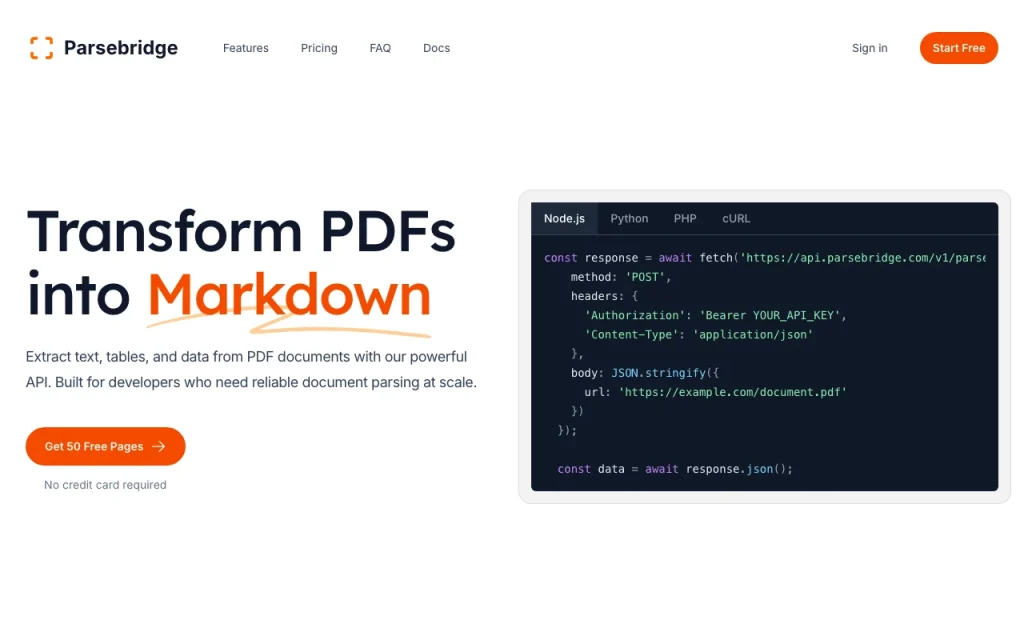
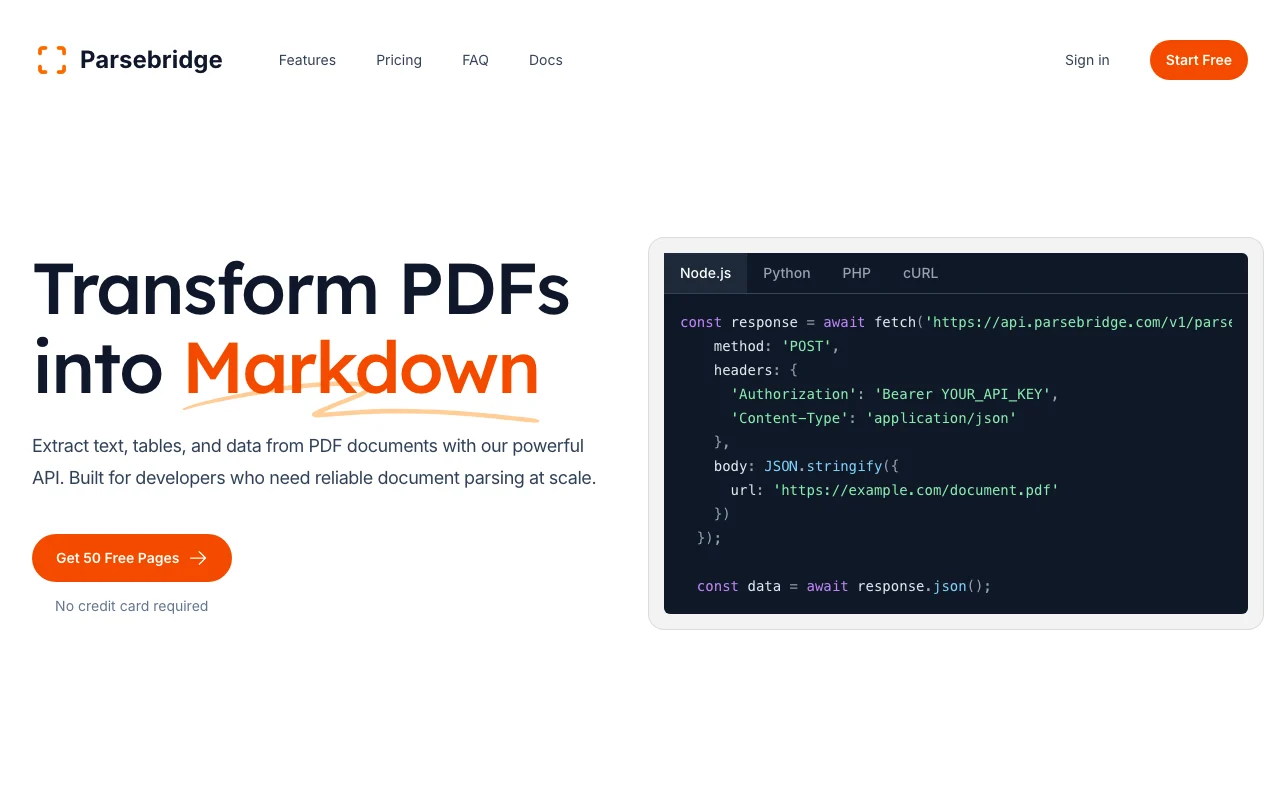
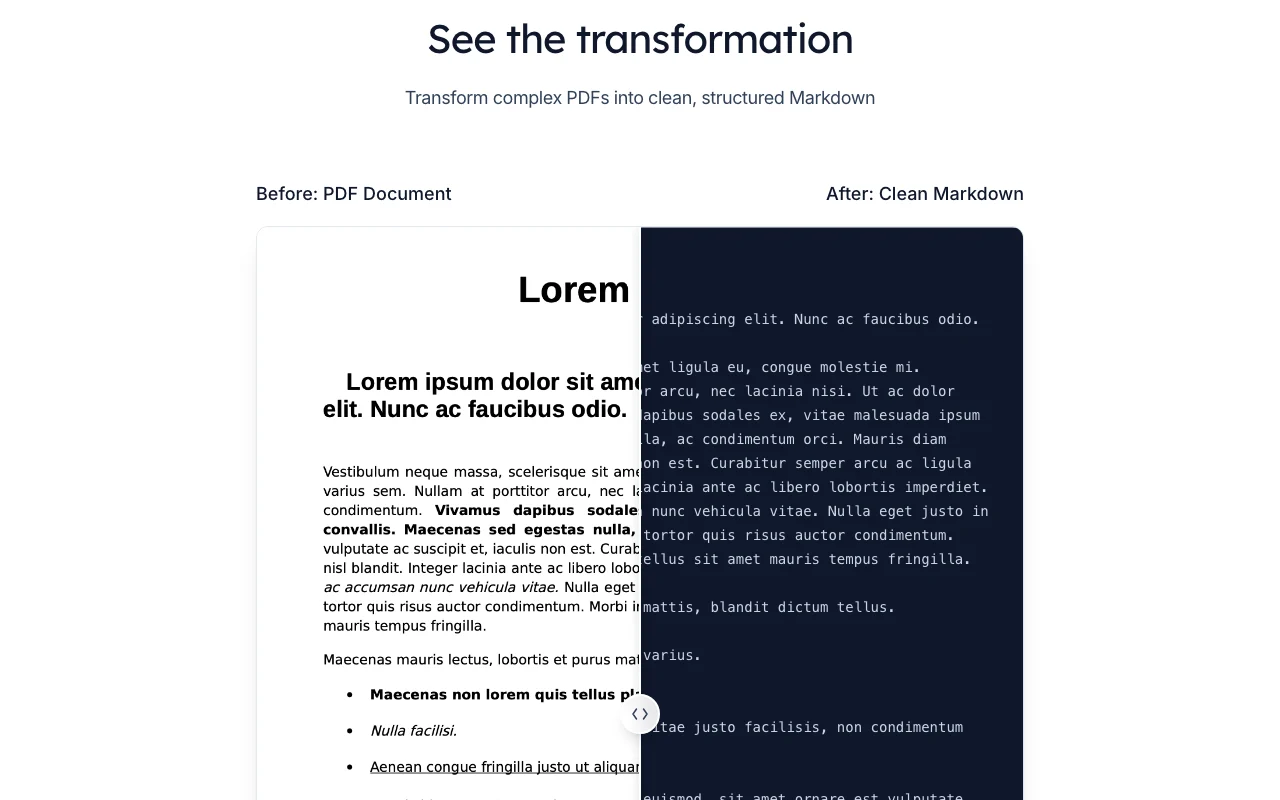
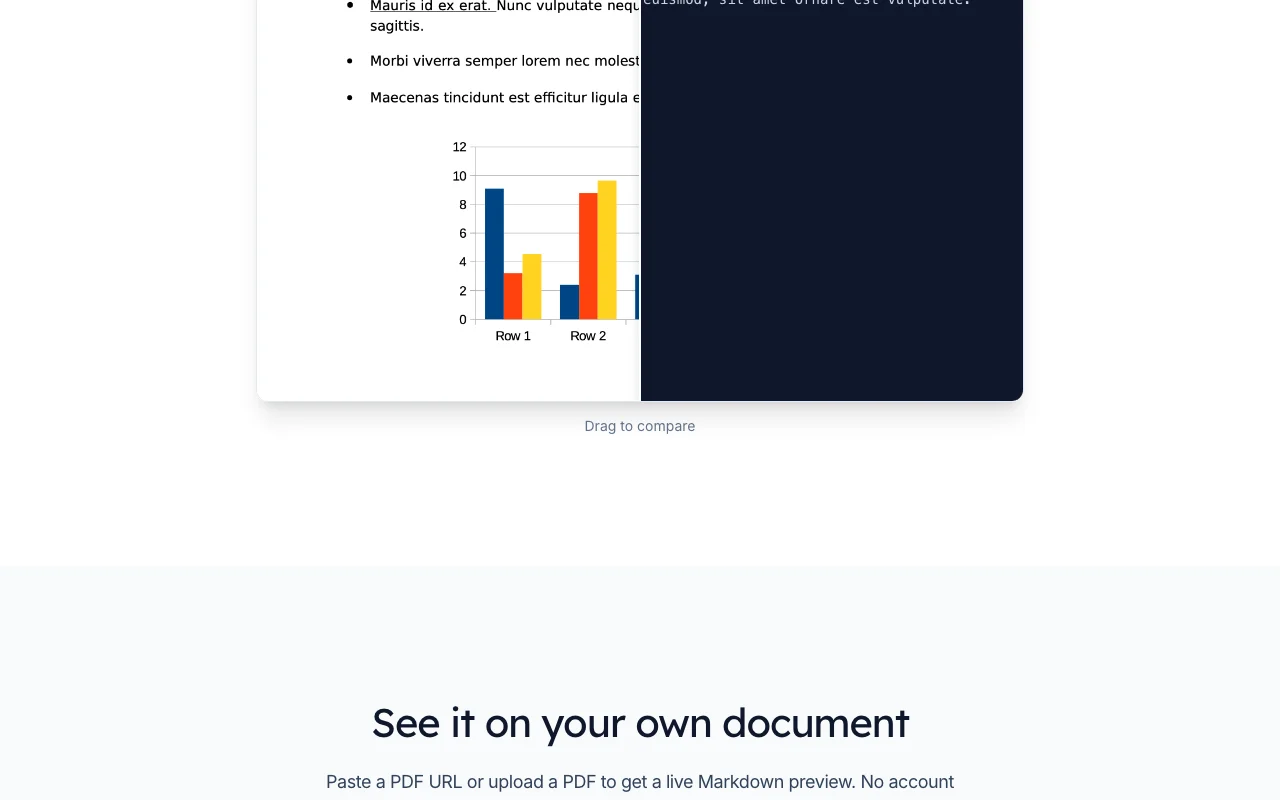
Parsebridge is an API that converts PDF documents to Markdown, extracting text, tables and multi-column layouts. The homepage has code samples in Node.js, Python, PHP and cURL and a live first-page preview that needs no account. The site states files are deleted right after parsing, with only metadata such as page count kept. New accounts get 50 free pages, then monthly page-based plans.
You provide
You get back
Scenarios are worked out by our editors from the documentation; the actual result depends on your input and plan.
Converts PDFs to Markdown via POST /v1/parse/url Gives text ready for LLMs
Parses complex tables and multi-column layouts using Docling Reduces garbled output
Deletes files after parsing and keeps only metadata like page count Limits data exposure
Manages API keys and shows usage analytics Control and monitor consumption
Export: Markdown
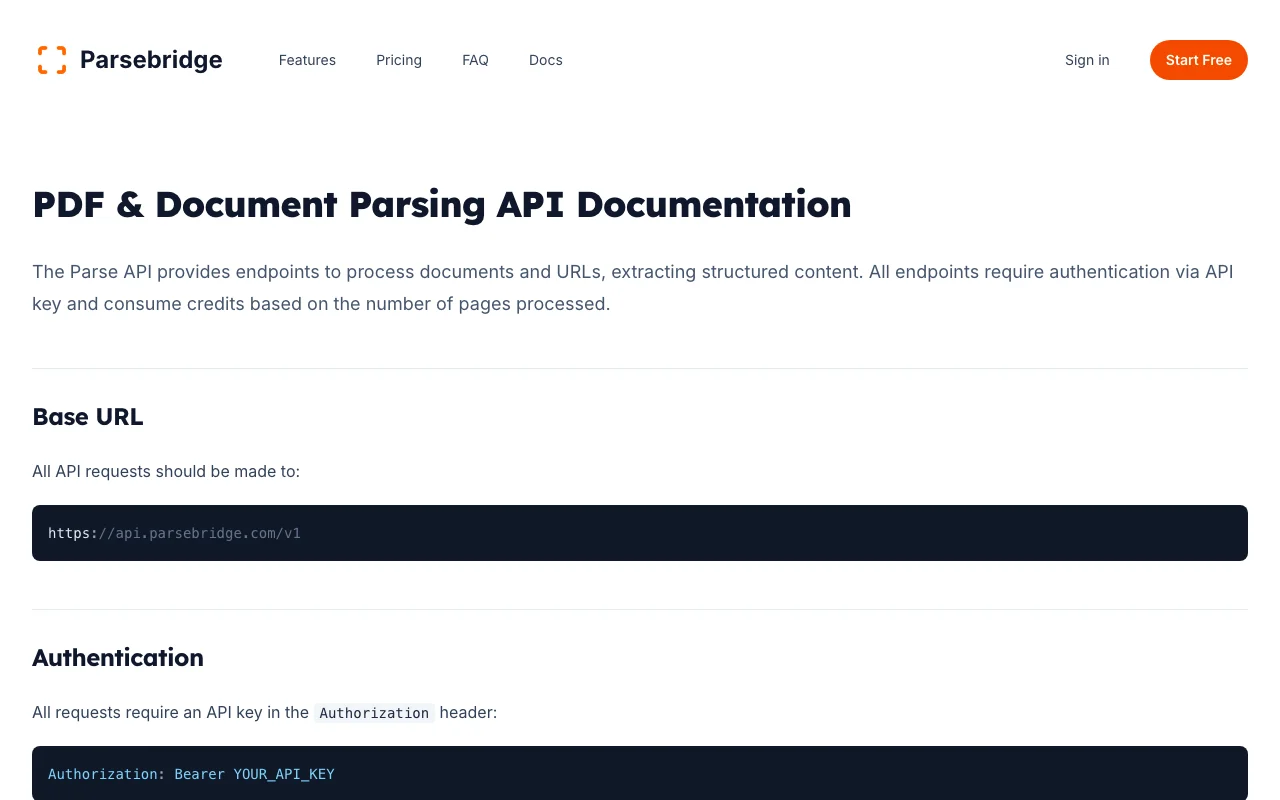
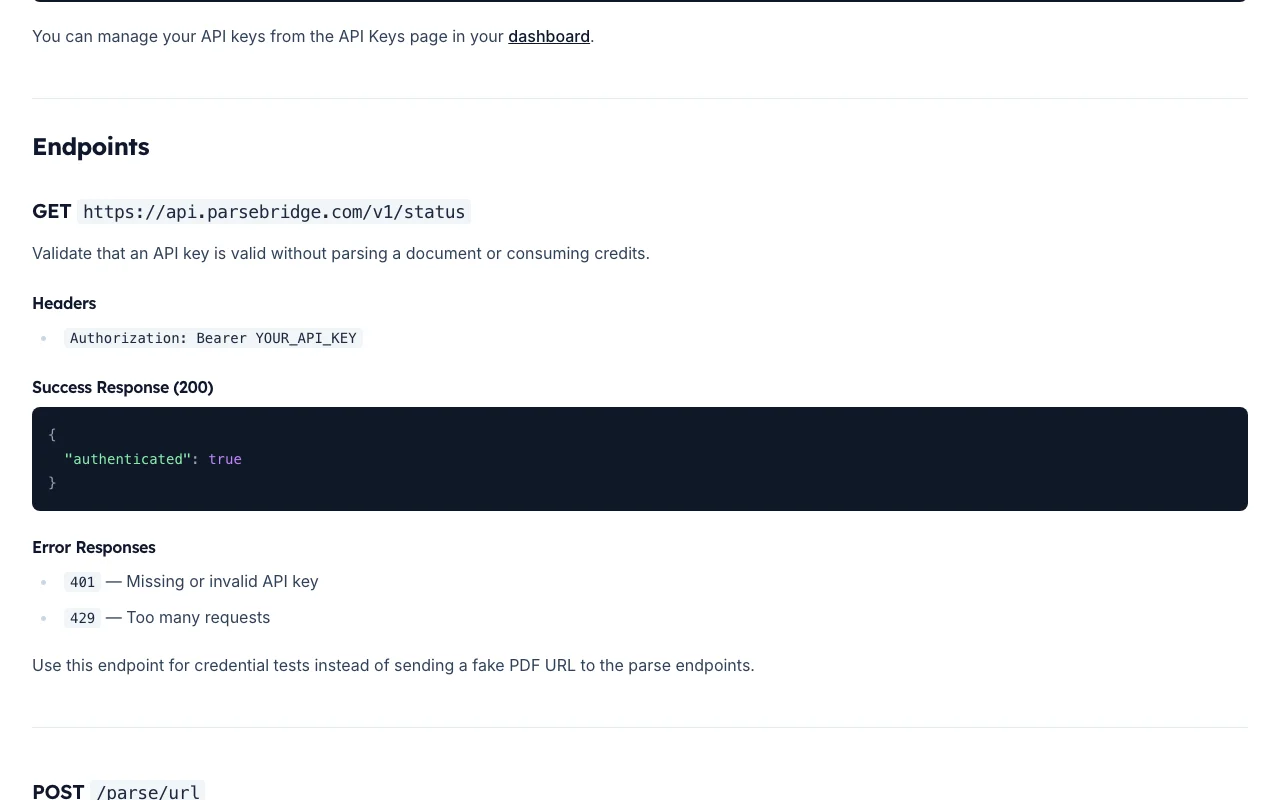
Parsebridge has no public API in its official documentation. Base URL https://api.parsebridge.com/v1, Bearer auth API documentation ↗
Summarized from the vendor's current policies; this is not legal advice and a vendor's badge is not an independent audit.
PDFs are deleted immediately after parsing; metadata such as page count and processing time is kept.
Content is not kept, so none stated.
No content retention per the site.
Not stated.
Not stated.
"Better suited" is based on documented features and pricing, not on a head-to-head test.
| Alternative | When to choose it | Pricing | Limitation | |
|---|---|---|---|---|
| Gemini Notebook (formerly NotebookLM) | — | — | ||
| Zapier | — | — | Compare |
No user reviews yet.
Used Parsebridge? Be the first to share your experience.
PDF only. source (opens in a new tab)
One credit equals one page; you pay for pages processed. source (opens in a new tab)
No; each billing cycle starts fresh. source (opens in a new tab)
Docling, with OCR, scaling and the API layer handled by Parsebridge. source (opens in a new tab)
The site says files are purged immediately after processing; only metadata like page count is stored. source (opens in a new tab)
Not verified: Privacy policy; Billing cycle wording; US availability.
Every fact about Parsebridge above comes from the 3 official pages listed here, last compared on Oct 1, 2026; we have not run Parsebridge ourselves, so it has no editorial score. How we check and re-check pages.
Article updated Oct 2, 2026; prices checked Oct 1, 2026. Outbound links to vendors are plain links; we do not earn commissions. How we review · Report an error
compare>