Pinokio launcher web
See official pricing source (opens in a new tab)
Unknown
For: Local AI users
Limits
- No pricing page found (404)
Includes
- App directory
- One-click install

Productivity & writingDocumented overviewLast checked Sep 29, 2026
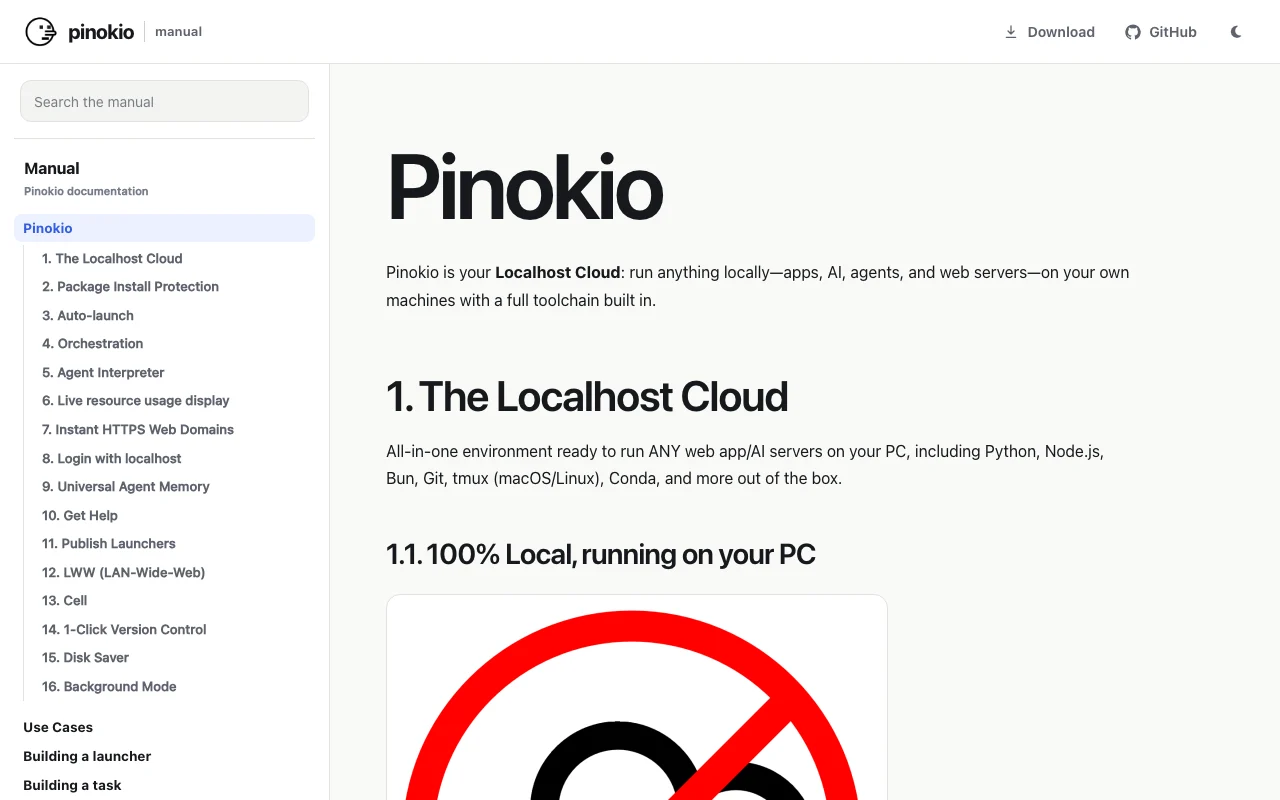
Desktop launcher that installs and runs open-source AI apps locally with one click via scripts.

 (open full size in a new tab)
 (open full size in a new tab)
 (open full size in a new tab)
 (open full size in a new tab)
 (open full size in a new tab)
Our take: Pick Pinokio if you have a capable local machine and want to install and run open-source AI apps from a community catalog with minimal setup.
Main limitation: Many catalog apps need a capable local GPU, and no pricing page was found to confirm cost.
Pick Pinokio if you have a capable local machine and want to install and run open-source AI apps from a community catalog with minimal setup. Based on the vendor's documentation, not on a hands-on test.
Also a good fit for
Or if
Prices checked Sep 29, 2026 on the official US pricing page. Prices and limits change often.
Vendor pricing page re-checked automatically 11 days ago: no changes detected.
Not confirmed; no pricing page found.
Not stated.
See official pricing source (opens in a new tab)
Unknown
For: Local AI users
Limits
Includes
Not stated; local hardware needed.
Not stated.
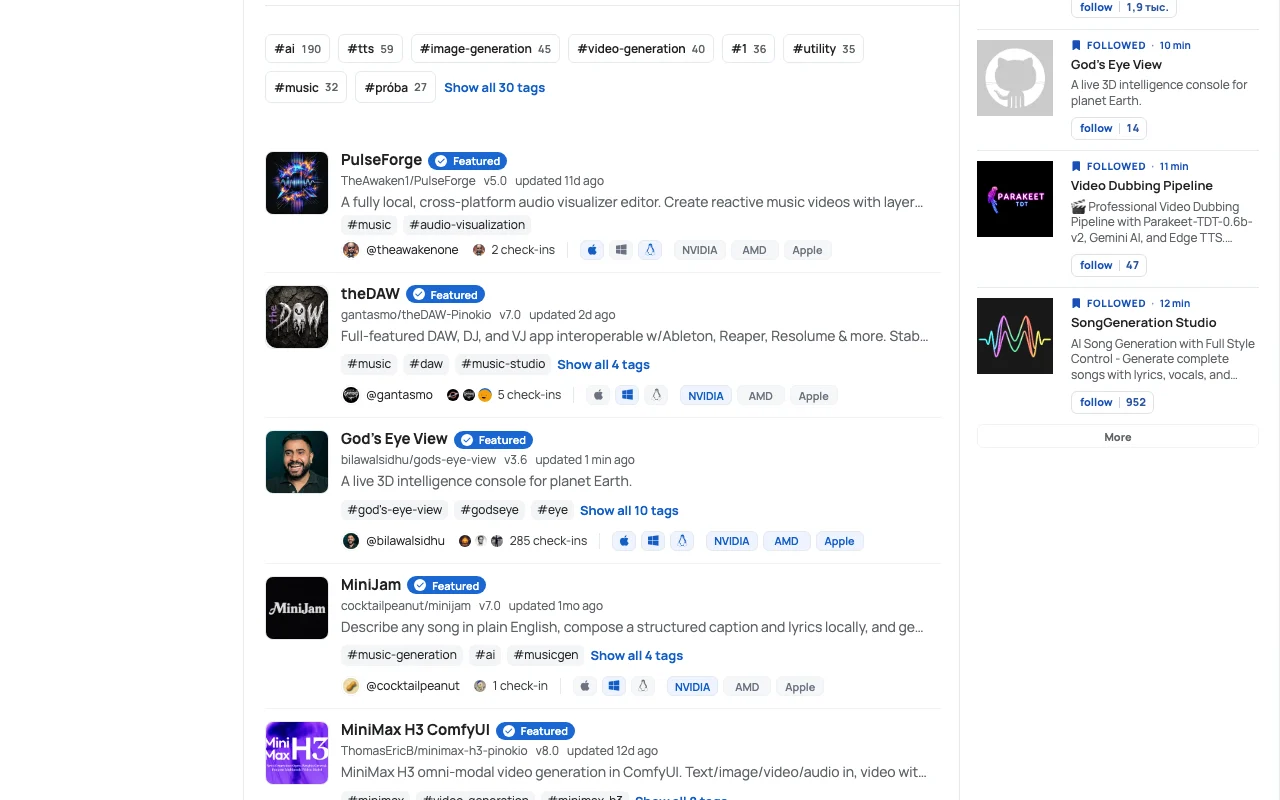
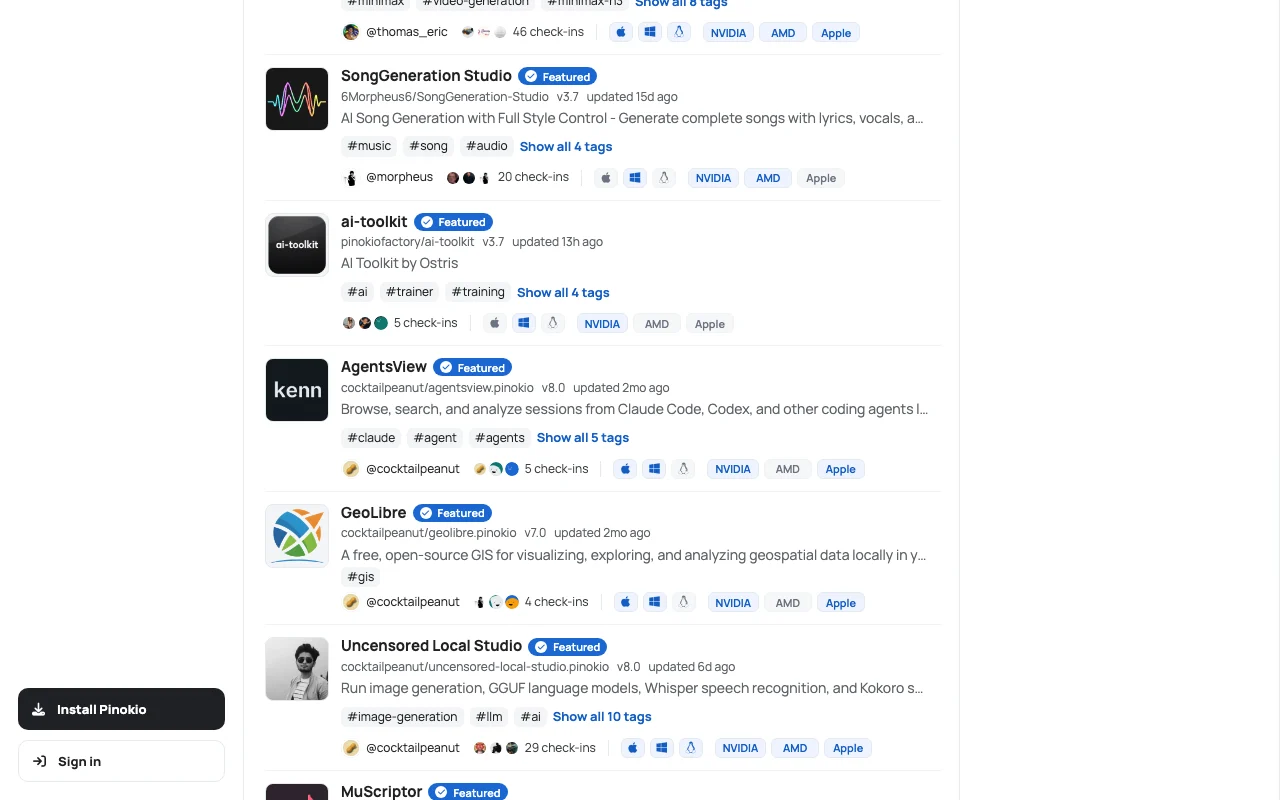
Pinokio is a 1-click launcher for open-source projects, described by its makers as a terminal application with a user-friendly interface. It installs and runs local AI apps such as TTS, image, video and music tools from a community directory. The app directory can be filtered by macOS, Windows and Linux and by NVIDIA, AMD or Apple GPUs. Scripts can run arbitrary commands, so featured scripts go through a publisher verification process.
You provide
You get back
Scenarios are worked out by our editors from the documentation; the actual result depends on your input and plan.
Installs and launches open-source projects from scripts Skips manual dependency setup
Provides a community directory with tags and sort options Makes apps easy to find
Filters apps by macOS, Windows or Linux Shows what runs on your system
Filters apps by NVIDIA, AMD or Apple GPU Matches apps to your hardware
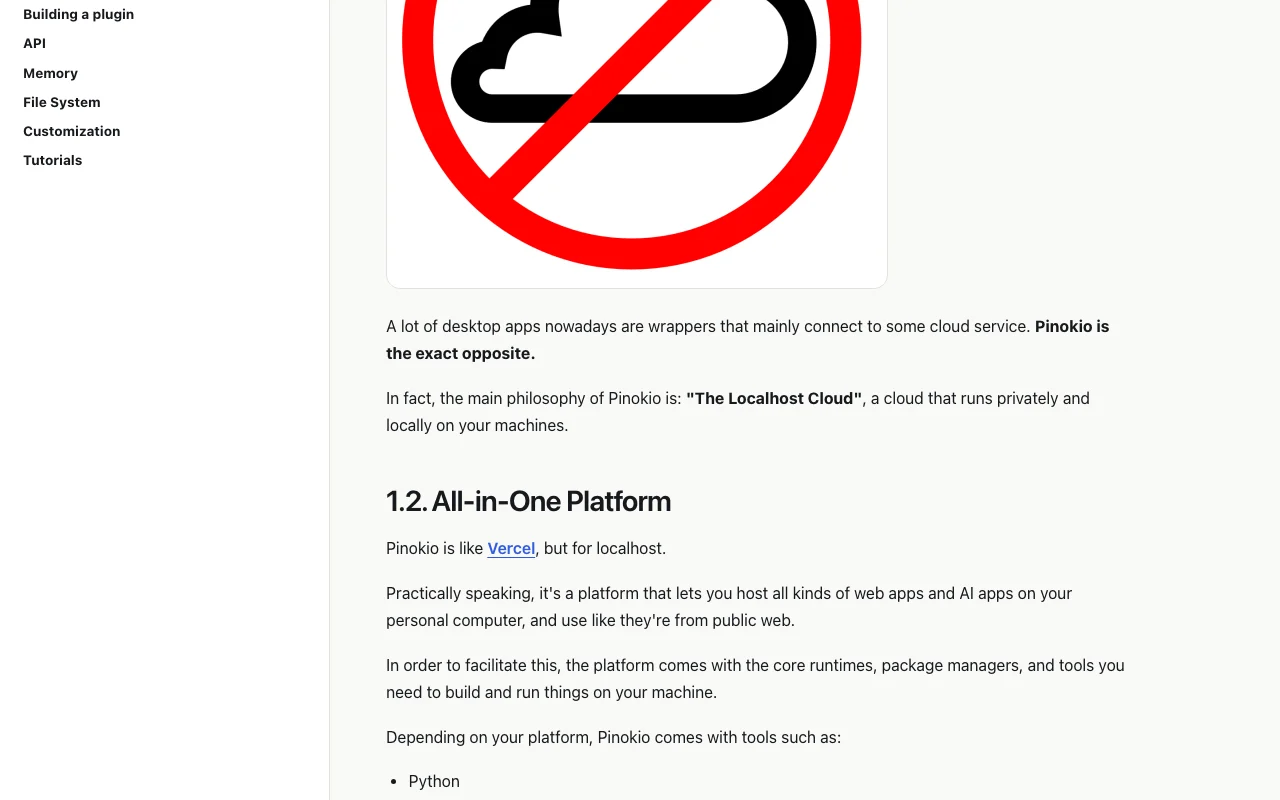
Pinokio has no public API in its official documentation. Docs page was empty; some directory entries are tagged api and plugin.
Summarized from the vendor's current policies; this is not legal advice and a vendor's badge is not an independent audit.
Registry collects account, public community content, app metadata and check-in data (platform, GPU, RAM, VRAM); apps run locally.
Kept as long as needed for service, security and legal purposes; tokens are temporary.
Policies: pinokio.co/privacy
"Better suited" is based on documented features and pricing, not on a head-to-head test.
No user reviews yet.
Used Pinokio? Be the first to share your experience.
A one-click launcher for installing and running open-source AI apps locally. source (opens in a new tab)
The directory can be filtered by macOS, Windows and Linux. source (opens in a new tab)
Apps are filterable by NVIDIA, AMD and Apple GPUs; some are marked NVIDIA only. source (opens in a new tab)
Not confirmed: the pricing page returned 404 and no price is listed. source (opens in a new tab)
No, the privacy policy says it does not sell personal information. source (opens in a new tab)
Not verified: Price (pricing page 404); Docs content (empty page); Training use and commercial terms; Changelog.
Every fact about Pinokio above comes from the 4 official pages listed here, last compared on Sep 29, 2026; we have not run Pinokio ourselves, so it has no editorial score. How we check and re-check pages.
Article updated Oct 2, 2026; prices checked Sep 29, 2026. Outbound links to vendors are plain links; we do not earn commissions. How we review · Report an error
compare>