Our take: Choose PostEverywhere if you want to schedule posts to many social networks from one calendar and let an AI agent drive it through a hosted MCP server or API.
Main limitation: There is no permanent free plan and a card is required for the 7-day trial; account, team and AI credit limits depend on the plan.
By the AI Tool Atlas editors.
Based on the vendor's official documentation; we have not tested this product hands-on. What “documented overview” means
Who PostEverywhere fits
Choose PostEverywhere if you want to schedule posts to many social networks from one calendar and let an AI agent drive it through a hosted MCP server or API. Based on the vendor's documentation, not on a hands-on test.
Best for: Marketers
Also a good fit for
Agencies
Creators using AI agents
Consider another tool if no permanent free plan
Or if
Card required to start trial
AI features use credits that reset each billing cycle
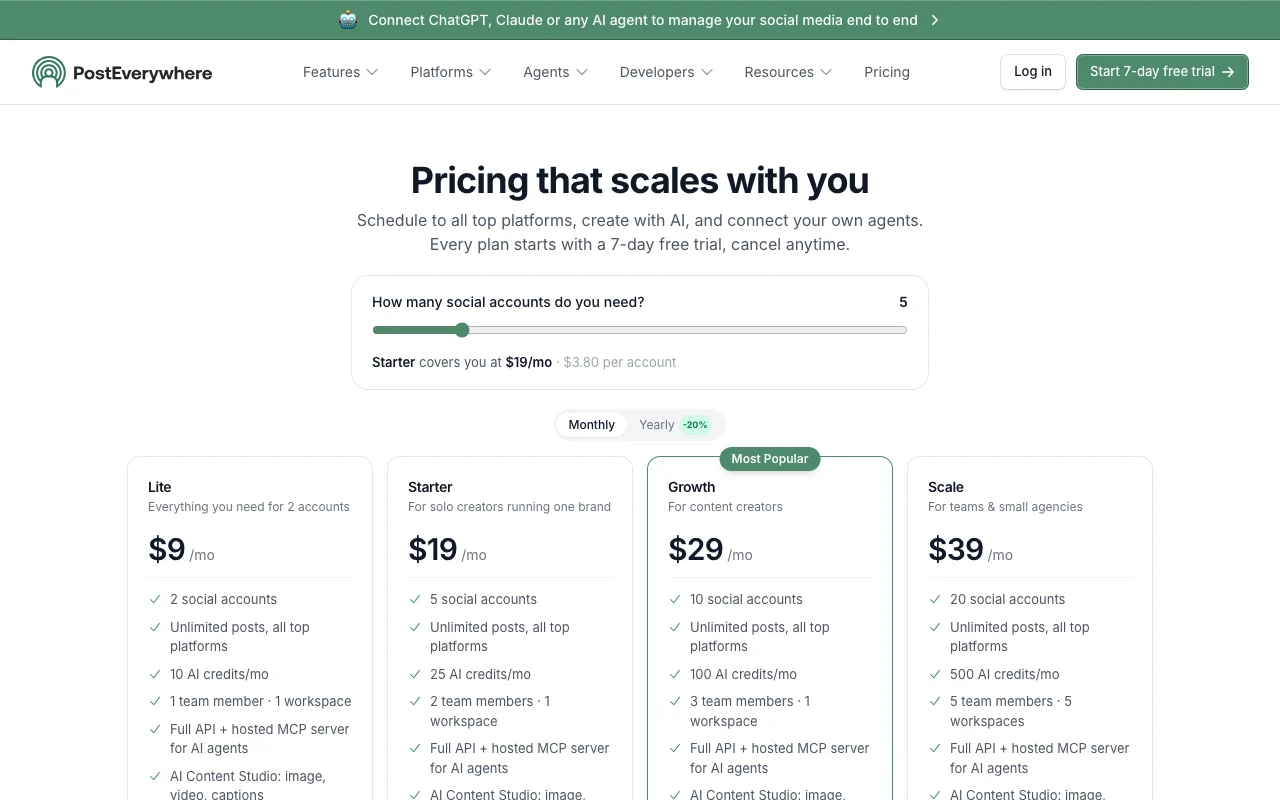
PostEverywhere pricing and usage limits
Prices checked Oct 2, 2026 on the official US pricing page. Official pricing ↗ Prices and limits change often.
The official PostEverywhere pricing page as we saw it. posteverywhere.ai, captured Oct 2, 2026
Free access and trial conditions
No permanent free plan.
7-day free trial on every plan; card required; $0 due today.
Annual billing saves 20%; annual prices are not listed
For: Teams and small agencies
Limits
20 social accounts
500 AI credits per month
1 more
5 team member(s), 5 workspace(s)
Includes
Unlimited scheduled posts
Full API and hosted MCP server
3 more
AI Content Studio
Exportable reports
Priority support
API included
Usage caps, credits and extra costs
AI credits reset each billing cycle; limits vary by plan.
What is PostEverywhere, and how does it work?
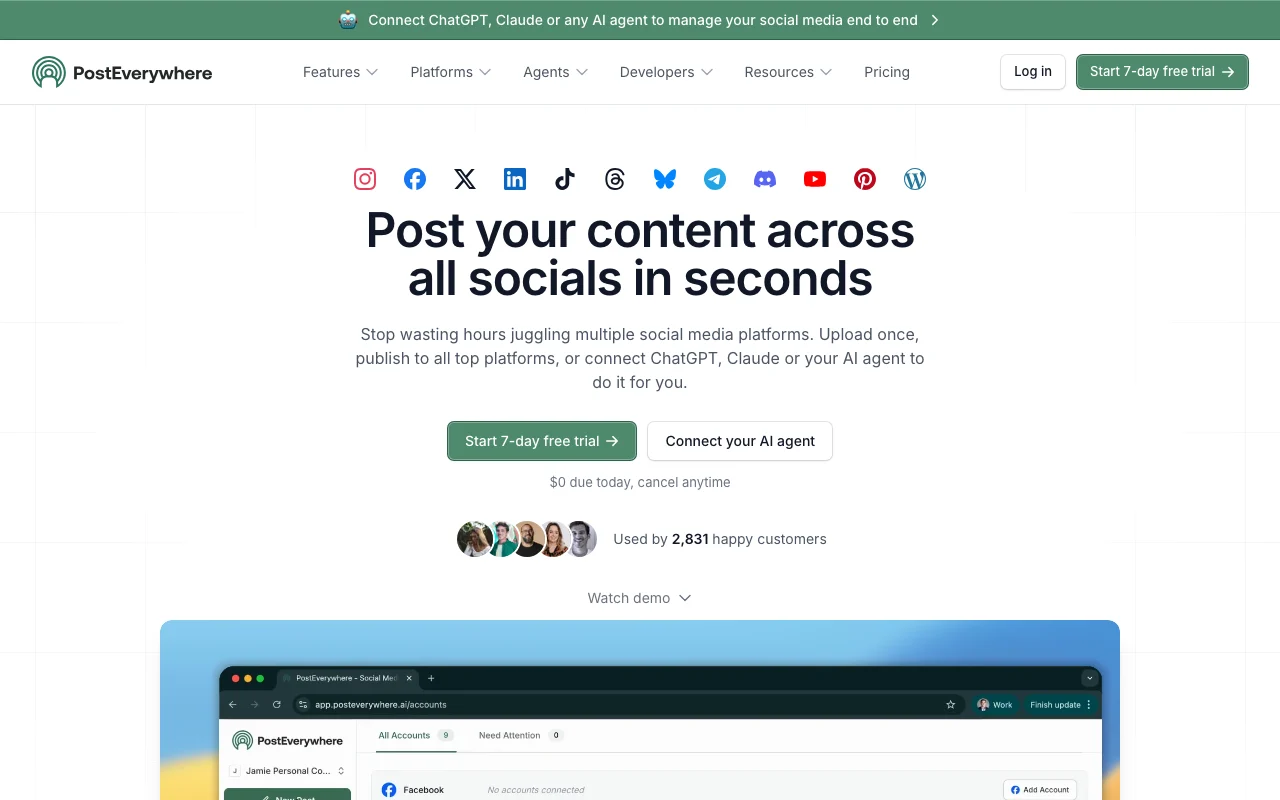
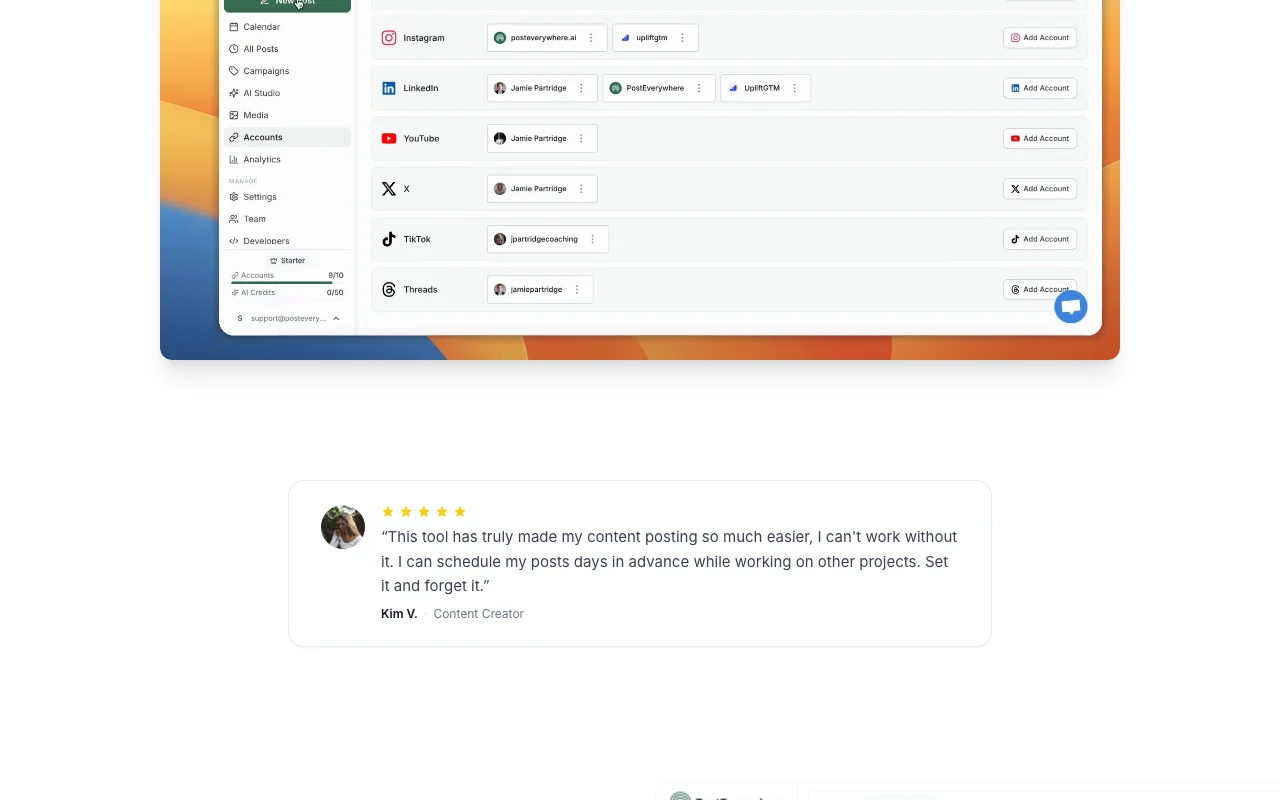
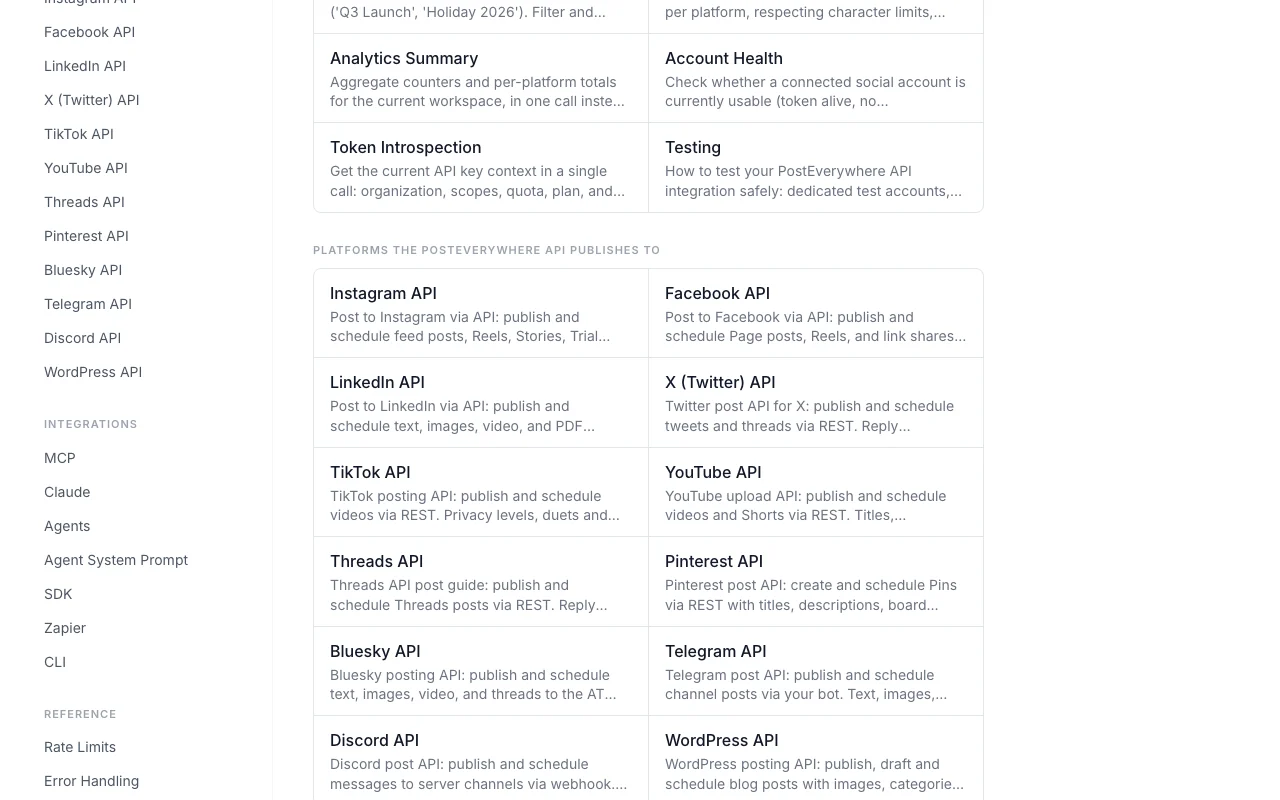
PostEverywhere is a social media scheduling and management tool. Users upload once and publish to platforms including Instagram, LinkedIn, TikTok, Facebook, X, YouTube, Threads, Bluesky, Pinterest and WordPress.
It also offers an API, CLI and MCP server so AI agents such as ChatGPT or Claude can manage posting, plus an AI Studio for captions, images and video.
PostEverywhere's official site: how the product presents itself. posteverywhere.ai, captured Oct 2, 2026
What you provide and what you get back
What you give PostEverywhere and what comes back, from its documentation
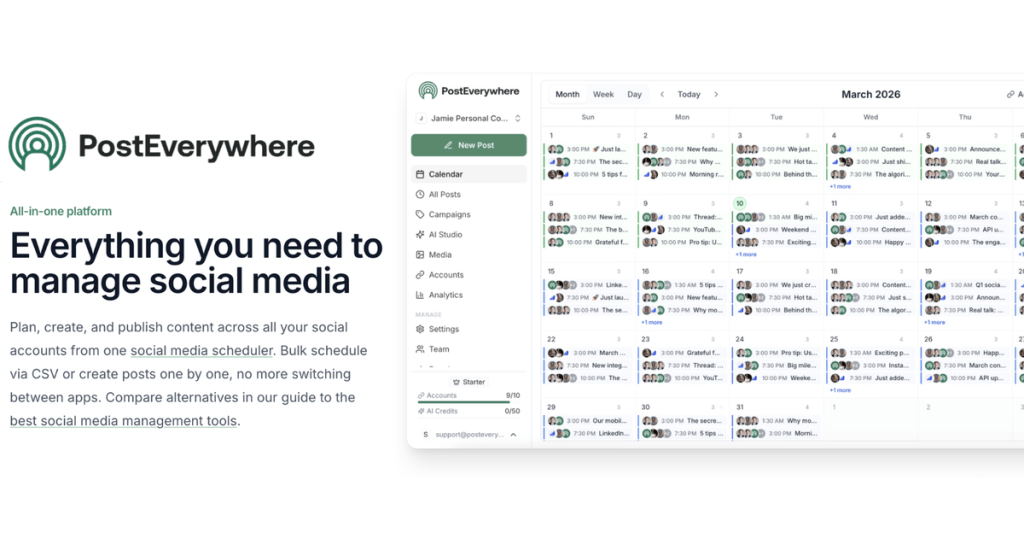
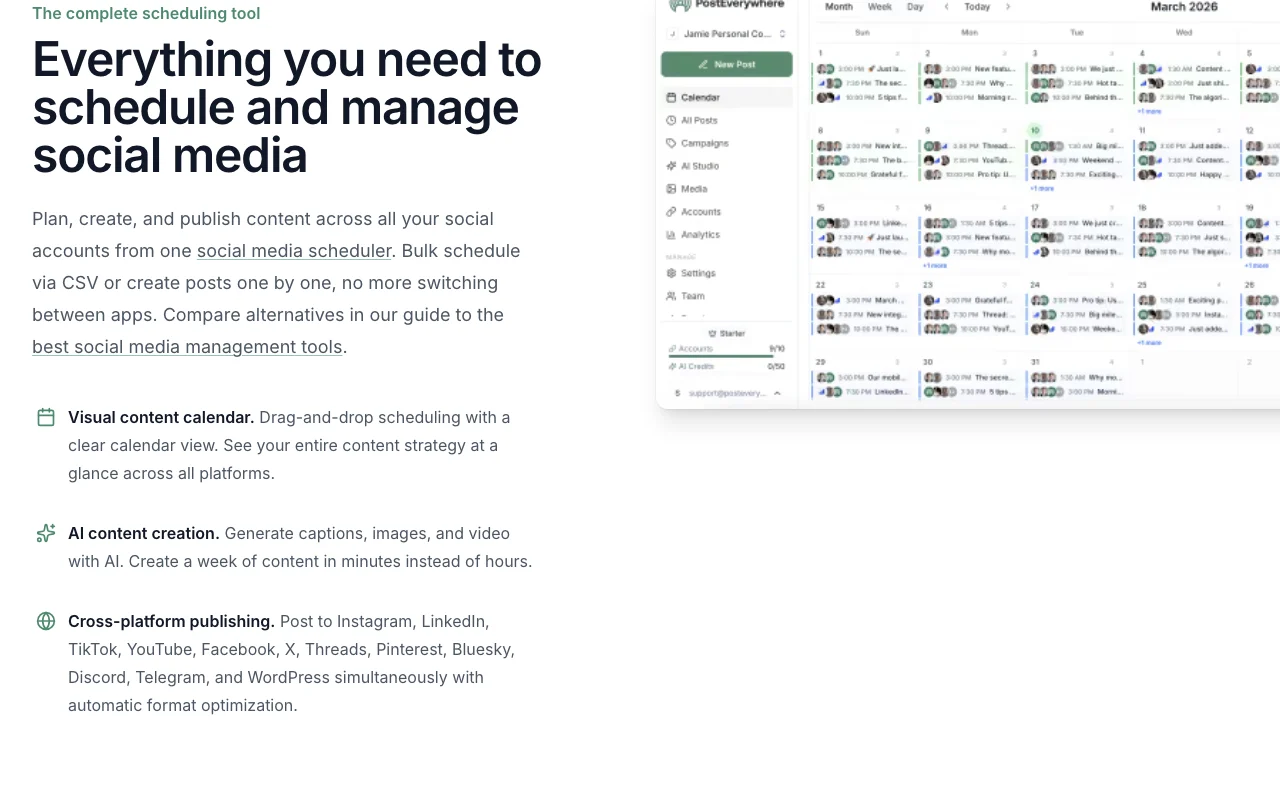
Feature overview on the official site. posteverywhere.ai, captured Oct 2, 2026
Cross-posting
Publishes one post to Instagram, LinkedIn, TikTok, YouTube, Facebook, X, Threads, Pinterest, Bluesky, Discord, Telegram and WordPress with automatic format optimization. Saves re-posting to each app.
Card required to start trial Users must enter payment details up front.documentedsource (opens in a new tab)
AI features use credits that reset each billing cycle Heavy AI generation can run out of credits mid-month.documentedsource (opens in a new tab)
Account limits depend on plan Growing teams must move up plans to add accounts or members.documentedsource (opens in a new tab)
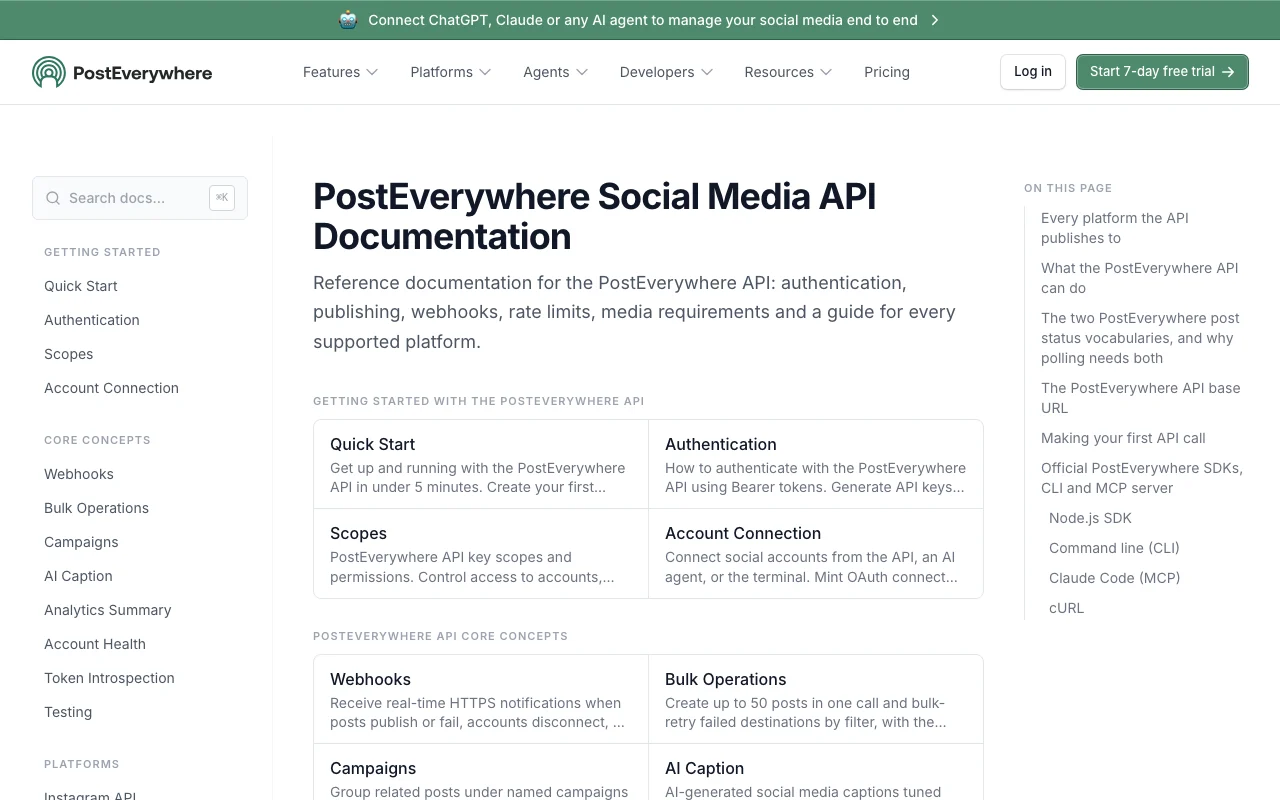
How to use PostEverywhere for scheduling a post to several social networks
PostEverywhere documentation: where the steps below come from. posteverywhere.ai, captured Oct 2, 2026
Set up PostEverywhere
Open posteverywhere.ai and start the 7-day free trial on a plan.
Enter payment details; nothing is due today.
Connect your social accounts through each network sign-in.
Open the content calendar.
Example: scheduling a post to several social networks
Write or generate a caption with the AI Content Studio.
Attach an image and pick the networks.
Choose a time or add the post to the posting queue.
Confirm the post in the calendar.
Review and export the result
Check that the post appears on the calendar at the chosen time.
After publishing, confirm it appears on each network.
Example prompt suggested by our editors (not a recorded output of the product)
Schedule this product announcement to LinkedIn and X for Tuesday at 9am and write a shorter caption for X.
PostEverywhere integrations and API
PostEverywhere documentation (continued). posteverywhere.ai, captured Oct 2, 2026
Native integrations and export formats
Export: CSV import for posts
API access and separate billing
PostEverywhere has no public API in its official documentation. REST API, hosted MCP server at https://mcp.posteverywhere.ai, CLI, Node SDK and webhooks on every plan. API documentation ↗
Privacy, data use and commercial rights
Summarized from the vendor's current policies; this is not legal advice and a vendor's badge is not an independent audit.
How your inputs and outputs are handled
Collects name and email and receives OAuth tokens for connected social accounts; passwords of social accounts are not stored.
LinkedIn profile data is deleted within 30 days of disconnecting and analytics data within 90 days.
Starter is $19 per month and covers 5 social accounts, 25 AI credits and 2 team members. source (opens in a new tab)
Does PostEverywhere charge anything when the 7-day trial starts?
No. The pricing FAQ says to add your card but you are not charged until the trial ends, and cancelling before then avoids the charge. source (opens in a new tab)
Can PostEverywhere be connected to Claude or ChatGPT?
Yes. A hosted MCP server at mcp.posteverywhere.ai connects Claude, ChatGPT, Cursor and other agents, and the REST API and CLI are included on all plans. source (opens in a new tab)
Does PostEverywhere offer refunds?
It offers a full refund if you contact support within the first 7 days of a paid subscription. source (opens in a new tab)
What does annual billing save on PostEverywhere?
The pricing FAQ says annual billing saves 20 percent; annual prices are not listed on the fetched page. source (opens in a new tab)
Not verified: Annual plan prices; Whether prompts or media are used to train models; Web app explicitly confirmed.
How we documented and maintain this page
Every fact about PostEverywhere above comes from the 4 official pages listed here, last compared on Oct 2, 2026; we have not run PostEverywhere ourselves, so it has no editorial score. How we check and re-check pages.
Article updated Oct 2, 2026; prices checked Oct 2, 2026. Outbound links to vendors are plain links; we do not earn commissions. How we review · Report an error