Productivity & writingDocumented overviewLast checked Sep 29, 2026

PrivacyScrubber: Pricing, Features & Best Use Cases

Browser-based PII redaction that masks sensitive data in text and documents before they go into AI prompts.

Who PrivacyScrubber fits

PrivacyScrubber suits privacy-conscious AI users, regulated teams and developers who want to mask personal data and secrets in prompts and documents locally in the browser before they reach ChatGPT, Claude or Cursor, free up to 15,000 characters per scrub. Based on the vendor's documentation, not on a hands-on test.

Best for: Privacy-conscious AI users

Also a good fit for

  • Teams in regulated sectors
  • Developers sanitizing prompts

Consider another tool if signed audit PDF export needs PRO ($15/mo or $110 lifetime)

Or if

  • Team ledger is $99/mo
  • Developer SDK is $299/mo

PrivacyScrubber pricing and usage limits

Prices checked Sep 29, 2026 on the official US pricing page. Official pricing ↗ Prices and limits change often.

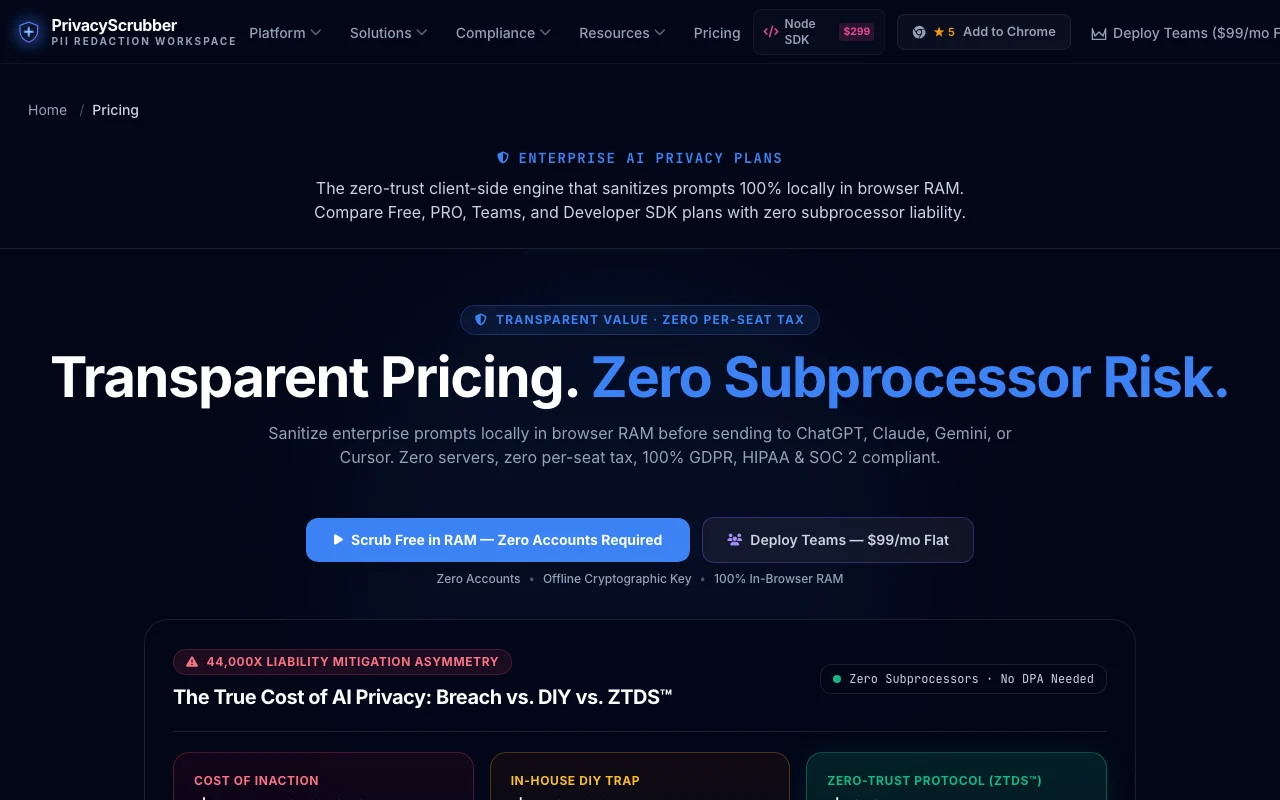
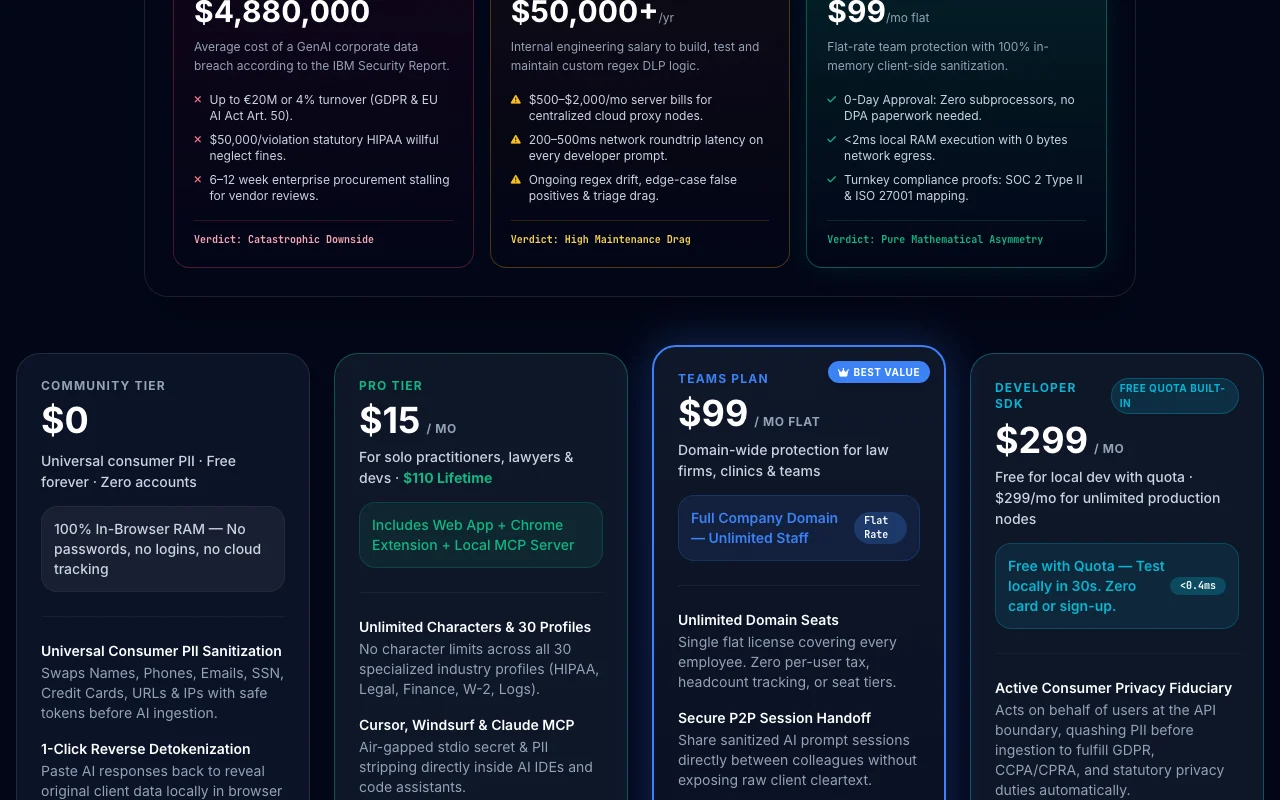
PrivacyScrubber pricing page with plans and prices — screenshot of the productivity & writing AI tool, Oct 1, 2026
The official PrivacyScrubber pricing page as we saw it. privacyscrubber.com, captured Oct 1, 2026

Free access and trial conditions

Community tier free forever with no account.

7-day corporate pilot offered for Teams.

Paid plans: what changes as you upgrade

Free (Community) web

Free source (opens in a new tab)

Forever

For: Consumer PII scrubbing before AI use

Limits

  • Up to 15,000 characters per scrub
  • 5,000-character free quota across 30 specialized profiles
1 more
  • SDK and MCP free with session limits

Includes

  • PII swap with safe tokens and 1-click detokenization
  • Alt+Shift+X in-page shield and web app
1 more
  • No accounts required

API billed separately

PRO web

$15/mo source (opens in a new tab)

Month

$110 lifetime option; free 1-year key via G2 review offer

For: Solo practitioners, lawyers and developers

Limits

  • Unlimited characters across 30 profiles

Includes

  • Web app, Chrome extension and local MCP server
  • Offline PDF OCR and batch engine
2 more
  • Unlimited custom regex rules
  • SHA-256 PDF receipts

API billed separately

Teams web

$99/mo source (opens in a new tab)

Month

For: Law firms, clinics and teams

Limits

  • Flat rate, unlimited seats on one domain

Includes

  • Secure P2P session handoff
  • Centralized rules governance
1 more
  • Audit receipts for CISO and DPO

API billed separately

Developer SDK api

$299/mo source (opens in a new tab)

Month

For: Production AI pipelines

Limits

  • Free local quota for development

Includes

  • Headless Node.js and WASM core
  • RAG and pipeline middleware
1 more
  • In-process execution

API included

Enterprise web

Custom pricing source (opens in a new tab)

Custom

For: Healthcare systems, banks and large organizations

Limits

  • Custom SLA

Includes

  • On-premise source code licensing
  • Air-gapped deployment
1 more
  • Custom SIEM log integration

API included

Usage caps, credits and extra costs

None listed beyond plans.

Not stated.

What is PrivacyScrubber, and how does it work?

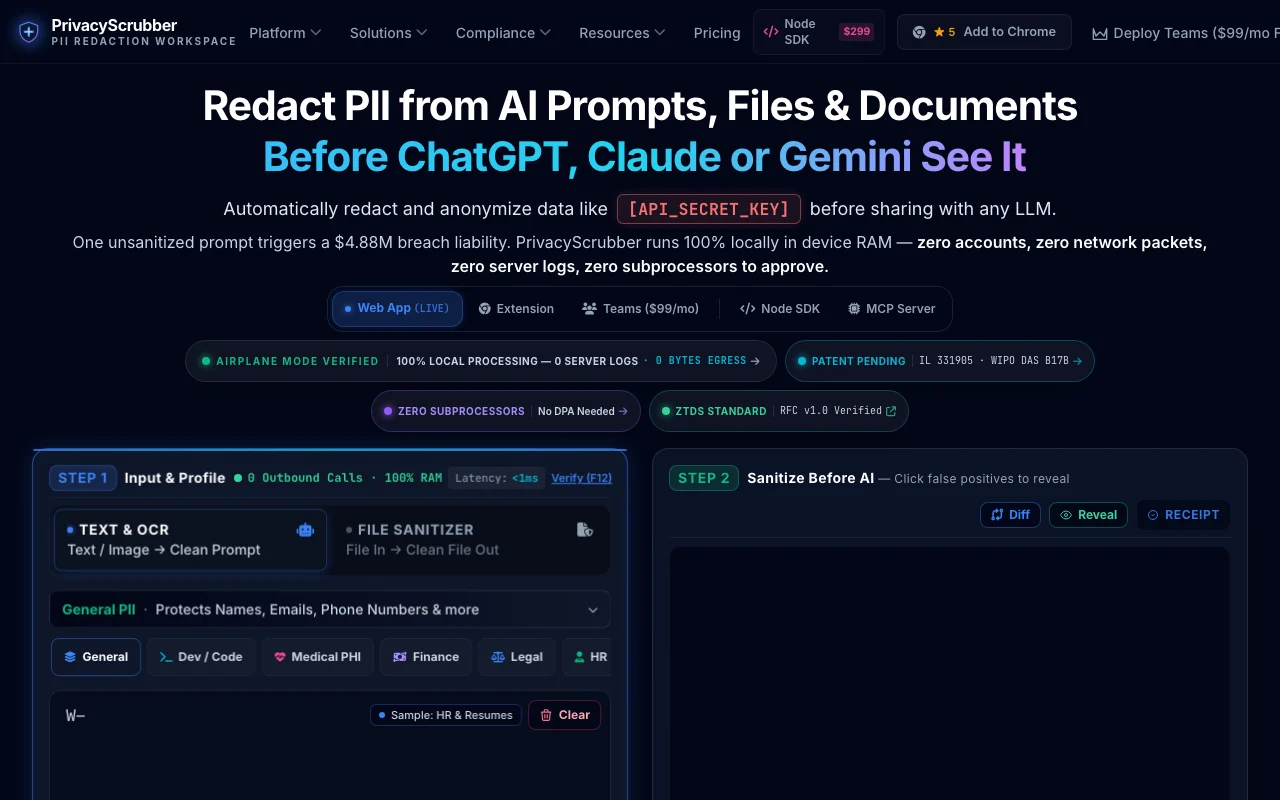
PrivacyScrubber is a client-side tool that detects and masks personal data such as names, emails, IDs and secrets in text, PDFs and spreadsheets before use with AI tools. The site states processing happens in browser memory. It offers a free web workspace, plus a Chrome extension, MCP server, developer SDK and team options listed on the site.

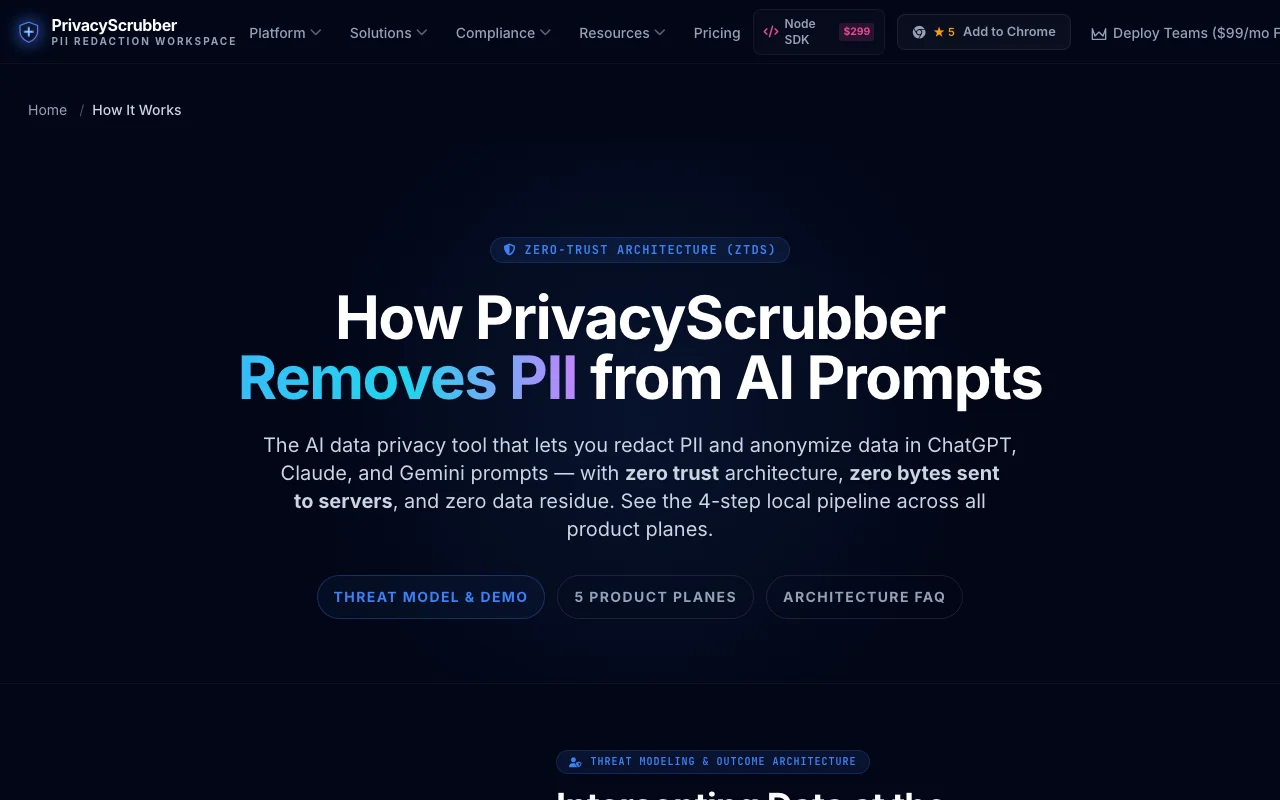
PrivacyScrubber homepage — screenshot of the productivity & writing AI tool, Oct 1, 2026
PrivacyScrubber's official site: how the product presents itself. privacyscrubber.com, captured Oct 1, 2026

What you provide and what you get back

How PrivacyScrubber works: what you provide, where it runs and what you get backYOU PROVIDEYour inputPasted text and promptsPDF, Word, Excel, CSV and image f…Custom regex rules for codenames…PRODUCTIVITY & WRITINGPrivacyScrubberWebfrom $15/mo (PRO)free tier availablechecked Sep 29, 2026YOU GET BACKThe resultText with PII replaced by tokens…Reverse-detokenized AI responsesTamper-evident PDF receipts (paid)Encrypted .pssession filesinput → PrivacyScrubber → output · from the vendor's own pages, no hands-on test unless stated
What you give PrivacyScrubber and what comes back, from its documentation

You provide

  • Pasted text and prompts
  • PDF, Word, Excel, CSV and image files
  • Custom regex rules for codenames and client codes

You get back

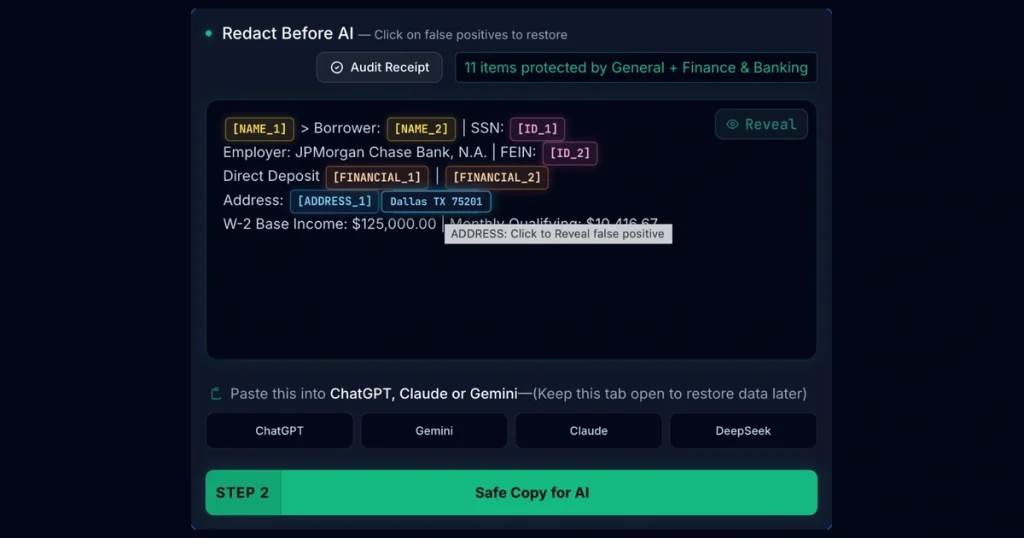
  • Text with PII replaced by tokens like [NAME_1]
  • Reverse-detokenized AI responses
  • Tamper-evident PDF receipts (paid)
  • Encrypted .pssession files

Where you can use it

Platforms
Web
Account
Not required
Detected data
Names, phones, emails, SSN, cards, URLs, IPs, secrets
Profiles
30 specialized (HIPAA, Legal, Finance, logs)
Files
PDF, Word, Excel, CSV, images (local OCR)
Surfaces
Web, Chrome extension, MCP, SDK
Hotkey
Alt+Shift+X

Where PrivacyScrubber is most useful

Scenarios are worked out by our editors from the documentation; the actual result depends on your input and plan.

Redacting PII before pasting into AI chatbots

Who
Privacy-conscious AI users
You provide
Prompt text with names, emails and IDs
Expected result
Tokenized prompt safe to send, with local detokenization of the reply
Plan needed
Free
Limitation
15,000 characters per scrub on Free source (opens in a new tab)

Sanitizing PDFs and CSV or Excel files

Who
Teams in regulated sectors
You provide
Documents and spreadsheets
Expected result
Masked files processed in browser memory
Plan needed
PRO
Limitation
Offline PDF OCR and batch need PRO source (opens in a new tab)

Masking secrets and API tokens in logs

Who
Developers
You provide
Logs and code with secrets
Expected result
Logs stripped of keys before sharing with AI assistants
Plan needed
Free or PRO
Limitation
Detection accuracy is not independently verified source (opens in a new tab)

Stripping PII inside AI IDEs

Who
Developers using Cursor, Windsurf or Claude
You provide
Prompts through the local MCP server
Expected result
Air-gapped PII and secret stripping in the IDE
Plan needed
PRO
Limitation
MCP server is part of PRO source (opens in a new tab)

PrivacyScrubber features and their limits

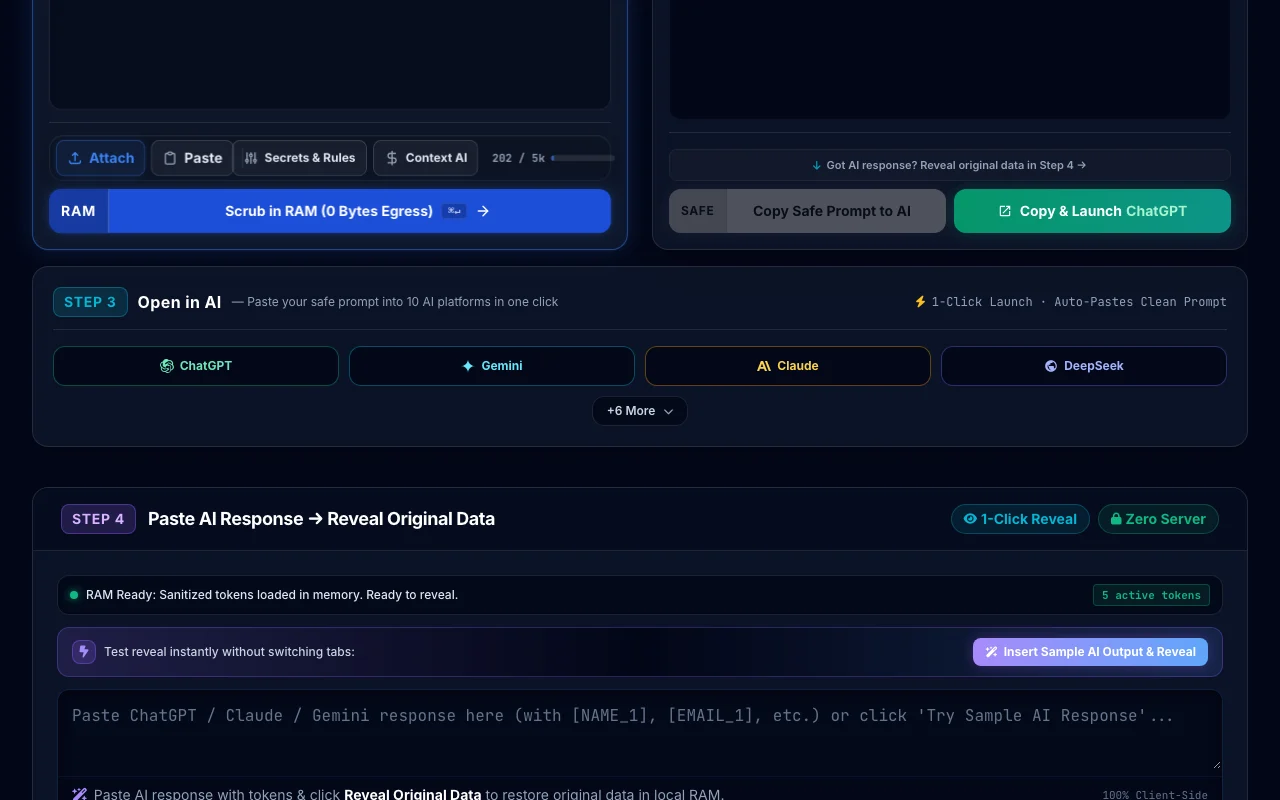
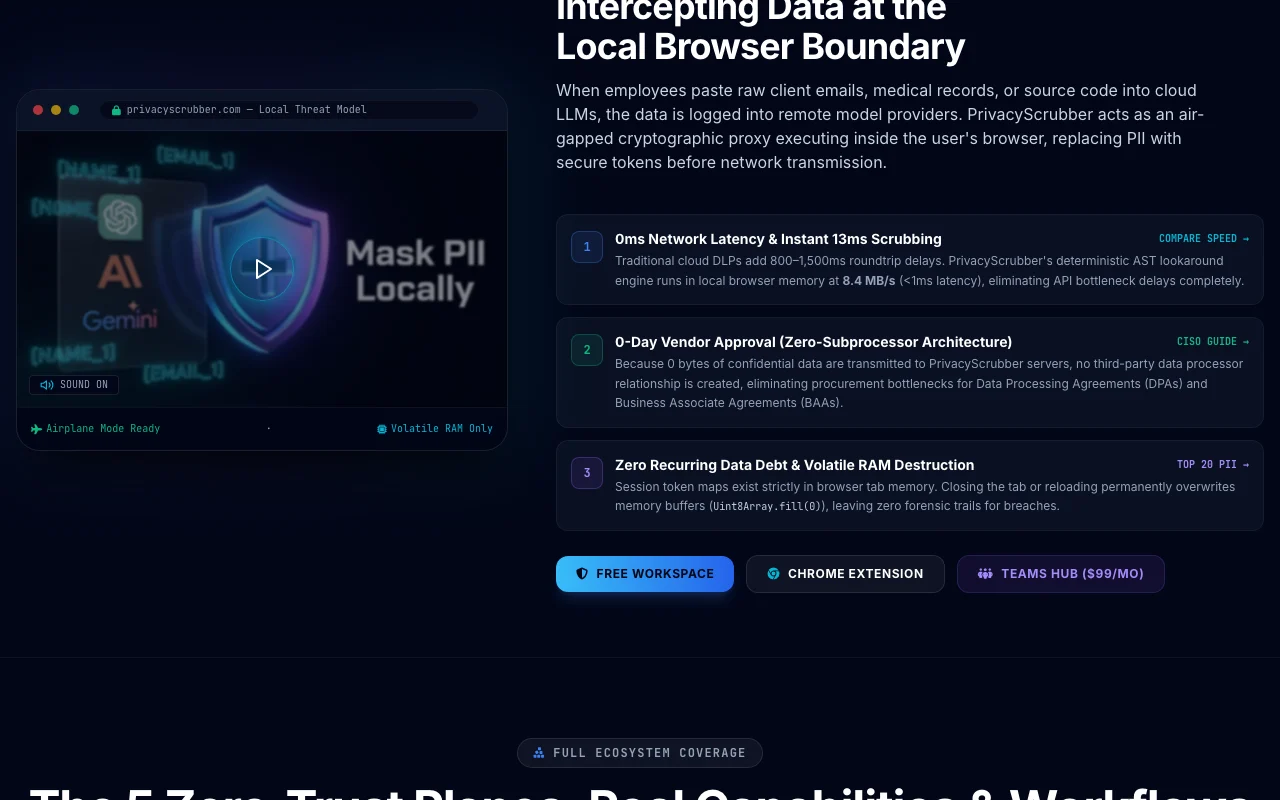
PrivacyScrubber homepage — screenshot of the productivity & writing AI tool, Oct 1, 2026
Feature overview on the official site. privacyscrubber.com, captured Oct 1, 2026

Client-side PII detection and masking

Detects names, phones, emails, SSNs, cards, URLs and IPs in browser memory and swaps them for tokens. Keeps raw data off AI servers.

Access: Free with 15,000-character limitLimit: Accuracy claims are not independently verified source (opens in a new tab)

Offline PDF and OCR sanitizing

Parses PDFs, screenshots and scans locally with Tesseract and PDF.js WebAssembly. Scrubs documents without uploading.

Access: PROLimit: Heavy files depend on local device memory source (opens in a new tab)

Excel and CSV cell masking

Masks sensitive cells in spreadsheets in the browser. Share data with AI safely.

Access: Web workspaceLimit: Plan limits on character volume apply on Free source (opens in a new tab)

Custom regex and secret stripping

Lets you add rules for project codenames, client codes and tokens. Covers organization-specific identifiers.

Access: Unlimited on PROLimit: Rules must be written and maintained by you source (opens in a new tab)

Tamper-evident audit receipts

Generates SHA-256 signed PDF receipts of a scrub session. Evidence for auditors.

Access: PRO and TeamsLimit: Receipts attest to the tool's claim, not an external certification source (opens in a new tab)

PrivacyScrubber pros and cons

Where PrivacyScrubber is strong

Limitations to check before paying

How to use PrivacyScrubber for redacting personal data from a prompt

PrivacyScrubber documentation — screenshot of the productivity & writing AI tool, Oct 1, 2026
PrivacyScrubber documentation: where the steps below come from. privacyscrubber.com, captured Oct 1, 2026

Set up PrivacyScrubber

  1. Open privacyscrubber.com; no account is needed.
  2. Paste the prompt text into the workspace or use Alt+Shift+X inside ChatGPT or Claude.
  3. Check which categories (names, emails, IDs, cards, IPs) are enabled.
  4. Optionally add custom regex rules for client codes.

Example: redacting personal data from a prompt

  1. Paste a client email thread containing names and phone numbers.
  2. Run the scrub and review the tokens such as [NAME_1].
  3. Copy the scrubbed text into your AI chatbot.
  4. Paste the AI response back and use detokenization to restore the real names locally.

Review and export the result

  1. Scan the scrubbed text for any remaining personal data.
  2. Test in airplane mode to confirm the processing is local.

PrivacyScrubber integrations and API

PrivacyScrubber documentation — screenshot of the productivity & writing AI tool, Oct 1, 2026
PrivacyScrubber documentation (continued). privacyscrubber.com, captured Oct 1, 2026

Native integrations and export formats

Export: Encrypted .pssession, PDF receipts

API access and separate billing

PrivacyScrubber has no public API in its official documentation. Headless Node.js and WASM core API documentation ↗

Privacy, data use and commercial rights

Summarized from the vendor's current policies; this is not legal advice and a vendor's badge is not an independent audit.

How your inputs and outputs are handled

Site states all processing happens in browser memory with no uploads and no user database.

Token maps live in volatile memory and are destroyed when the tab closes.

Commercial use and plan restrictions

Audit receipts on PRO and Teams

Controls for business users

  • Offline license keys
  • Encrypted session exports
  • Audit receipts

Policies: privacyscrubber.com/privacy-policy/

PrivacyScrubber alternatives by need

"Better suited" is based on documented features and pricing, not on a head-to-head test.

ChatGPT: better suited to

Claude: better suited to

Alternatives
AlternativeWhen to choose itPricingLimitation
ChatGPT——
Claude——

Explore PrivacyScrubber further

Related to PrivacyScrubber

PrivacyScrubber user reviews

No user reviews yet.

Used PrivacyScrubber? Be the first to share your experience.

Write a review

Reviews are checked by a moderator before they appear. Your email is never published. Plain text only.

Your rating (required)

Show what you made or what went wrong. Images are published only if the review is approved; location data is removed.

    PrivacyScrubber FAQ

    Does PrivacyScrubber upload my text?

    According to the site, no: detection runs in browser memory in a Web Worker, files are parsed locally, and token maps are destroyed when you close the tab. source (opens in a new tab)

    How many characters can I scrub for free?

    Up to 15,000 characters per scrub for general PII, plus a 5,000-character free quota across the 30 specialized profiles. source (opens in a new tab)

    What does PrivacyScrubber PRO cost?

    $15 per month or $110 lifetime, with unlimited characters, Chrome extension, local MCP server, offline PDF OCR and signed PDF receipts. source (opens in a new tab)

    Do I need an account for PrivacyScrubber?

    No. There are no accounts; paid tiers activate with an offline cryptographic license key. source (opens in a new tab)

    What does the PrivacyScrubber Teams plan cover?

    $99 per month flat for a whole company domain with unlimited seats, P2P session handoff, shared rules and audit receipts. source (opens in a new tab)

    Sources and review methodology

    Official sources and verification dates

    Not verified: Independent accuracy verification; Compliance certifications; US availability.

    How we documented and maintain this page

    Every fact about PrivacyScrubber above comes from the 5 official pages listed here, last compared on Sep 29, 2026; we have not run PrivacyScrubber ourselves, so it has no editorial score. How we check and re-check pages.

    Article updated Oct 2, 2026; prices checked Sep 29, 2026. Outbound links to vendors are plain links; we do not earn commissions. How we review · Report an error