Our take: PostSyncer fits creators, teams and agencies that want unlimited-seat scheduling across 11+ networks with an AI Studio and MCP/REST API access, starting with a 7-day free trial.
Main limitation: Starter limited to 10 social accounts
By the AI Tool Atlas editors.
Based on the vendor's official documentation; we have not tested this product hands-on. What “documented overview” means
Who PostSyncer fits
PostSyncer fits creators, teams and agencies that want unlimited-seat scheduling across 11+ networks with an AI Studio and MCP/REST API access, starting with a 7-day free trial. Based on the vendor's documentation, not on a hands-on test.
Best for: Creators and freelancers
Also a good fit for
Social media agencies
Users of AI agents for posting
Consider another tool if starter limited to 10 social accounts
Or if
AI credits capped (1,000/month on Starter)
Extra workspaces cost $19/month each
PostSyncer pricing and usage limits
Prices checked Oct 2, 2026 on the official US pricing page. Official pricing ↗ Prices and limits change often.
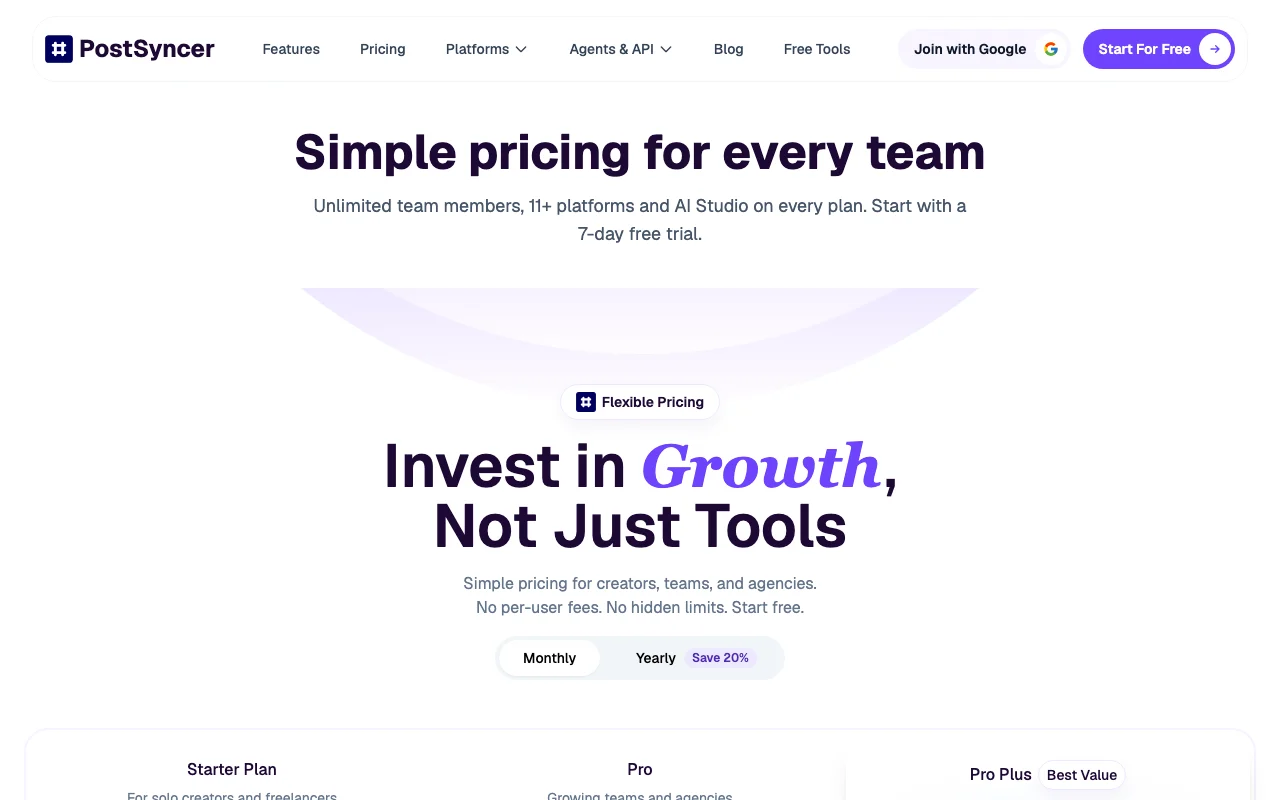
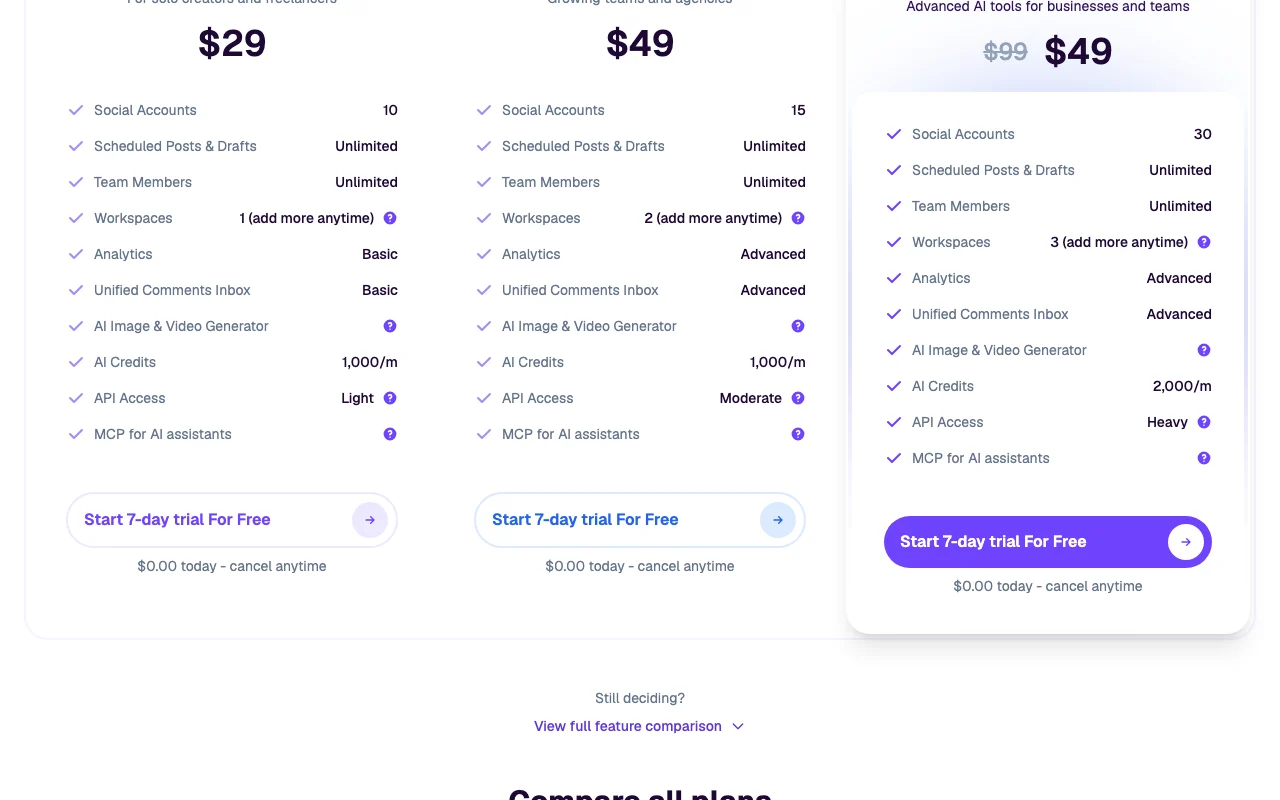
The official PostSyncer pricing page as we saw it. postsyncer.com, captured Oct 2, 2026
Free access and trial conditions
No free plan listed
7-day free trial on all plans ($0.00 today, cancel anytime)
For: Businesses and teams needing advanced AI tools
Limits
30 social accounts
3 workspaces
1 more
API 500 posts/day; 2,000 AI credits/month
Includes
Unlimited team members
Heavy API
2 more
Unlimited media storage
Priority support
API included
Usage caps, credits and extra costs
Extra workspaces $19/month each
Not stated
What is PostSyncer, and how does it work?
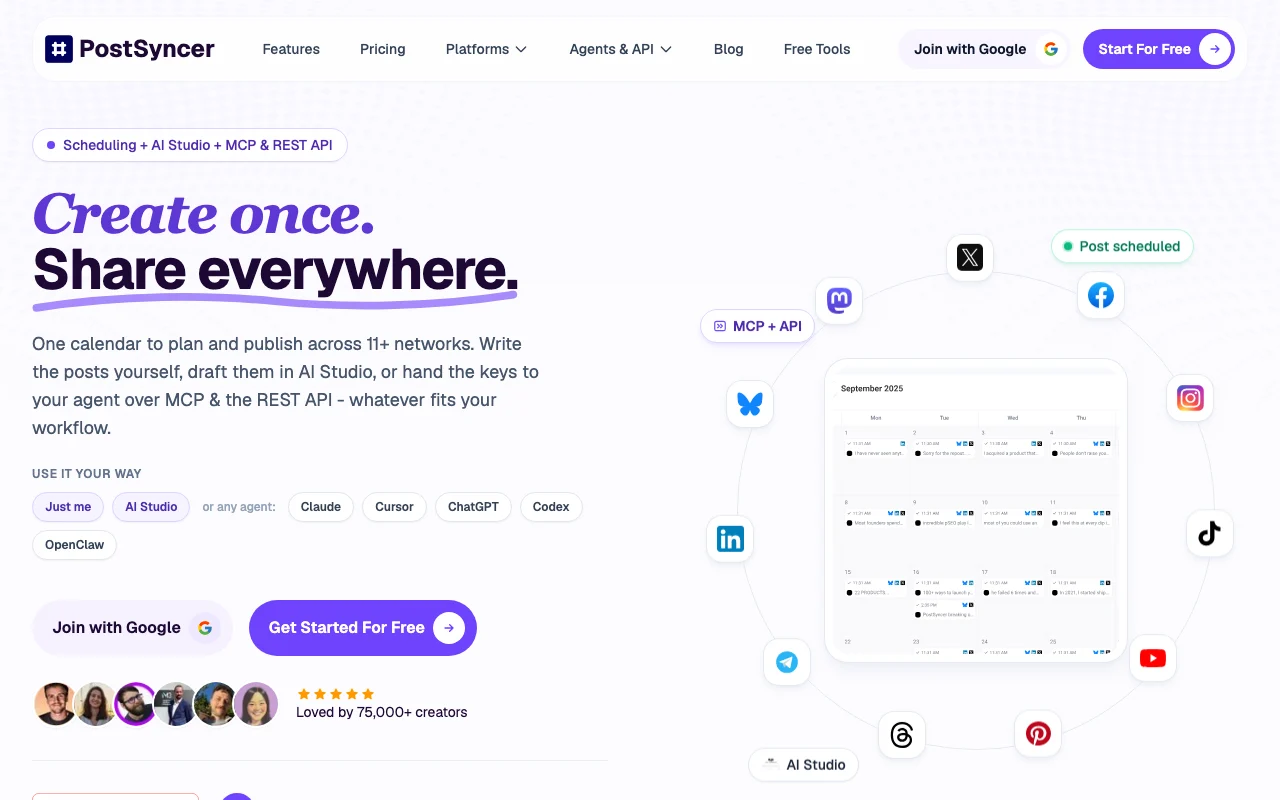
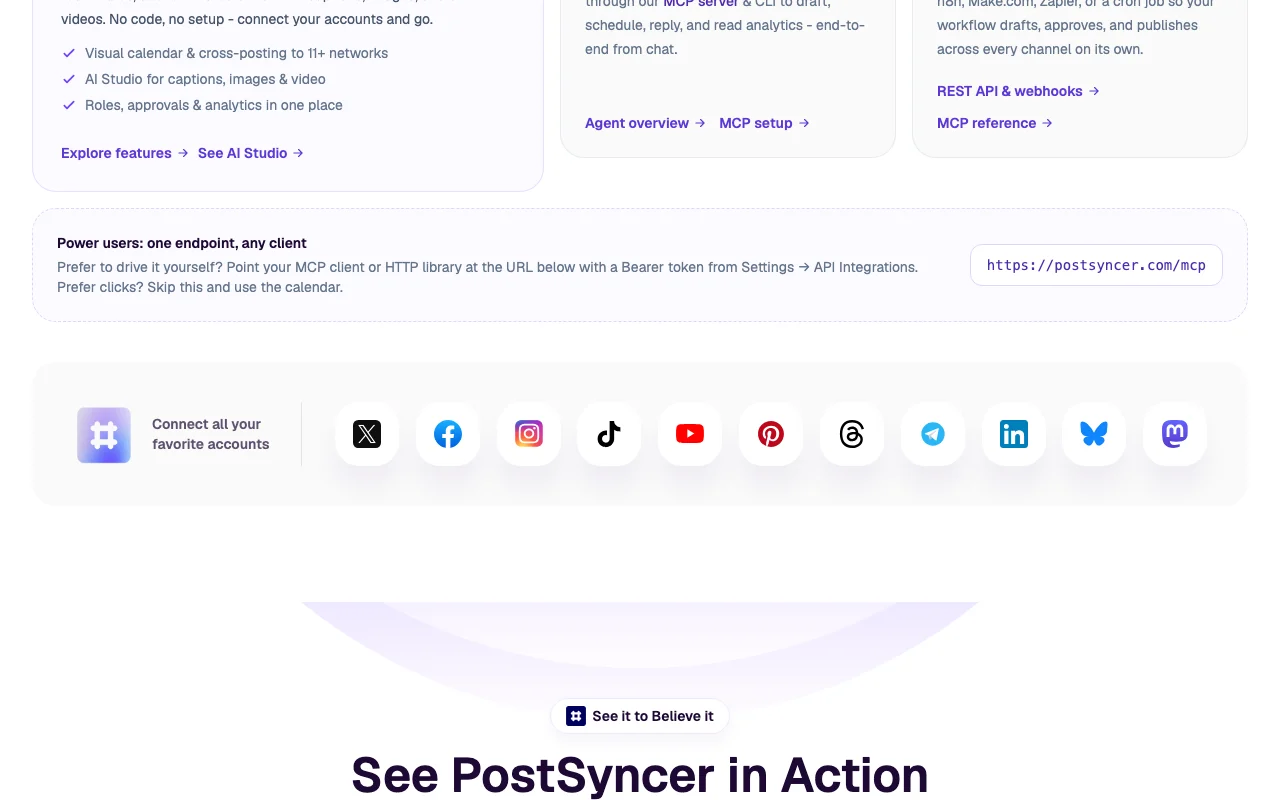
PostSyncer is a social media scheduling tool with a visual calendar for publishing to 11+ networks including X, Facebook, Instagram, TikTok, YouTube, Pinterest, Threads, LinkedIn, Bluesky and Mastodon. An AI Studio drafts captions, images and short videos.
It also offers a REST API and an MCP server so assistants such as Claude Desktop and Cursor can schedule posts. Every plan lists unlimited team members and starts with a 7-day free trial.
PostSyncer's official site: how the product presents itself. postsyncer.com, captured Oct 2, 2026
What you provide and what you get back
What you give PostSyncer and what comes back, from its documentation
You provide
Post text, images and videos
URLs, PDFs, images, videos and text for AI Studio
Connected social accounts
You get back
Scheduled and published posts
AI-generated captions, images and short videos
Analytics and a unified comments inbox
Where you can use it
Platforms
Web, API
Account
Required
Networks
11+ platforms
AI credits
1,000/month Starter; 2,000/month Pro Plus
Media storage
50 GB Starter, 100 GB Pro, Unlimited Pro Plus
Bulk scheduling
CSV or Excel up to 30 days of content
AI models
Veo 3, Sora 2, Nano Banana Pro listed in AI Studio
What people use PostSyncer for
Scenarios are worked out by our editors from the documentation; the actual result depends on your input and plan.
Cross-posting to many social networks
Who
Creators and freelancers
You provide
Content and up to 10 connected accounts (Starter)
Expected result
Posts published across 11+ networks from one calendar
Unlimited scheduled posts and drafts Plan content ahead without scheduling capsdocumentedsource (opens in a new tab)
Limitations to check before paying
Starter limited to 10 social accounts Solo users with many brands hit the account capdocumentedsource (opens in a new tab)
AI credits capped (1,000/month on Starter) Heavy AI use may run out of creditsdocumentedsource (opens in a new tab)
Extra workspaces cost $19/month each Multi-brand or multi-client setups cost moredocumentedsource (opens in a new tab)
API daily post limits apply (100/day on Starter) Automated posting volume is capped per daydocumentedsource (opens in a new tab)
How to use PostSyncer for scheduling posts across social networks
Set up PostSyncer
Start the 7-day free trial (Google sign-in offered)
Connect your social accounts
Invite teammates and set roles
Open the visual calendar
Example: scheduling posts across social networks
Create a post or generate a caption in AI Studio
Pick networks and a publish time
Send for approval if needed
Schedule and watch it on the calendar
Review and export the result
Confirm the post shows at the right time on the calendar
Check the published post on each network
Review analytics
Example prompt suggested by our editors (not a recorded output of the product)
Write an Instagram caption and three hashtags for our spring product launch, friendly tone.
PostSyncer API
Plan comparison on the official pricing page. postsyncer.com, captured Oct 2, 2026
API access and separate billing
PostSyncer has no public API in its official documentation. REST API v1, OAuth2, SDK, webhooks and MCP at https://postsyncer.com/mcp; docs URL on this domain returned 404 API documentation ↗
Privacy, data use and commercial rights
Summarized from the vendor's current policies; this is not legal advice and a vendor's badge is not an independent audit.
How your inputs and outputs are handled
Not stated on fetched pages
Controls for business users
Role-based approval workflows
Other tools to consider instead of PostSyncer
"Better suited" is based on documented features and pricing, not on a head-to-head test.
Not verified: Pro Plus yearly price; Privacy, training and retention policy; Docs content (404); Mobile apps; US availability; Full list of 11+ networks.
How we documented and maintain this page
Every fact about PostSyncer above comes from the 2 official pages listed here, last compared on Oct 2, 2026; we have not run PostSyncer ourselves, so it has no editorial score. How we check and re-check pages.
Article updated Oct 2, 2026; prices checked Oct 2, 2026. Outbound links to vendors are plain links; we do not earn commissions. How we review · Report an error