Productivity & writingDocumented overviewLast checked Oct 2, 2026

Poke: Pricing, Features & Best Use Cases

Personal AI assistant you reach by text that connects to your apps and runs reminders and automations.
Who should use Poke

Poke is a good fit for people who want an assistant reachable by text message that connects to Gmail, Notion and other apps and runs background automations. Based on the vendor's documentation, not on a hands-on test.

Best for: People wanting an assistant in their texts

Also a good fit for

  • Users automating routine tasks

Consider another tool if free plan has lower rate limits than Pro

Or if

  • Ultra costs $199/month with pay-as-you-go beyond credits
  • Email support limited to Gmail and Outlook

Poke in the news

Headlines from US outlets, selected automatically — not endorsements. Updated Oct 2, 2026

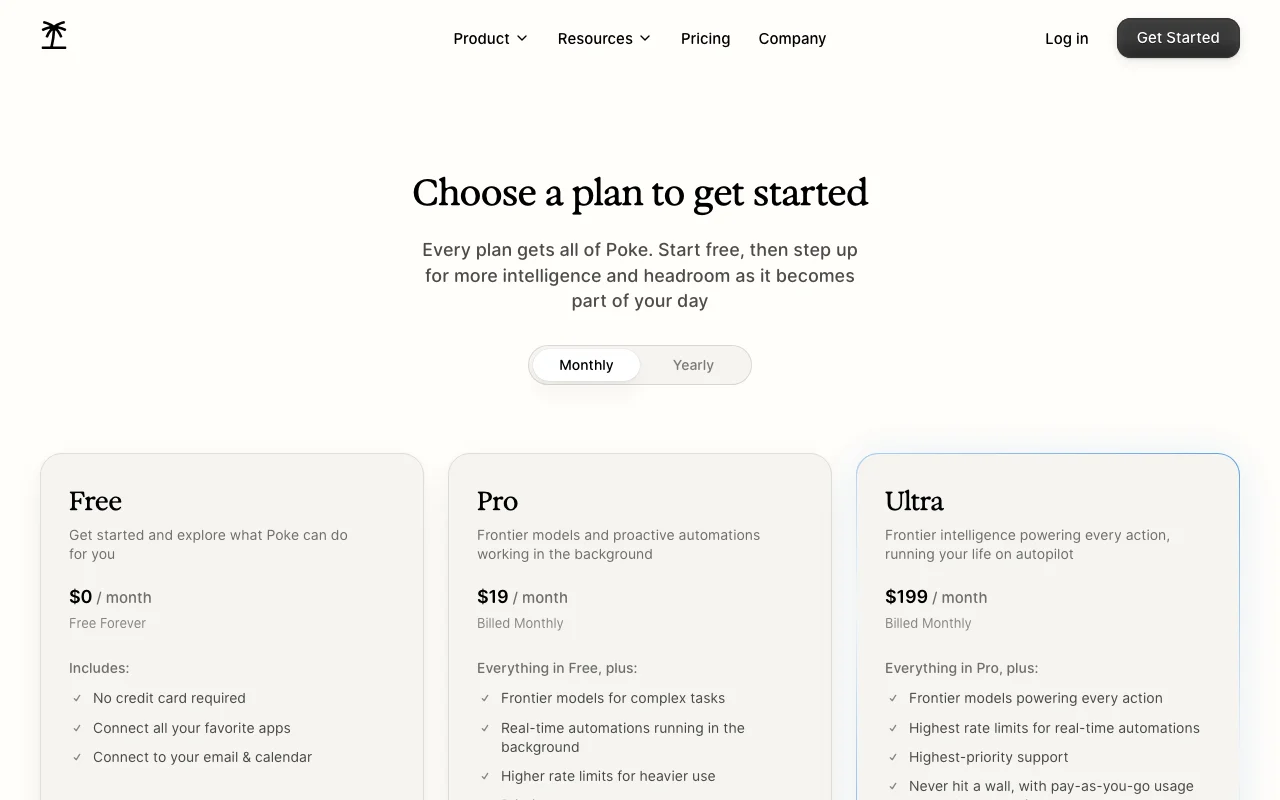
Poke pricing and usage limits

Prices checked Oct 2, 2026 on the official US pricing page. Official pricing ↗ Prices and limits change often.

Poke pricing page with plans and prices — screenshot of the productivity & writing AI tool, Oct 2, 2026
The official Poke pricing page as we saw it. poke.com, captured Oct 2, 2026

Free access and trial conditions

Free forever.

None.

Paid plans: what changes as you upgrade

Usage caps, credits and extra costs

Ultra pay-as-you-go beyond credits.

Not stated.

What is Poke, and how does it work?

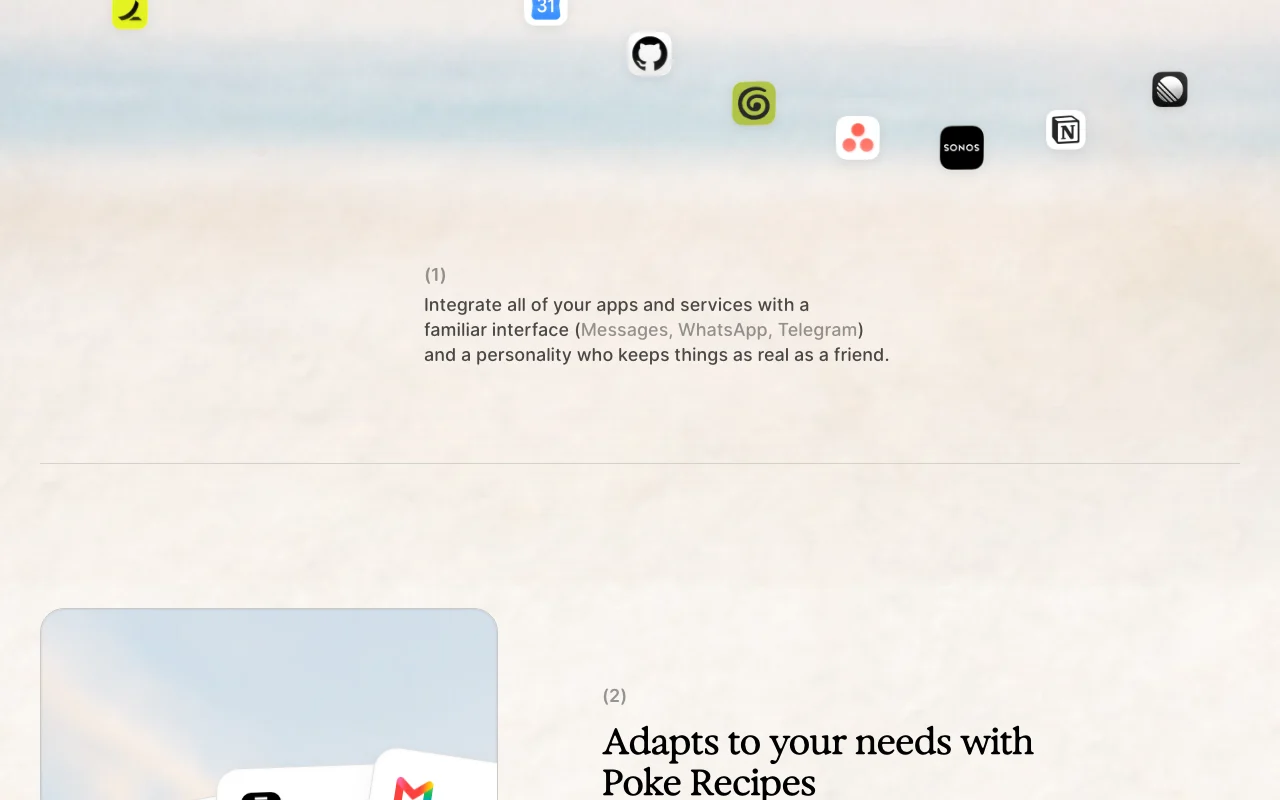
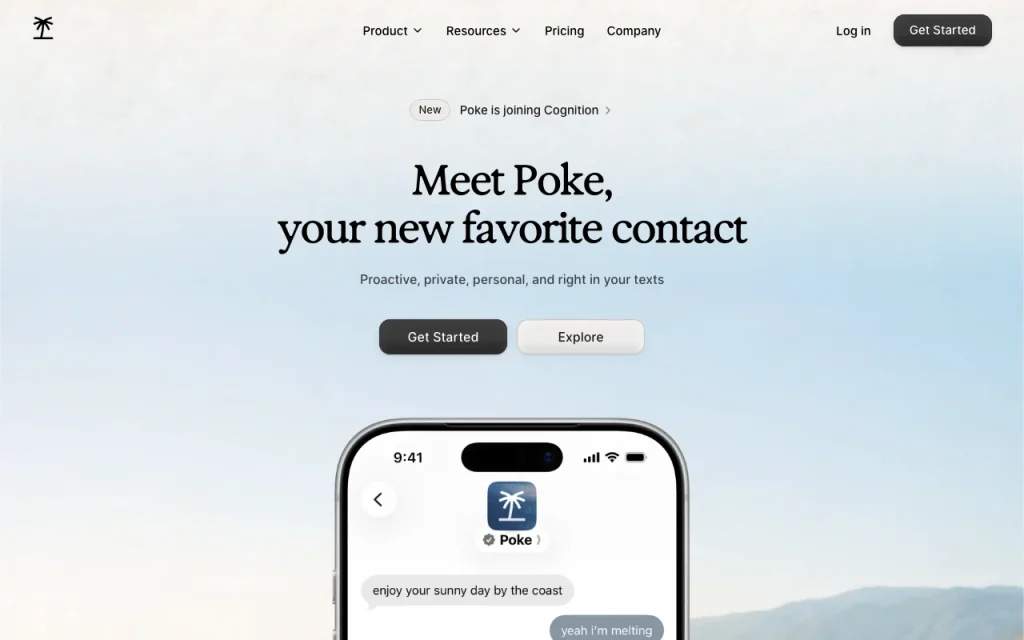
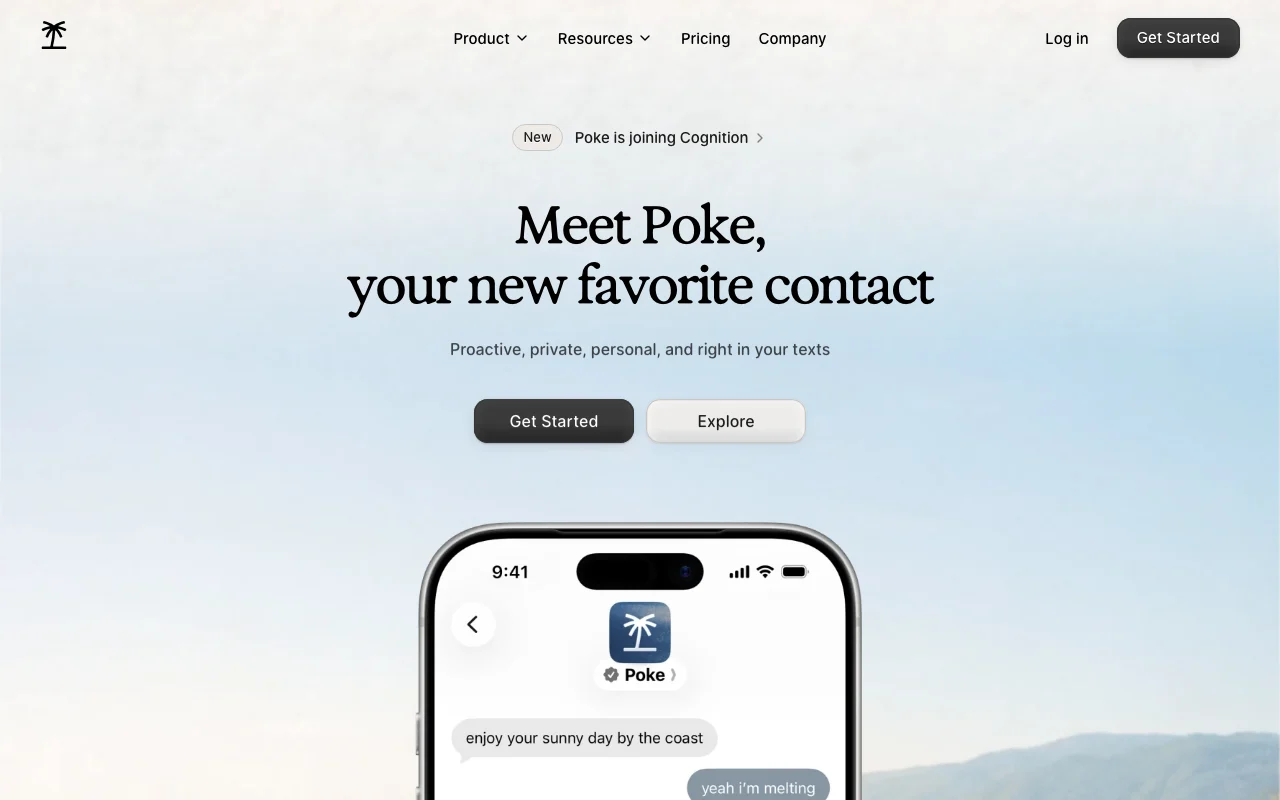
Poke is a personal assistant that works through messaging such as Messages, WhatsApp and Telegram. It connects to services like Gmail, Notion and Oura through recipes. It can set reminders, run background automations and proactively update you. The homepage notes Poke is joining Cognition.

Poke homepage — screenshot of the productivity & writing AI tool, Oct 2, 2026
Poke's official site: how the product presents itself. poke.com, captured Oct 2, 2026

What you provide and what you get back

How Poke works: what you provide, where it runs and what you get backYOU PROVIDEYour inputText or voice messagesConnected apps such as Gmail and…PRODUCTIVITY & WRITINGPokefrom $19 (Pro)free tier availableaccount requiredchecked Oct 2, 2026YOU GET BACKThe resultReplies and remindersBackground automationsinput → Poke → output · from the vendor's own pages, no hands-on test unless stated
What you give Poke and what comes back, from its documentation

You provide

  • Text or voice messages
  • Connected apps such as Gmail and Notion

You get back

  • Replies and reminders
  • Background automations

Where you can use it

Account
Required
Channels
Messages, WhatsApp, Telegram source (opens in a new tab)

Best use cases for Poke

Scenarios are worked out by our editors from the documentation; the actual result depends on your input and plan.

Manage email and calendar by text

Who
Busy professionals
You provide
Text request
Expected result
Email and calendar handled
Plan needed
Free or Pro
Limitation
Gmail and Outlook only source (opens in a new tab)

Set reminders and scheduled tasks

Who
Planners
You provide
Reminder text
Expected result
Scheduled task
Plan needed
Free
Limitation
Rate limits lower on Free source (opens in a new tab)

Connect Notion, Gmail and other apps

Who
Note keepers
You provide
Notion pages
Expected result
Organized docs
Plan needed
Free or Pro
Limitation
Integration setup via recipes source (opens in a new tab)

What Poke does, and where it stops

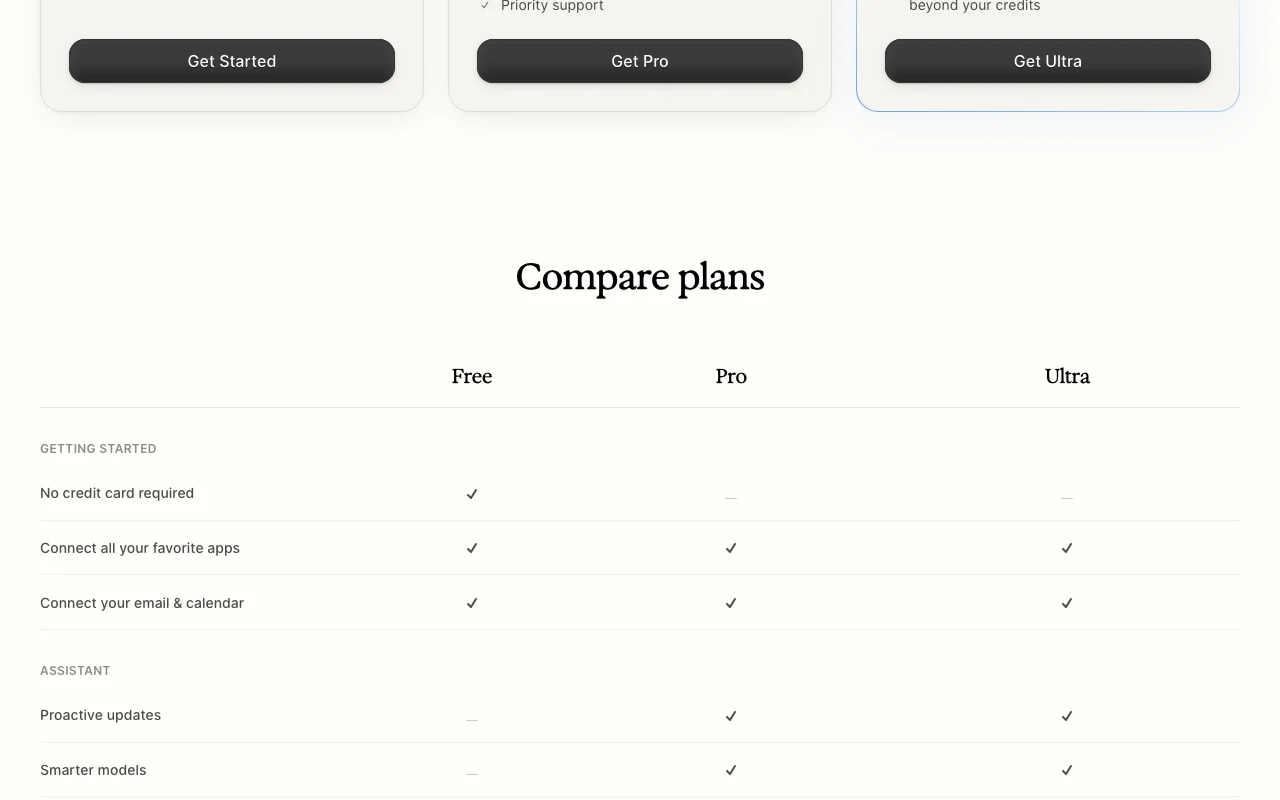
Poke homepage — screenshot of the productivity & writing AI tool, Oct 2, 2026
Feature overview on the official site. poke.com, captured Oct 2, 2026

Messaging-based chat

Chats with you in Messages, WhatsApp or Telegram. No new app to learn.

Access: All plans.Limit: One phone number per account. source (opens in a new tab)

Recipes for integrations

Uses recipes to set up integrations and automations. Shares setups.

Access: All plans.Limit: Setup effort. source (opens in a new tab)

Background automations

Runs real-time automations in the background; proactive updates. Proactive updates.

Access: Pro and Ultra.Limit: Rate limits. source (opens in a new tab)

Memory

Uses stored memory to personalize help; context kept. Context kept.

Access: All plans.Limit: Detail limited. source (opens in a new tab)

Pros, cons and deal-breakers

Reasons to choose Poke

Check before paying for Poke

How to use Poke for managing email and reminders by text

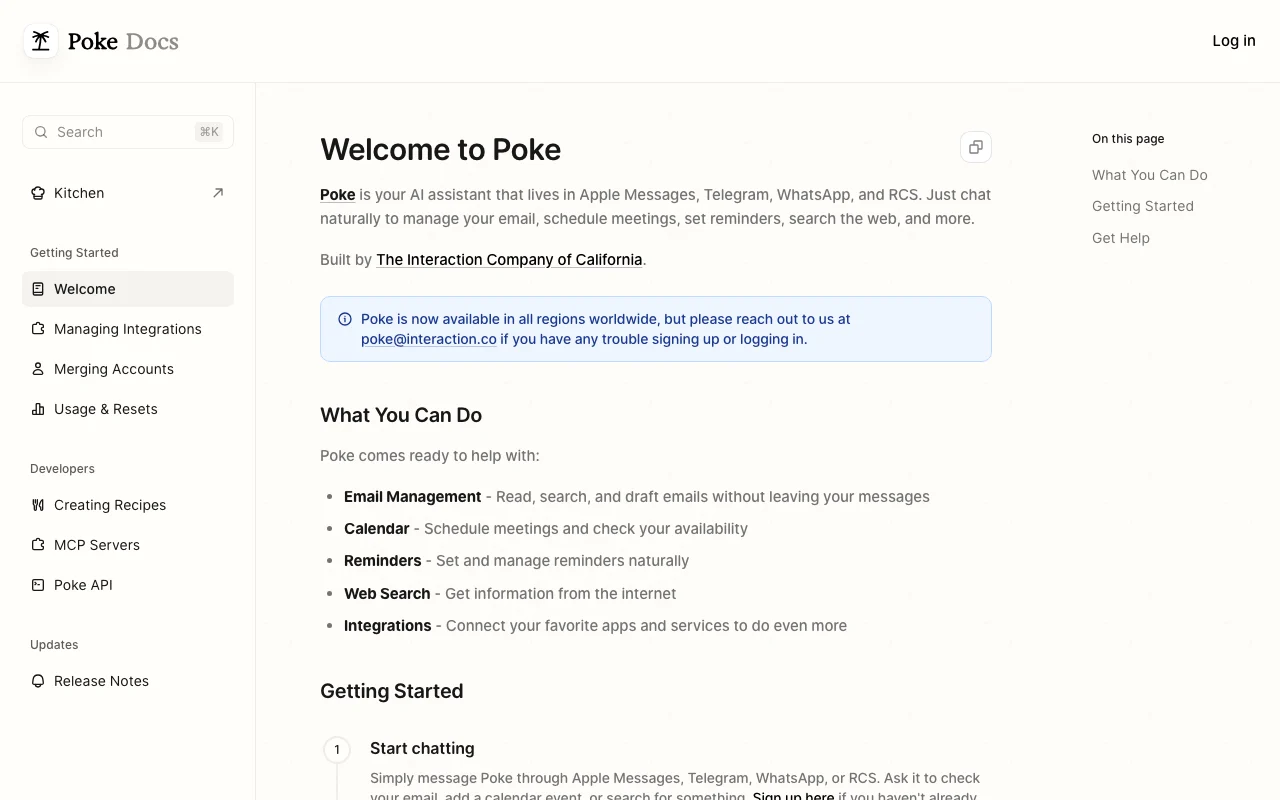
Poke documentation — screenshot of the productivity & writing AI tool, Oct 2, 2026
Poke documentation: where the steps below come from. poke.com, captured Oct 2, 2026

Set up Poke

  1. Click Get Started on poke.com.
  2. Message Poke from your phone.
  3. Connect Gmail and calendar.

Example: managing email and reminders by text

  1. Text a reminder.
  2. Connect Notion.
  3. Ask for an inbox summary.
  4. Set an automation.

Review and export the result

  1. Confirm the reminder fires.
  2. Review connected apps.
Example prompt suggested by our editors (not a recorded output of the product)
Remind me to send the invoice tomorrow at 9am.

Poke API

Poke documentation — screenshot of the productivity & writing AI tool, Oct 2, 2026
Poke documentation (continued). poke.com, captured Oct 2, 2026

API access and separate billing

Poke has no public API in its official documentation. Custom integrations via MCP.

Privacy, data use and commercial rights

Summarized from the vendor's current policies; this is not legal advice and a vendor's badge is not an independent audit.

How your inputs and outputs are handled

Messages and connected account data.

Other tools to consider instead of Poke

"Better suited" is based on documented features and pricing, not on a head-to-head test.

ChatGPT: better suited to

Notion AI: better suited to

Alternatives
AlternativeWhen to choose itPricingLimitation
ChatGPT——
Notion AI——Compare

Explore Poke further

If you are looking at Poke

Poke user reviews

No user reviews yet.

Used Poke? Be the first to share your experience.

Write a review

Reviews are checked by a moderator before they appear. Your email is never published. Plain text only.

Your rating (required)

Show what you made or what went wrong. Images are published only if the review is approved; location data is removed.

    Poke FAQ

    What does Poke Pro cost?

    $19 per month billed monthly.

    Which messaging apps does Poke use?

    Messages, WhatsApp and Telegram.

    What is a Poke recipe?

    A shareable setup for an integration or automation.

    What did Poke announce?

    That it is joining Cognition.

    What does Poke Ultra add?

    Highest limits and pay-as-you-go beyond credits.

    Sources and review methodology

    Official sources and verification dates

    Not verified: Annual prices not captured..

    How we documented and maintain this page

    Every fact about Poke above comes from the 5 official pages listed here, last compared on Oct 2, 2026; we have not run Poke ourselves, so it has no editorial score. How we check and re-check pages.

    Article updated Oct 10, 2026; prices checked Oct 2, 2026. Outbound links to vendors are plain links; we do not earn commissions. How we review · Report an error