Productivity & writingDocumented overviewLast checked Sep 29, 2026

Plannex: Pricing, Features & Best Use Cases

Visual blueprint canvas for planning client projects with approval gates, AI brief intake and a client portal.
Who Plannex fits

Plannex suits agencies and freelancers who want one visual canvas for briefs, approvals and a client portal, and can start on the free Nomad plan. Based on the vendor's documentation, not on a hands-on test.

Best for: Agencies

Also a good fit for

  • Freelancers
  • Process-driven teams

Consider another tool if free plan limited to 1 member, 1 blueprint, 15 nodes

Or if

  • Upload limits 10-100 MB by plan
  • Pro limited to 5 members and 10 blueprints

Plannex pricing and usage limits

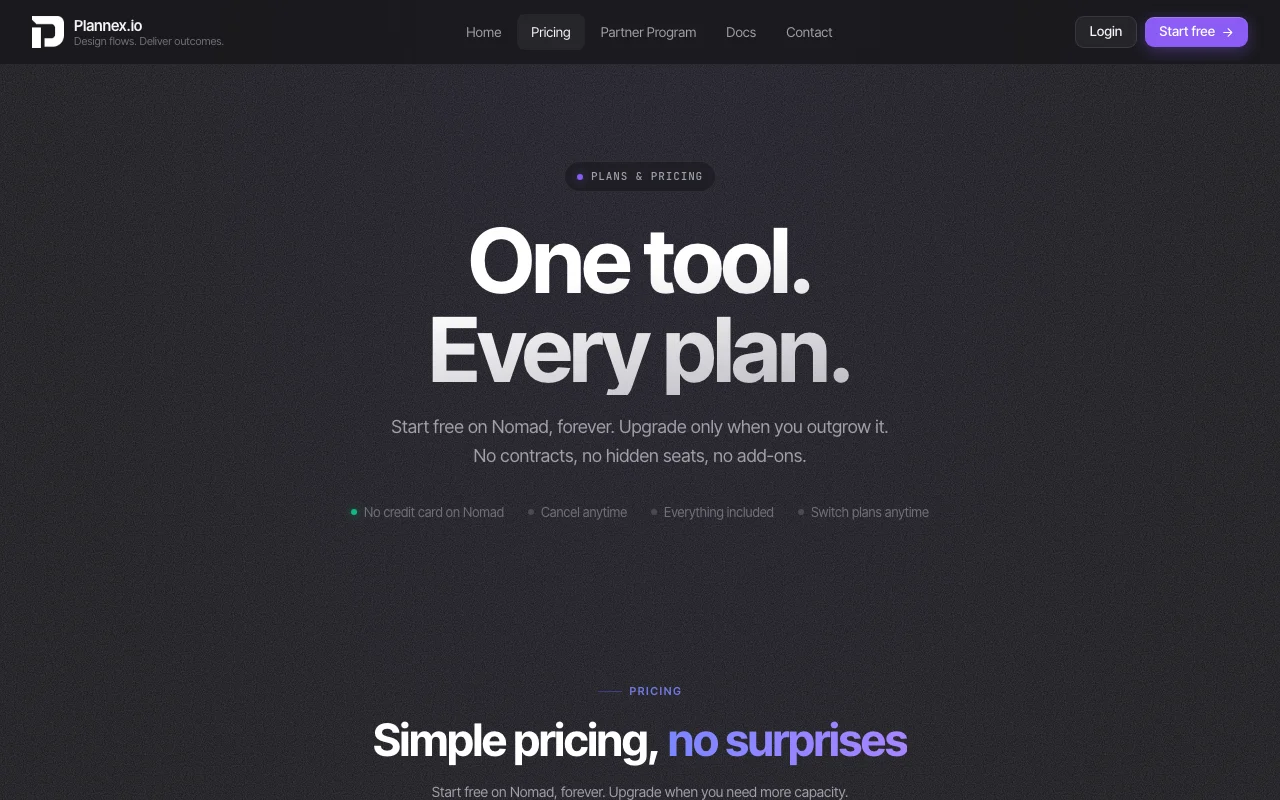
Prices checked Sep 29, 2026 on the official US pricing page. Official pricing ↗ Prices and limits change often.

Plannex pricing page with plans and prices — screenshot of the productivity & writing AI tool, Oct 2, 2026
The official Plannex pricing page as we saw it. plannex.io, captured Oct 2, 2026

Free access and trial conditions

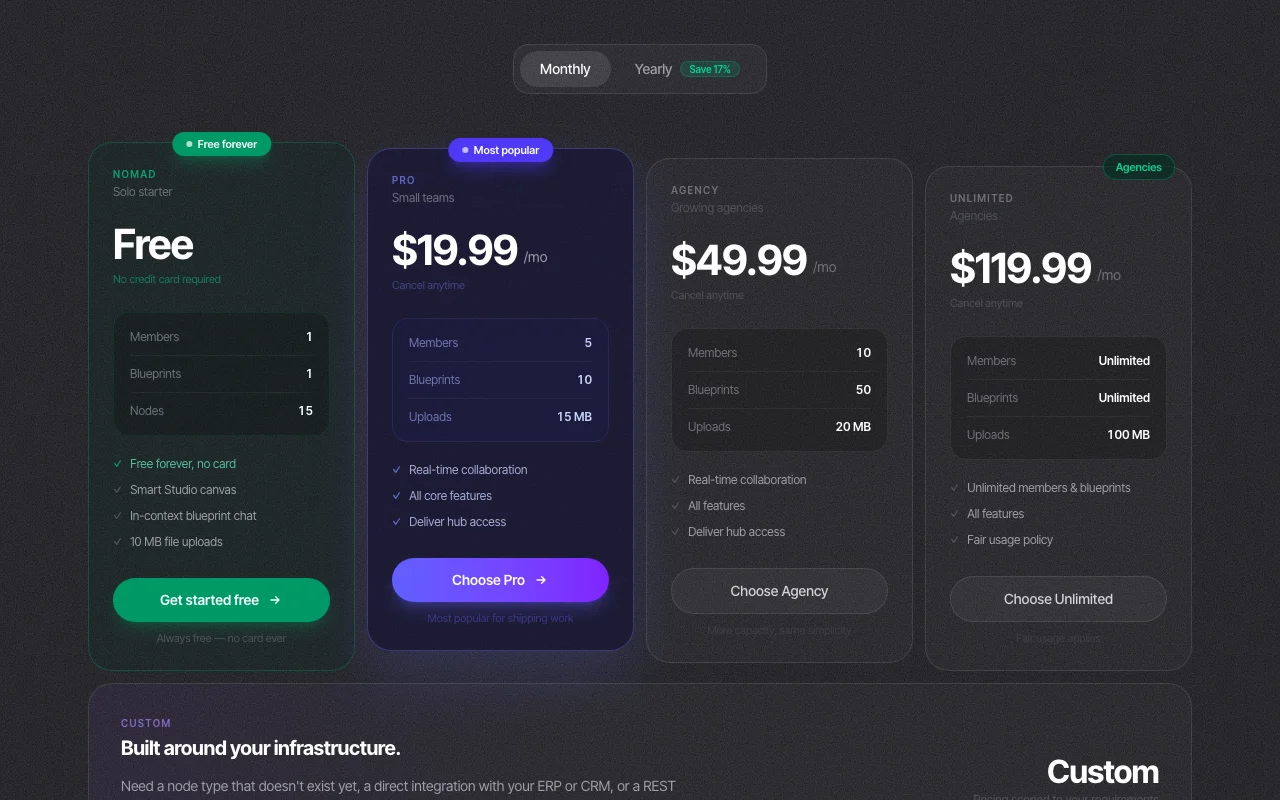
Nomad is free forever with no credit card.

No trial timer; the free plan is permanent.

Paid plans: what changes as you upgrade

Nomad web

Free source (opens in a new tab)

Month

For: Solo starters

Limits

  • 1 member
  • 1 blueprint
1 more
  • 15 nodes

Includes

  • Smart Studio canvas
  • In-context blueprint chat
1 more
  • 10 MB file uploads

Pro web

$19.99/mo source (opens in a new tab)

Month

For: Small teams

Limits

  • 5 members
  • 10 blueprints
1 more
  • 15 MB uploads

Includes

  • Real-time collaboration
  • All core features
1 more
  • Deliver hub access

Agency web

$49.99/mo source (opens in a new tab)

Month

For: Growing agencies

Limits

  • 10 members
  • 50 blueprints
1 more
  • 20 MB uploads

Includes

  • Real-time collaboration
  • All features
1 more
  • Deliver hub access

Agencies Unlimited web

$119.99/mo source (opens in a new tab)

Month

For: Larger agencies

Limits

  • Unlimited members and blueprints
  • 100 MB uploads
1 more
  • Fair usage policy

Includes

  • All features

Custom web

Custom pricing source (opens in a new tab)

Custom

For: Teams needing ERP/CRM connections

Includes

  • Custom node types
  • REST API and webhook integrations
1 more
  • Priority SLA

Usage caps, credits and extra costs

Vendor says no automation add-ons or hidden seats.

Not stated.

What is Plannex, and how does it work?

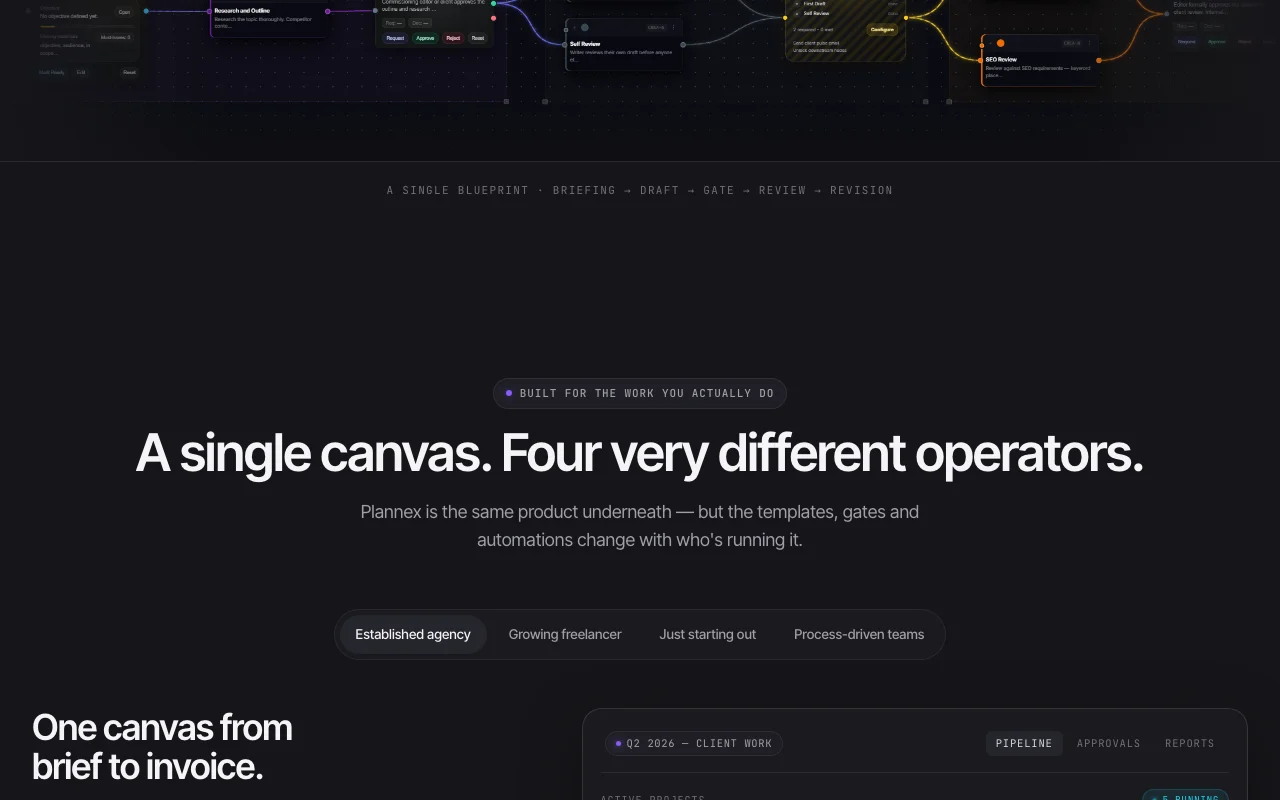
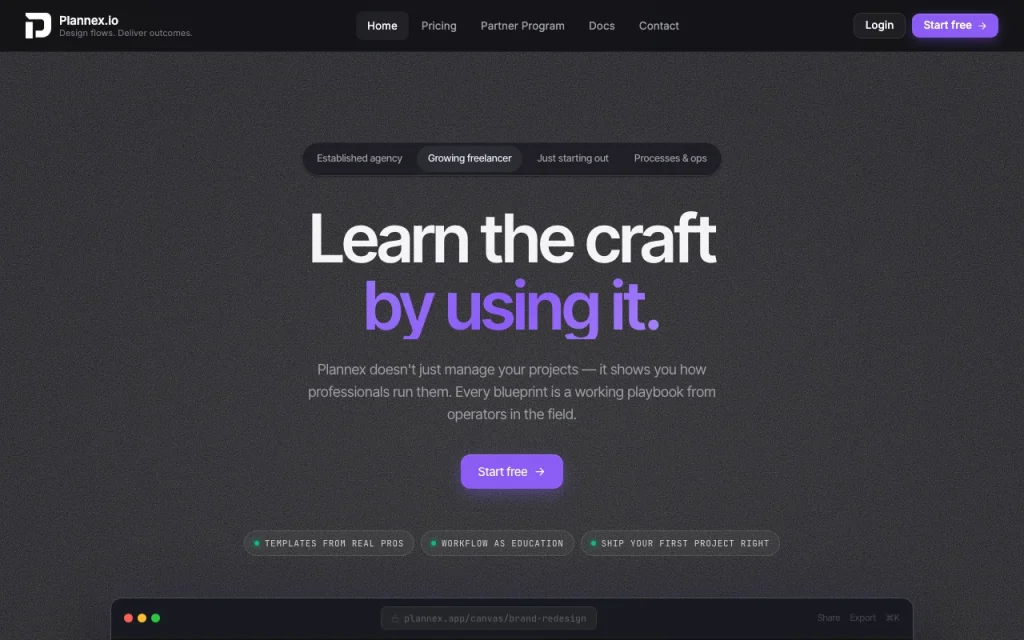
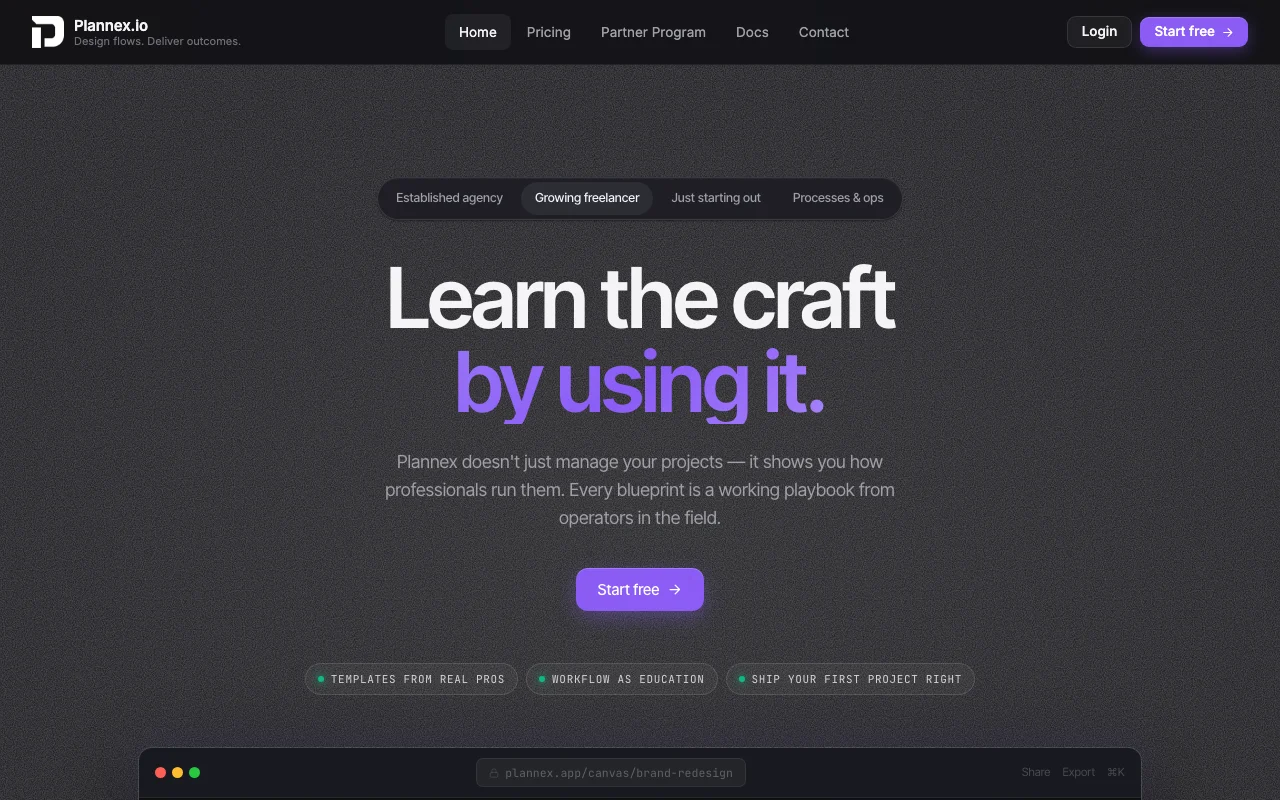
Plannex lets teams draw projects as flows of nodes with gates, approvals and automations, and view the same data as a kanban board. It targets agencies, freelancers and process-driven teams. The site lists AI brief intake, a branded client portal, time and budget tracking, and project insights, and it runs in the browser as a web application.

Plannex homepage — screenshot of the productivity & writing AI tool, Oct 2, 2026
Plannex's official site: how the product presents itself. plannex.io, captured Oct 2, 2026

What you provide and what you get back

How Plannex works: what you provide, where it runs and what you get backYOU PROVIDEYour inputPasted client briefs or emailsNodes, gates and approvals drawn…File uploadsPRODUCTIVITY & WRITINGPlannexwebfrom $19.99/mo (Pro)free tier availableaccount requiredchecked Sep 29, 2026YOU GET BACKThe resultStructured blueprint with owners…Client portal viewReports and exportsinput → Plannex → output · from the vendor's own pages, no hands-on test unless stated
What you give Plannex and what comes back, from its documentation

You provide

  • Pasted client briefs or emails
  • Nodes, gates and approvals drawn on a canvas
  • File uploads

You get back

  • Structured blueprint with owners and deadlines
  • Client portal view
  • Reports and exports

Where you can use it

Platforms
web
Account
Required
Views
Blueprint canvas and kanban board
Platform
Web app
Upload limit
10 MB free; 15, 20, 100 MB on paid tiers
Notifications
Slack and Discord

What people use Plannex for

Scenarios are worked out by our editors from the documentation; the actual result depends on your input and plan.

Client delivery workflows

Who
Agencies and freelancers
You provide
A client brief or messy email
Expected result
A blueprint of phases, owners and deadlines that follows the work to delivery
Plan needed
Pro or Agency for teams
Limitation
Free plan allows only 1 blueprint source (opens in a new tab)

Approval tracking

Who
Project managers
You provide
Approval nodes on a blueprint
Expected result
Timestamped, signed approvals attached to the exact deliverable
Plan needed
All plans
Limitation
Client-facing approval details beyond the homepage are not documented source (opens in a new tab)

Project budget monitoring

Who
Agency owners
You provide
Time and budget data on nodes
Expected result
Live budget burn and remaining budget per project
Plan needed
Paid plans
Limitation
Setup of expense data is not described source (opens in a new tab)

What Plannex does, and where it stops

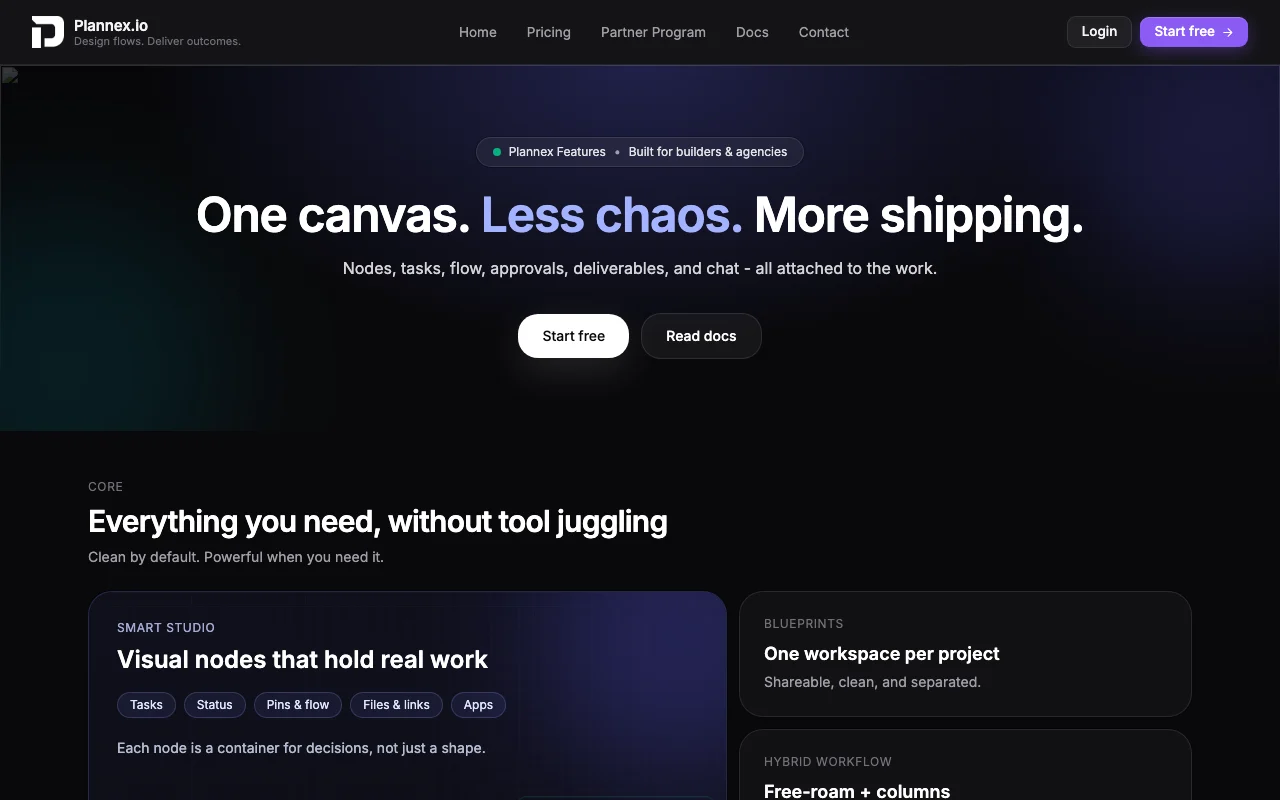
Plannex homepage — screenshot of the productivity & writing AI tool, Oct 2, 2026
Feature overview on the official site. plannex.io, captured Oct 2, 2026

Blueprint canvas

Lets you drag nodes onto a canvas and connect them so a project is drawn as a flow, with a kanban board view over the same nodes. Shows a whole engagement at once instead of a list.

Access: Smart Studio canvas on every planLimit: Free plan stops at 15 nodes source (opens in a new tab)

Approval gates

Blocks the next phase until all, any or X of Y connected nodes are completed, and records approvals in an audit trail. Prevents work shipping before sign-off.

Access: Included in every plan per the pricing pageLimit: Specific limits per plan not stated source (opens in a new tab)

AI brief intake

Turns a pasted client email into a structured blueprint with owners and deadlines. Cuts manual brief setup.

Access: Listed on the homepageLimit: Plan availability and any usage cap are not stated source (opens in a new tab)

Branded client portal

Gives clients a branded link showing live progress, approvals to sign and deliverables while hiding internal canvas and comments. Keeps clients informed without exposing internal work.

Access: Deliver hub access on paid plansLimit: Branding options are not detailed source (opens in a new tab)

Pros, cons and deal-breakers

Where Plannex is strong

Limitations to check before paying

How to use Plannex for planning a client project on a blueprint canvas

Set up Plannex

  1. Open plannex.io and start free on the Nomad plan
  2. Create your first blueprint
  3. Add nodes, gates and approvals to the canvas
  4. Invite members or share the client portal link

Example: planning a client project on a blueprint canvas

  1. Paste a client brief into AI brief intake
  2. Review the generated nodes, owners and deadlines
  3. Add an approval gate before the review phase
  4. Share the portal link with the client

Review and export the result

  1. Confirm the gate stays locked until approvals are signed
  2. Check the audit trail shows timestamps on each approval

Plannex integrations and API

Plannex pricing page with plans and prices — screenshot of the productivity & writing AI tool, Oct 2, 2026
Plan comparison on the official pricing page. plannex.io, captured Oct 2, 2026

Native integrations and export formats

Export: Reports and exports (formats not specified)

API access and separate billing

Plannex has no public API in its official documentation. REST API and webhook integrations are listed under the Custom plan.

Privacy, data use and commercial rights

Summarized from the vendor's current policies; this is not legal advice and a vendor's badge is not an independent audit.

How your inputs and outputs are handled

Name, email and usage data about blueprints, tasks and collaboration are collected; data is stored in Firebase Realtime Database.

Not stated.

Not stated; users can request deletion by email.

Commercial use and plan restrictions

Not stated.

Not stated.

Controls for business users

  • Access, correction and deletion requests via support email

Policies: plannex.io/privacy/

Plannex alternatives by need

"Better suited" is based on documented features and pricing, not on a head-to-head test.

Notion AI: better suited to

Zapier: better suited to

Alternatives
AlternativeWhen to choose itPricingLimitation
Notion AI——Compare
Zapier——Compare

Explore Plannex further

Related to Plannex

Plannex user reviews

No user reviews yet.

Used Plannex? Be the first to share your experience.

Write a review

Reviews are checked by a moderator before they appear. Your email is never published. Plain text only.

Your rating (required)

Show what you made or what went wrong. Images are published only if the review is approved; location data is removed.

    Plannex FAQ

    What does the free Nomad plan on Plannex include?

    Nomad gives 1 member, 1 blueprint, 15 nodes, the Smart Studio canvas, in-context chat and 10 MB uploads, with no card required. source (opens in a new tab)

    How many members and blueprints does Plannex Pro allow?

    Pro costs $19.99 per month and allows 5 members, 10 blueprints and 15 MB uploads. source (opens in a new tab)

    Does Plannex charge extra for approvals and automations?

    No. The vendor states gates, approval nodes, webhooks and Slack or Discord notifications are included on paid plans with no automation add-ons. source (opens in a new tab)

    Where does Plannex store project data?

    The privacy policy says data is stored in Firebase Realtime Database and is not sold to third parties. source (opens in a new tab)

    How much do annual Plannex plans save?

    The pricing page offers a Yearly toggle labelled Save 17% and says annual plans get 2 months free; exact yearly prices are not shown in the fetched text. source (opens in a new tab)

    Sources and review methodology

    Official sources and verification dates

    Not verified: Exact yearly prices; AI brief intake plan limits; Model-training use of data; Data retention period.

    How we documented and maintain this page

    Every fact about Plannex above comes from the 4 official pages listed here, last compared on Sep 29, 2026; we have not run Plannex ourselves, so it has no editorial score. How we check and re-check pages.

    Article updated Oct 10, 2026; prices checked Sep 29, 2026. Outbound links to vendors are plain links; we do not earn commissions. How we review · Report an error