Free web
Free source (opens in a new tab)
Month
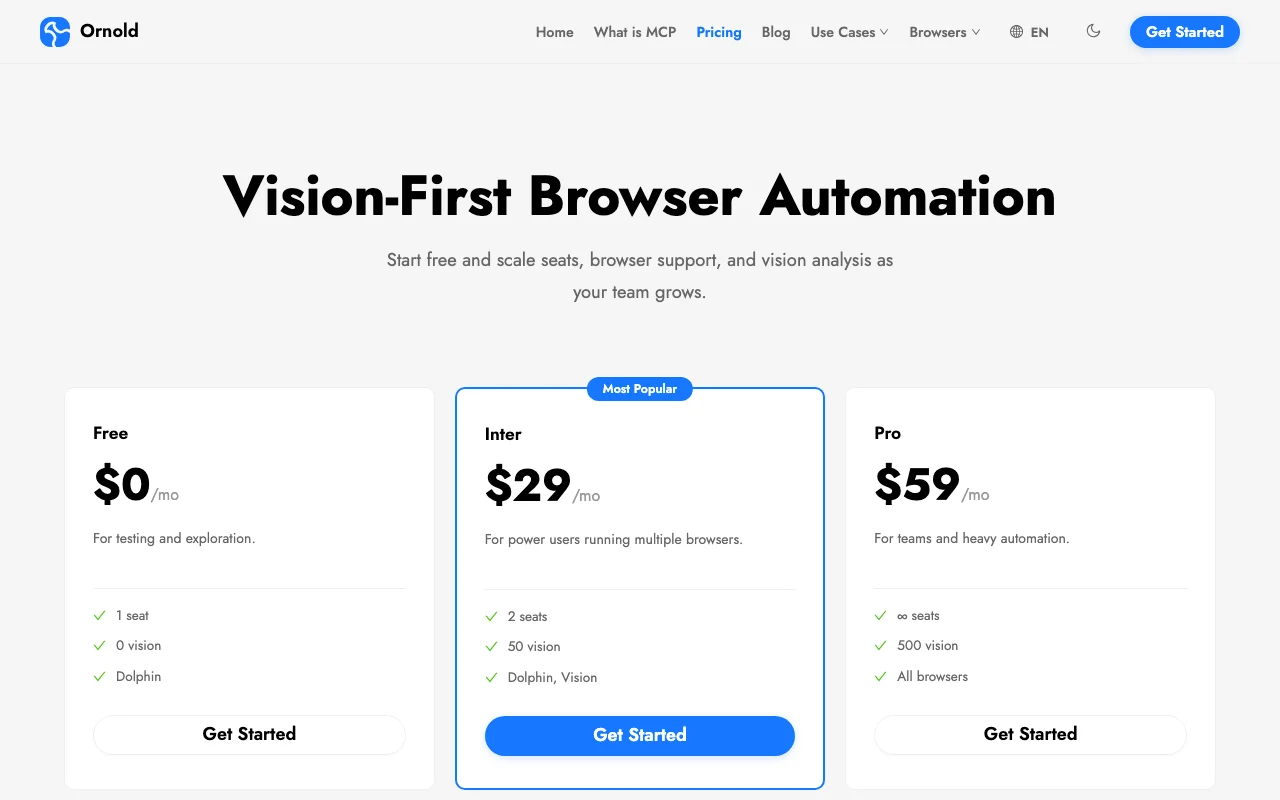
For: Testing and exploration
Limits
- 1 seat
- 0 vision
Includes
- Dolphin support

Productivity & writingDocumented overviewLast checked Sep 29, 2026
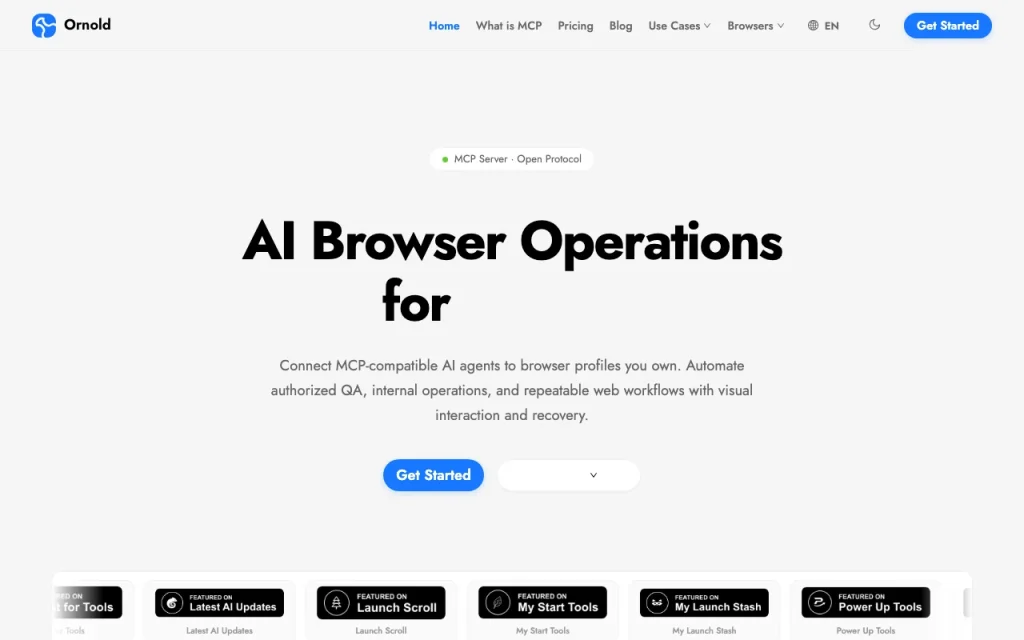
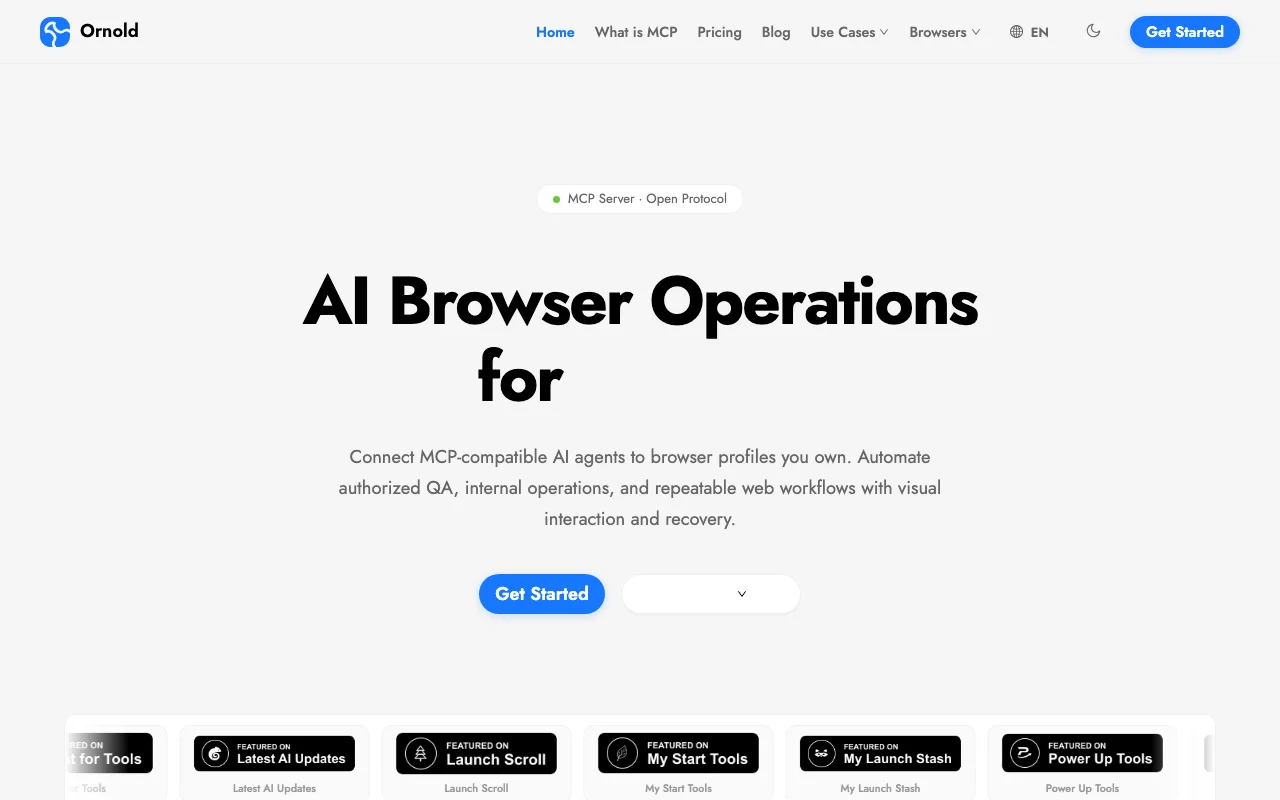
MCP server for vision-based AI browser automation, connecting agents to Dolphin Anty and other browser profiles you own.
 (open full size in a new tab)
 (open full size in a new tab)
 (open full size in a new tab)
 (open full size in a new tab)
 (open full size in a new tab)
 (open full size in a new tab)
Our take: Ornold suits QA and operations teams already using Dolphin Anty who want an MCP-connected agent to drive authorized browser profiles by screenshot.
Main limitation: The Free plan includes 0 vision credits and a separate subscription to the supported browser product is required.
Ornold suits QA and operations teams already using Dolphin Anty who want an MCP-connected agent to drive authorized browser profiles by screenshot. Based on the vendor's documentation, not on a hands-on test.
Also a good fit for
Or if
Prices checked Sep 29, 2026 on the official US pricing page. Official pricing ↗ Prices and limits change often.
Free plan with one seat for authorized test environments.
Not applicable.
Free source (opens in a new tab)
Month
For: Testing and exploration
Limits
Includes
$29/mo source (opens in a new tab)
Month
For: Power users with multiple browsers
Limits
Includes
$59/mo source (opens in a new tab)
Month
For: Teams and heavy automation
Limits
Includes
A separate browser product subscription is needed for profiles.
Not stated.
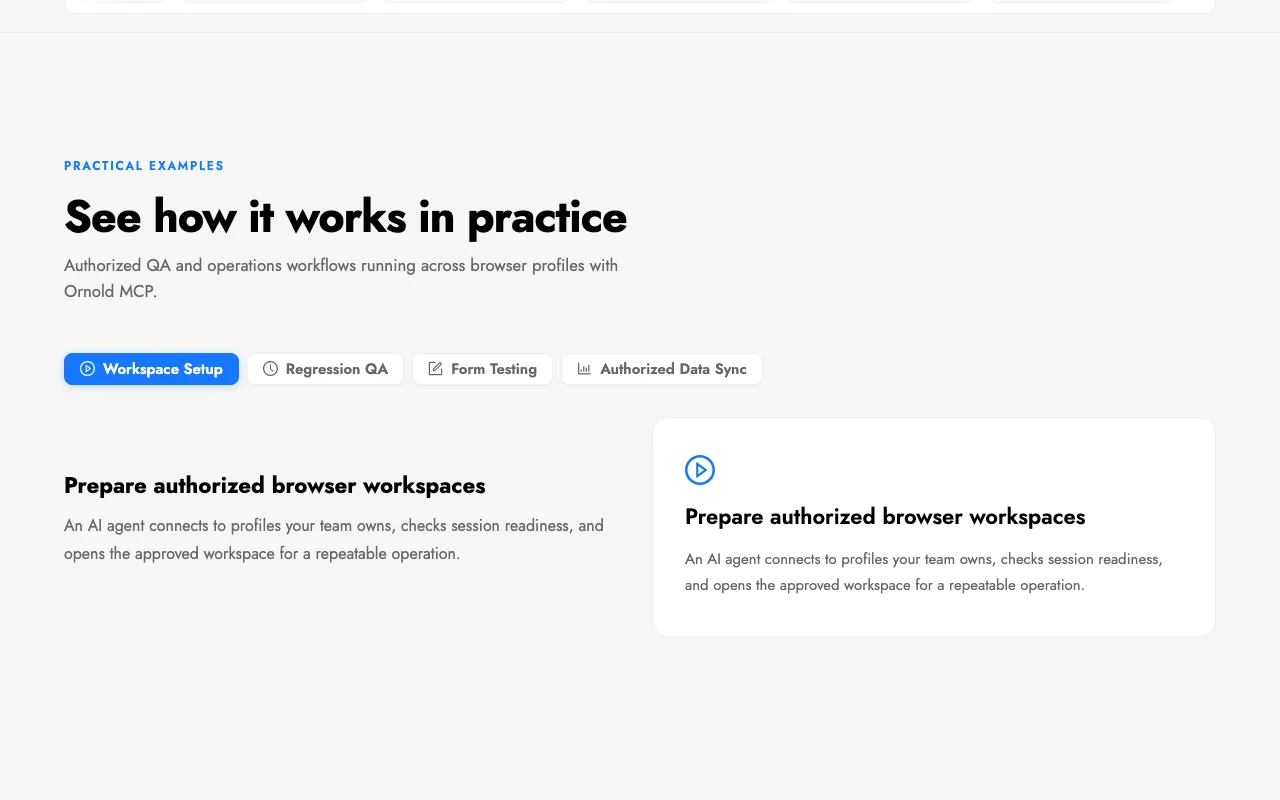
Ornold is an MCP server that lets MCP-compatible agents drive browser profiles through screenshots and AI element detection instead of CSS selectors. It is aimed at authorized QA, internal operations and repeatable web workflows. It works with agents such as Claude Code, Codex, Cursor and Windsurf, and requires access to a separate supported browser product.
You provide
You get back
Scenarios are worked out by our editors from the documentation; the actual result depends on your input and plan.
Exposes browser control to any MCP-compatible agent. Lets agents run web tasks.
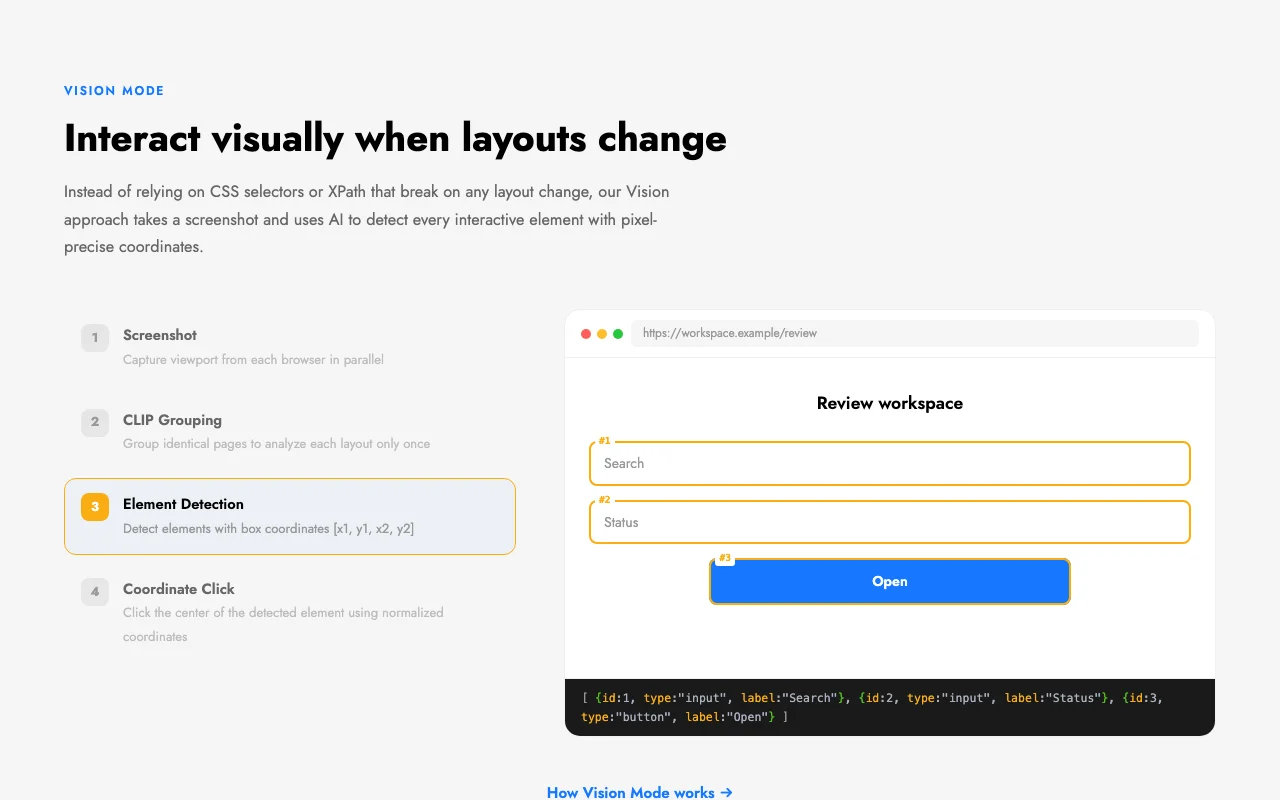
Takes screenshots, detects interactive elements with AI and clicks by coordinates. Survives layout changes.
Connects to Dolphin Anty profiles through its API or CDP. Reuses existing profiles.
Works with Claude Code, Codex, Cursor, Windsurf and more. Fits many setups.
Open the review workspace and click Open on the first item
Ornold MCP has no public API in its official documentation. MCP server; separate API not described.
Summarized from the vendor's current policies; this is not legal advice and a vendor's badge is not an independent audit.
Screenshots are analyzed to detect elements; details are in the privacy policy.
Use limited to systems you are authorized to manage.
Policies: ornold.com/privacy
"Better suited" is based on documented features and pricing, not on a head-to-head test.
| Alternative | When to choose it | Pricing | Limitation | |
|---|---|---|---|---|
| Cursor | — | — | ||
| Devin Desktop (formerly Windsurf) | — | — | ||
| Claude | — | — |
No user reviews yet.
Used Ornold MCP? Be the first to share your experience.
Free is $0, Inter is $29/mo and Pro is $59/mo. source (opens in a new tab)
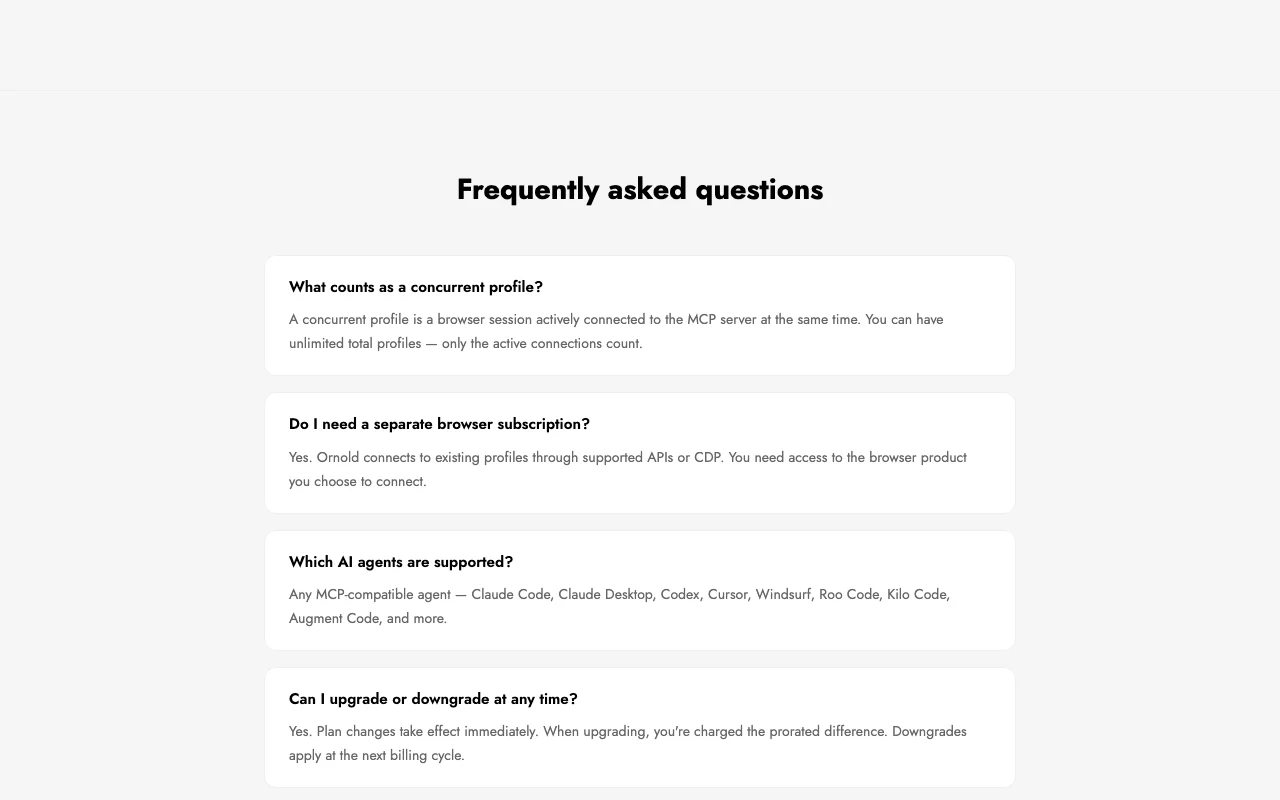
Yes, Ornold connects to existing profiles, so you need access to the browser product. source (opens in a new tab)
Any MCP-compatible agent, such as Claude Code, Codex, Cursor and Windsurf. source (opens in a new tab)
Yes, upgrades charge the prorated difference and downgrades apply at the next billing cycle. source (opens in a new tab)
Not verified: Privacy retention; Training use; Vision credit definition.
Every fact about Ornold MCP above comes from the 2 official pages listed here, last compared on Sep 29, 2026; we have not run Ornold MCP ourselves, so it has no editorial score. How we check and re-check pages.
Article updated Oct 10, 2026; prices checked Sep 29, 2026. Outbound links to vendors are plain links; we do not earn commissions. How we review · Report an error
compare>