Free Web
Free source (opens in a new tab)
Month
For: Trying it with real orders
Limits
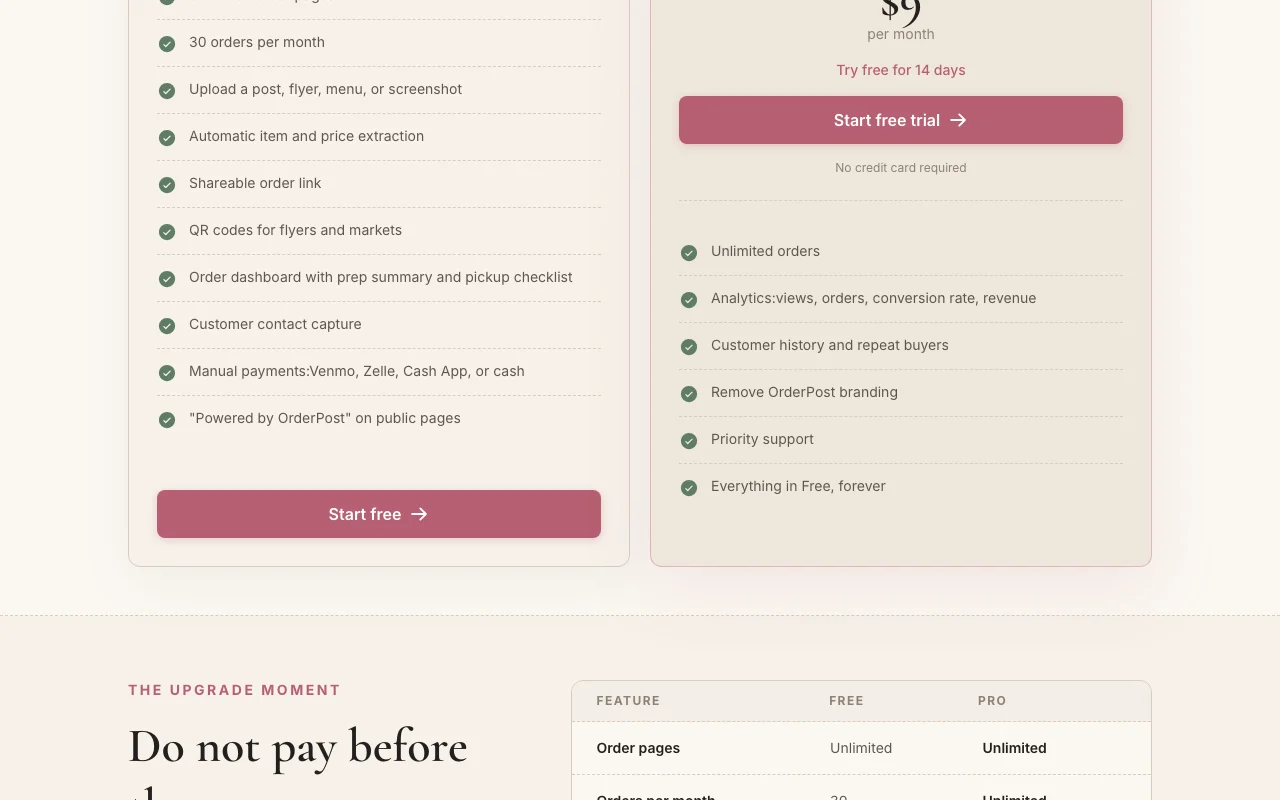
- 30 orders per month
- Unlimited order pages
Includes
- Automatic item and price extraction
- QR codes
2 more
- Order dashboard with prep summary
- Manual payments
No API
Productivity & writingDocumented overviewLast checked Sep 29, 2026
Turns a social post, flyer or menu screenshot into a shareable online order page for home bakers and small sellers.
 (open full size in a new tab)
 (open full size in a new tab)
 (open full size in a new tab)
 (open full size in a new tab)
 (open full size in a new tab)
Our take: Choose OrderPost if you are a home baker or small food seller who already posts menus on social media and wants an order page from that image, free for up to 30 orders a month.
Main limitation: The free plan is limited to 30 orders per month with OrderPost branding and manual payments, and analytics need the paid plan.
Choose OrderPost if you are a home baker or small food seller who already posts menus on social media and wants an order page from that image, free for up to 30 orders a month. Based on the vendor's documentation, not on a hands-on test.
Also a good fit for
Or if
Prices checked Sep 29, 2026 on the official US pricing page. Official pricing ↗ Prices and limits change often.
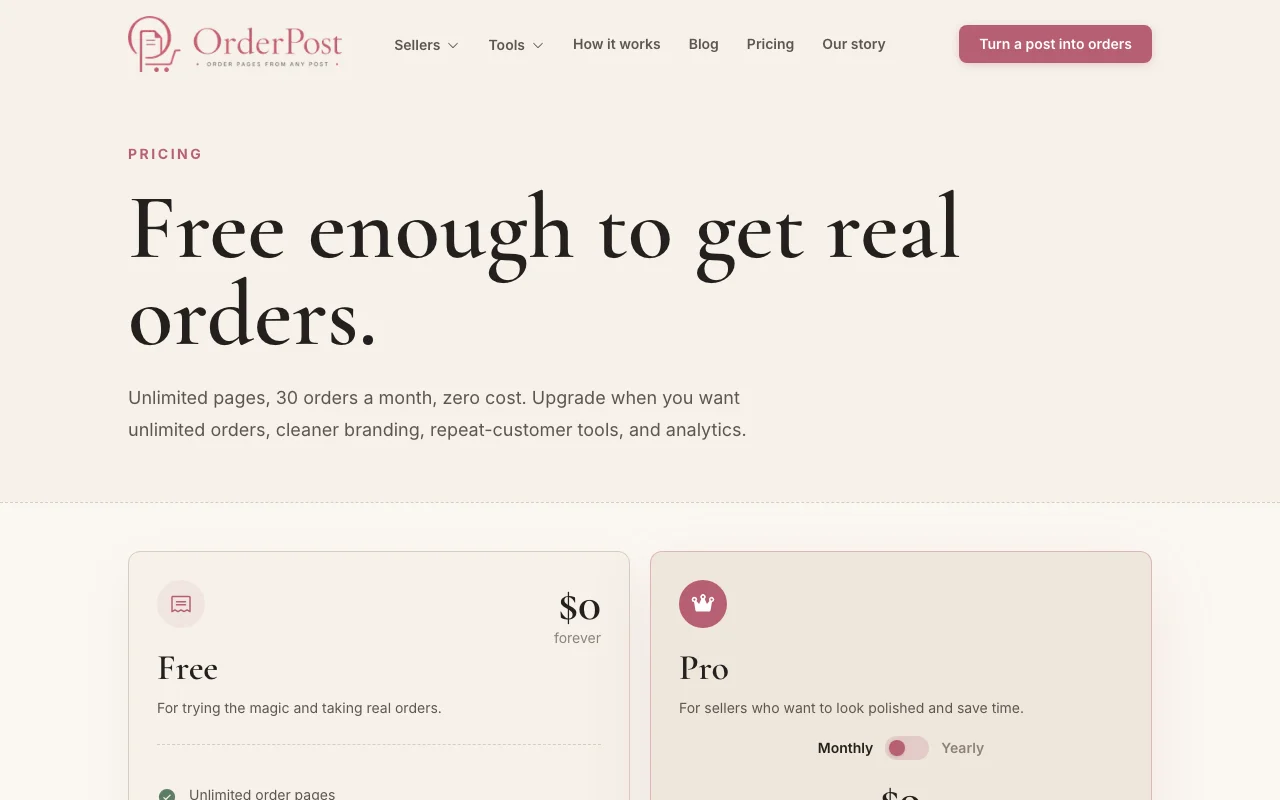
Free forever, unlimited pages, 30 orders per month.
14 days of Pro, no credit card.
Free source (opens in a new tab)
Month
For: Trying it with real orders
Limits
Includes
No API
$9/mo source (opens in a new tab)
Month
Yearly toggle exists; price not captured
For: Sellers wanting polish and history
Limits
Includes
No API
Customers pay via Venmo, Zelle, Cash App or cash outside the app on Free.
Not stated.
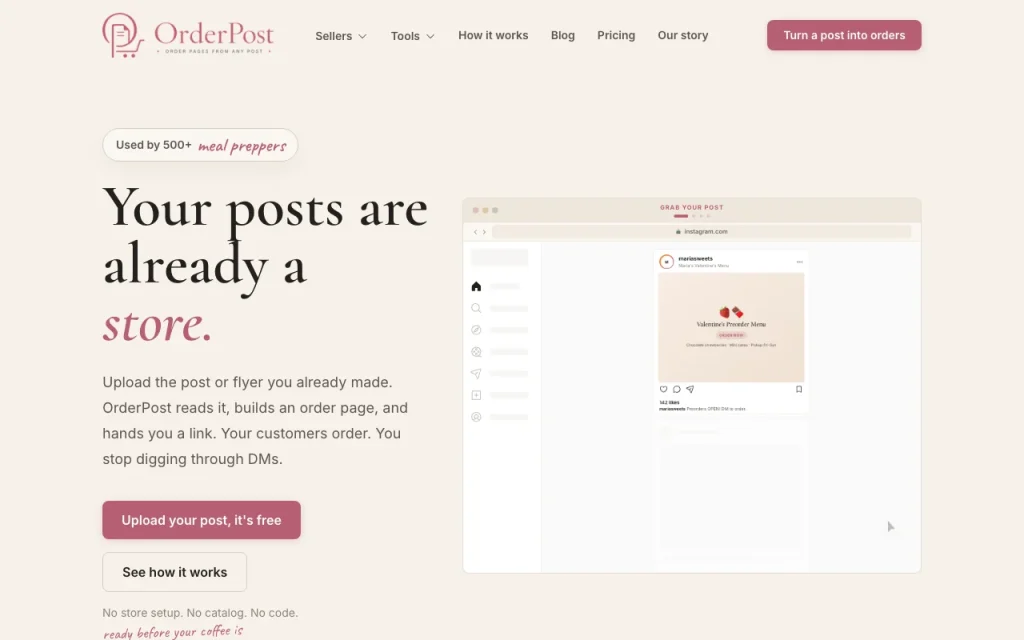
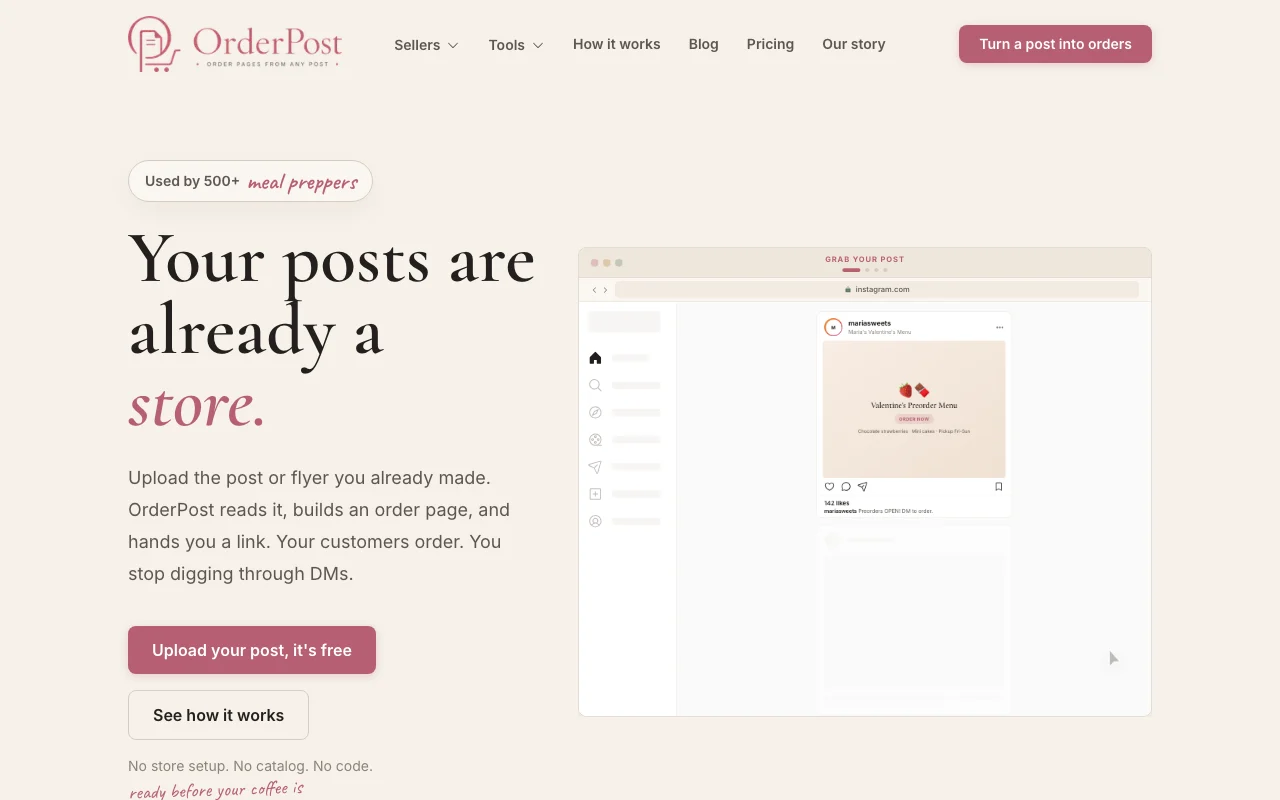
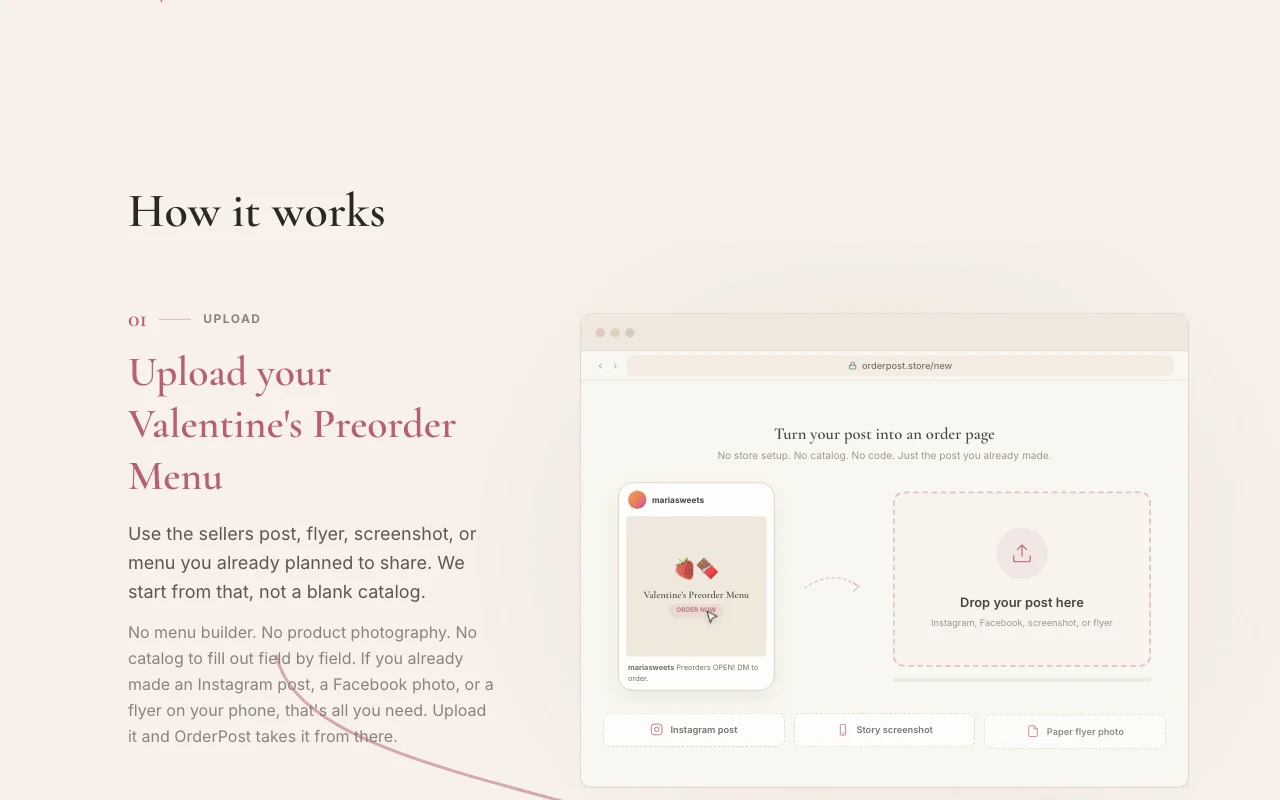
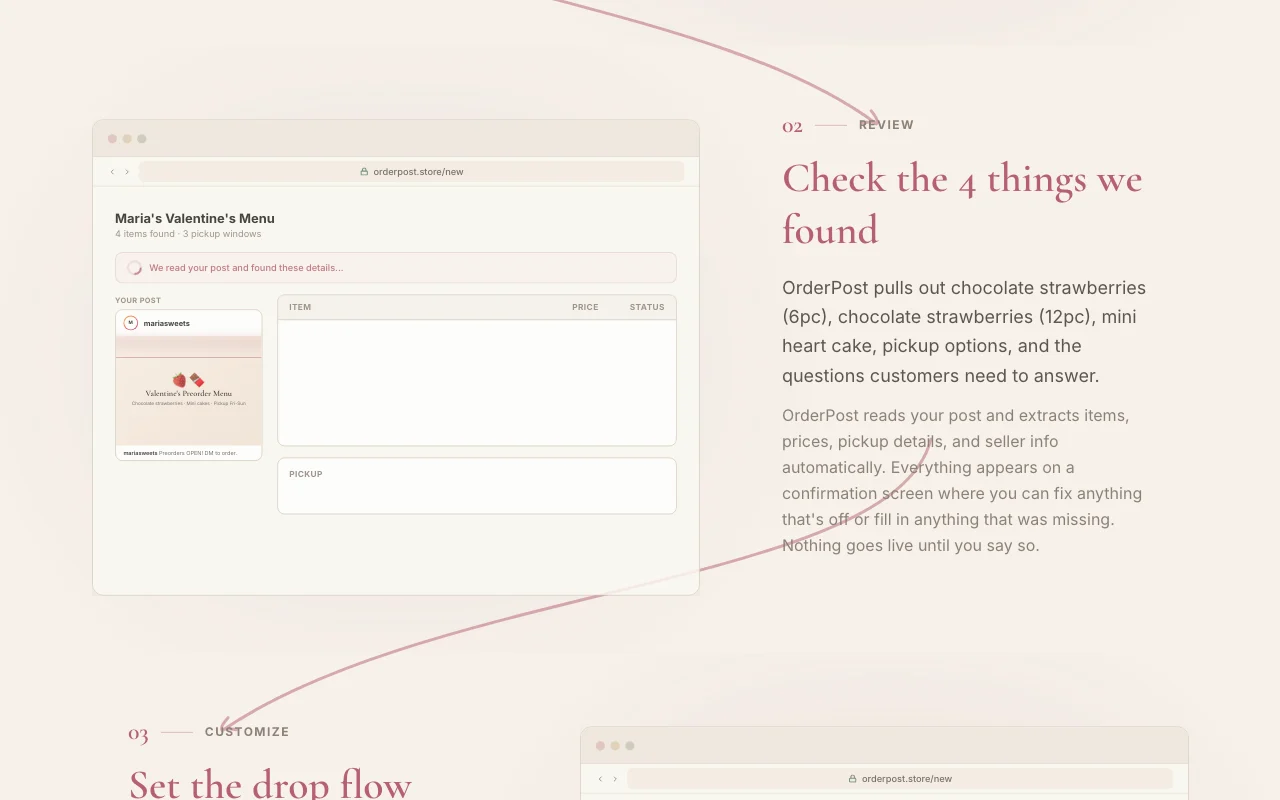
OrderPost lets small food sellers upload a post, flyer or screenshot they already made. It reads items, prices and pickup details, shows them on a review screen, and publishes an order page with a shareable link. Customers order through the link without an app. Pages support pickup windows, deposits and custom questions, and sellers manage orders in a dashboard.
You provide
You get back
Scenarios are worked out by our editors from the documentation; the actual result depends on your input and plan.
Reads items, prices and pickup details from your uploaded image. No catalog building.
Shows what it found so you can edit before publishing. Prevents wrong prices going live.
Creates a link and QR codes for flyers and markets. Customers order outside DMs.
Adds pickup windows, deposits, custom questions and instant, request or drop modes. Matches your selling style.
OrderPost has no public API in its official documentation. No API seen
Summarized from the vendor's current policies; this is not legal advice and a vendor's badge is not an independent audit.
Uploaded images, order and customer data are processed to run order pages.
Not captured.
Kept as needed; account deletion removes or de-identifies product data.
Not stated.
Not stated.
Policies: orderpost.store/privacy
"Better suited" is based on documented features and pricing, not on a head-to-head test.
No user reviews yet.
Used OrderPost? Be the first to share your experience.
30 per month, with unlimited order pages. source (opens in a new tab)
Unlimited orders, analytics (views, orders, conversion, revenue), customer history, removable branding and priority support, for $9/month with a 14-day free trial. source (opens in a new tab)
On the free plan payments are manual via Venmo, Zelle, Cash App or cash. source (opens in a new tab)
No. You review extracted items and nothing goes live until you confirm. source (opens in a new tab)
Instant, request and drop mode for limited first-come quantities. source (opens in a new tab)
Not verified: Yearly Pro price; Training policy; US availability.
Every fact about OrderPost above comes from the 3 official pages listed here, last compared on Sep 29, 2026; we have not run OrderPost ourselves, so it has no editorial score. How we check and re-check pages.
Article updated Oct 10, 2026; prices checked Sep 29, 2026. Outbound links to vendors are plain links; we do not earn commissions. How we review · Report an error
compare>