Productivity & writingDocumented overviewLast checked Oct 1, 2026

ONES.com: Pricing, Features & Best Use Cases

Project and knowledge management platform with an AI assistant, MCP integration, Gantt, test management and cloud or on-prem deployment.
Who ONES.com fits

ONES.com suits mid-size and enterprise teams that want Jira-style project tracking with a wiki, test management and an AI assistant, in the cloud or on-premises. Based on the vendor's documentation, not on a hands-on test.

Best for: Software and product teams

Also a good fit for

  • Enterprises migrating off Atlassian

Consider another tool if aI limited to 20-200 credits/user/month by plan

Or if

  • Paid plans billed annually in the view shown
  • Enterprise needs contacting sales

ONES.com pricing and usage limits

Prices checked Oct 1, 2026 on the official US pricing page. Official pricing ↗ Prices and limits change often.

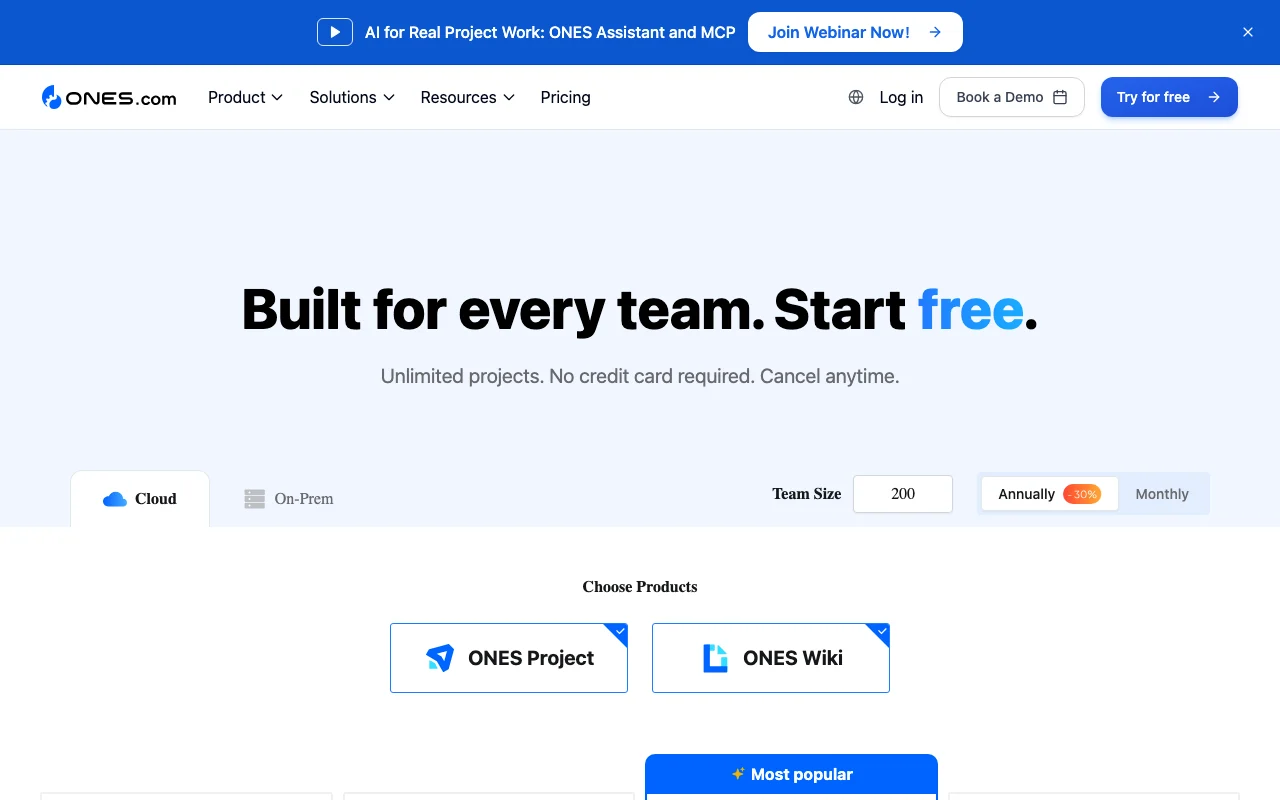
ONES.com pricing page with plans and prices — screenshot of the productivity & writing AI tool, Oct 1, 2026
The official ONES.com pricing page as we saw it. ones.com, captured Oct 1, 2026

Free access and trial conditions

Free forever for up to 30 seats

Try for free on paid tiers

Paid plans: what changes as you upgrade

Free web

Free source (opens in a new tab)

Monthly

For: Individuals and small teams

Limits

  • Up to 30 seats
  • 20 AI credits per month per user

Includes

  • Project and task management
  • Sprint and test management
1 more
  • Slack/Teams integrations

Standard web

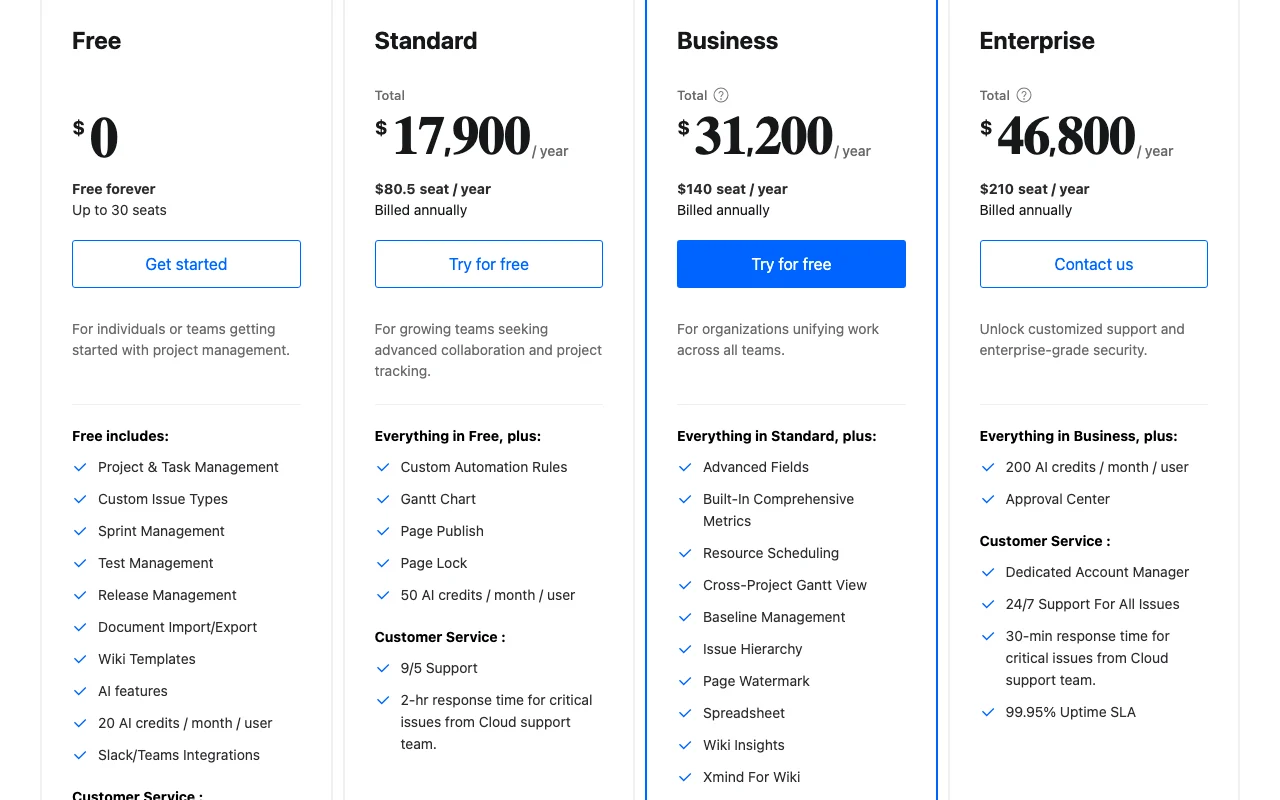
$80.5 per seat per year source (opens in a new tab)

Annual, annual commitment

Total $17,900 per year shown for the default team size; billed annually

For: Growing teams

Limits

  • 50 AI credits per month per user

Includes

  • Gantt chart
  • Custom automation rules
1 more
  • 9/5 support

Business web

$140 per seat per year source (opens in a new tab)

Annual, annual commitment

Total $31,200 per year shown for the default team size; billed annually

For: Organizations unifying work

Limits

  • 100 AI credits per month per user

Includes

  • Cross-project Gantt
  • Resource scheduling
2 more
  • MFA
  • 99.9% uptime SLA

Enterprise web

$210 per seat per year source (opens in a new tab)

Annual, annual commitment

Total $46,800 per year shown for the default team size; contact sales

For: Security-focused enterprises

Limits

  • 200 AI credits per month per user

Includes

  • Approval Center
  • 24/7 support for all issues
1 more
  • 99.95% uptime SLA

Usage caps, credits and extra costs

On-prem pricing is a separate view; totals depend on team size

Not stated

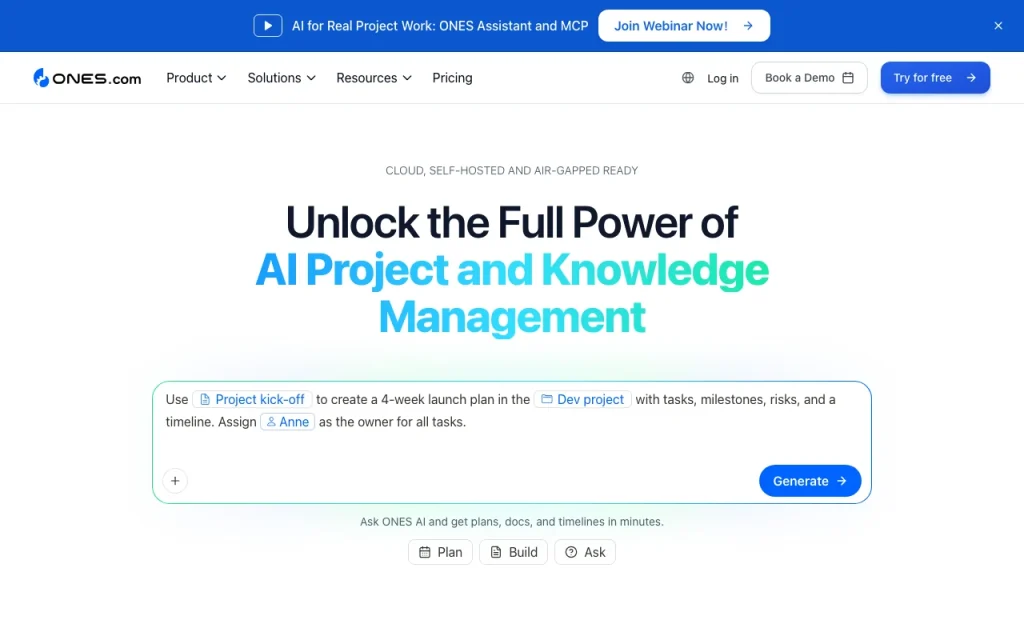
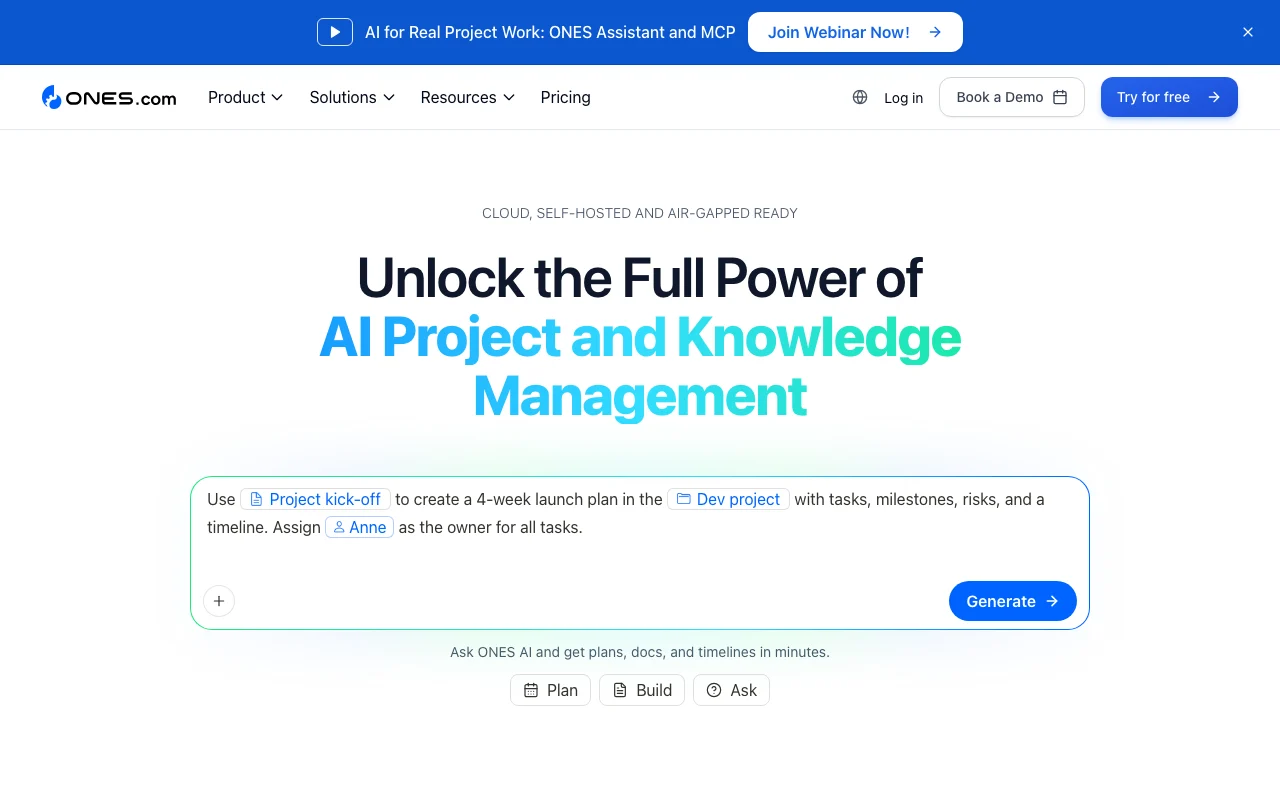
What is ONES.com, and how does it work?

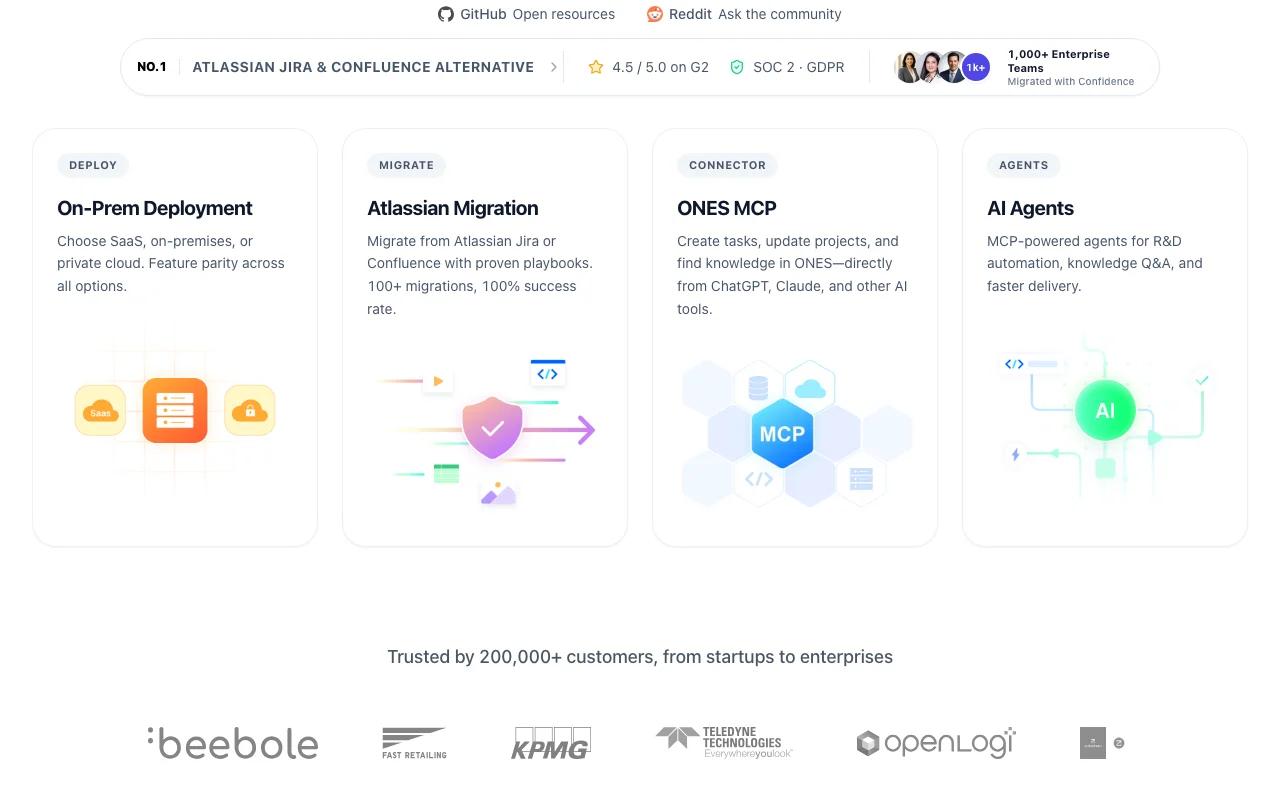
ONES.com is an enterprise project and knowledge management platform covering tasks, backlog, sprints, Gantt, Kanban, bug and test management, and a wiki. It includes ONES Assistant, an AI assistant, and an MCP interface for connecting projects, wikis and worklogs. It can be deployed as SaaS, on-premises or private cloud, and promotes migration from Jira and Confluence. AI use is metered through monthly credits per user.

ONES.com homepage — screenshot of the productivity & writing AI tool, Oct 1, 2026
ONES.com's official site: how the product presents itself. ones.com, captured Oct 1, 2026

What you provide and what you get back

How ONES.com works: what you provide, where it runs and what you get backYOU PROVIDEYour inputTasks, issues and requirementsWiki pages and imported documentsJira or Confluence data (migratio…PRODUCTIVITY & WRITINGONES.comWebfrom $80.5 (Standard)free tier availableaccount requiredchecked Oct 1, 2026YOU GET BACKThe resultSprints, Gantt and Kanban viewsTest and bug recordsAI Assistant answers via ONES MCPinput → ONES.com → output · from the vendor's own pages, no hands-on test unless stated
What you give ONES.com and what comes back, from its documentation

You provide

  • Tasks, issues and requirements
  • Wiki pages and imported documents
  • Jira or Confluence data (migration)

You get back

  • Sprints, Gantt and Kanban views
  • Test and bug records
  • AI Assistant answers via ONES MCP

Where you can use it

Platforms
Web
Account
Required
Deployment
Cloud, on-prem, private cloud source (opens in a new tab)
Views
Sprint, Gantt, Kanban source (opens in a new tab)
AI credits
20 / 50 / 100 / 200 per user per month source (opens in a new tab)
SLA
99.9% Business, 99.95% Enterprise source (opens in a new tab)
Seats on Free
Up to 30 source (opens in a new tab)

Best use cases for ONES.com

Scenarios are worked out by our editors from the documentation; the actual result depends on your input and plan.

Project and sprint management

Who
Software and product teams
You provide
Backlog and sprint plans
Expected result
Sprint boards, Kanban and Gantt
Plan needed
Free or Standard
Limitation
Gantt starts on Standard source (opens in a new tab)

Requirement and backlog tracking

Who
Product managers
You provide
Requirements and issues
Expected result
Tracked backlog with custom issue types
Plan needed
Free
Limitation
AI credits are limited to 20 per user source (opens in a new tab)

Test and bug management

Who
QA teams
You provide
Test cases and bug reports
Expected result
Test runs and release management
Plan needed
Free
Limitation
Advanced metrics on Business source (opens in a new tab)

Key features and their practical limits

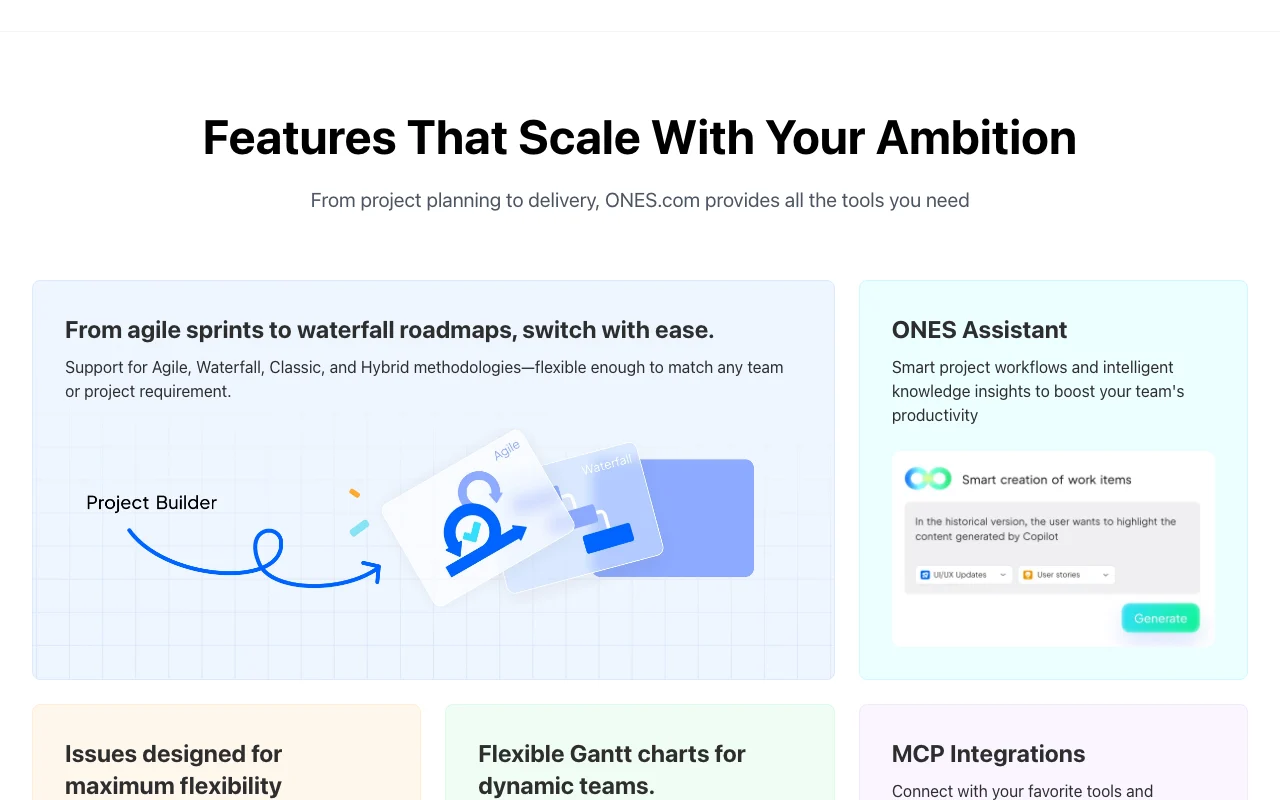
ONES.com homepage — screenshot of the productivity & writing AI tool, Oct 1, 2026
Feature overview on the official site. ones.com, captured Oct 1, 2026

ONES Assistant AI

AI assistant for project and wiki content Faster drafting and Q&A

Access: All plans (20-200 credits per user per month)Limit: Credit-metered source (opens in a new tab)

ONES MCP

Connects projects, wikis and worklogs to MCP clients Agents can act on project data

Access: Listed with the AI offeringLimit: Plan access not detailed source (opens in a new tab)

Gantt and Kanban

Visual planning views Track schedules and flow

Access: Kanban free, Gantt on Standard+Limit: Cross-project Gantt on Business source (opens in a new tab)

Test management

Handles test cases, bugs and releases One tool for dev and QA

Access: All plansLimit: Details by tier not itemized source (opens in a new tab)

ONES.com: strengths and limits

Where ONES.com is strong

Limitations to check before paying

How to use ONES.com for setting up a project with sprints and AI assistance

Set up ONES.com

  1. Start free at ones.com (cloud, no credit card)
  2. Create a project with ONES Project
  3. Invite teammates (up to 30 seats on Free)

Example: setting up a project with sprints and AI assistance

  1. Create custom issue types and a backlog
  2. Plan a sprint on the board
  3. Ask ONES Assistant to summarize the backlog
  4. Add a test plan

Review and export the result

  1. Check AI credits consumed per user
  2. Confirm roles and permissions after inviting teammates
Example prompt suggested by our editors (not a recorded output of the product)
Summarize open high-priority issues in this sprint and draft a status update.

ONES.com integrations and API

ONES.com pricing page with plans and prices — screenshot of the productivity & writing AI tool, Oct 1, 2026
Plan comparison on the official pricing page. ones.com, captured Oct 1, 2026

Native integrations and export formats

Export: Document import/export

API access and separate billing

ONES.com has no public API in its official documentation. MCP interface; REST API not detailed

ONES.com alternatives by need

"Better suited" is based on documented features and pricing, not on a head-to-head test.

Notion AI: better suited to

Microsoft Copilot: better suited to

Alternatives
AlternativeWhen to choose itPricingLimitation
Notion AI——Compare
Microsoft Copilot——

Explore ONES.com further

Related to ONES.com

ONES.com user reviews

No user reviews yet.

Used ONES.com? Be the first to share your experience.

Write a review

Reviews are checked by a moderator before they appear. Your email is never published. Plain text only.

Your rating (required)

Show what you made or what went wrong. Images are published only if the review is approved; location data is removed.

    ONES.com FAQ

    Is ONES free?

    Yes, up to 30 seats forever with 20 AI credits per user per month. source (opens in a new tab)

    How is Standard priced?

    $80.5 per seat per year, billed annually ($17,900 per year for the default team size shown). source (opens in a new tab)

    Where can I deploy it?

    As SaaS in the cloud, or on-premises and private cloud. source (opens in a new tab)

    How many AI credits do plans give?

    20, 50, 100 and 200 per user per month on Free, Standard, Business and Enterprise. source (opens in a new tab)

    Can I migrate from Jira?

    Yes, Jira and Confluence migration is offered on Business and above. source (opens in a new tab)

    Sources and review methodology

    Official sources and verification dates

    Not verified: On-prem pricing; Data training policy; Billing for monthly option; Page not available: https://ones.com/privacy; Page not available: https://ones.com/docs.

    How we documented and maintain this page

    Every fact about ONES.com above comes from the 2 official pages listed here, last compared on Oct 1, 2026; we have not run ONES.com ourselves, so it has no editorial score. How we check and re-check pages.

    Article updated Oct 10, 2026; prices checked Oct 1, 2026. Outbound links to vendors are plain links; we do not earn commissions. How we review · Report an error