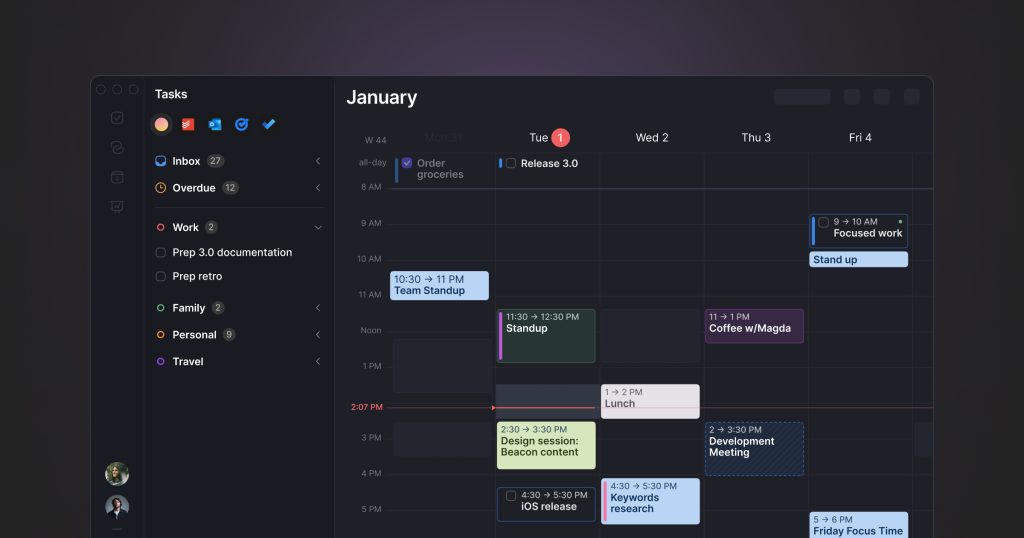
Unsere Einschätzung: Choose Morgen if you want one app that merges Google, Outlook and iCloud calendars with tasks from Notion, Todoist or Linear and uses an AI Planner to time-block your day.
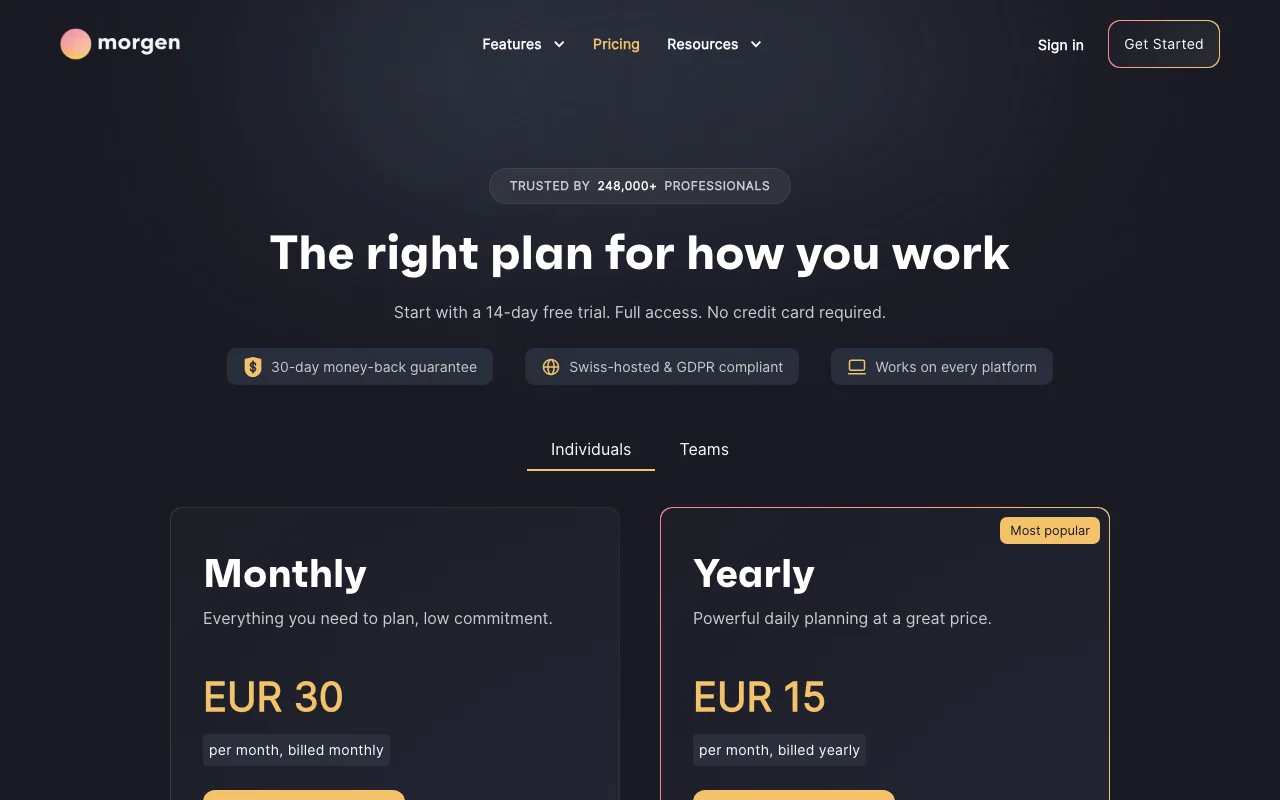
Wichtigste Einschränkung: No free plan after the 14-day trial; monthly billing is twice the yearly per-month price.
Von den Redakteuren des AI Tool Atlas.
Auf Basis der offiziellen Dokumentation des Anbieters; wir haben dieses Produkt nicht selbst getestet. Was „dokumentierte Übersicht“ bedeutet
Für wen Morgen passt
Choose Morgen if you want one app that merges Google, Outlook and iCloud calendars with tasks from Notion, Todoist or Linear and uses an AI Planner to time-block your day. Auf Basis der Dokumentation des Anbieters, nicht in einem praktischen Test.
Am besten für: Professionals juggling multiple calendars and task tools
Auch gut geeignet für
Linux users wanting a native calendar app
Small teams coordinating availability
Ein anderes Tool in Betracht ziehen, wenn no free plan after the trial
Oder wenn
Monthly billing is twice the yearly per-month price
Team plans require a minimum of 2 seats
Morgen in den Nachrichten
Schlagzeilen von US-Medien, automatisch ausgewählt – keine Empfehlungen. Aktualisiert Oct 2, 2026
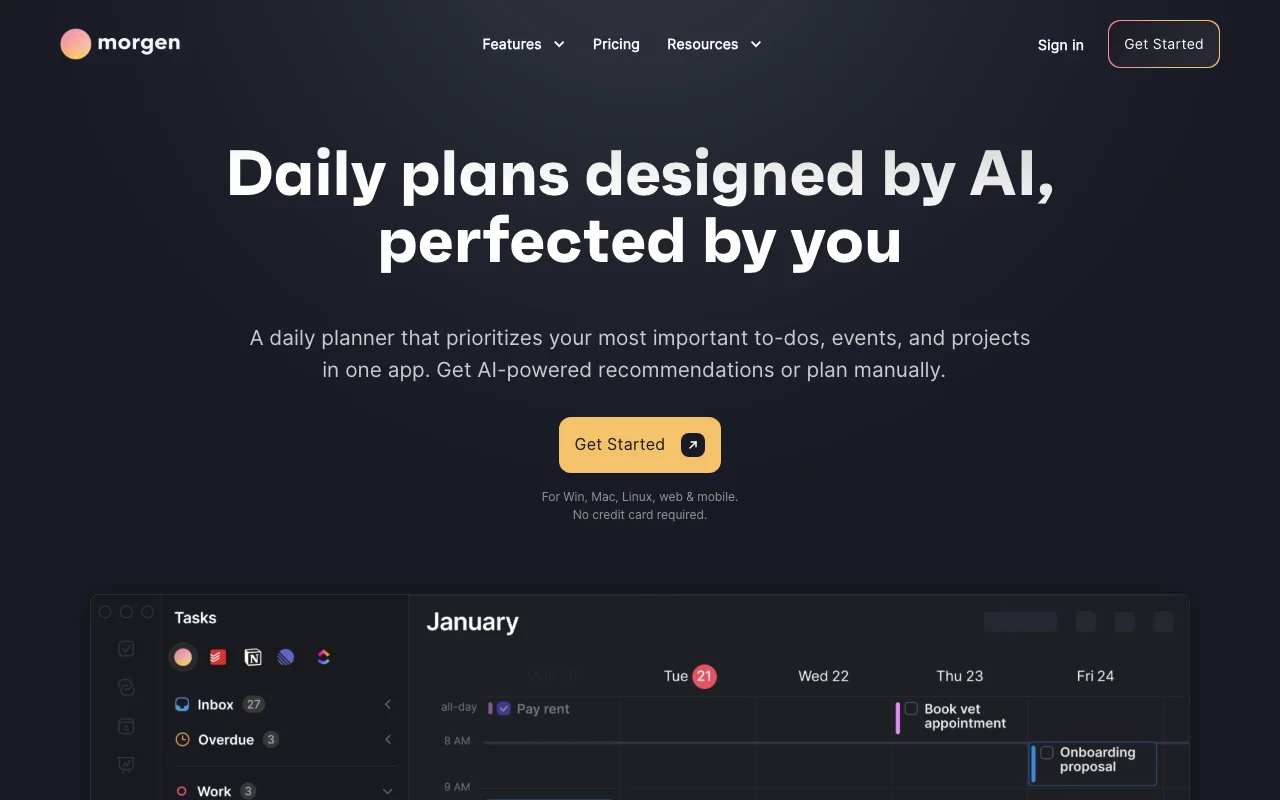
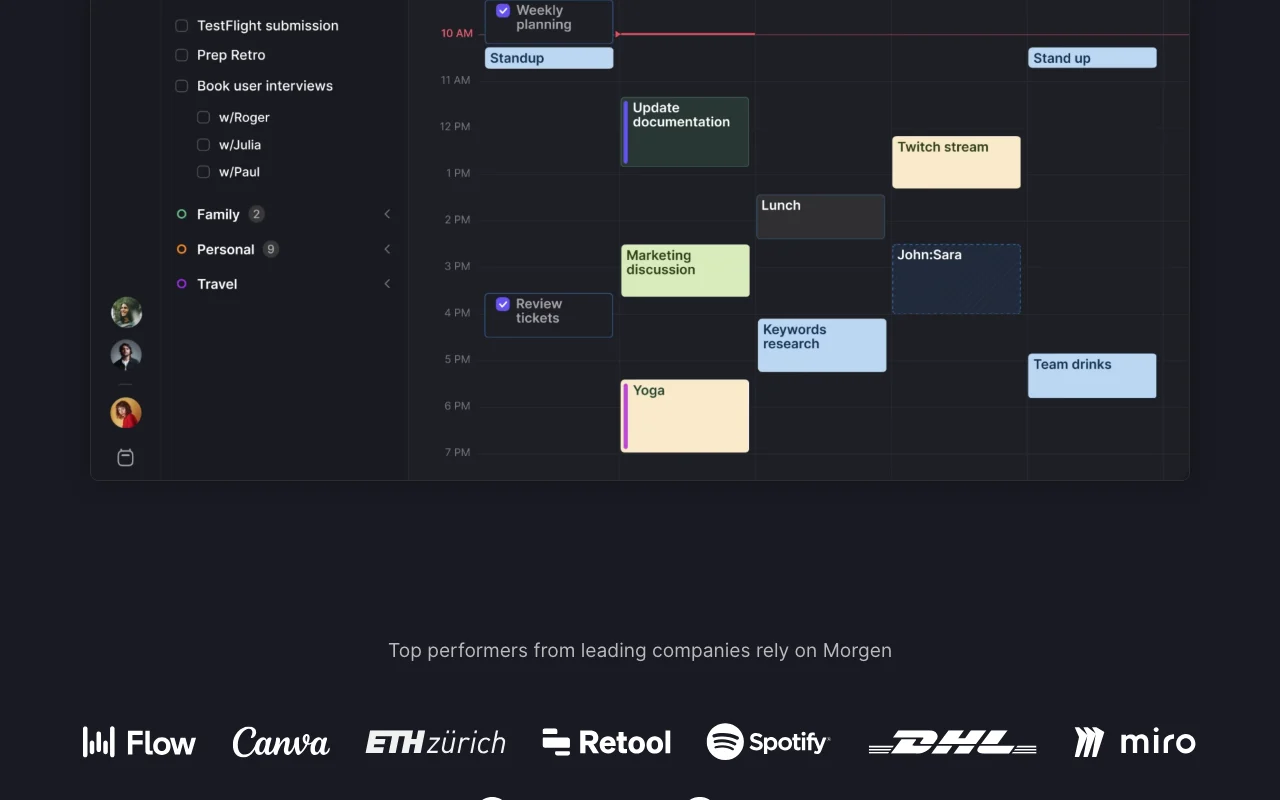
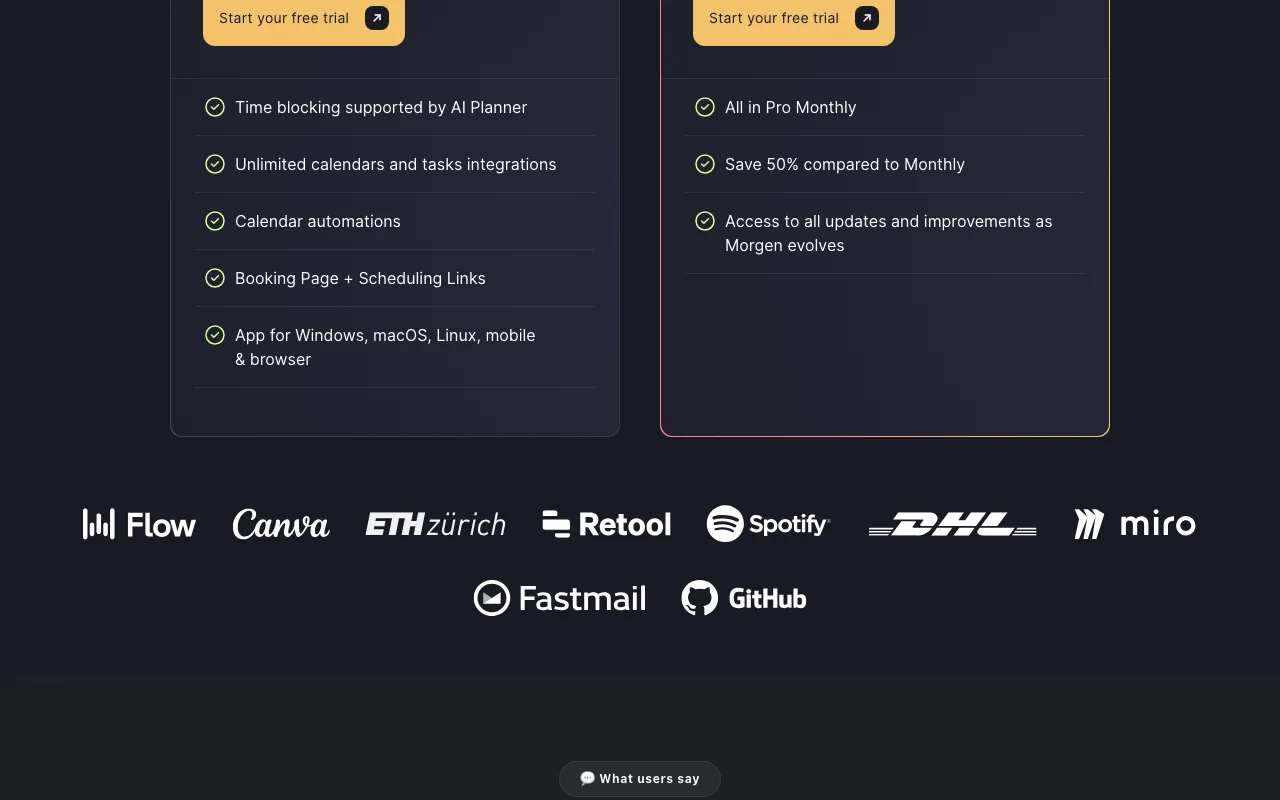
Morgen is a calendar and task planning app that consolidates Google, Outlook, Apple, Fastmail and other calendars in one place and pulls tasks from Notion, ClickUp, Linear, Todoist and similar tools. Its AI Planner suggests time blocks for tasks, reprioritizes on conflicts and flags tasks at risk of being late, guided by weekly 'Frames' templates you define.
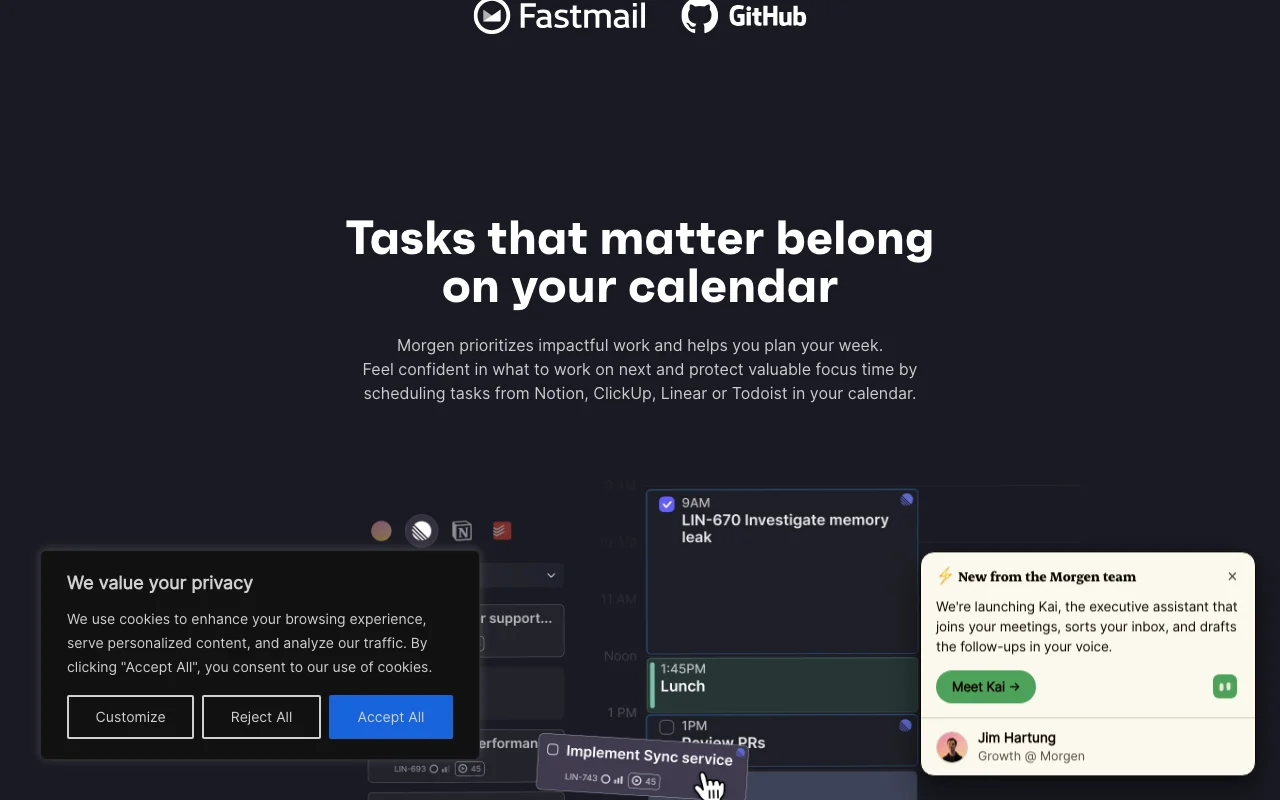
It also includes calendar automations (calendar sync, travel and buffer time), scheduling links, team availability, and a newer AI assistant called Kai. Apps are available for Windows, macOS, Linux, web, iOS and Android; the company states it is Swiss-hosted and GDPR compliant.
Offizielle Website von Morgen: So stellt sich das Produkt selbst dar. morgen.so, erfasst Oct 1, 2026
Was Sie liefern und was Sie erhalten
Was Sie Morgen geben und was zurückkommt, laut Dokumentation
Sie liefern
Google, Outlook, iCloud and Fastmail calendars
Tasks from Notion, Todoist, Linear, ClickUp
Weekly Frames templates
Sie erhalten zurück
Time-blocked daily plan
Scheduling and booking links
Synced calendar events
Wo Sie es nutzen können
Plattformen
Web, Desktop, Mobile
Konto
Erforderlich
Platforms
Windows, macOS, Linux, web, iOS, Android
Calendars
Google, Outlook, iCloud, Fastmail
Task tools
Notion, ClickUp, Linear, Todoist and others
Payments
Paddle: cards, PayPal, Apple Pay
Die besten Einsatzzwecke für Morgen
Die Szenarien erarbeiten unsere Redakteure anhand der Dokumentation; das tatsächliche Ergebnis hängt von Ihrer Eingabe und Ihrem Tarif ab.
Time-blocking tasks from Notion, Todoist or Linear into a calendar
Wer
Knowledge workers with tasks in Notion, Todoist or Linear
Sie liefern
Task lists and Frames defining weekly time zones
Erwartetes Ergebnis
Tasks placed as time blocks on the calendar and re-planned on conflicts
Discounts for students, nonprofits and switchers Eligible users pay less.dokumentiertQuelle (öffnet in neuem Tab)
Einschränkungen, die Sie vor dem Bezahlen prüfen sollten
No free plan after the trial You must subscribe to keep using it after 14 days.dokumentiertQuelle (öffnet in neuem Tab)
Monthly billing is twice the yearly per-month price Month-to-month costs $360 per year versus $180.dokumentiertQuelle (öffnet in neuem Tab)
Team plans require a minimum of 2 seats A solo user cannot buy a team plan.dokumentiertQuelle (öffnet in neuem Tab)
Mobile apps require setting up the account on desktop first Phone-only setup is not possible.dokumentiertQuelle (öffnet in neuem Tab)
So nutzen Sie Morgen für time-blocking tasks into a unified calendar
Morgen einrichten
Start the 14-day trial at morgen.so.
Connect your calendar accounts (Google, Outlook, iCloud).
Connect a task tool such as Todoist or Notion.
Define your weekly Frames.
Beispiel: time-blocking tasks into a unified calendar
Open the task list and select tasks for today.
Ask AI Planner for time blocks.
Review suggestions and accept them.
Create a booking link for meetings.
Ergebnis prüfen und exportieren
Confirm blocks appear in the original calendar.
Check conflicts after a meeting is added.
Morgen API
Tarifvergleich auf der offiziellen Preisseite. morgen.so, erfasst Oct 1, 2026
API-Zugang und separate Abrechnung
Morgen hat laut offizieller Dokumentation keine öffentliche API. No API documented on fetched pages.
Datenschutz, Datennutzung und kommerzielle Rechte
Zusammengefasst aus den aktuellen Richtlinien des Anbieters; dies ist keine Rechtsberatung, und das Badge eines Anbieters ersetzt kein unabhängiges Audit.
Wie Ihre Eingaben und Ausgaben verarbeitet werden
Reads calendars and tasks you connect.
Andere Tools statt Morgen
„Besser geeignet“ beruht auf dokumentierten Funktionen und Preisen, nicht auf einem direkten Test.
Students, academics and nonprofits get 25% off; people switching from Motion, Reclaim, Fantastical or Sunsama get 15% off for a year. Quelle (öffnet in neuem Tab)
Nicht verifiziert: AI training policy; data retention; API availability.
Wie wir diese Seite dokumentiert haben und pflegen
Jede Angabe zu Morgen oben stammt aus den 3 hier aufgeführten offiziellen Seiten, zuletzt verglichen am Oct 1, 2026; wir haben Morgen nicht selbst getestet, daher gibt es keine redaktionelle Bewertung. Wie wir Seiten prüfen und erneut prüfen.
Artikel aktualisiert Oct 10, 2026; Preise geprüft Oct 1, 2026. Ausgehende Links zu Anbietern sind einfache Links; wir erhalten keine Provisionen. So testen wir · Fehler melden