Productivity & writingDocumented overviewLast checked Oct 1, 2026

ModelMonkey: Pricing, Features & Best Use Cases

AI assistant for Google Sheets and Excel that analyzes data, fixes formulas and builds models with approval before changes.
Who should use ModelMonkey

ModelMonkey suits financial and data analysts who want an AI agent inside Google Sheets or Excel that asks for approval before writing changes. Based on the vendor's documentation, not on a hands-on test.

Best for: Financial analysts

Also a good fit for

  • Data analysts
  • Startup founders

Consider another tool if usage capped by monthly credits

Or if

  • No free plan listed
  • Installation as add-on required

ModelMonkey pricing and usage limits

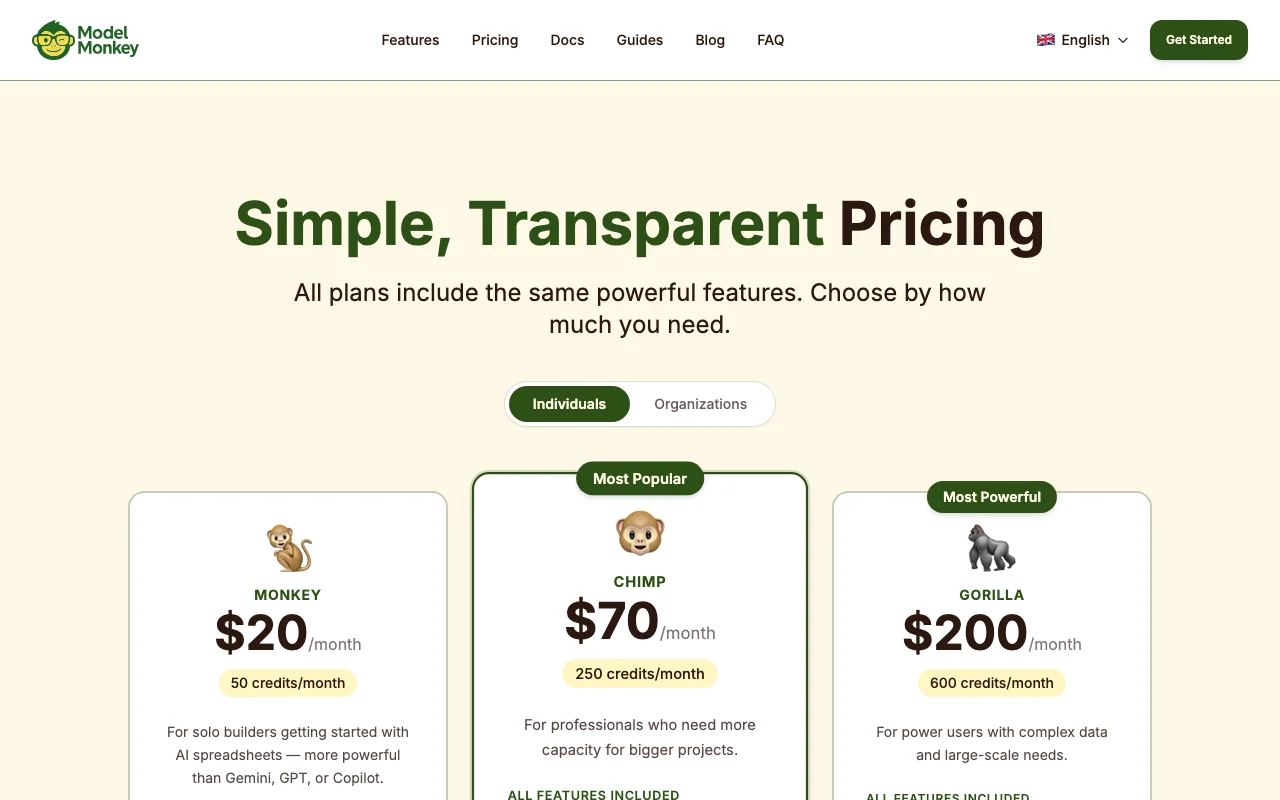
Prices checked Oct 1, 2026 on the official US pricing page. Official pricing ↗ Prices and limits change often.

ModelMonkey pricing page with plans and prices — screenshot of the productivity & writing AI tool, Oct 2, 2026
The official ModelMonkey pricing page as we saw it. modelmonkey.io, captured Oct 2, 2026

Free access and trial conditions

No free plan listed.

Not documented.

Paid plans: what changes as you upgrade

Monkey web

$20 source (opens in a new tab)

Monthly

For: Solo builders

Limits

  • 50 credits/month

Includes

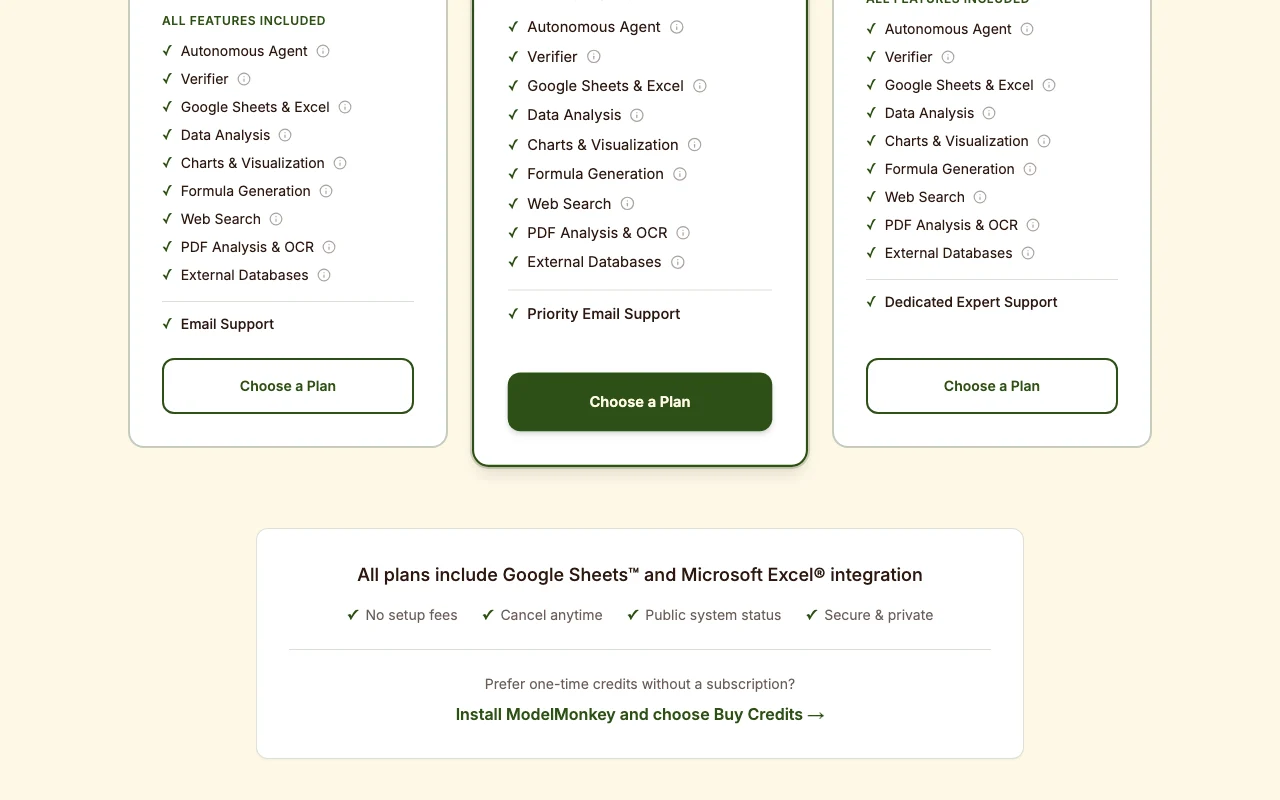
  • All features included
  • Autonomous agent and verifier
1 more
  • Email support

Chimp web

$70 source (opens in a new tab)

Monthly

For: Professionals

Limits

  • 250 credits/month

Includes

  • All features included
  • Priority email support

Gorilla web

$200 source (opens in a new tab)

Monthly

For: Power users

Limits

  • 600 credits/month

Includes

  • All features included
  • Dedicated expert support

Usage caps, credits and extra costs

One-time credit packs available via Buy Credits.

Not stated.

What is ModelMonkey, and how does it work?

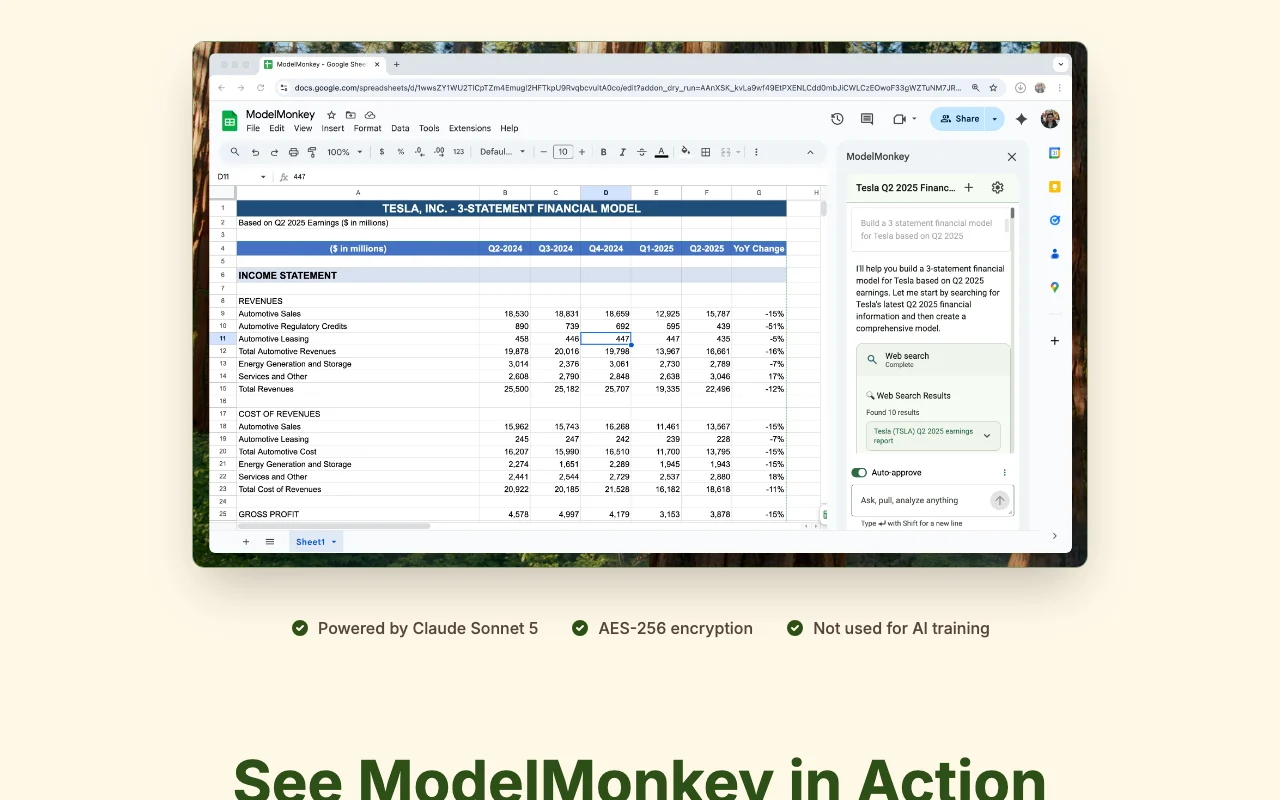
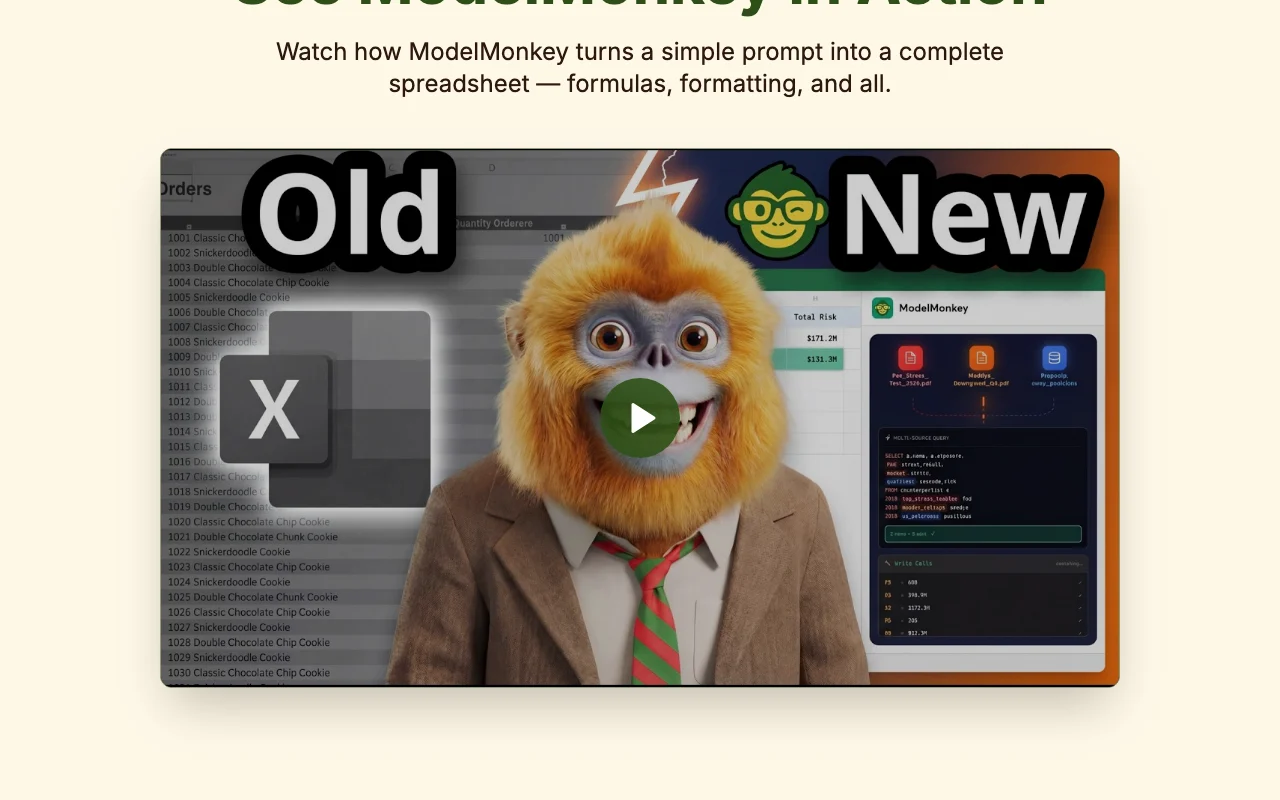
ModelMonkey is an AI add-on for Google Sheets and Microsoft Excel. You ask it to analyze data, fix formulas, build models or update reports inside the spreadsheet. It shows which cells and formulas changed, lets you approve changes before they are applied, and supports undo for individual actions.

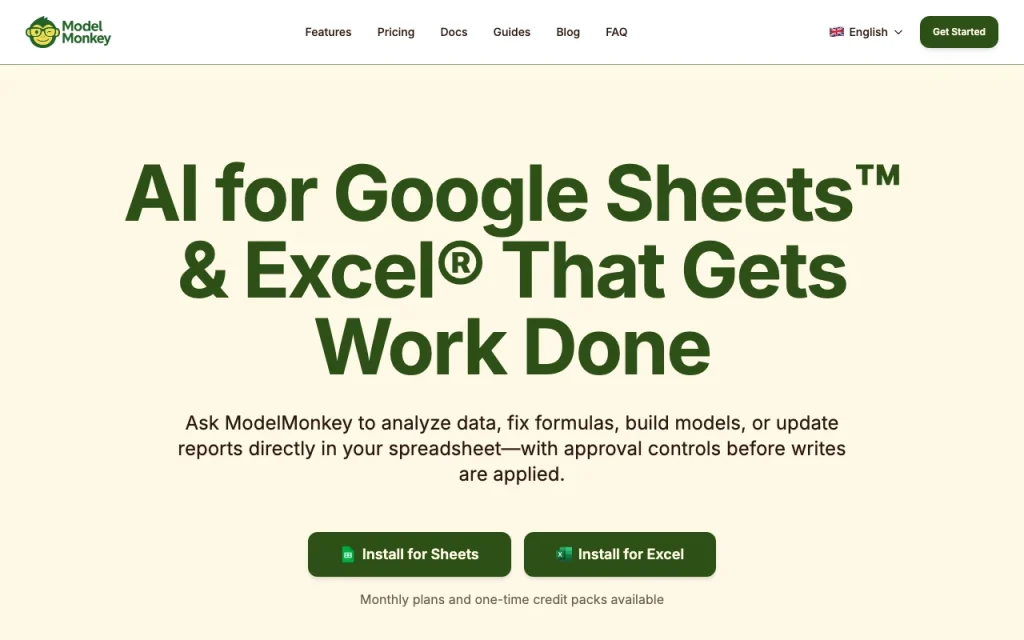
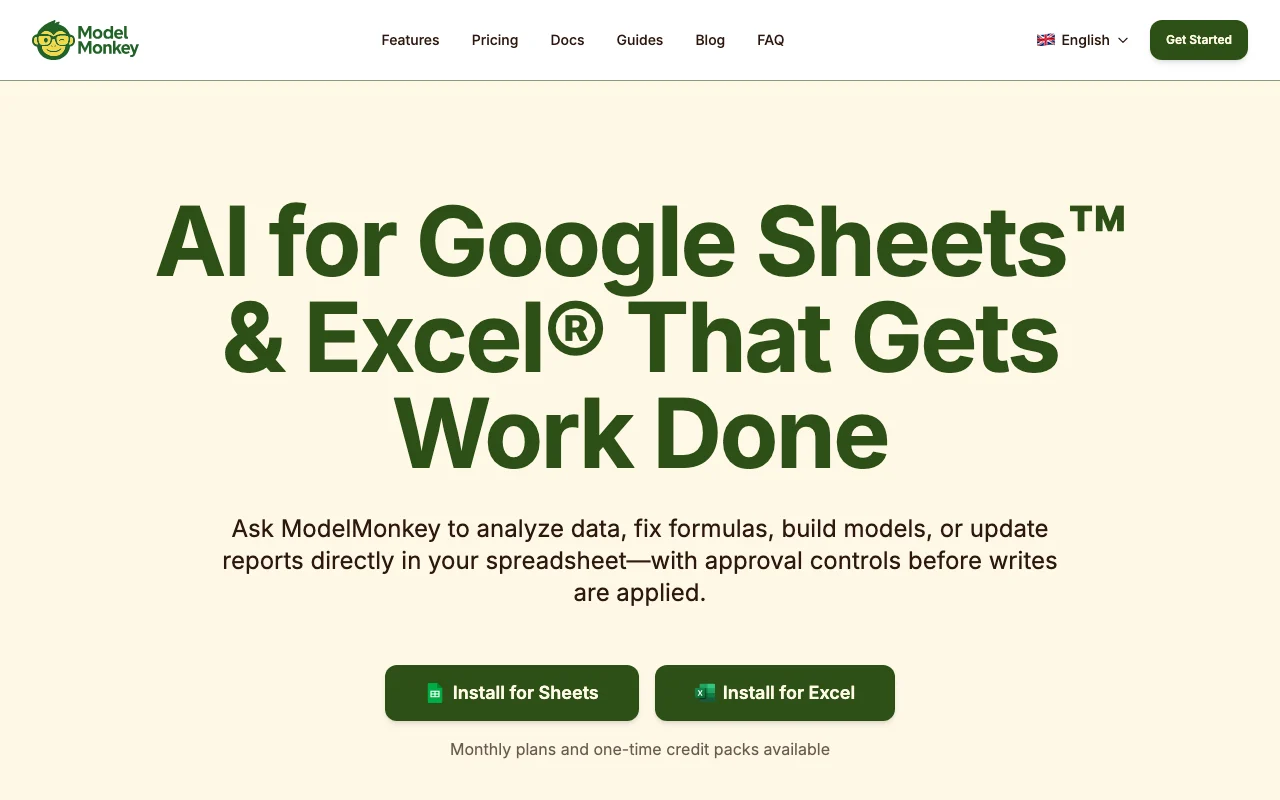
ModelMonkey homepage — screenshot of the productivity & writing AI tool, Oct 2, 2026
ModelMonkey's official site: how the product presents itself. modelmonkey.io, captured Oct 2, 2026

What you provide and what you get back

How ModelMonkey works: what you provide, where it runs and what you get backYOU PROVIDEYour inputSpreadsheet dataPromptsPDFs and uploaded filesSEC filings and web dataPRODUCTIVITY & WRITINGModelMonkeyWebfrom $20 (Monkey)no free tieraccount requiredchecked Oct 1, 2026YOU GET BACKThe resultAnalyzed data and chartsFormulas and modelsEdits applied after approvalinput → ModelMonkey → output · from the vendor's own pages, no hands-on test unless stated
What you give ModelMonkey and what comes back, from its documentation

You provide

  • Spreadsheet data
  • Prompts
  • PDFs and uploaded files
  • SEC filings and web data

You get back

  • Analyzed data and charts
  • Formulas and models
  • Edits applied after approval

Where you can use it

Platforms
Web
Account
Required
Platforms
Google Sheets, Excel
Credits
50 / 250 / 600 per month
Model
Claude Sonnet 5 per homepage
Data access
Web, SEC filings, external databases

Where ModelMonkey is most useful

Scenarios are worked out by our editors from the documentation; the actual result depends on your input and plan.

Financial modeling

Who
Financial analysts
You provide
Company filings and prompt
Expected result
3-statement model with formulas
Plan needed
Any plan
Limitation
Credits per task source (opens in a new tab)

Data analysis

Who
Data analysts
You provide
Sheet data
Expected result
Analysis and charts
Plan needed
Any plan
Limitation
Credit cap source (opens in a new tab)

Formula repair

Who
Founders
You provide
Broken formulas
Expected result
Repaired formulas
Plan needed
Any plan
Limitation
Changes need approval source (opens in a new tab)

ModelMonkey features and their limits

ModelMonkey homepage — screenshot of the productivity & writing AI tool, Oct 2, 2026
Feature overview on the official site. modelmonkey.io, captured Oct 2, 2026

Autonomous agent

Plans and performs multi-step spreadsheet work. Handles complex tasks.

Access: All plansLimit: Credit-metered source (opens in a new tab)

Change review before writes

Shows changes for review before writing. Prevents silent edits.

Access: All plansLimit: Extra approval step source (opens in a new tab)

Per-action undo

Undoes each action individually. Eases recovery.

Access: All plansLimit: Not further detailed source (opens in a new tab)

Web search and SEC filings access

Searches the web and pulls SEC filings. Fresh inputs.

Access: All plansLimit: Accuracy of web data not guaranteed source (opens in a new tab)

Pros, cons and deal-breakers

Where ModelMonkey is strong

Limitations to check before paying

How to use ModelMonkey for building a financial model in a spreadsheet

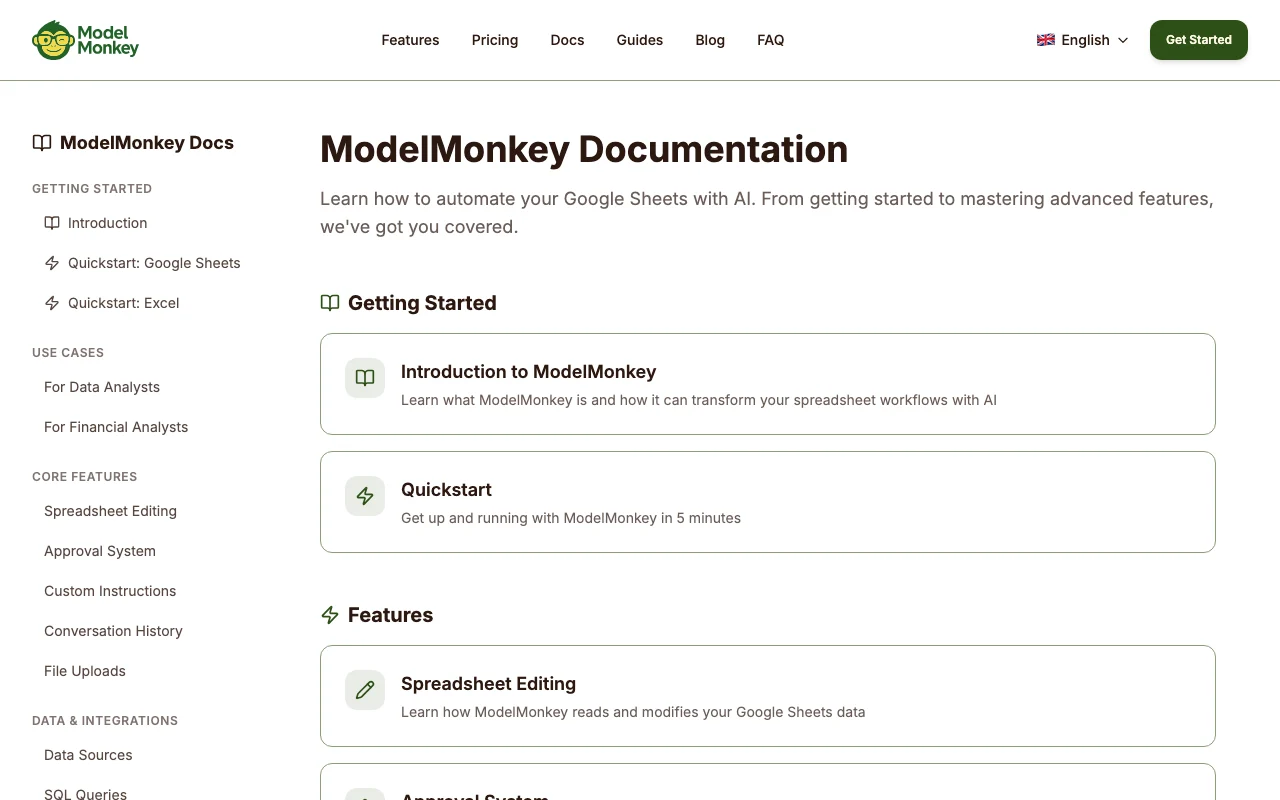
ModelMonkey documentation — screenshot of the productivity & writing AI tool, Oct 2, 2026
ModelMonkey documentation: where the steps below come from. modelmonkey.io, captured Oct 2, 2026

Set up ModelMonkey

  1. Install ModelMonkey for Sheets or Excel
  2. Sign in
  3. Pick a plan or buy credits
  4. Open the sidebar

Example: building a financial model in a spreadsheet

  1. Open a blank sheet
  2. Enter a model prompt
  3. Review proposed changes
  4. Approve to apply

Review and export the result

  1. Audit the formulas it created
  2. Use undo on any action you reject
Example prompt suggested by our editors (not a recorded output of the product)
Build a 3-statement model for Tesla using their latest 10-K
ModelMonkey API

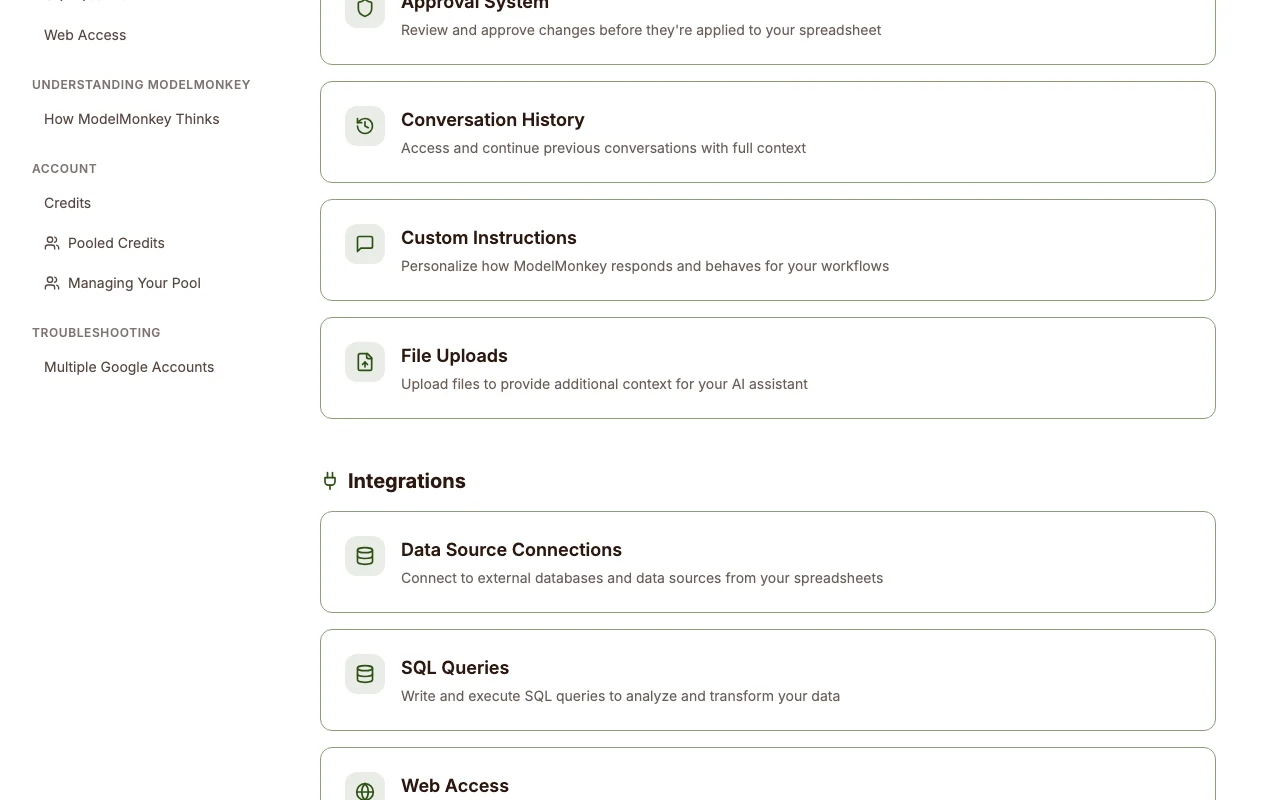
ModelMonkey documentation — screenshot of the productivity & writing AI tool, Oct 2, 2026
ModelMonkey documentation (continued). modelmonkey.io, captured Oct 2, 2026

API access and separate billing

ModelMonkey has no public API in its official documentation. No public API documented. API documentation ↗

Privacy, data use and commercial rights

Summarized from the vendor's current policies; this is not legal advice and a vendor's badge is not an independent audit.

How your inputs and outputs are handled

Homepage says AES-256 encryption.

Homepage states spreadsheet data is not used for AI training.

Not stated.

Commercial use and plan restrictions

Not stated.

Best ModelMonkey alternatives for different needs

"Better suited" is based on documented features and pricing, not on a head-to-head test.

ChatGPT: better suited to

Microsoft Copilot: better suited to

Google Gemini: better suited to

Alternatives
AlternativeWhen to choose itPricingLimitation
ChatGPT——
Microsoft Copilot——
Google Gemini——

Explore ModelMonkey further

Tools and guides near ModelMonkey

ModelMonkey user reviews

No user reviews yet.

Used ModelMonkey? Be the first to share your experience.

Write a review

Reviews are checked by a moderator before they appear. Your email is never published. Plain text only.

Your rating (required)

Show what you made or what went wrong. Images are published only if the review is approved; location data is removed.

    ModelMonkey FAQ

    How much does ModelMonkey cost?

    Monkey $20, Chimp $70 and Gorilla $200 per month. source (opens in a new tab)

    Is there a free plan?

    None is listed. source (opens in a new tab)

    Does it work in Excel?

    Yes, Google Sheets and Excel. source (opens in a new tab)

    Is my data used for training?

    The homepage says it is not used for AI training. source (opens in a new tab)

    Can I buy credits once?

    Yes, one-time credit packs are available. source (opens in a new tab)

    Sources and review methodology

    Official sources and verification dates

    Not verified: Privacy policy; Retention; API.

    How we documented and maintain this page

    Every fact about ModelMonkey above comes from the 3 official pages listed here, last compared on Oct 1, 2026; we have not run ModelMonkey ourselves, so it has no editorial score. How we check and re-check pages.

    Article updated Oct 2, 2026; prices checked Oct 1, 2026. Outbound links to vendors are plain links; we do not earn commissions. How we review · Report an error