Our take: Locul suits knowledge workers and small teams who want their notes, files and dictations turned into a local, self-updating memory that their existing AI tools can use.
Main limitation: The free plan stops at 500 memories and needs your own local model or API key, while Notion and LinkedIn sources require a paid plan.
By the AI Tool Atlas editors.
Based on the vendor's official documentation; we have not tested this product hands-on. What “documented overview” means
Who should use Locul
Locul suits knowledge workers and small teams who want their notes, files and dictations turned into a local, self-updating memory that their existing AI tools can use. Based on the vendor's documentation, not on a hands-on test.
Best for: Knowledge workers using several AI tools
Also a good fit for
Founders and solo operators
Small teams wanting shared context
Consider another tool if free plan capped at 500 memories and requires your own model or API key
Or if
Notion and LinkedIn sources need a paid plan
Paid plans start with a 14-day trial that takes a card
Locul pricing and usage limits
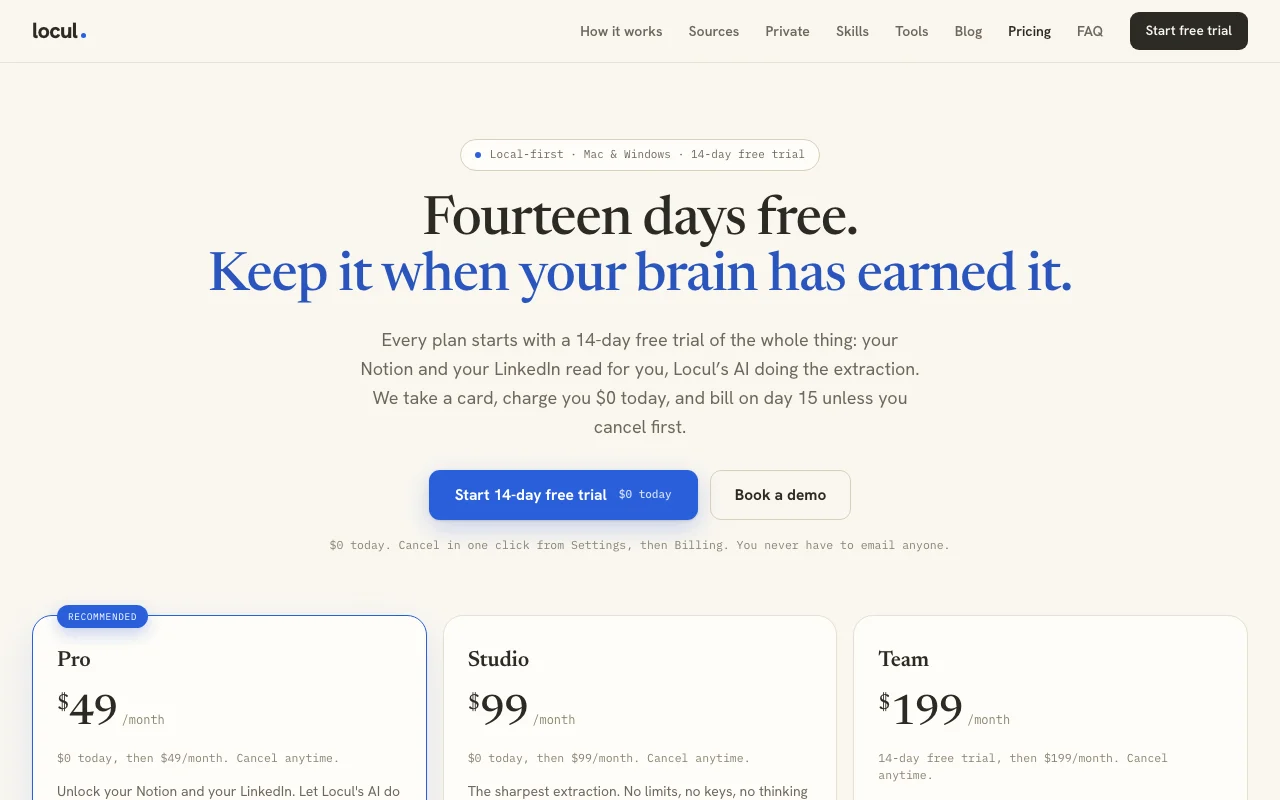
Prices checked Oct 1, 2026 on the official US pricing page. Official pricing ↗ Prices and limits change often.
The official Locul pricing page as we saw it. locul.ai, captured Oct 1, 2026
Free access and trial conditions
Free forever plan with your own model or key.
14-day free trial on paid plans; a card is taken, $0 is charged today, and cancelling in Settings then Billing before day 15 avoids any charge.
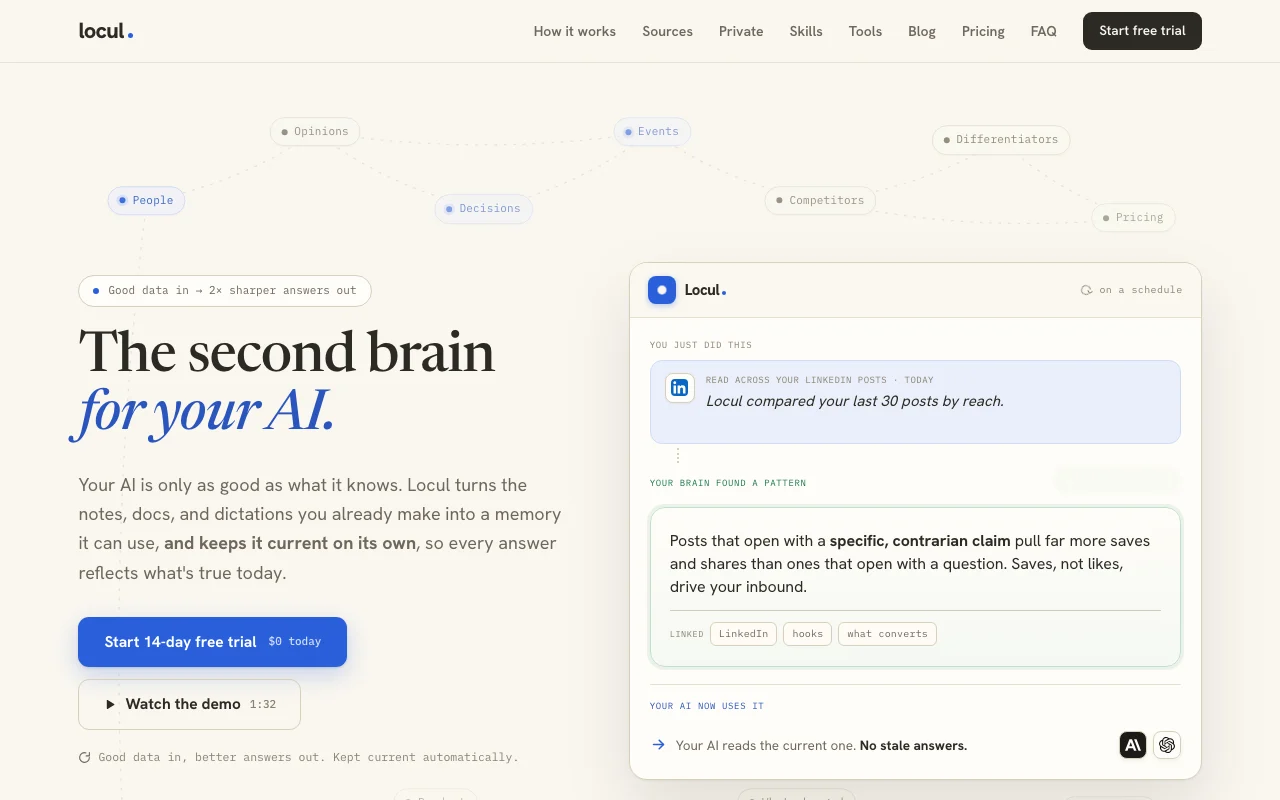
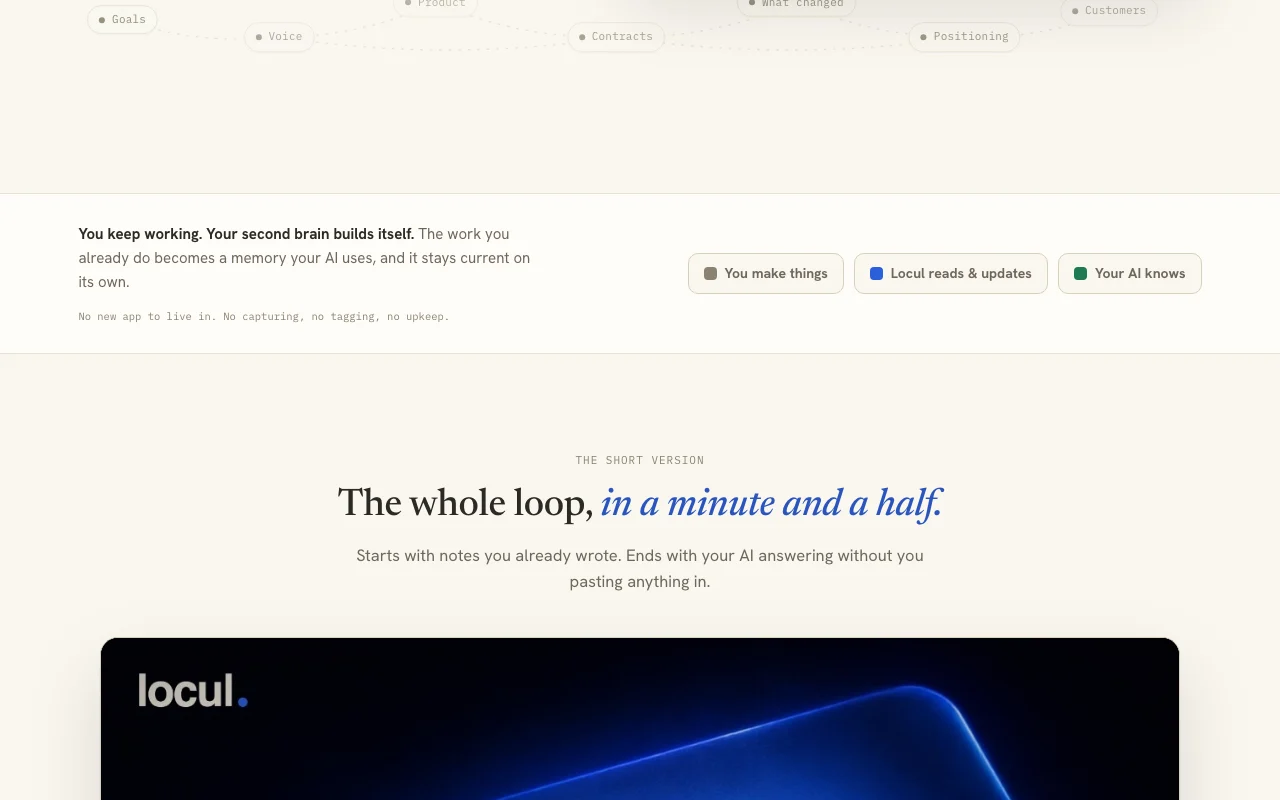
Locul reads notes, documents and dictations you already create and builds a memory store that it keeps current by comparing new material with what it already knows. Old versions are kept so changes can be reviewed.
The memory is stored on your machine, and connected AI tools can draw on it. Sources include markdown and PDF files, Obsidian, Notion, Wispr Flow dictations and LinkedIn posts, depending on plan.
Locul's official site: how the product presents itself. locul.ai, captured Oct 1, 2026
What you provide and what you get back
What you give Locul and what comes back, from its documentation
You provide
Markdown and PDF files
Obsidian vaults
Dictations from Wispr Flow, Willow Voice or Contextli
Notion and LinkedIn (paid)
You get back
Self-updating memories with version history
Context your AI tools can query
Where you can use it
Platforms
Desktop
Account
Required
Platforms
Mac and Windows
Sources
Markdown, PDF, Obsidian, dictations; Notion and LinkedIn on Pro+
Memory caps
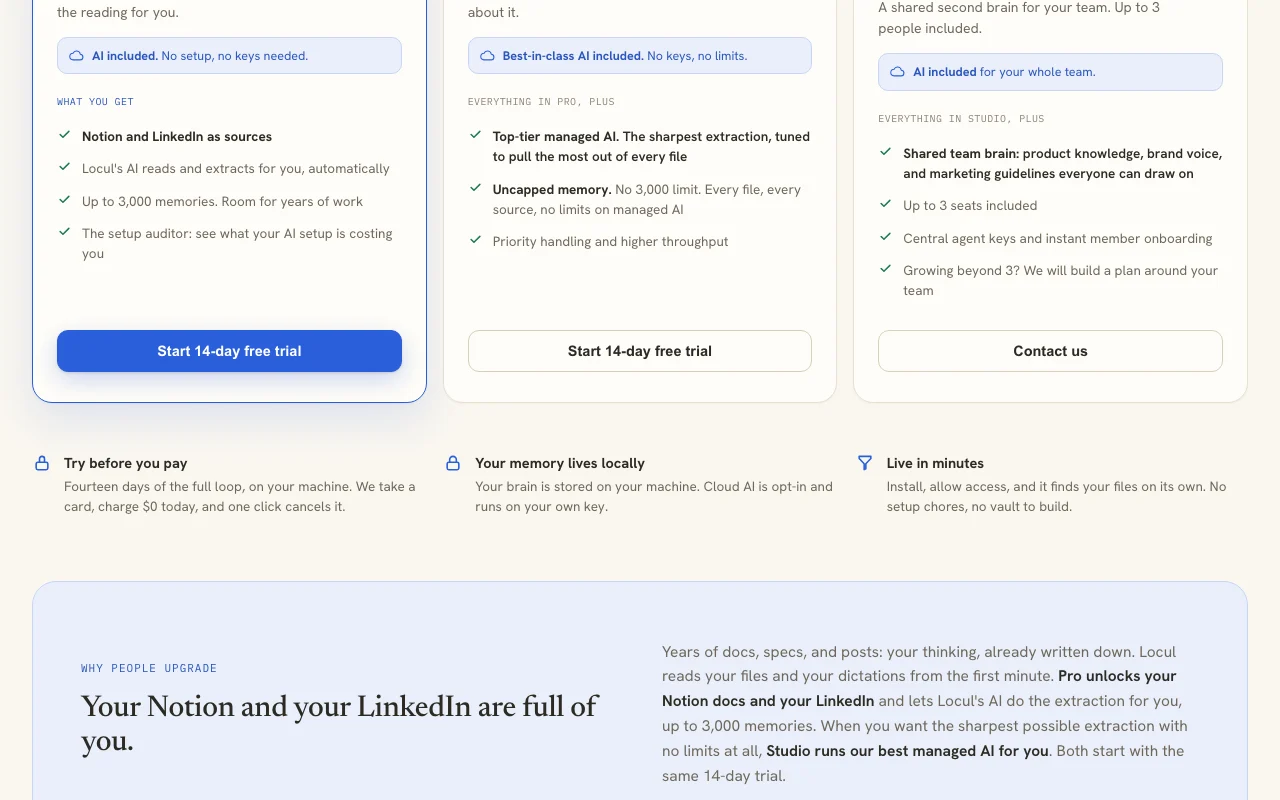
500 / 3,000 / uncapped / uncapped
Local models
Ollama or your own API key on Free and Pro
Best use cases for Locul
Scenarios are worked out by our editors from the documentation; the actual result depends on your input and plan.
Building a personal knowledge base for AI assistants
Who
Knowledge workers
You provide
Notes, PDFs and an Obsidian vault
Expected result
A personal memory your AI can use without re-pasting context
Old versions of changed memories are kept You can see how knowledge changed over time.documentedsource (opens in a new tab)
Pricing page lists plan limits clearly Limits per plan are explicit before you commit.documentedsource (opens in a new tab)
Cancel in one click Settings then Billing cancels the trial without emailing anyone.documentedsource (opens in a new tab)
Check before paying for Locul
Free plan capped at 500 memories and requires your own model or API key Free users must set up a model or key themselves.documentedsource (opens in a new tab)
Notion and LinkedIn sources need a paid plan Reading your Notion or LinkedIn needs a subscription.documentedsource (opens in a new tab)
Paid plans start with a 14-day trial that takes a card A card is required before the trial starts.documentedsource (opens in a new tab)
Mac and Windows only per the pricing page Linux and mobile are not offered.documentedsource (opens in a new tab)
Pro caps at 3,000 memories Writing new memories pauses until you upgrade.documentedsource (opens in a new tab)
How to use Locul for building a self-updating memory from your notes
Set up Locul
Download Locul for Mac or Windows and sign in.
Allow file access so it finds your markdown and PDF files.
Choose a local model such as Ollama or add your own API key on the Free plan.
Connect the AI tools you already use.
Example: building a self-updating memory from your notes
Point Locul at your notes folder or Obsidian vault.
Import dictations from Wispr Flow, Willow Voice or Contextli.
Let it extract memories such as people, decisions and projects.
Edit a document and watch the related memory update while the older version is kept.
Review and export the result
Review recent memory activity for accuracy.
Open a changed memory to compare old and new versions.
Check the memory count against your plan cap.
Example prompt suggested by our editors (not a recorded output of the product)
What did I decide about pricing for the Trellis project, and when did that change?
Locul integrations and API
Plan comparison on the official pricing page. locul.ai, captured Oct 1, 2026
Native integrations and export formats
Export: Export of everything in your brain
API access and separate billing
Locul has no public API in its official documentation. Connects to AI tools you use; no public API documented.
Privacy, data use and commercial rights
Summarized from the vendor's current policies; this is not legal advice and a vendor's badge is not an independent audit.
How your inputs and outputs are handled
Files and dictations are read locally and memory is stored on your machine; Studio's managed AI and opt-in cloud mode send data to cloud AI.
Stored locally under your control.
Commercial use and plan restrictions
Managed cloud AI only on paid plans.
Controls for business users
Local-first storage
Opt-in cloud AI with your own key
Best Locul alternatives for different needs
"Better suited" is based on documented features and pricing, not on a head-to-head test.
Gemini Notebook (formerly NotebookLM): better suited to
Not verified: Privacy policy (not available); Documentation (not available); List of supported AI tools; Retention beyond local storage.
How we documented and maintain this page
Every fact about Locul above comes from the 2 official pages listed here, last compared on Oct 1, 2026; we have not run Locul ourselves, so it has no editorial score. How we check and re-check pages.
Article updated Oct 10, 2026; prices checked Oct 1, 2026. Outbound links to vendors are plain links; we do not earn commissions. How we review · Report an error