Productivity & writingDocumented overviewLast checked Oct 2, 2026

Lyro: Pricing, Features & Best Use Cases

AI customer service agent that works inside existing helpdesks, with selectable models and usage-based pricing.


Who Lyro fits

Lyro suits support teams that want an AI agent inside their existing helpdesk, paying wallet credits only for resolved conversations. Based on the vendor's documentation, not on a hands-on test.

Best for: Support teams with existing helpdesks

Also a good fit for

  • E-commerce support

Consider another tool if no free plan seen on pricing page

Or if

  • Credits burn at model-specific rates
  • Credits only drawn on resolved conversations, so cost varies

Lyro pricing and usage limits

Prices checked Oct 2, 2026 on the official US pricing page. Official pricing ↗ Prices and limits change often.

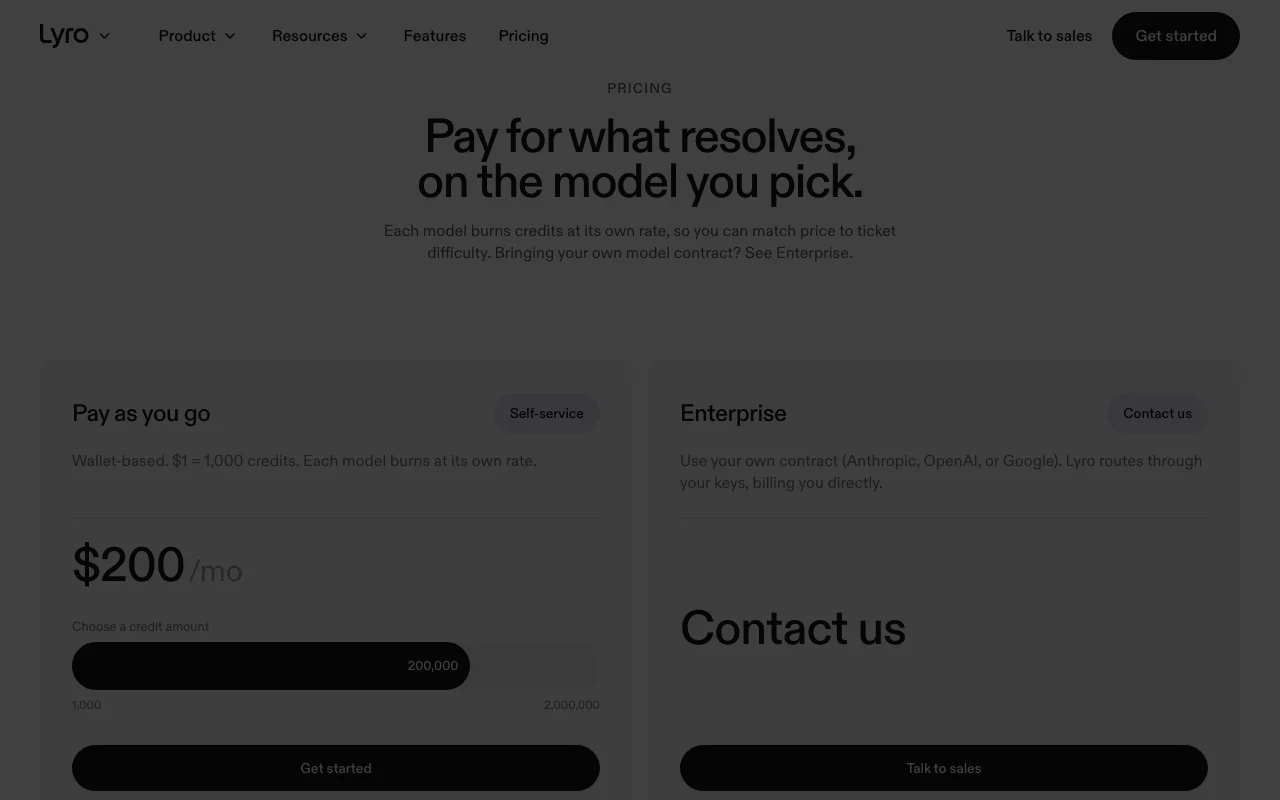
Lyro pricing page with plans and prices — screenshot of the productivity & writing AI tool, Oct 2, 2026
The official Lyro pricing page as we saw it. getlyro.ai, captured Oct 2, 2026

Free access and trial conditions

None seen.

None stated.

Paid plans: what changes as you upgrade

Pay as you go web

Usage-based source (opens in a new tab)

Usage

For: Support teams

Limits

  • Credits draw down on resolutions

Includes

  • Model choice
  • Claude Code and Codex integration

Enterprise web

Custom pricing source (opens in a new tab)

Unknown

For: Large support operations

Includes

  • Private cloud
  • Custom model
2 more
  • SLA
  • SSO

Usage caps, credits and extra costs

Credits burn by model.

Not stated.

What is Lyro, and how does it work?

Lyro is an AI customer service agent that can be invited into helpdesks such as Zendesk, Freshdesk, Salesforce and HubSpot. A Master Agent sets up specialist agents for support, sales and onboarding through conversation. Pricing is wallet-based and tied to resolved conversations, with a choice of Claude, GPT or Gemini models per agent or skill.

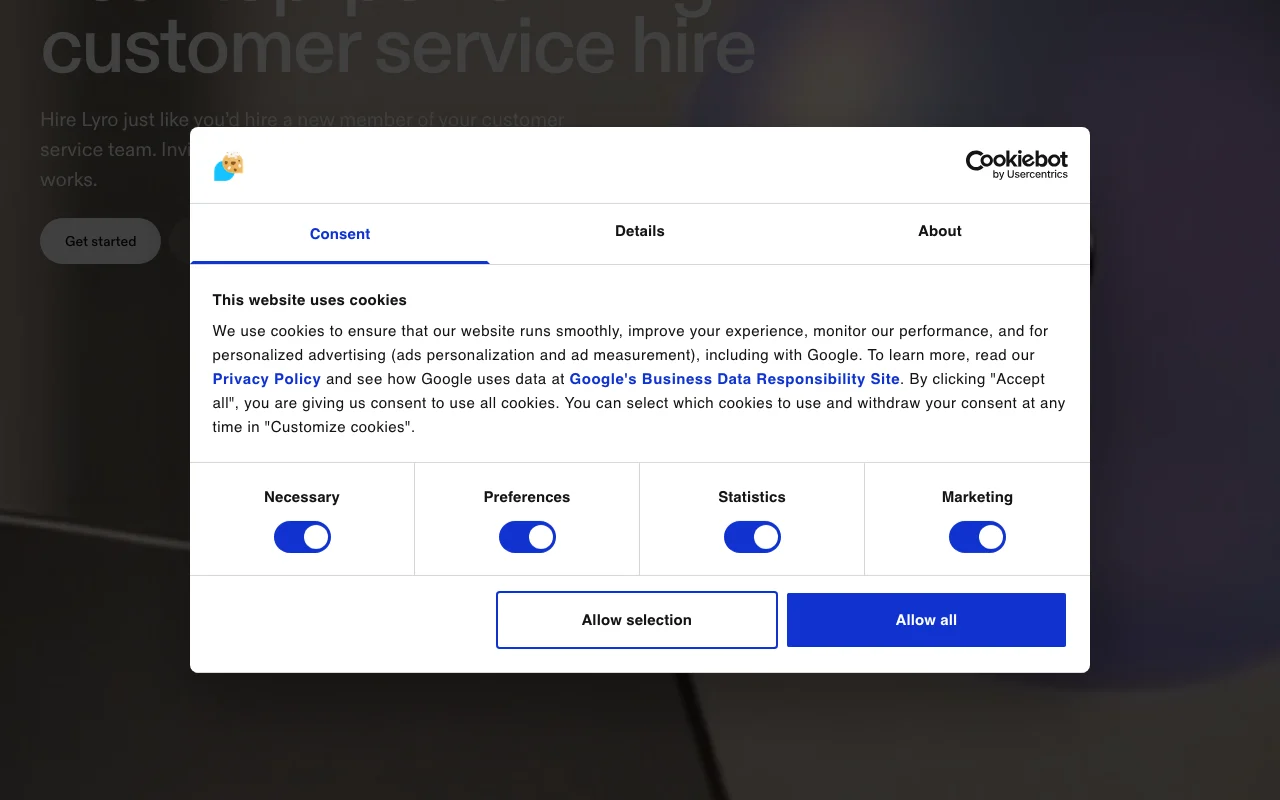
Lyro homepage — screenshot of the productivity & writing AI tool, Oct 2, 2026
Lyro's official site: how the product presents itself. getlyro.ai, captured Oct 2, 2026

What you provide and what you get back

How Lyro works: what you provide, where it runs and what you get backYOU PROVIDEYour inputHelpdesk conversationsHelp content and instructionsPRODUCTIVITY & WRITINGLyroprice not publishedno free tieraccount requiredchecked Oct 2, 2026YOU GET BACKThe resultResolved customer conversationsAgent setup via Master Agentinput → Lyro → output · from the vendor's own pages, no hands-on test unless stated
What you give Lyro and what comes back, from its documentation

You provide

  • Helpdesk conversations
  • Help content and instructions

You get back

  • Resolved customer conversations
  • Agent setup via Master Agent

Where you can use it

Account
Required
Billing
Wallet credits source (opens in a new tab)

Where Lyro is most useful

Scenarios are worked out by our editors from the documentation; the actual result depends on your input and plan.

Resolve support tickets

Who
Support teams
You provide
Tickets
Expected result
Resolved ticket
Plan needed
Pay as you go
Limitation
Credits vary by model source (opens in a new tab)

Sales conversations

Who
Sales teams
You provide
Visitor chats
Expected result
Qualified conversations
Plan needed
Pay as you go
Limitation
Setup via Master Agent source (opens in a new tab)

Customer onboarding

Who
Onboarding teams
You provide
New user questions
Expected result
Guided onboarding
Plan needed
Pay as you go
Limitation
Enterprise features need sales source (opens in a new tab)

What Lyro does, and where it stops

Lyro homepage — screenshot of the productivity & writing AI tool, Oct 2, 2026
Feature overview on the official site. getlyro.ai, captured Oct 2, 2026

Master Agent conversational setup

Sets up specialist agents through conversation; reduces manual configuration. Reduces manual configuration.

Access: All plans.Limit: Quality depends on prompts. source (opens in a new tab)

Works in several helpdesks

Can be invited into Zendesk, Freshdesk, Salesforce and HubSpot. Fits existing workflows.

Access: All plans.Limit: Per-helpdesk detail not shown. source (opens in a new tab)

Model choice per agent or skill

Lets you swap models per agent or skill. Balances cost and quality.

Access: Pay as you go.Limit: Rates differ per model. source (opens in a new tab)

AI voice agent

Handles voice conversations; adds phone coverage. Adds phone coverage.

Access: Per site.Limit: Detail not captured. source (opens in a new tab)

Pros, cons and deal-breakers

Reasons to choose Lyro

Check before paying for Lyro

How to use Lyro for automating customer support resolution

Set up Lyro

  1. Sign up and add a wallet amount.
  2. Invite Lyro into your helpdesk.
  3. Describe the agent to the Master Agent.

Example: automating customer support resolution

  1. Choose a model.
  2. Connect your help center.
  3. Test a sample ticket.
  4. Go live on one channel.

Review and export the result

  1. Review resolved conversations.
  2. Watch wallet balance.

Lyro API

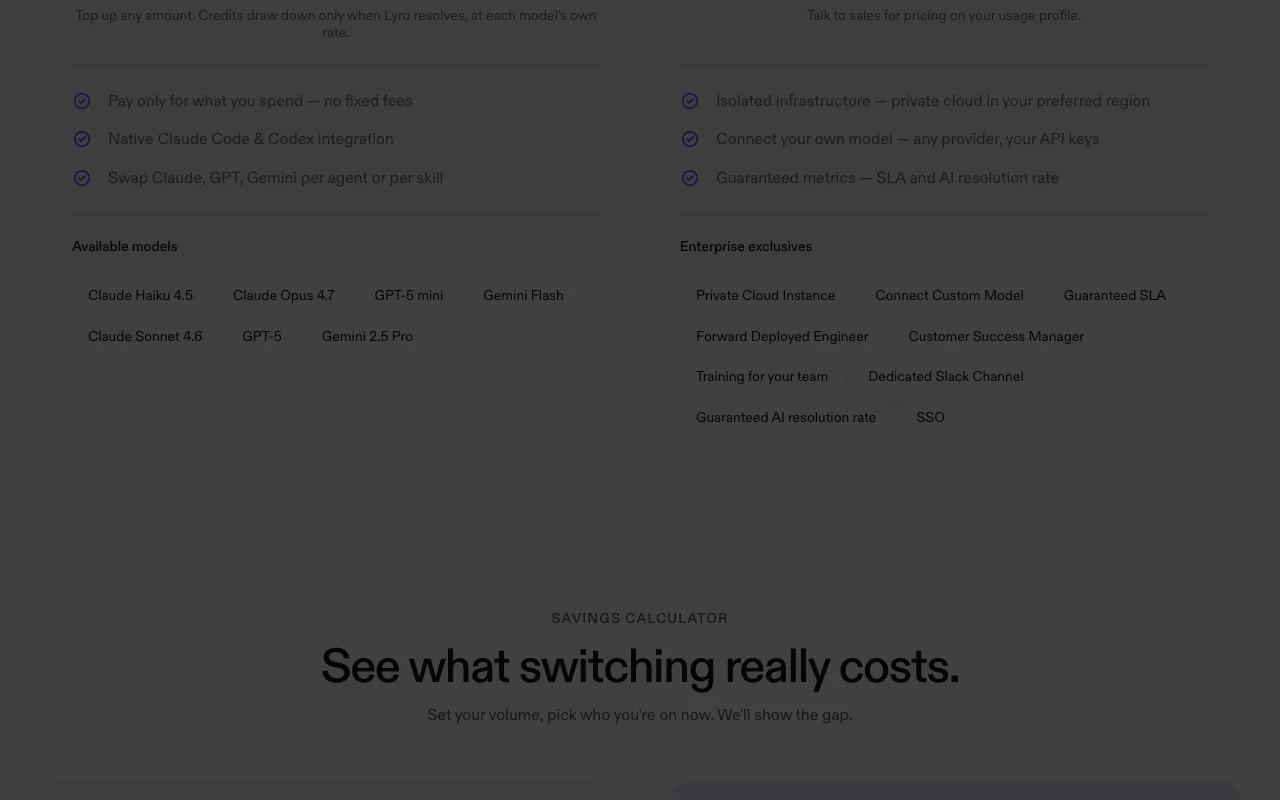
Lyro pricing page with plans and prices — screenshot of the productivity & writing AI tool, Oct 2, 2026
Plan comparison on the official pricing page. getlyro.ai, captured Oct 2, 2026

API access and separate billing

Lyro has no public API in its official documentation. Not stated in fetched pages.

Privacy, data use and commercial rights

Summarized from the vendor's current policies; this is not legal advice and a vendor's badge is not an independent audit.

How your inputs and outputs are handled

Customer conversations pass through selected models.

Commercial use and plan restrictions

Private cloud and SSO are Enterprise only.

Controls for business users

  • Private cloud instance
  • SLA

Best Lyro alternatives for different needs

"Better suited" is based on documented features and pricing, not on a head-to-head test.

Zapier: better suited to

Make: better suited to

Alternatives
AlternativeWhen to choose itPricingLimitation
Zapier——Compare
Make——Compare

Explore Lyro further

Related to Lyro

Lyro user reviews

No user reviews yet.

Used Lyro? Be the first to share your experience.

Write a review

Reviews are checked by a moderator before they appear. Your email is never published. Plain text only.

Your rating (required)

Show what you made or what went wrong. Images are published only if the review is approved; location data is removed.

    Lyro FAQ

    How does Lyro pricing work?

    $1 buys 1,000 credits and credits draw down only when Lyro resolves a conversation.

    Which models does Lyro list?

    Claude Haiku 4.5, Sonnet 4.6, Opus 4.7, GPT-5, GPT-5 mini, Gemini Flash and Gemini 2.5 Pro.

    Can I use my own model contract on Lyro?

    Yes, on Enterprise, billed directly by the provider.

    Which helpdesks can Lyro join?

    Zendesk, Freshdesk, Salesforce and HubSpot.

    What does Lyro Enterprise add?

    Private cloud, custom model, SLA, SSO and a dedicated team.

    Sources and review methodology

    Official sources and verification dates

    Not verified: Per-model credit rates not shown.; Retention not stated.; Page not available: https://www.getlyro.ai/privacy; Page not available: https://www.getlyro.ai/docs.

    How we documented and maintain this page

    Every fact about Lyro above comes from the 2 official pages listed here, last compared on Oct 2, 2026; we have not run Lyro ourselves, so it has no editorial score. How we check and re-check pages.

    Article updated Oct 2, 2026; prices checked Oct 2, 2026. Outbound links to vendors are plain links; we do not earn commissions. How we review · Report an error