Productivity & writingDocumented overviewLast checked Sep 29, 2026

MarkItDown Online: Pricing, Features & Best Use Cases

Online converter turning PDF, Word, Excel, PowerPoint, HTML, images and URLs into Markdown for AI workflows.
Who should use MarkItDown Online

MarkItDown Online suits anyone preparing PDFs, Office files, web pages and scans as Markdown for LLM prompts or RAG, with a no-account free tier. Based on the vendor's documentation, not on a hands-on test.

Best for: AI developers

Also a good fit for

  • Anyone preparing docs for LLMs

Consider another tool if free: 20MB files, 3-file batches

Or if

  • Free AI OCR 10 pages/month
  • No developer API yet (roadmap)

MarkItDown Online pricing and usage limits

Prices checked Sep 29, 2026 on the official US pricing page. Official pricing ↗ Prices and limits change often.

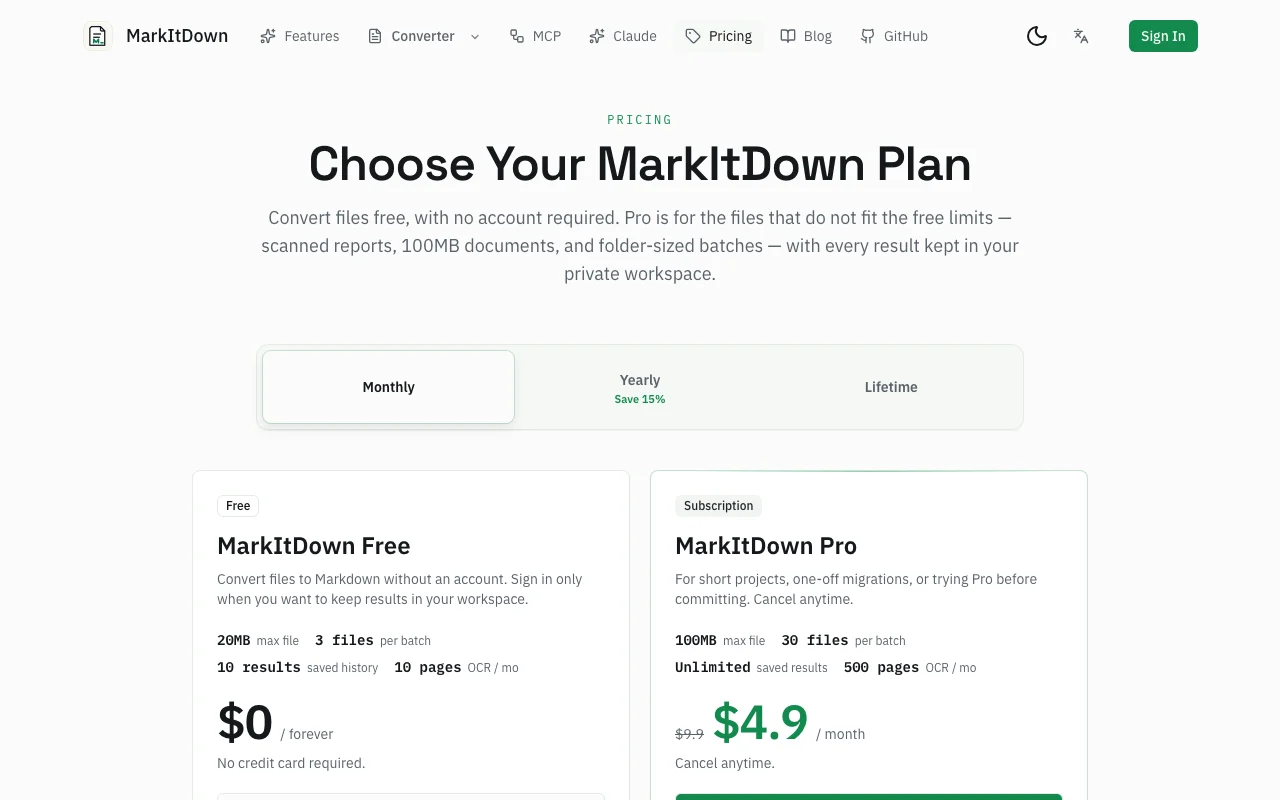
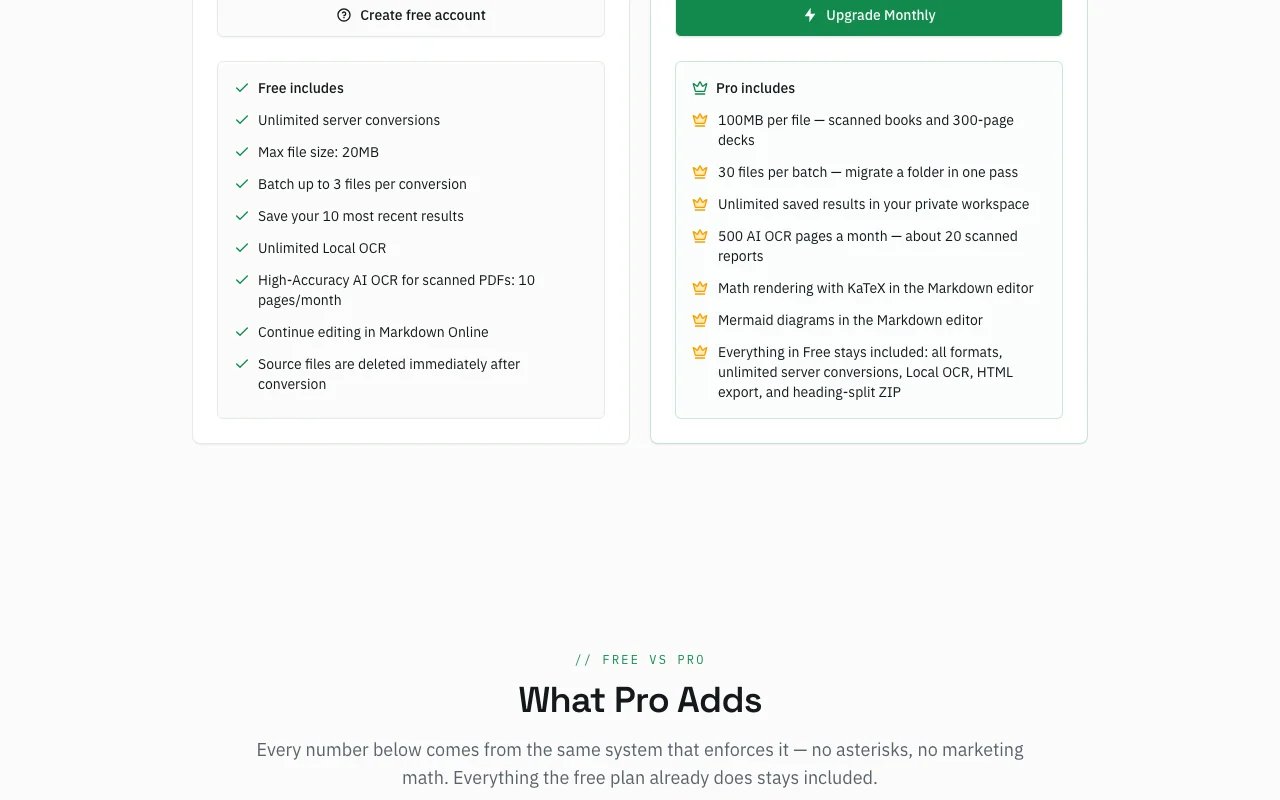
MarkItDown Online pricing page with plans and prices — screenshot of the productivity & writing AI tool, Oct 1, 2026
The official MarkItDown Online pricing page as we saw it. markitdown.tech, captured Oct 1, 2026

Free access and trial conditions

Free conversion without an account.

No trial; free tier is permanent.

Paid plans: what changes as you upgrade

Free Web

Free source (opens in a new tab)

Month, annual commitment

For: Occasional conversions

Limits

  • 20MB max file
  • 3 files per batch
1 more
  • 10 AI OCR pages per month

Includes

  • Unlimited server conversions
  • Unlimited local OCR
1 more
  • 10 saved results

Pro monthly Web

$4.9/mo source (opens in a new tab)

Month, annual commitment

Promo price shown

For: Short projects

Limits

  • 100MB per file
  • 30 files per batch
1 more
  • 500 AI OCR pages per month

Includes

  • Unlimited saved results
  • KaTeX math and Mermaid diagrams

Pro yearly Web

$4.16/mo source (opens in a new tab)

Month, annual commitment

Approximate; yearly total not captured

For: Regular users

Limits

  • Same limits as Pro

Includes

  • Saves 15% vs monthly

Lifetime Web

See official pricing source (opens in a new tab)

One-time, annual commitment

For: Long-term users

Limits

  • Same limits as Pro

Includes

  • No recurring billing

Usage caps, credits and extra costs

Payments via Stripe.

Not stated.

What is MarkItDown Online, and how does it work?

MarkItDown Online is a web converter inspired by Microsoft's open-source MarkItDown utility; the site says it self-hosts that service. It converts documents, tables, public URLs and images (via OCR) into Markdown for LLM prompts, RAG and docs. Conversion works without an account on a free plan with size and batch limits; Pro raises limits and adds high-accuracy AI OCR, KaTeX and Mermaid rendering.

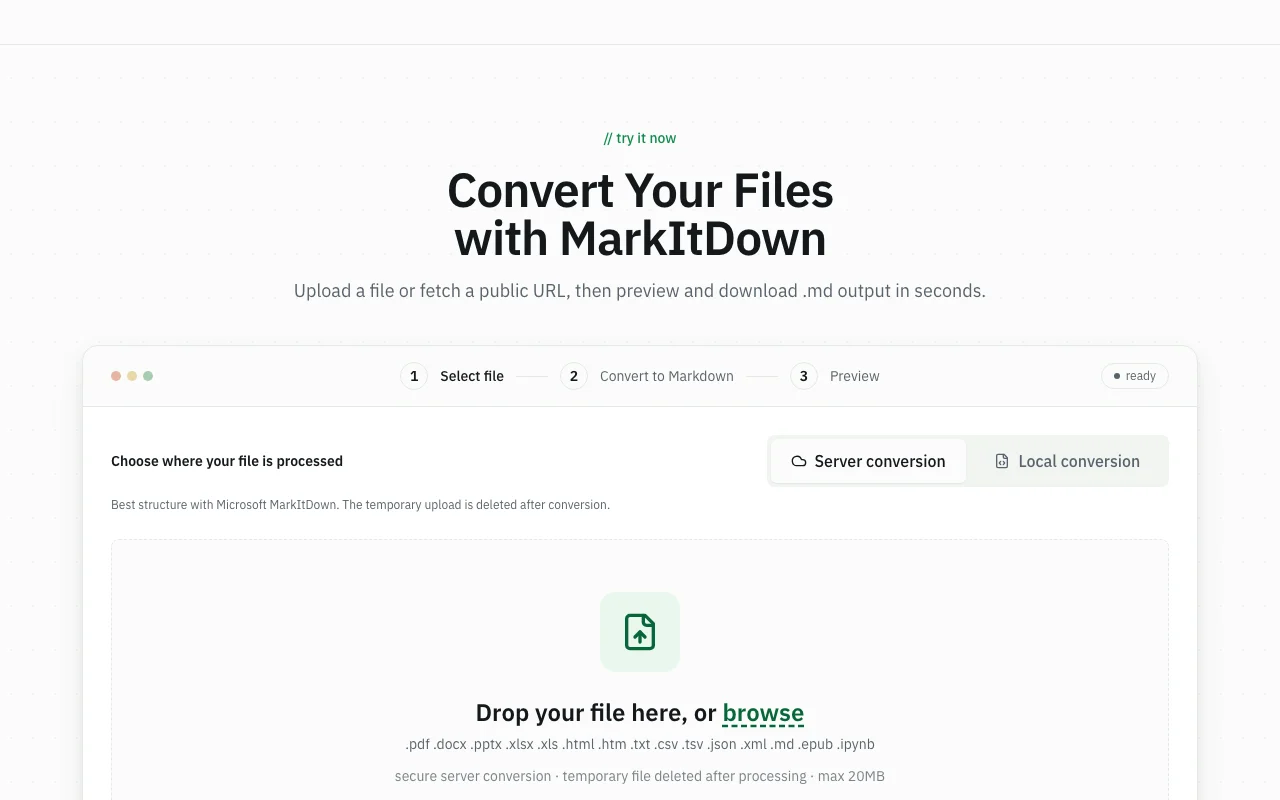
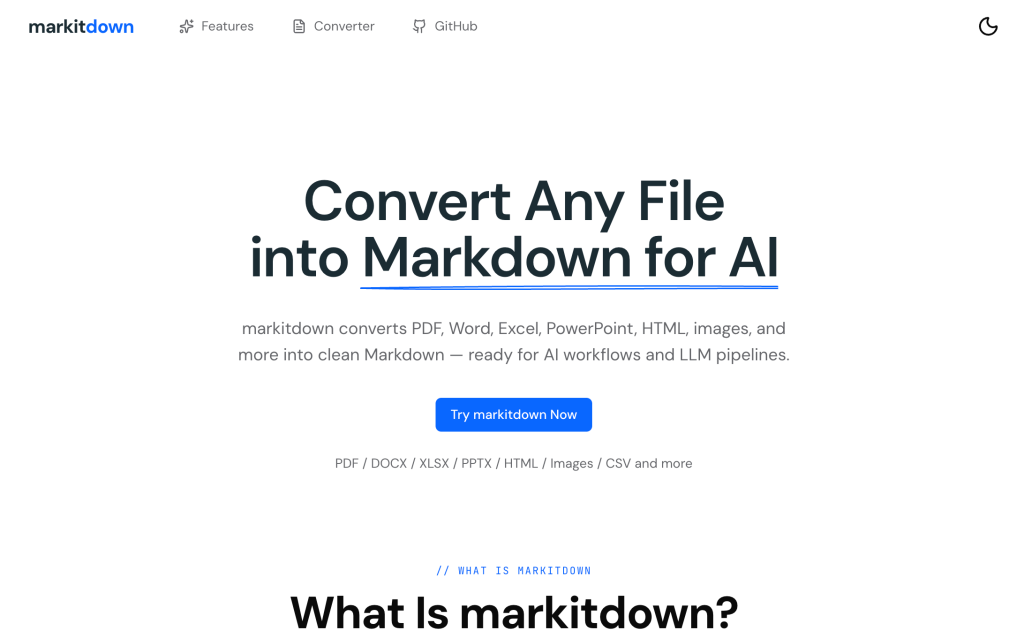
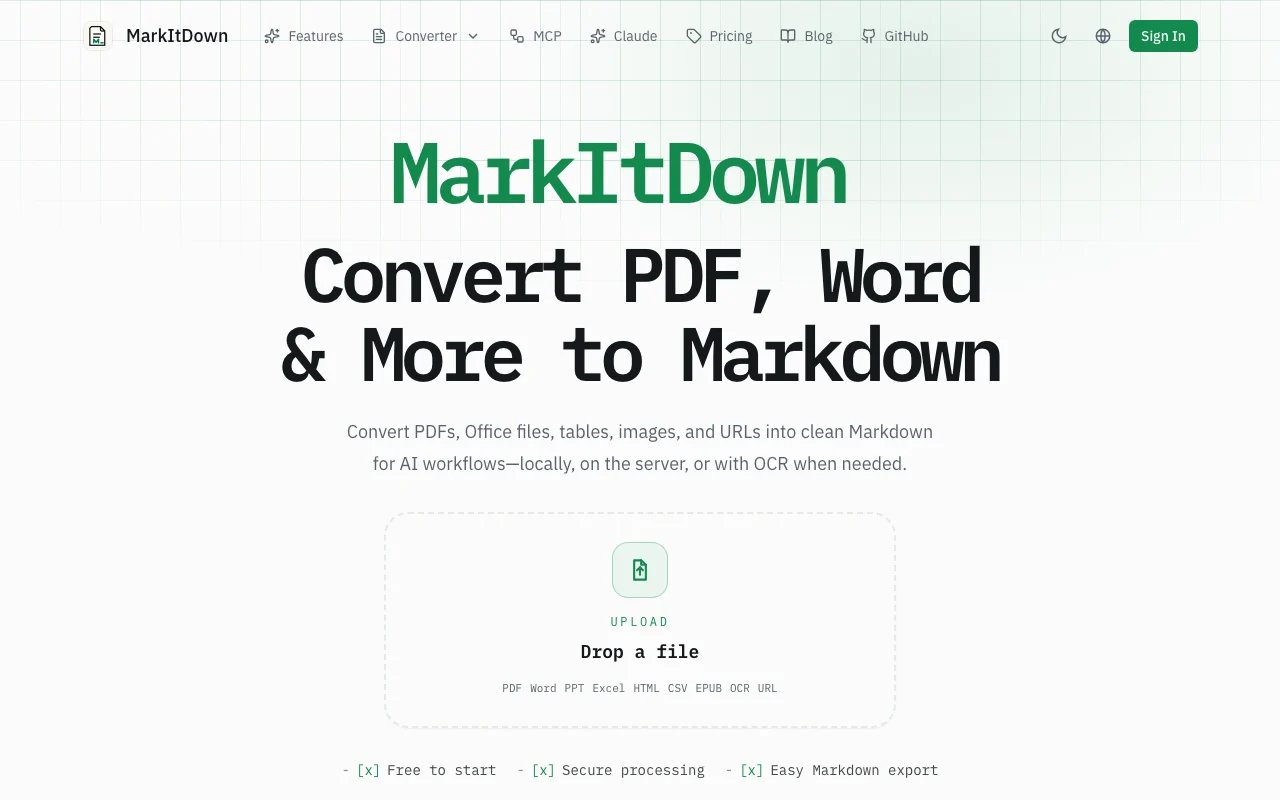
MarkItDown Online homepage — screenshot of the productivity & writing AI tool, Oct 1, 2026
MarkItDown Online's official site: how the product presents itself. markitdown.tech, captured Oct 1, 2026

What you provide and what you get back

How MarkItDown Online works: what you provide, where it runs and what you get backYOU PROVIDEYour inputPDF, DOCX, PPTX, XLSX, HTML, CSV,…Public URLsPNG, JPG, WebP images for OCRPRODUCTIVITY & WRITINGMarkItDown OnlineWebfrom $4.16/mo (Pro yearly)free tier availableaccount requiredchecked Sep 29, 2026YOU GET BACKThe resultMarkdown textHTML exportZIP split by headinginput → MarkItDown Online → output · from the vendor's own pages, no hands-on test unless stated
What you give MarkItDown Online and what comes back, from its documentation

You provide

  • PDF, DOCX, PPTX, XLSX, HTML, CSV, JSON, EPUB, IPYNB
  • Public URLs
  • PNG, JPG, WebP images for OCR

You get back

  • Markdown text
  • HTML export
  • ZIP split by heading

Where you can use it

Platforms
Web
Account
Required
File limit
20MB free / 100MB Pro
Batch
3 / 30 files
OCR
Local unlimited; AI 10 / 500 pages
Formats
PDF, Office, HTML, EPUB, IPYNB, images

Best use cases for MarkItDown Online

Scenarios are worked out by our editors from the documentation; the actual result depends on your input and plan.

Preparing documents for LLM prompts

Who
AI users
You provide
A PDF or Word file
Expected result
Clean Markdown ready to paste
Plan needed
Free
Limitation
20 MB limit source (opens in a new tab)

Feeding RAG pipelines

Who
Developers
You provide
Folders of documents (Pro batch of 30)
Expected result
Markdown files split by heading in a ZIP
Plan needed
Pro for bigger batches
Limitation
No developer API yet source (opens in a new tab)

Converting scanned PDFs with OCR

Who
Researchers
You provide
Scanned reports
Expected result
Markdown text from images
Plan needed
Free local OCR; Pro AI OCR
Limitation
AI OCR 10 pages per month on free source (opens in a new tab)

Turning a web page into Markdown

Who
Writers
You provide
A public URL
Expected result
Markdown of the page
Plan needed
Free
Limitation
Public URLs only source (opens in a new tab)

Key features and their practical limits

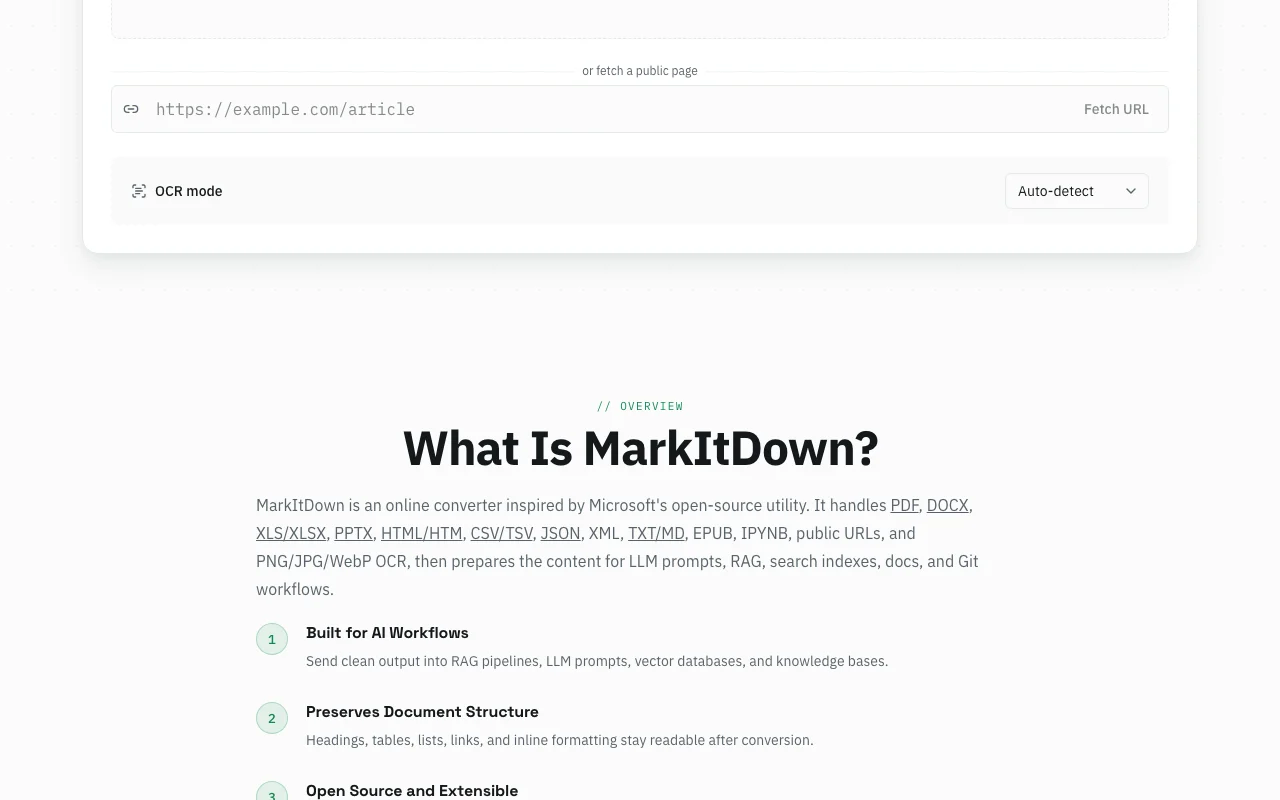
MarkItDown Online homepage — screenshot of the productivity & writing AI tool, Oct 1, 2026
Feature overview on the official site. markitdown.tech, captured Oct 1, 2026

PDF, DOCX, PPTX, XLSX, HTML, CSV, JSON, EPUB input

Converts many formats with Microsoft MarkItDown on the server. One tool for all files.

Access: All plansLimit: Image formats go through OCR workflow source (opens in a new tab)

URL to Markdown

Fetches a public URL and converts it. Captures web content.

Access: All plansLimit: Public pages only source (opens in a new tab)

Local and AI OCR

Local OCR in the browser; high-accuracy AI OCR for scanned PDFs. Reads scans.

Access: Local unlimited; AI OCR 10 or 500 pagesLimit: AI OCR page caps source (opens in a new tab)

Markdown editor

Edits results and renders KaTeX and Mermaid on Pro. Refine output.

Access: All plans; math and Mermaid ProLimit: Rendering extras Pro only source (opens in a new tab)

MarkItDown Online: strengths and limits

Reasons to choose MarkItDown Online

Check before paying for MarkItDown Online

How to use MarkItDown Online for converting a PDF to Markdown for an LLM

Set up MarkItDown Online

  1. Open markitdown.tech
  2. Drop the PDF into the converter
  3. Choose OCR if the PDF is scanned

Example: converting a PDF to Markdown for an LLM

  1. Run the conversion
  2. Review output in the Markdown editor
  3. Copy the Markdown or download
  4. Split by heading into ZIP if needed

Review and export the result

  1. Spot-check tables and headings against the source
  2. Confirm the file size is below 20 MB on Free

MarkItDown Online integrations and API

MarkItDown Online pricing page with plans and prices — screenshot of the productivity & writing AI tool, Oct 1, 2026
Plan comparison on the official pricing page. markitdown.tech, captured Oct 1, 2026

Native integrations and export formats

Export: Markdown, HTML, ZIP

API access and separate billing

MarkItDown Online has no public API in its official documentation. Developer API on the roadmap.

Privacy, data use and commercial rights

Summarized from the vendor's current policies; this is not legal advice and a vendor's badge is not an independent audit.

How your inputs and outputs are handled

Uploaded files go to a self-hosted Microsoft MarkItDown service; sources are written temporarily.

Not stated.

Source files deleted immediately after conversion; saved results kept for signed-in users.

Commercial use and plan restrictions

Not stated.

Free saves 10 results; Pro unlimited.

Controls for business users

  • Stripe payments

MarkItDown Online alternatives by need

"Better suited" is based on documented features and pricing, not on a head-to-head test.

Gemini Notebook (formerly NotebookLM): better suited to

Alternatives
AlternativeWhen to choose itPricingLimitation
Gemini Notebook (formerly NotebookLM)——

Explore MarkItDown Online further

Related to MarkItDown Online

MarkItDown Online user reviews

No user reviews yet.

Used MarkItDown Online? Be the first to share your experience.

Write a review

Reviews are checked by a moderator before they appear. Your email is never published. Plain text only.

Your rating (required)

Show what you made or what went wrong. Images are published only if the review is approved; location data is removed.

    MarkItDown Online FAQ

    Do I need an account?

    No for basic conversion; sign in only to keep results in your workspace. source (opens in a new tab)

    Are my files kept?

    Source files are deleted immediately after conversion, says the pricing page. source (opens in a new tab)

    What does Pro add?

    100MB files, 30-file batches, unlimited saved results, 500 AI OCR pages per month, plus KaTeX and Mermaid rendering. source (opens in a new tab)

    Is there a lifetime plan?

    Yes, a one-time payment; the amount was not captured. source (opens in a new tab)

    Does it have an API?

    Not yet; a developer API is on the roadmap. source (opens in a new tab)

    Sources and review methodology

    Official sources and verification dates

    Not verified: Lifetime price; Privacy page (404).

    How we documented and maintain this page

    Every fact about MarkItDown Online above comes from the 2 official pages listed here, last compared on Sep 29, 2026; we have not run MarkItDown Online ourselves, so it has no editorial score. How we check and re-check pages.

    Article updated Oct 10, 2026; prices checked Sep 29, 2026. Outbound links to vendors are plain links; we do not earn commissions. How we review · Report an error