Free Mobile App
For: Testing and small libraries
Limits
- Up to 250 photos/videos
- OCR in 7 languages
1 more
- Local Whisper transcription
Includes
- On-device OCR
- Face detection
2 more
- Object recognition
- Anonymous analytics only
No API
Productivity & writingDocumented overviewLast checked Oct 1, 2026
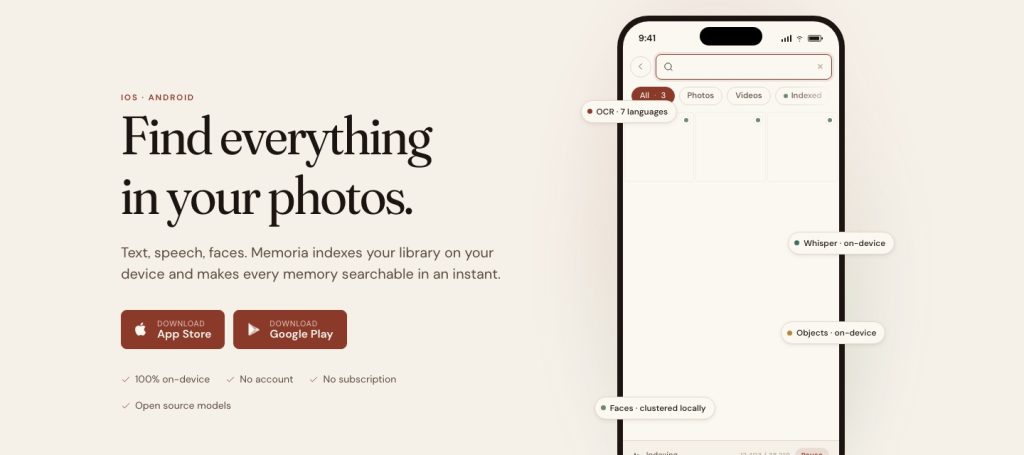
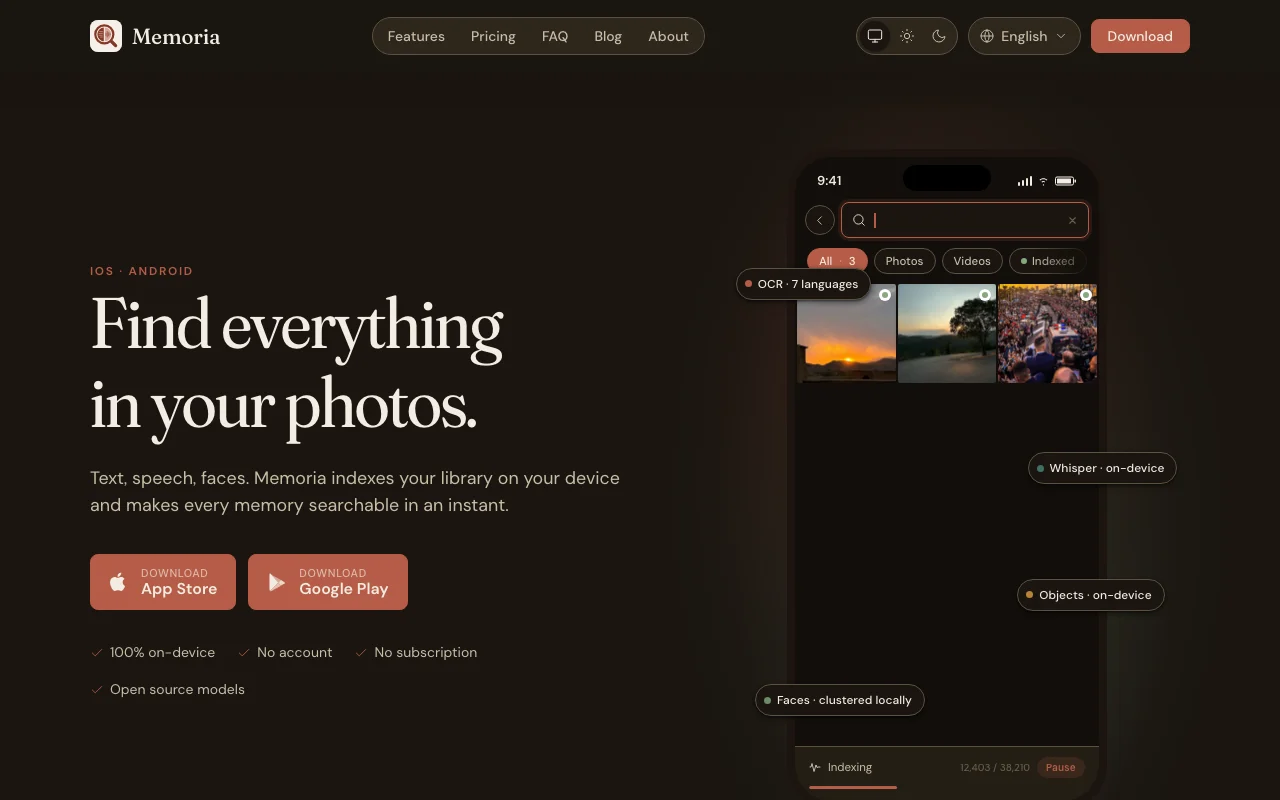
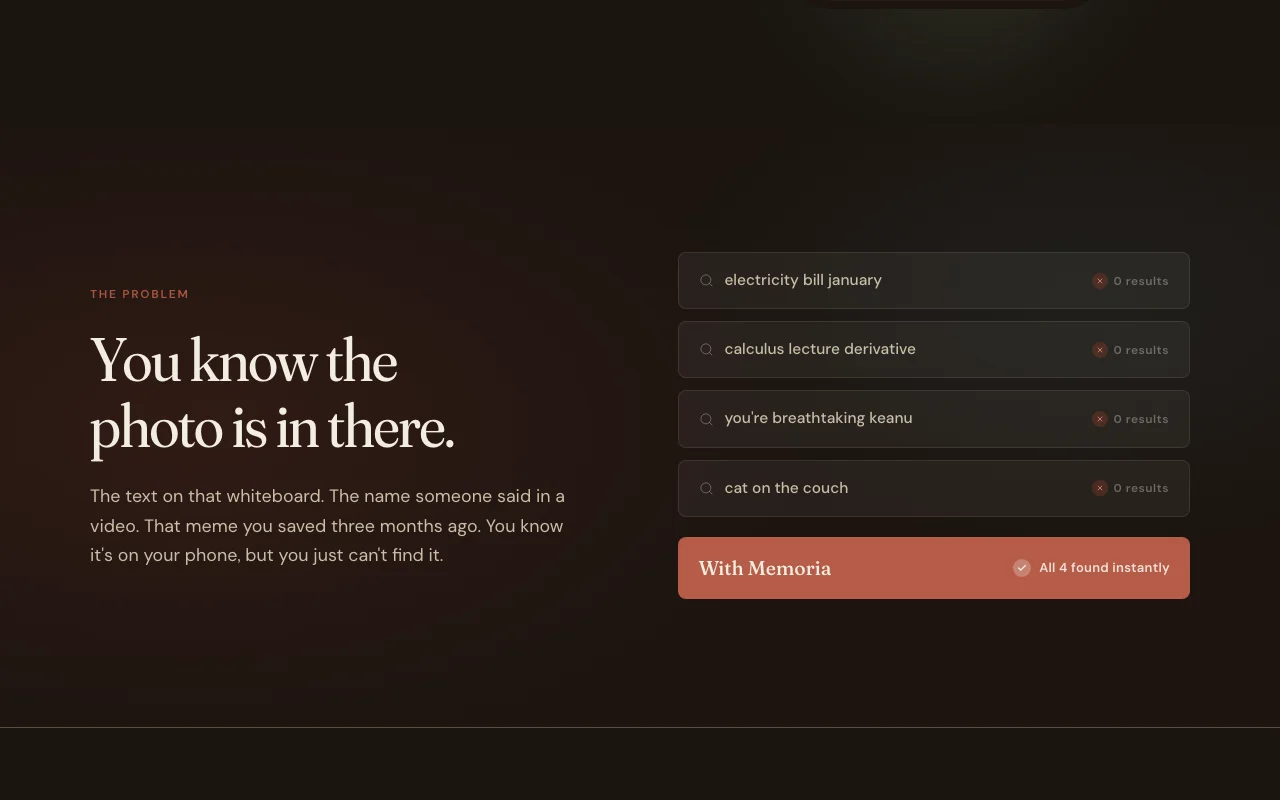
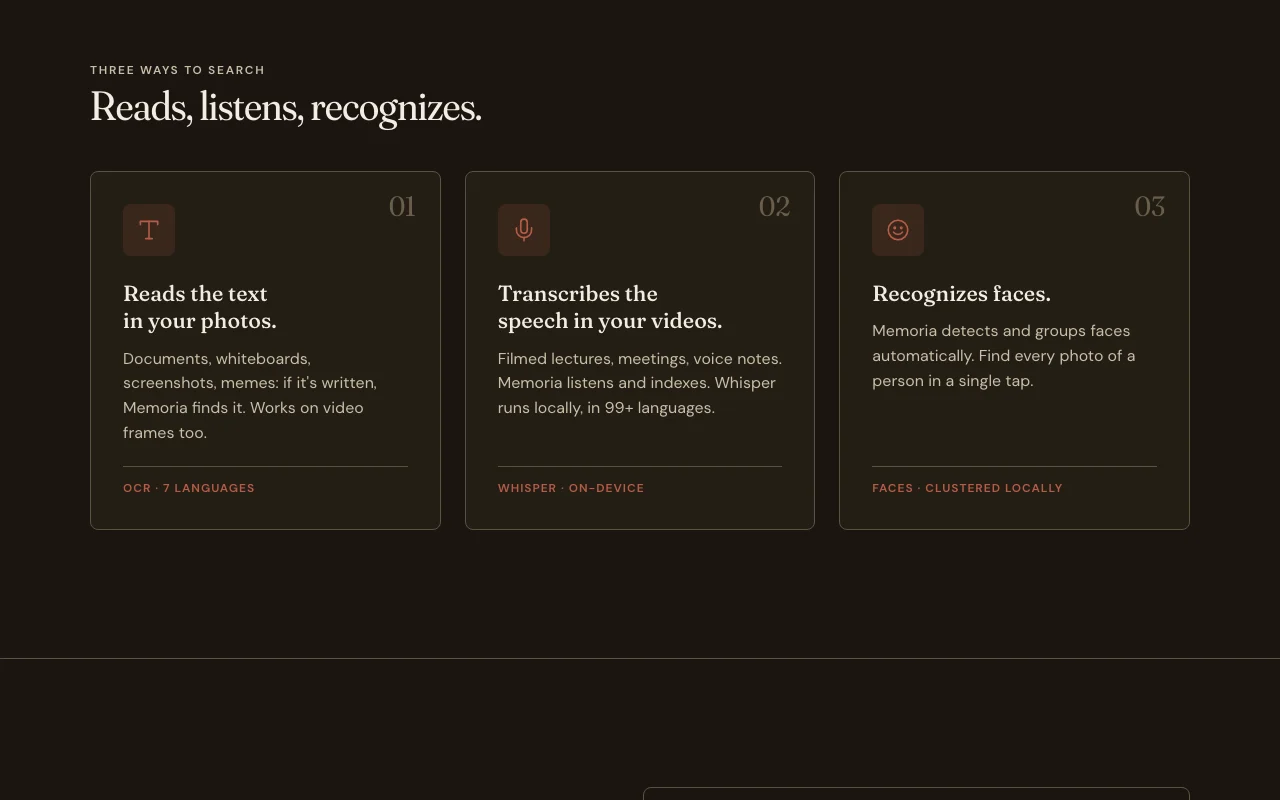
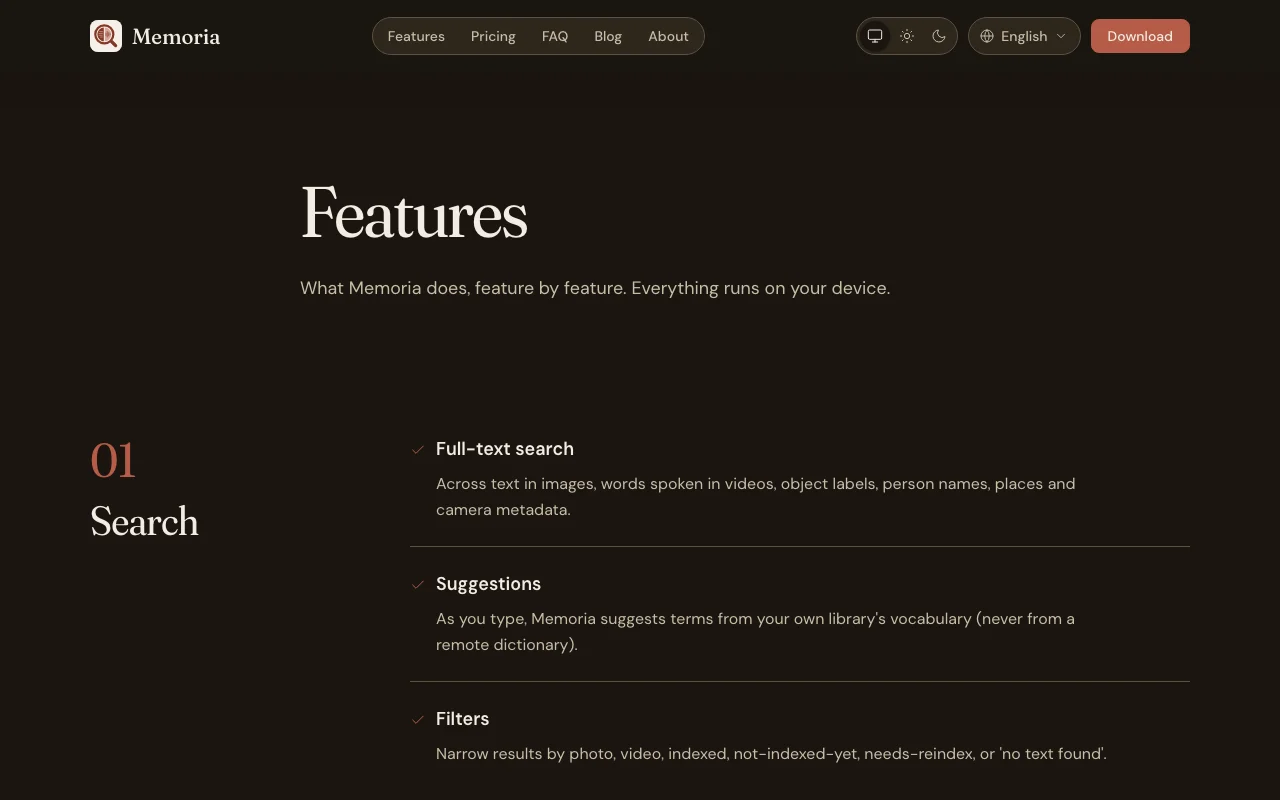
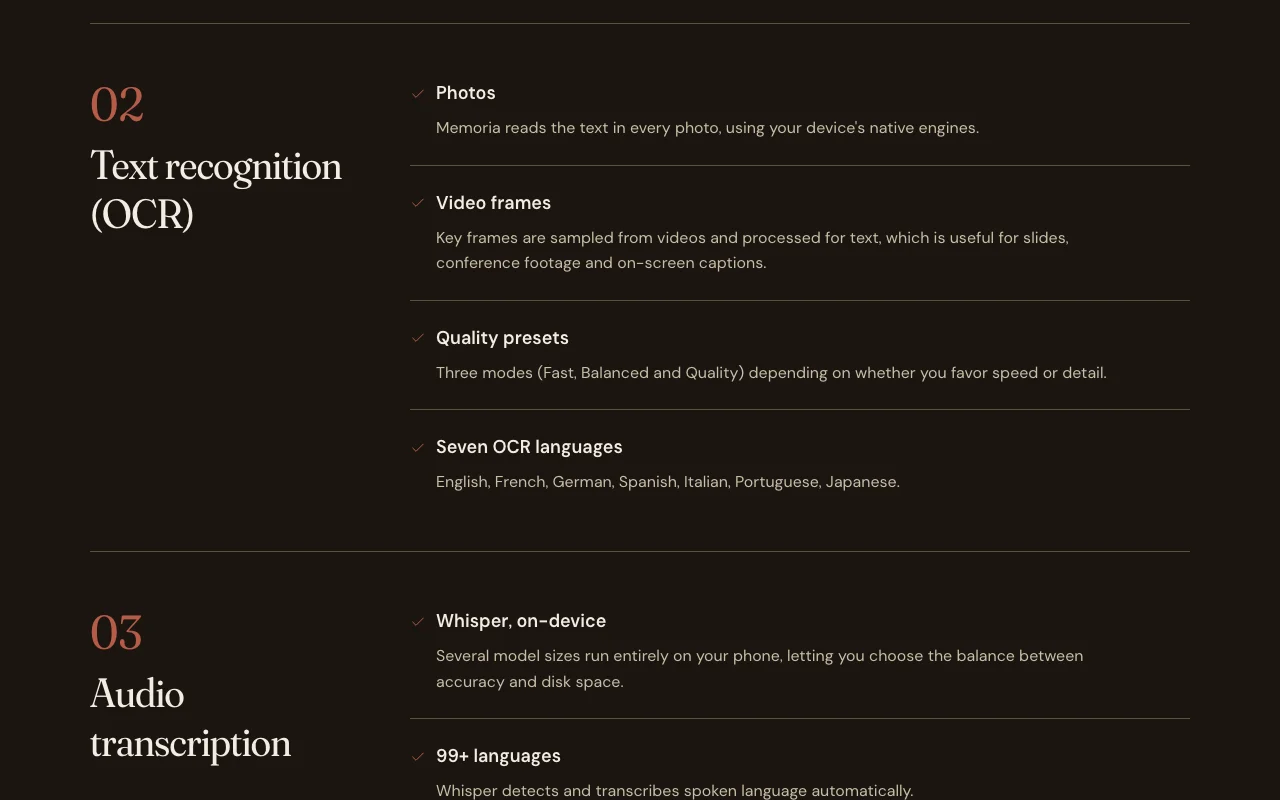
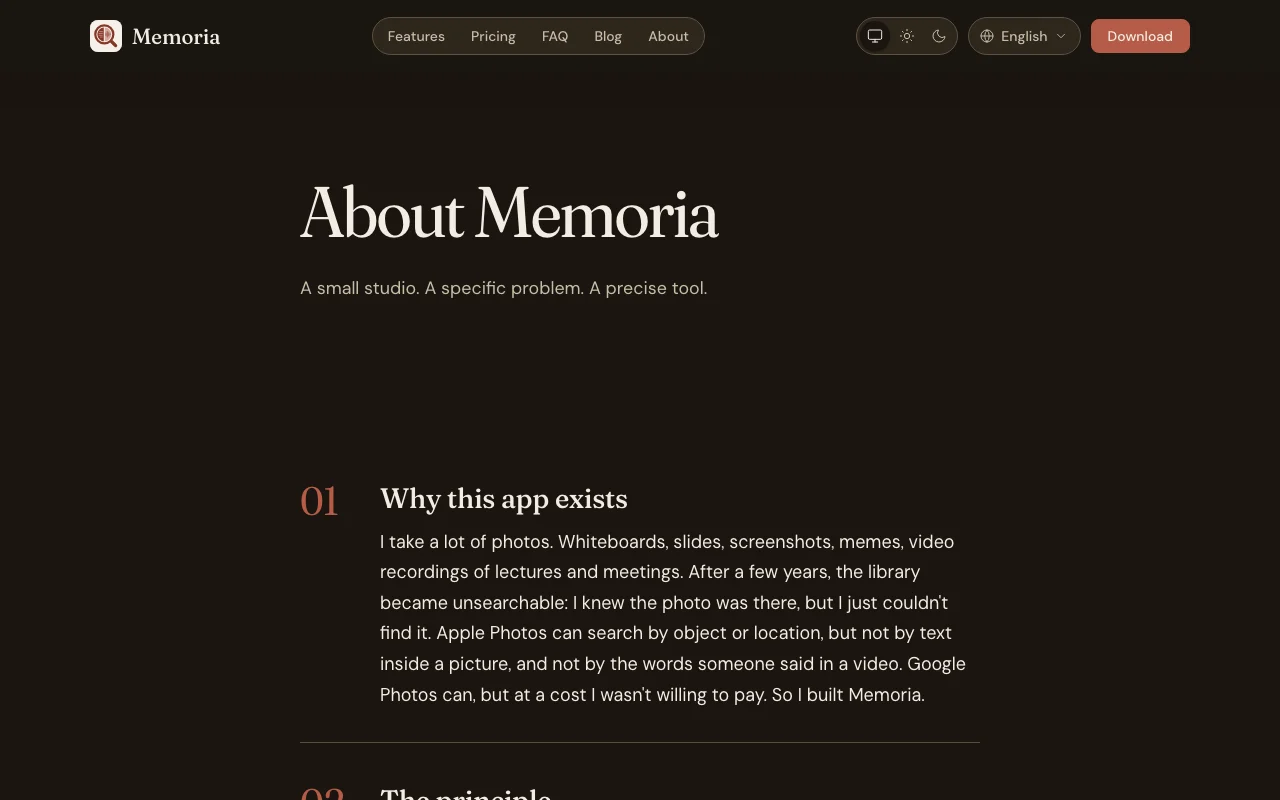
On-device mobile app that makes photos and videos searchable by text (OCR), speech (Whisper), faces and objects. No account or cloud.
 (open full size in a new tab)
 (open full size in a new tab)
 (open full size in a new tab)
 (open full size in a new tab)
 (open full size in a new tab)
 (open full size in a new tab)
Our take: On-device mobile app that makes photos and videos searchable by text (OCR), speech (Whisper), faces and objects. No account or cloud.. Useful for specific workflows and integrations.
Main limitation: Free tier capped at 250 photos/videos
On-device mobile app that makes photos and videos searchable by text (OCR), speech (Whisper), faces and objects. No account or cloud.. Useful for specific workflows and integrations. Based on the vendor's documentation, not on a hands-on test.
Also a good fit for
Or if
Prices checked Oct 1, 2026 on the official US pricing page. Official pricing ↗ Prices and limits change often.
Vendor pricing page re-checked automatically 11 days ago: no changes detected.
For: Testing and small libraries
Limits
Includes
No API
See official pricing source (opens in a new tab)
One-time purchase via Apple App Store or Google Play; exact price not listed on website
For: Large photo libraries
Limits
Includes
No API
Applicable VAT or sales tax may apply
Memoria is an iOS and Android app that indexes your photo library directly on the phone and lets you search it by the text visible in images, words spoken in videos, recognized objects and grouped faces. OCR covers seven languages and speech transcription runs a local Whisper model with 99+ languages. Nothing is uploaded: there is no account, no cloud processing and only anonymous, opt-out analytics. The free tier indexes up to 250 media items; a one-time Memoria Plus purchase via Apple or Google unlocks unlimited indexing. The index can be exported as a SQLite file, but there is no cross-device sync yet.
You provide
You get back
Scenarios are worked out by our editors from the documentation; the actual result depends on your input and plan.
Provides On-device OCR in 7 languages, including video frames Improves workflow efficiency
Provides Local Whisper speech transcription (99+ languages) Improves workflow efficiency
Provides Face detection and clustering Improves workflow efficiency
Provides Object recognition Improves workflow efficiency
"Better suited" is based on documented features and pricing, not on a head-to-head test.
| Alternative | When to choose it | Pricing | Limitation | |
|---|---|---|---|---|
| Gemini Notebook (formerly NotebookLM) | — | — | ||
| Google Gemini | — | — | ||
| Otter.ai | — | — |
No user reviews yet.
Used Memoria? Be the first to share your experience.
Visit the official website, create an account, and follow the onboarding steps provided. source (opens in a new tab)
Check the pricing page for information about free plans or trial periods. source (opens in a new tab)
Support options vary by subscription tier. Contact the vendor for details. source (opens in a new tab)
Export capabilities depend on your plan and the tool's features. source (opens in a new tab)
Check the documentation for specific technical requirements. source (opens in a new tab)
Every fact about Memoria above comes from the 2 official pages listed here, last compared on Oct 1, 2026; we have not run Memoria ourselves, so it has no editorial score. How we check and re-check pages.
Article updated Oct 10, 2026; prices checked Oct 1, 2026. Outbound links to vendors are plain links; we do not earn commissions. How we review · Report an error
compare>