Our take: MemoryRouter provides one personal memory vault that follows you across multiple AI tools (ChatGPT, Claude, Codex, Claude Code, OpenClaw), letting you move context between assistants without re-explaining preferences or project state.
Main limitation: No free plan after 14-day trial; $20/month required for continued use
By the AI Tool Atlas editors.
Based on the vendor's official documentation; we have not tested this product hands-on. What “documented overview” means
Is MemoryRouter right for you?
MemoryRouter provides one personal memory vault that follows you across multiple AI tools (ChatGPT, Claude, Codex, Claude Code, OpenClaw), letting you move context between assistants without re-explaining preferences or project state. Based on the vendor's documentation, not on a hands-on test.
Best for: Users switching between ChatGPT and Claude
Also a good fit for
Developers using multiple coding agents
Power users of MCP tools
Consider another tool if no free plan after 14-day trial
Or if
Usage beyond 200M tokens billed at $0.50 per 1M
Requires setup of connectors in each tool
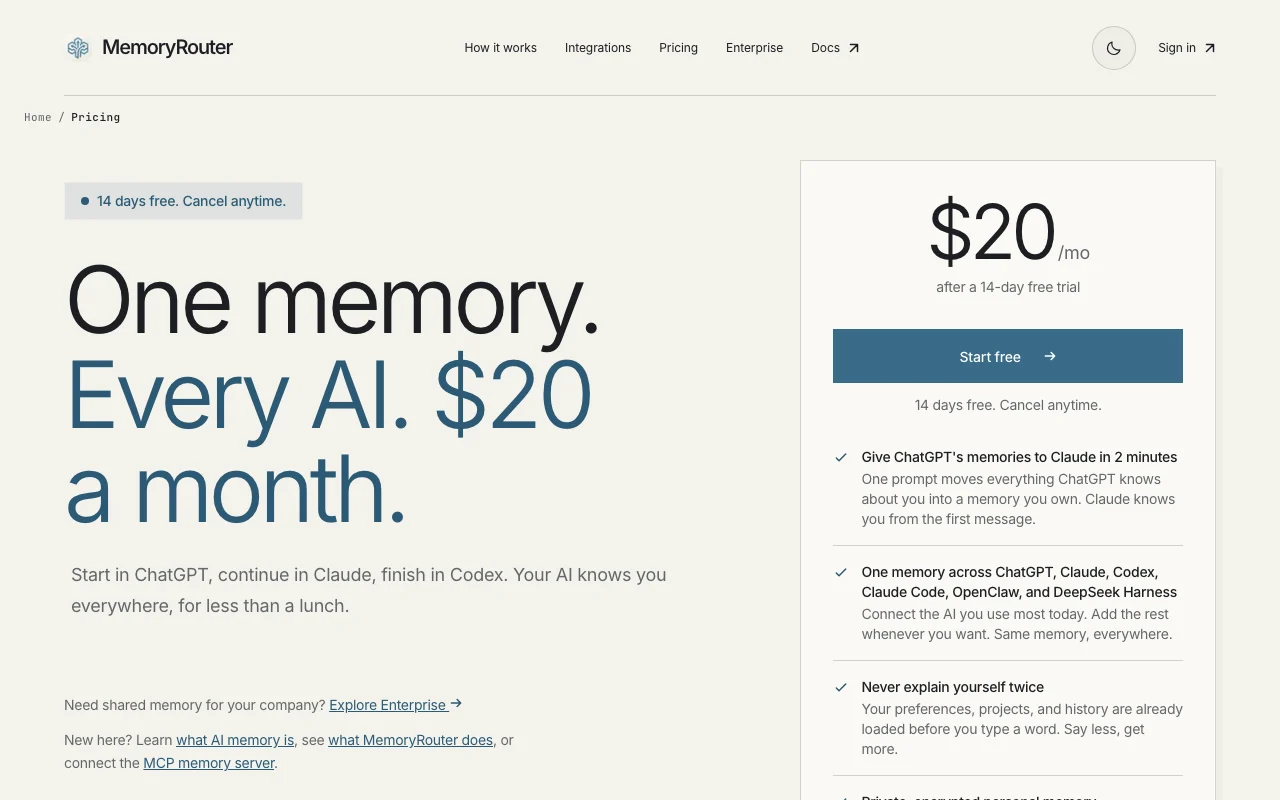
MemoryRouter pricing and usage limits
Prices checked Oct 1, 2026 on the official US pricing page. Official pricing ↗ Prices and limits change often.
Vendor pricing page re-checked automatically 11 days ago: no changes detected.
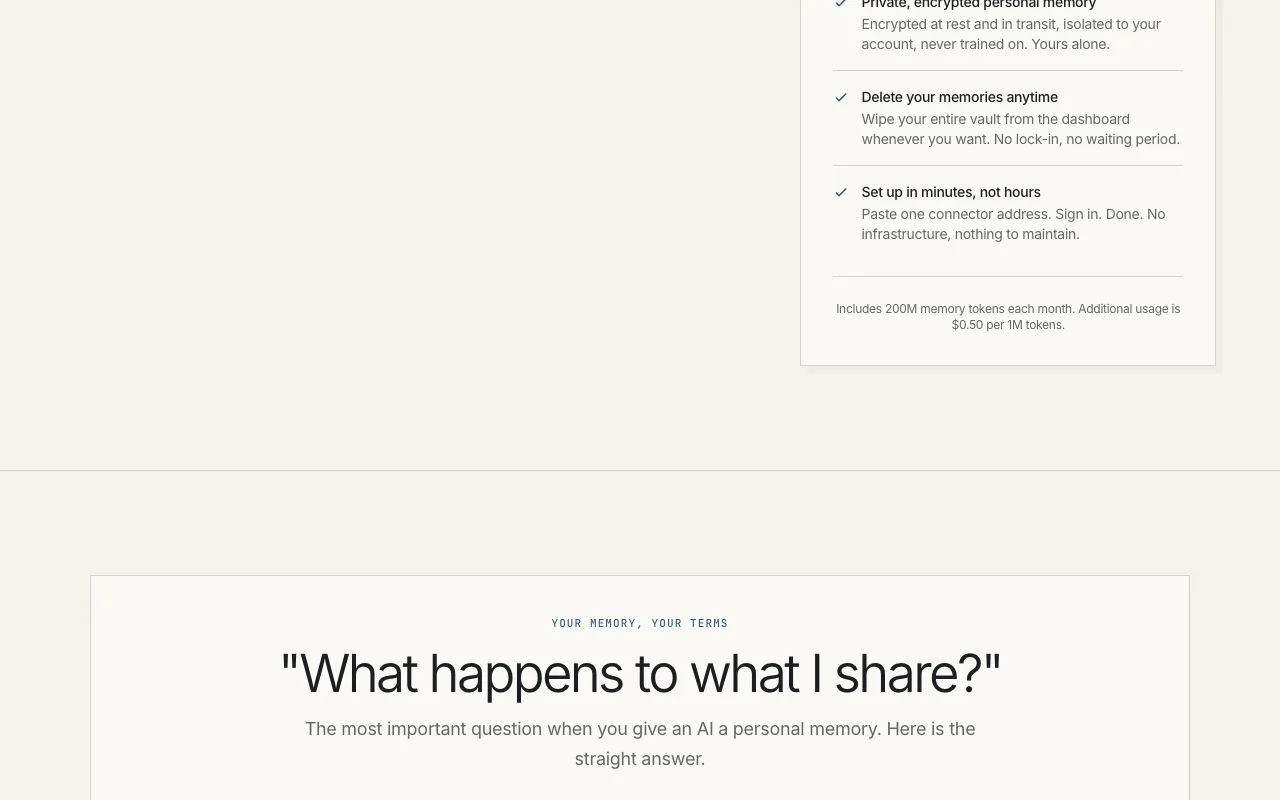
The official MemoryRouter pricing page as we saw it. memoryrouter.ai, captured Oct 1, 2026
Free access and trial conditions
14-day free trial; no credit card required
14 days; cancel anytime before the trial ends and you are never billed
For: Teams needing shared memory and custom deployments
Limits
Unlimited memory tokens
Shared team memory
1 more
Custom retention policies
Includes
Shared memory vault for entire team
Every teammate's AI knows company on day one
2 more
Custom integrations and APIs
Dedicated support
API included
Usage caps, credits and extra costs
Overage charges: $0.50 per 1M tokens over 200M/month on Starter
What is MemoryRouter, and how does it work?
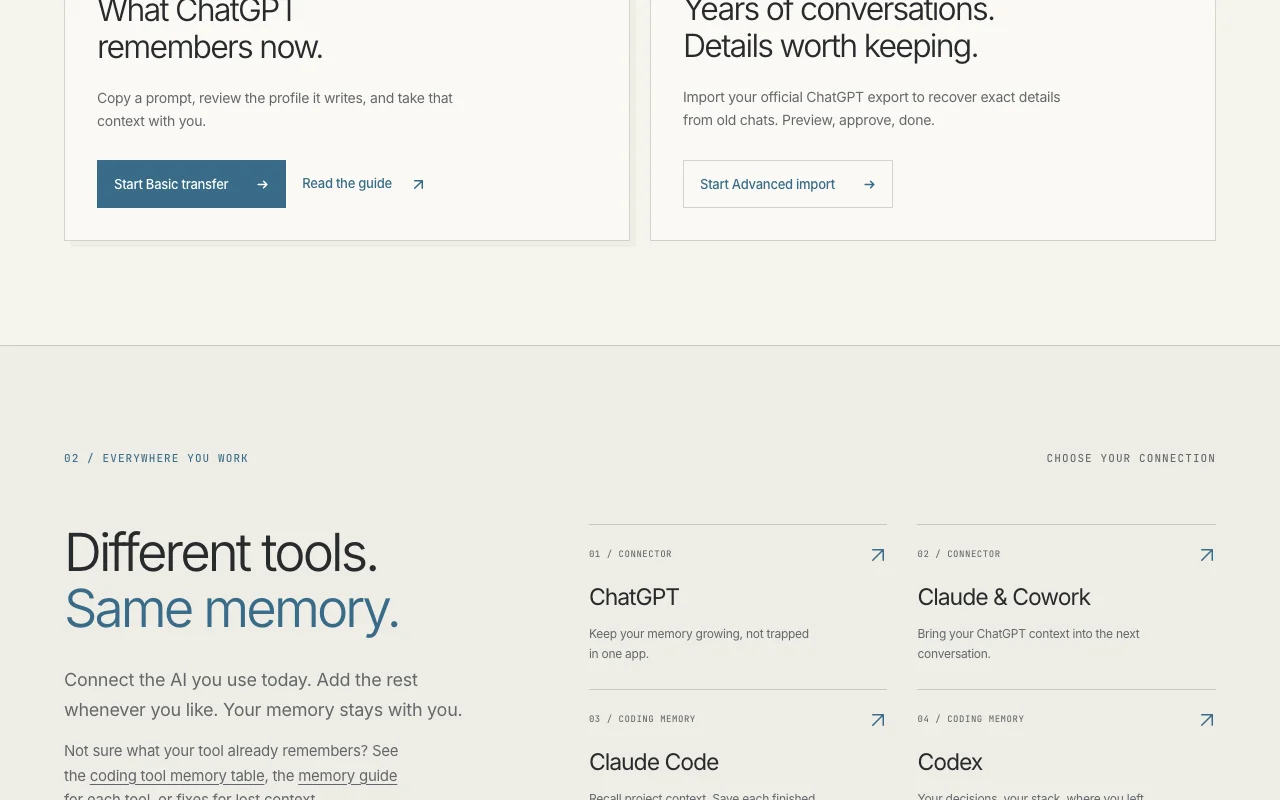
MemoryRouter provides one personal memory vault that multiple AI tools can read from and save to. It connects via an MCP server address to ChatGPT (developer mode connector), Claude and Cowork, and via native hooks to coding agents such as Claude Code and Codex, plus other MCP-compatible tools.
Users can move what ChatGPT remembers into the vault with a single prompt, or import older conversations from an official ChatGPT export. The site says memories are encrypted at rest and in transit, not used for training, reviewable before saving, and deletable from a web dashboard.
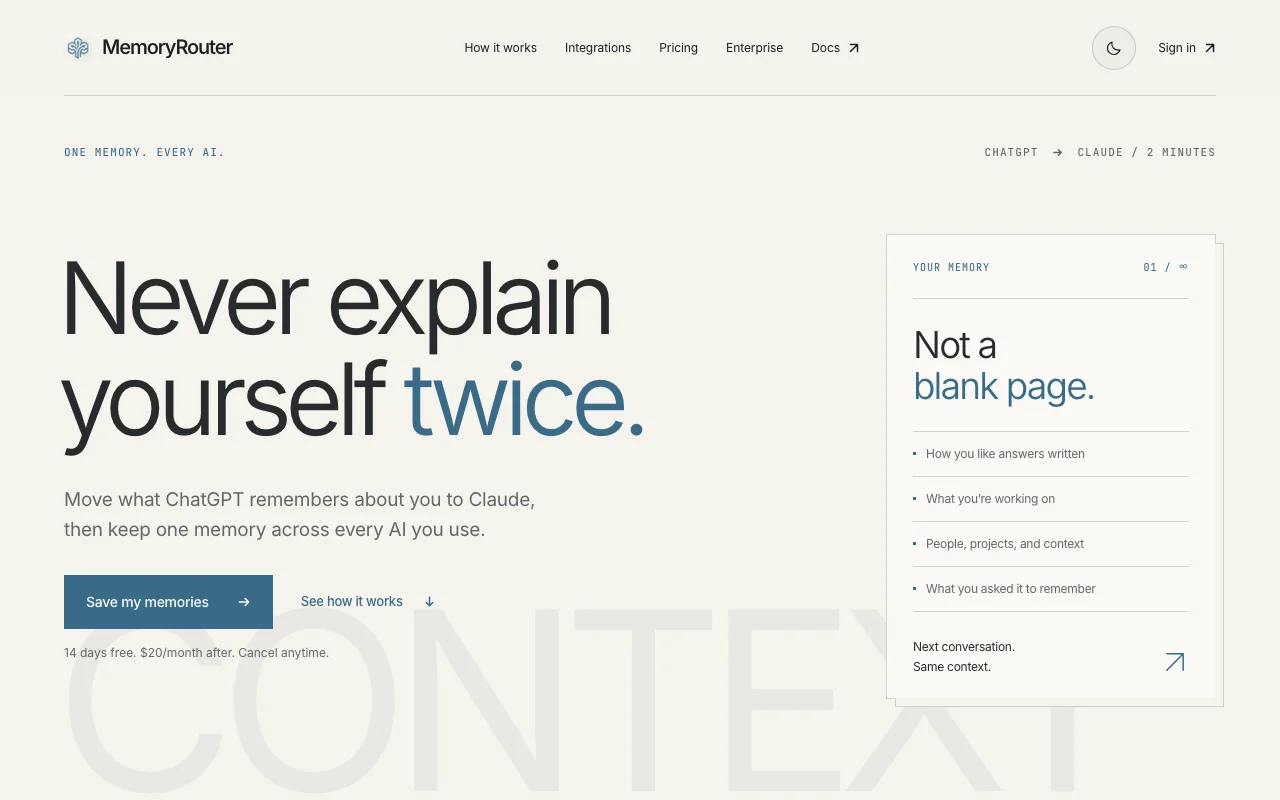
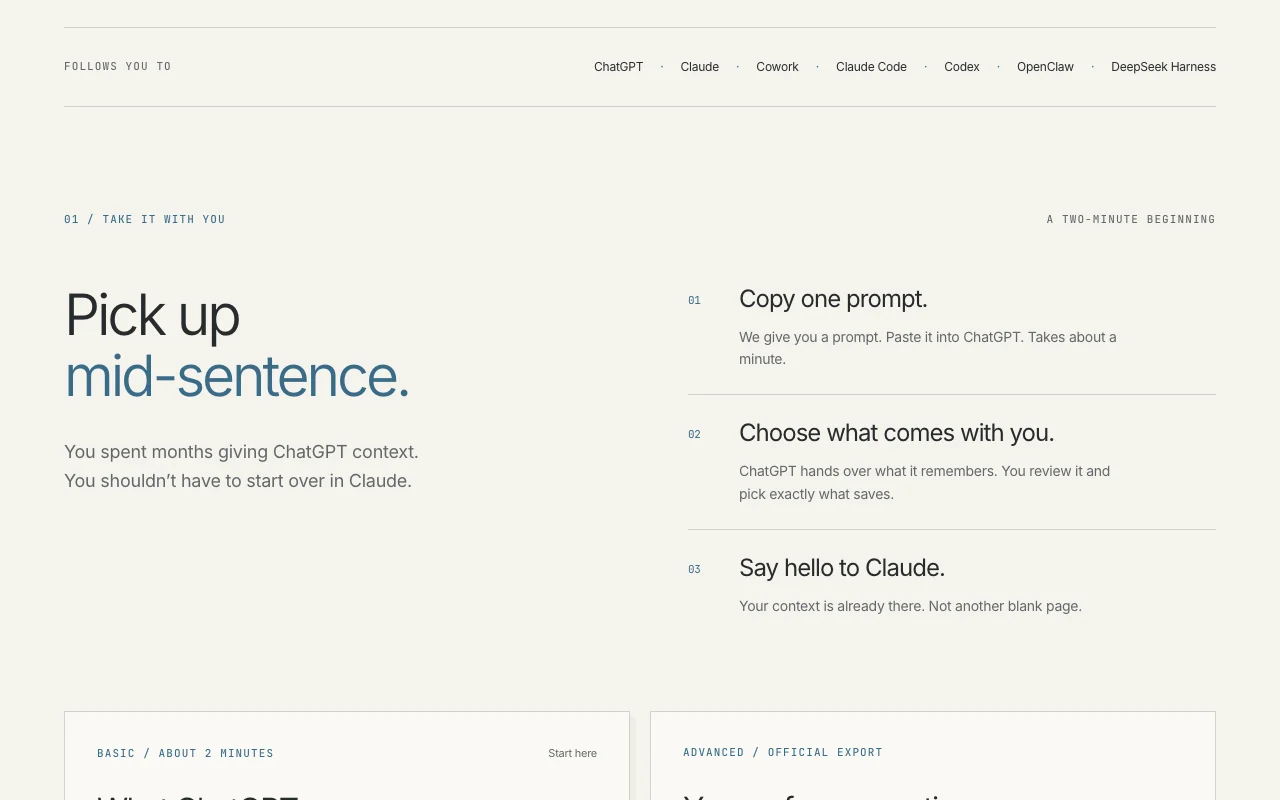
MemoryRouter's official site: how the product presents itself. memoryrouter.ai, captured Oct 1, 2026
What you provide and what you get back
What you give MemoryRouter and what comes back, from its documentation
You provide
User preferences and project context from ChatGPT
Memories from Claude, Claude Code, Codex, OpenClaw
ChatGPT export files for advanced import
Manual memory entry via dashboard
You get back
Retrieved context injected into prompts
Memory profiles with user preferences
Audit trail of all memory operations
Export of all stored memories as JSON or JSONL
Where you can use it
Platforms
Web
Account
Required
TLS 1.3 in transit; encrypted at rest on Cloudflare infrastructure
200M tokens per month included in Starter; $0.50 per 1M overage
MCP server, native Claude Code/Codex hooks, ChatGPT custom connector, CLI
Basic: 2 minutes with one prompt; Advanced: reads old chats from export file
Sub-second recall in 300-500 ms on typical vault
Memories never used to train MemoryRouter or any model
Where MemoryRouter is most useful
Scenarios are worked out by our editors from the documentation; the actual result depends on your input and plan.
Moving ChatGPT memories into Claude
Who
Users switching primary AI assistant
You provide
ChatGPT memory about preferences and work context
Expected result
Claude knows user preferences from first message in new chat
Plan needed
Starter ($20/month) includes transfer and retrieval
Feature overview on the official site. memoryrouter.ai, captured Oct 1, 2026
MCP memory server connector
One MCP server address that Claude, ChatGPT, Cowork and any MCP client can connect to Add MemoryRouter to any MCP-compatible tool without app-specific integrations
Access: Copy connector URL from dashboard; paste in tool settingsLimit: Tool must support MCP server connectionssource (opens in a new tab)
Native hooks for Claude Code and Codex
Automatic recall before prompts and save after each turn in coding agents Zero manual setup; memories captured and retrieved automatically
Access: Native integration in Claude Code and Codex; connectors for othersLimit: Only available in these two agents by defaultsource (opens in a new tab)
ChatGPT memory transfer and export import
Copy ChatGPT's current memory with one prompt; advanced import reads old chats from official export Easily migrate context from ChatGPT to any other AI without manual re-entry
Access: Dashboard transfer tool; CLI for advanced importLimit: Advanced import requires official ChatGPT export file (requires Plus/Pro account)source (opens in a new tab)
Review and edit memories before saving
See all memories captured from agent turns; edit or remove before they go into the vault Prevent accidental or incorrect memories from polluting context
Access: Dashboard memory review queue before publishLimit: Requires manual review; automatic saving available if desiredsource (opens in a new tab)
MemoryRouter pros and cons
Reasons to choose MemoryRouter
14-day free trial Can evaluate MemoryRouter across multiple agents before committingdocumentedsource (opens in a new tab)
Works with several assistants and coding agents One memory follows you across ChatGPT, Claude, Codex, Claude Code, OpenClaw, DeepSeek Harnessdocumentedsource (opens in a new tab)
Encrypted storage, not used for training per the site Memories are private and not used to improve MemoryRouter's modelsdocumentedsource (opens in a new tab)
Full vault deletion anytime Can wipe all memories from dashboard without waiting perioddocumentedsource (opens in a new tab)
Check before paying for MemoryRouter
No free plan after 14-day trial Must pay $20/month to continue using MemoryRouter after trialdocumentedsource (opens in a new tab)
Usage beyond 200M tokens billed at $0.50 per 1M Heavy memory usage can incur extra charges beyond the monthly plandocumentedsource (opens in a new tab)
Requires setup of connectors in each tool Manual configuration needed for ChatGPT, Claude, and non-native toolsdocumentedsource (opens in a new tab)
ChatGPT connection relies on developer mode Cannot use with free ChatGPT; requires Plus, Pro, or Business tierdocumentedsource (opens in a new tab)
How to use MemoryRouter for setting up MemoryRouter to carry context across Claude and ChatGPT
Set up MemoryRouter
Visit https://memoryrouter.ai/ and sign up with email or GitHub
Start your 14-day free trial (no credit card required)
Copy your Memory Key from the dashboard
Add MemoryRouter connector to each AI tool you use
Example: setting up MemoryRouter to carry context across Claude and ChatGPT
In ChatGPT (Plus/Pro): Settings → Custom GPTs → select a GPT → Instructions → paste the MemoryRouter connector instructions
In Claude (claude.ai): Settings → Developer → Custom Connectors → add MemoryRouter MCP server URL
In Claude Code: Add MemoryRouter native integration via settings
Visit memoryrouter.ai/transfer to move ChatGPT's current memory in 2 minutes
Review and export the result
Open MemoryRouter dashboard and verify memories are being captured from agent turns
Start a new conversation in Claude and ask it about something you discussed in ChatGPT
Verify it recalls your preferences or project context without you re-explaining
Example prompt suggested by our editors (not a recorded output of the product)
Remember my preference for concise technical explanations and that I'm building a Python API framework
MemoryRouter integrations and API
Plan comparison on the official pricing page. memoryrouter.ai, captured Oct 1, 2026
Native integrations and export formats
Export: JSON, JSONL
API access and separate billing
MemoryRouter has no public API in its official documentation. REST API for memory search, publish, and retrieval; SDK for integrations API documentation ↗
Privacy, data use and commercial rights
Summarized from the vendor's current policies; this is not legal advice and a vendor's badge is not an independent audit.
How your inputs and outputs are handled
Memories encrypted in transit (TLS 1.3) and at rest on Cloudflare infrastructure
Not used to train MemoryRouter models
Active memories retained while account is active; deleted memories removed within 30 days of deletion request
Commercial use and plan restrictions
Allowed; MemoryRouter does not use memory content commercially
Memories isolated per API key; no cross-contamination
What happens to my ChatGPT memory when I transfer it to MemoryRouter?
You can move what ChatGPT remembers about you with one prompt (takes ~2 minutes). MemoryRouter stores it in your encrypted vault. ChatGPT's own memory stays in ChatGPT; you get a copy you can access from any AI tool via MemoryRouter. source (opens in a new tab)
Which AI tools can I use MemoryRouter with?
ChatGPT, Claude, Cowork, Claude Code, Codex, OpenClaw, DeepSeek Harness, and any MCP-compatible tool (Cursor, Windsurf, Gemini CLI, etc.) all connect to the same memory. Connect the one you use most today, then add others anytime. source (opens in a new tab)
Can I import years of old ChatGPT conversations?
Yes. You can use MemoryRouter's Advanced import with your official ChatGPT export file to recover exact details from years of old chats. It shows you a preview to approve before saving, then extracts and imports the details. source (opens in a new tab)
What happens after the 14-day free trial?
You get 14 days free. After that, it's $20/month. Cancel before the trial ends and you're never billed. You can also pause your subscription and restart anytime. source (opens in a new tab)
Can I cancel and delete my memories?
Yes, both anytime. Cancel your subscription from the dashboard, and delete your entire memory vault whenever you want. It's your data, fully in your control. source (opens in a new tab)
Not verified: Team plan pricing and availability timeline; Developer API documentation URL (docs not publicly linked); Maximum vault size before performance impact; Exact data centers for Cloudflare storage.
How we documented and maintain this page
Every fact about MemoryRouter above comes from the 4 official pages listed here, last compared on Oct 1, 2026; we have not run MemoryRouter ourselves, so it has no editorial score. How we check and re-check pages.
Article updated Oct 10, 2026; prices checked Oct 1, 2026. Outbound links to vendors are plain links; we do not earn commissions. How we review · Report an error