Our take: MindMarks is useful for heavy ChatGPT, Gemini and Claude users who want one searchable dashboard of past chats, with a free tier and a simple $9.99 Premium plan.
Main limitation: It only covers ChatGPT, Gemini and Claude chats and needs a desktop browser extension in Chrome, Edge or Firefox.
By the AI Tool Atlas editors.
Based on the vendor's official documentation; we have not tested this product hands-on. What “documented overview” means
Who MindMarks fits
MindMarks is useful for heavy ChatGPT, Gemini and Claude users who want one searchable dashboard of past chats, with a free tier and a simple $9.99 Premium plan. Based on the vendor's documentation, not on a hands-on test.
Best for: Heavy users of multiple AI chat assistants
Also a good fit for
Researchers and knowledge workers organizing AI conversations
Consider another tool if premium features such as priority tagging and custom workflows require a paid plan
Or if
Needs a supported desktop browser extension
Covers only ChatGPT, Gemini and Claude chats
MindMarks pricing and usage limits
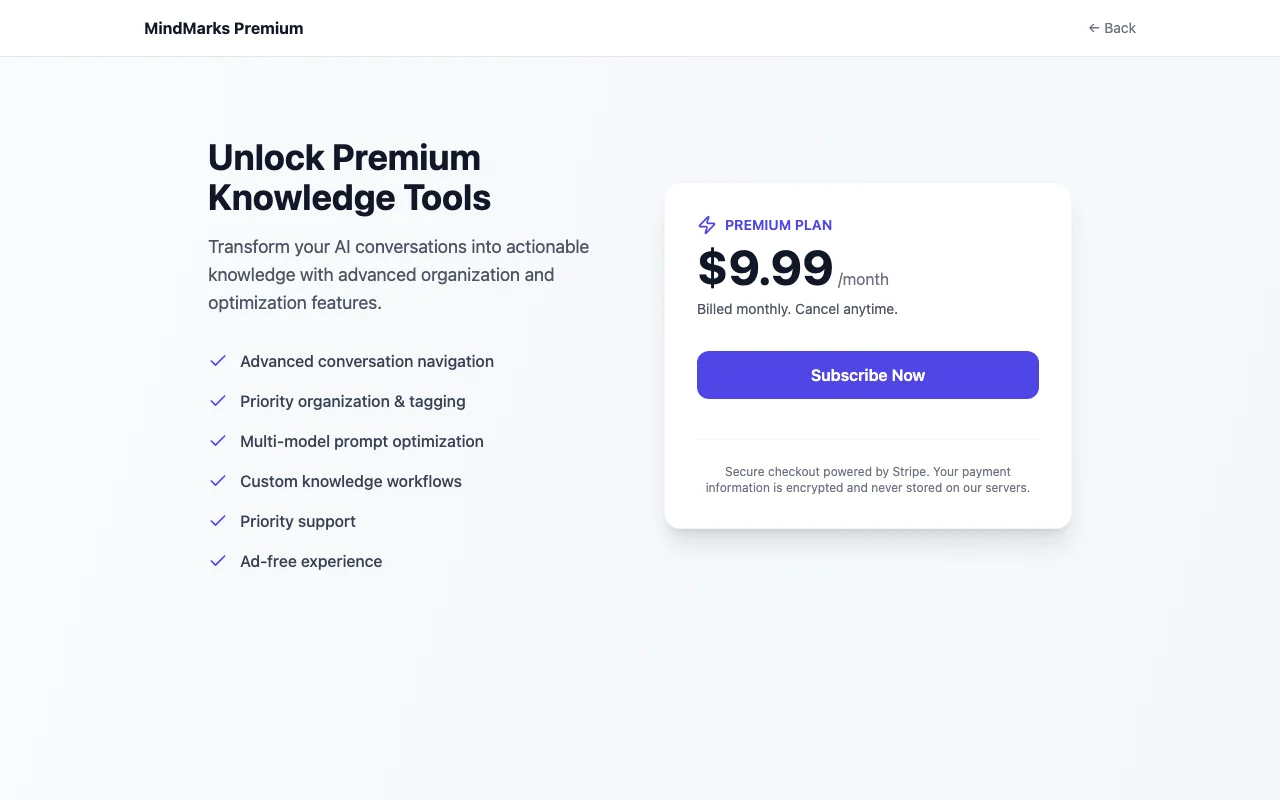
Prices checked Oct 2, 2026 on the official US pricing page. Official pricing ↗ Prices and limits change often.
The official MindMarks pricing page as we saw it. mindmarks.io, captured Oct 2, 2026
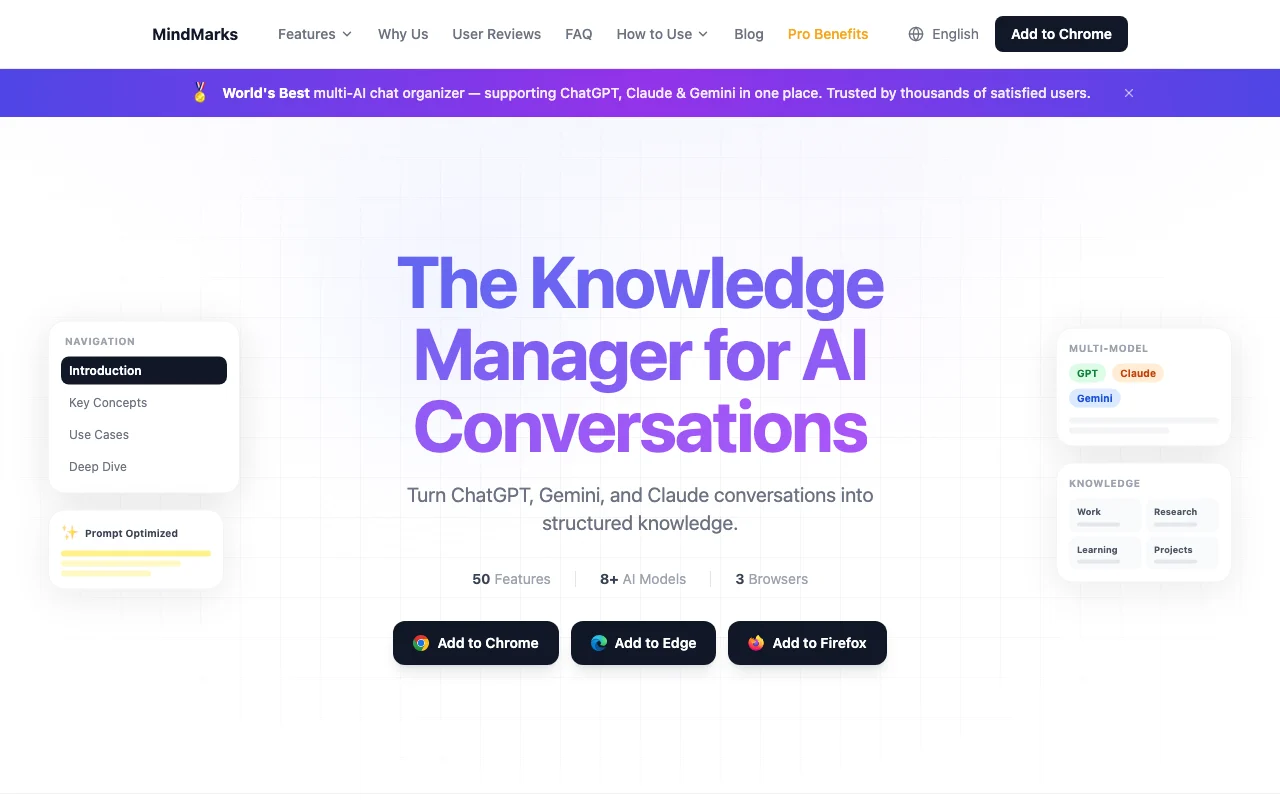
MindMarks is a browser extension that organizes ChatGPT, Gemini and Claude conversations into structured, searchable knowledge with a unified dashboard. It is offered for Chrome, Edge and Firefox.
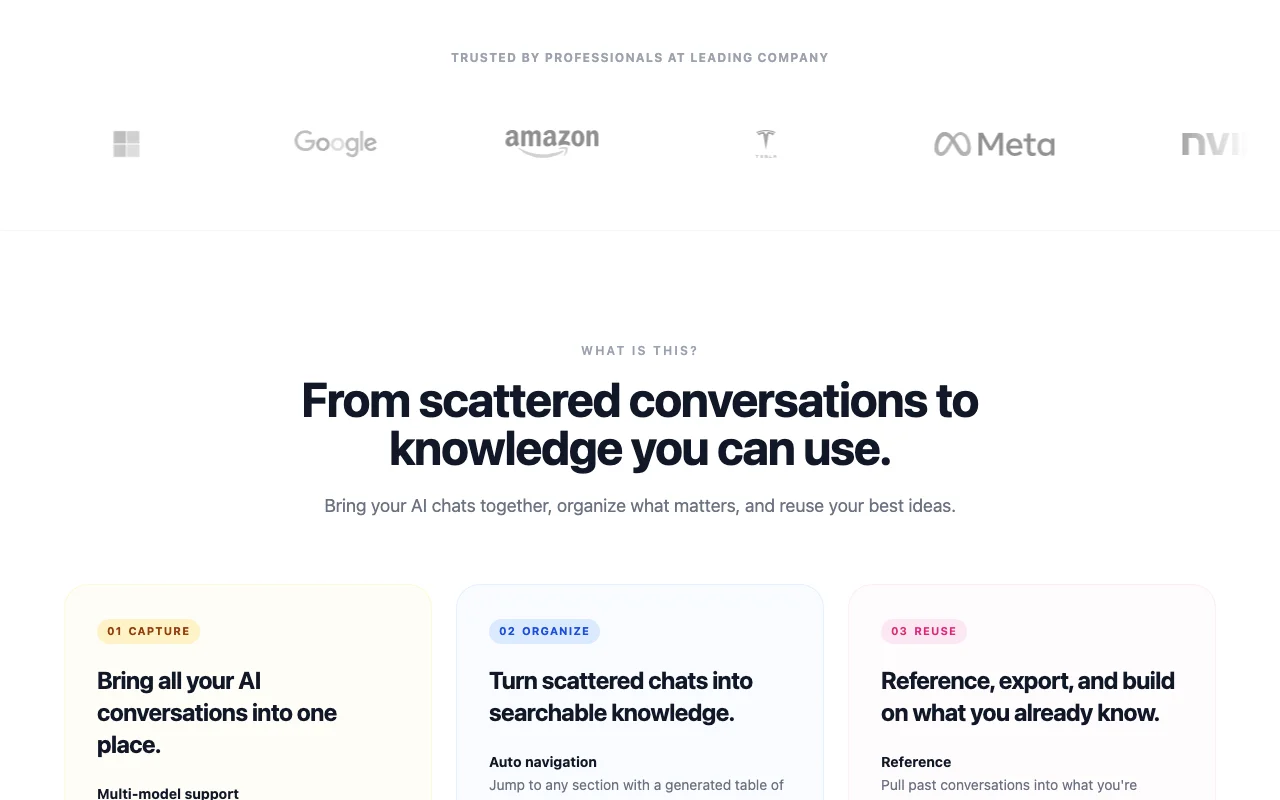
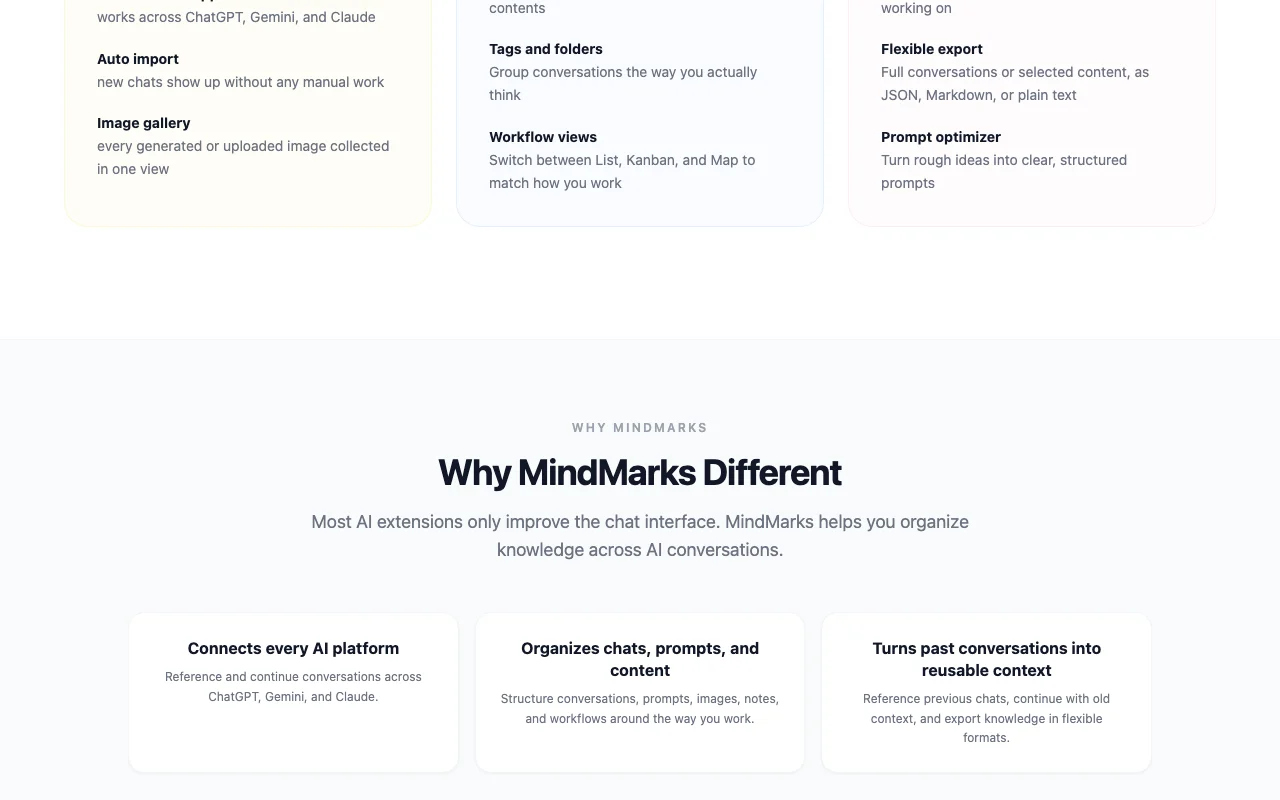
The site describes capturing chats automatically, organizing them with tags, folders and a table of contents, switching between List, Kanban and Map views, exporting to JSON, Markdown or plain text, and a prompt optimizer. A Premium plan adds advanced navigation, priority tagging and ad-free use.
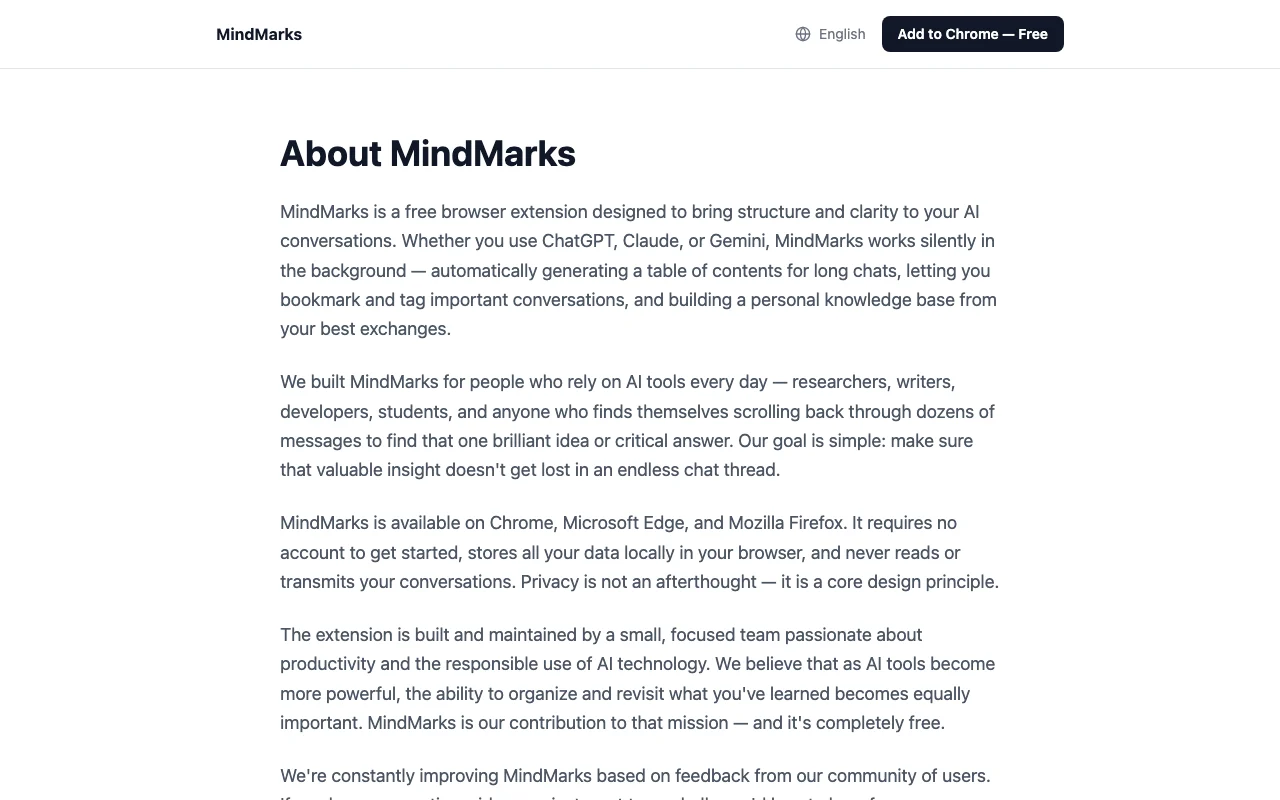
MindMarks's official site: how the product presents itself. mindmarks.io, captured Oct 2, 2026
What you provide and what you get back
You provide
Chats from ChatGPT, Gemini and Claude
You get back
Organized chat dashboard
Markdown, JSON or text exports
Where you can use it
Platforms
chrome_extension
Account
Required
Supported chats
ChatGPT, Gemini, Claude
Browsers
Chrome, Edge, Firefox
Views
List, Kanban, Map
Export
Markdown, JSON, text
Where MindMarks is most useful
Scenarios are worked out by our editors from the documentation; the actual result depends on your input and plan.
Collecting chats from ChatGPT, Gemini and Claude in one place
Who
Heavy chatbot users
You provide
Existing AI conversations
Expected result
You get one dashboard that holds your chats from all three assistants.
Plan needed
Free
Limitation
Only ChatGPT, Gemini and Claude chats can be collected, so other assistants are left out. source (opens in a new tab)
Organizing AI conversations by project with tags and folders
Who
Researchers
You provide
Chats grouped by project
Expected result
You get conversations grouped by project with tags and folders so that they are easy to find.
Plan needed
Free; Premium for extras
Limitation
Priority tagging and custom workflows need payment, so the free plan has fewer organizing options. source (opens in a new tab)
Exporting conversations as Markdown, JSON or text
Who
Writers and developers
You provide
Selected conversations
Expected result
You get files of your chosen conversations in Markdown, JSON or plain text.
Plan needed
Free
Limitation
The list of export formats comes from the site and was not checked by using the export itself. source (opens in a new tab)
Key features and their practical limits
Feature overview on the official site. mindmarks.io, captured Oct 2, 2026
Multi-model support for ChatGPT, Gemini and Claude
Pulls chats from three AI assistants into one place. People who use several AI assistants can keep their chats from all three in one place.
Free to install for Chrome, Edge and Firefox The extension is free to install for Chrome, Edge and Firefox, so you can try it in the browser you already use.documentedsource (opens in a new tab)
Covers three AI assistants in one dashboard Chats from ChatGPT, Gemini and Claude appear in one dashboard, so you do not need to search three separate sites for old conversations.documentedsource (opens in a new tab)
Several export formats Several export formats are offered, including JSON, Markdown and plain text, so you can move saved chats into other tools.documentedsource (opens in a new tab)
Premium is a simple $9.99 monthly plan, cancel anytime Premium is a single monthly price of $9.99 that you can cancel at any time, so paying does not tie you to a long contract.documentedsource (opens in a new tab)
Check before paying for MindMarks
Premium features such as priority tagging and custom workflows require a paid plan Priority tagging and custom workflows need the paid Premium plan, so free users do not get these features.documentedsource (opens in a new tab)
Needs a supported desktop browser extension It works as a browser extension on supported desktop browsers, so you cannot use it from a phone app or an unsupported browser.documentedsource (opens in a new tab)
Covers only ChatGPT, Gemini and Claude chats Only ChatGPT, Gemini and Claude chats are covered, so conversations from any other AI assistant cannot be organized in it.documentedsource (opens in a new tab)
Site content loads only with JavaScript The site content loads only with JavaScript, so the pages could not be read in full when we checked the official sources.documentedsource (opens in a new tab)
How to use MindMarks for organizing AI chats in one dashboard
Set up MindMarks
Install the extension for Chrome, Edge or Firefox.
Open the MindMarks dashboard.
Visit ChatGPT, Gemini or Claude so chats import.
Example: organizing AI chats in one dashboard
Open a chat in the dashboard.
Add tags and drop it in a folder.
Switch to Kanban view.
Review and export the result
Check the new chat appears automatically.
Export one chat and open the file.
MindMarks integrations
Plan comparison on the official pricing page. mindmarks.io, captured Oct 2, 2026
Native integrations and export formats
Export: Markdown, JSON, Text
Privacy, data use and commercial rights
Summarized from the vendor's current policies; this is not legal advice and a vendor's badge is not an independent audit.
Not verified: Free plan limits; Privacy; Where chat data is stored.
How we documented and maintain this page
Every fact about MindMarks above comes from the 3 official pages listed here, last compared on Oct 2, 2026; we have not run MindMarks ourselves, so it has no editorial score. How we check and re-check pages.
Article updated Oct 10, 2026; prices checked Oct 2, 2026. Outbound links to vendors are plain links; we do not earn commissions. How we review · Report an error


 (open full size in a new tab)
 (open full size in a new tab)
 (open full size in a new tab)
 (open full size in a new tab)
 (open full size in a new tab)
 (open full size in a new tab)