Productivity & writingDocumented overviewLast checked Oct 2, 2026

Mavibot: Pricing, Features & Best Use Cases

Business platform combining AI chatbots, CRM, website builder, email campaigns and online booking.

Is Mavibot right for you?

Mavibot suits small businesses and online educators who want chatbots, CRM, email, booking and a website builder in one account, starting on a free plan. Based on the vendor's documentation, not on a hands-on test.

Best for: Small businesses

Also a good fit for

  • Online educators
  • Service businesses

Consider another tool if free plan capped at 50 messages per day

Or if

  • Free LMS limited to 10 students
  • Add-ons billed separately (e.g. extra channels, employees)

Mavibot pricing and usage limits

Prices checked Oct 2, 2026 on the official US pricing page. Official pricing ↗ Prices and limits change often.

Free access and trial conditions

Free plan, no credit card per homepage.

Not stated.

Paid plans: what changes as you upgrade

Free web

Free source (opens in a new tab)

Month

Homepage says Get Started Free, no credit card; limits from earlier research.

For: Trying the platform

Limits

  • 50 messages per day (earlier research)
  • Free LMS limited to 10 students (earlier research)

Includes

  • AI chatbot builder
  • CRM

Paid plans web

See official pricing source (opens in a new tab)

Month

Earlier research saw $39 and $59 on the 1-month toggle; not present in the fetched text, so left null.

For: Growing businesses

Includes

  • Add-ons billed separately

Usage caps, credits and extra costs

Add-ons such as extra channels or employees are billed separately.

Not stated.

What is Mavibot, and how does it work?

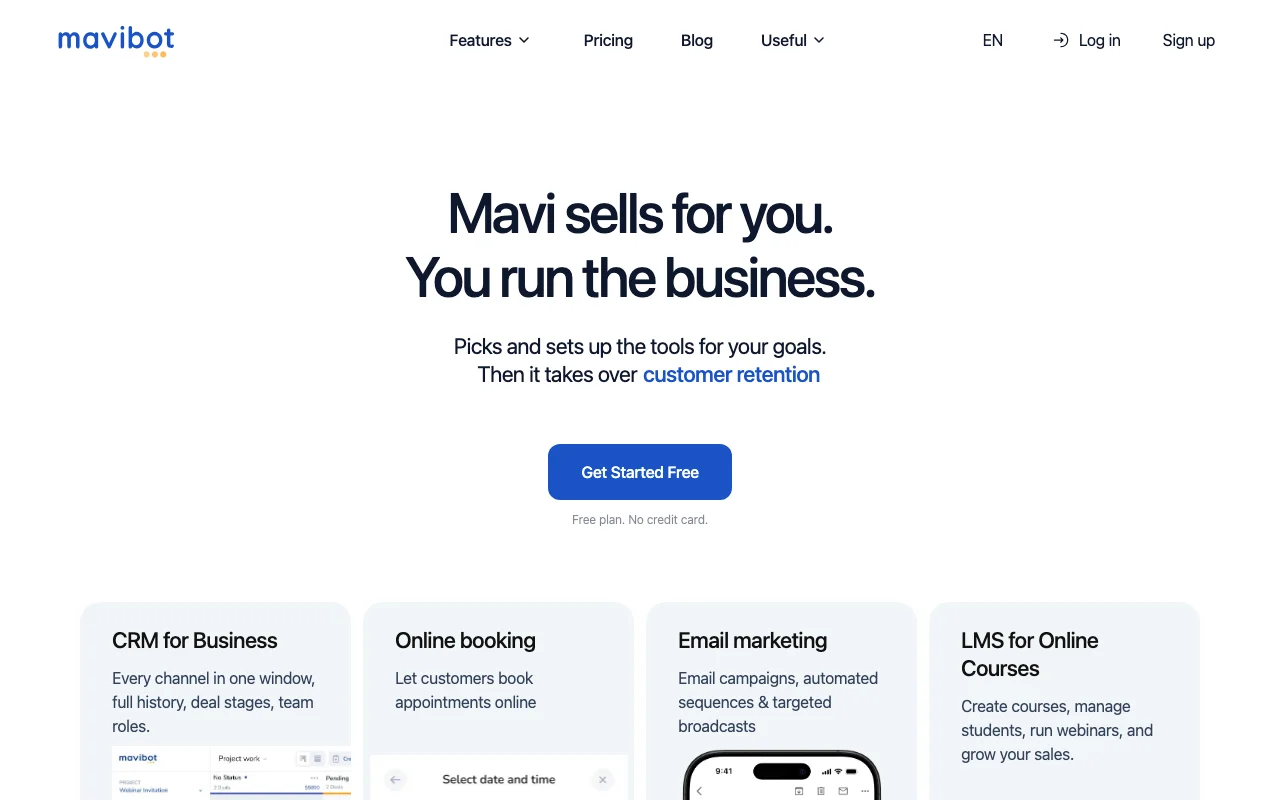
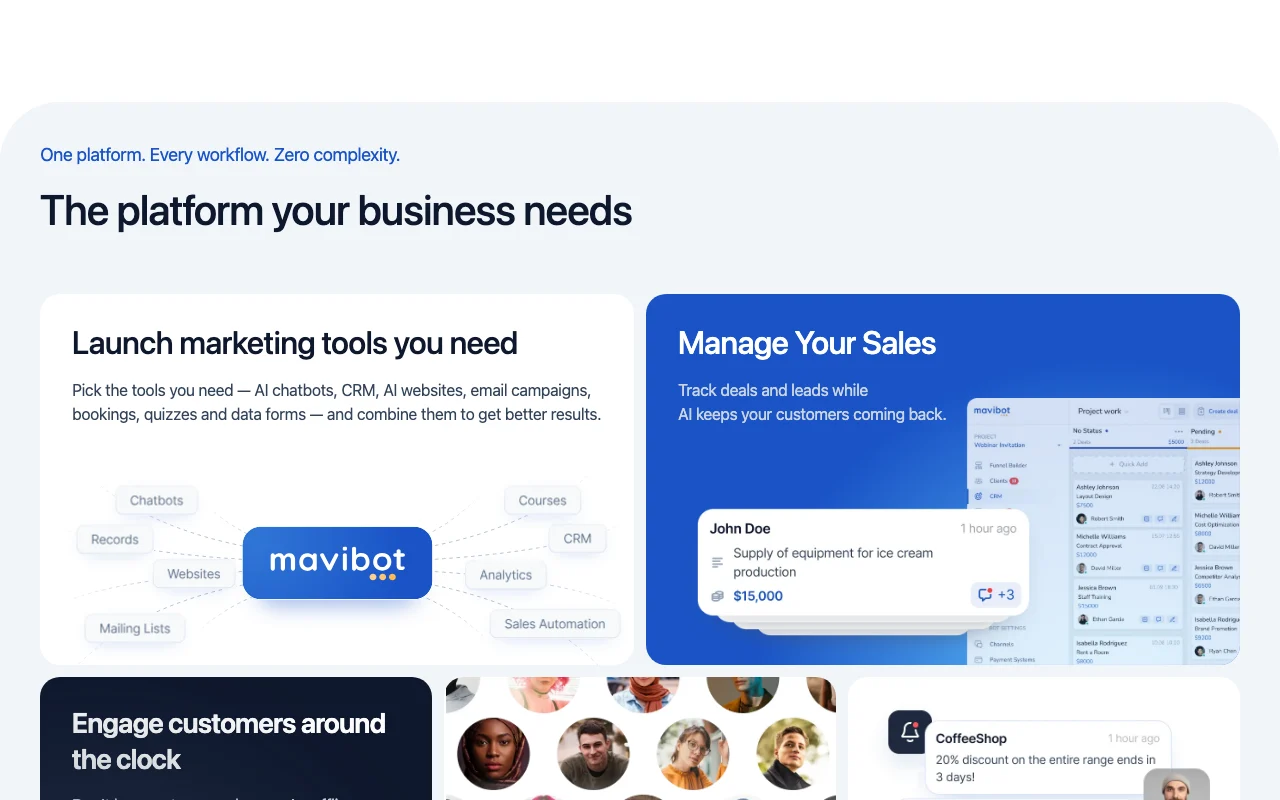
Mavibot bundles chatbot builder, AI assistant, CRM, online booking, email campaigns, website builder, online courses, helpdesk and webinars. Chatbots connect to channels such as WhatsApp, Telegram, Instagram, Facebook, Discord, TikTok, Viber and Line. The site offers a free plan with no credit card and iOS and Android app links.

Mavibot homepage — screenshot of the productivity & writing AI tool, Oct 2, 2026
Mavibot's official site: how the product presents itself. mavibot.ai, captured Oct 2, 2026

What you provide and what you get back

How Mavibot works: what you provide, where it runs and what you get backYOU PROVIDEYour inputCustomer messages across channelsBusiness knowledge for the botContact listsPRODUCTIVITY & WRITINGMavibotWeb, Mobilefree tier, paid price not publish…free tier availableaccount requiredchecked Oct 2, 2026YOU GET BACKThe resultChatbot repliesEmail campaignsBookings and CRM recordsinput → Mavibot → output · from the vendor's own pages, no hands-on test unless stated
What you give Mavibot and what comes back, from its documentation

You provide

  • Customer messages across channels
  • Business knowledge for the bot
  • Contact lists

You get back

  • Chatbot replies
  • Email campaigns
  • Bookings and CRM records

Where you can use it

Platforms
Web, Mobile
Account
Required
Tools
Chatbot, CRM, website, email, booking, LMS
Free LMS
10 students (earlier research)
Mobile
Apps listed on the site
Docs
mavibot.ai/docs

Best use cases for Mavibot

Scenarios are worked out by our editors from the documentation; the actual result depends on your input and plan.

Customer support chatbots

Who
Small businesses
You provide
Customer questions on messengers
Expected result
Automated answers and taken orders
Plan needed
Free to start
Limitation
Free message cap source (opens in a new tab)

Appointment booking

Who
Service businesses
You provide
Appointment slots
Expected result
Online bookings
Plan needed
Free to start
Limitation
Plan details not captured source (opens in a new tab)

Email campaigns

Who
Online educators
You provide
Course content
Expected result
A course with students and webinars
Plan needed
Free up to 10 students
Limitation
Larger classes need paid plans source (opens in a new tab)

Key features and their practical limits

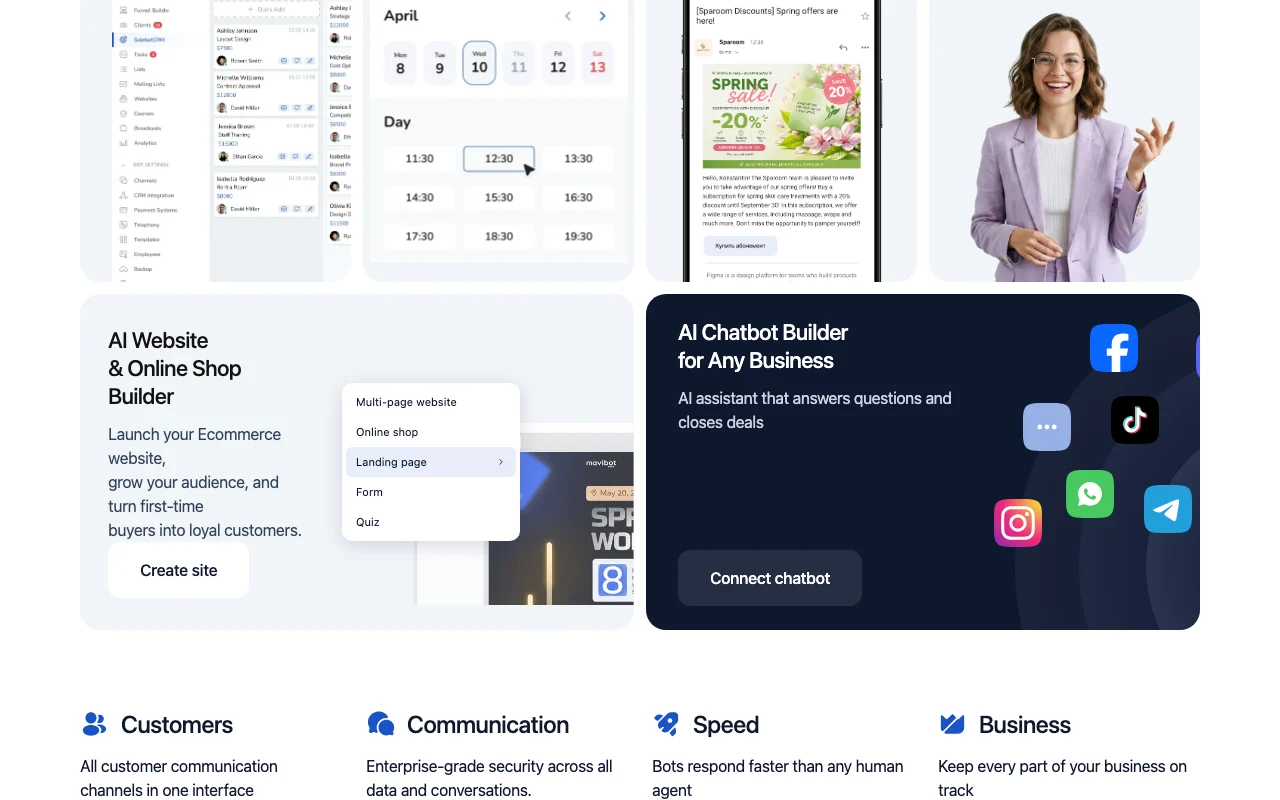
Mavibot homepage — screenshot of the productivity & writing AI tool, Oct 2, 2026
Feature overview on the official site. mavibot.ai, captured Oct 2, 2026

AI chatbot builder

Builds an AI assistant that answers questions and closes deals on messaging channels. Handles after-hours chats.

Access: Free to startLimit: Message cap on Free source (opens in a new tab)

Multi-channel messaging

Combines customer channels in one inbox with history, deal stages and team roles. Keeps sales tracking in one place.

Access: AccountLimit: Details by plan not captured source (opens in a new tab)

CRM

Sends email campaigns, sequences and targeted broadcasts. Supports repeat sales.

Access: AccountLimit: Sending limits not captured source (opens in a new tab)

Website and shop builder

Creates multi-page sites, shops, landing pages, forms and quizzes with AI. Replaces separate site builders.

Access: AccountLimit: Plan limits not captured source (opens in a new tab)

Mavibot pros and cons

Where Mavibot is strong

Limitations to check before paying

How to use Mavibot for launching an AI customer chatbot

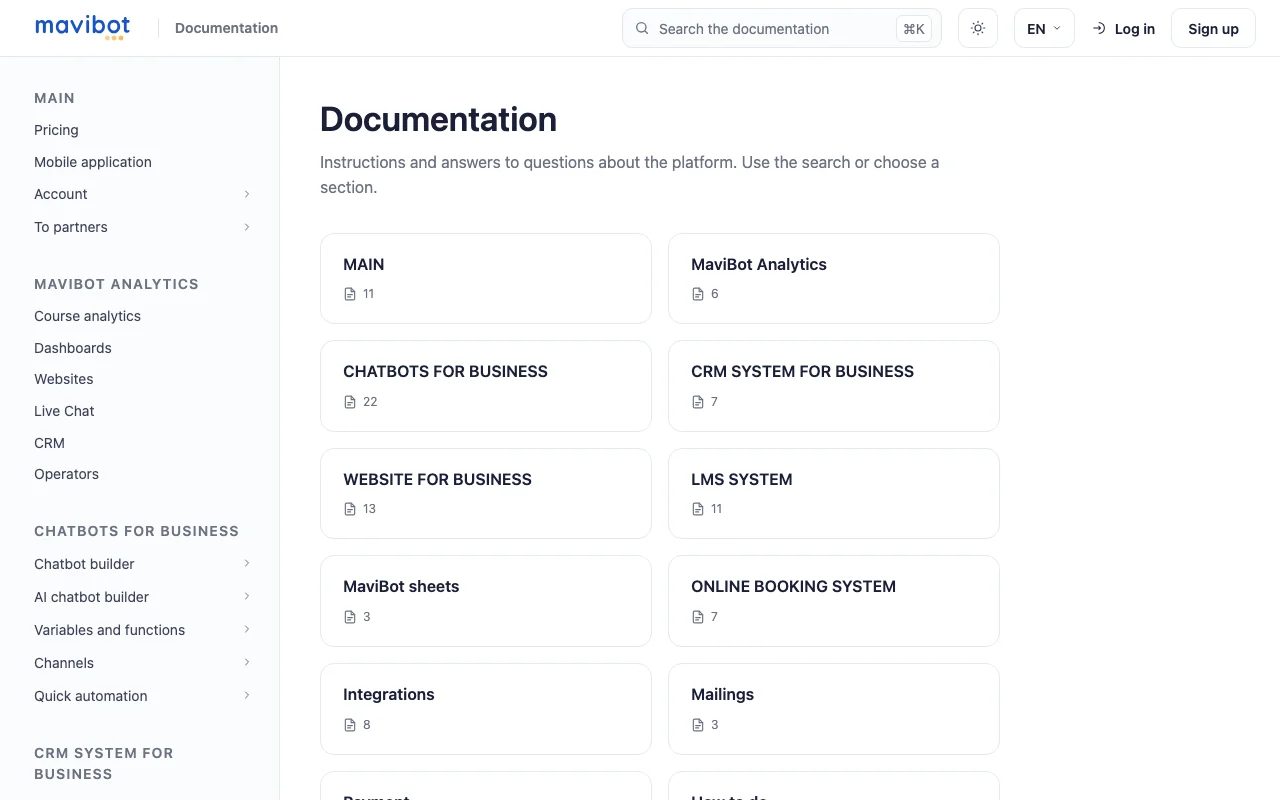
Mavibot documentation — screenshot of the productivity & writing AI tool, Oct 2, 2026
Mavibot documentation: where the steps below come from. mavibot.ai, captured Oct 2, 2026

Set up Mavibot

  1. Click Get Started Free at mavibot.ai
  2. Create an account
  3. Choose the chatbot tool
  4. Connect a messaging channel

Example: launching an AI customer chatbot

  1. Add your FAQ and product list
  2. Test the bot with sample questions
  3. Turn on CRM to log chats
  4. Launch an email broadcast

Review and export the result

  1. Review conversations in the inbox
  2. Check daily message usage against the plan

Mavibot API

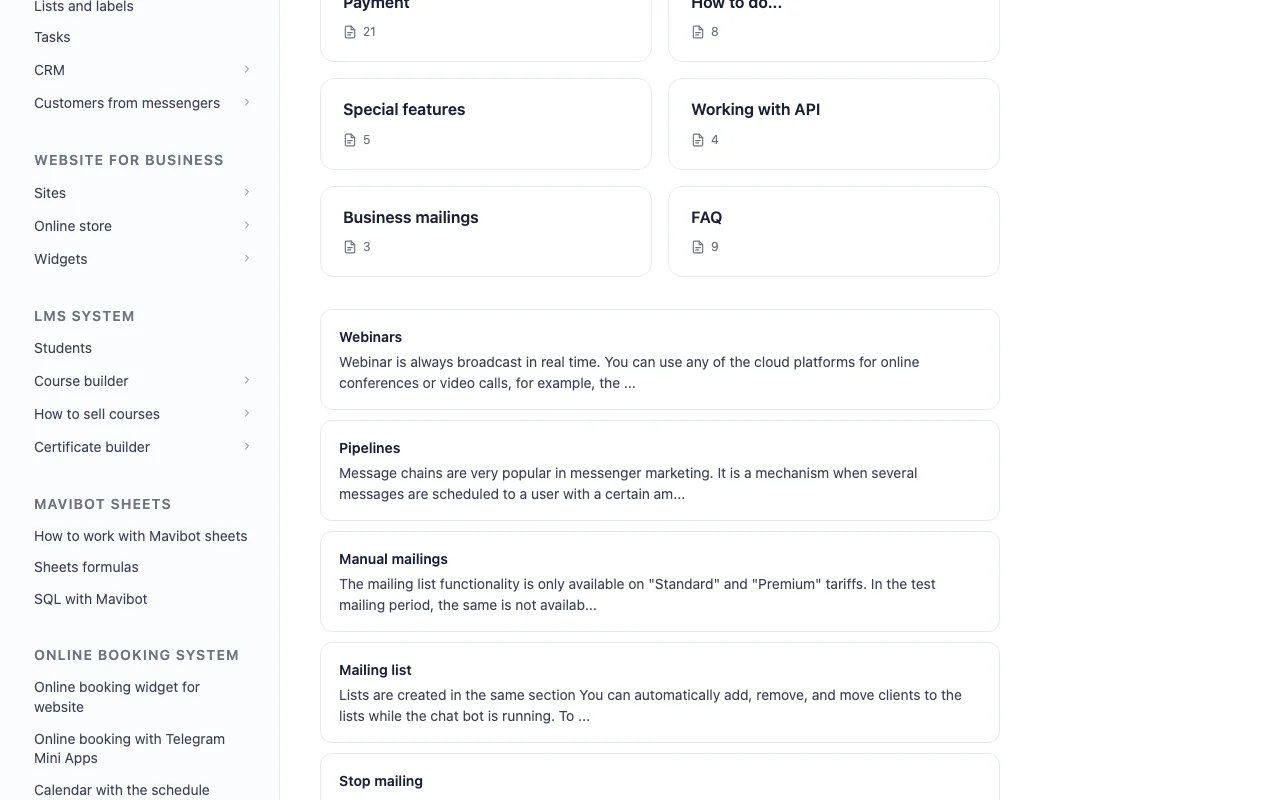
Mavibot documentation — screenshot of the productivity & writing AI tool, Oct 2, 2026
Mavibot documentation (continued). mavibot.ai, captured Oct 2, 2026

API access and separate billing

Mavibot has no public API in its official documentation. Docs page exists. API documentation ↗

Privacy, data use and commercial rights

Summarized from the vendor's current policies; this is not legal advice and a vendor's badge is not an independent audit.

How your inputs and outputs are handled

Policy describes handling of personal data provided to the site.

Controls for business users

  • Enterprise-grade security claimed

Policies: mavibot.ai/privacy

Best Mavibot alternatives for different needs

"Better suited" is based on documented features and pricing, not on a head-to-head test.

Zapier: better suited to

Make: better suited to

ChatGPT: better suited to

Alternatives
AlternativeWhen to choose itPricingLimitation
Zapier——Compare
Make——Compare
ChatGPT——

Explore Mavibot further

If you are looking at Mavibot

Mavibot user reviews

No user reviews yet.

Used Mavibot? Be the first to share your experience.

Write a review

Reviews are checked by a moderator before they appear. Your email is never published. Plain text only.

Your rating (required)

Show what you made or what went wrong. Images are published only if the review is approved; location data is removed.

    Mavibot FAQ

    Does Mavibot have a free plan?

    Yes. The homepage offers Get Started Free with no credit card; earlier research recorded a cap of 50 messages per day. source (opens in a new tab)

    What tools does Mavibot combine?

    AI chatbots, CRM, website and shop builder, email campaigns, online booking, quizzes and an LMS. source (opens in a new tab)

    Does Mavibot publish its paid plan prices?

    Not in the fetched text; there is no separate pricing page, so paid prices stay unverified. source (opens in a new tab)

    Are Mavibot add-ons included in plans?

    No; add-ons such as extra channels or employees are billed separately. source (opens in a new tab)

    Sources and review methodology

    Official sources and verification dates

    Not verified: Paid plan prices; Training use; Retention; No pricing page.

    How we documented and maintain this page

    Every fact about Mavibot above comes from the 3 official pages listed here, last compared on Oct 2, 2026; we have not run Mavibot ourselves, so it has no editorial score. How we check and re-check pages.

    Article updated Oct 2, 2026; prices checked Oct 2, 2026. Outbound links to vendors are plain links; we do not earn commissions. How we review · Report an error