

Productivity & writingDocumented overviewLast checked Oct 2, 2026

Max: Pricing, Features & Best Use Cases

Slack-based AI coworker that turns team context into reminders, escalations and morning briefings, with approval before anything is sent.
Is Max right for you?

Max suits founders and small teams that live in Slack and want a coworker that handles reminders, escalations and a morning briefing, with approval before anything is sent. Based on the vendor's documentation, not on a hands-on test.

Best for: Founders and operators managing follow-ups in Slack

Also a good fit for

  • Small teams that want delegated recurring work with approval

Consider another tool if works through Slack, so it needs a Slack workspace

Or if

  • Paid plan starts at $99/mo after the trial
  • MVP scope is limited to reminders, escalations, tracking and briefings

Max in the news

Headlines from US outlets, selected automatically — not endorsements. Updated Oct 2, 2026

Max pricing and usage limits

Prices checked Oct 2, 2026 on the official US pricing page. Official pricing ↗ Prices and limits change often.

Free access and trial conditions

Free 3-day full-access trial, no card

3-day trial, no card

Paid plans: what changes as you upgrade

Max Pro web

$99 source (opens in a new tab)

Monthly

Starts at $99/mo after trial

For: Founders and small teams

Limits

  • 3-day trial

Includes

  • One fixed price
  • 25+ tool integrations

Usage caps, credits and extra costs

Stated as no token charges or add-ons

Not stated

What is Max, and how does it work?

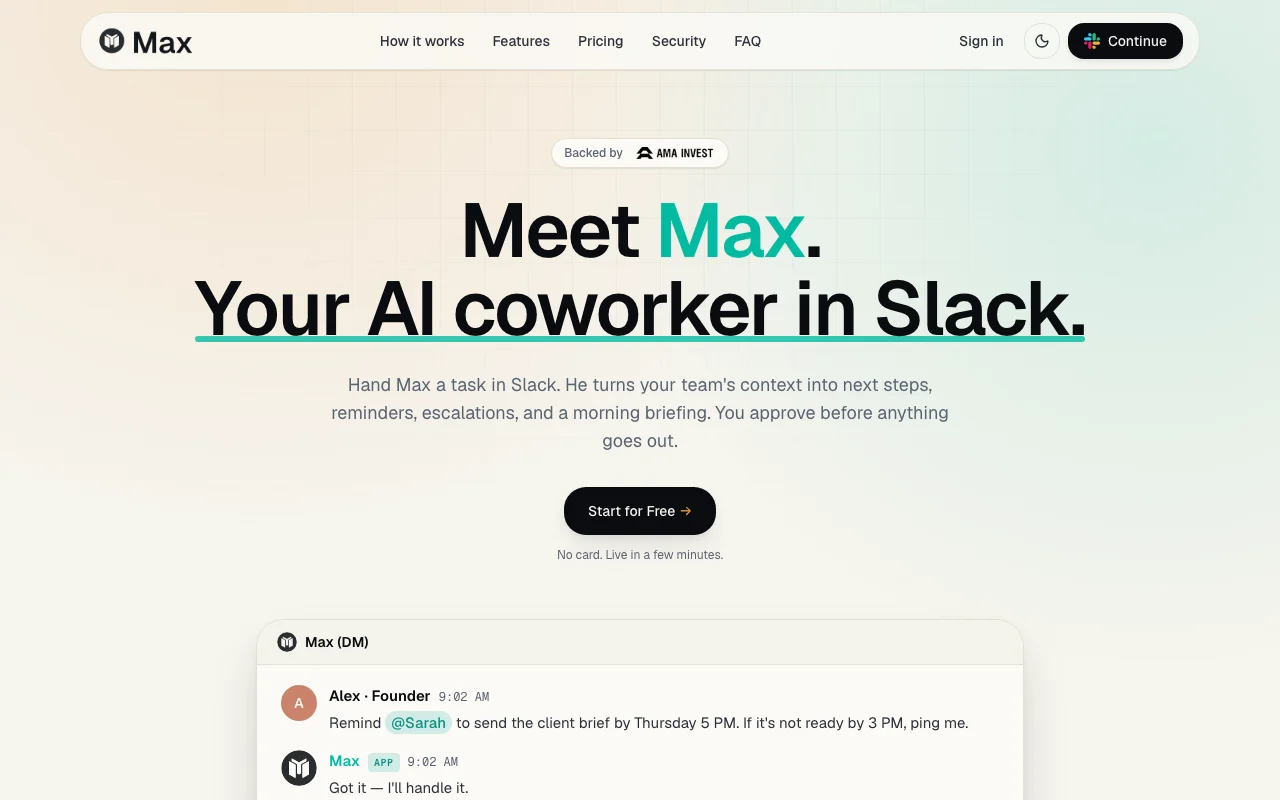
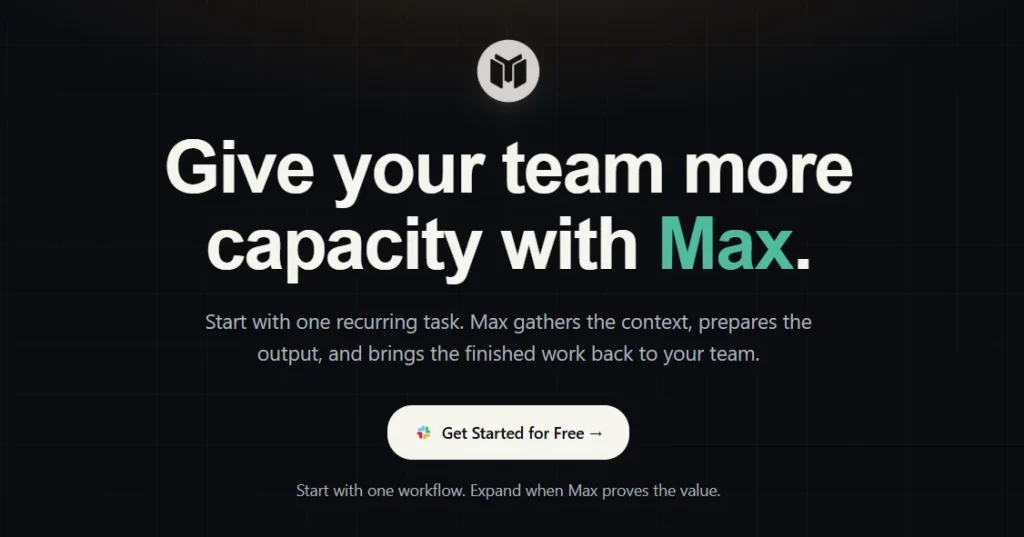
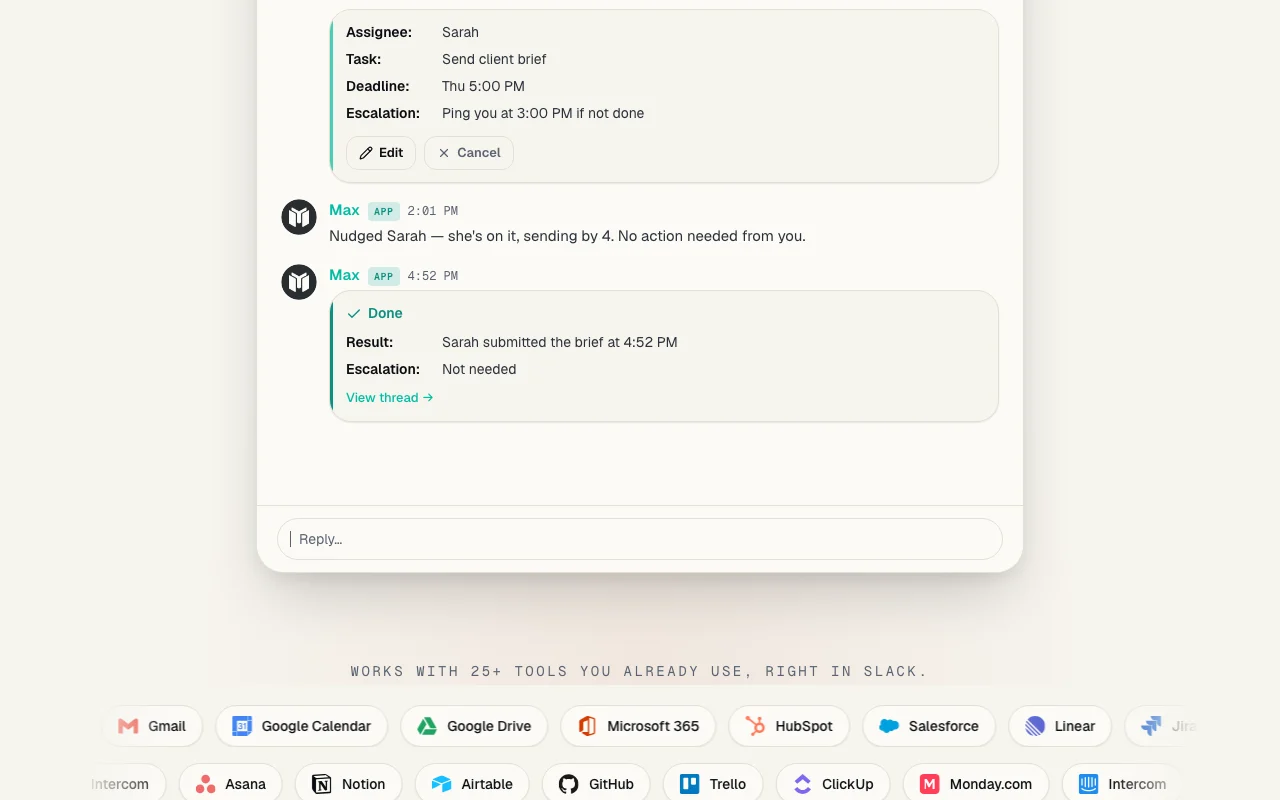
Max is an AI coworker that lives in Slack. A team member hands Max a task in plain language, and Max turns the team's context into next steps, reminders, escalations and a morning briefing. Nothing is sent until a person approves it, and every output shows the sources it was prepared from. The vendor says Max works with 25+ tools such as Gmail, Google Calendar, HubSpot, Salesforce, Jira, Asana and Notion. Its MVP covers delegated reminders, escalations, completion tracking and a daily Morning Brief with open tasks, key messages, the calendar and a suggested focus. Security controls include workspace permissions, tool-level access, activity logs and output previews.
Max homepage — screenshot of the productivity & writing AI tool, Oct 2, 2026
Max's official site: how the product presents itself. maxworker.ai, captured Oct 2, 2026

What you provide and what you get back

How Max works: what you provide, where it runs and what you get backYOU PROVIDEYour inputSlack requests and DMsData from connected tools (Gmail,…Deadlines and escalation rulesPRODUCTIVITY & WRITINGMaxSlackfrom $99 (Max Pro)free tier availableaccount requiredchecked Oct 2, 2026YOU GET BACKThe resultReminders and escalationsA daily Morning Brief in SlackDrafts with sources for approvalinput → Max → output · from the vendor's own pages, no hands-on test unless stated
What you give Max and what comes back, from its documentation

You provide

  • Slack requests and DMs
  • Data from connected tools (Gmail, HubSpot, Jira, Notion)
  • Deadlines and escalation rules

You get back

  • Reminders and escalations
  • A daily Morning Brief in Slack
  • Drafts with sources for approval

Where you can use it

Platforms
Slack
Account
Required
Platform
Slack
Integrations
25+ tools
Trial
3 days, no card
Features
Delegation and Morning Brief

Best use cases for Max

Scenarios are worked out by our editors from the documentation; the actual result depends on your input and plan.
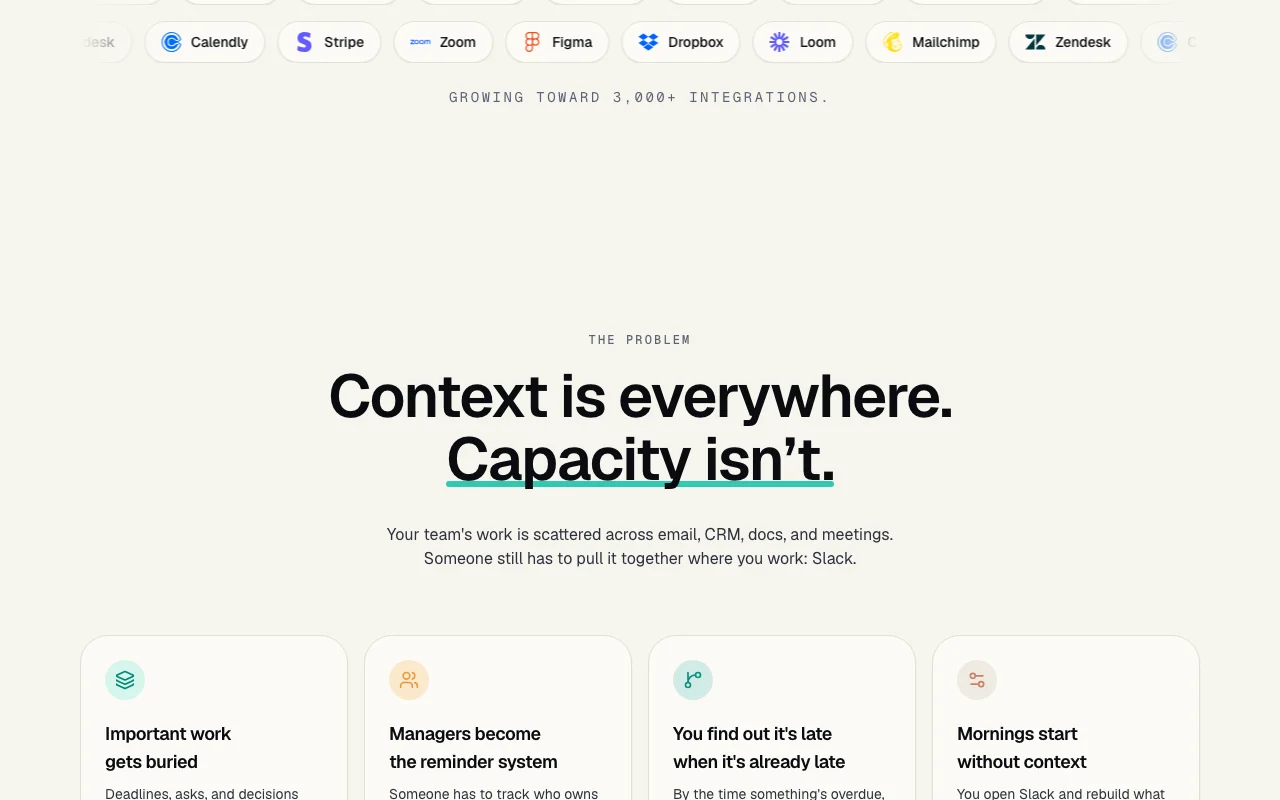
Delegate a task with a deadline and an automatic escalation if it slips

Who
Founders
You provide
A task with a deadline and escalation
Expected result
Assignee nudged and you pinged if it slips
Plan needed
Max Pro
Limitation
Needs Slack workspace source (opens in a new tab)

Get a daily Morning Brief of tasks, messages and calendar in Slack

Who
Busy operators
You provide
Tasks, messages and calendar
Expected result
A daily briefing in Slack
Plan needed
Max Pro
Limitation
Only connected tools used source (opens in a new tab)

Draft a client or sales update from CRM, sheets and notes for review

Who
Account managers
You provide
CRM, sheets and notes
Expected result
Client or sales update draft for review
Plan needed
Max Pro
Limitation
Nothing is sent without approval source (opens in a new tab)

What Max does, and where it stops

Max homepage — screenshot of the productivity & writing AI tool, Oct 2, 2026
Feature overview on the official site. maxworker.ai, captured Oct 2, 2026

Delegation with reminders and escalations

Assigns tasks with deadlines and sends nudges, escalating if they slip. Removes manual chasing

Access: Max ProLimit: Scope limited per MVP source (opens in a new tab)

Morning Brief in Slack

Sends one briefing each morning with open tasks, key messages and your calendar. Starts the day with context

Access: Max ProLimit: Depends on connected tools source (opens in a new tab)

Connects to 25+ tools (Gmail, HubSpot, Jira, Notion and more)

Reads from over 25 tools like Gmail, HubSpot, Jira and Notion inside Slack. Pulls context without tab switching

Access: Max ProLimit: Growth toward 3,000+ integrations is aspirational source (opens in a new tab)

Human approval before anything is sent

Holds drafts until you approve and lists sources. Prevents unreviewed messages

Access: Max ProLimit: Adds a review step source (opens in a new tab)

Pros, cons and deal-breakers

Where Max is strong

Limitations to check before paying

How to use Max for delegating follow-ups inside Slack

Set up Max

  1. Open maxworker.ai and click Start for Free
  2. Sign up and add Max to your Slack workspace
  3. Connect tools such as Gmail or Google Calendar
  4. Send Max a DM with a task

Example: delegating follow-ups inside Slack

  1. Tell Max to remind a teammate by a deadline
  2. Set an escalation time
  3. Approve the plan Max shows
  4. Check the result in the thread

Review and export the result

  1. Confirm the assignee got a nudge
  2. Check the sources attached to drafts
Example prompt suggested by our editors (not a recorded output of the product)
Remind @Sarah to send the client brief by Thursday 5 PM. If it is not ready by 3 PM, ping me.

Max API

API access and separate billing

Max has no public API in its official documentation. No API docs

Privacy, data use and commercial rights

Summarized from the vendor's current policies; this is not legal advice and a vendor's badge is not an independent audit.

How your inputs and outputs are handled

Policy pages returned 404

Other tools to consider instead of Max

"Better suited" is based on documented features and pricing, not on a head-to-head test.

Zapier: better suited to

Make: better suited to

Microsoft Copilot: better suited to

Alternatives
AlternativeWhen to choose itPricingLimitation
Zapier——Compare
Make——Compare
Microsoft Copilot——

Explore Max further

Tools and guides near Max

Max user reviews

No user reviews yet.

Used Max? Be the first to share your experience.

Write a review

Reviews are checked by a moderator before they appear. Your email is never published. Plain text only.

Your rating (required)

Show what you made or what went wrong. Images are published only if the review is approved; location data is removed.

    Max FAQ

    How long is the Max free trial?

    Three days of full access, no card needed. source (opens in a new tab)

    What does Max cost after the trial?

    Max Pro starts at $99 per month with one fixed price and no token charges. source (opens in a new tab)

    Does Max send messages without approval?

    No, Max hands back drafts with sources and nothing goes out until you approve. source (opens in a new tab)

    Which tools does Max connect to?

    Over 25, including Gmail, Google Calendar, HubSpot, Salesforce, Jira, Notion and Zendesk. source (opens in a new tab)

    What does the Max Morning Brief include?

    Open tasks and deadlines, important messages, your calendar and what to focus on first. source (opens in a new tab)

    Sources and review methodology

    Official sources and verification dates

    Not verified: Privacy policy (404); Larger-team pricing; Docs (404).

    How we documented and maintain this page

    Every fact about Max above comes from the 3 official pages listed here, last compared on Oct 2, 2026; we have not run Max ourselves, so it has no editorial score. How we check and re-check pages.

    Article updated Oct 2, 2026; prices checked Oct 2, 2026. Outbound links to vendors are plain links; we do not earn commissions. How we review · Report an error