For: Individuals and small teams using AI agents locally
Limits
Unlimited agents
Unlimited sessions
1 more
Full replay history (local)
Includes
One-click Chrome login import
MCP integration with any agent
3 more
Parallel agent tabs
Session replay (video)
Open source AGPL-3.0
No API
Usage caps, credits and extra costs
None; bring your own AI provider keys
N/A
What is BrowserOS neo (formerly BrowserClaw), and how does it work?
BrowserOS neo is a secondary desktop browser built for AI agents. You import logins from Chrome, connect agents such as Claude Code, Cowork, Codex or Cursor through MCP with one click, and the agent opens its own tabs to browse, click and read while signed in as you. A new-tab dashboard shows every running agent, several can work in parallel, and each session is saved as a scrubbable replay on disk. The browser is open source under AGPL-3.0, runs entirely on your machine and is free; you bring your own AI provider.
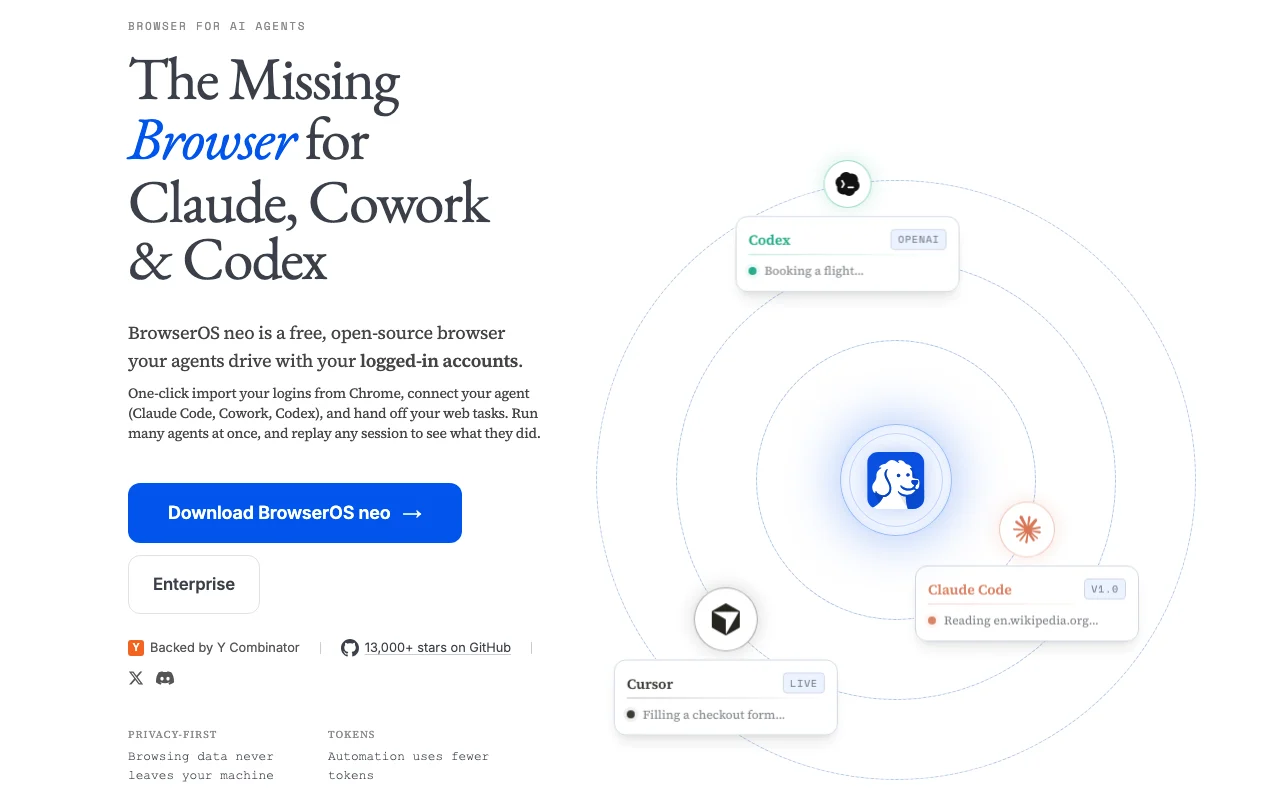
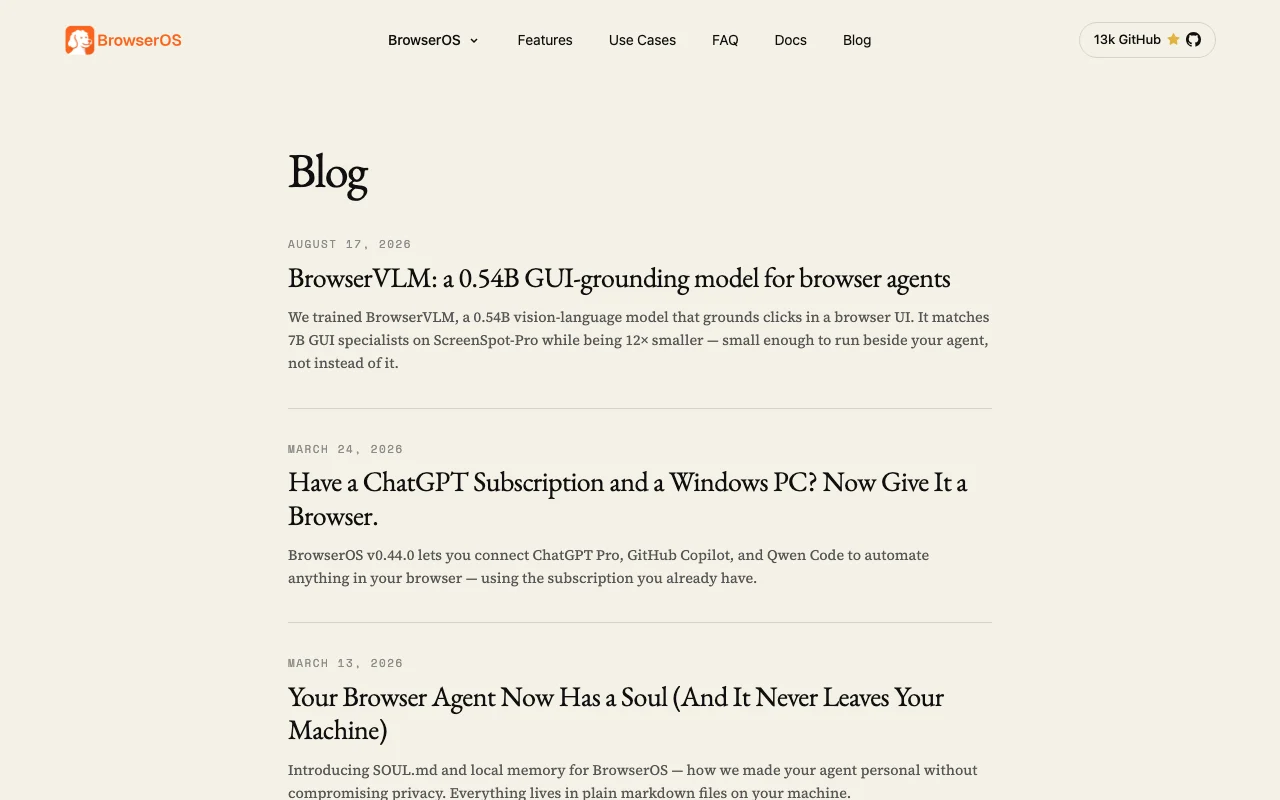
BrowserOS neo (formerly BrowserClaw)'s official site: how the product presents itself. browseros.com, captured Oct 1, 2026
What you provide and what you get back
What you give BrowserOS neo (formerly BrowserClaw) and what comes back, from its documentation
You provide
Chrome saved logins (imported once)
Browser prompts to agents via MCP
Ad agent commands: 'check my email', 'book a flight', 'unsubscribe from emails'
You get back
Agent browser sessions with full visibility and replay
Read-only page snapshots (token-efficient)
Session recordings saved to disk as video replays
Where you can use it
Platforms
Desktop (macOS, Windows), MCP (integrates with agents)
Account
Not required
Works offline
1
Where BrowserOS neo (formerly BrowserClaw) is most useful
Scenarios are worked out by our editors from the documentation; the actual result depends on your input and plan.
Letting a coding agent complete web tasks that need real logins
Who
Developers using Claude Code, Codex or Cursor
You provide
Agent prompt asking for a web task (e.g. 'check Gmail and summarize important emails')
Expected result
Agent logs in, completes the task, returns results; all actions visible in real-time and replay
Running several agent browser tasks in parallel
Who
Power users automating multiple workflows
You provide
Multiple agent prompts running simultaneously
Expected result
Each agent works in isolated tabs; new-tab dashboard shows all running agents; tasks complete independently
Auditing and replaying what an agent did
Who
Anyone verifying agent behavior for safety or debugging
You provide
Completed agent session
Expected result
Full-screen, scrubbable video replay of every action; rewind to spot where things went wrong
What BrowserOS neo (formerly BrowserClaw) does, and where it stops
One-click Chrome login import
Reads saved logins from Chrome and imports them into BrowserOS neo; no manual re-typing Agent can immediately log in to Gmail, GitHub, banking sites, etc. without credential entry
Access: First-time setup; import dialog on launchLimit: Only works if you have Chrome installed; requires permission to read Chrome data
MCP connection to Claude Code, Codex, Cursor, VS Code, Zed and others
One-click connection via MCP standard; no config files or CLI needed Agents can request browser actions from your IDE terminal or chat interface
Access: MCP install board on new-tab page; click Connect for each agentLimit: Requires the agent to support MCP; older tools not supported
Agent dashboard on the new-tab page
Shows every running agent: which site it's on, current task, step count, elapsed time Watch all agents in real-time; see progress at a glance
Access: New-tab page automatically; live updatingLimit: Dashboard is local only; no cloud sync or sharing
Parallel isolated agent tabs and session replay
Each agent works in its own set of tabs; tabs are grouped and isolated; sessions save as video replays Run Claude, Codex and Cursor on different tasks simultaneously without interference; review what happened later
Access: Automatic; no config neededLimit: Replays are local video files; no cloud backup
Pros, cons and deal-breakers
Where BrowserOS neo (formerly BrowserClaw) is strong
Completely free and open source (AGPL-3.0) No licensing cost; can be modified and redistributed under AGPL termsdocumented
All browsing data stays local Privacy and security benefit; nothing goes to BrowserOS serversdocumented
Works with any MCP-capable agent Supports Claude Code, Cursor, Codex, VS Code, Zed and future agentsdocumented
13,000+ GitHub stars and Y Combinator backing Active community and commercial validationdocumented
Limitations to check before paying
Desktop only: macOS and Windows; no Linux support mentioned Unsuitable for Linux-only developers or cloud-based workflowsdocumented
Requires your own AI agent and provider keys Must have Claude API key, OpenAI key, etc.; no bundled providerdocumented
Agents run signed in to your real accounts, which needs careful oversight High trust required; a buggy agent prompt could send emails or delete datadocumented
Enterprise offering not priced publicly Large teams must contact sales for custom termsdocumented
How to use BrowserOS neo (formerly BrowserClaw) for setting up an AI agent to browse the web with your logins
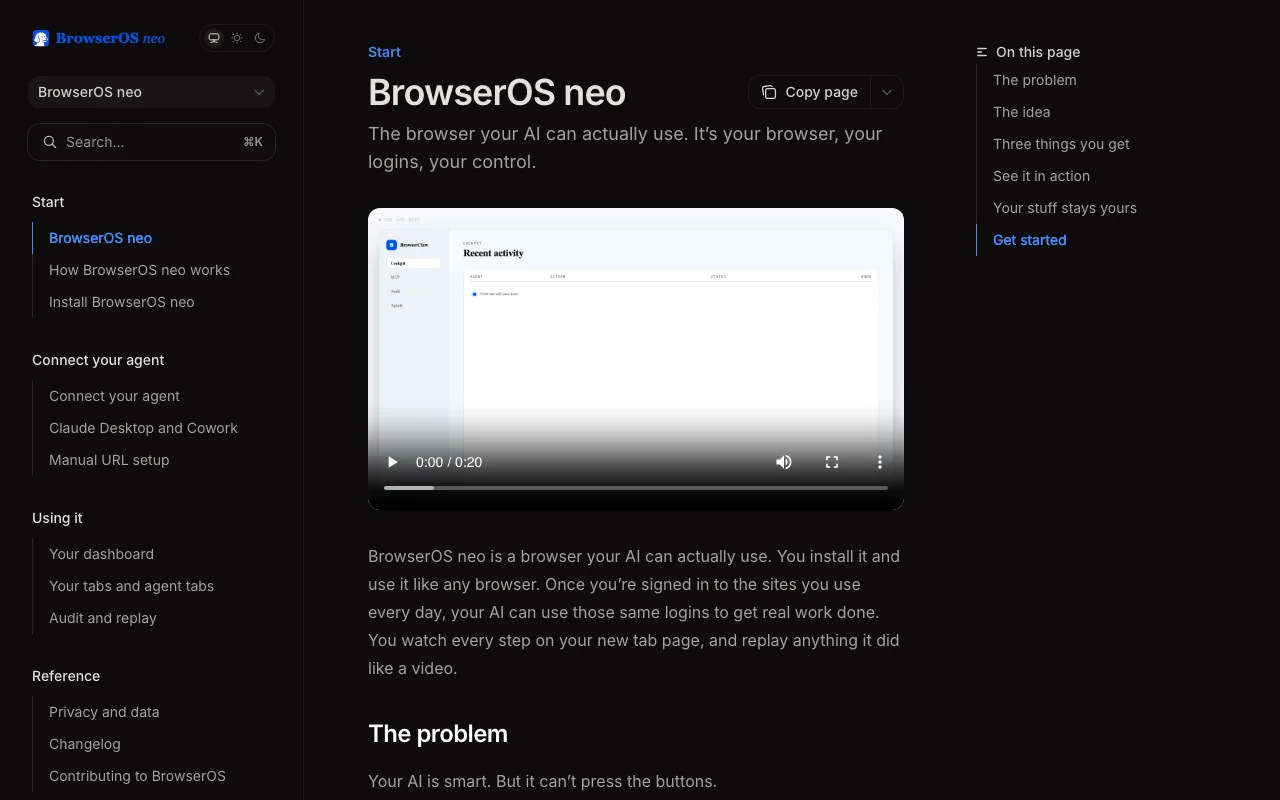
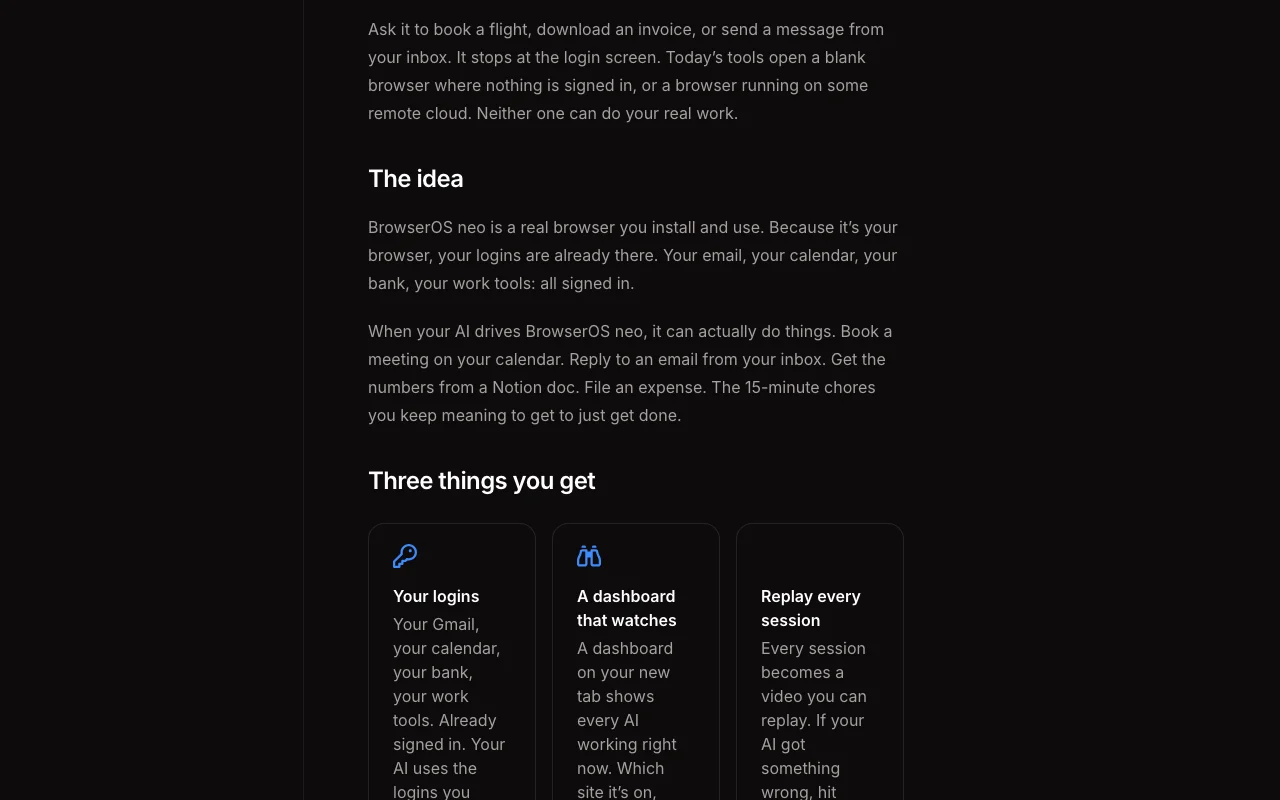
BrowserOS neo (formerly BrowserClaw) documentation: where the steps below come from. docs.browseros.com, captured Oct 1, 2026
Set up BrowserOS neo (formerly BrowserClaw)
Download BrowserOS neo for macOS or Windows from browseros.com
Launch the app; it automatically detects Claude Code, Cursor, and Codex installed locally
Click 'Connect' next to Claude Code (or your agent) on the MCP install board
BrowserOS neo imports your Chrome logins and is ready to go
Example: setting up an AI agent to browse the web with your logins
Open Claude Code (or your terminal) and ask: 'Check my Gmail and summarize the 5 most important emails'
Claude Code connects to BrowserOS neo; the agent opens a new tab and logs in to Gmail
Watch the agent click through emails in real-time on the BrowserOS neo dashboard
When done, Claude Code returns the summary to your terminal
Open the replay on the new-tab page to rewind and see exactly what the agent did
Review and export the result
Verify connection by checking the MCP board shows 'Connected' next to your agent
Test by asking the agent a simple web task: 'Open Wikipedia and search for AI'
Example prompt suggested by our editors (not a recorded output of the product)
Check my Gmail inbox, find emails from my manager, and summarize their action items.
BrowserOS neo (formerly BrowserClaw) integrations and API
Yes, completely free and open source under AGPL-3.0. You bring your own AI provider keys. source (opens in a new tab)
Is BrowserOS neo a cloud browser or does it run locally?
BrowserOS neo runs entirely on your own machine. It is not a cloud browser. Your logins, sessions, screenshots, and replays are local files. source (opens in a new tab)
Can I run two AIs at the same time?
Yes. Every agent gets its own set of tabs, tracked separately. Codex and Claude Code can each work on their own tasks at the same time without stepping on each other. source (opens in a new tab)
Can I replay what my AI did?
Yes. Every session is saved as a scrubbable video. Rewind, spot the moment things went sideways, and give the agent a better instruction next time. source (opens in a new tab)
Not verified: Linux support (not mentioned; appears desktop-only); Enterprise pricing and terms; Whether per-agent profile isolation is on the roadmap.
How we documented and maintain this page
Every fact about BrowserOS neo (formerly BrowserClaw) above comes from the 2 official pages listed here, last compared on Oct 1, 2026; we have not run BrowserOS neo (formerly BrowserClaw) ourselves, so it has no editorial score. How we check and re-check pages.
Article updated Oct 10, 2026; prices checked Oct 1, 2026. Outbound links to vendors are plain links; we do not earn commissions. How we review · Report an error