Free Web
Free source (opens in a new tab)
One-time
For: Trying it
Limits
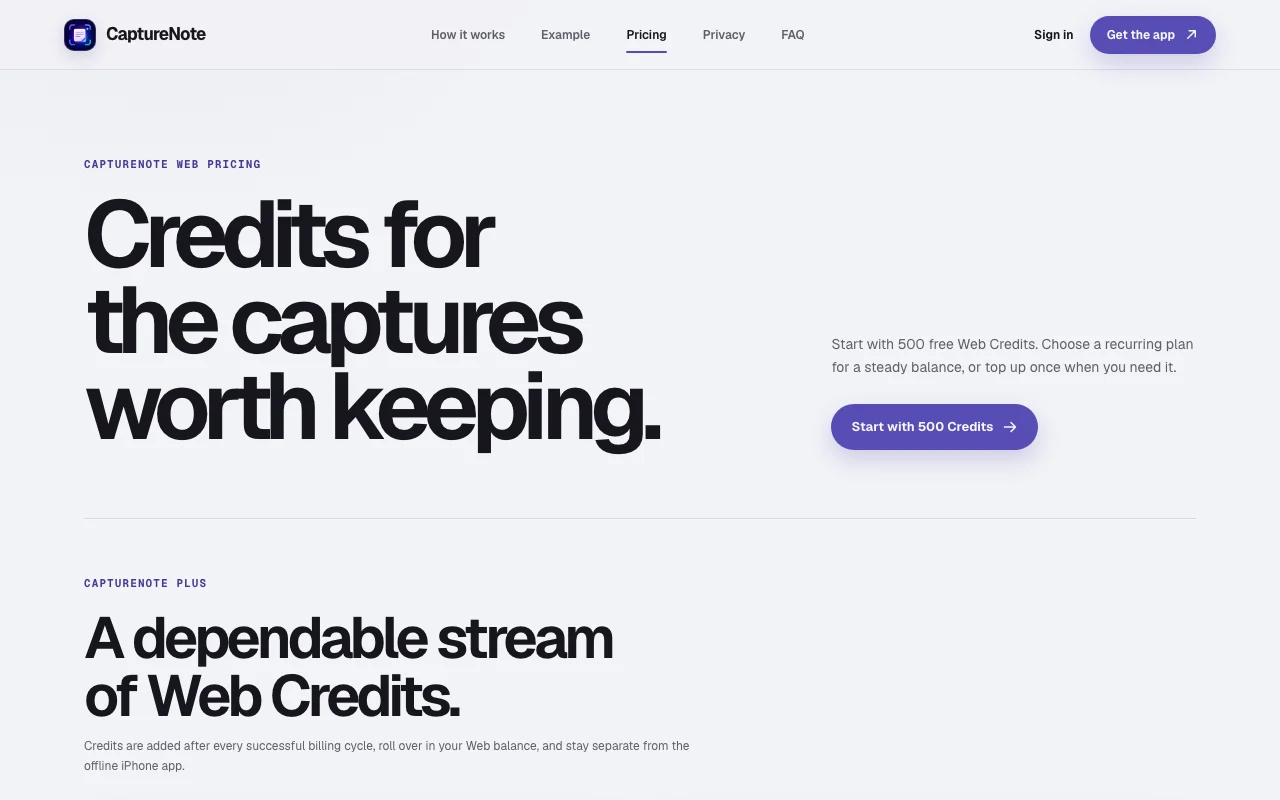
- 500 Web Credits to start
Includes
- Preview before sign-in
- Private Web library

Productivity & writingDocumented overviewLast checked Sep 29, 2026
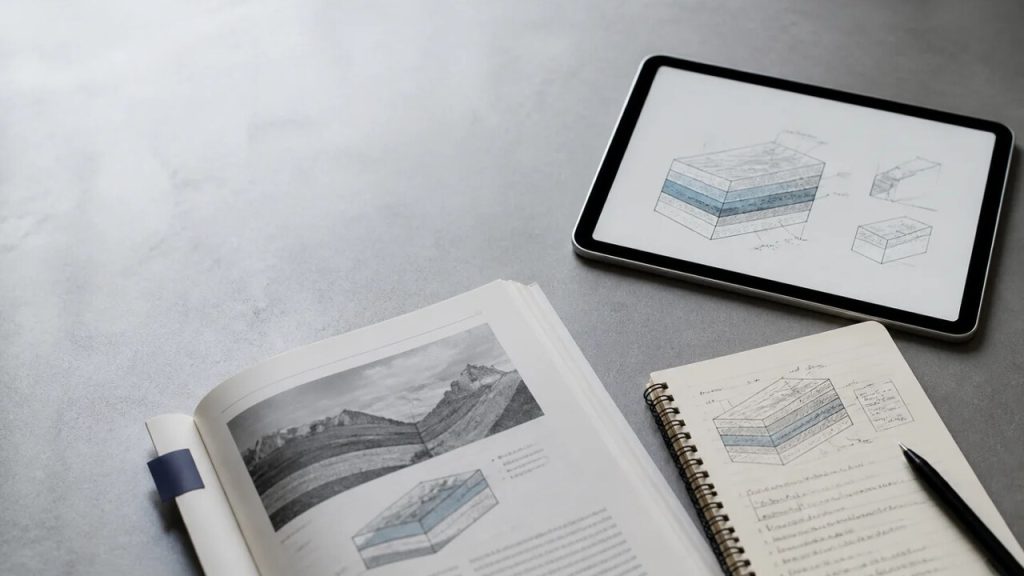
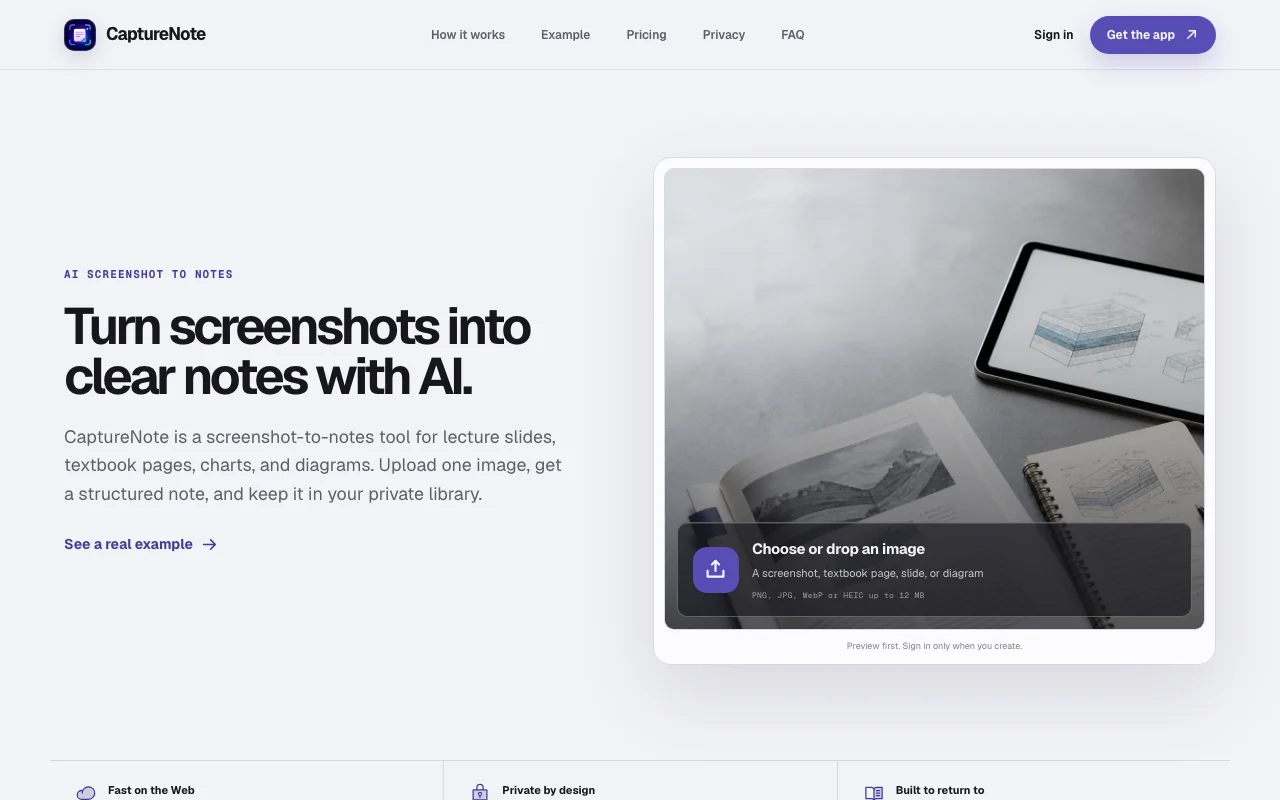
AI tool that turns screenshots of slides, textbook pages, charts and diagrams into structured, searchable notes.
 (open full size in a new tab)
 (open full size in a new tab)
 (open full size in a new tab)
 (open full size in a new tab)
 (open full size in a new tab)
Our take: Use CaptureNote if you keep screenshots of slides, textbook pages or diagrams and want them converted into structured, searchable notes instead of raw OCR text.
Main limitation: Web use is credit-metered and each image is limited to 12 MB, one image per note.
Use CaptureNote if you keep screenshots of slides, textbook pages or diagrams and want them converted into structured, searchable notes instead of raw OCR text. Based on the vendor's documentation, not on a hands-on test.
Also a good fit for
Or if
Prices checked Sep 29, 2026 on the official US pricing page. Official pricing ↗ Prices and limits change often.
500 free Web Credits to start.
None beyond free credits.
Free source (opens in a new tab)
One-time
For: Trying it
Limits
Includes
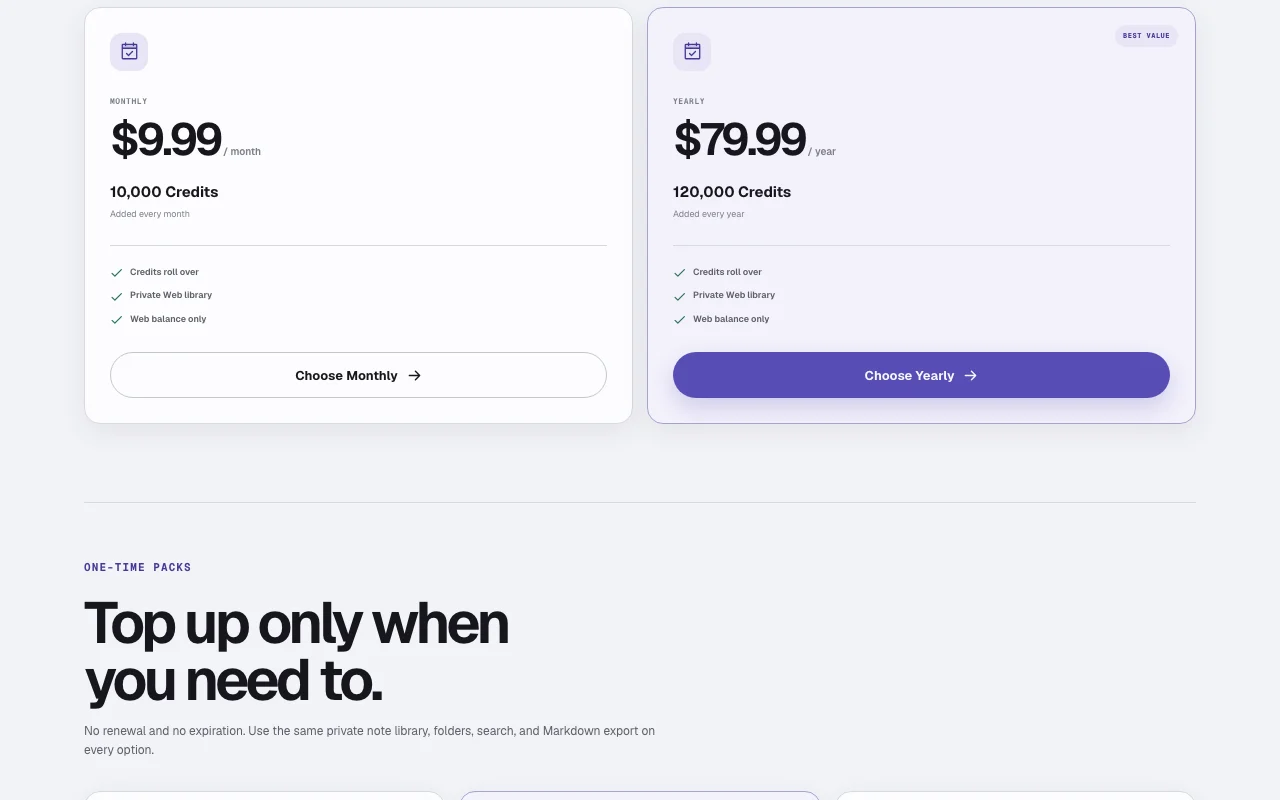
$9.99 source (opens in a new tab)
Monthly
For: Regular studying
Limits
Includes
$79.99 source (opens in a new tab)
Yearly, annual commitment
$79.99/year
For: Heavy users
Limits
Includes
$4.99 one-time source (opens in a new tab)
One-time
For: Occasional use
Limits
Includes
$9.99 one-time source (opens in a new tab)
One-time
For: Occasional use
Limits
Includes
$19.99 one-time source (opens in a new tab)
One-time
For: Bulk top-up
Limits
Includes
iPhone app is a separate one-time purchase; price not shown on the site.
Checkout, taxes and refunds handled through Creem.
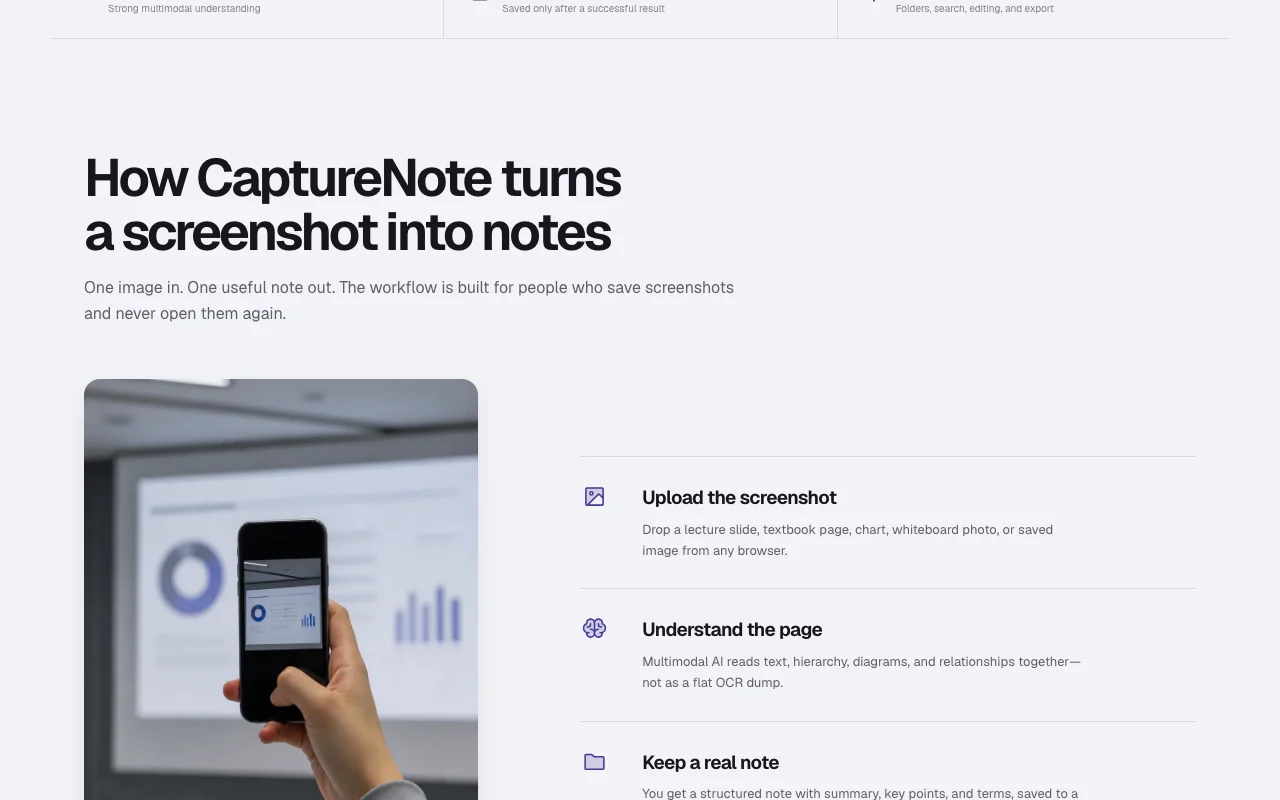
CaptureNote converts a single image (PNG, JPG, WebP or HEIC up to 12 MB) into a structured note with summary, key points and terms. Unlike plain OCR, its multimodal model reads headings, hierarchy, diagrams and relationships so the note preserves the structure of a lecture slide, textbook page, chart or whiteboard photo. Notes are saved to a private, account-scoped library with folders, search, editing and Markdown export. The Web version is credit-based: new users get 500 free Web Credits, with subscription or one-time top-up options. A separate iPhone app processes images locally, works with Shortcuts, needs no Web account and is sold as a one-time purchase; Web and iPhone purchases are separate.
You provide
You get back
Scenarios are worked out by our editors from the documentation; the actual result depends on your input and plan.
Reads text, hierarchy, diagrams and relationships together with a multimodal model. Notes keep the structure of the source.
Builds a note with summary, key points and terms. Fast review.
Saves notes to a private library with folders, search and editing. Organize by course or project.
Offers Markdown copy and download, plus a separate on-device iPhone app. Move notes out.
Export: Markdown
CaptureNote has no public API in its official documentation. No API documented; /docs unavailable.
Summarized from the vendor's current policies; this is not legal advice and a vendor's badge is not an independent audit.
Web notes are stored in a private account-scoped library; the iPhone app keeps content on device.
iPhone content stays until you delete it; Web retention not detailed in loaded text.
Policies: capturenote.io/privacy
"Better suited" is based on documented features and pricing, not on a head-to-head test.
| Alternative | When to choose it | Pricing | Limitation | |
|---|---|---|---|---|
| Notion AI | — | — | Compare | |
| Gemini Notebook (formerly NotebookLM) | — | — | ||
| ChatGPT | — | — | ||
| Otter.ai | — | — |
No user reviews yet.
Used CaptureNote? Be the first to share your experience.
500 Web Credits to start. source (opens in a new tab)
Credits roll over in your Web balance, and one-time packs have no expiration. source (opens in a new tab)
No, Web and iPhone purchases and balances are separate. source (opens in a new tab)
PNG, JPG, WebP or HEIC up to 12 MB, depending on browser. source (opens in a new tab)
The site says Google Analytics events never include your image, note text, search text, email or credit balance, and analytics are opt-in. source (opens in a new tab)
Not verified: Credits used per capture; iPhone app price; Web retention and training terms.
Every fact about CaptureNote above comes from the 3 official pages listed here, last compared on Sep 29, 2026; we have not run CaptureNote ourselves, so it has no editorial score. How we check and re-check pages.
Article updated Oct 10, 2026; prices checked Sep 29, 2026. Outbound links to vendors are plain links; we do not earn commissions. How we review · Report an error
compare>