Productivity & writingDocumented overviewLast checked Oct 1, 2026

Carly (formerly CalBot): Pricing, Features & Best Use Cases

AI assistant that handles email, calendar scheduling and workflows via CC, chat, SMS or Slack.

Who Carly (formerly CalBot) fits

Choose Carly if you want to delegate scheduling, email follow-ups and recurring admin to an assistant you CC or text, starting free or at $35/month for the full Personal plan. Based on the vendor's documentation, not on a hands-on test.

Best for: Busy professionals delegating scheduling

Also a good fit for

  • Teams automating email workflows

Consider another tool if usage is credit-based; Personal plan includes 200 credits/month, more costs extra

Or if

  • Free plan limited to 10 workflows
  • Organization plan priced per seat

Carly (formerly CalBot) pricing and usage limits

Prices checked Oct 1, 2026 on the official US pricing page. Official pricing ↗ Prices and limits change often.

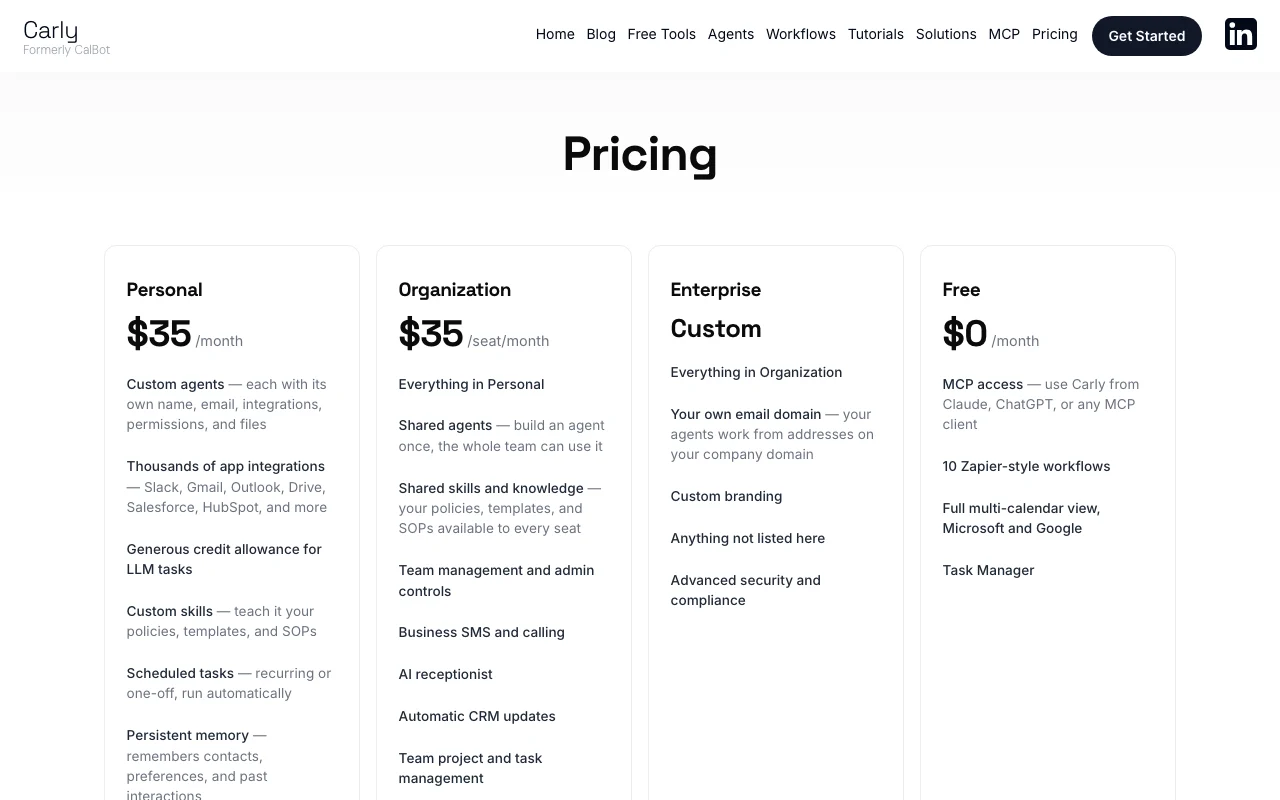
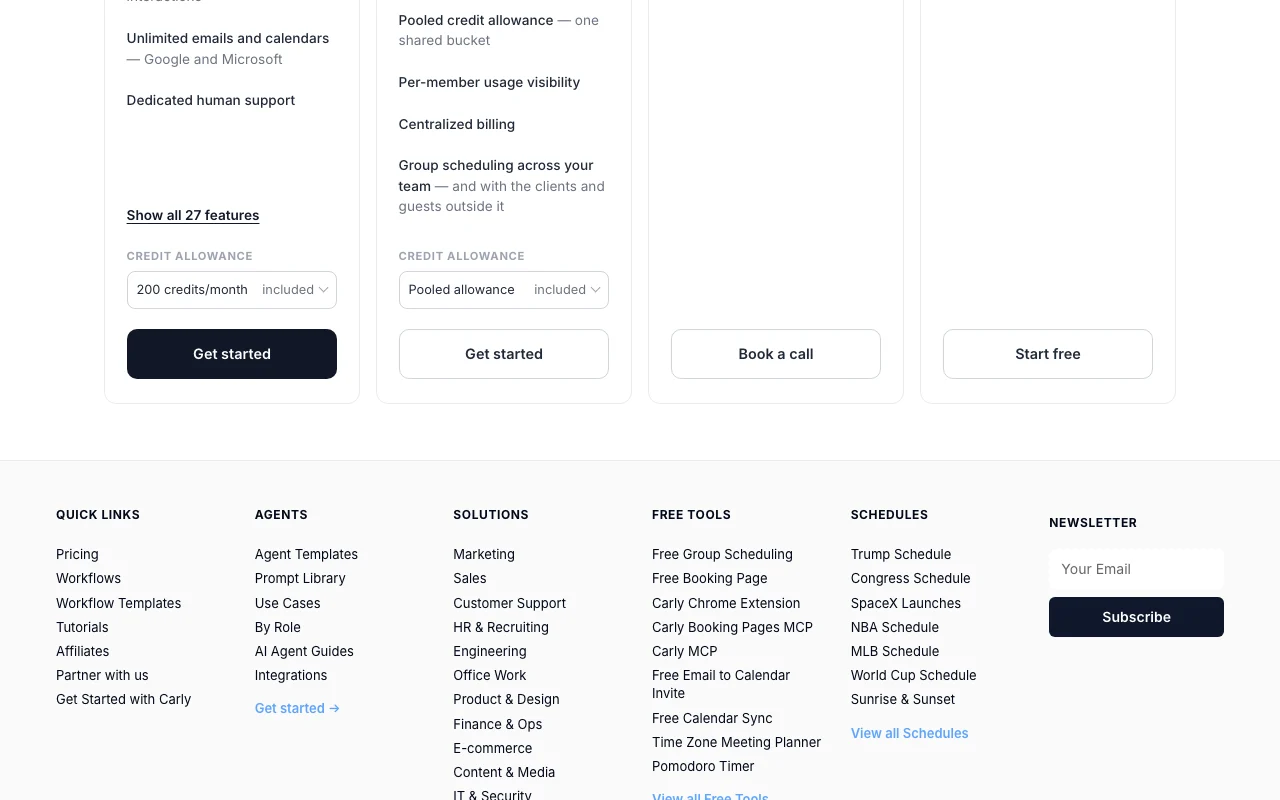
Carly (formerly CalBot) pricing page with plans and prices — screenshot of the productivity & writing AI tool, Oct 1, 2026
The official Carly (formerly CalBot) pricing page as we saw it. usecarly.com, captured Oct 1, 2026

Free access and trial conditions

Free plan at $0/month with MCP access and 10 workflows.

Paid plans: what changes as you upgrade

Free web

Free source (opens in a new tab)

Month

For: Trying MCP and basic scheduling

Limits

  • 10 workflows

Includes

  • MCP access from Claude or ChatGPT
  • Multi-calendar view
1 more
  • Task Manager

API included

Personal web

$35/mo per user source (opens in a new tab)

Month

For: Individuals delegating admin

Limits

  • 200 credits per month included

Includes

  • Custom agents
  • Thousands of integrations
2 more
  • Persistent memory
  • Group scheduling

Organization web

$35/mo per seat source (opens in a new tab)

Month

For: Teams

Limits

  • Pooled credit allowance

Includes

  • Shared agents and skills
  • Team admin controls
2 more
  • Business SMS and calling
  • Per-member usage

Enterprise sales

Custom pricing source (opens in a new tab)

For: Large organizations

Includes

  • Own email domain
  • Custom branding
1 more
  • Advanced security and compliance

Usage caps, credits and extra costs

Add-on credits: +$30/mo for 400 credits up to +$1,450/mo for 15,200; business SMS, calling and AI receptionist are Organization add-ons.

What is Carly (formerly CalBot), and how does it work?

Carly, formerly CalBot, is an AI assistant for email, calendar and workflows. You can delegate tasks by emailing or CCing it, and it handles scheduling, follow-ups and routine admin. The pricing page lists custom agents, app integrations, scheduled tasks, persistent memory, group scheduling and MCP access from Claude or ChatGPT, with credit-based usage.

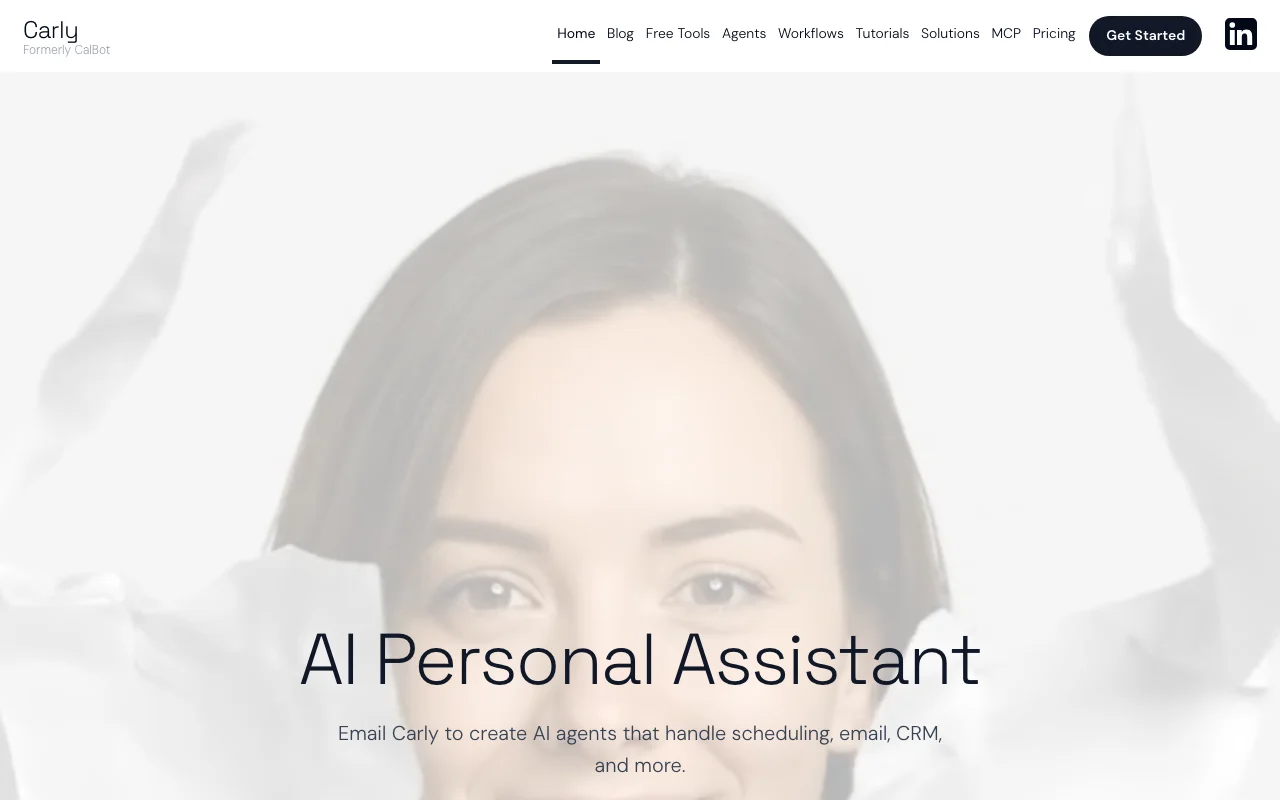
Carly (formerly CalBot) homepage — screenshot of the productivity & writing AI tool, Oct 1, 2026
Carly (formerly CalBot)'s official site: how the product presents itself. usecarly.com, captured Oct 1, 2026

What you provide and what you get back

How Carly (formerly CalBot) works: what you provide, where it runs and what you get backYOU PROVIDEYour inputEmails you CC or forward to CarlySMS, Slack or dashboard chat requ…Schedules from PDFs, screenshots…Connected Google or Microsoft cal…PRODUCTIVITY & WRITINGCarly (formerly CalBot)Webfrom $35/mo (Personal)free tier availableaccount requiredchecked Oct 1, 2026YOU GET BACKThe resultScheduled meetings with titles, l…Drafted and sent follow-upsDaily and weekly briefingsRecurring workflow resultsinput → Carly (formerly CalBot) → output · from the vendor's own pages, no hands-on test unless stated
What you give Carly (formerly CalBot) and what comes back, from its documentation

You provide

  • Emails you CC or forward to Carly
  • SMS, Slack or dashboard chat requests
  • Schedules from PDFs, screenshots or emails
  • Connected Google or Microsoft calendars

You get back

  • Scheduled meetings with titles, locations, video links and attendees
  • Drafted and sent follow-ups
  • Daily and weekly briefings
  • Recurring workflow results

Where you can use it

Platforms
Web
Account
Required
Channels
Email, SMS, Slack, dashboard chat
Calendars
Google and Microsoft
Languages
80+
Response time
Within two minutes, 24/7
Credit add-ons
+$30/mo for 400 credits up to +$1,450/mo for 15,200

What people use Carly (formerly CalBot) for

Scenarios are worked out by our editors from the documentation; the actual result depends on your input and plan.

Schedule meetings and group scheduling

Who
Founders and executives with busy calendars
You provide
A CC on a messy multi-person scheduling thread
Expected result
Meeting booked with time zones, video link and attendees
Plan needed
Personal
Limitation
Uses credits for LLM work source (opens in a new tab)

Delegate email follow-ups and outreach

Who
Sales and ops people chasing replies
You provide
A list of leads who have not replied
Expected result
Follow-ups and outreach sent and coordinated by Carly
Plan needed
Personal
Limitation
Credits beyond 200 per month cost extra source (opens in a new tab)

Build recurring workflows

Who
Teams with repeating admin
You provide
A request like send a reminder every Monday
Expected result
A scheduled task that runs automatically
Plan needed
Free allows 10 workflows
Limitation
Free caps workflows at 10 source (opens in a new tab)

What Carly (formerly CalBot) does, and where it stops

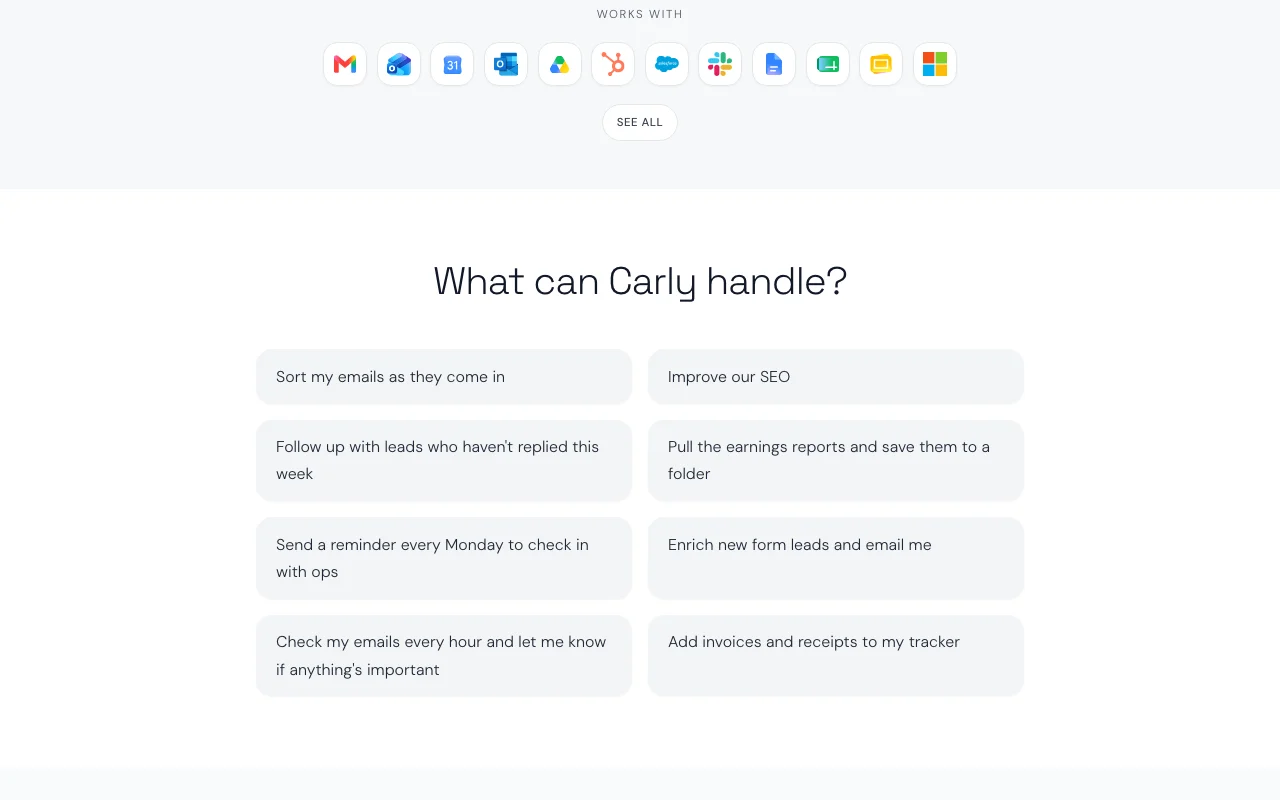
Carly (formerly CalBot) homepage — screenshot of the productivity & writing AI tool, Oct 1, 2026
Feature overview on the official site. usecarly.com, captured Oct 1, 2026

Custom agents with own email and permissions

Creates custom agents, each with its own name, email, integrations, permissions and files Separates roles such as scheduler and outreach

Access: Personal and aboveLimit: Pooled credit use across agents source (opens in a new tab)

Thousands of app integrations

Connects thousands of apps including Slack, Gmail, Outlook, Drive, Salesforce and HubSpot Lets agents act inside your existing tools

Access: Personal and aboveLimit: Each integration needs your authorization source (opens in a new tab)

Scheduled tasks and workflows

Runs scheduled tasks, recurring or one-off Automates routine admin without prompts

Access: Free has 10 workflows, Personal moreLimit: Workflows with LLM steps use credits source (opens in a new tab)

Persistent memory

Keeps persistent memory of contacts, preferences and past interactions Avoids repeating context

Access: Personal and aboveLimit: Memory scope not detailed source (opens in a new tab)

Carly (formerly CalBot) pros and cons

Where Carly (formerly CalBot) is strong

Limitations to check before paying

How to use Carly (formerly CalBot) for delegating scheduling and email follow-ups

Set up Carly (formerly CalBot)

  1. Sign up at usecarly.com and connect your Google or Microsoft calendar and email
  2. Choose the channel you will use: email CC, SMS, Slack or chat
  3. Set working hours, buffers and meeting rules in custom preferences

Example: delegating scheduling and email follow-ups

  1. CC Carly on an email thread where you need to find a meeting time
  2. Let Carly propose times and handle replies from attendees
  3. Ask in chat for a Monday reminder to check in with ops
  4. Open the dashboard to review created events and tasks

Review and export the result

  1. Confirm the event appears in your calendar with correct time zone and video link
  2. Check credits used in the dashboard after the task
Example prompt suggested by our editors (not a recorded output of the product)
Follow up with leads who haven't replied this week and tell me who answered

Carly (formerly CalBot) API

Carly (formerly CalBot) pricing page with plans and prices — screenshot of the productivity & writing AI tool, Oct 1, 2026
Plan comparison on the official pricing page. usecarly.com, captured Oct 1, 2026

API access and separate billing

Carly (formerly CalBot) has no public API in its official documentation. MCP access from Claude, ChatGPT or any MCP client; REST API not stated.

Privacy, data use and commercial rights

Summarized from the vendor's current policies; this is not legal advice and a vendor's badge is not an independent audit.

How your inputs and outputs are handled

Privacy page not available.

Controls for business users

  • Trusted contacts access management
  • Advanced security on Enterprise

Best Carly (formerly CalBot) alternatives for different needs

"Better suited" is based on documented features and pricing, not on a head-to-head test.

Zapier: better suited to

Make: better suited to

Microsoft Copilot: better suited to

ChatGPT: better suited to

Alternatives
AlternativeWhen to choose itPricingLimitation
Zapier——Compare
Make——Compare
Microsoft Copilot——
ChatGPT——

Explore Carly (formerly CalBot) further

Tools and guides near Carly (formerly CalBot)

Carly (formerly CalBot) user reviews

No user reviews yet.

Used Carly (formerly CalBot)? Be the first to share your experience.

Write a review

Reviews are checked by a moderator before they appear. Your email is never published. Plain text only.

Your rating (required)

Show what you made or what went wrong. Images are published only if the review is approved; location data is removed.

    Carly (formerly CalBot) FAQ

    How much does Carly cost?

    Free is $0, Personal is $35/month with 200 credits, Organization is $35 per seat per month, and Enterprise is custom. source (opens in a new tab)

    What are credits?

    Credits estimate how much work Carly does; more complex operations use more, and MCP tool calls and non-LLM workflow steps use none. source (opens in a new tab)

    Can I use Carly from Claude or ChatGPT?

    Yes. MCP access is included, even on the Free plan. source (opens in a new tab)

    How do I delegate to Carly?

    Email, CC or forward to it, text it by SMS, @mention it in Slack, or chat from the dashboard. source (opens in a new tab)

    What happened to CalBot?

    Carly was formerly called CalBot, per the site. source (opens in a new tab)

    Sources and review methodology

    Official sources and verification dates

    Not verified: Privacy policy (not available); Docs (not available); Free trial for paid plans; Data retention and training.

    How we documented and maintain this page

    Every fact about Carly (formerly CalBot) above comes from the 3 official pages listed here, last compared on Oct 1, 2026; we have not run Carly (formerly CalBot) ourselves, so it has no editorial score. How we check and re-check pages.

    Article updated Oct 10, 2026; prices checked Oct 1, 2026. Outbound links to vendors are plain links; we do not earn commissions. How we review · Report an error