Productivity & writingDocumented overviewLast checked Oct 2, 2026

Cellect AI: Pricing, Features & Best Use Cases

AI agent for construction and real estate developers covering underwriting, budgets, draws, payables and reconciliation.
Who should use Cellect AI

Cellect AI targets mid-size construction developers that want underwriting, draw tracking and bookkeeping automation connected to QuickBooks Online and AppFolio, with no public pricing. Based on the vendor's documentation, not on a hands-on test.

Best for: Mid-size real estate developers

Also a good fit for

  • Construction finance teams

Consider another tool if no pricing published

Or if

  • Contact-based onboarding
  • Requires login to app

Cellect AI pricing and usage limits

Prices checked Oct 2, 2026 on the official US pricing page. Prices and limits change often.

Free access and trial conditions

Not stated on the fetched pages

Not stated on the fetched pages

Paid plans: what changes as you upgrade

Cellect AI Direct

See official pricing source (opens in a new tab)

Month, annual commitment

For: Mid-size construction developers

Limits

  • Pricing not published

Includes

  • Fund, build and book workflows

Usage caps, credits and extra costs

Not stated; the pricing page returned HTTP 404

Not stated on the fetched pages

What is Cellect AI, and how does it work?

Cellect AI is an AI agent for mid-size construction developers. It is organized around three areas: fund (underwriting, financing, investor portal), build (zoning, budget, RFIs, loan draws) and book (payables, reconciliation, statements, tax). It connects to QuickBooks Online, AppFolio, Microsoft 365, Google Workspace and Slack, and extracts invoices from email and classifies bank transactions.

Cellect AI homepage — screenshot of the productivity & writing AI tool, Oct 2, 2026
Cellect AI's official site: how the product presents itself. cellect.ai, captured Oct 2, 2026

What you provide and what you get back

How Cellect AI works: what you provide, where it runs and what you get backYOU PROVIDEYour inputInvoices from email and SharePointBank feed transactionsProject budgets and draw requestsPRODUCTIVITY & WRITINGCellect AIWebprice not publishedno free tieraccount requiredchecked Oct 2, 2026YOU GET BACKThe resultExtracted invoicesClassified transactionsBank reconciliations and financia…input → Cellect AI → output · from the vendor's own pages, no hands-on test unless stated
What you give Cellect AI and what comes back, from its documentation

You provide

  • Invoices from email and SharePoint
  • Bank feed transactions
  • Project budgets and draw requests

You get back

  • Extracted invoices
  • Classified transactions
  • Bank reconciliations and financial statements

Where you can use it

Platforms
Web
Account
Required
Workflows
Fund, build, book source (opens in a new tab)
Accounting system
QuickBooks Online source (opens in a new tab)
Investor data
AppFolio source (opens in a new tab)
Intake
Email, SharePoint, Slack source (opens in a new tab)

Best use cases for Cellect AI

Scenarios are worked out by our editors from the documentation; the actual result depends on your input and plan.
Proforma underwriting

Who
Real estate developers
You provide
Project assumptions and financing terms
Expected result
Proforma underwriting and financing models
Plan needed
Not published
Limitation
Pricing and plan scope are not stated source (opens in a new tab)

Loan draw tracking

Who
Construction finance teams
You provide
Budgets, schedules and lender draw requests
Expected result
Draw tracking against the project budget
Plan needed
Not published
Limitation
Pricing and plan scope are not stated source (opens in a new tab)

Invoice extraction

Who
Accounting staff
You provide
Invoices arriving by email or in SharePoint
Expected result
Extracted invoice data ready for payables
Plan needed
Not published
Limitation
Pricing and plan scope are not stated source (opens in a new tab)

What Cellect AI does, and where it stops

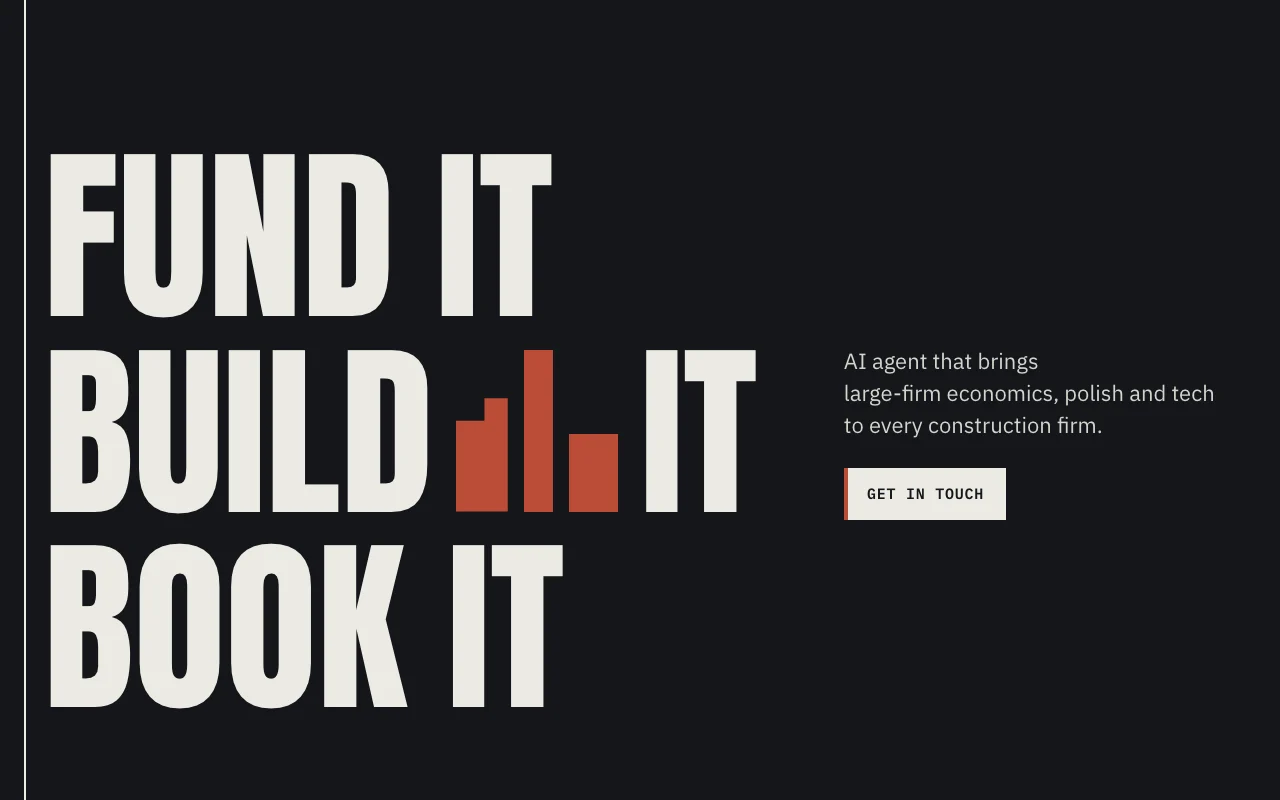
Cellect AI homepage — screenshot of the productivity & writing AI tool, Oct 2, 2026
Feature overview on the official site. cellect.ai, captured Oct 2, 2026

Invoice extraction

Reads invoices from email and SharePoint and pulls out their fields. Cuts manual entry for payables.

Access: Contact the company to get accessLimit: Accuracy and supported invoice formats are not stated. source (opens in a new tab)

Transaction classification

Sorts bank transactions into accounts automatically. Keeps the books current in the background.

Access: Contact the company to get accessLimit: Accounting rules covered are not detailed. source (opens in a new tab)

Bank reconciliations

Matches bank activity to the books in QuickBooks Online. Shortens month-end close.

Access: Works with QuickBooks Online as system of recordLimit: Other accounting systems are not listed. source (opens in a new tab)

Slack and email intake

Accepts invoices and questions through Slack and email. Lets staff work from tools they already use.

Access: Slack and Microsoft 365 or Google Workspace connectionsLimit: Channel setup details are not stated. source (opens in a new tab)

Cellect AI: strengths and limits

Where Cellect AI is strong

Limitations to check before paying

How to use Cellect AI for reconciling a month of invoices

Set up Cellect AI

  1. Contact Cellect through the Get in touch form
  2. Connect QuickBooks Online as the system of record
  3. Connect Microsoft 365 or Google Workspace for email intake
  4. Link the bank feed and Slack

Example: reconciling a month of invoices

  1. Forward a vendor invoice to the intake address
  2. Review the extracted fields
  3. Approve the classified bank transactions
  4. Run the bank reconciliation

Review and export the result

  1. Compare extracted totals against the original invoice
  2. Confirm the entries appear in QuickBooks Online

Privacy, data use and commercial rights

Summarized from the vendor's current policies; this is not legal advice and a vendor's badge is not an independent audit.

How your inputs and outputs are handled

Account, payment and content data (spreadsheets, data, formulas, comments) are collected to run the service

Cellect states it does not train its own AI models on customer data; third-party AI providers are used under commercial API terms

Not stated on the fetched pages

Commercial use and plan restrictions

Not stated on the fetched pages

Not stated on the fetched pages

Controls for business users

  • Trust Center linked from the site

Policies: cellect.ai/privacy

Best Cellect AI alternatives for different needs

"Better suited" is based on documented features and pricing, not on a head-to-head test.

Zapier: better suited to

Alternatives
AlternativeWhen to choose itPricingLimitation
Zapier——Compare

Explore Cellect AI further

Related to Cellect AI

Cellect AI user reviews

No user reviews yet.

Used Cellect AI? Be the first to share your experience.

Write a review

Reviews are checked by a moderator before they appear. Your email is never published. Plain text only.

Your rating (required)

Show what you made or what went wrong. Images are published only if the review is approved; location data is removed.

    Cellect AI FAQ

    Which systems does Cellect AI integrate with?

    It lists QuickBooks Online, AppFolio, Microsoft 365, Google Workspace and Slack. source (opens in a new tab)

    Does Cellect AI train models on customer data?

    Its privacy policy says it does not train its own AI models on customer data and uses third-party providers under commercial API terms. source (opens in a new tab)

    Does Cellect AI publish pricing?

    No, the /pricing page returned HTTP 404 and the site directs visitors to Get in touch. source (opens in a new tab)

    What areas does Cellect AI cover?

    Three: fund (underwriting, financing, investor portal), build (zoning, budget, RFIs, loan draws) and book (payables, reconciliation, statements, tax). source (opens in a new tab)

    Sources and review methodology

    Official sources and verification dates

    Not verified: Pricing page returned HTTP 404; no prices published; Docs page returned HTTP 404; API availability not stated; Data retention not stated.

    How we documented and maintain this page

    Every fact about Cellect AI above comes from the 3 official pages listed here, last compared on Oct 2, 2026; we have not run Cellect AI ourselves, so it has no editorial score. How we check and re-check pages.

    Article updated Oct 2, 2026; prices checked Oct 2, 2026. Outbound links to vendors are plain links; we do not earn commissions. How we review · Report an error