Productivity & writingDocumented overviewLast checked Oct 1, 2026

Kowabunga: Pricing, Features & Best Use Cases

Dashboard for managing, orchestrating and chatting with AI agents from OpenClaw, Hermes and other platforms.

Who Kowabunga fits

Kowabunga suits people already running OpenClaw or Hermes agents who want one dashboard, command bar and chat channels to manage them, with hosting only from $20 per month. Based on the vendor's documentation, not on a hands-on test.

Best for: Users running OpenClaw or Hermes agents

Also a good fit for

  • Small teams wanting one agent control panel

Consider another tool if hosting requires Pro at $20/mo (5 hosted agents, 15 tasks/month)

Or if

  • Own model API costs are separate
  • Built on OpenClaw and tied to its ecosystem

Kowabunga pricing and usage limits

Prices checked Oct 1, 2026 on the official US pricing page. Official pricing ↗ Prices and limits change often.

Free access and trial conditions

Free forever for dashboarding, no credit card

Paid plans: what changes as you upgrade

Free web

Free source (opens in a new tab)

Monthly

For: Managing agents hosted elsewhere

Limits

  • Unlimited agent imports
  • Own API keys

Includes

  • Full dashboard and command bar
  • All messaging channels
1 more
  • Marketplace access

Pro web

$20 source (opens in a new tab)

Monthly

For: Hosting a few agents

Limits

  • 5 hosted agents 24/7
  • 15 tasks per month
1 more
  • 3 active workflows

Includes

  • Wallet and DeFi skills
  • Everything in Free

Team web

$50 source (opens in a new tab)

Monthly

For: Teams sharing agents

Limits

  • 20 hosted agents (+5 per seat)
  • Unlimited tasks and workflows

Includes

  • Shared dashboards and admin
  • SSO and audit log

Usage caps, credits and extra costs

Your own model API costs are separate; extra Team seats $15

Not stated

What is Kowabunga, and how does it work?

Kowabunga is a web dashboard that acts as mission control for AI agents. Users import agents from OpenClaw or other platforms, build workflows in a visual editor or in plain English, and talk to agents through Telegram, Discord, Slack and other channels. Users bring their own Claude, GPT or Gemini API keys, and Kowabunga charges only for hosting. Hosted agents run as OpenClaw instances on managed infrastructure per the docs.

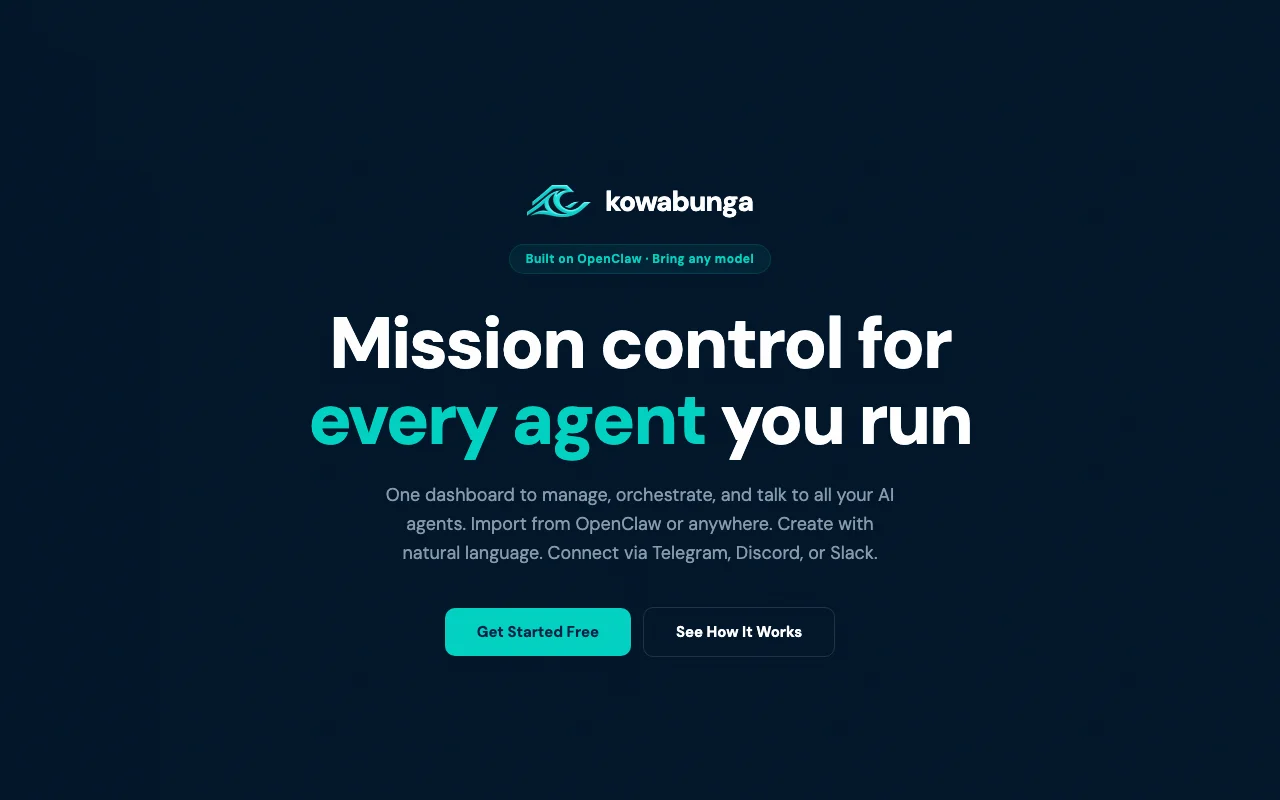
Kowabunga homepage — screenshot of the productivity & writing AI tool, Oct 2, 2026
Kowabunga's official site: how the product presents itself. kowabunga.ai, captured Oct 2, 2026

What you provide and what you get back

How Kowabunga works: what you provide, where it runs and what you get backYOU PROVIDEYour inputExisting agents imported by URLYour own Claude, GPT or Gemini AP…Plain-English workflow descriptio…PRODUCTIVITY & WRITINGKowabungaWebfrom $20 (Pro)free tier availableaccount requiredchecked Oct 1, 2026YOU GET BACKThe resultManaged agents and workflowsMessages via Telegram, Discord, S…Hosted 24/7 agent runs (Pro)input → Kowabunga → output · from the vendor's own pages, no hands-on test unless stated
What you give Kowabunga and what comes back, from its documentation

You provide

  • Existing agents imported by URL
  • Your own Claude, GPT or Gemini API keys
  • Plain-English workflow descriptions

You get back

  • Managed agents and workflows
  • Messages via Telegram, Discord, Slack and more
  • Hosted 24/7 agent runs (Pro)

Where you can use it

Platforms
Web
Account
Required
Imports
OpenClaw, Hermes, own server source (opens in a new tab)
Models
Claude, GPT, Gemini via your keys source (opens in a new tab)
Channels
Telegram, Discord, Slack, WhatsApp, iMessage, SMS source (opens in a new tab)
Skills
100+ in marketplace source (opens in a new tab)
Hosting
Pro 5 agents, Team 20 agents source (opens in a new tab)

Where Kowabunga is most useful

Scenarios are worked out by our editors from the documentation; the actual result depends on your input and plan.
Manage several imported agents in one dashboard

Who
Agent operators
You provide
Agent URLs from OpenClaw or other platforms
Expected result
Single view with status and a command bar
Plan needed
Free
Limitation
Agents are not hosted on Free source (opens in a new tab)

Build agent workflows visually

Who
Automation builders
You provide
Plain-English description or graph editor
Expected result
Chained agents, skills and tasks
Plan needed
Pro (3 active workflows)
Limitation
Active workflows capped on Pro source (opens in a new tab)

Control agents through Telegram or Slack

Who
Mobile-first operators
You provide
Chat commands
Expected result
Two-way control and alerts
Plan needed
Free
Limitation
Channel setup needed source (opens in a new tab)

Kowabunga features and their limits

Kowabunga homepage — screenshot of the productivity & writing AI tool, Oct 2, 2026
Feature overview on the official site. kowabunga.ai, captured Oct 2, 2026

Command bar

One input to archive agents, connect channels, check status or create workflows Faster than navigating menus

Access: All plans, also via TelegramLimit: Command coverage not documented source (opens in a new tab)

Visual workflow builder

Chains agents, skills and tasks in a graph, or from plain English No-code orchestration

Access: All plans; 3 active workflows on ProLimit: Workflow caps by plan source (opens in a new tab)

Skill marketplace (100+ skills)

Installs data feeds, wallet integrations and analysis tools in one tap Extends agents quickly

Access: Free includes marketplace accessLimit: Wallet and DeFi skills need Pro source (opens in a new tab)

Import from OpenClaw and Hermes

Imports agents running elsewhere using a URL Manage existing fleets

Access: All plansLimit: Tied to OpenClaw ecosystem source (opens in a new tab)

Kowabunga pros and cons

Reasons to choose Kowabunga

Check before paying for Kowabunga

How to use Kowabunga for importing and managing an AI agent from one dashboard

Set up Kowabunga

  1. Sign up free at kowabunga.ai (no credit card)
  2. Add your Claude, GPT or Gemini API key
  3. Connect a channel such as Telegram

Example: importing and managing an AI agent from one dashboard

  1. Import an OpenClaw agent using its URL
  2. Describe a workflow in plain English
  3. Review the visual graph
  4. Message the agent from Telegram

Review and export the result

  1. Check agent status in the command bar
  2. Confirm the channel receives the agent's reply
Example prompt suggested by our editors (not a recorded output of the product)
Create a workflow that checks my wallet balance each morning and messages me on Telegram.

Kowabunga API

API access and separate billing

Kowabunga has no public API in its official documentation. Docs mention an API; docs page was not available in the fetch

Kowabunga alternatives by need

"Better suited" is based on documented features and pricing, not on a head-to-head test.

Zapier: better suited to

Make: better suited to

n8n: better suited to

Alternatives
AlternativeWhen to choose itPricingLimitation
Zapier——Compare
Make——Compare
n8n——Compare

Explore Kowabunga further

If you are looking at Kowabunga

Kowabunga user reviews

No user reviews yet.

Used Kowabunga? Be the first to share your experience.

Write a review

Reviews are checked by a moderator before they appear. Your email is never published. Plain text only.

Your rating (required)

Show what you made or what went wrong. Images are published only if the review is approved; location data is removed.

    Kowabunga FAQ

    Is Kowabunga free?

    Yes, the Free tier has the full dashboard, command bar and unlimited imports; hosting needs Pro. source (opens in a new tab)

    Who pays for AI model usage?

    You do; you bring your own Claude, GPT or Gemini keys and Kowabunga charges only for hosting. source (opens in a new tab)

    What does Pro include?

    $20 per month for 5 hosted agents running 24/7, 15 tasks per month, 3 active workflows and wallet/DeFi skills. source (opens in a new tab)

    How are Team seats priced?

    $50 per month includes 3 seats, then $15 per extra seat. source (opens in a new tab)

    Which agents can I import?

    Agents from OpenClaw, Hermes or another platform or your own server. source (opens in a new tab)

    Sources and review methodology

    Official sources and verification dates

    Not verified: Privacy policy; Documentation; Data retention; Hosting regions; Page not available: https://kowabunga.ai/privacy; Page not available: https://kowabunga.ai/docs.

    How we documented and maintain this page

    Every fact about Kowabunga above comes from the 3 official pages listed here, last compared on Oct 1, 2026; we have not run Kowabunga ourselves, so it has no editorial score. How we check and re-check pages.

    Article updated Oct 2, 2026; prices checked Oct 1, 2026. Outbound links to vendors are plain links; we do not earn commissions. How we review · Report an error