Productivity & writingDocumented overviewLast checked Oct 1, 2026

Lapu AI: Pricing, Features & Best Use Cases

Desktop AI agent for macOS and Windows that works across your apps and files to automate tasks.

Who Lapu AI fits

Lapu AI suits Mac and Windows users who want a desktop agent that plans multi-step tasks across apps, files and the terminal, with a card-free free tier and local-first file handling. Based on the vendor's documentation, not on a hands-on test.

Best for: Desktop workflow automation

Also a good fit for

  • Teams automating repetitive tasks

Consider another tool if higher usage requires paid plans

Or if

  • Annual billing shown in EUR
  • Desktop only, no mobile app stated

Lapu AI pricing and usage limits

Prices checked Oct 1, 2026 on the official US pricing page. Official pricing ↗ Prices and limits change often.

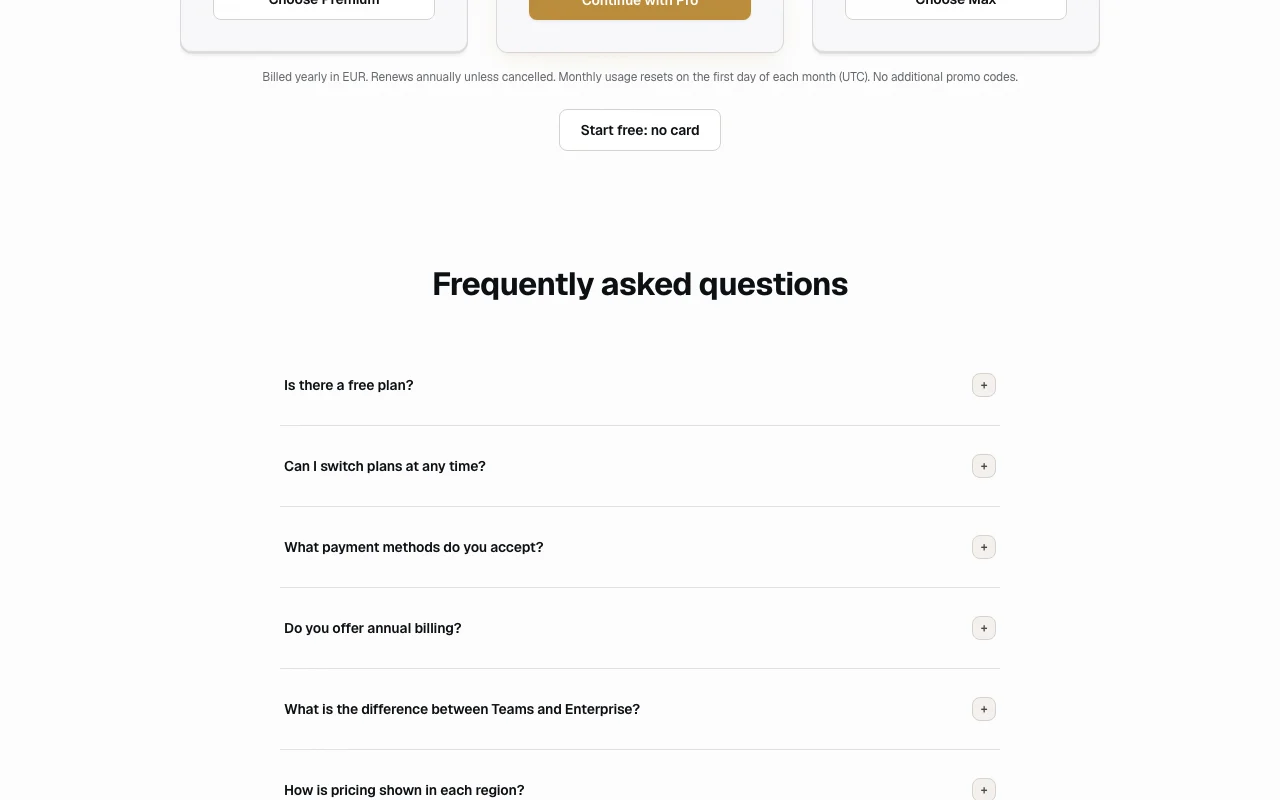
Lapu AI pricing page with plans and prices — screenshot of the productivity & writing AI tool, Oct 1, 2026
The official Lapu AI pricing page as we saw it. lapu.ai, captured Oct 1, 2026

Free access and trial conditions

Free plan with core capabilities, no card.

None beyond Free.

Paid plans: what changes as you upgrade

Free web

Free source (opens in a new tab)

Month

For: Trying the agent

Limits

  • Core agent capabilities
  • Limited usage

Includes

  • No credit card required

Premium web

$20/mo source (opens in a new tab)

Month

EUR 192/year (EUR 16/month) billed yearly

For: Regular users

Limits

  • Base usage

Includes

  • Workflow scheduling
  • Priority execution
1 more
  • Email support

Pro web

$60/mo source (opens in a new tab)

Month

EUR 576/year

For: Daily power users

Limits

  • 5x Premium usage

Includes

  • Advanced workflows
  • Faster support

Max web

$100/mo source (opens in a new tab)

Month

EUR 960/year

For: Maximum headroom

Limits

  • 12x Premium usage

Includes

  • Highest-priority execution
  • Dedicated support

Teams sales

Custom pricing source (opens in a new tab)

Unknown

For: Teams

Limits

  • Shared usage pool

Includes

  • Unlimited seats
  • Management console
1 more
  • Central billing

Usage caps, credits and extra costs

Not stated.

Not stated.

What is Lapu AI, and how does it work?

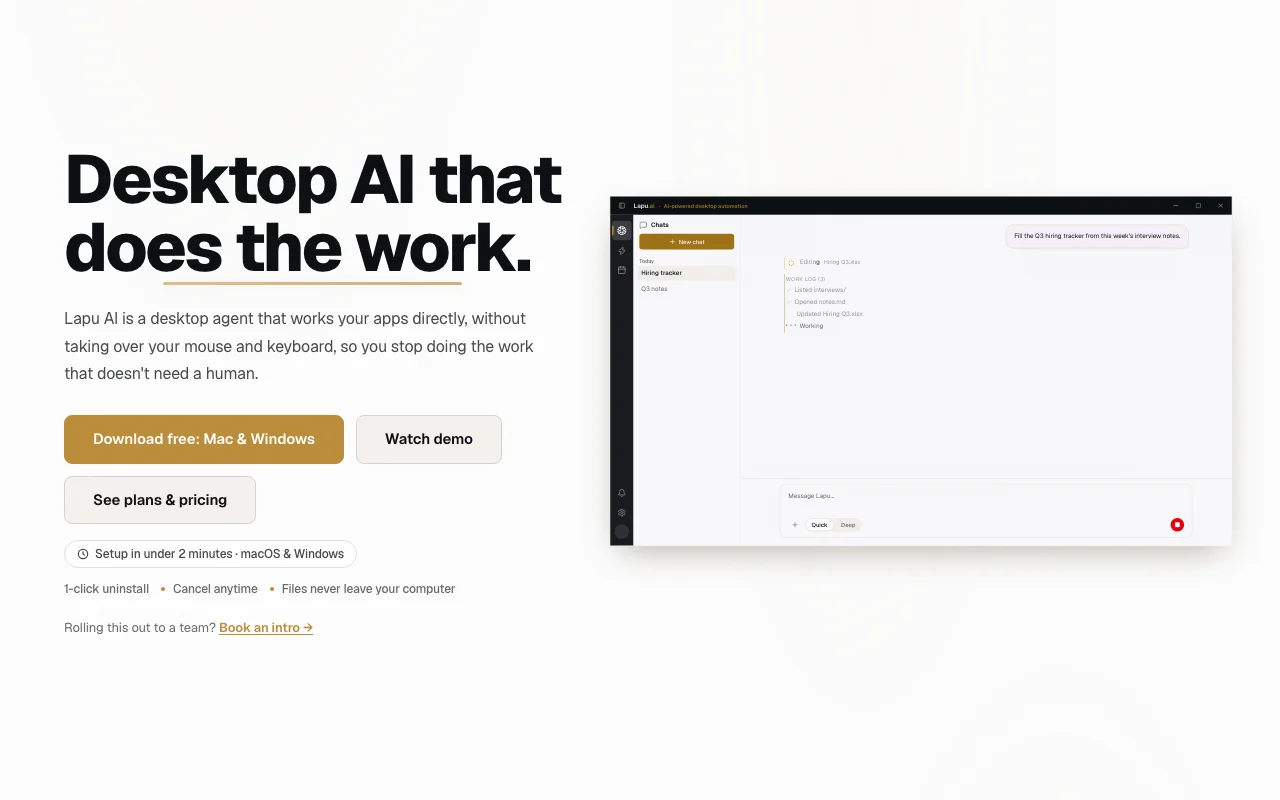
Lapu AI is a native desktop agent for macOS and Windows that plans multi-step tasks and operates apps, files and the terminal on the user's machine. It has a free tier and paid Premium, Pro and Max plans with higher usage, plus custom Teams and Enterprise options.

Lapu AI homepage — screenshot of the productivity & writing AI tool, Oct 1, 2026
Lapu AI's official site: how the product presents itself. lapu.ai, captured Oct 1, 2026

What you provide and what you get back

How Lapu AI works: what you provide, where it runs and what you get backYOU PROVIDEYour inputChat instructionsLocal files and foldersDesktop app and terminal contextPRODUCTIVITY & WRITINGLapu AIDesktopfrom $20/mo (Premium)free tier availableaccount requiredchecked Oct 1, 2026YOU GET BACKThe resultCompleted multi-step tasksOrganized filesScheduled workflowsinput → Lapu AI → output · from the vendor's own pages, no hands-on test unless stated
What you give Lapu AI and what comes back, from its documentation

You provide

  • Chat instructions
  • Local files and folders
  • Desktop app and terminal context

You get back

  • Completed multi-step tasks
  • Organized files
  • Scheduled workflows

Where you can use it

Platforms
Desktop
Account
Required
OS
macOS, Windows (privacy policy also lists Linux)
Usage tiers
Premium 1x, Pro 5x, Max 12x
Annual billing
EUR, 20% off
Controller
LAPU.AI P.S.A., Krakow, Poland

Best use cases for Lapu AI

Scenarios are worked out by our editors from the documentation; the actual result depends on your input and plan.

Cross-app workflows

Who
Knowledge workers with repetitive desktop chores
You provide
A plain-language task spanning several apps
Expected result
The agent operates the apps and returns the finished result
Plan needed
Free to start; Premium for more usage
Limitation
Usage is metered monthly source (opens in a new tab)

File organizing and search

Who
Anyone with messy folders
You provide
Folder of files
Expected result
Files sorted, renamed and searchable
Plan needed
Free or paid
Limitation
Acts on your real files, so review before running source (opens in a new tab)

Running terminal commands

Who
Developers and power users
You provide
Commands described in words
Expected result
Terminal commands planned and run on the machine
Plan needed
Pro for daily use
Limitation
Runs locally with real system access source (opens in a new tab)

Lapu AI features and their limits

Lapu AI homepage — screenshot of the productivity & writing AI tool, Oct 1, 2026
Feature overview on the official site. lapu.ai, captured Oct 1, 2026

Desktop agent chat

Chat with a desktop agent that plans and carries out multi-step tasks Replaces manual clicking across apps

Access: All plansLimit: Usage-limited on Free source (opens in a new tab)

Floating mini chat

Opens a floating mini chat over any app Gives quick access without switching windows

Access: Desktop appLimit: Desktop only source (opens in a new tab)

Workflows editor

Edits workflows the agent can repeat Reuses a successful run

Access: Advanced workflows on ProLimit: Advanced workflows start at Pro source (opens in a new tab)

Lapu AI pros and cons

Reasons to choose Lapu AI

Check before paying for Lapu AI

How to use Lapu AI for organizing a messy downloads folder with a desktop agent

Set up Lapu AI

  1. Download Lapu AI for macOS or Windows from lapu.ai
  2. Install the app and sign in
  3. Grant the file and accessibility permissions it asks for
  4. Open the chat window

Example: organizing a messy downloads folder with a desktop agent

  1. Describe how you want files grouped
  2. Review the plan the agent proposes
  3. Approve and let it run
  4. Open the floating mini chat for a follow-up fix

Review and export the result

  1. Open the folder and spot-check moved files
  2. Check usage remaining for the month
Example prompt suggested by our editors (not a recorded output of the product)
Sort my Downloads folder into subfolders by file type and year, and list anything you were unsure about.

Lapu AI API

Lapu AI pricing page with plans and prices — screenshot of the productivity & writing AI tool, Oct 1, 2026
Plan comparison on the official pricing page. lapu.ai, captured Oct 1, 2026

API access and separate billing

Lapu AI has no public API in its official documentation. None mentioned

Privacy, data use and commercial rights

Summarized from the vendor's current policies; this is not legal advice and a vendor's badge is not an independent audit.

How your inputs and outputs are handled

Files stay on the device; prompts you send are transiently routed through Lapu to the selected AI provider.

Not stated in excerpt.

Chat context routed transiently and not stored (per policy summary).

Commercial use and plan restrictions

Not stated.

Enterprise adds advanced security controls.

Controls for business users

  • SSO/SAML
  • Custom SLA
  • Advanced security controls

Policies: lapu.ai/privacy

Best Lapu AI alternatives for different needs

"Better suited" is based on documented features and pricing, not on a head-to-head test.

Zapier: better suited to

Make: better suited to

Microsoft Copilot: better suited to

Alternatives
AlternativeWhen to choose itPricingLimitation
Zapier——Compare
Make——Compare
Microsoft Copilot——

Explore Lapu AI further

If you are looking at Lapu AI

Lapu AI user reviews

No user reviews yet.

Used Lapu AI? Be the first to share your experience.

Write a review

Reviews are checked by a moderator before they appear. Your email is never published. Plain text only.

Your rating (required)

Show what you made or what went wrong. Images are published only if the review is approved; location data is removed.

    Lapu AI FAQ

    Is Lapu AI free?

    Yes, the Free plan gives core agent capabilities with no credit card; paid tiers add usage. source (opens in a new tab)

    What do paid plans cost?

    Premium $20, Pro $60 (5x usage) and Max $100 (12x usage) per month; annual is billed in EUR at 20% off. source (opens in a new tab)

    Where do my files go?

    The policy describes a local-first design where files stay on your device by default. source (opens in a new tab)

    What is the difference between Teams and Enterprise?

    Both share usage with unlimited seats; Enterprise adds SSO/SAML, SLA, a dedicated manager and custom deployment. source (opens in a new tab)

    When does usage reset?

    On the first day of each month (UTC). source (opens in a new tab)

    Sources and review methodology

    Official sources and verification dates

    Not verified: Free tier usage numbers; Docs; US availability.

    How we documented and maintain this page

    Every fact about Lapu AI above comes from the 3 official pages listed here, last compared on Oct 1, 2026; we have not run Lapu AI ourselves, so it has no editorial score. How we check and re-check pages.

    Article updated Oct 10, 2026; prices checked Oct 1, 2026. Outbound links to vendors are plain links; we do not earn commissions. How we review · Report an error