Productivity & writingDocumented overviewLast checked Oct 2, 2026

LaunchBay: Pricing, Features & Best Use Cases

Client onboarding and portal software with built-in AI agents for agencies, consultants and implementation teams.
Who should use LaunchBay

LaunchBay is a fit for agencies, consultants and implementation teams that want branded client portals and onboarding automation, priced per team member. Based on the vendor's documentation, not on a hands-on test.

Best for: Agencies

Also a good fit for

  • Consultants
  • B2B SaaS implementation teams

Consider another tool if priced per team member

Or if

  • White-labeling is on higher plans
  • Premium tier requires 3 team members

LaunchBay pricing and usage limits

Prices checked Oct 2, 2026 on the official US pricing page. Official pricing ↗ Prices and limits change often.

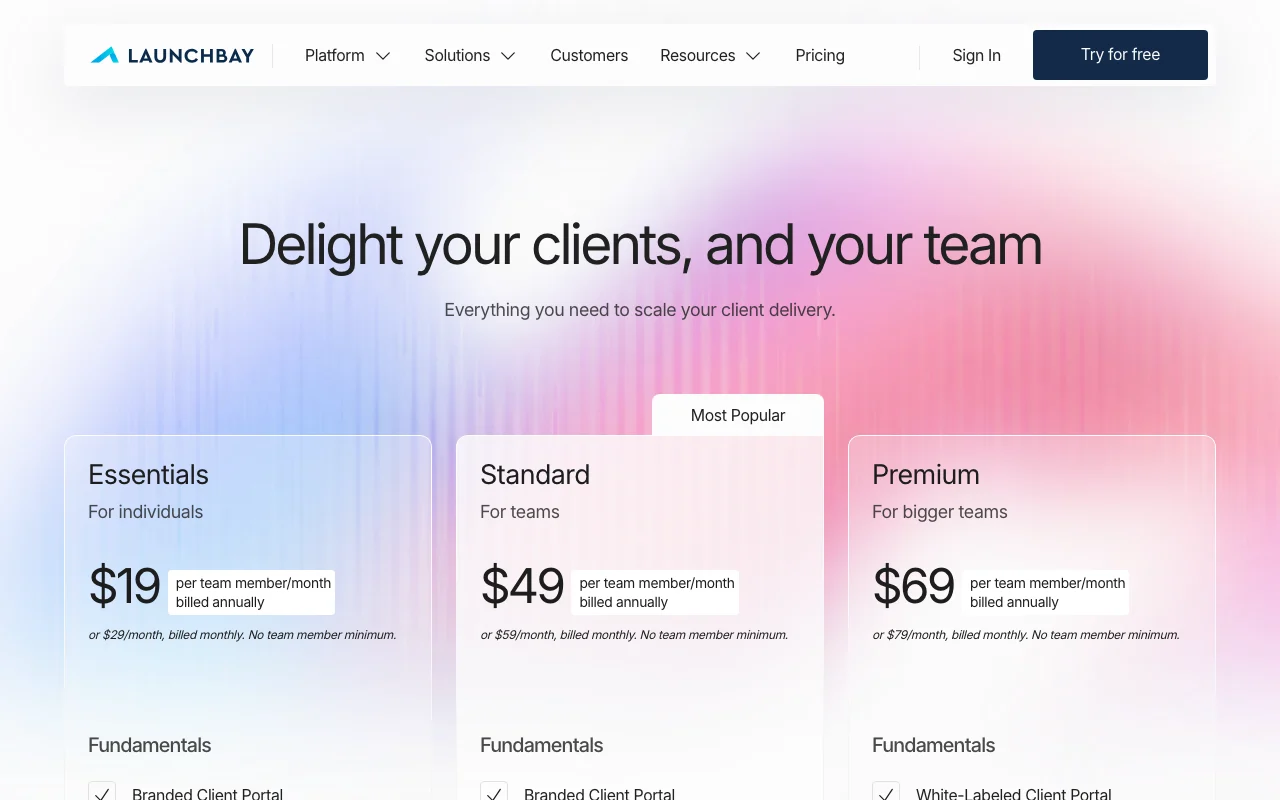
LaunchBay pricing page with plans and prices — screenshot of the productivity & writing AI tool, Oct 2, 2026
The official LaunchBay pricing page as we saw it. launchbay.com, captured Oct 2, 2026

Free access and trial conditions

Try for free option.

Available.

Paid plans: what changes as you upgrade

Essentials web

$29 per team member per month, billed monthly source (opens in a new tab)

Monthly

$19 per member per month billed annually.

For: Individuals

Limits

  • 5 contracts/month

Standard web

$59 per team member per month, billed monthly source (opens in a new tab)

Monthly

$49 per member per month billed annually.

For: Teams

Limits

  • 20 contracts/month

Premium web

$79 per team member per month, billed monthly source (opens in a new tab)

Monthly

$69 per member per month billed annually; 3 members required on one set.

For: Bigger teams

Limits

  • 40 contracts/month

Includes

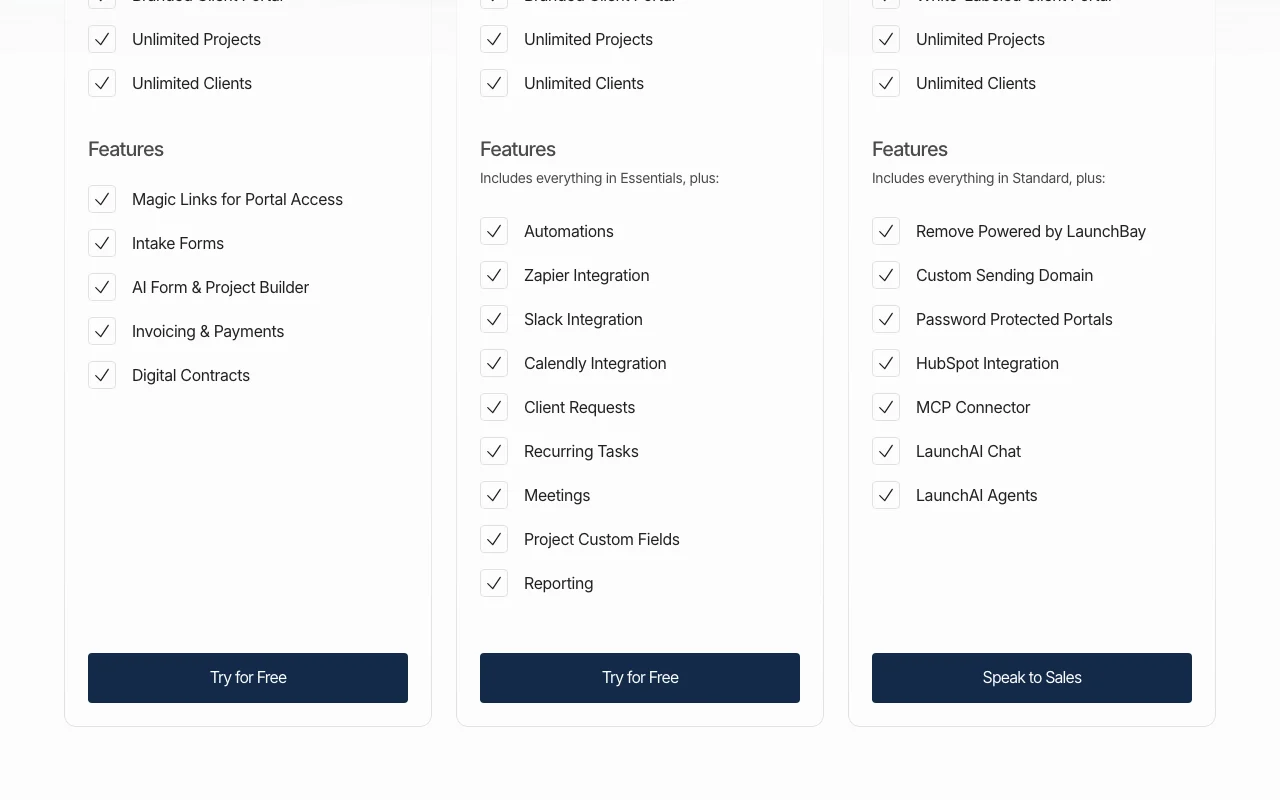
  • LaunchAI chat and agents
  • MCP connector

Usage caps, credits and extra costs

Implementation services via sales.

Not stated.

What is LaunchBay, and how does it work?

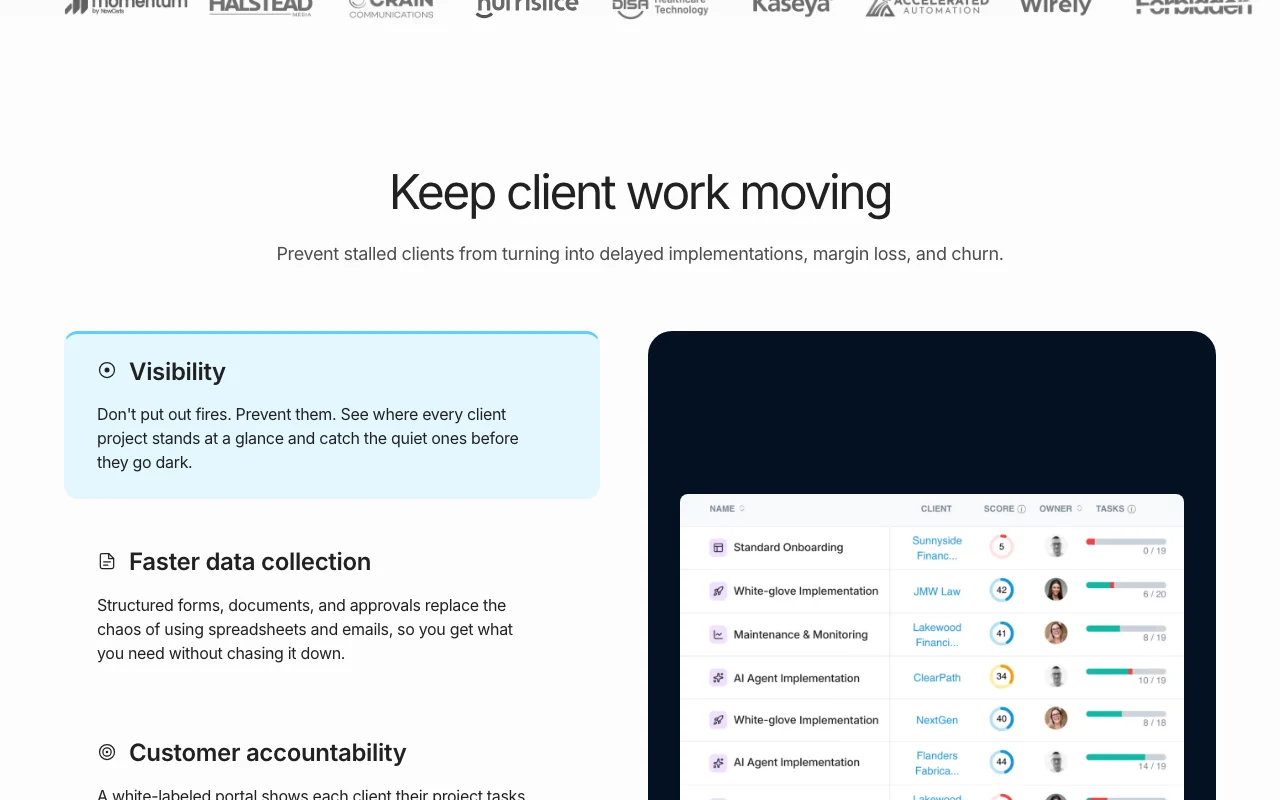
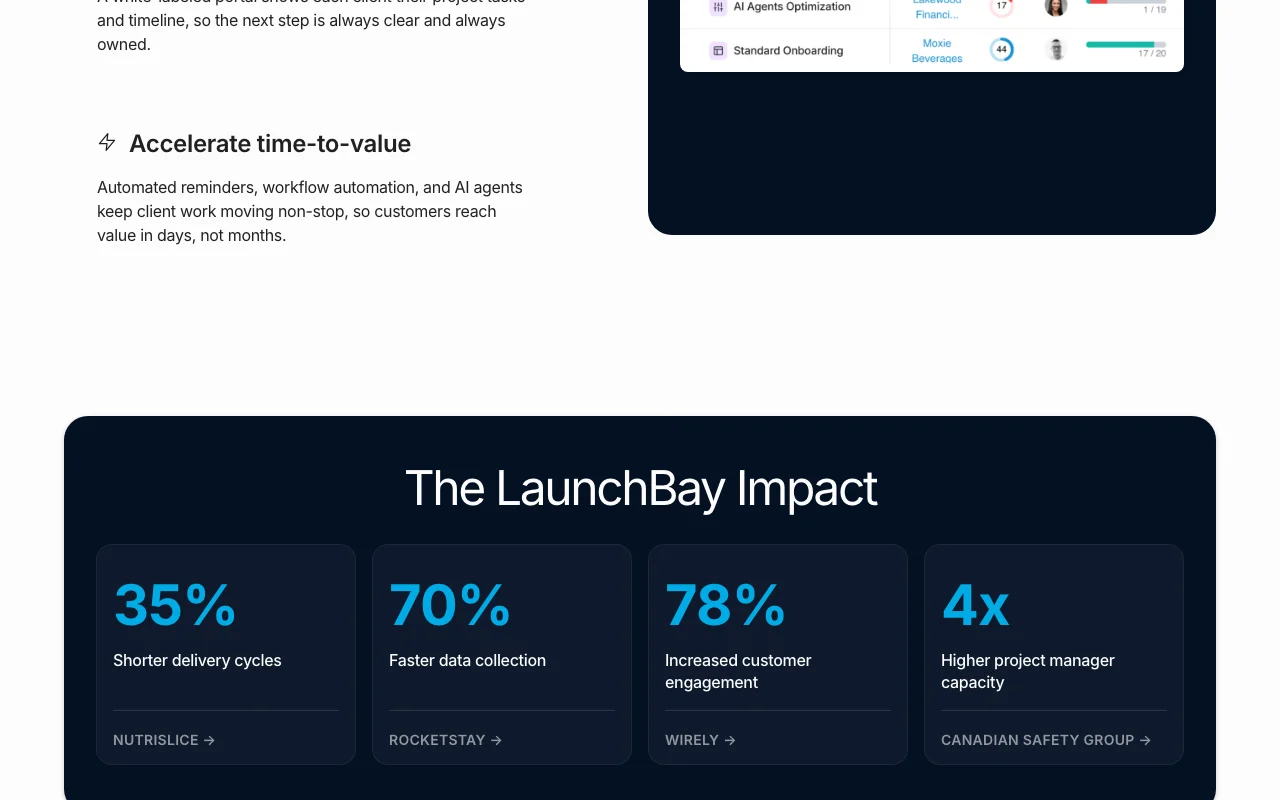
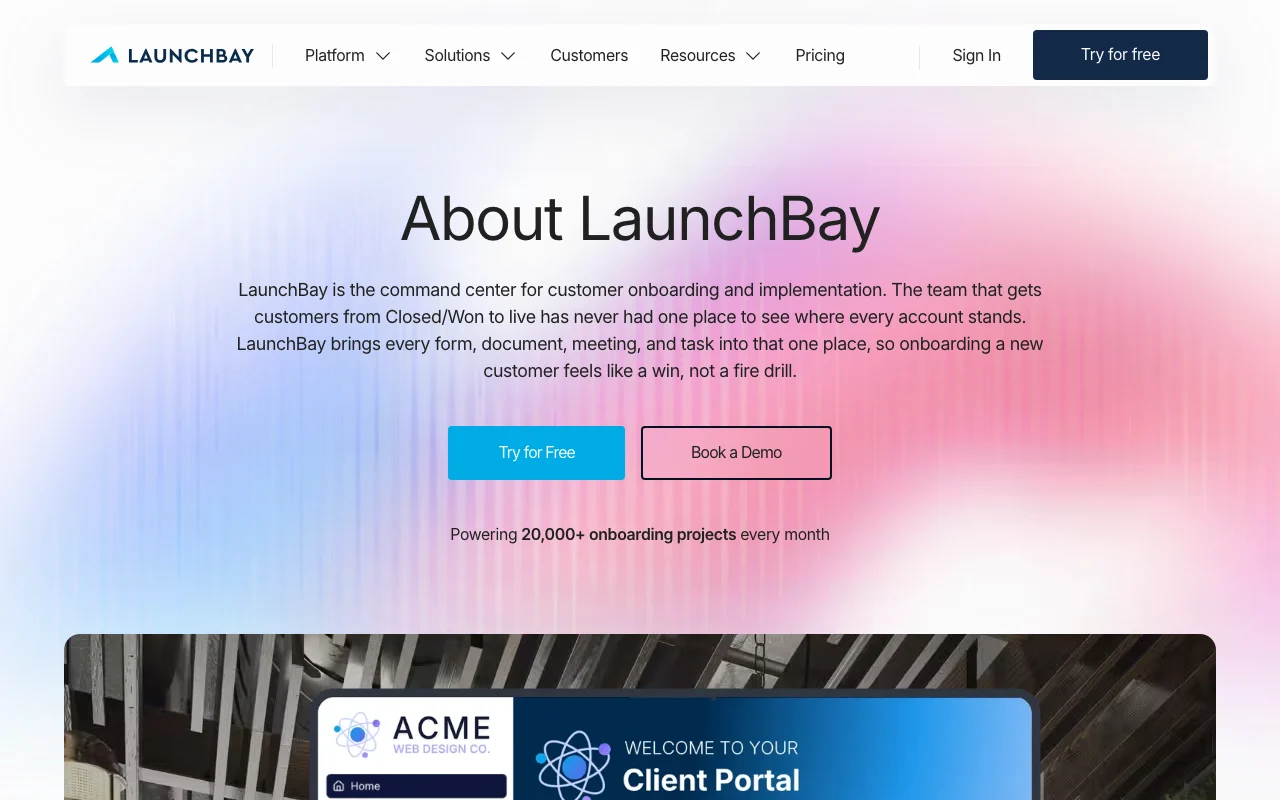
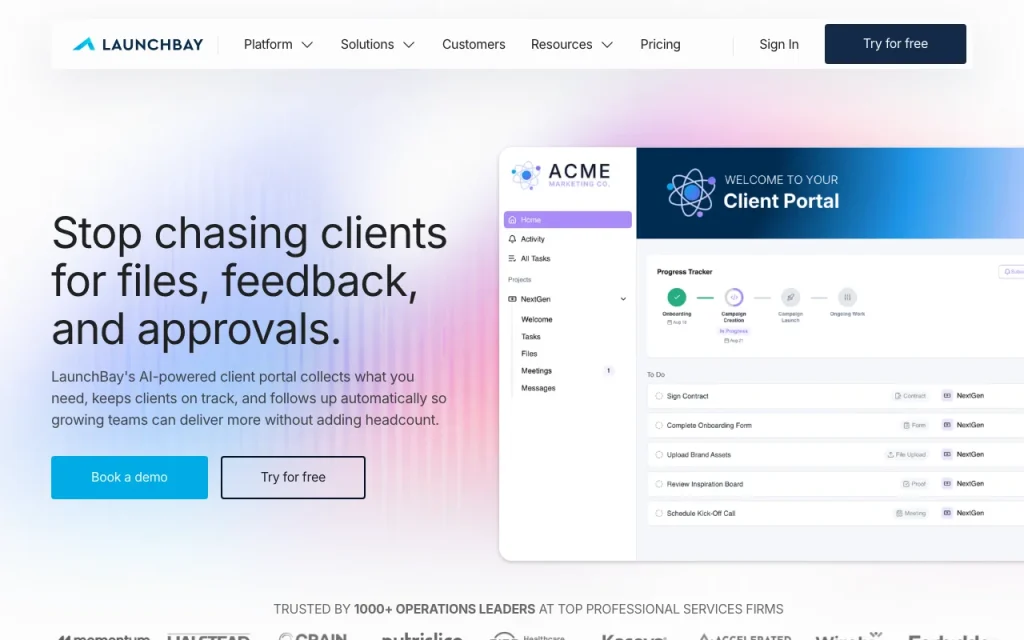
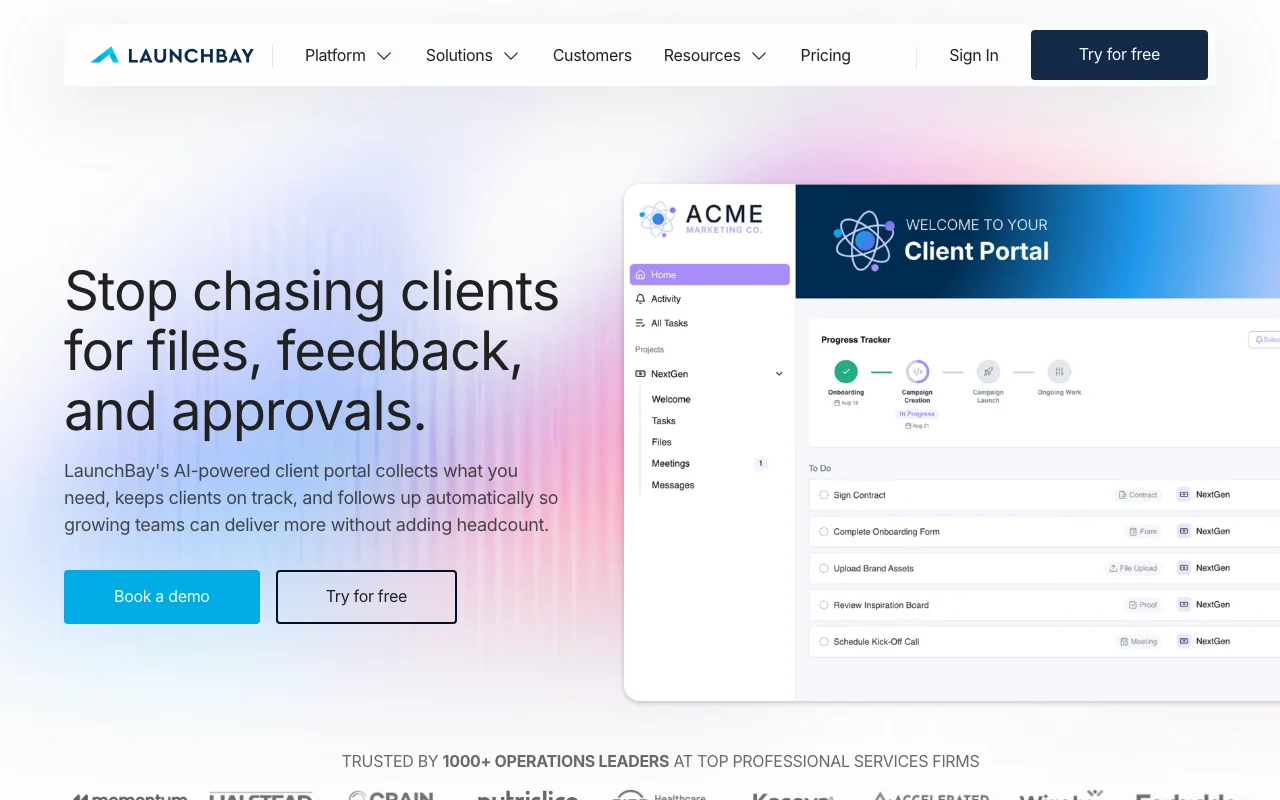
LaunchBay is client onboarding and portal software that lets agencies, consultants and software implementation teams onboard clients, run projects and automate follow-ups in a branded platform. The site also lists the brand Motion.io. It offers branded client portals, intake forms, automated reminders, project templates, invoicing and contracts, plus AI agents that flag at-risk accounts and an option to run it from AI assistants such as Claude, ChatGPT and Gemini.

LaunchBay homepage — screenshot of the productivity & writing AI tool, Oct 2, 2026
LaunchBay's official site: how the product presents itself. launchbay.com, captured Oct 2, 2026

What you provide and what you get back

How LaunchBay works: what you provide, where it runs and what you get backYOU PROVIDEYour inputClient details and documentsProject templatesPRODUCTIVITY & WRITINGLaunchBayfrom $29 (Essentials)free tier availableaccount requiredchecked Oct 2, 2026YOU GET BACKThe resultClient portalAutomated reminders and tasksinput → LaunchBay → output · from the vendor's own pages, no hands-on test unless stated
What you give LaunchBay and what comes back, from its documentation

You provide

  • Client details and documents
  • Project templates

You get back

  • Client portal
  • Automated reminders and tasks

Where you can use it

Account
Required
Projects
Unlimited source (opens in a new tab)
Contracts
5/20/40 per month source (opens in a new tab)

Where LaunchBay is most useful

Scenarios are worked out by our editors from the documentation; the actual result depends on your input and plan.

Customer onboarding

Who
Agencies
You provide
Client intake
Expected result
Branded portal and tasks
Plan needed
Essentials
Limitation
Per member pricing source (opens in a new tab)

Software implementation projects

Who
Implementation teams
You provide
Project template
Expected result
Client onboarding workflow
Plan needed
Standard
Limitation
Integrations on Standard source (opens in a new tab)

Agency client delivery

Who
Consultants
You provide
Contracts and invoices
Expected result
Signed contracts and payments
Plan needed
Essentials
Limitation
5 contracts monthly source (opens in a new tab)

LaunchBay features and their limits

LaunchBay homepage — screenshot of the productivity & writing AI tool, Oct 2, 2026
Feature overview on the official site. launchbay.com, captured Oct 2, 2026

Branded or white-labeled client portals

Gives clients a branded or white-labeled portal opened by magic link. No client logins.

Access: White-label on higher plans.Limit: Domain options vary. source (opens in a new tab)

Intake forms and document requests

Collects client information with forms and document requests. Cuts email chasing.

Access: All plans.Limit: Forms limits not stated. source (opens in a new tab)

Automated reminders and workflows

Sends reminders and runs workflows; keeps projects moving. Keeps projects moving.

Access: Standard and up.Limit: Essentials lacks some. source (opens in a new tab)

Reusable project templates

Reuses project templates; standardizes delivery. Standardizes delivery.

Access: All plans.Limit: Detail limited. source (opens in a new tab)

Pros, cons and deal-breakers

Where LaunchBay is strong

Limitations to check before paying

How to use LaunchBay for onboarding clients through a portal

Set up LaunchBay

  1. Click Try for Free.
  2. Create a branded portal.
  3. Add a template.

Example: onboarding clients through a portal

  1. Create intake form.
  2. Invite client by magic link.
  3. Request documents.
  4. Set reminders.

Review and export the result

  1. View as client.
  2. Confirm reminders send.

LaunchBay API

LaunchBay pricing page with plans and prices — screenshot of the productivity & writing AI tool, Oct 2, 2026
Plan comparison on the official pricing page. launchbay.com, captured Oct 2, 2026

API access and separate billing

LaunchBay has no public API in its official documentation. Not stated in fetched pages.

Privacy, data use and commercial rights

Summarized from the vendor's current policies; this is not legal advice and a vendor's badge is not an independent audit.

How your inputs and outputs are handled

Client documents and forms.

Controls for business users

  • Password protected portals

Other tools to consider instead of LaunchBay

"Better suited" is based on documented features and pricing, not on a head-to-head test.

Zapier: better suited to

Notion AI: better suited to

Alternatives
AlternativeWhen to choose itPricingLimitation
Zapier——Compare
Notion AI——Compare

Explore LaunchBay further

Related to LaunchBay

LaunchBay user reviews

No user reviews yet.

Used LaunchBay? Be the first to share your experience.

Write a review

Reviews are checked by a moderator before they appear. Your email is never published. Plain text only.

Your rating (required)

Show what you made or what went wrong. Images are published only if the review is approved; location data is removed.

    LaunchBay FAQ

    How is LaunchBay priced?

    Per team member per month; Essentials is $29 monthly or $19 billed annually.

    Do LaunchBay clients need logins?

    No, portals open through magic links.

    Which integrations does LaunchBay list?

    Zapier, Slack, Calendly and HubSpot.

    How many contracts does LaunchBay Standard allow?

    20 per month.

    Does LaunchBay offer setup help?

    Yes, implementation services via sales.

    Sources and review methodology

    Official sources and verification dates

    Not verified: Plan feature lists differ between toggle views.; Page not available: https://launchbay.com/privacy; Page not available: https://launchbay.com/docs.

    How we documented and maintain this page

    Every fact about LaunchBay above comes from the 2 official pages listed here, last compared on Oct 2, 2026; we have not run LaunchBay ourselves, so it has no editorial score. How we check and re-check pages.

    Article updated Oct 2, 2026; prices checked Oct 2, 2026. Outbound links to vendors are plain links; we do not earn commissions. How we review · Report an error