Productivity & writingDocumented overviewLast checked Sep 29, 2026

Lightfield: Pricing, Features & Best Use Cases

AI-native CRM that updates itself from customer interactions and runs agents for outbound and deal tracking.

Who Lightfield fits

Choose Lightfield if you want a CRM that fills itself from email, calendar, Slack and meetings; start with the 14-day Starter trial at $89 per user per month before committing to an annual workspace plan. Based on the vendor's documentation, not on a hands-on test.

Best for: Startup founders

Also a good fit for

  • Small sales teams
  • Customer-facing teams

Consider another tool if no free plan on pricing page

Or if

  • Starter limited to 3 seats and 50,000 records
  • Pro and Growth billed annually at $999 and $1,999/mo

Lightfield in the news

Headlines from US outlets, selected automatically — not endorsements. Updated Oct 2, 2026

Lightfield pricing and usage limits

Prices checked Sep 29, 2026 on the official US pricing page. Official pricing ↗ Prices and limits change often.

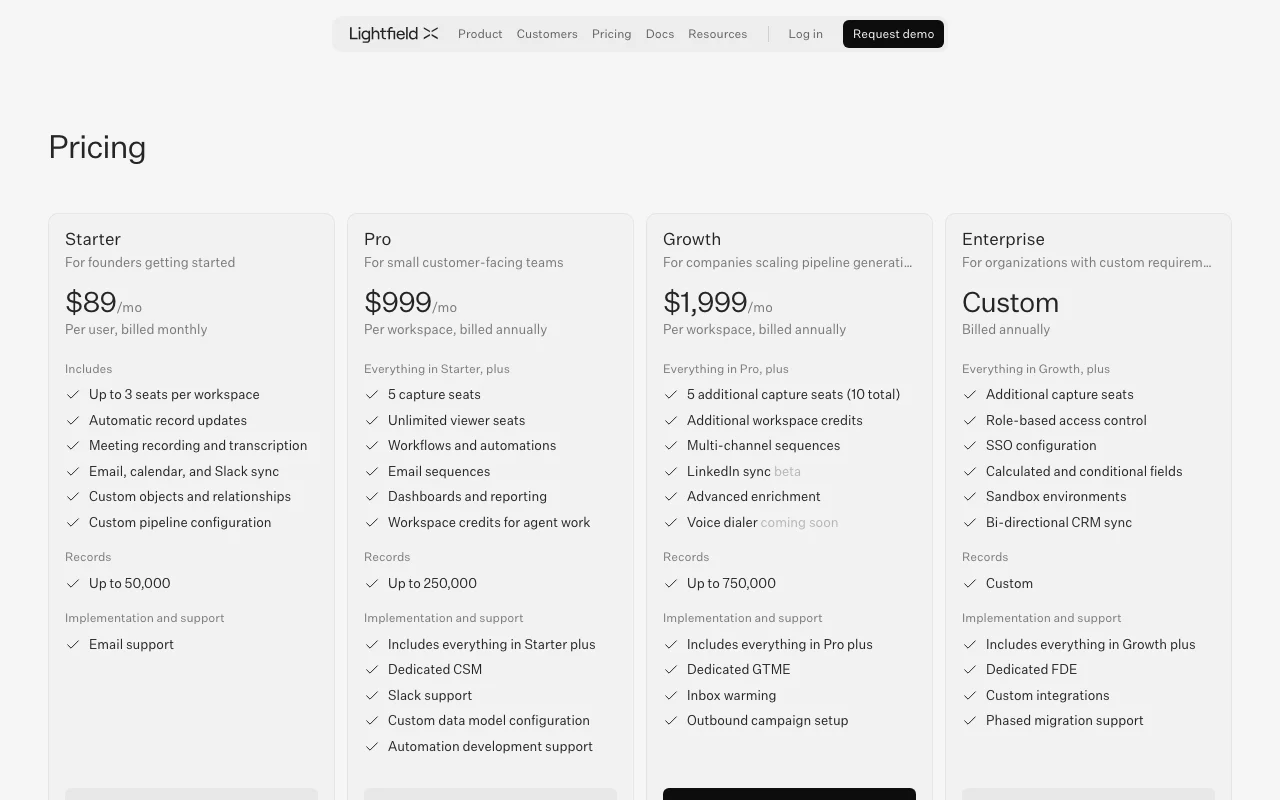
Lightfield pricing page with plans and prices — screenshot of the productivity & writing AI tool, Oct 1, 2026
The official Lightfield pricing page as we saw it. lightfield.app, captured Oct 1, 2026

Free access and trial conditions

No free plan listed on the pricing page.

Starter: try free for 14 days.

Paid plans: what changes as you upgrade

Starter web

$89 per user per month, billed monthly source (opens in a new tab)

Monthly

For: Founders getting started

Limits

  • Up to 3 seats per workspace
  • Up to 50,000 records

Includes

  • Automatic record updates
  • Meeting recording and transcription
2 more
  • Email, calendar and Slack sync
  • Custom objects and pipelines

Pro web

$999 per workspace per month, billed annually source (opens in a new tab)

Annual, annual commitment

Billed annually

For: Small customer-facing teams

Limits

  • 5 capture seats, unlimited viewer seats
  • Up to 250,000 records

Includes

  • Workflows and automations
  • Email sequences
2 more
  • Dashboards and reporting
  • Workspace credits

Growth web

$1,999 per workspace per month, billed annually source (opens in a new tab)

Annual, annual commitment

Billed annually

For: Companies scaling pipeline

Limits

  • 10 capture seats
  • Up to 750,000 records

Includes

  • Multi-channel sequences
  • Advanced enrichment
2 more
  • Additional workspace credits
  • LinkedIn sync beta

Enterprise web

Custom pricing source (opens in a new tab)

Annual, annual commitment

For: Custom requirements

Limits

  • Custom records

Includes

  • Role-based access control
  • SSO configuration
2 more
  • Sandbox environments
  • Bi-directional CRM sync

Usage caps, credits and extra costs

Extra capture seat $200 per month billed annually; workspace credits are annual and unused credits do not roll over; overage billed at a pre-agreed rate.

Not stated.

What is Lightfield, and how does it work?

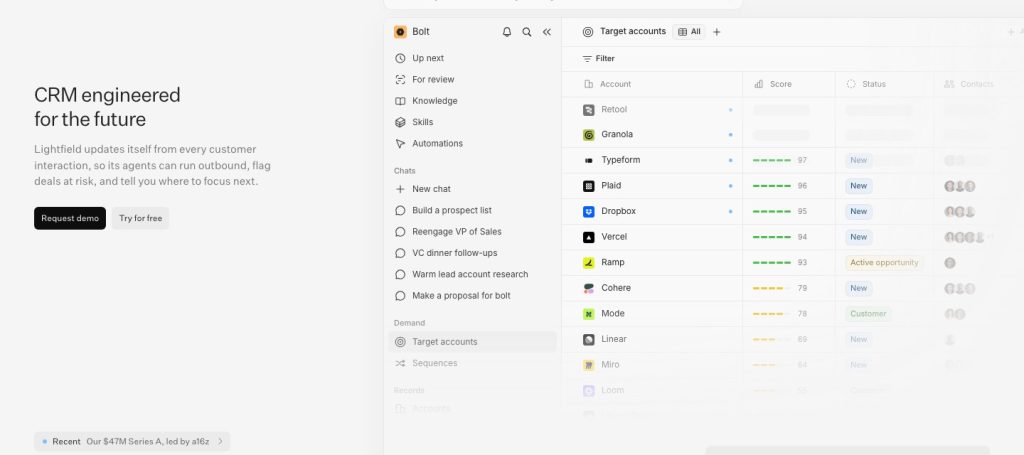
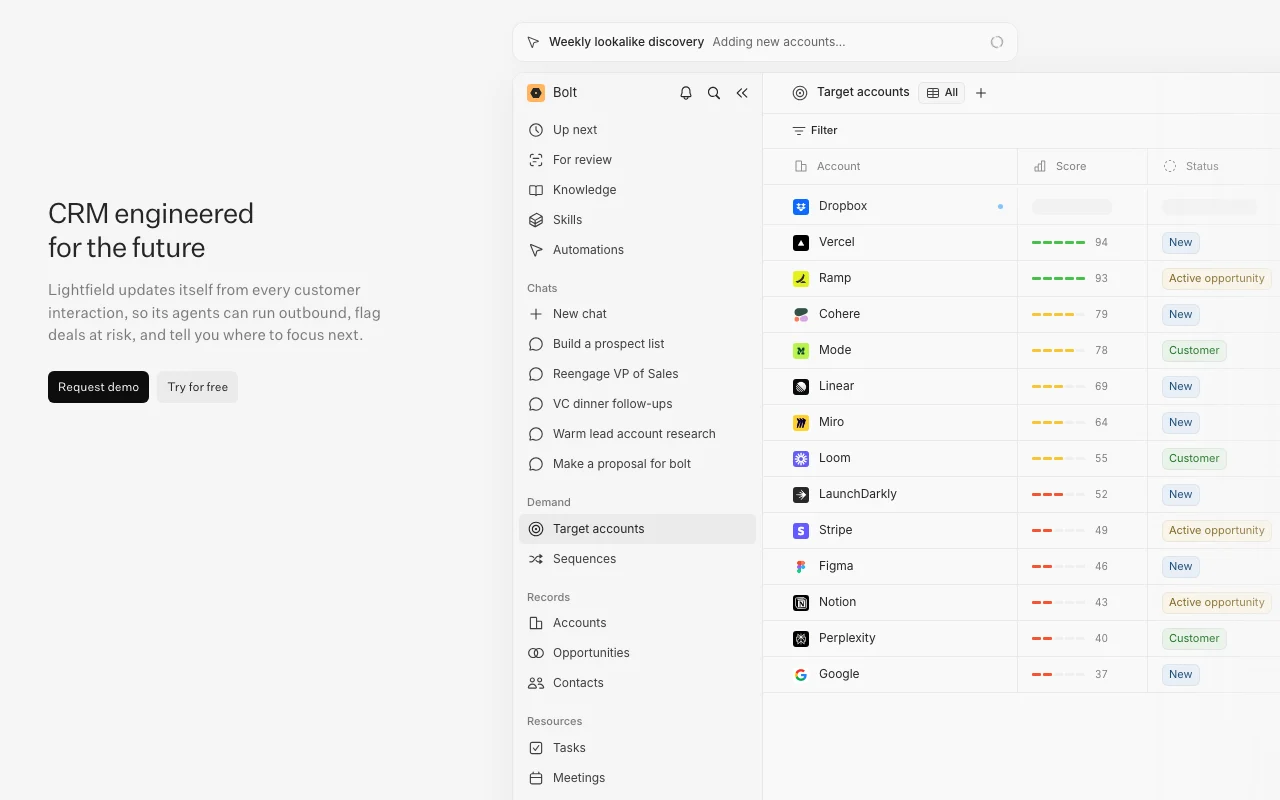
Lightfield is a CRM that populates records automatically from email, calendar, Slack and recorded meetings. Its agents build prospect lists, draft outbound emails for approval, flag at-risk deals and suggest where to focus. Higher plans add workflows, email sequences, dashboards, multi-channel sequences and enrichment, with workspace credits for agent work.

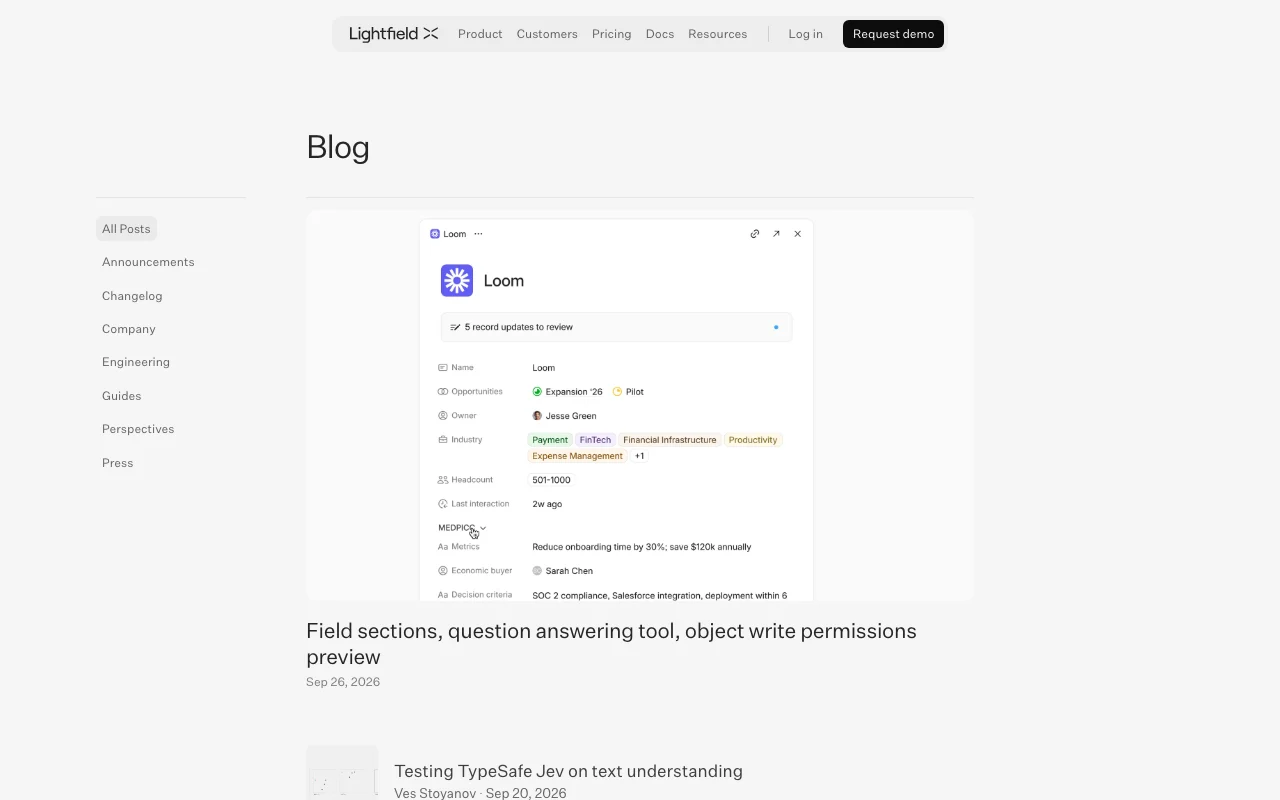
Lightfield homepage — screenshot of the productivity & writing AI tool, Oct 1, 2026
Lightfield's official site: how the product presents itself. lightfield.app, captured Oct 1, 2026

What you provide and what you get back

How Lightfield works: what you provide, where it runs and what you get backYOU PROVIDEYour inputEmail and calendar sync (Google o…Slack messagesRecorded meetingsPRODUCTIVITY & WRITINGLightfieldWebfrom $89 (Starter)no free tieraccount requiredchecked Sep 29, 2026YOU GET BACKThe resultAuto-updated CRM recordsMeeting transcripts and summariesDrafted outbound emails for reviewinput → Lightfield → output · from the vendor's own pages, no hands-on test unless stated
What you give Lightfield and what comes back, from its documentation

You provide

  • Email and calendar sync (Google or Outlook)
  • Slack messages
  • Recorded meetings

You get back

  • Auto-updated CRM records
  • Meeting transcripts and summaries
  • Drafted outbound emails for review

Where you can use it

Platforms
Web
Account
Required
Record limits
50,000 Starter; 250,000 Pro; 750,000 Growth
Seats
Starter up to 3; Pro 5 capture plus unlimited viewer; Growth 10 capture
Email/calendar
Google or Outlook
Compliance
SOC 2 Type II, HIPAA, GDPR; ISO 27001 soon

Where Lightfield is most useful

Scenarios are worked out by our editors from the documentation; the actual result depends on your input and plan.

Automatic CRM data capture

Who
Founders and small sales teams
You provide
Connected email, calendar and Slack
Expected result
CRM records kept current without manual entry
Plan needed
Starter
Limitation
Only users with capture seats are synced; Starter has up to 3 seats source (opens in a new tab)

Recording and transcribing sales meetings

Who
Sales reps running customer calls
You provide
Meetings on a connected calendar
Expected result
Recorded, transcribed and summarized meetings with next steps
Plan needed
Starter and up
Limitation
Capture seat required for the meeting owner source (opens in a new tab)

Generating outbound pipeline

Who
Outbound and pipeline teams
You provide
Ideal-customer criteria and CRM history
Expected result
Prospect lists and drafted emails ready for review
Plan needed
Pro and Growth
Limitation
Sequences, workflows and credits require Pro or higher source (opens in a new tab)

Lightfield features and their limits

Automatic record updates

Updates records automatically from email and meeting content Removes manual data entry

Access: All plansLimit: Works for users with capture seats source (opens in a new tab)

Meeting recorder and transcription

Records and transcribes meetings on a user's calendar Turns calls into summaries and follow-ups

Access: All plansLimit: Capture seat required source (opens in a new tab)

Email, calendar and Slack sync

Syncs email, calendar and Slack into the CRM Keeps one source of truth

Access: All plansLimit: Google or Outlook named for email and meetings source (opens in a new tab)

Custom objects and pipelines

Defines custom objects, relationships and pipelines Models your own sales process

Access: All plansLimit: Records capped at 50,000 on Starter source (opens in a new tab)

Lightfield: strengths and limits

Reasons to choose Lightfield

Check before paying for Lightfield

How to use Lightfield for keeping a CRM updated automatically

Set up Lightfield

  1. Start the 14-day Starter trial at lightfield.app
  2. Connect Google or Outlook email and calendar
  3. Connect Slack and assign capture seats
  4. Review the pipeline and custom objects

Example: keeping a CRM updated automatically

  1. Hold a customer meeting that is on your calendar
  2. Let Lightfield record and transcribe it
  3. Open the contact record to see the summary and updates
  4. Ask Chat for follow-ups or next steps

Review and export the result

  1. Confirm records show new email and meeting details
  2. Check seat and record counts against plan limits
Example prompt suggested by our editors (not a recorded output of the product)
Build a prospect list of accounts that look like our best customers and draft emails for my review

Lightfield API

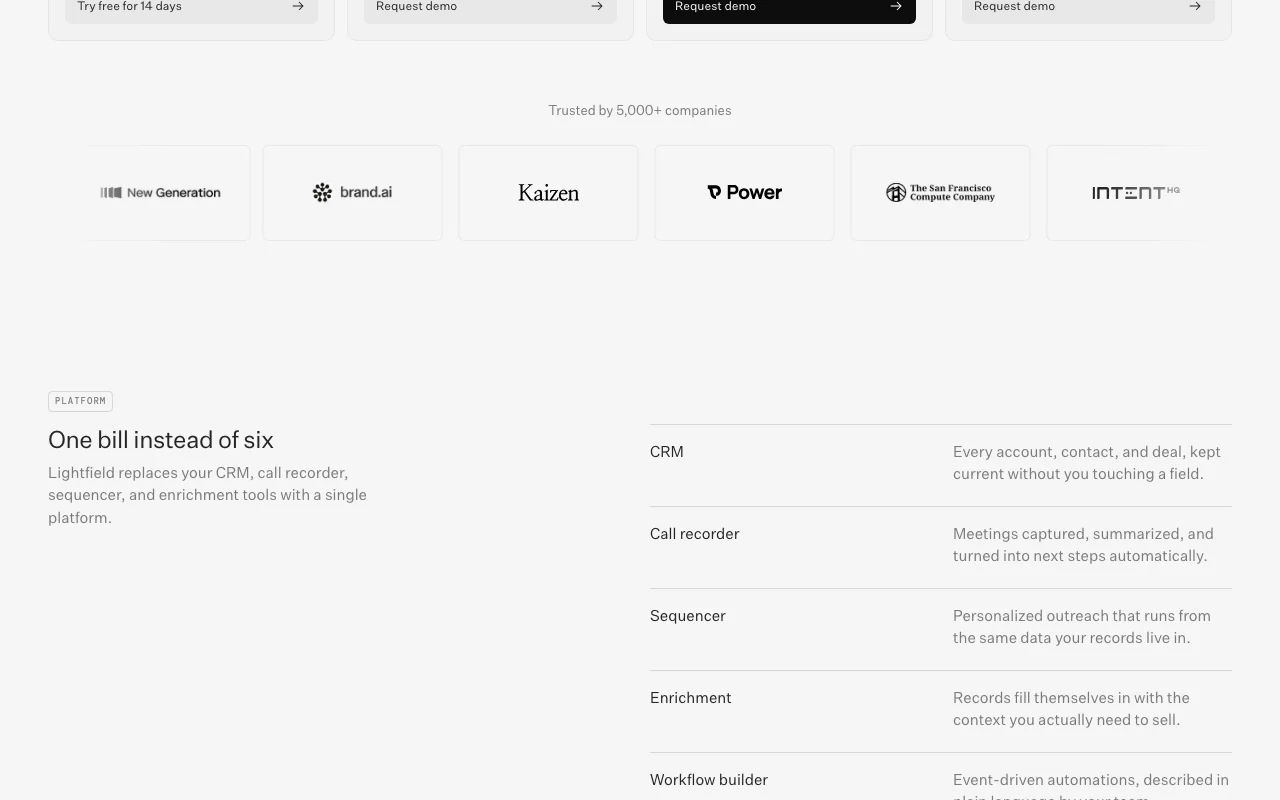
Lightfield pricing page with plans and prices — screenshot of the productivity & writing AI tool, Oct 1, 2026
Plan comparison on the official pricing page. lightfield.app, captured Oct 1, 2026

API access and separate billing

Lightfield has no public API in its official documentation. Docs page returned 404; API availability not verified.

Privacy, data use and commercial rights

Summarized from the vendor's current policies; this is not legal advice and a vendor's badge is not an independent audit.

How your inputs and outputs are handled

Customer Data is processed on behalf of customers under their contracts.

Privacy notice has a statement about Customer Data and model training; full text not verified in fetched excerpt.

Commercial use and plan restrictions

SSO and role-based access on Enterprise.

Controls for business users

  • Role-based access
  • MFA
  • SOC 2 Type II
  • HIPAA
  • GDPR

Policies: lightfield.app/privacy

Best Lightfield alternatives for different needs

"Better suited" is based on documented features and pricing, not on a head-to-head test.

Notion AI: better suited to

Otter.ai: better suited to

Zapier: better suited to

Alternatives
AlternativeWhen to choose itPricingLimitation
Notion AI——Compare
Otter.ai——
Zapier——Compare

Explore Lightfield further

Tools and guides near Lightfield

Lightfield user reviews

No user reviews yet.

Used Lightfield? Be the first to share your experience.

Write a review

Reviews are checked by a moderator before they appear. Your email is never published. Plain text only.

Your rating (required)

Show what you made or what went wrong. Images are published only if the review is approved; location data is removed.

    Lightfield FAQ

    Is there a free plan?

    No free plan is listed, but Starter has a 14-day free trial. source (opens in a new tab)

    How much does Lightfield cost?

    Starter is $89 per user per month billed monthly; Pro is $999 and Growth $1,999 per workspace per month billed annually; Enterprise is custom. source (opens in a new tab)

    What is a capture seat?

    A capture seat syncs a user's email and meetings into the CRM, including recording, transcription and automatic record updates. source (opens in a new tab)

    Can I add more capture seats?

    Yes, an extra capture seat costs $200 per month, billed annually. source (opens in a new tab)

    Do workspace credits roll over?

    No, credits are annual and unused credits do not carry over at year end. source (opens in a new tab)

    Sources and review methodology

    Official sources and verification dates

    Not verified: API availability and docs (docs returned 404); Data retention and commercial-use terms; Changelog.

    How we documented and maintain this page

    Every fact about Lightfield above comes from the 3 official pages listed here, last compared on Sep 29, 2026; we have not run Lightfield ourselves, so it has no editorial score. How we check and re-check pages.

    Article updated Oct 10, 2026; prices checked Sep 29, 2026. Outbound links to vendors are plain links; we do not earn commissions. How we review · Report an error