Productivity & writingDocumented overviewLast checked Oct 1, 2026

Language Model Builder: Pricing, Features & Best Use Cases

Free Mac app with an interactive textbook and a local workbench for training a small language model from scratch.
Who Language Model Builder fits

Language Model Builder is a good fit for curious learners, students and developers who want to understand and train a small GPT locally on an Apple Silicon Mac with no account or cost. Based on the vendor's documentation, not on a hands-on test.

Best for: Curious learners

Also a good fit for

  • Educators
  • Mac users exploring ML

Consider another tool if requires Apple Silicon and macOS 15 or later

Or if

  • Mac App Store listing marked coming soon
  • Mac only; no web, mobile or API

Language Model Builder in the news

Headlines from US outlets, selected automatically — not endorsements. Updated Oct 2, 2026

Language Model Builder pricing and usage limits

Prices checked Oct 1, 2026 on the official US pricing page. Prices and limits change often.

Free access and trial conditions

The app is free with no account, according to the homepage.

Not applicable.

Paid plans: what changes as you upgrade

Free desktop

Free source (opens in a new tab)

One-time

For: Learners and hobbyists

Limits

  • Mac with Apple Silicon and macOS 15 or later

Includes

  • Interactive textbook
  • Local training workbench
1 more
  • No account or cloud

No API

Usage caps, credits and extra costs

None stated.

Not applicable.

What is Language Model Builder, and how does it work?

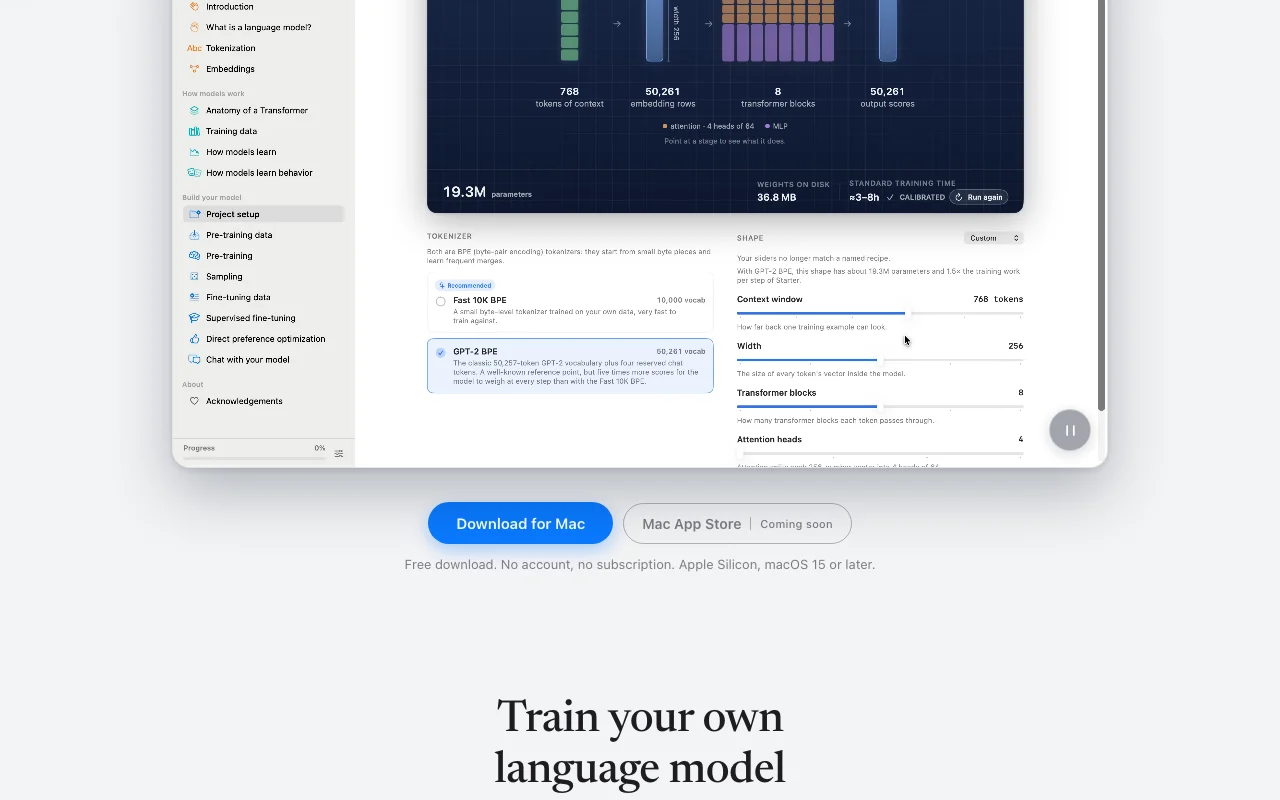
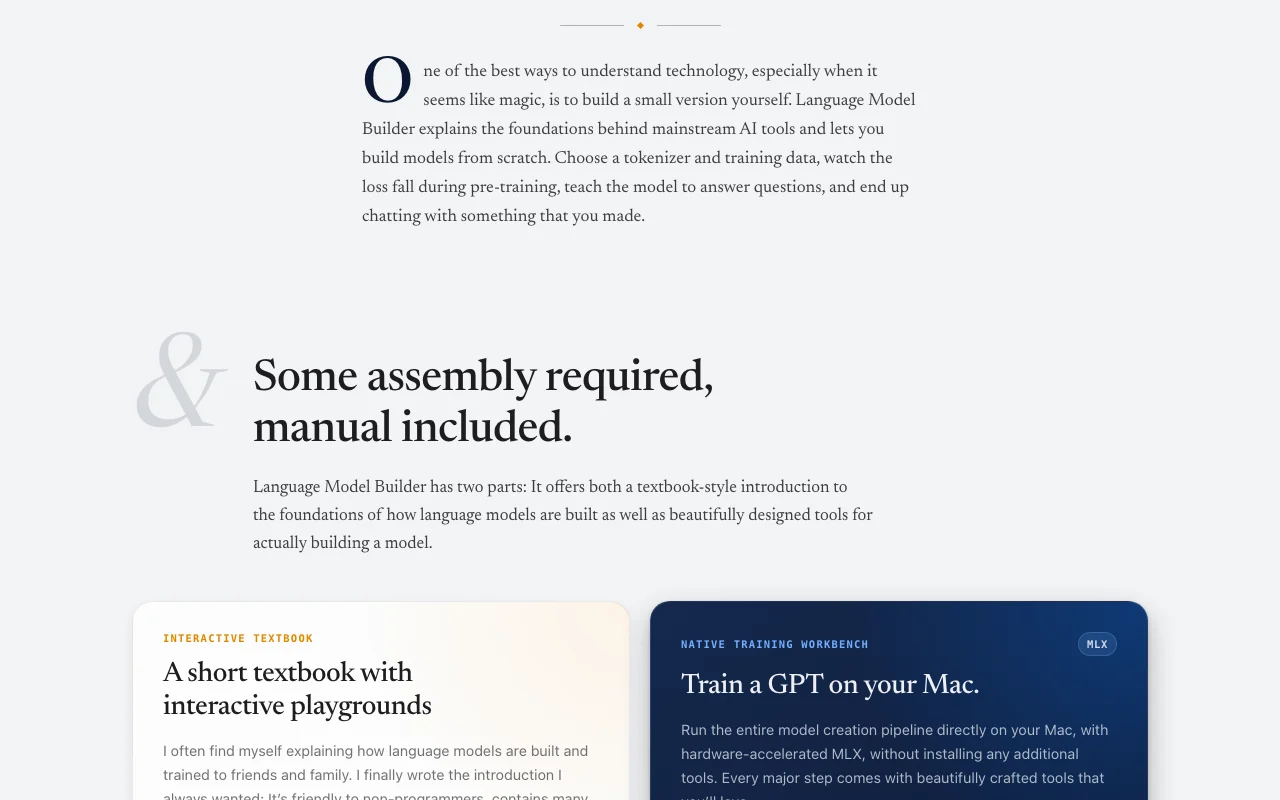
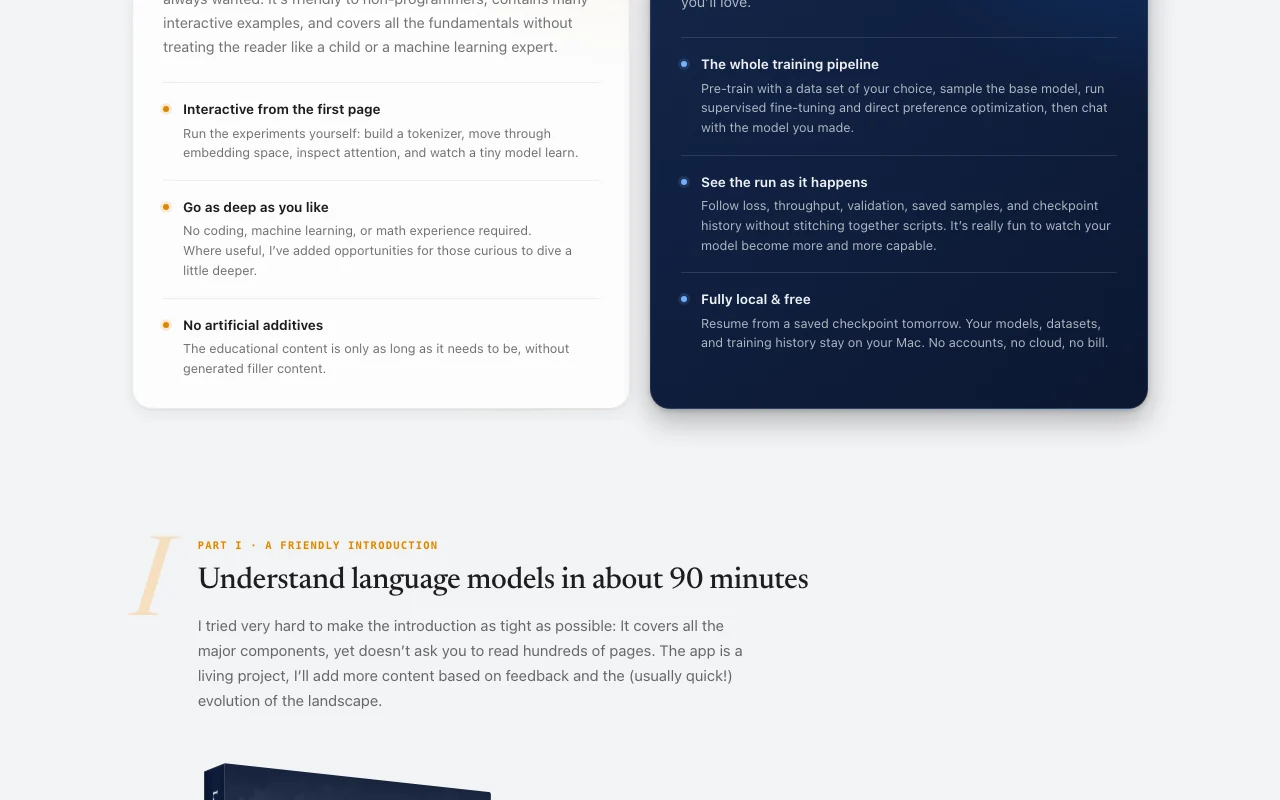
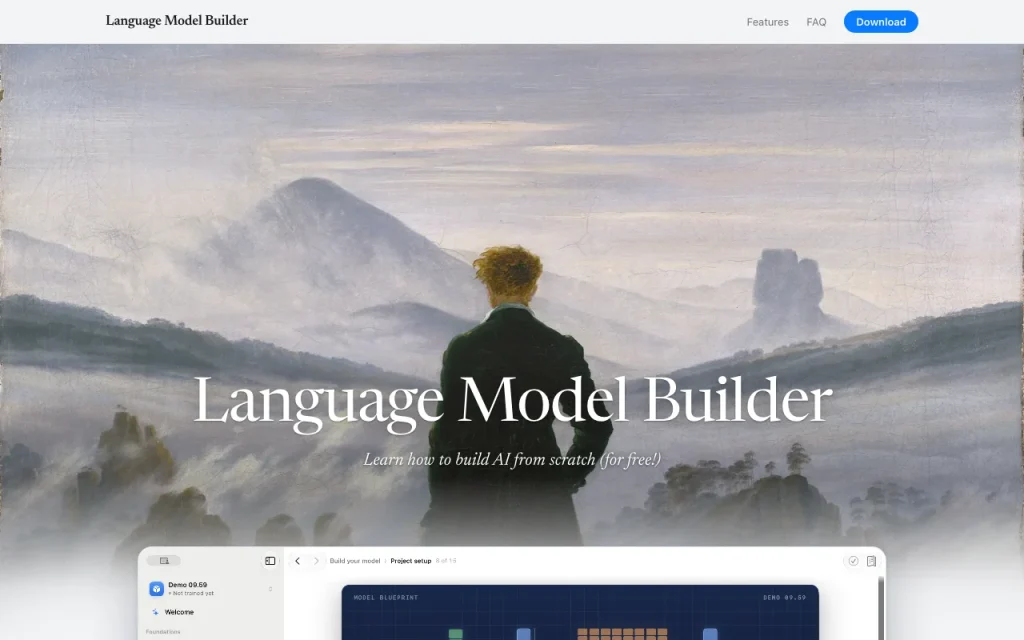
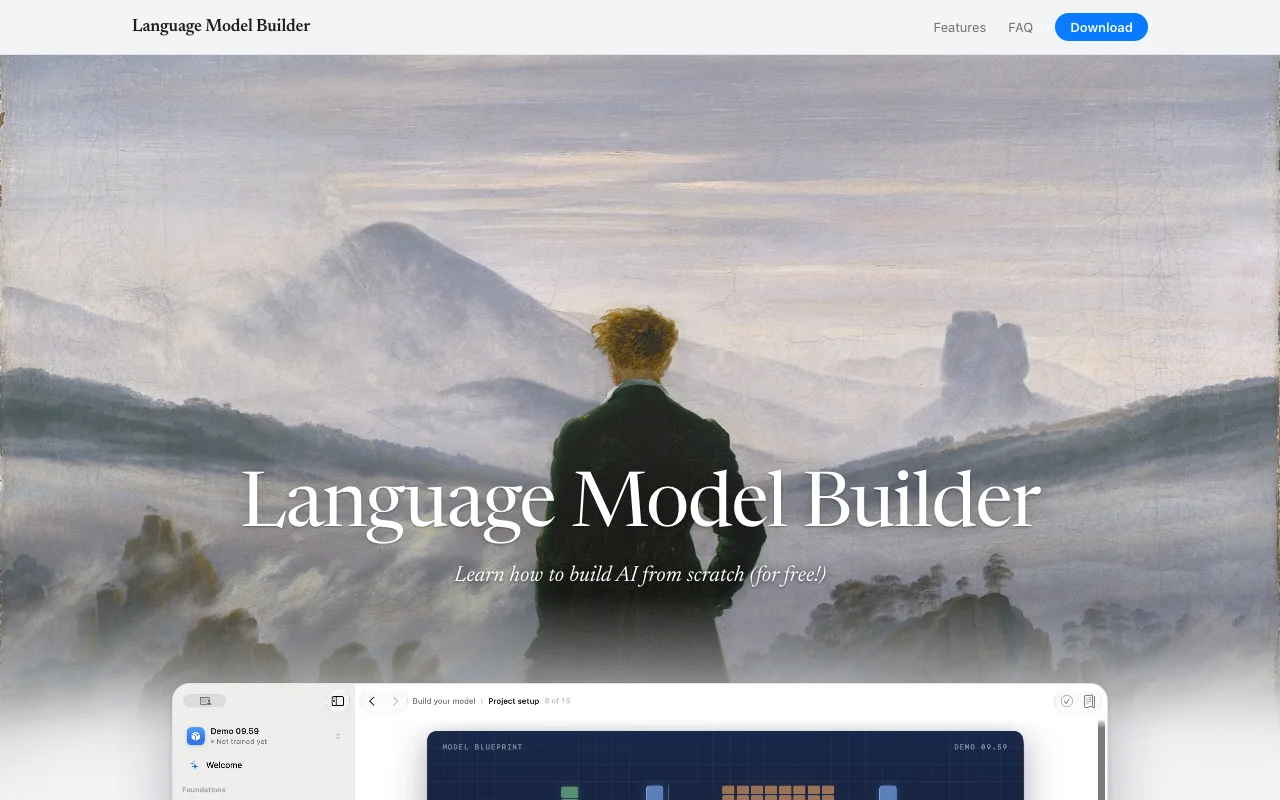
Language Model Builder is a macOS app by an individual developer that explains how language models are built and lets users train a small one themselves. It combines a short interactive textbook with a training workbench. The workbench covers pre-training, supervised fine-tuning and direct preference optimization using MLX on Apple Silicon, then lets the user chat with the resulting model. Everything runs locally.

Language Model Builder homepage — screenshot of the productivity & writing AI tool, Oct 1, 2026
Language Model Builder's official site: how the product presents itself. languagemodelbuilder.com, captured Oct 1, 2026

What you provide and what you get back

How Language Model Builder works: what you provide, where it runs and what you get backYOU PROVIDEYour inputChosen tokenizer and pre-training…Your own datasetsFine-tuning data (instructions, c…PRODUCTIVITY & WRITINGLanguage Model BuilderDesktopfree tier, paid price not publish…free tier availablechecked Oct 1, 2026YOU GET BACKThe resultA locally trained small GPT modelLoss curves and checkpointsModels in safetensors formatinput → Language Model Builder → output · from the vendor's own pages, no hands-on test unless stated
What you give Language Model Builder and what comes back, from its documentation

You provide

  • Chosen tokenizer and pre-training dataset
  • Your own datasets
  • Fine-tuning data (instructions, chats, math)

You get back

  • A locally trained small GPT model
  • Loss curves and checkpoints
  • Models in safetensors format

Where you can use it

Platforms
Desktop
Account
Not required
Platform
macOS 15+, Apple Silicon
Framework
Apple MLX, in-process
Pipeline
Pre-training, SFT, DPO, sampling, chat
Model format
safetensors

Where Language Model Builder is most useful

Scenarios are worked out by our editors from the documentation; the actual result depends on your input and plan.

Learning how language models work

Who
Curious non-programmers
You provide
The 90-minute interactive textbook
Expected result
A working grasp of tokenization, attention and training
Plan needed
Free
Limitation
Textbook covers fundamentals, not research depth source (opens in a new tab)

Training a tiny GPT on a Mac

Who
Students and hobbyists with a Mac
You provide
A pre-training dataset from the catalog
Expected result
A tiny GPT that writes coherent paragraphs, in as little as a day with defaults
Plan needed
Free
Limitation
Large models are out of reach source (opens in a new tab)

Experimenting with tokenizers and datasets

Who
Developers exploring training basics
You provide
Custom datasets and tokenizer choices
Expected result
Comparisons of model settings with visible loss curves
Plan needed
Free
Limitation
Mac and MLX only source (opens in a new tab)

Key features and their practical limits

Language Model Builder homepage — screenshot of the productivity & writing AI tool, Oct 1, 2026
Feature overview on the official site. languagemodelbuilder.com, captured Oct 1, 2026

Interactive textbook

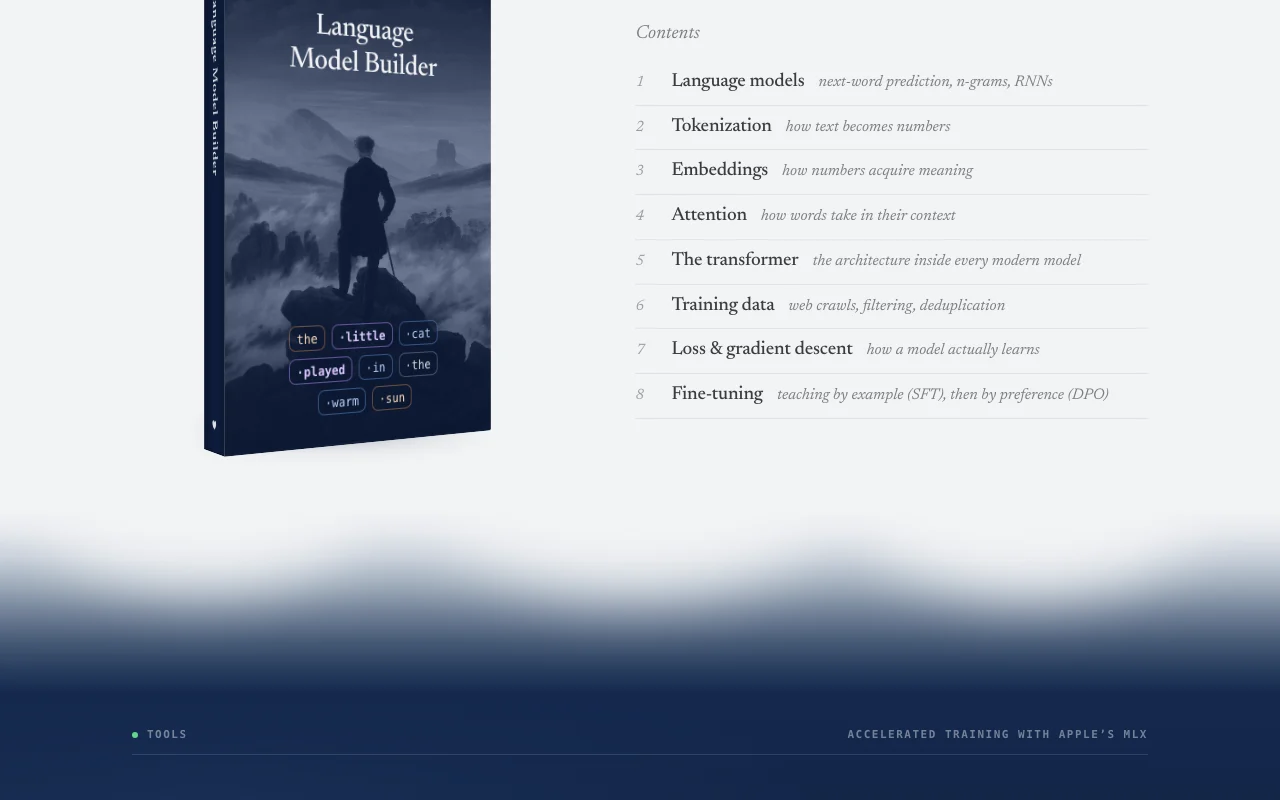
Teaches next-word prediction, tokenization, embeddings, attention and transformers with runnable playgrounds. Builds understanding without code.

Access: Inside the appLimit: Aimed at about 90 minutes of reading. source (opens in a new tab)

Tokenizer and embedding playgrounds

Lets you build a tokenizer and move through embedding space and attention. Makes abstract concepts visible.

Access: Inside the textbookLimit: Playgrounds are small-scale demonstrations. source (opens in a new tab)

Pre-training with a chosen dataset

Trains a GPT from scratch on a curated or your own dataset using Apple's MLX. Shows how models learn.

Access: Inside the appLimit: A GPT-2-small-class model takes about a week on an M5 Max. source (opens in a new tab)

Supervised fine-tuning and DPO

Teaches the base model to answer questions and follow preferences. Completes the pipeline to a chat model.

Access: Inside the appLimit: Quality is limited by small model size. source (opens in a new tab)

Chat with token inspection

Chats with your model and shows token probabilities and tokens not chosen. Explains why the model said what it said.

Access: Inside the appLimit: Only works with models you trained or opened. source (opens in a new tab)

Language Model Builder: strengths and limits

Reasons to choose Language Model Builder

Check before paying for Language Model Builder

How to use Language Model Builder for training a small language model on a Mac

Set up Language Model Builder

  1. Download the app from languagemodelbuilder.com on a Mac with Apple Silicon and macOS 15 or later.
  2. Open the app; no account is needed.
  3. Read the interactive textbook introduction, which takes about 90 minutes.
  4. Open the training workbench.

Example: training a small language model on a Mac

  1. Pick a tokenizer and a pre-training dataset from the catalog.
  2. Start pre-training and watch the loss curve fall.
  3. Sample the base model, then run supervised fine-tuning.
  4. Run direct preference optimization.
  5. Chat with your model.

Review and export the result

  1. Check that the loss curve keeps decreasing and validation looks stable.
  2. Read saved samples for coherence at each checkpoint.
  3. Resume or compare from an earlier checkpoint.

Language Model Builder integrations and API

Native integrations and export formats

Export: safetensors

API access and separate billing

Language Model Builder has no public API in its official documentation. Mac app only; no web, mobile or API per the homepage.

Privacy, data use and commercial rights

Summarized from the vendor's current policies; this is not legal advice and a vendor's badge is not an independent audit.

How your inputs and outputs are handled

Projects, datasets, model weights, prompts and results stay on your Mac and are not uploaded.

No data is collected, so none is used for training.

Stored locally under your control.

Controls for business users

  • Optional crash reports with a preview
  • No analytics or tracking

Policies: languagemodelbuilder.com/privacy/

Best Language Model Builder alternatives for different needs

"Better suited" is based on documented features and pricing, not on a head-to-head test.

Gemini Notebook (formerly NotebookLM): better suited to

Alternatives
AlternativeWhen to choose itPricingLimitation
Gemini Notebook (formerly NotebookLM)——

Explore Language Model Builder further

If you are looking at Language Model Builder

Language Model Builder user reviews

No user reviews yet.

Used Language Model Builder? Be the first to share your experience.

Write a review

Reviews are checked by a moderator before they appear. Your email is never published. Plain text only.

Your rating (required)

Show what you made or what went wrong. Images are published only if the review is approved; location data is removed.

    Language Model Builder FAQ

    What kind of model can I build?

    With defaults you get a model writing coherent multi-paragraph text in about a day; a GPT-2-small-class model of roughly 100 to 150M parameters takes about a week on an M5 Max. source (opens in a new tab)

    Can I stop training and resume later?

    Yes, runs save checkpoints so you can resume from one the next day or compare with an earlier one. source (opens in a new tab)

    Does anything leave my Mac?

    No. Models, datasets and training history stay local with no cloud component or account, apart from optional update checks and crash reports. source (opens in a new tab)

    Can I share a model I trained?

    Yes, models are saved as safetensors files that can be opened in other apps or in Language Model Builder. source (opens in a new tab)

    Why is it free?

    The developer says he builds it for enjoyment and does not need to sell educational software. source (opens in a new tab)

    Sources and review methodology

    Official sources and verification dates

    Not verified: Dataset download sizes; Documentation page (not available); Windows or Linux plans.

    How we documented and maintain this page

    Every fact about Language Model Builder above comes from the 3 official pages listed here, last compared on Oct 1, 2026; we have not run Language Model Builder ourselves, so it has no editorial score. How we check and re-check pages.

    Article updated Oct 10, 2026; prices checked Oct 1, 2026. Outbound links to vendors are plain links; we do not earn commissions. How we review · Report an error