Productivity & writingDocumented overviewLast checked Oct 4, 2026

Label Spark: Pricing, Features & Best Use Cases

Music label management platform for releases, contracts, royalties and demos, with an AI pitch generator for playlist submissions.
Is Label Spark right for you?

Choose Label Spark if you run a small label or manage artists and want releases, contracts and royalties in one place, from $29 per month after a free trial. Based on the vendor's documentation, not on a hands-on test.

Best for: Independent record labels

Also a good fit for

  • Artist managers
  • Independent artists

Consider another tool if no free plan stated after the trial

Or if

  • Entry paid plan $29/mo, Label Pro $99/mo
  • AI is limited to the pitch generator per the overview

Label Spark pricing and usage limits

Prices checked Oct 4, 2026 on the official US pricing page. Official pricing ↗ Prices and limits change often.

Free access and trial conditions

None after trial

Free trial

Paid plans: what changes as you upgrade

Usage caps, credits and extra costs

Not stated

Not stated on the official pages

What is Label Spark, and how does it work?

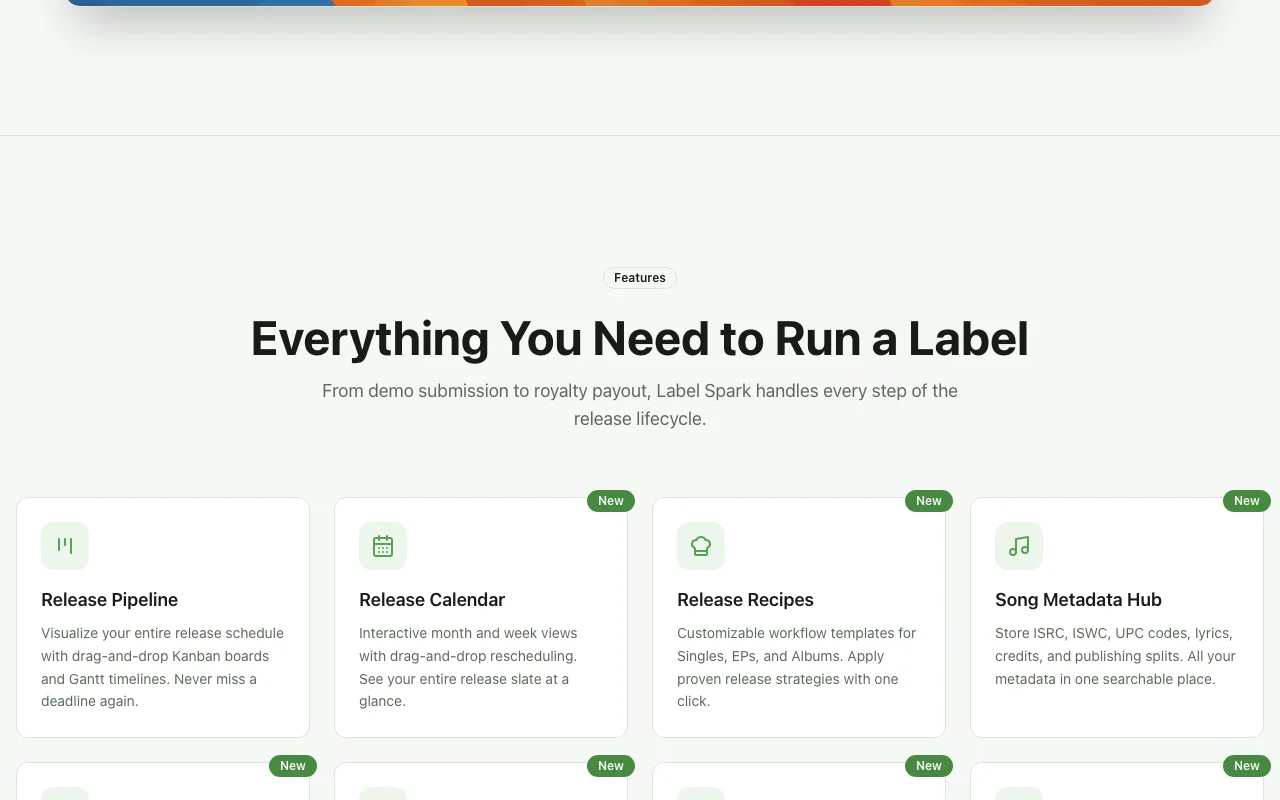
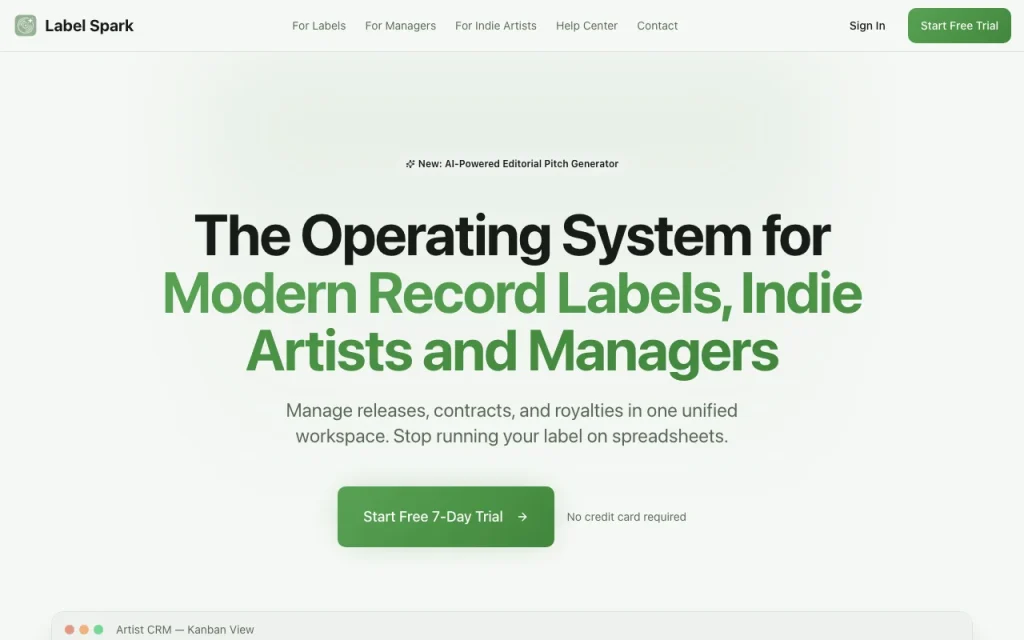
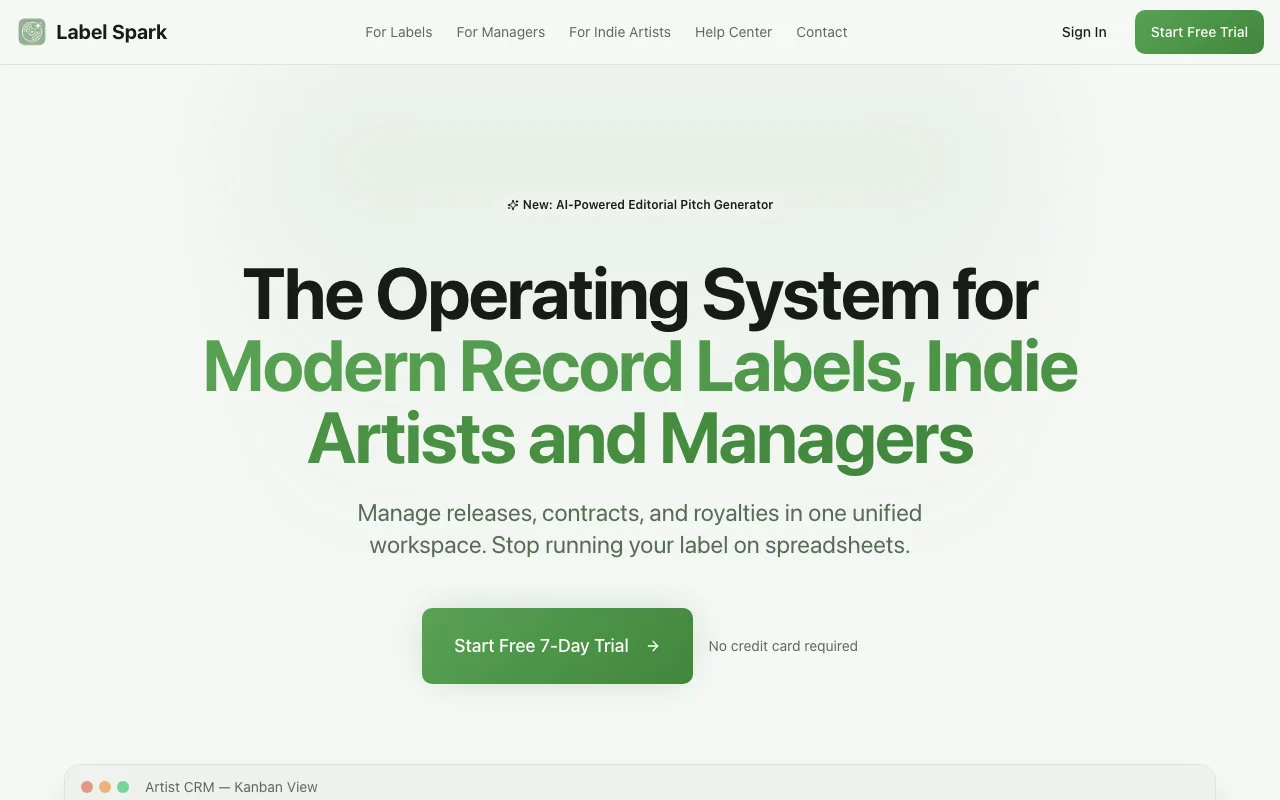
Label Spark is a music label management platform for record labels, artist managers and independent artists. It brings releases, contracts, royalties, demos and artist relationships into one workspace, per the official site overview. The overview lists a release pipeline, e-signature contracts, royalty and recoupment tracking, a demo inbox, an artist CRM, an asset vault, financial reporting and an AI editorial pitch generator. It states a free trial, then paid plans of $29/mo (Indie Manager) and $99/mo (Label Pro).

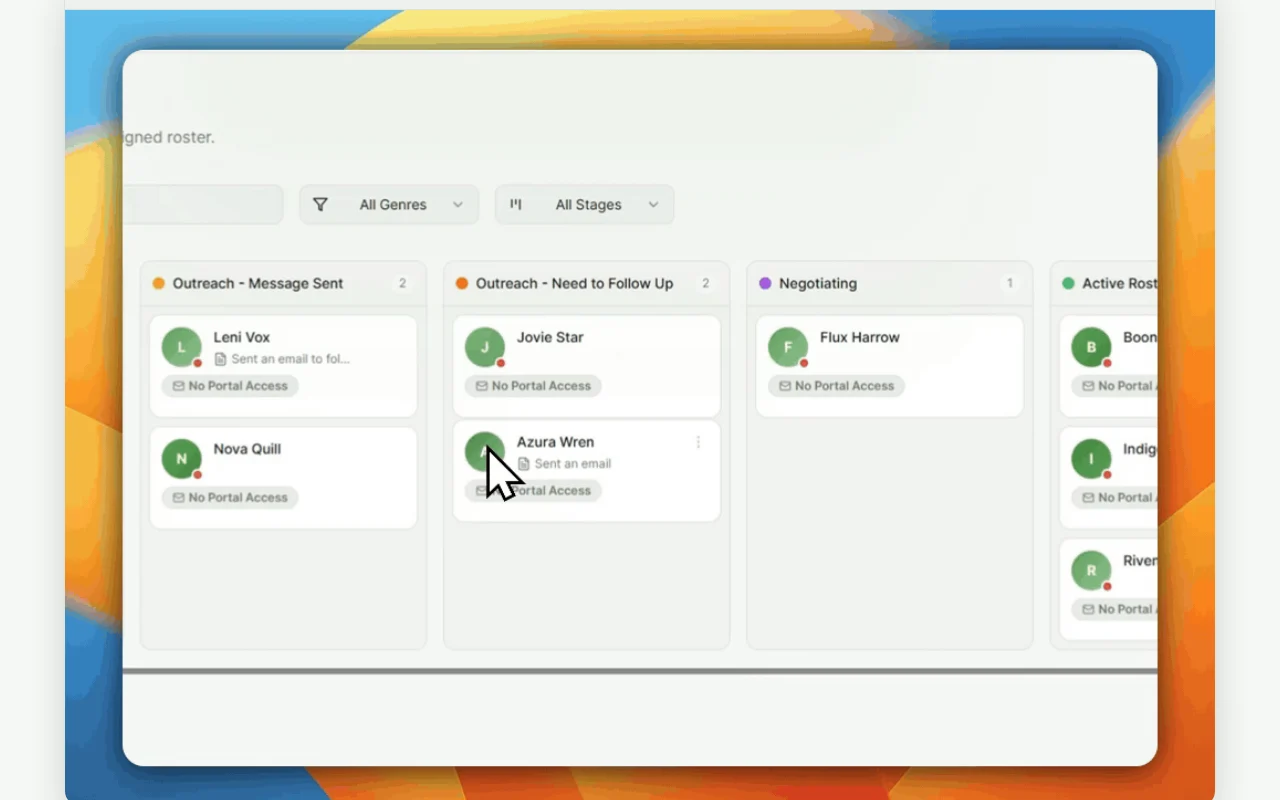
Label Spark homepage — screenshot of the productivity & writing AI tool, Oct 2, 2026
Label Spark's official site: how the product presents itself. labelspark.com, captured Oct 2, 2026

What you provide and what you get back

How Label Spark works: what you provide, where it runs and what you get backYOU PROVIDEYour inputReleasesContractsRoyalty dataPRODUCTIVITY & WRITINGLabel Sparkfrom $29/mo (Indie Manager)no free tieraccount requiredchecked Oct 4, 2026YOU GET BACKThe resultContracts signedRoyalty statementsinput → Label Spark → output · from the vendor's own pages, no hands-on test unless stated
What you give Label Spark and what comes back, from its documentation

You provide

  • Releases
  • Contracts
  • Royalty data

You get back

  • Contracts signed
  • Royalty statements

Where you can use it

Account
Required
Pipeline
Kanban
Contracts
E-signature
Royalties
Splits
Demos
Inbox

Best use cases for Label Spark

Scenarios are worked out by our editors from the documentation; the actual result depends on your input and plan.

Manage release pipelines and task assignments

Who
Labels
You provide
Releases
Expected result
Label Spark shows each release as a task board where tasks are assigned to team members.
Plan needed
Trial
Limitation
The pages we could read do not say which plan includes the pipeline. source (opens in a new tab)

Sign contracts with multi-party e-signatures

Who
Managers
You provide
Contract
Expected result
Label Spark records a contract signed by all parties through its e-signature feature.
Plan needed
Trial
Limitation
The pages we could read do not say which plan includes e-signatures. source (opens in a new tab)

Track royalty splits and artist recoupment

Who
Accountants
You provide
Splits
Expected result
Label Spark shows royalty splits and how much of each artist's advance has been recouped.
Plan needed
Trial
Limitation
The results depend on the splits and recoupment data being entered correctly. source (opens in a new tab)

What Label Spark does, and where it stops

Label Spark homepage — screenshot of the productivity & writing AI tool, Oct 2, 2026
Feature overview on the official site. labelspark.com, captured Oct 2, 2026

Kanban release pipeline

Shows releases as boards. Labels can see each release and its tasks on a board instead of tracking them in separate lists.

Access: Not statedLimit: The board is maintained by the team, so someone must update it as work progresses. source (opens in a new tab)

E-signatures with template builder

Signs contracts. Managers can have contracts signed online and reuse a template instead of exchanging files.

Access: Not statedLimit: Contracts depend on the templates the team sets up. source (opens in a new tab)

Royalty tracking with automated splits

Splits revenue. Accountants can calculate splits and see what an artist has earned back, rather than doing it in a spreadsheet.

Access: Not statedLimit: The figures depend on the sales and cost data that someone enters. source (opens in a new tab)

Demo inbox with waveform player

Collects demos. Labels can gather demo submissions in one place and listen to them there instead of in email.

Access: Not statedLimit: Every demo still has to be reviewed by a person. source (opens in a new tab)

Pros, cons and deal-breakers

Where Label Spark is strong

  • Covers releases, contracts and royalties in one workspace Releases, contracts and royalties are in one workspace, so a small label does not need separate tools for each job. documented source (opens in a new tab)
  • Free trial available A free trial is offered, so a label can test the tools with real releases before paying $29 or $99 per month. documented source (opens in a new tab)
  • Role-based team permissions stated Role-based permissions are stated, so a label can give team members access only to what they need. documented source (opens in a new tab)

Limitations to check before paying

  • No free plan stated after the trial No free plan is stated after the trial, so a label that only wants to keep a catalogue must pay from the start. documented source (opens in a new tab)
  • Entry paid plan $29/mo, Label Pro $99/mo The entry paid plan costs $29 per month and Label Pro costs $99 per month, which is a recurring cost for a very small label. documented source (opens in a new tab)
  • AI is limited to the pitch generator per the overview The overview names only a pitch generator as AI, so the product is not an all-round AI assistant for labels. documented source (opens in a new tab)

How to use Label Spark for managing a music label

Set up Label Spark

  1. Start the trial at labelspark.com.
  2. Add artists.
  3. Create a release.

Example: managing a music label

  1. Add tasks.
  2. Send a contract.
  3. Enter royalties.

Review and export the result

  1. Check splits.
  2. Confirm signatures.

Privacy, data use and commercial rights

Summarized from the vendor's current policies; this is not legal advice and a vendor's badge is not an independent audit.

How your inputs and outputs are handled

Contracts and royalties

Not stated

Not stated

Commercial use and plan restrictions

Not stated

Not stated

Explore Label Spark further

Tools and guides near Label Spark

Label Spark user reviews

No user reviews yet.

Used Label Spark? Be the first to share your experience.

Write a review

Reviews are checked by a moderator before they appear. Your email is never published. Plain text only.

Your rating (required)

Show what you made or what went wrong. Images are published only if the review is approved; location data is removed.

    Label Spark FAQ

    Price?

    Indie Manager $29, Label Pro $99 per month. source (opens in a new tab)

    Trial?

    Free trial, length not stated. source (opens in a new tab)

    AI?

    Pitch generator. source (opens in a new tab)

    Permissions?

    Role-based. source (opens in a new tab)

    Sources and review methodology

    Official sources and verification dates

    Not verified: Trial length; Privacy; Official pages could not be read as text (client-rendered or empty fetch); facts come from the verified seed research.

    How we documented and maintain this page

    Every fact about Label Spark above comes from the 2 official pages listed here, last compared on Oct 4, 2026; we have not run Label Spark ourselves, so it has no editorial score. How we check and re-check pages.

    Article updated Oct 2, 2026; prices checked Oct 4, 2026. Outbound links to vendors are plain links; we do not earn commissions. How we review · Report an error