Our take: Best for consultants, startup founders and sales teams who need to convert scattered materials into persuasive presentations quickly.
Main limitation: AI work consumes credits; workspace stops when balance is empty; Team and Business plans require two-seat minimum; VAT not included in displayed prices
By the AI Tool Atlas editors.
Based on the vendor's official documentation; we have not tested this product hands-on. What “documented overview” means
Who should use Rhetis
Best for consultants, startup founders and sales teams who need to convert scattered materials into persuasive presentations quickly. Based on the vendor's documentation, not on a hands-on test.
Best for: Consultants and analysts
Also a good fit for
Startup founders building pitch decks
Sales teams creating proposals
Consider another tool if need permanent free tier without credit limits
Or if
Cannot accommodate per-seat billing minimums
Prefer fixed pricing over usage-based credits
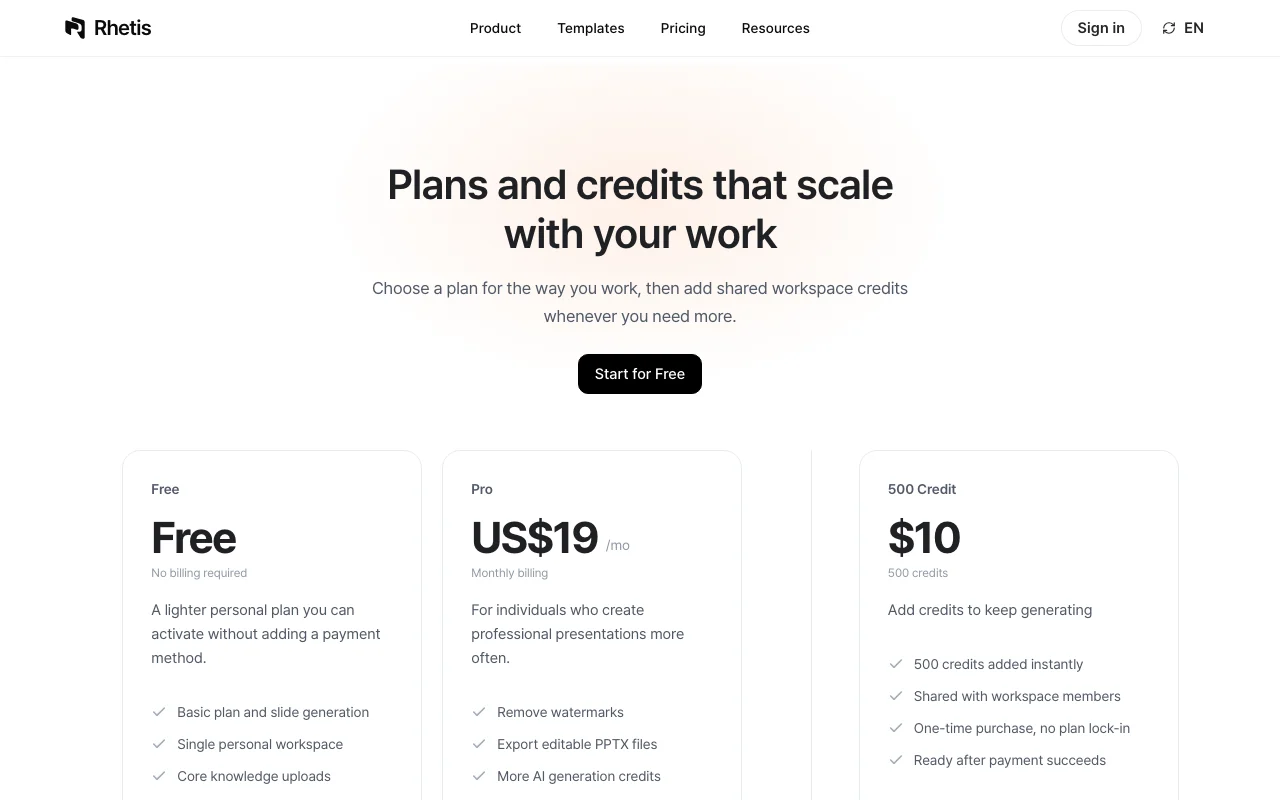
Rhetis pricing and usage limits
Prices checked Oct 1, 2026 on the official US pricing page. Official pricing ↗ Prices and limits change often.
Vendor pricing page re-checked automatically 12 days ago: no changes detected.
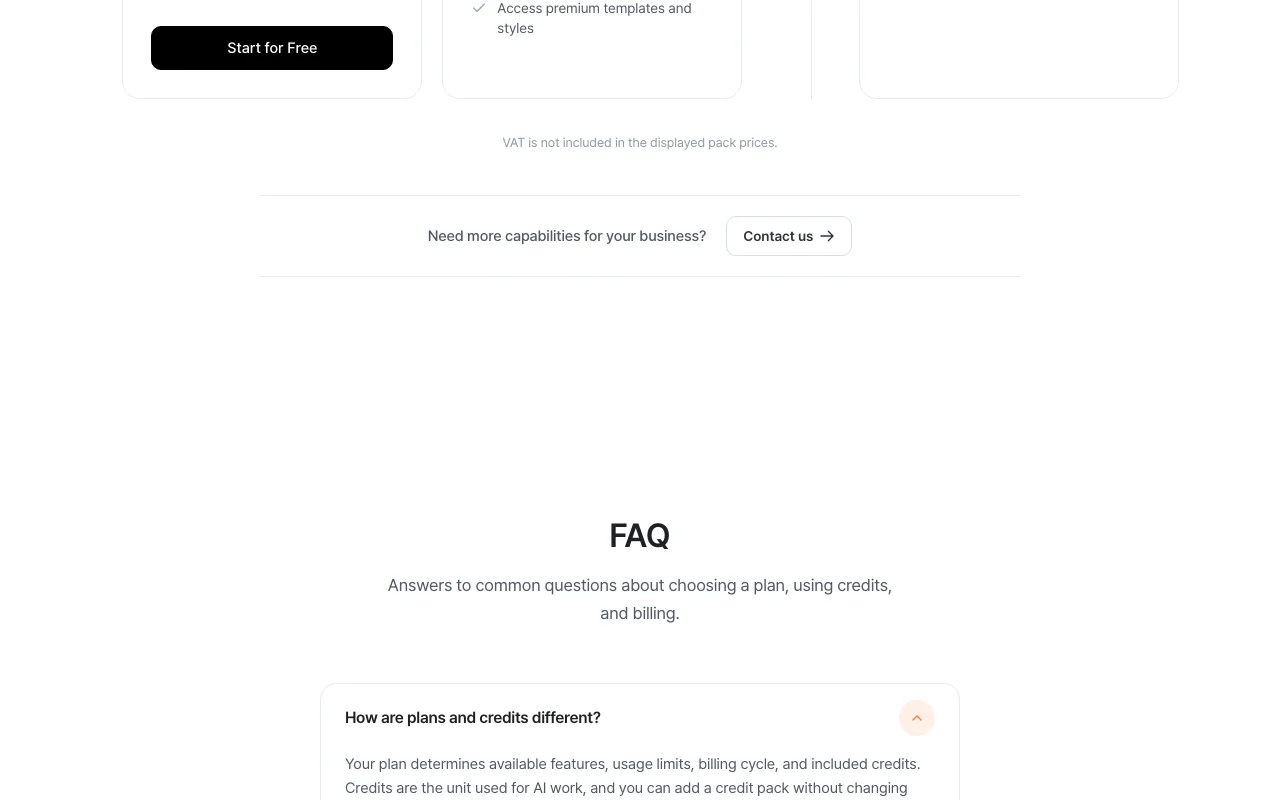
The official Rhetis pricing page as we saw it. rhetis.com, captured Oct 1, 2026
Free access and trial conditions
100 starter credits provided with free account; no card required
Free plan serves as trial; paid plans available without trial period
For: Large organizations with compliance, security, and custom deployment needs
Limits
Volume credits negotiated
Custom organizational controls
Includes
Security reviews
Custom rollout support
2 more
Dedicated account management
Organizational controls
Usage caps, credits and extra costs
VAT not included in displayed credit pack prices; will be added based on jurisdiction
VAT applies to credit packs; not shown in prices until checkout
What is Rhetis, and how does it work?
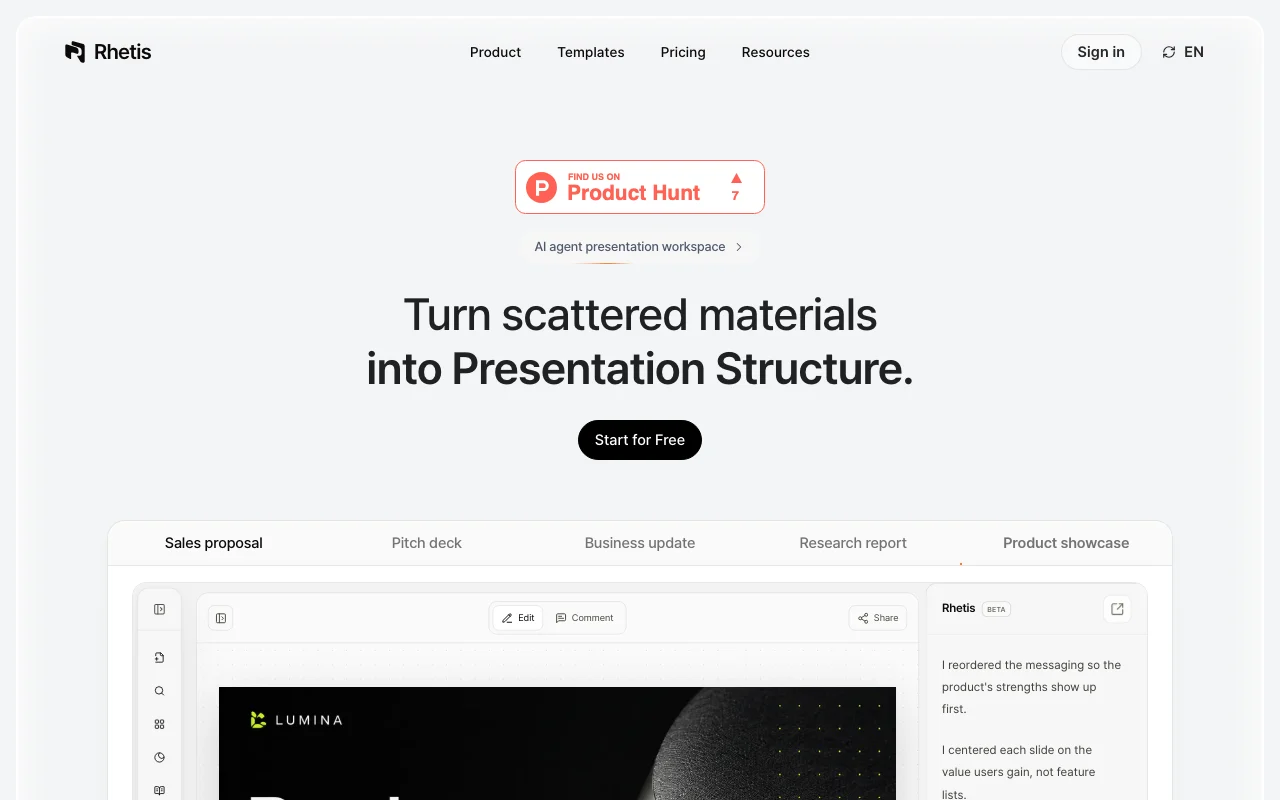
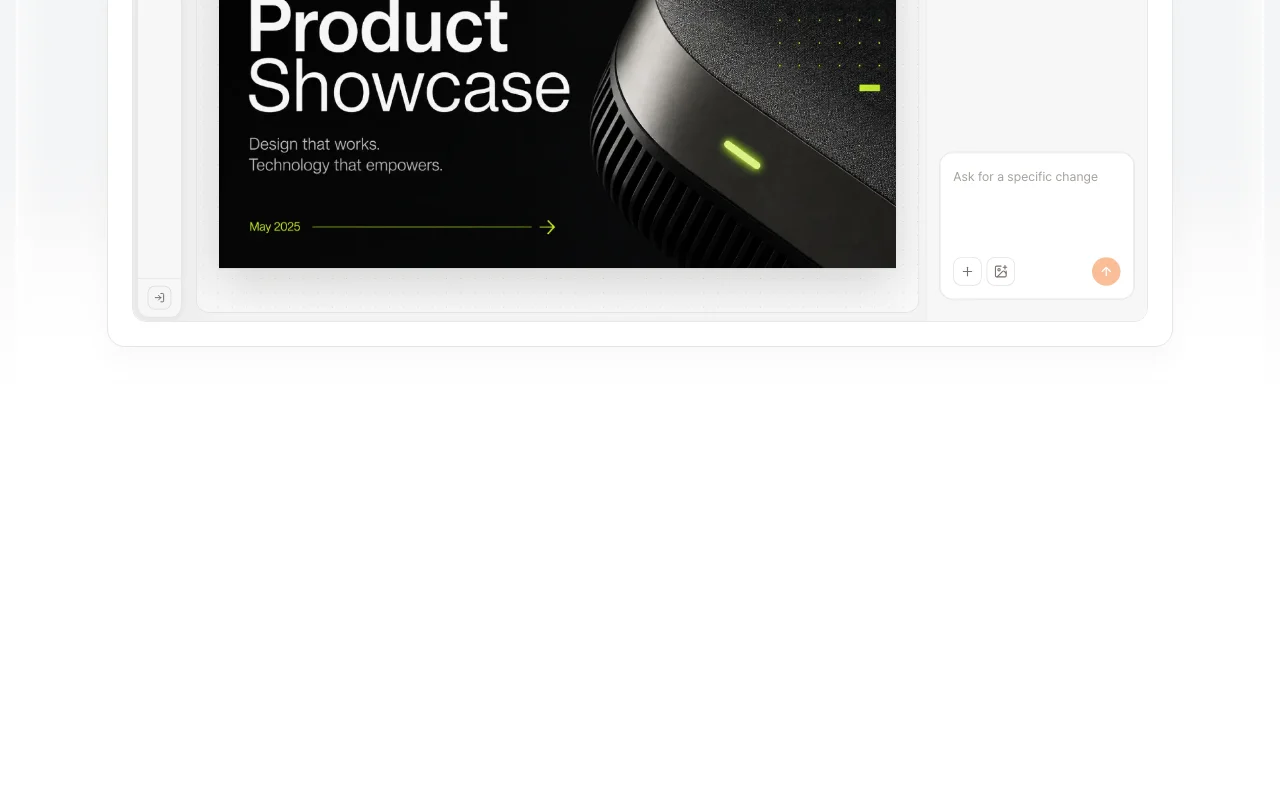
Rhetis is an AI agent presentation workspace. It extracts claims, figures and evidence from uploaded documents and tables, designs a narrative flow and slide order for a goal and audience, then applies design to produce a draft that stays editable in PowerPoint. Teams can share slides, comment and revise in one place. Usage runs on workspace credits shared by members; a free plan gives 100 starter credits, with paid Pro, Team, Business and Enterprise options.
Rhetis's official site: how the product presents itself. rhetis.com, captured Oct 1, 2026
What you provide and what you get back
What you give Rhetis and what comes back, from its documentation
You provide
Documents and reports
Tables and spreadsheets
Existing PowerPoint files
Notes and interview data
Brand materials and logos
You get back
Presentation structure and narrative flow
Editable PowerPoint deck
PDF export
Where you can use it
Platforms
Web
Account
Required
Best use cases for Rhetis
Scenarios are worked out by our editors from the documentation; the actual result depends on your input and plan.
Pitch decks from business materials
Who
Startup founders and investors
You provide
Business plan, market data, product screenshots, financial projections
Expected result
Persuasive pitch deck with narrative flow that investors can understand
Plan needed
Pro ($unknown) or Team/Business (per seat, minimum 2 seats)
Applies consistent branding and design to the approved narrative Maintains brand identity across all slides automatically
Access: All plansLimit: Style generation costs 10 credits; requires brand materials for best resultssource (opens in a new tab)
PowerPoint-editable output and PDF export
Exports final deck as editable PowerPoint or PDF Allows continued customization in familiar tools
Access: All plansLimit: Wireframe (skeleton) generation costs 1 credit per successful slidesource (opens in a new tab)
Rhetis: strengths and limits
Reasons to choose Rhetis
Free plan with 100 starter credits, no card required Low-risk way to try the full workflow with real materialsdocumentedsource (opens in a new tab)
Failed jobs and retries are not charged credits Experimental workflow iterations don't waste creditsdocumentedsource (opens in a new tab)
Credits shared across workspace members Teams pool usage and manage spend togetherdocumentedsource (opens in a new tab)
Output editable in PowerPoint Can hand off to design or marketing teams for refinementdocumentedsource (opens in a new tab)
Check before paying for Rhetis
AI work consumes credits; workspace stops when balance is empty Must purchase credits to continue; no work possible without balancedocumentedsource (opens in a new tab)
Team and Business plans billed per seat with two-seat minimum Minimum spend for team collaboration; single-user workarounds limiteddocumentedsource (opens in a new tab)
VAT not included in credit pack prices Final invoice will show additional taxes depending on regiondocumentedsource (opens in a new tab)
Product labeled beta API, features, or pricing may change; stability not guaranteeddocumentedsource (opens in a new tab)
How to use Rhetis for creating a presentation from scattered materials
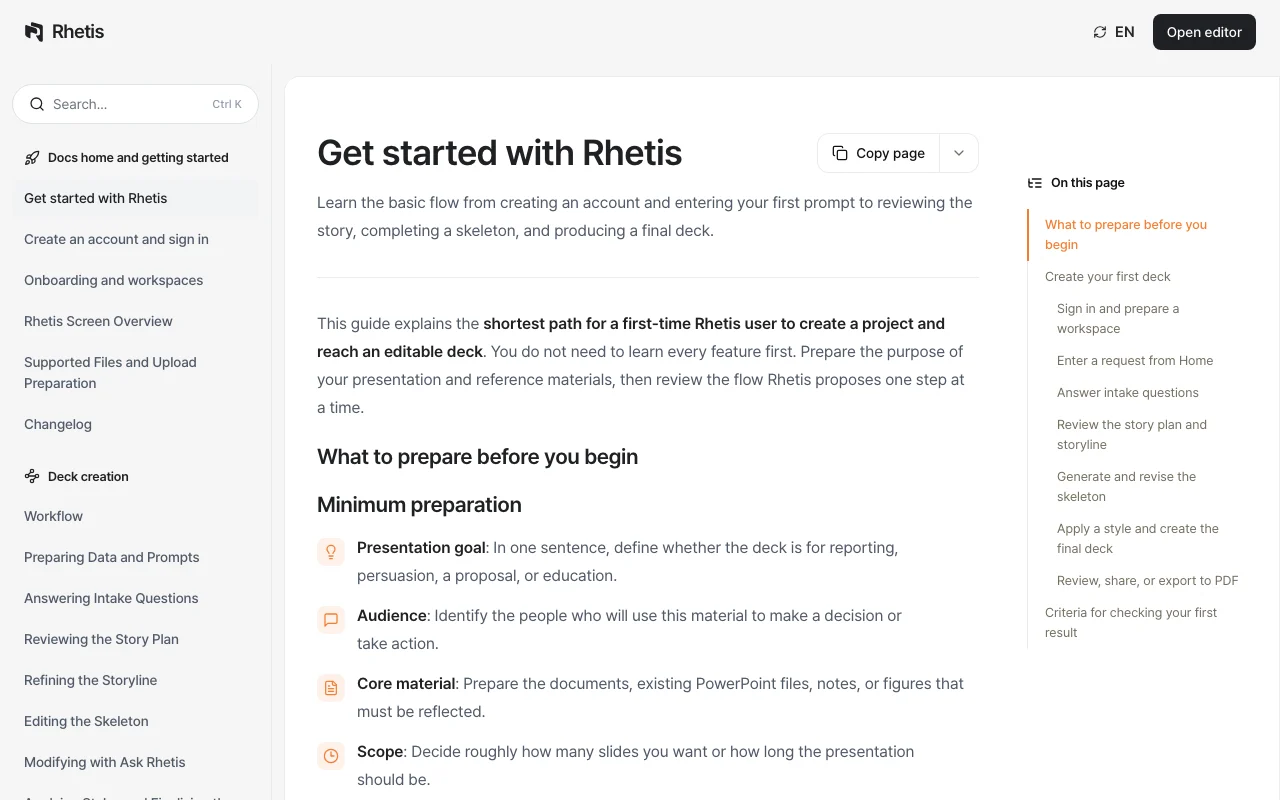
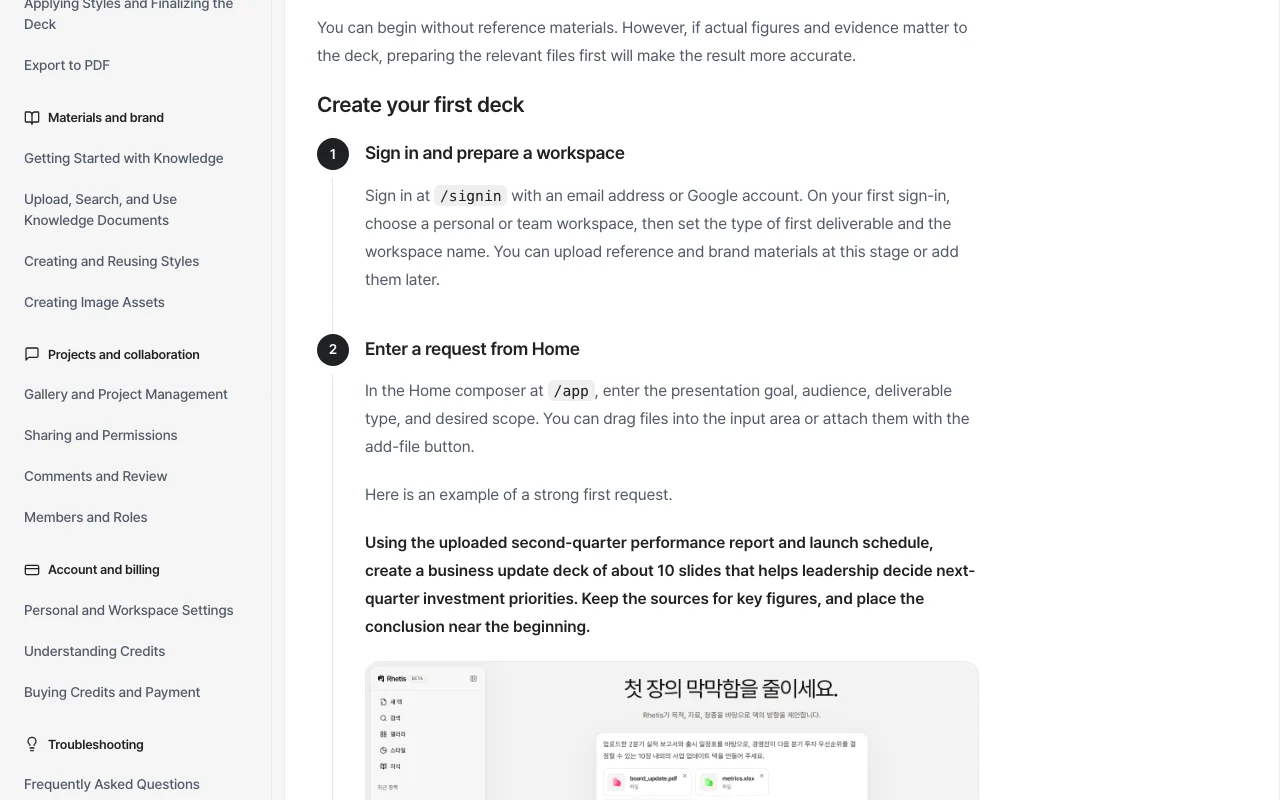
Rhetis documentation: where the steps below come from. rhetis.com, captured Oct 1, 2026
Set up Rhetis
Sign in at https://rhetis.com/en with email or Google account
Choose personal or team workspace and set deliverable type
Upload brand materials (optional) or add them later
Enter workspace name
Example: creating a presentation from scattered materials
On Home composer, enter presentation goal, audience, deliverable type, and desired scope
Rhetis asks intake questions about decision criteria, style, and scope
Review story plan and storyline that Rhetis proposes
Generate slide skeleton and revise content if needed
Choose or create a design style from brand materials
Apply final style to generate editable PowerPoint deck
Review, share with team, or export to PDF
Review and export the result
Verify conclusion or core problem appears in first 1–2 slides
Confirm every slide communicates one clear message
Check that uploaded figures and dates match source material
Example prompt suggested by our editors (not a recorded output of the product)
Using the uploaded second-quarter performance report and launch schedule, create a business update deck of about 10 slides that helps leadership decide next-quarter investment priorities. Keep the sources for key figures, and place the conclusion near the beginning.
Rhetis integrations and API
Rhetis documentation (continued). rhetis.com, captured Oct 1, 2026
Native integrations and export formats
Export: PowerPoint (.pptx), PDF
API access and separate billing
Rhetis has no public API in its official documentation. No API access mentioned; Enterprise may offer custom integrations
Privacy, data use and commercial rights
Summarized from the vendor's current policies; this is not legal advice and a vendor's badge is not an independent audit.
How your inputs and outputs are handled
Rhetis analyzes uploaded documents to extract claims and build narratives; output is editable presentation draft
Not stated; assume materials used for analysis only within workspace
Not stated; assume standard SaaS retention
Commercial use and plan restrictions
Your output remains yours; can be shared, exported, and used commercially
Plans determine features, usage limits, billing cycle, and included credits. Credits are the unit for AI work and can be purchased separately. source (opens in a new tab)
How many credits does each task use?
AI chat 1, asset 5, style 10, story plan 5, storyline 5, wireframe 1 per successful slide, knowledge ingestion 5 per indexed document. source (opens in a new tab)
Can I start for free?
Yes. A new workspace receives 100 starter credits and you can begin on the Free plan without a card. source (opens in a new tab)
What happens if a job fails or I run out of credits?
Credits are reserved when a job starts and captured only on success. Failed jobs and retries are not charged. Without sufficient balance, credit-consuming work cannot start. source (opens in a new tab)
Do team members use the same credits?
Yes. Credits are managed at the workspace level and shared by all active members. source (opens in a new tab)
Pricing and Credits | Rhetispricing · checked Oct 1, 2026 · Plan tiers and descriptions, Credit usage costs, Billing terms and minimums, FAQ on plans and credits
Not verified: Pro, Team, Business plan USD prices (load client-side; not fetched); Enterprise custom pricing; Data retention policy; Training data usage for competitive or commercial products; API availability and documentation.
How we documented and maintain this page
Every fact about Rhetis above comes from the 3 official pages listed here, last compared on Oct 1, 2026; we have not run Rhetis ourselves, so it has no editorial score. How we check and re-check pages.
Article updated Oct 10, 2026; prices checked Oct 1, 2026. Outbound links to vendors are plain links; we do not earn commissions. How we review · Report an error