Productivity & writingDocumented overviewLast checked Oct 2, 2026

ScreenApp: Pricing, Features & Best Use Cases

AI notetaker, transcription and summarizer for meetings, lectures and video, with recorder apps and a Chrome extension.
Is ScreenApp right for you?

ScreenApp suits people who want meeting and lecture notes from recordings without a bot joining the call, starting on a free tier. Based on the vendor's documentation, not on a hands-on test.

Best for: Professionals who want meeting notes without a bot joining calls

Also a good fit for

  • Students recording lectures

Consider another tool if free plan limited to 45-minute recordings and 2 transcriptions to try

Or if

  • Pro trial requires a credit card
  • No native Slack, Notion or Zapier apps; SSO and SAML not available

ScreenApp pricing and usage limits

Prices checked Oct 2, 2026 on the official US pricing page. Official pricing ↗ Prices and limits change often.

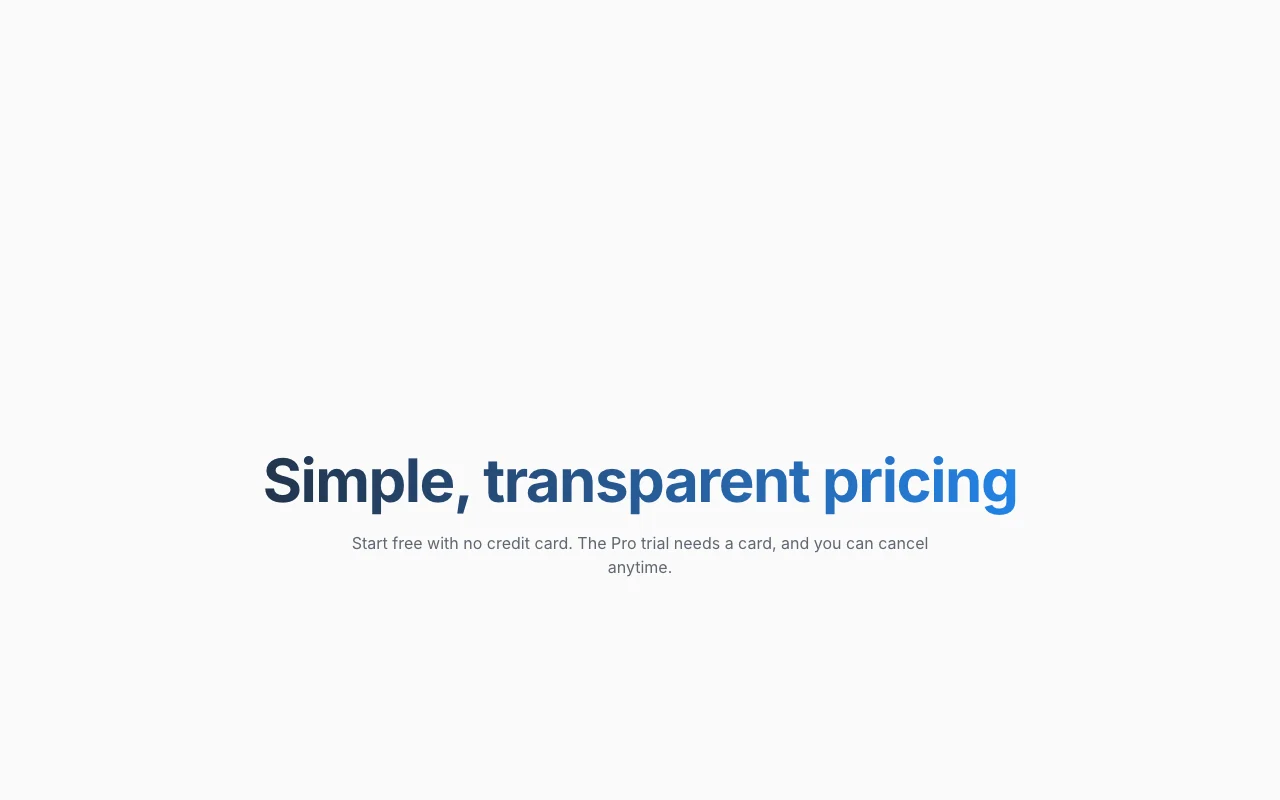
ScreenApp pricing page with plans and prices — screenshot of the productivity & writing AI tool, Oct 2, 2026
The official ScreenApp pricing page as we saw it. screenapp.io, captured Oct 2, 2026

Free access and trial conditions

Free plan without a credit card.

7-day Pro trial; card required, then $228 per year.

Paid plans: what changes as you upgrade

Free web

Free source (opens in a new tab)

Monthly

For: Trying the product

Limits

  • 10 AI chats and templates per month
  • 2 transcriptions to try
1 more
  • 45 min per recording

Pro (annual billing) web

$19 source (opens in a new tab)

Monthly, annual commitment

$228 per year after a 7-day trial; card required.

For: Regular meeting notes

Limits

  • 50 transcriptions per month
  • 500 uploads per month
1 more
  • 2 h per recording

Pro (monthly billing) web

$30 source (opens in a new tab)

Monthly

For: Flexible commitment

Limits

  • 50 transcriptions per month
  • 2 h per recording

Max (annual billing) web

$34 source (opens in a new tab)

Monthly, annual commitment

For: Heavy daily use

Limits

  • Unlimited transcriptions
  • 3 h per recording

Max (monthly billing) web

$69 source (opens in a new tab)

Monthly

For: Heavy use without annual commitment

Limits

  • Unlimited transcriptions
  • 3 h per recording

Enterprise web

Custom pricing source (opens in a new tab)

Monthly

For: Large organizations

Limits

  • Limits set by contract

Includes

  • API and webhooks via sales

API billed separately

Usage caps, credits and extra costs

Enterprise custom pricing.

Not stated.

What is ScreenApp, and how does it work?

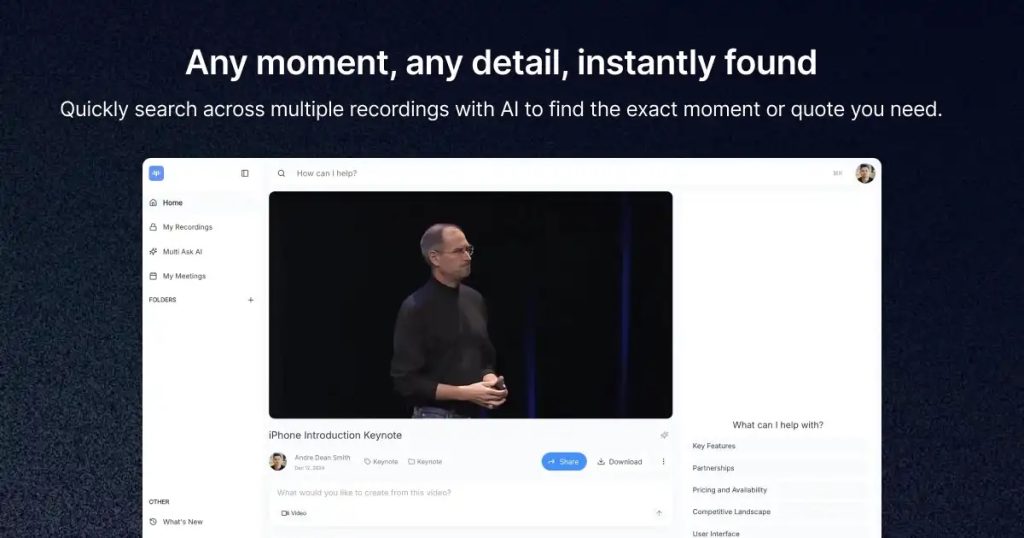
ScreenApp records and uploads audio and video, then transcribes it and turns it into summaries, meeting minutes, action items and searchable notes. Users can chat with a recording, apply templates and translate transcripts. It works in the browser and the site also lists Mac, Windows, iOS and Android apps and a Chrome extension. A free plan is available, with Pro and Max paid tiers and an Enterprise plan sold through sales.

What you provide and what you get back

How ScreenApp works: what you provide, where it runs and what you get backYOU PROVIDEYour inputScreen, webcam and microphone rec…Uploaded audio/video files and li…PRODUCTIVITY & WRITINGScreenAppWebfrom $19 (Pro (annual billing))free tier availableaccount requiredchecked Oct 2, 2026YOU GET BACKThe resultTranscriptsSummaries, minutes and action ite…input → ScreenApp → output · from the vendor's own pages, no hands-on test unless stated
What you give ScreenApp and what comes back, from its documentation

You provide

  • Screen, webcam and microphone recordings
  • Uploaded audio/video files and links

You get back

  • Transcripts
  • Summaries, minutes and action items

Where you can use it

Platforms
Web
Account
Required
Apps
Web, Mac, Windows, iOS, Android, Chrome extension source (opens in a new tab)
Max recording length
3 hours source (opens in a new tab)
Free transcriptions
2 to try source (opens in a new tab)
Security
SOC 2 Type 2, GDPR source (opens in a new tab)

Best use cases for ScreenApp

Scenarios are worked out by our editors from the documentation; the actual result depends on your input and plan.

Meeting minutes and action items

Who
Professionals attending many calls
You provide
Recorded meeting
Expected result
Minutes and action items
Plan needed
Pro
Limitation
Pro recordings up to 2 hours source (opens in a new tab)

Lecture notes

Who
Students recording classes
You provide
Lecture recording or upload
Expected result
Searchable lecture notes
Plan needed
Free or Pro
Limitation
Free has 2 transcriptions to try source (opens in a new tab)

Video and audio transcription

Who
Creators and researchers
You provide
Video or audio file
Expected result
Transcript with speakers and summary
Plan needed
Pro or Max
Limitation
Pro allows 50 transcriptions per month source (opens in a new tab)

What ScreenApp does, and where it stops

AI notetaker with bot-free recording

Records meetings from the app or extension without adding a visible bot participant. Avoids bot-invite awkwardness in client calls.

Access: Free and paid plans.Limit: Recording length varies by plan: 45 min Free, 2 h Pro, 3 h Max. source (opens in a new tab)

Transcription with speaker diarization

Converts audio to text and labels who spoke. Makes long recordings searchable and quotable.

Access: Counts toward monthly transcription allowance.Limit: Free has 2 to try; Pro 50/mo. source (opens in a new tab)

Video and audio summarizer

Condenses uploaded media into key points and notes. Saves time reviewing long videos.

Access: Uploads limited to 3 on Free, 500/mo on Pro.Limit: Quality depends on audio clarity; not detailed on page. source (opens in a new tab)

Chat with a recording and templates

Lets you ask questions of a recording or run a template for structured output. Pulls specific answers without re-watching.

Access: 10/mo Free, 50/mo Pro, unlimited Max.Limit: Allowance resets monthly. source (opens in a new tab)

ScreenApp pros and cons

Reasons to choose ScreenApp

Check before paying for ScreenApp

  • Free plan limited to 45-minute recordings and 2 transcriptions to try Free tier is only a trial of the core feature. documented source (opens in a new tab)
  • Pro trial requires a credit card Card is required for the Pro trial. documented source (opens in a new tab)
  • No native Slack, Notion or Zapier apps; SSO and SAML not available Teams relying on those tools need the API or other workarounds; SSO and SAML are not offered. documented source (opens in a new tab)

How to use ScreenApp for turning a meeting recording into notes

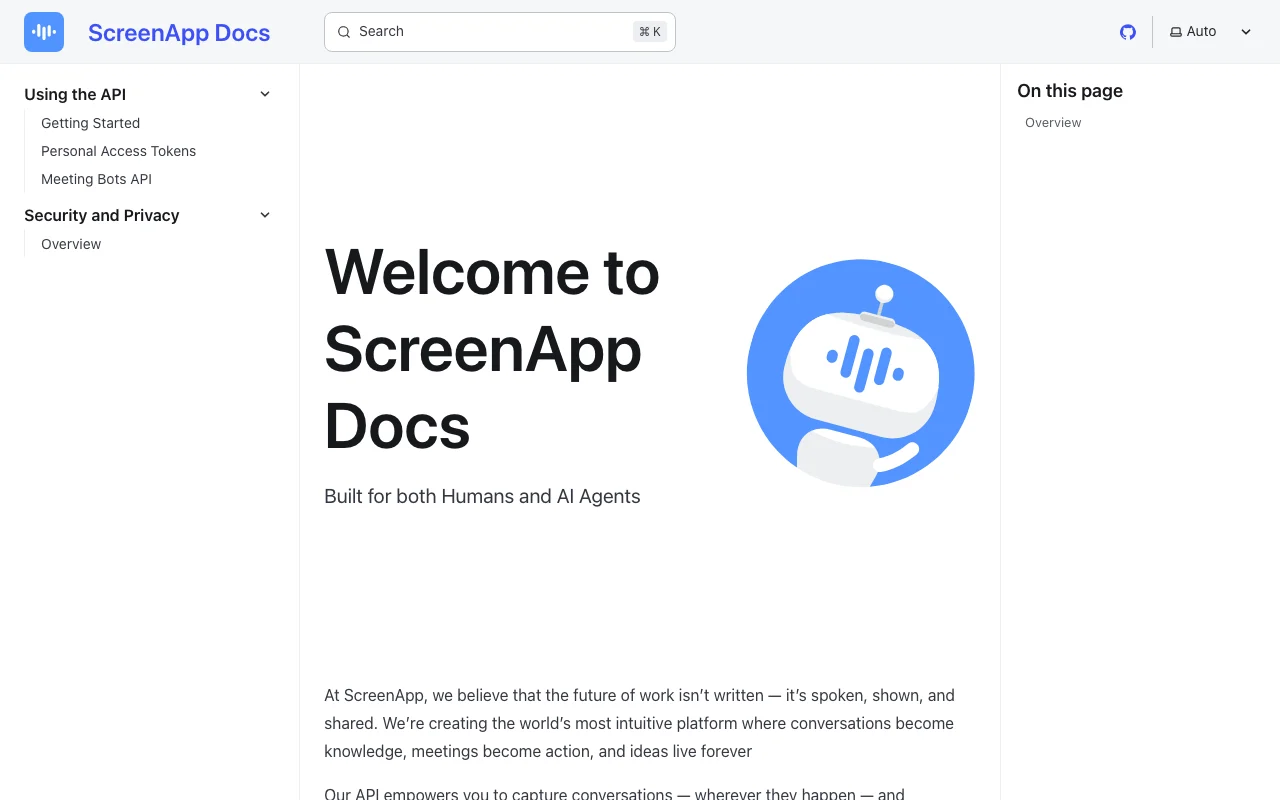
ScreenApp documentation — screenshot of the productivity & writing AI tool, Oct 2, 2026
ScreenApp documentation: where the steps below come from. screenapp.io, captured Oct 2, 2026

Set up ScreenApp

  1. Open screenapp.io and create a free account.
  2. Install the Chrome extension or desktop app, or upload a file.
  3. Allow screen and microphone permissions.

Example: turning a meeting recording into notes

  1. Record a meeting or upload a file.
  2. Open the finished recording.
  3. Apply the meeting minutes template.
  4. Ask the chat for action items.

Review and export the result

  1. Skim the transcript for misheard names.
  2. Compare action items against the recording timestamps.
Example prompt suggested by our editors (not a recorded output of the product)
List the action items and who owns each.

ScreenApp API

ScreenApp documentation — screenshot of the productivity & writing AI tool, Oct 2, 2026
ScreenApp documentation (continued). screenapp.io, captured Oct 2, 2026

API access and separate billing

ScreenApp has no public API in its official documentation. API and webhooks; no native Slack, Notion or Zapier apps.

Privacy, data use and commercial rights

Summarized from the vendor's current policies; this is not legal advice and a vendor's badge is not an independent audit.

How your inputs and outputs are handled

Recordings and uploads are processed by vetted subprocessors.

Does not use customer content to train AI models.

Not stated.

Commercial use and plan restrictions

SSO and SAML not available.

Controls for business users

  • SOC 2 Type 2
  • GDPR
  • AES-256 at rest, TLS in transit

ScreenApp alternatives by need

"Better suited" is based on documented features and pricing, not on a head-to-head test.

Otter.ai: better suited to

Descript: better suited to

Alternatives
AlternativeWhen to choose itPricingLimitation
Otter.ai——
Descript——

Explore ScreenApp further

If you are looking at ScreenApp

ScreenApp user reviews

No user reviews yet.

Used ScreenApp? Be the first to share your experience.

Write a review

Reviews are checked by a moderator before they appear. Your email is never published. Plain text only.

Your rating (required)

Show what you made or what went wrong. Images are published only if the review is approved; location data is removed.

    ScreenApp FAQ

    How long can a ScreenApp recording be on each plan?

    45 minutes on Free, up to 2 hours on Pro and up to 3 hours on Max.

    Does the ScreenApp Pro trial need a card?

    Yes: 7 days free, then $228 per year, and you can cancel in the trial.

    Does ScreenApp train AI on my recordings?

    No, the pricing page says it does not use customer content to train AI models.

    Does ScreenApp integrate natively with Slack or Notion?

    No, the pricing page says there are no native Slack, Notion or Zapier apps; an API and webhooks exist.

    What does ScreenApp Pro cost monthly versus annually?

    $19 per month billed annually or $30 per month billed monthly.

    Sources and review methodology

    Official sources and verification dates

    Not verified: Supported transcription languages not in fetched pages.; Export formats not stated..

    How we documented and maintain this page

    Every fact about ScreenApp above comes from the 4 official pages listed here, last compared on Oct 2, 2026; we have not run ScreenApp ourselves, so it has no editorial score. How we check and re-check pages.

    Article updated Oct 2, 2026; prices checked Oct 2, 2026. Outbound links to vendors are plain links; we do not earn commissions. How we review · Report an error