Produktivität & SchreibenDokumentierter ÜberblickZuletzt geprüft Oct 2, 2026

ScreenApp: Preise, Funktionen & beste Einsatzzwecke

AI notetaker, transcription and summarizer for meetings, lectures and video, with recorder apps and a Chrome extension.
Ist ScreenApp das Richtige für Sie?

ScreenApp suits people who want meeting and lecture notes from recordings without a bot joining the call, starting on a free tier. Auf Basis der Dokumentation des Anbieters, nicht in einem praktischen Test.

Am besten für: Professionals who want meeting notes without a bot joining calls

Auch gut geeignet für

  • Students recording lectures

Ein anderes Tool in Betracht ziehen, wenn free plan limited to 45-minute recordings and 2 transcriptions to try

Oder wenn

  • Pro trial requires a credit card
  • No native Slack, Notion or Zapier apps; SSO and SAML not available

ScreenApp Preise und Nutzungslimits

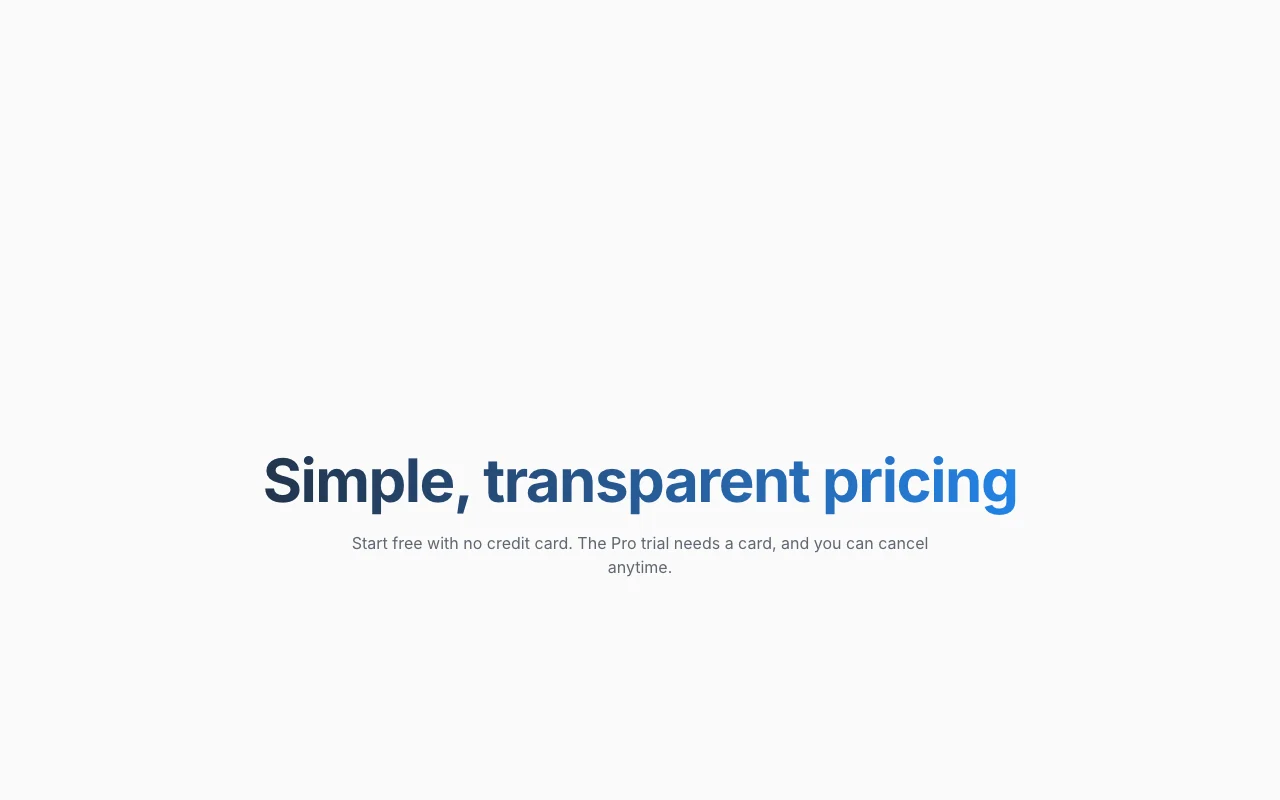
Preise am Oct 2, 2026 auf der offiziellen US-Preisseite geprüft. Offizielle Preise ↗ Preise und Limits ändern sich häufig.

ScreenApp Preisseite mit Tarifen und Preisen – Screenshot des KI-Tools produktivität & schreiben, Oct 2, 2026
Die offizielle ScreenApp-Preisseite, wie wir sie gesehen haben. screenapp.io, erfasst Oct 2, 2026

Kostenloser Zugang und Testbedingungen

Free plan without a credit card.

7-day Pro trial; card required, then $228 per year.

Kostenpflichtige Tarife: was sich beim Upgrade ändert

Free web

Kostenlos Quelle (öffnet in neuem Tab)

Monthly

Für: Trying the product

Limits

  • 10 AI chats and templates per month
  • 2 transcriptions to try
1 mehr
  • 45 min per recording

Pro (annual billing) web

$19 Quelle (öffnet in neuem Tab)

Monthly, Jahresbindung

$228 per year after a 7-day trial; card required.

Für: Regular meeting notes

Limits

  • 50 transcriptions per month
  • 500 uploads per month
1 mehr
  • 2 h per recording

Max (annual billing) web

$34 Quelle (öffnet in neuem Tab)

Monthly, Jahresbindung

Für: Heavy daily use

Limits

  • Unlimited transcriptions
  • 3 h per recording

Max (monthly billing) web

$69 Quelle (öffnet in neuem Tab)

Monthly

Für: Heavy use without annual commitment

Limits

  • Unlimited transcriptions
  • 3 h per recording

Enterprise web

Individuelle Preise Quelle (öffnet in neuem Tab)

Monthly

Für: Large organizations

Limits

  • Limits set by contract

Enthält

  • API and webhooks via sales

API separat abgerechnet

Nutzungsobergrenzen, Guthaben und Zusatzkosten

Enterprise custom pricing.

Not stated.

Was ist ScreenApp und wie funktioniert es?

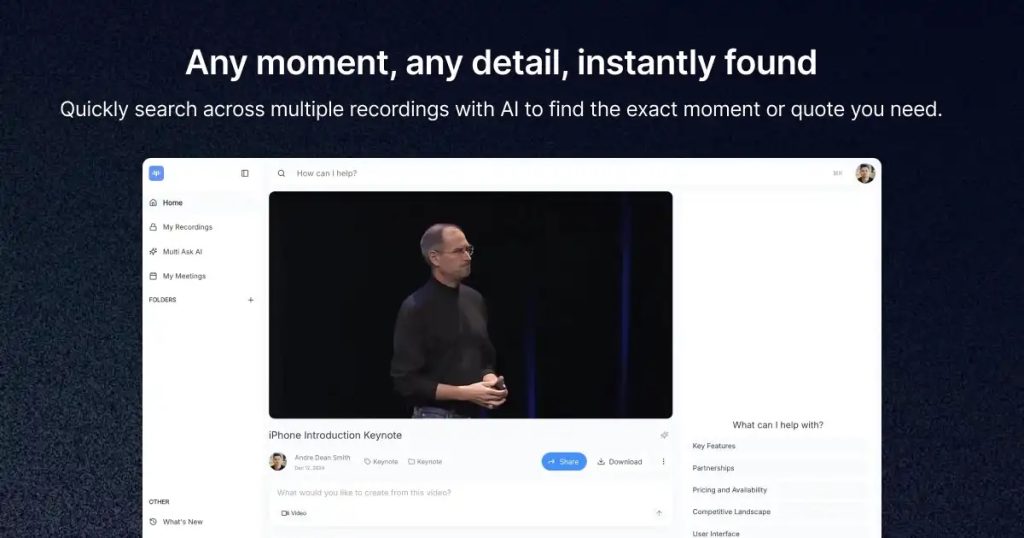
ScreenApp records and uploads audio and video, then transcribes it and turns it into summaries, meeting minutes, action items and searchable notes. Users can chat with a recording, apply templates and translate transcripts. It works in the browser and the site also lists Mac, Windows, iOS and Android apps and a Chrome extension. A free plan is available, with Pro and Max paid tiers and an Enterprise plan sold through sales.

Was Sie liefern und was Sie erhalten

Wie ScreenApp funktioniert: was Sie liefern, wo es läuft und was Sie zurückbekommenSIE LIEFERNIhre EingabeScreen, webcam and microphone rec…Uploaded audio/video files and li…PRODUKTIVITäT & SCHREIBENScreenAppWebab $19 (Pro (annual billing))kostenloser Tarif verfügbarKonto erforderlichgeprüft Oct 2, 2026SIE ERHALTEN ZURÜCKDas ErgebnisTranscriptsSummaries, minutes and action ite…input → ScreenApp → output · von den eigenen Seiten des Anbieters, kein praktischer Test, sofern nicht angegeben
Was Sie ScreenApp geben und was zurückkommt, laut Dokumentation

Sie liefern

  • Screen, webcam and microphone recordings
  • Uploaded audio/video files and links

Sie erhalten zurück

  • Transcripts
  • Summaries, minutes and action items

Wo Sie es nutzen können

Plattformen
Web
Konto
Erforderlich
Apps
Web, Mac, Windows, iOS, Android, Chrome extension Quelle (öffnet in neuem Tab)
Max recording length
3 hours Quelle (öffnet in neuem Tab)
Free transcriptions
2 to try Quelle (öffnet in neuem Tab)
Security
SOC 2 Type 2, GDPR Quelle (öffnet in neuem Tab)

Die besten Einsatzzwecke für ScreenApp

Die Szenarien erarbeiten unsere Redakteure anhand der Dokumentation; das tatsächliche Ergebnis hängt von Ihrer Eingabe und Ihrem Tarif ab.

Meeting minutes and action items

Wer
Professionals attending many calls
Sie liefern
Recorded meeting
Erwartetes Ergebnis
Minutes and action items
Benötigter Tarif
Pro
Einschränkung
Pro recordings up to 2 hours Quelle (öffnet in neuem Tab)

Lecture notes

Wer
Students recording classes
Sie liefern
Lecture recording or upload
Erwartetes Ergebnis
Searchable lecture notes
Benötigter Tarif
Free or Pro
Einschränkung
Free has 2 transcriptions to try Quelle (öffnet in neuem Tab)

Video and audio transcription

Wer
Creators and researchers
Sie liefern
Video or audio file
Erwartetes Ergebnis
Transcript with speakers and summary
Benötigter Tarif
Pro or Max
Einschränkung
Pro allows 50 transcriptions per month Quelle (öffnet in neuem Tab)

Was ScreenApp leistet und wo die Grenzen liegen

AI notetaker with bot-free recording

Records meetings from the app or extension without adding a visible bot participant. Avoids bot-invite awkwardness in client calls.

Zugriff: Free and paid plans.Limit: Recording length varies by plan: 45 min Free, 2 h Pro, 3 h Max. Quelle (öffnet in neuem Tab)

Transcription with speaker diarization

Converts audio to text and labels who spoke. Makes long recordings searchable and quotable.

Zugriff: Counts toward monthly transcription allowance.Limit: Free has 2 to try; Pro 50/mo. Quelle (öffnet in neuem Tab)

Video and audio summarizer

Condenses uploaded media into key points and notes. Saves time reviewing long videos.

Zugriff: Uploads limited to 3 on Free, 500/mo on Pro.Limit: Quality depends on audio clarity; not detailed on page. Quelle (öffnet in neuem Tab)

Chat with a recording and templates

Lets you ask questions of a recording or run a template for structured output. Pulls specific answers without re-watching.

Zugriff: 10/mo Free, 50/mo Pro, unlimited Max.Limit: Allowance resets monthly. Quelle (öffnet in neuem Tab)

ScreenApp Vor- und Nachteile

Gründe für die Wahl von ScreenApp

Vor dem Bezahlen bei ScreenApp prüfen

  • Free plan limited to 45-minute recordings and 2 transcriptions to try Free tier is only a trial of the core feature. dokumentiert Quelle (öffnet in neuem Tab)
  • Pro trial requires a credit card Card is required for the Pro trial. dokumentiert Quelle (öffnet in neuem Tab)
  • No native Slack, Notion or Zapier apps; SSO and SAML not available Teams relying on those tools need the API or other workarounds; SSO and SAML are not offered. dokumentiert Quelle (öffnet in neuem Tab)

So nutzen Sie ScreenApp für turning a meeting recording into notes

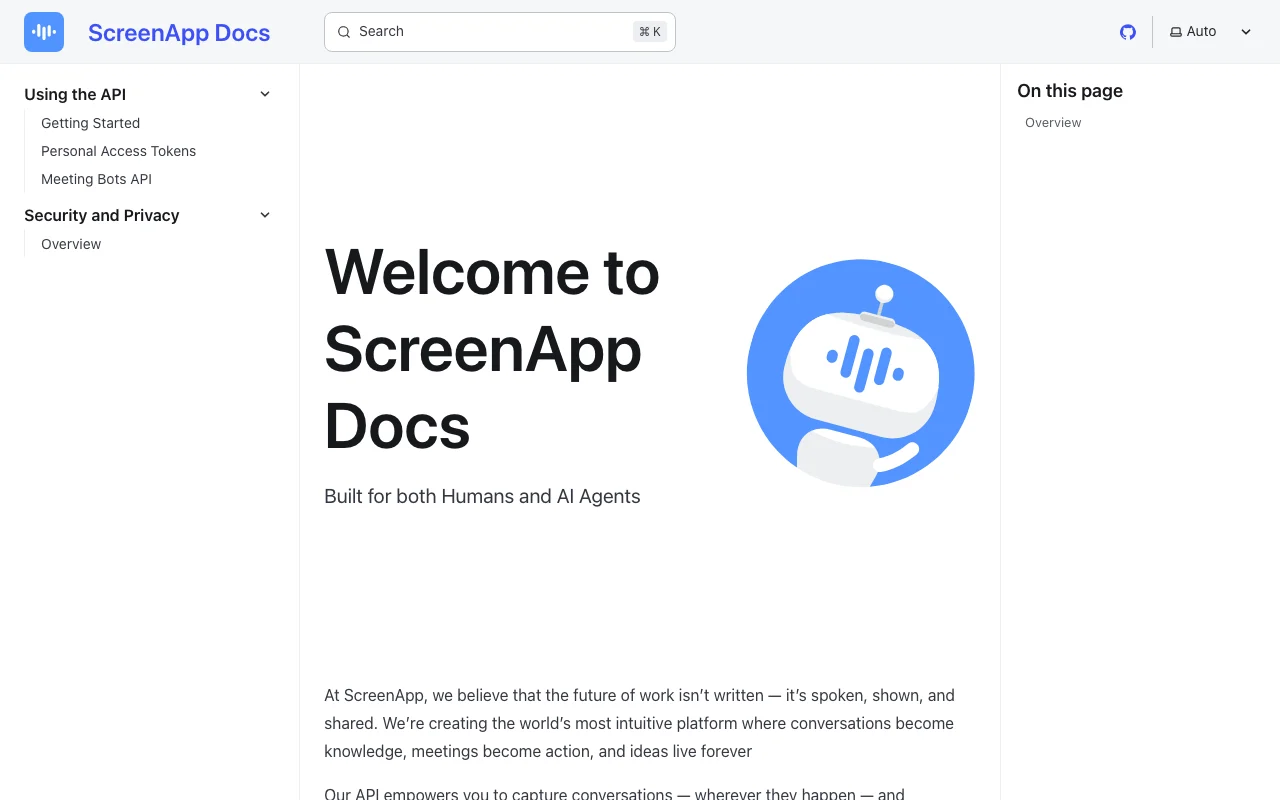
ScreenApp Dokumentation – Screenshot des KI-Tools produktivität & schreiben, Oct 2, 2026
ScreenApp Dokumentation: Quellen der folgenden Schritte. screenapp.io, erfasst Oct 2, 2026

ScreenApp einrichten

  1. Open screenapp.io and create a free account.
  2. Install the Chrome extension or desktop app, or upload a file.
  3. Allow screen and microphone permissions.

Beispiel: turning a meeting recording into notes

  1. Record a meeting or upload a file.
  2. Open the finished recording.
  3. Apply the meeting minutes template.
  4. Ask the chat for action items.

Ergebnis prüfen und exportieren

  1. Skim the transcript for misheard names.
  2. Compare action items against the recording timestamps.
Von unserer Redaktion vorgeschlagener Beispiel-Prompt (keine aufgezeichnete Ausgabe des Produkts)
List the action items and who owns each.

ScreenApp API

ScreenApp Dokumentation – Screenshot des KI-Tools produktivität & schreiben, Oct 2, 2026
ScreenApp Dokumentation (Fortsetzung). screenapp.io, erfasst Oct 2, 2026

API-Zugang und separate Abrechnung

ScreenApp hat laut offizieller Dokumentation keine öffentliche API. API and webhooks; no native Slack, Notion or Zapier apps.

Datenschutz, Datennutzung und kommerzielle Rechte

Zusammengefasst aus den aktuellen Richtlinien des Anbieters; dies ist keine Rechtsberatung, und das Badge eines Anbieters ersetzt kein unabhängiges Audit.

Wie Ihre Eingaben und Ausgaben verarbeitet werden

Recordings and uploads are processed by vetted subprocessors.

Does not use customer content to train AI models.

Not stated.

Kommerzielle Nutzung und Tarifbeschränkungen

SSO and SAML not available.

Steuerungsmöglichkeiten für Geschäftskunden

  • SOC 2 Type 2
  • GDPR
  • AES-256 at rest, TLS in transit

ScreenApp-Alternativen nach Bedarf

„Besser geeignet“ beruht auf dokumentierten Funktionen und Preisen, nicht auf einem direkten Test.

Otter.ai: besser geeignet für

Descript: besser geeignet für

Alternativen
AlternativeWann Sie es wählen solltenPreiseEinschränkung
Otter.ai——
Descript——

ScreenApp weiter erkunden

Wenn Sie ScreenApp in Betracht ziehen

ScreenApp Nutzerbewertungen

Noch keine Nutzerbewertungen.

Verwendet ScreenApp? Teilen Sie als Erste oder Erster Ihre Erfahrung.

Bewertung schreiben

Bewertungen werden von einem Moderator geprüft, bevor sie erscheinen. Ihre E-Mail-Adresse wird nie veröffentlicht. Nur Klartext.

Ihre Bewertung (erforderlich)

Zeigen Sie, was Sie erstellt haben oder was schiefgelaufen ist. Bilder werden nur veröffentlicht, wenn die Bewertung freigegeben wird; Standortdaten werden entfernt.

    ScreenApp FAQ

    How long can a ScreenApp recording be on each plan?

    45 minutes on Free, up to 2 hours on Pro and up to 3 hours on Max.

    Does the ScreenApp Pro trial need a card?

    Yes: 7 days free, then $228 per year, and you can cancel in the trial.

    Does ScreenApp train AI on my recordings?

    No, the pricing page says it does not use customer content to train AI models.

    Does ScreenApp integrate natively with Slack or Notion?

    No, the pricing page says there are no native Slack, Notion or Zapier apps; an API and webhooks exist.

    What does ScreenApp Pro cost monthly versus annually?

    $19 per month billed annually or $30 per month billed monthly.

    Quellen und Bewertungsmethodik

    Offizielle Quellen und Prüfdaten

    Nicht verifiziert: Supported transcription languages not in fetched pages.; Export formats not stated..

    Wie wir diese Seite dokumentiert haben und pflegen

    Jede Angabe zu ScreenApp oben stammt aus den 4 hier aufgeführten offiziellen Seiten, zuletzt verglichen am Oct 2, 2026; wir haben ScreenApp nicht selbst getestet, daher gibt es keine redaktionelle Bewertung. Wie wir Seiten prüfen und erneut prüfen.

    Artikel aktualisiert Oct 2, 2026; Preise geprüft Oct 2, 2026. Ausgehende Links zu Anbietern sind einfache Links; wir erhalten keine Provisionen. So testen wir · Fehler melden