Productivity & writingDocumented overviewLast checked Sep 29, 2026

Sendmux: Pricing, Features & Best Use Cases

Email, calendar and file API that gives AI agents their own inboxes, with SDKs, CLI and an MCP endpoint.

Who Sendmux fits

Choose Sendmux if you build AI agents that need their own inboxes, calendars and files through one API, with usage billing and no per-seat or per-mailbox fees. Based on the vendor's documentation, not on a hands-on test.

Best for: AI agent developers

Also a good fit for

  • Teams building email automations

Consider another tool if free plan: 2 mailboxes, $1 usage credit

Or if

  • Free outgoing emails carry a Sendmux footer
  • Free managed sending limited to 2 per hour

Sendmux pricing and usage limits

Prices checked Sep 29, 2026 on the official US pricing page. Official pricing ↗ Prices and limits change often.

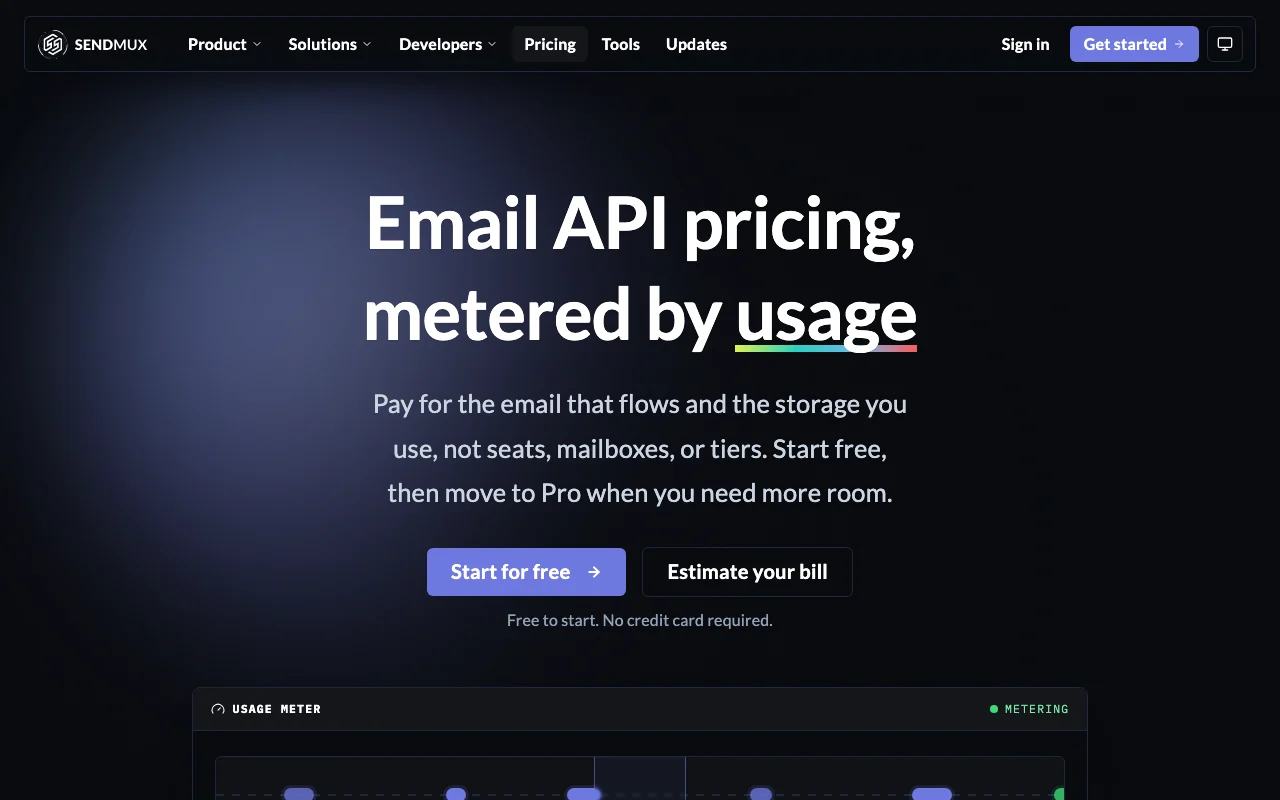
Sendmux pricing page with plans and prices — screenshot of the productivity & writing AI tool, Oct 1, 2026
The official Sendmux pricing page as we saw it. sendmux.ai, captured Oct 1, 2026

Free access and trial conditions

Free plan, no credit card, with $1 usage credit.

None beyond Free.

Paid plans: what changes as you upgrade

Free API

Free source (opens in a new tab)

Month

For: Prototyping agents

Limits

  • 2 mailboxes, 1 domain
  • $1 usage credit
1 more
  • 50 recipients per day; managed sending 2 per hour

Includes

  • Email API
  • MCP endpoint
1 more
  • No credit card

API included

Pro API

$7 per team per month plus usage source (opens in a new tab)

Month

For: Production agents

Limits

  • Unlimited* resources, fair usage applies

Includes

  • Prepaid usage with top-ups
  • No email footer
1 more
  • Higher managed daily limits by review

API included

Enterprise API

Custom pricing source (opens in a new tab)

Unknown

For: High-volume senders

Limits

  • Priced around your volume

Includes

  • Dedicated infrastructure
  • Priority support and custom SLAs
1 more
  • Postpaid usage

API included

Usage caps, credits and extra costs

Connected outbound $0.50 per 1,000, managed $0.75 per 1,000, inbound $0.50 per 1,000, storage $0.02 per GB-month.

Not stated.

What is Sendmux, and how does it work?

Sendmux is an API that lets AI agents send and receive email, manage calendars and store files. It offers SDKs, a CLI, agent skills and a hosted MCP endpoint with OAuth. Billing is metered by usage rather than seats or mailboxes, with a free tier and a Pro team fee.

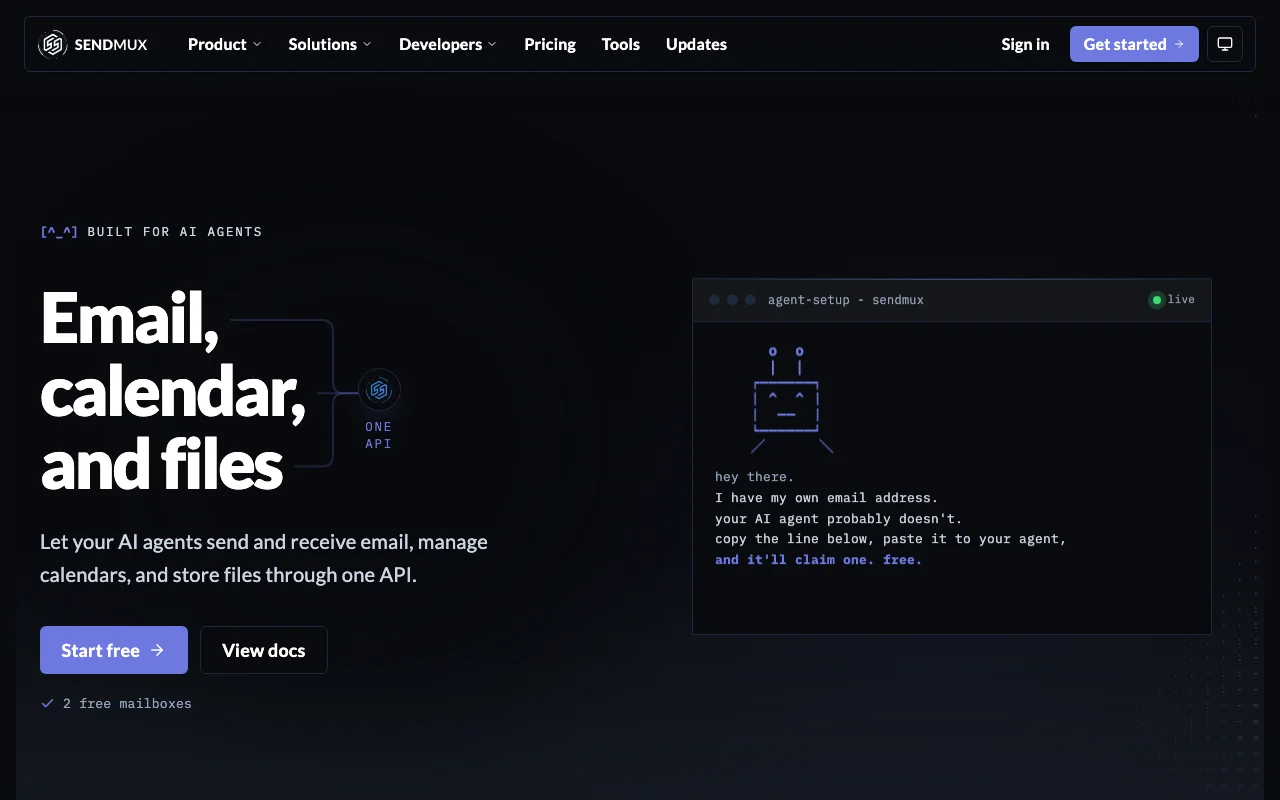
Sendmux homepage — screenshot of the productivity & writing AI tool, Oct 1, 2026
Sendmux's official site: how the product presents itself. sendmux.ai, captured Oct 1, 2026

What you provide and what you get back

How Sendmux works: what you provide, where it runs and what you get backYOU PROVIDEYour inputAPI calls from agents or SDK/CLIInbound email to agent mailboxesCalendar and file requestsPRODUCTIVITY & WRITINGSendmuxAPIfrom $7/mo (Pro)free tier availableaccount requiredchecked Sep 29, 2026YOU GET BACKThe resultSent emailsReceived and stored messagesCalendar events and filesinput → Sendmux → output · from the vendor's own pages, no hands-on test unless stated
What you give Sendmux and what comes back, from its documentation

You provide

  • API calls from agents or SDK/CLI
  • Inbound email to agent mailboxes
  • Calendar and file requests

You get back

  • Sent emails
  • Received and stored messages
  • Calendar events and files

Where you can use it

Platforms
API
Account
Required
Surfaces
Email, calendar, files
Connections
SDKs, CLI, skills, hosted MCP
Billing
Per accepted recipient/delivery plus storage
Free limits
2 mailboxes, 50/day

Best use cases for Sendmux

Scenarios are worked out by our editors from the documentation; the actual result depends on your input and plan.

Giving an agent an inbox

Who
AI agent developers
You provide
An agent skill or API key
Expected result
A dedicated mailbox the agent can read and send from
Plan needed
Free and up
Limitation
2 mailboxes on Free source (opens in a new tab)

Sending transactional email from agents

Who
Teams automating notices
You provide
API send calls through managed or connected provider
Expected result
Delivered emails billed per accepted recipient
Plan needed
Pro
Limitation
Free adds a Sendmux footer source (opens in a new tab)

Inbound email processing

Who
Automation builders
You provide
Emails to a mailbox
Expected result
Messages stored and available to the agent
Plan needed
Pro for volume
Limitation
Inbound beyond $1 credit needs Pro source (opens in a new tab)

Connecting your own email provider

Who
Teams with existing SES or SMTP
You provide
Provider credentials
Expected result
Routing through your own account
Plan needed
Free and up
Limitation
Provider quotas still apply source (opens in a new tab)

What Sendmux does, and where it stops

Sendmux homepage — screenshot of the productivity & writing AI tool, Oct 1, 2026
Feature overview on the official site. sendmux.ai, captured Oct 1, 2026

Email API

Sends and receives email through an API and SDKs. Agents get real email.

Access: All plansLimit: Free has daily and hourly caps source (opens in a new tab)

Agent inboxes

Creates dedicated mailboxes for each agent. Isolates agent mail.

Access: 2 on Free, unlimited* on ProLimit: Unlimited subject to fair usage source (opens in a new tab)

Calendar and file storage

Adds calendar and file storage to the same API. One surface for agent workspace.

Access: All plansLimit: Storage billed at $0.02 per GB-month source (opens in a new tab)

Hosted MCP endpoint

Hosted MCP endpoint with OAuth, plus CLI and skills. Easy connection from agent apps.

Access: All plansLimit: Requires OAuth approval source (opens in a new tab)

Sendmux pros and cons

Where Sendmux is strong

Limitations to check before paying

How to use Sendmux for giving an AI agent its own inbox

Set up Sendmux

  1. Create a free account at sendmux.ai
  2. Create a team and add a domain or use the default
  3. Create a mailbox for the agent
  4. Install the skills with npx skills add Sendmux/skills or connect the hosted MCP endpoint

Example: giving an AI agent its own inbox

  1. Send a test email from the agent
  2. Reply to it to trigger an inbound delivery
  3. Read the message through the API
  4. Check usage in the dashboard

Review and export the result

  1. Confirm delivery in the recipient inbox
  2. Check the usage credit decreased as expected
Example prompt suggested by our editors (not a recorded output of the product)
Check the agent inbox for new messages from customers and draft a reply to each.

Sendmux API

Sendmux pricing page with plans and prices — screenshot of the productivity & writing AI tool, Oct 1, 2026
Plan comparison on the official pricing page. sendmux.ai, captured Oct 1, 2026

API access and separate billing

Sendmux has no public API in its official documentation. SDKs, CLI, skills and hosted MCP at mcp.sendmux.ai API documentation ↗

Privacy, data use and commercial rights

Summarized from the vendor's current policies; this is not legal advice and a vendor's badge is not an independent audit.

How your inputs and outputs are handled

Outbound body content is held temporarily during delivery; mailbox content is stored until you delete it.

Does not use email content or metadata to train ML models.

Outbound bodies deleted after delivery; mailbox data until customer deletes it.

Commercial use and plan restrictions

Not stated.

Dedicated infrastructure on Enterprise.

Controls for business users

  • AES-256-GCM encrypted credentials

Policies: sendmux.ai/privacy/

Other tools to consider instead of Sendmux

"Better suited" is based on documented features and pricing, not on a head-to-head test.

Zapier: better suited to

Make: better suited to

Alternatives
AlternativeWhen to choose itPricingLimitation
Zapier——Compare
Make——Compare

Explore Sendmux further

If you are looking at Sendmux

Sendmux user reviews

No user reviews yet.

Used Sendmux? Be the first to share your experience.

Write a review

Reviews are checked by a moderator before they appear. Your email is never published. Plain text only.

Your rating (required)

Show what you made or what went wrong. Images are published only if the review is approved; location data is removed.

    Sendmux FAQ

    What does the Free plan include?

    2 mailboxes, 1 domain, a $1 usage credit and 50 provider-accepted recipients a day; outgoing emails carry a Sendmux footer. source (opens in a new tab)

    What does Pro cost?

    $7 per team per month plus usage: $0.50 per 1,000 connected outbound, $0.75 per 1,000 managed, $0.50 per 1,000 inbound and $0.02 per GB-month storage. source (opens in a new tab)

    Is usage billed in blocks?

    No, billing counts each event, so 1,400 sent recipients bills as 1,400. source (opens in a new tab)

    Does Sendmux train on my email?

    No. The privacy policy says email content and metadata are not used to train ML models. source (opens in a new tab)

    How do agents connect?

    Through SDKs, a CLI, agent skills or the hosted MCP endpoint with OAuth. source (opens in a new tab)

    Sources and review methodology

    Official sources and verification dates

    Not verified: Calendar and file limits; US availability.

    How we documented and maintain this page

    Every fact about Sendmux above comes from the 2 official pages listed here, last compared on Sep 29, 2026; we have not run Sendmux ourselves, so it has no editorial score. How we check and re-check pages.

    Article updated Oct 10, 2026; prices checked Sep 29, 2026. Outbound links to vendors are plain links; we do not earn commissions. How we review · Report an error