Our take: Siket suits Chromium browser users who want todos, focus mode, Gmail and Calendar on the new tab; plan prices were not readable.
Main limitation: Plan prices were not visible in the content we could read, and Gmail and Calendar need a Google connection.
By the AI Tool Atlas editors.
Based on the vendor's official documentation; we have not tested this product hands-on. What “documented overview” means
Who Siket fits
Siket suits Chromium browser users who want todos, focus mode, Gmail and Calendar on the new tab; plan prices were not readable. Based on the vendor's documentation, not on a hands-on test.
Best for: Chromium browser users
Also a good fit for
Focus-minded professionals
Consider another tool if pricing page showed no plan prices in fetched content
Or if
Gmail and Calendar features need Google connection
Browser extension only on Chromium browsers
Siket pricing and usage limits
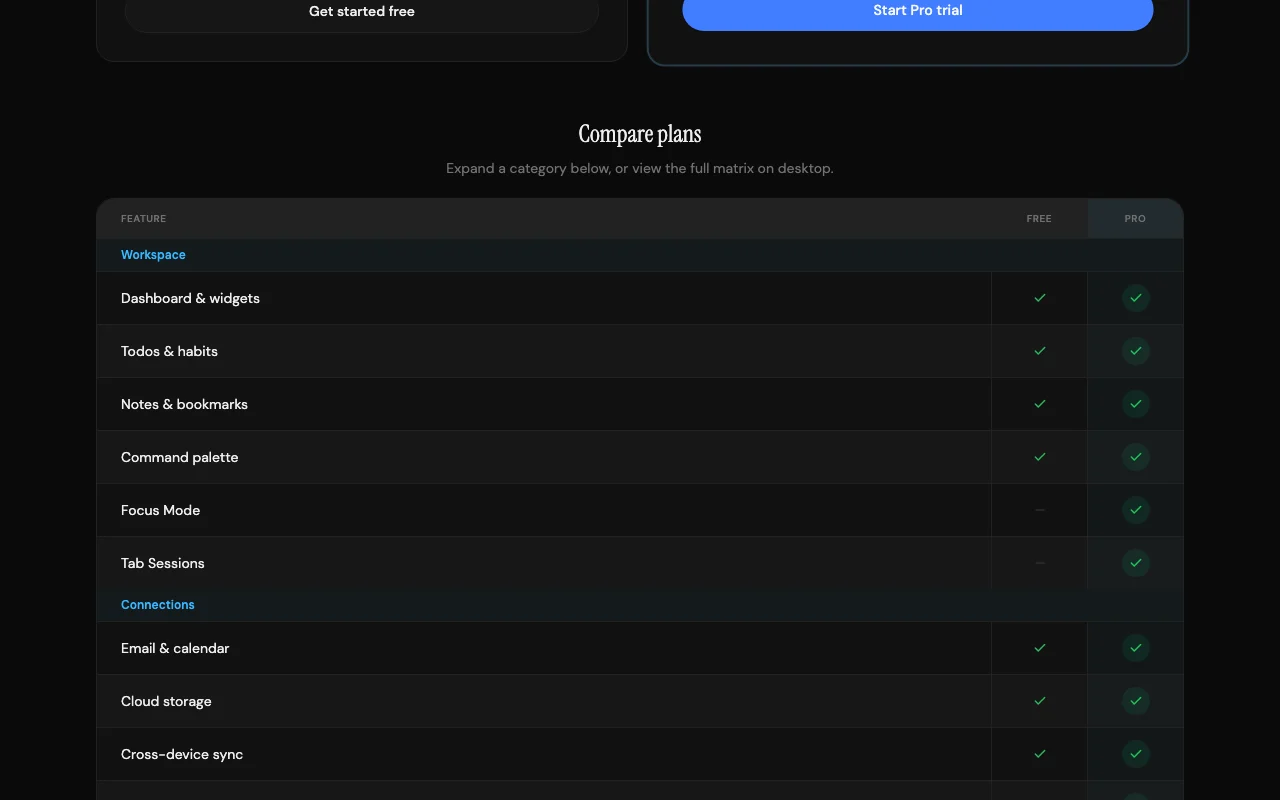
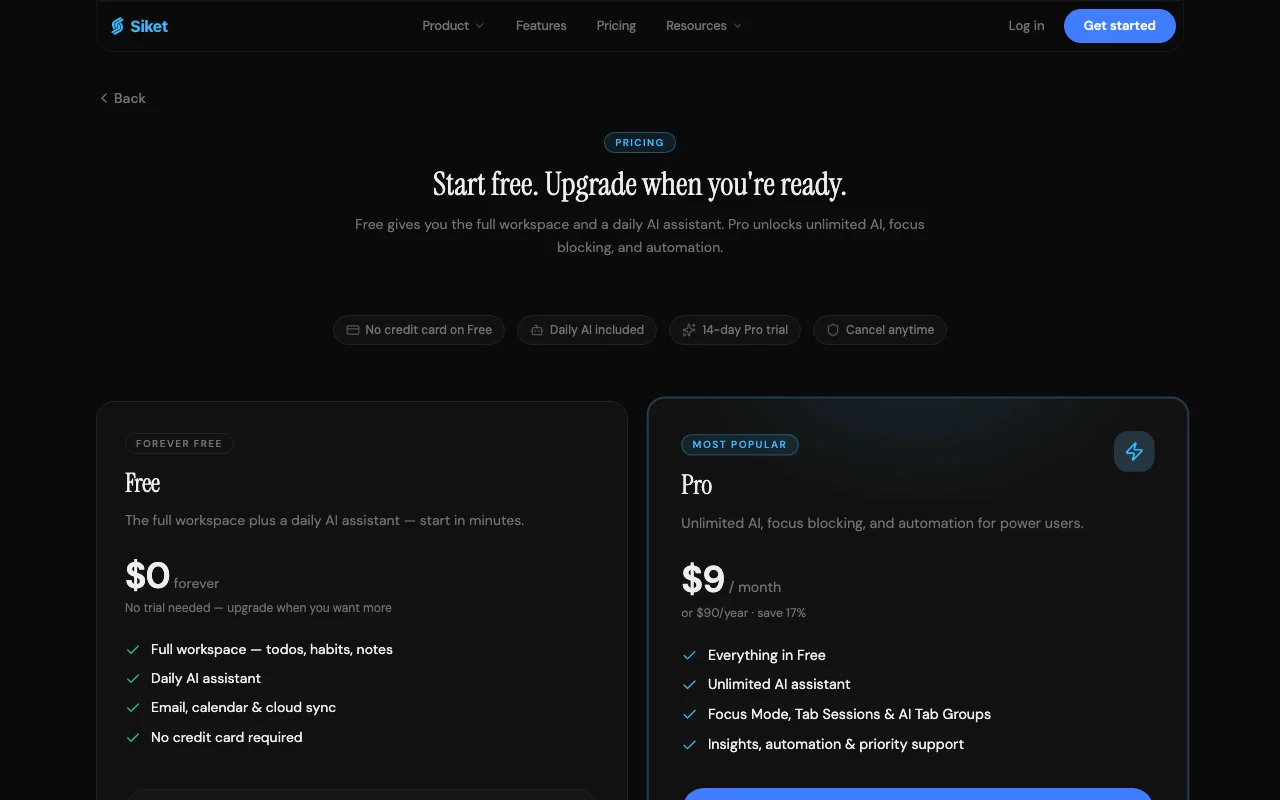
Prices checked Sep 29, 2026 on the official US pricing page. Official pricing ↗ Prices and limits change often.
The official Siket pricing page as we saw it. siket.app, captured Oct 1, 2026
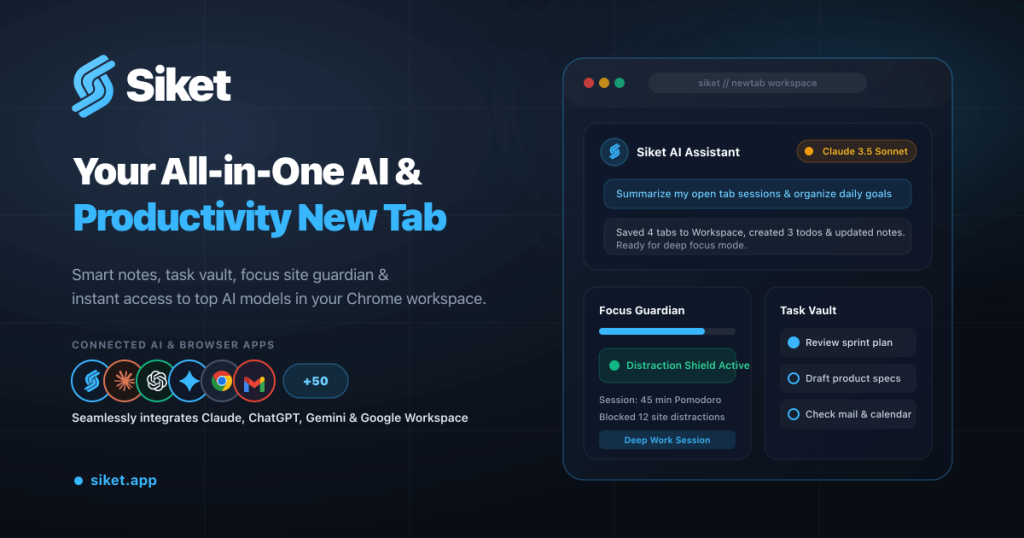
Siket replaces the browser new tab with a keyboard-first workspace covering todos, Pomodoro focus, tab sessions, habits and notes.
It includes an AI assistant that supports OpenAI, Anthropic Claude, Google Gemini or your own key, and previews Gmail and Calendar.
What you provide and what you get back
What you give Siket and what comes back, from its documentation
You provide
Tasks
Gmail and Calendar
You get back
New-tab dashboard
AI assistant answers
Where you can use it
Platforms
Web
Account
Required
Browsers
Chrome, Edge, Brave
Features
Todos, focus, tab sessions, habits, AI
Integrations
Gmail, Calendar
Best use cases for Siket
Scenarios are worked out by our editors from the documentation; the actual result depends on your input and plan.
Manage daily tasks from the new tab
Who
Busy professionals
You provide
Daily todos
Expected result
You get your prioritized todos on every new browser tab.
Plan needed
Unknown
Limitation
Plan prices were not visible in the content we could read, so limits on tasks are unknown. source (opens in a new tab)
Run Pomodoro focus sessions with site blocking
Who
Students
You provide
Study sessions
Expected result
You get timed focus sessions with a Pomodoro timer in the browser.
Plan needed
Unknown
Limitation
Plan limits were not visible in the content we could read, so what is free is unknown. source (opens in a new tab)
Save and restore tab sessions
Who
Researchers
You provide
Open tabs
Expected result
You get a saved group of tabs that you can reopen later.
Plan needed
Unknown
Limitation
It works only in Chromium browsers, so you cannot restore sessions in other browsers. source (opens in a new tab)
Siket features and their limits
Tasks with priorities and subtasks
Manages tasks with priorities and subtasks. It helps people who plan their day in the browser by letting them set priorities and break work into subtasks on the new tab.
Includes an AI assistant that accepts your own API key. It helps users who already have a model account by letting them run the assistant with their own key.
Access: Not statedLimit: The cost of the key is yours, because you pay the model provider separately.source (opens in a new tab)
Gmail and Calendar preview
Previews Gmail and Calendar. It helps users see mail and calendar events on the new tab without opening those services separately.
Access: Not statedLimit: It needs access to your Google account before mail and events appear.source (opens in a new tab)
Siket: strengths and limits
Reasons to choose Siket
Works in Chrome, Edge and Brave It works in Chrome, Edge and Brave, so users of these three browsers can install it.documentedsource (opens in a new tab)
Supports bring-your-own API key You can use your own API key for the AI assistant, so you can choose the provider and pay it directly.documentedsource (opens in a new tab)
Web app also available A web app also exists, so the workspace is not limited to the browser extension.documentedsource (opens in a new tab)
Changelog and status pages published A changelog and status page are published, so you can see what changed and whether the service is up.documentedsource (opens in a new tab)
Check before paying for Siket
Pricing page showed no plan prices in fetched content Plan prices were not visible in the content we could read, so you cannot judge the cost before signing up.documentedsource (opens in a new tab)
Gmail and Calendar features need Google connection Gmail and Calendar features need a Google connection, so you must grant access to those accounts to use them.documentedsource (opens in a new tab)
Browser extension only on Chromium browsers The extension works only on Chromium browsers, so Firefox and Safari users cannot install it.documentedsource (opens in a new tab)
Requires account for some features (not confirmed) An account may be required for some features, but the pages we read do not confirm which ones.documentedsource (opens in a new tab)
How to use Siket for running your day from the new tab
Set up Siket
Install Siket from the browser store.
Open a new tab.
Connect Google if you want Gmail.
Example: running your day from the new tab
Add a task.
Start a focus session.
Save a tab session.
Review and export the result
Close and reopen to check tasks persist.
Check blocked sites during focus.
Privacy, data use and commercial rights
Summarized from the vendor's current policies; this is not legal advice and a vendor's badge is not an independent audit.
Every fact about Siket above comes from the 2 official pages listed here, last compared on Sep 29, 2026; we have not run Siket ourselves, so it has no editorial score. How we check and re-check pages.
Article updated Oct 10, 2026; prices checked Sep 29, 2026. Outbound links to vendors are plain links; we do not earn commissions. How we review · Report an error