
Free Web
Free source (opens in a new tab)
Month, annual commitment
For: Building a first agent
Limits
- Small starting credit, then buy credit as needed
Includes
- Unlimited agents and seats
- Auto-refill and monthly cap options
1 more
- Community support

Productivity & writingDocumented overviewLast checked Oct 1, 2026
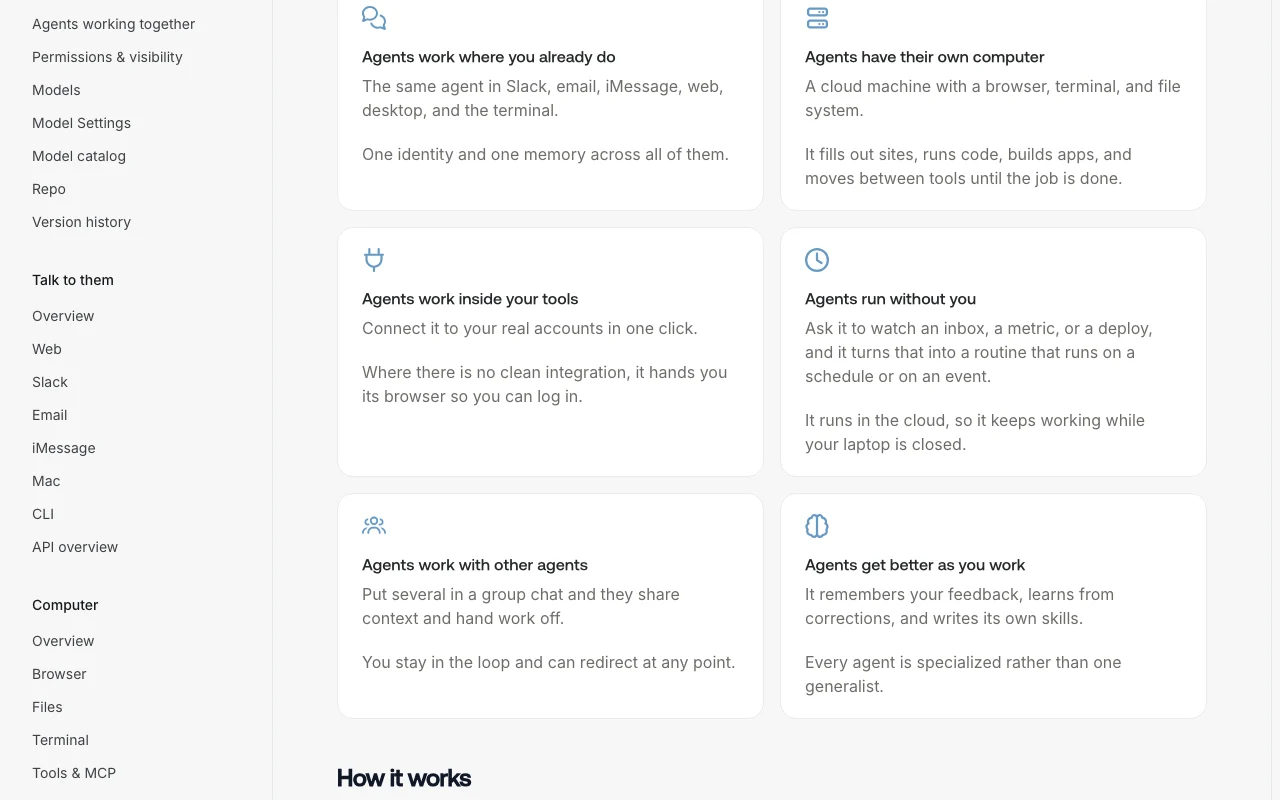
Build cloud-hosted AI agents with their own computer, reachable via Slack, email, iMessage, web, Mac desktop app or CLI.
 (open full size in a new tab)
 (open full size in a new tab)
 (open full size in a new tab)
 (open full size in a new tab)
Our take: Skydive is a fit for small teams and developers who want always-on AI agents with their own cloud computer, reachable in Slack, email, iMessage or a Mac app, on flat workspace pricing with model costs passed through at provider rates.
Main limitation: Usage beyond the included credit is pay as you go, the desktop app is macOS only, and credit top-up presets start at $50.
Skydive is a fit for small teams and developers who want always-on AI agents with their own cloud computer, reachable in Slack, email, iMessage or a Mac app, on flat workspace pricing with model costs passed through at provider rates. Based on the vendor's documentation, not on a hands-on test.
Also a good fit for
Or if
Headlines from US outlets, selected automatically — not endorsements. Updated Oct 2, 2026
Prices checked Oct 1, 2026 on the official US pricing page. Official pricing ↗ Prices and limits change often.
Vendor pricing page re-checked automatically 12 days ago: no changes detected.
Free workspaces with a small credit, then pay as you go; no card required to start
None stated
Free source (opens in a new tab)
Month, annual commitment
For: Building a first agent
Limits
Includes
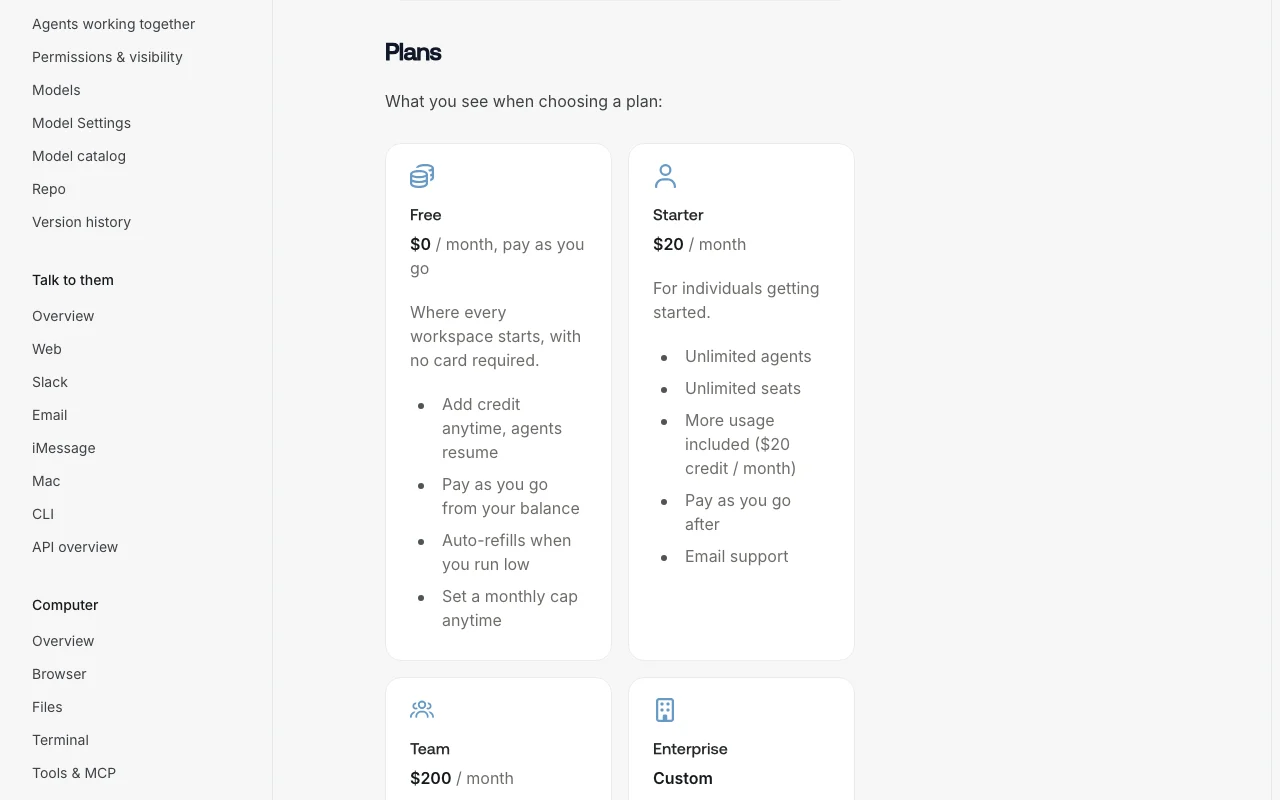
$20/mo per workspace per month source (opens in a new tab)
Month, annual commitment
$240 per year with $264 of credit (10% bonus)
For: Individuals getting started
Limits
Includes
$200/mo per workspace per month source (opens in a new tab)
Month, annual commitment
$2,400 per year with $2,640 of credit (10% bonus)
For: Groups with heavier agent use
Limits
Includes
Custom pricing source (opens in a new tab)
Unknown, annual commitment
For: Organizations with security requirements
Includes
Credit top-ups (presets start at $50), auto-refill; compute and metered services also draw the balance
unknown
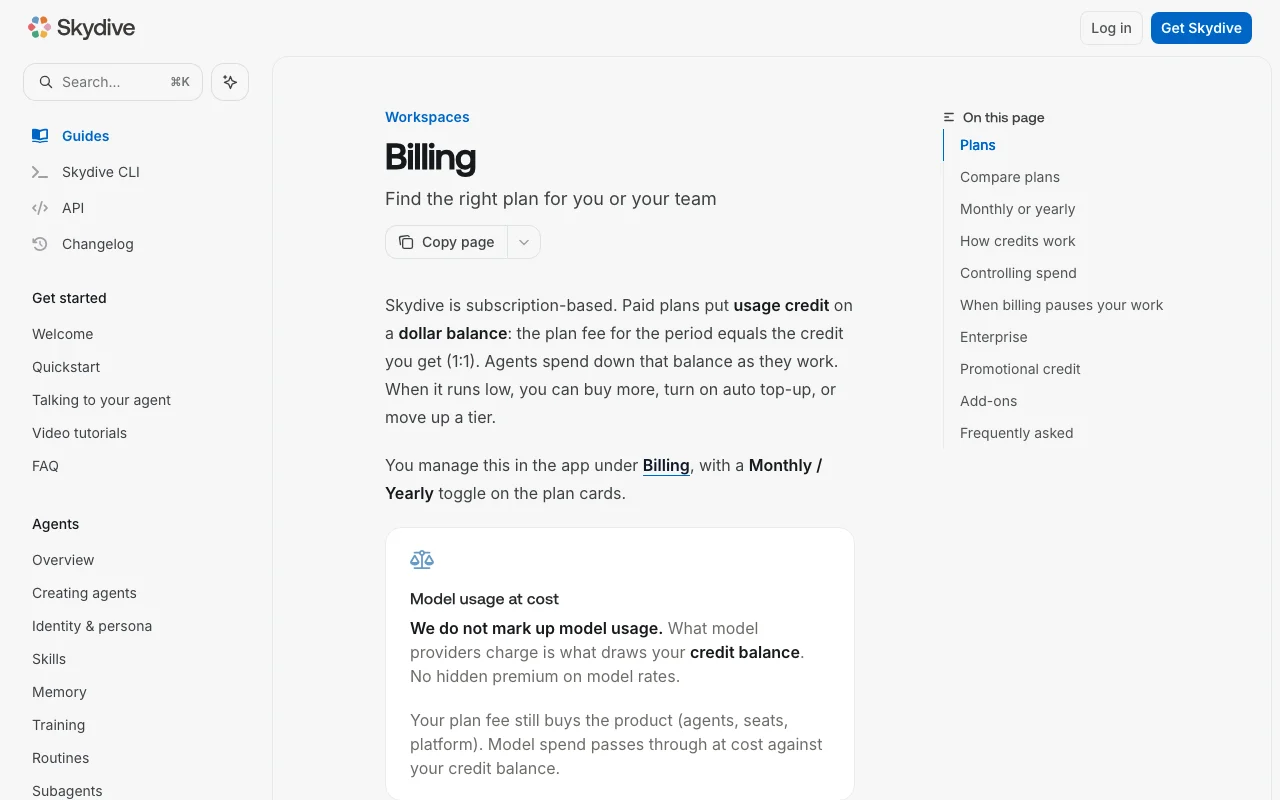
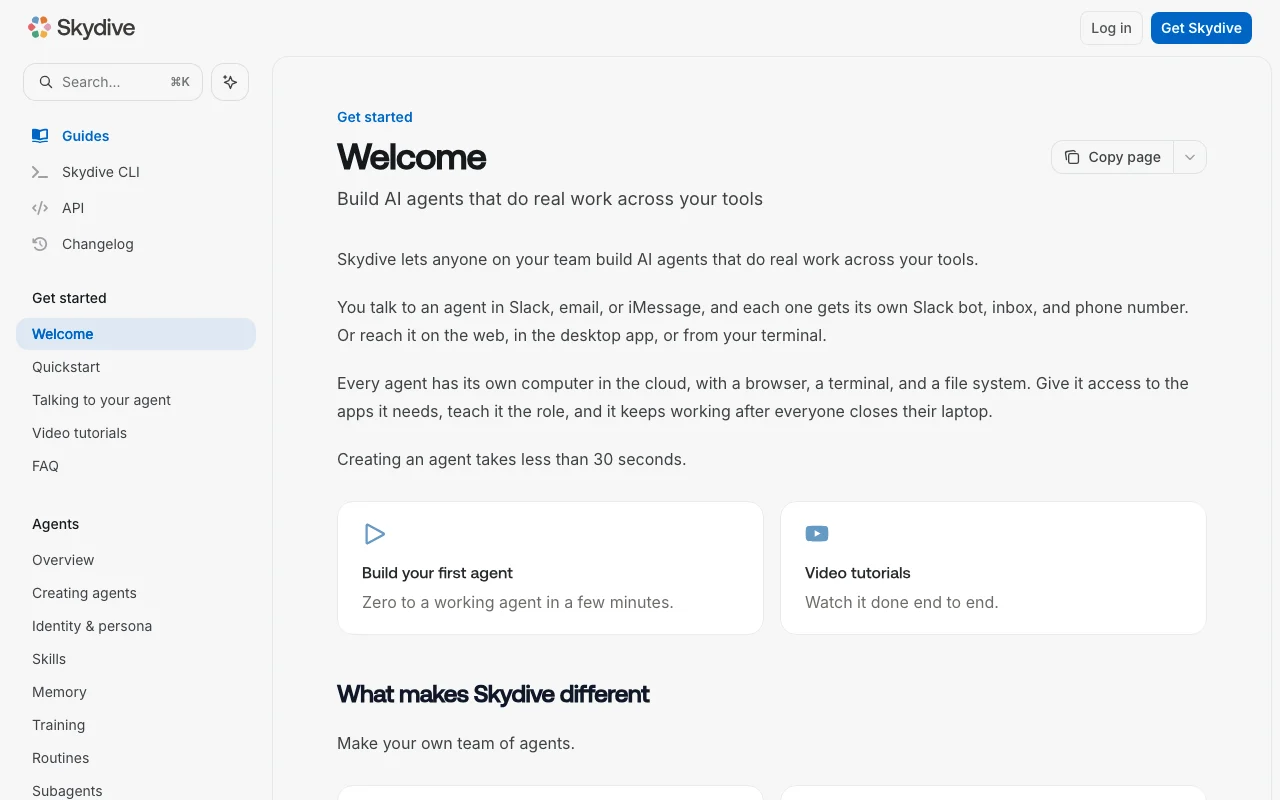
Skydive lets teams create AI agents that run on their own cloud machine with a browser, terminal and file system. Each agent gets a Slack bot, an email inbox and a phone number, and can also be reached on the web, in the macOS desktop app or from the terminal via the Skydive CLI. Agents keep working after users close their laptops. Billing is subscription plus usage credit: Free workspaces pay as they go, Starter ($20/mo) and Team ($200/mo) include an equal amount of credit, and model usage is passed through at provider cost with no markup. Yearly plans grant 10% bonus credit.
You provide
You get back
Scenarios are worked out by our editors from the documentation; the actual result depends on your input and plan.
Gives each agent a cloud computer with browser, terminal and file system Lets agents do real work, not just chat
Provides each agent a Slack bot, email inbox and phone number Lets teammates reach agents where they work
Offers a macOS desktop app with optional local access Allows tasks on your own Mac
Ships a CLI and API Allows scripting and developer workflows
Every weekday at 9am, check our support inbox, summarize new tickets by priority, and post the summary to #support in Slack.
Skydive has no public API in its official documentation. CLI and API API documentation ↗
Summarized from the vendor's current policies; this is not legal advice and a vendor's badge is not an independent audit.
Agent tasks, files and conversation data in cloud workspaces
unknown
unknown
unknown
Audit logs on Enterprise
"Better suited" is based on documented features and pricing, not on a head-to-head test.
No user reviews yet.
Used Skydive? Be the first to share your experience.
Free is pay as you go, Starter is $20 per month with $20 credit and Team is $200 per month with $200 credit; Enterprise is custom. source (opens in a new tab)
No, model usage is billed at provider cost with no markup, though compute and metered services also draw the balance. source (opens in a new tab)
No, all plans including Free have unlimited seats and Starter and Team are flat per workspace. source (opens in a new tab)
Yearly Starter is $240 and Team $2,400, with a 10% bonus credit rather than a fee discount. source (opens in a new tab)
Set an auto-refill threshold and an optional monthly limit that either notifies owners or hard-pauses new runs. source (opens in a new tab)
Not verified: Privacy and retention terms (privacy page empty); Homepage content (JS-rendered).
Every fact about Skydive above comes from the 4 official pages listed here, last compared on Oct 1, 2026; we have not run Skydive ourselves, so it has no editorial score. How we check and re-check pages.
Article updated Oct 10, 2026; prices checked Oct 1, 2026. Outbound links to vendors are plain links; we do not earn commissions. How we review · Report an error
compare>