Our take: Snapdown suits Mac users on Apple silicon who want a one-shortcut screen capture that becomes structured Markdown (tables, lists, headings) via on-device OCR, paid once for $12.
Main limitation: It runs only on macOS 14 or newer with Apple silicon (M1 or later); there is no Intel, Windows or mobile version.
By the AI Tool Atlas editors.
Based on the vendor's official documentation; we have not tested this product hands-on. What “documented overview” means
Who Snapdown fits
Snapdown suits Mac users on Apple silicon who want a one-shortcut screen capture that becomes structured Markdown (tables, lists, headings) via on-device OCR, paid once for $12. Based on the vendor's documentation, not on a hands-on test.
Best for: Mac developers and researchers
Also a good fit for
Students taking notes from slides
Consider another tool if macOS 14+ and Apple silicon (M1 or newer) only; no Intel, Windows or mobile
Or if
Free use limited to 10 captures
Results can vary with image quality and complex layouts
Snapdown pricing and usage limits
Prices checked Sep 29, 2026 on the official US pricing page. Official pricing ↗ Prices and limits change often.
Vendor pricing page re-checked automatically 12 days ago: no changes detected.
Up to two Macs; a new activation replaces the least recently used seat
Includes
Unlimited captures
Aggregate Mode
1 more
Offline use
No API
Usage caps, credits and extra costs
None stated; not a subscription.
What is Snapdown, and how does it work?
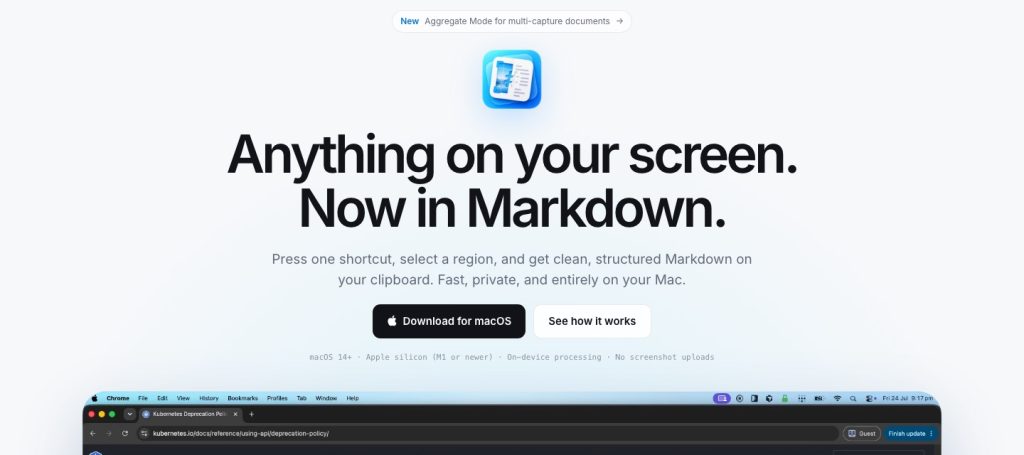
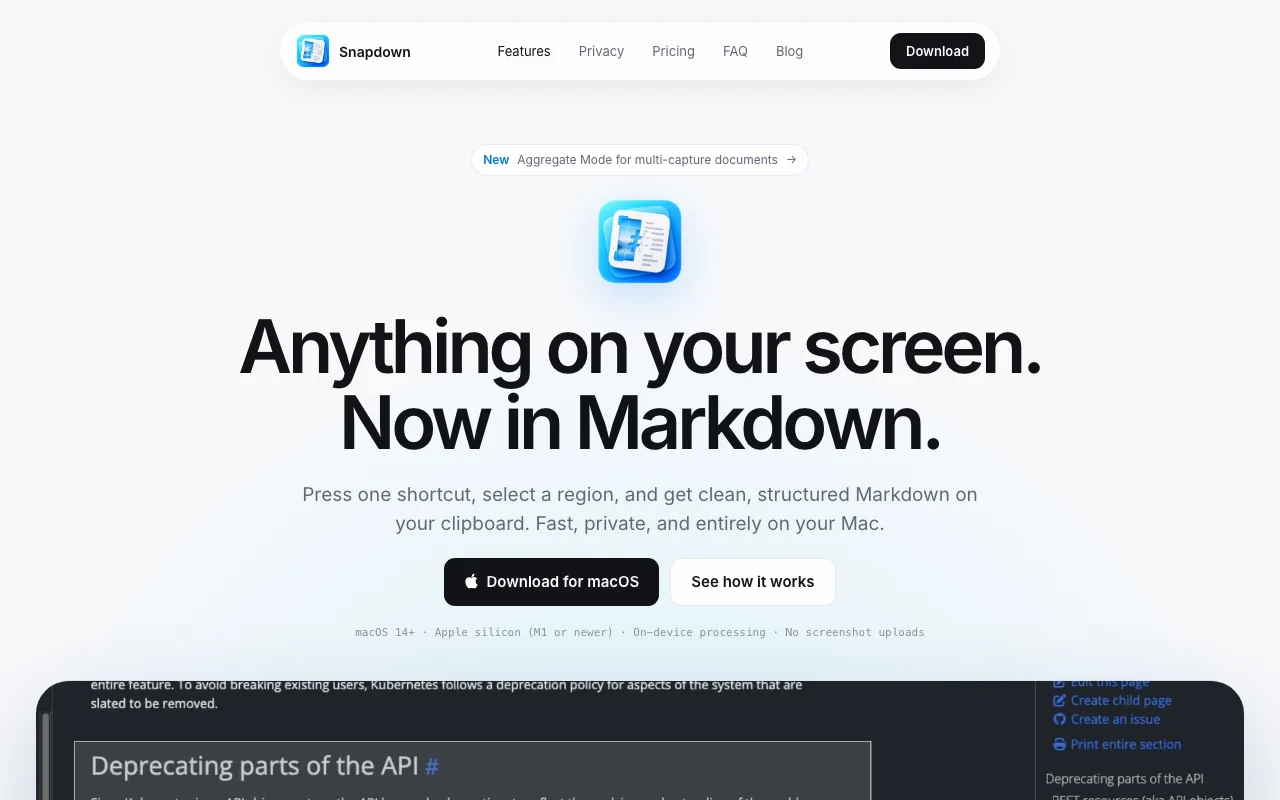
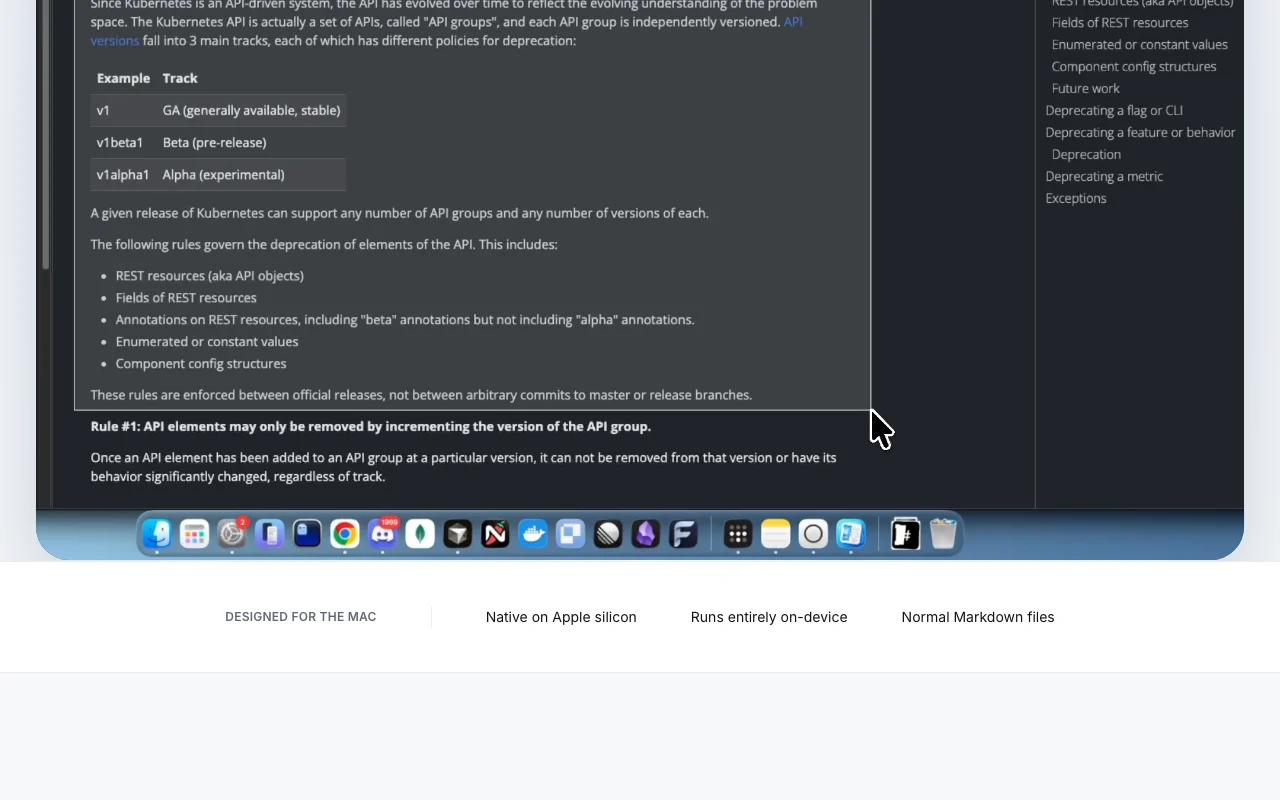
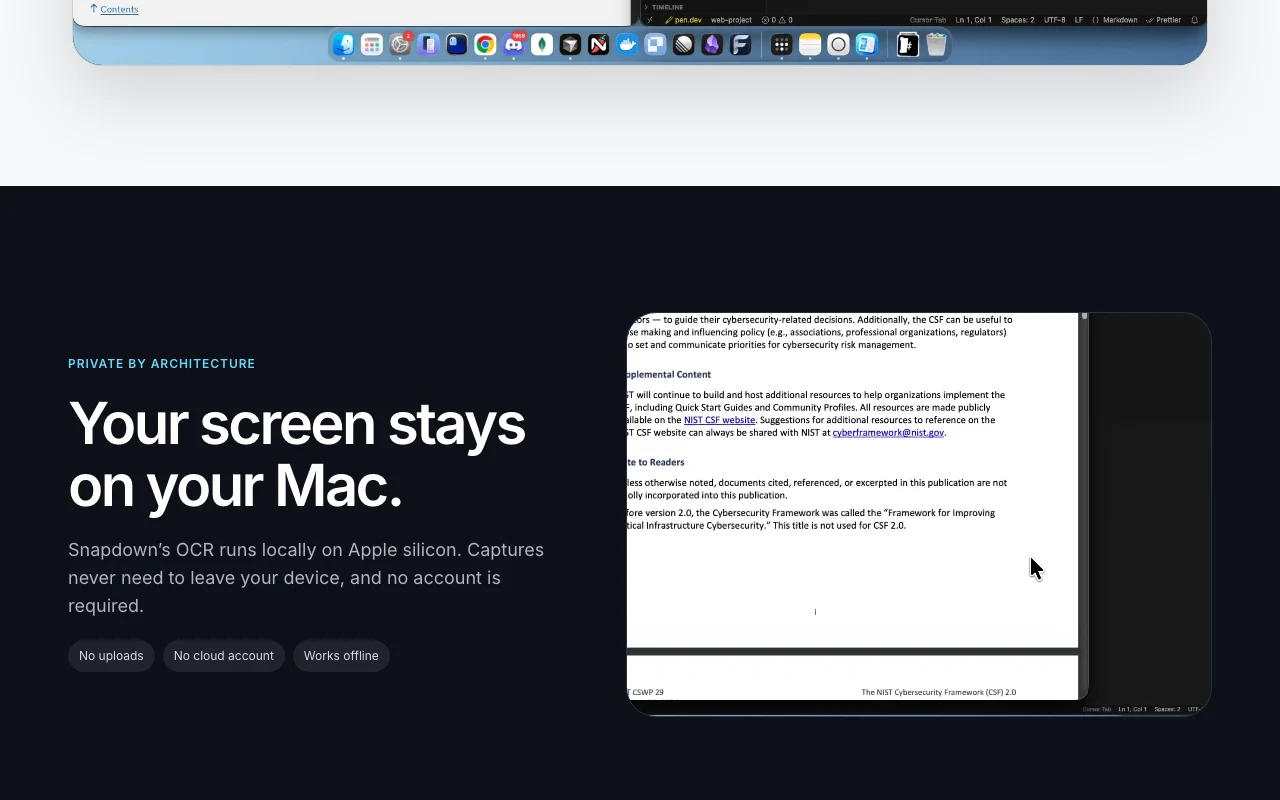
Snapdown is a native Mac app: press a shortcut, select a screen region, and get clean Markdown on your clipboard with headings, lists, paragraphs, reading order and tables preserved. Recognition runs locally on Apple silicon, so captures never leave the device and no account is required.
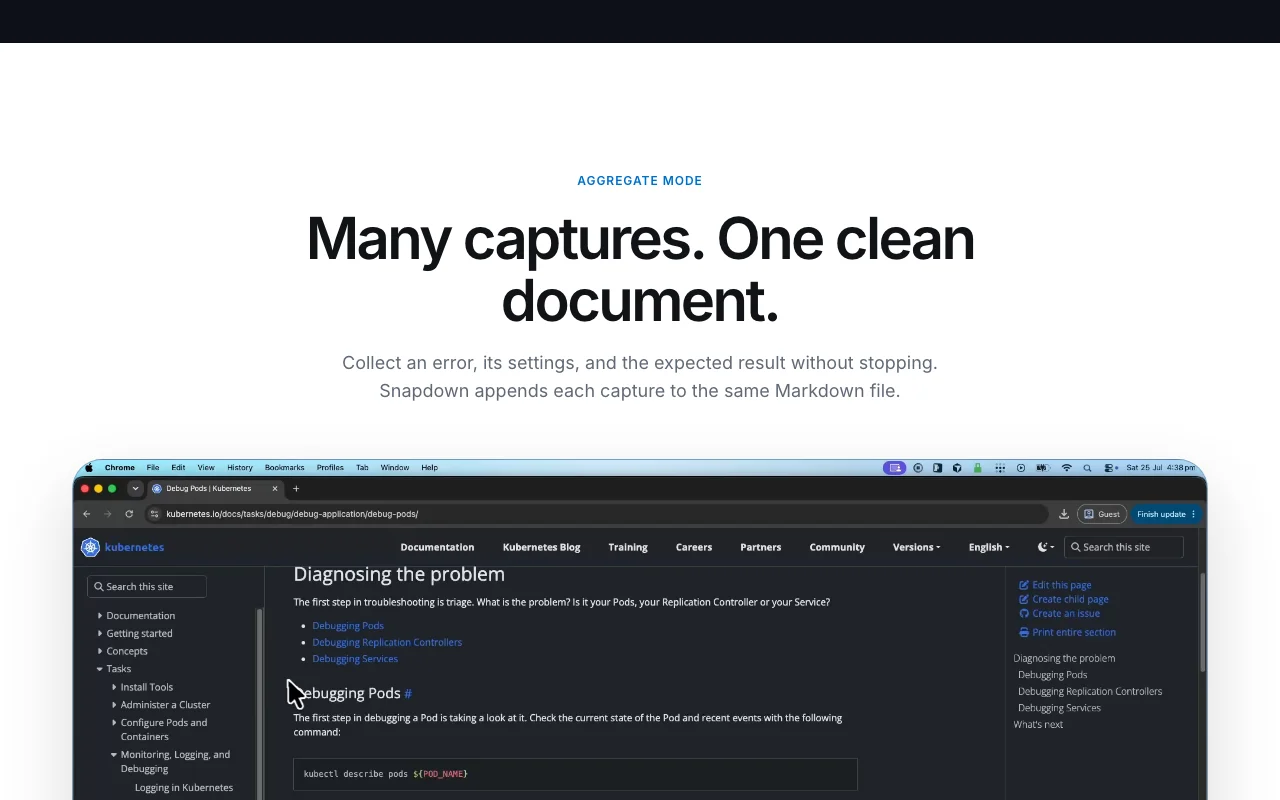
Aggregate Mode appends multiple captures into one Markdown file, which is aimed at collecting error screens, settings and stack traces for GitHub issues or coding agents. It is a one-time purchase with a lifetime license for up to two Macs, and the first 10 captures are free.
Snapdown's official site: how the product presents itself. snapdown.com.au, captured Oct 1, 2026
What you provide and what you get back
What you give Snapdown and what comes back, from its documentation
You provide
A screen region selected with a keyboard shortcut
Error screens, tables, slides and code on your display
You get back
Markdown or text files
Markdown on the clipboard
Aggregate Markdown document of multiple captures
Where you can use it
Platforms
Desktop
Account
Required
Platform
macOS 14+, Apple silicon only
Processing
On-device OCR, offline
Output
Markdown and text files
License
$12 one-time, 2 Macs
Free trial
10 captures
Where Snapdown is most useful
Scenarios are worked out by our editors from the documentation; the actual result depends on your input and plan.
Turning error screens into structured GitHub issues
Who
Mac developers
You provide
Capture of a stack trace, settings screen and expected result
Expected result
Markdown with code and settings structure ready to paste into an issue or agent prompt
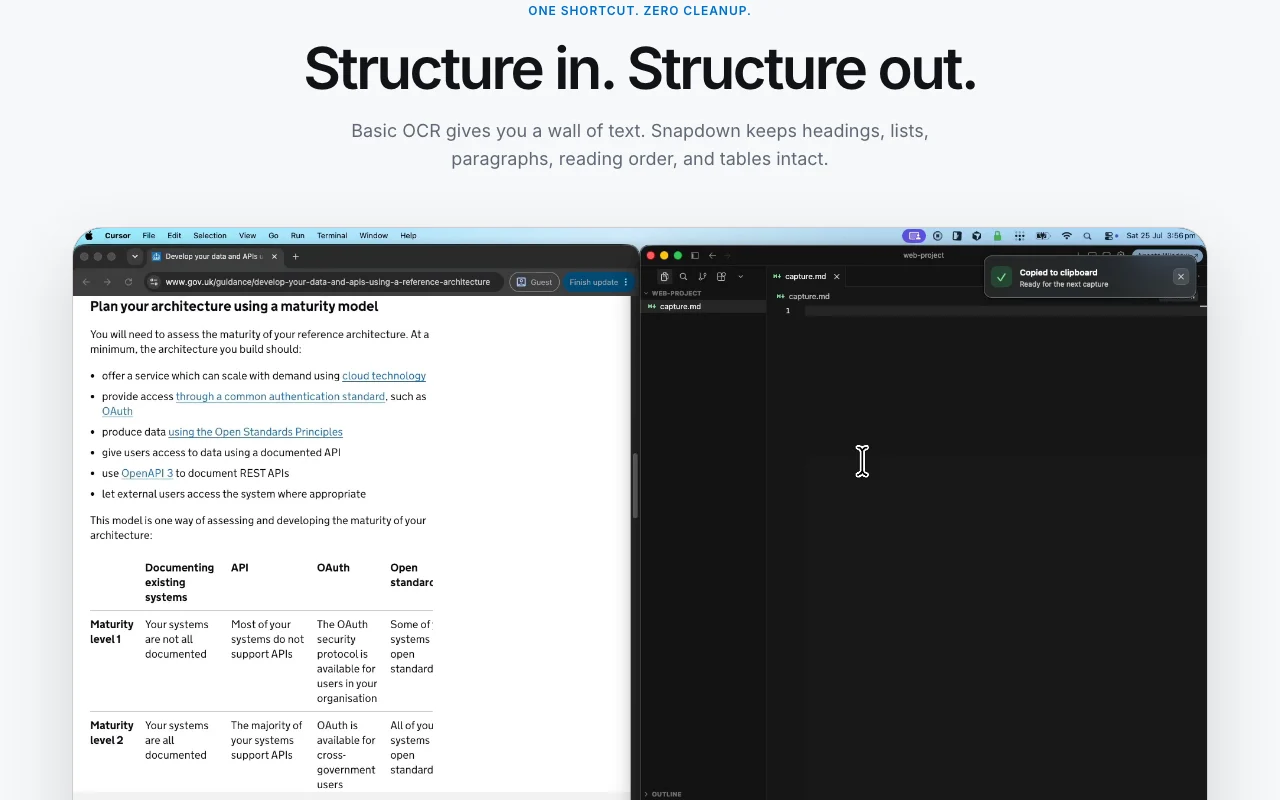
Feature overview on the official site. snapdown.com.au, captured Oct 1, 2026
One-shortcut region capture to Markdown
A keyboard shortcut or menu bar item lets you select a screen region; local OCR converts it to Markdown placed on your clipboard. No manual cleanup step.
Recognition runs on the Apple silicon chip so images never upload and no account is needed; an activated copy works during network outages. Safe for private screens.
Each new capture is appended to the same Markdown file, so an error, its settings and expected result accumulate in one document. Build one issue or note from several screens.
Output keeps headings, lists, paragraphs, reading order and tables as normal Markdown A screenshot of a table or error page can be pasted into a GitHub issue without manual reformatting.documentedsource (opens in a new tab)
Aggregate mode appends each capture to the same Markdown file You can collect an error, its settings and the expected result into one document for a coding agent.documentedsource (opens in a new tab)
Limitations to check before paying
macOS 14+ and Apple silicon (M1 or newer) only; no Intel, Windows or mobile Not usable on older or non-Mac hardware.documentedsource (opens in a new tab)
Results can vary with image quality and complex layouts Proofread tables and code.documentedsource (opens in a new tab)
Lifetime license covers one person and up to two Macs A third Mac replaces the least recently used activation, so a household or team of several Macs needs more licenses.documentedsource (opens in a new tab)
How to use Snapdown for capturing a table or error screen as Markdown
Set up Snapdown
Download the Snapdown .dmg from snapdown.com.au and drag the app to Applications (macOS 14+, Apple silicon).
Open it; it lives in the menu bar and needs no account.
Allow screen recording permission if macOS asks, so capture works.
Example: capturing a table or error screen as Markdown
Press the capture shortcut and drag over the table or stack trace.
Paste the Markdown from the clipboard into a GitHub issue or notes file.
Turn on Aggregate Mode and capture the settings and expected result to append them to the same file.
Review and export the result
Compare the Markdown table rows and headings against the screen.
Check the remaining free captures (10) before buying the $12 license.
Privacy, data use and commercial rights
Summarized from the vendor's current policies; this is not legal advice and a vendor's badge is not an independent audit.
How your inputs and outputs are handled
OCR runs locally on Apple silicon; captures, Markdown and history stay on your Mac unless you share them.
No cloud processing is described.
Stored locally on your Mac.
Other tools to consider instead of Snapdown
"Better suited" is based on documented features and pricing, not on a head-to-head test.
Not verified: Dedicated privacy policy; Supported OCR languages; Update policy for the lifetime license.
How we documented and maintain this page
Every fact about Snapdown above comes from the 1 official page listed here, last compared on Sep 29, 2026; we have not run Snapdown ourselves, so it has no editorial score. How we check and re-check pages.
Article updated Oct 10, 2026; prices checked Sep 29, 2026. Outbound links to vendors are plain links; we do not earn commissions. How we review · Report an error

 (open full size in a new tab)
 (open full size in a new tab)
 (open full size in a new tab)
 (open full size in a new tab)
 (open full size in a new tab)