Unsere Einschätzung: Snapdown suits Mac users on Apple silicon who want a one-shortcut screen capture that becomes structured Markdown (tables, lists, headings) via on-device OCR, paid once for $12.
Wichtigste Einschränkung: It runs only on macOS 14 or newer with Apple silicon (M1 or later); there is no Intel, Windows or mobile version.
Von den Redakteuren des AI Tool Atlas.
Auf Basis der offiziellen Dokumentation des Anbieters; wir haben dieses Produkt nicht selbst getestet. Was „dokumentierte Übersicht“ bedeutet
Für wen Snapdown passt
Snapdown suits Mac users on Apple silicon who want a one-shortcut screen capture that becomes structured Markdown (tables, lists, headings) via on-device OCR, paid once for $12. Auf Basis der Dokumentation des Anbieters, nicht in einem praktischen Test.
Am besten für: Mac developers and researchers
Auch gut geeignet für
Students taking notes from slides
Ein anderes Tool in Betracht ziehen, wenn macOS 14+ and Apple silicon (M1 or newer) only; no Intel, Windows or mobile
Oder wenn
Free use limited to 10 captures
Results can vary with image quality and complex layouts
Snapdown Preise und Nutzungslimits
Preise am Sep 29, 2026 auf der offiziellen US-Preisseite geprüft. Offizielle Preise ↗ Preise und Limits ändern sich häufig.
Preisseite des Anbieters vor 12 Tagen automatisch neu geprüft: keine Änderungen festgestellt.
Kostenloser Zugang und Testbedingungen
10 successful captures free, no account.
The 10 free captures serve as the trial.
Kostenpflichtige Tarife: was sich beim Upgrade ändert
Up to two Macs; a new activation replaces the least recently used seat
Enthält
Unlimited captures
Aggregate Mode
1 mehr
Offline use
Keine API
Nutzungsobergrenzen, Guthaben und Zusatzkosten
None stated; not a subscription.
Was ist Snapdown und wie funktioniert es?
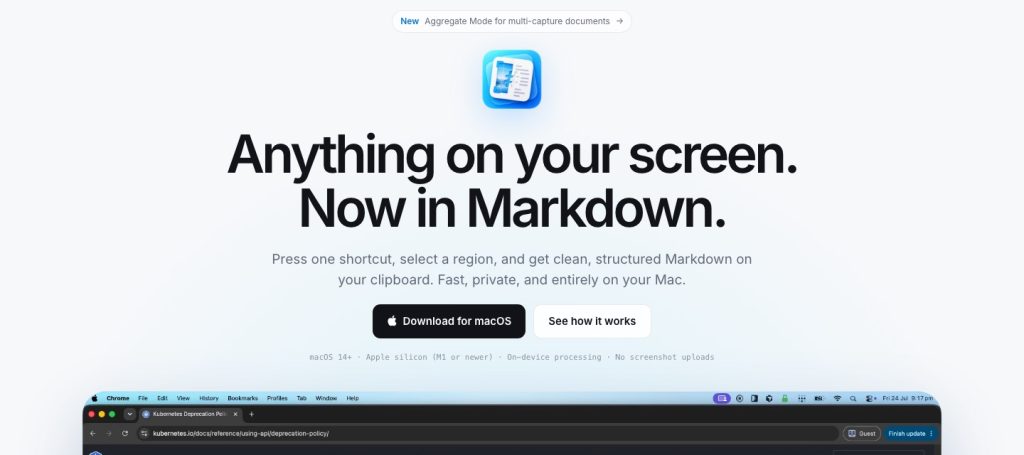
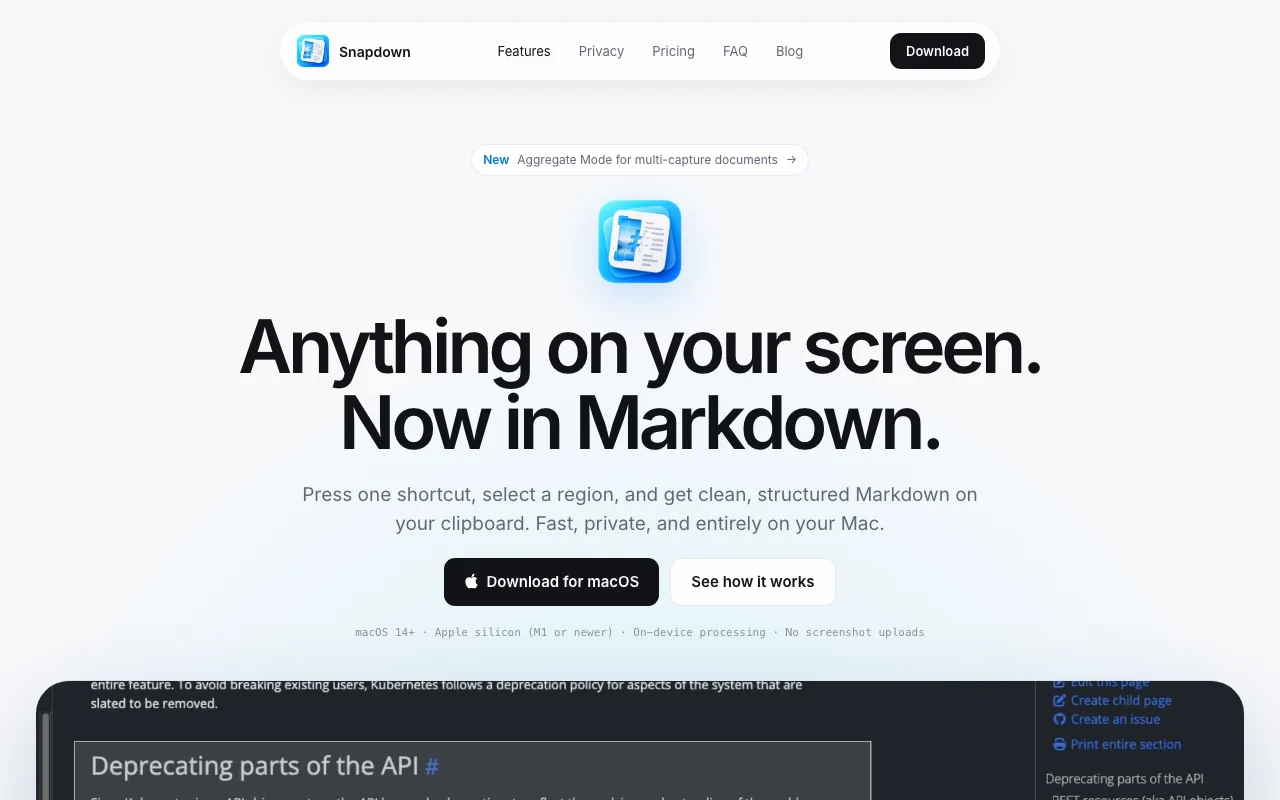
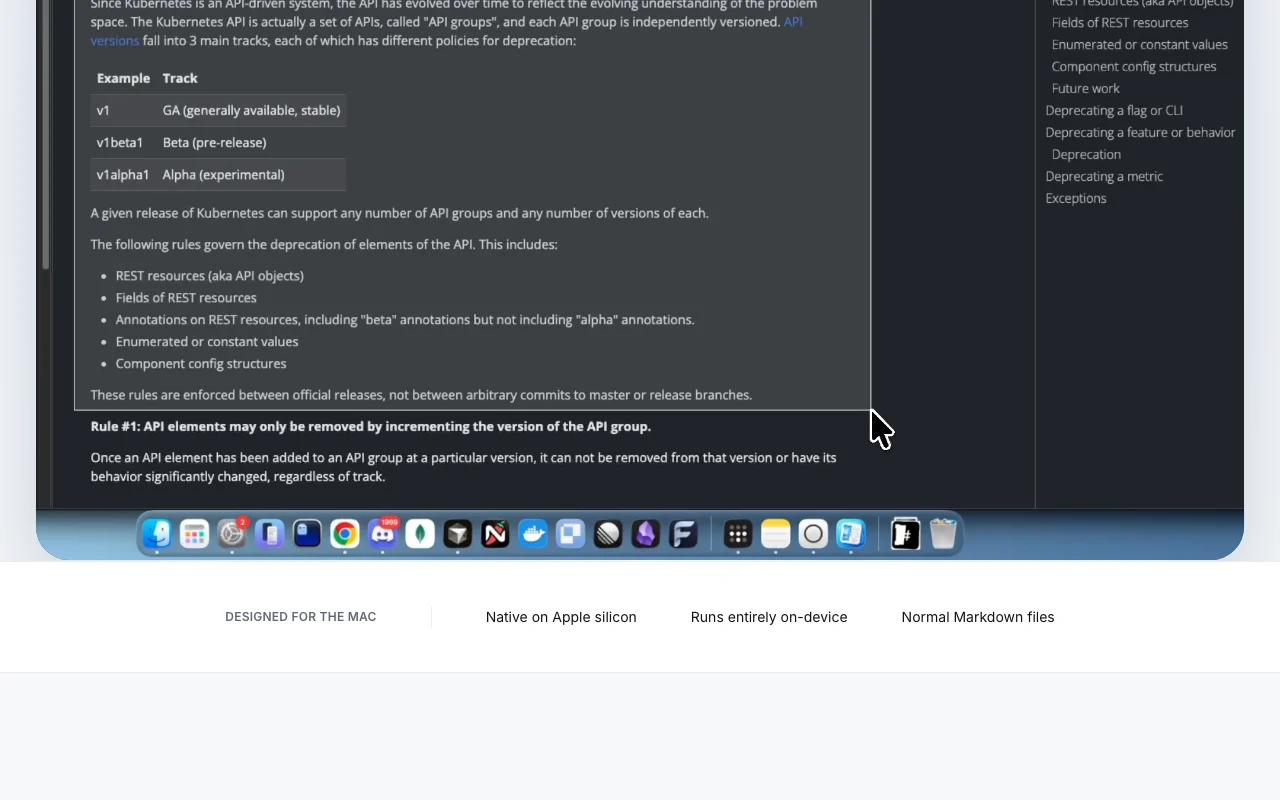
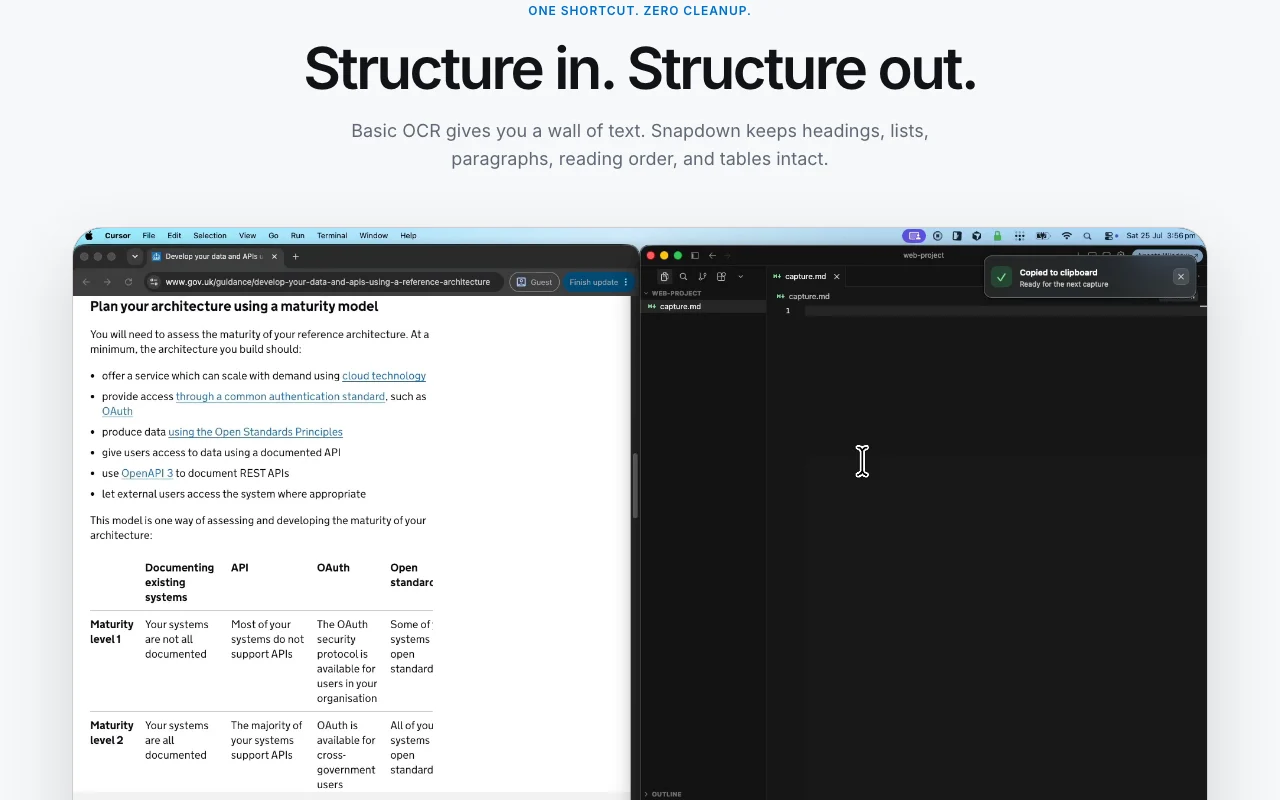
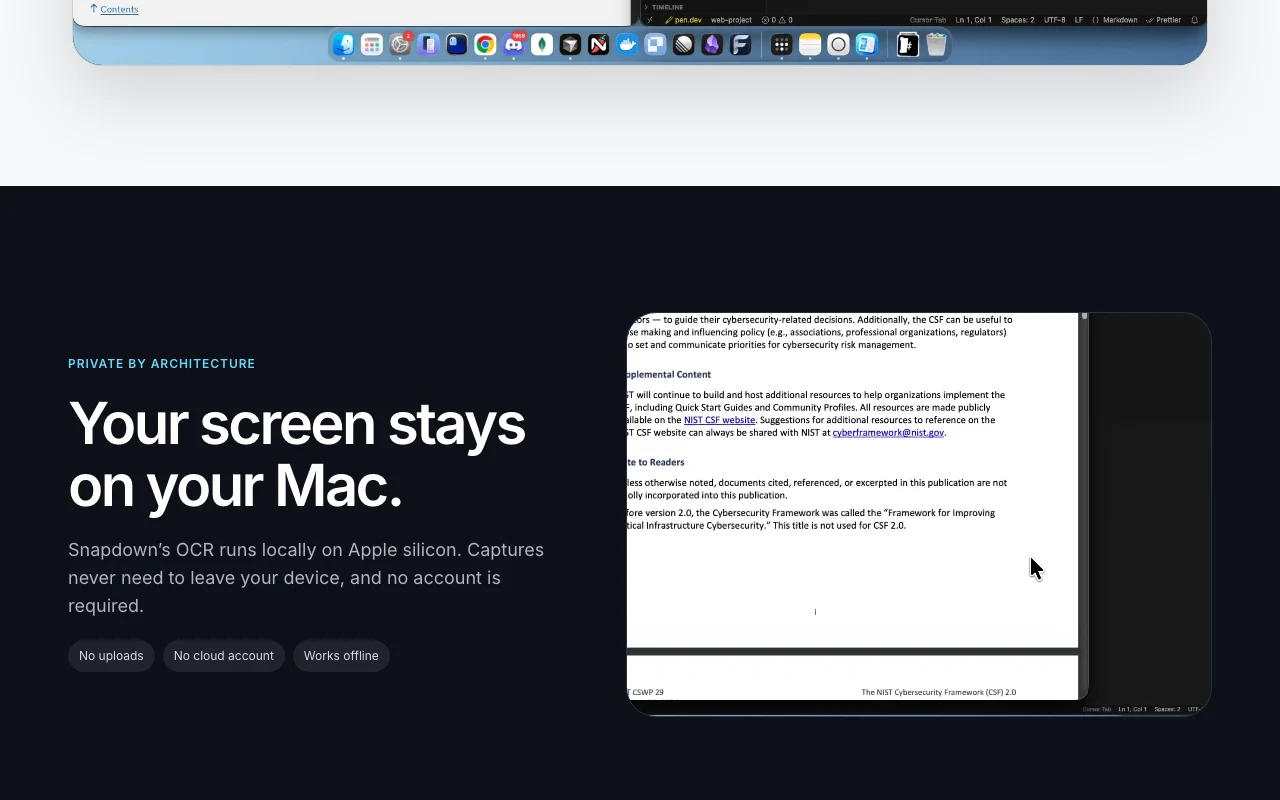
Snapdown is a native Mac app: press a shortcut, select a screen region, and get clean Markdown on your clipboard with headings, lists, paragraphs, reading order and tables preserved. Recognition runs locally on Apple silicon, so captures never leave the device and no account is required.
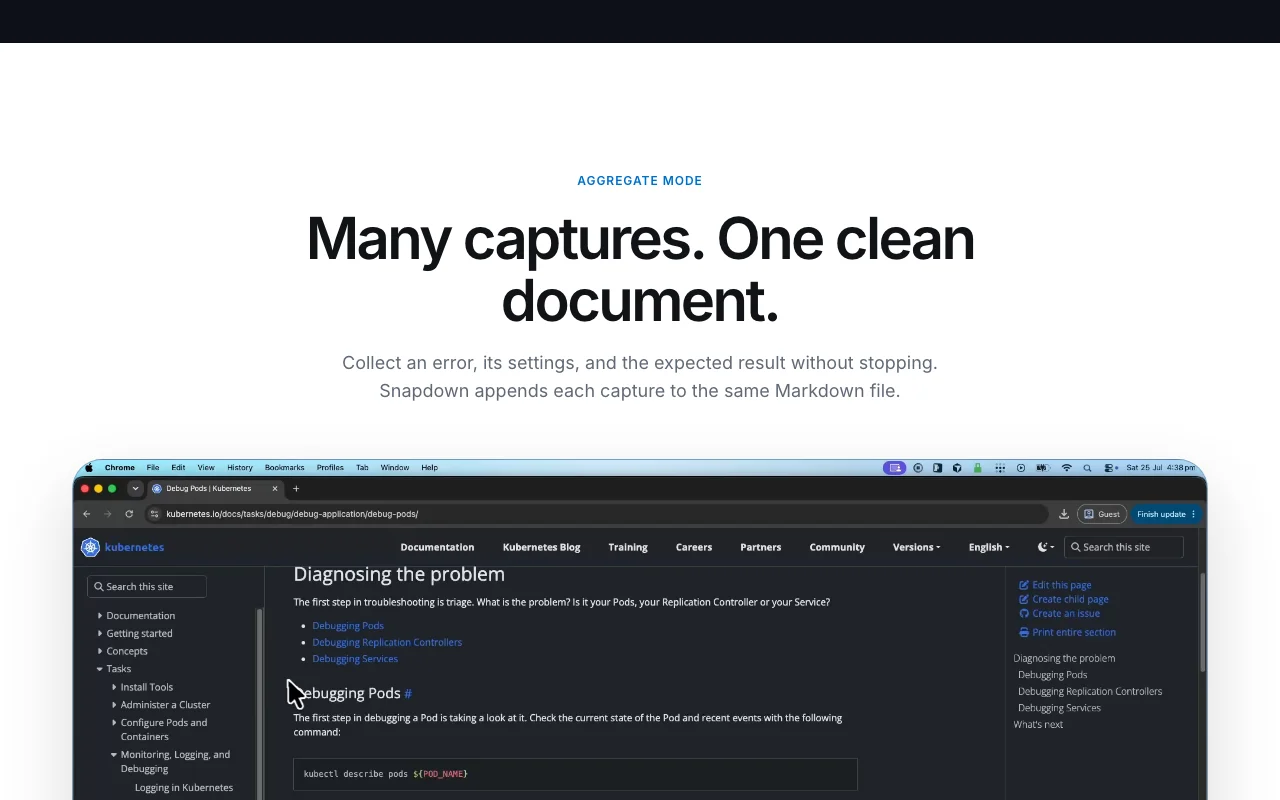
Aggregate Mode appends multiple captures into one Markdown file, which is aimed at collecting error screens, settings and stack traces for GitHub issues or coding agents. It is a one-time purchase with a lifetime license for up to two Macs, and the first 10 captures are free.
Offizielle Website von Snapdown: So stellt sich das Produkt selbst dar. snapdown.com.au, erfasst Oct 1, 2026
Was Sie liefern und was Sie erhalten
Was Sie Snapdown geben und was zurückkommt, laut Dokumentation
Sie liefern
A screen region selected with a keyboard shortcut
Error screens, tables, slides and code on your display
Sie erhalten zurück
Markdown or text files
Markdown on the clipboard
Aggregate Markdown document of multiple captures
Wo Sie es nutzen können
Plattformen
Desktop
Konto
Erforderlich
Platform
macOS 14+, Apple silicon only
Processing
On-device OCR, offline
Output
Markdown and text files
License
$12 one-time, 2 Macs
Free trial
10 captures
Wo Snapdown am nützlichsten ist
Die Szenarien erarbeiten unsere Redakteure anhand der Dokumentation; das tatsächliche Ergebnis hängt von Ihrer Eingabe und Ihrem Tarif ab.
Turning error screens into structured GitHub issues
Wer
Mac developers
Sie liefern
Capture of a stack trace, settings screen and expected result
Erwartetes Ergebnis
Markdown with code and settings structure ready to paste into an issue or agent prompt
Funktionsüberblick auf der offiziellen Website. snapdown.com.au, erfasst Oct 1, 2026
One-shortcut region capture to Markdown
A keyboard shortcut or menu bar item lets you select a screen region; local OCR converts it to Markdown placed on your clipboard. No manual cleanup step.
Recognition runs on the Apple silicon chip so images never upload and no account is needed; an activated copy works during network outages. Safe for private screens.
Each new capture is appended to the same Markdown file, so an error, its settings and expected result accumulate in one document. Build one issue or note from several screens.
Output keeps headings, lists, paragraphs, reading order and tables as normal Markdown A screenshot of a table or error page can be pasted into a GitHub issue without manual reformatting.dokumentiertQuelle (öffnet in neuem Tab)
Aggregate mode appends each capture to the same Markdown file You can collect an error, its settings and the expected result into one document for a coding agent.dokumentiertQuelle (öffnet in neuem Tab)
Einschränkungen, die Sie vor dem Bezahlen prüfen sollten
macOS 14+ and Apple silicon (M1 or newer) only; no Intel, Windows or mobile Not usable on older or non-Mac hardware.dokumentiertQuelle (öffnet in neuem Tab)
Results can vary with image quality and complex layouts Proofread tables and code.dokumentiertQuelle (öffnet in neuem Tab)
Lifetime license covers one person and up to two Macs A third Mac replaces the least recently used activation, so a household or team of several Macs needs more licenses.dokumentiertQuelle (öffnet in neuem Tab)
So nutzen Sie Snapdown für capturing a table or error screen as Markdown
Snapdown einrichten
Download the Snapdown .dmg from snapdown.com.au and drag the app to Applications (macOS 14+, Apple silicon).
Open it; it lives in the menu bar and needs no account.
Allow screen recording permission if macOS asks, so capture works.
Beispiel: capturing a table or error screen as Markdown
Press the capture shortcut and drag over the table or stack trace.
Paste the Markdown from the clipboard into a GitHub issue or notes file.
Turn on Aggregate Mode and capture the settings and expected result to append them to the same file.
Ergebnis prüfen und exportieren
Compare the Markdown table rows and headings against the screen.
Check the remaining free captures (10) before buying the $12 license.
Datenschutz, Datennutzung und kommerzielle Rechte
Zusammengefasst aus den aktuellen Richtlinien des Anbieters; dies ist keine Rechtsberatung, und das Badge eines Anbieters ersetzt kein unabhängiges Audit.
Wie Ihre Eingaben und Ausgaben verarbeitet werden
OCR runs locally on Apple silicon; captures, Markdown and history stay on your Mac unless you share them.
No cloud processing is described.
Stored locally on your Mac.
Andere Tools statt Snapdown
„Besser geeignet“ beruht auf dokumentierten Funktionen und Preisen, nicht auf einem direkten Test.
Nicht verifiziert: Dedicated privacy policy; Supported OCR languages; Update policy for the lifetime license.
Wie wir diese Seite dokumentiert haben und pflegen
Jede Angabe zu Snapdown oben stammt aus den 1 hier aufgeführten offiziellen Seite, zuletzt verglichen am Sep 29, 2026; wir haben Snapdown nicht selbst getestet, daher gibt es keine redaktionelle Bewertung. Wie wir Seiten prüfen und erneut prüfen.
Artikel aktualisiert Oct 10, 2026; Preise geprüft Sep 29, 2026. Ausgehende Links zu Anbietern sind einfache Links; wir erhalten keine Provisionen. So testen wir · Fehler melden

 (in voller Größe in neuem Tab öffnen)
 (in voller Größe in neuem Tab öffnen)
 (in voller Größe in neuem Tab öffnen)
 (in voller Größe in neuem Tab öffnen)
 (in voller Größe in neuem Tab öffnen)